
Notta
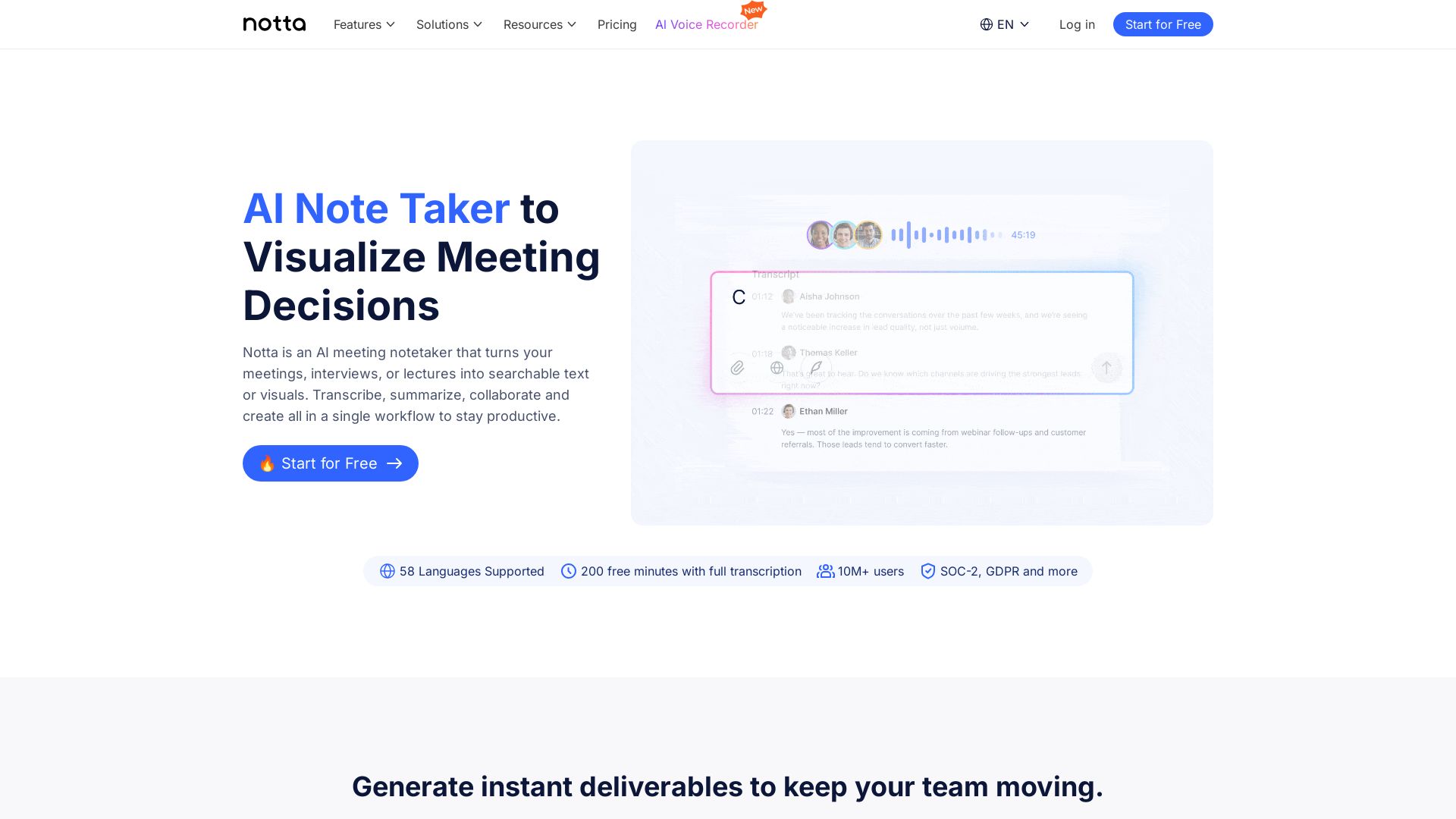
Notta is an AI meeting notetaker that transcribes, summarizes, and creates visual deliverables like PPTs and infographics. 58 languages, 10M+ users. Free trial.


Editor's Verdict
Key Takeaways
- AI Meeting Note Taker
- Visual Deliverables Generation
- Multi-Language Support
- Notta Brain AI Chat
In-Depth Review: What is Notta?
Notta transforms your meetings, interviews, and lectures into searchable text and actionable visuals. With AI-powered transcription and summarization, it generates ready-to-share slides, infographics, and insights in seconds. Supports 58 languages, integrates with Zoom, Teams, Google Meet, and exports to popular tools. Trusted by 10M+ professionals, SOC-2 and GDPR compliant. Start with 200 free minutes.
Core Features
AI Meeting Note Taker
Automatically records, transcribes, and summarizes meetings, interviews, or lectures into searchable text or visuals.
Visual Deliverables Generation
Generate ready-to-share PPT files, infographics, and structured visuals from meeting insights in seconds.
Multi-Language Support
Supports transcription and translation in 58 languages, with content generation in English, Japanese, Chinese, Spanish, and German.
Notta Brain AI Chat
Search across meetings to extract insights and auto-generate deliverables such as slides and infographics using AI.
Integrations
Seamlessly integrates with Zoom, Google Meet, Microsoft Teams, and exports to Google Drive, Notion, Slack, Salesforce, and more.
In-Person and Online Recording
Capture notes from virtual meetings, in-person discussions, or uploaded audio/video files into one workspace.
Pricing
Free
- 1 seat
- 120 transcription minutes/month
- Up to 3 minutes per conversation
- 50 file uploads/month
- 10 AI Summary/month
- Web meeting transcription
- Speaker identification
Pro
- 1 seat
- 1,800 transcription minutes/month
- Up to 5 hours per recording
- 100 file uploads/month
- 100 AI Summary/month
- Export transcripts
- Transcript translation
- Custom vocabulary
Business
- Multiple seats (customizable)
- Unlimited transcription minutes
- Up to 5 hours per recording
- 200 file uploads/month
- 200 AI Summary/month
- Record web meeting video
- Advanced data security controls
- Usage reports
- CRM & Zapier integration
Enterprise
- Customized transcription limits
- Unlimited file uploads
- Unlimited AI Summary
- SAML SSO
- Full data access control
- Audit logs
- Flexible payments
- Priority support
- 50% education discount
Pros and Cons
Pros
- AI-Powered EfficiencyAutomates note-taking, summarization, and visual content creation, saving significant time.
- Multi-Language & IntegrationSupports 58 languages and integrates with major tools like Zoom, Slack, and Salesforce.
- Visual OutputsGenerates presentations, infographics, and insights directly from meeting transcripts.
- Secure and CompliantSOC2 Type II and ISO 27001 certified, GDPR compliant, ensuring data privacy.
- Low Learning CurveZero setup required; users can create infographics within minutes.
Cons
- Free Plan LimitationsFree plan restricts recordings to 3 minutes per conversation, limiting its use for longer sessions.
- AI Summary QuotasEven paid plans have monthly limits on AI summaries (e.g., 100-200 per month).
- Output Language ConstraintsContent generation (PPT, infographics) supports only 5 languages, though transcription covers 58.
- Advanced Features CostlyAdditional add-ons like bilingual translation and Notta Brain Pro come at extra cost.
- No Offline ModeRelies on cloud connectivity; no native offline recording capability mentioned.
Use Cases & Recommended Professions
Executives & Leaders→ View Toolkit
Gain strategic clarity with visual summaries of meetings, reducing time spent reviewing notes.
Sales & Customer Success→ View Toolkit
Close deals faster by capturing customer intelligence and action items from sales calls.
Consultants & Agencies→ View Toolkit
Deliver client-ready deliverables like presentations and infographics in minutes.
Researchers & Educators→ View Toolkit
Analyze interviews, lectures, and focus groups at scale with accurate transcription and insights.
Medical Professionals→ View Toolkit
Reduce documentation time and improve patient care by transcribing consultations.
Co-founders & Startups→ View Toolkit
Save time on meeting follow-ups and keep teams aligned with automated notes and action items.
Frequently Asked Questions
Alternative AI Tools
View Detailed Comparison →
SlidesAI
Create beautiful presentations from notes, prompts, or docs with SlidesAI. Works in Google Slides, PowerPoint, ChatGPT & web. Save 85% time.


Prezi
Prezi AI creates studio-quality presentations from your ideas. Describe or upload, get a polished deck in seconds. Refine via chat, export as PPTX or PDF. No design skills needed.


SlideSpeak
Turn PDFs, Word docs, and ideas into professional PowerPoint slides in minutes. AI-powered editor, video, and branding. Trusted by 1M+ users.


AiPPT
Transform ideas into stunning presentations instantly with AiPPT. Generate slides from text, documents, URLs, or templates. Import from Google Drive. Free and paid plans.


Figr
Ship better UX faster. Figr builds a living understanding of your product, maps flows, finds edge cases, and generates high-fidelity prototypes from your actual design system.

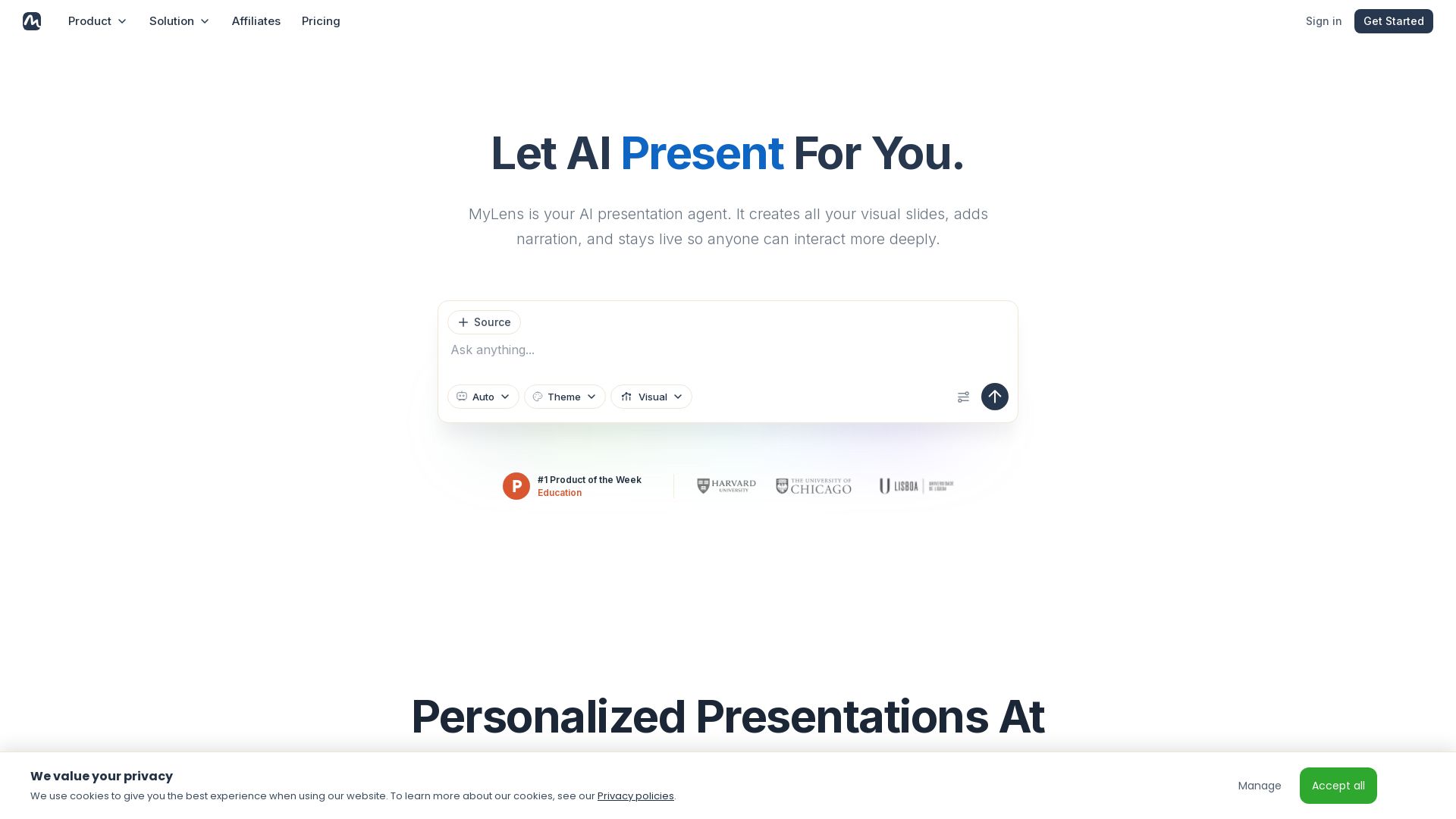
MyLens
Turn documents, links, or ideas into interactive presentations with AI narration. Engage your audience with live, explorable slides. Get started free.


Presentation Maker AI
Create professional presentations in minutes with our AI presentation maker. Ideal for students, teachers, and businesses. No design skills needed. Try free!

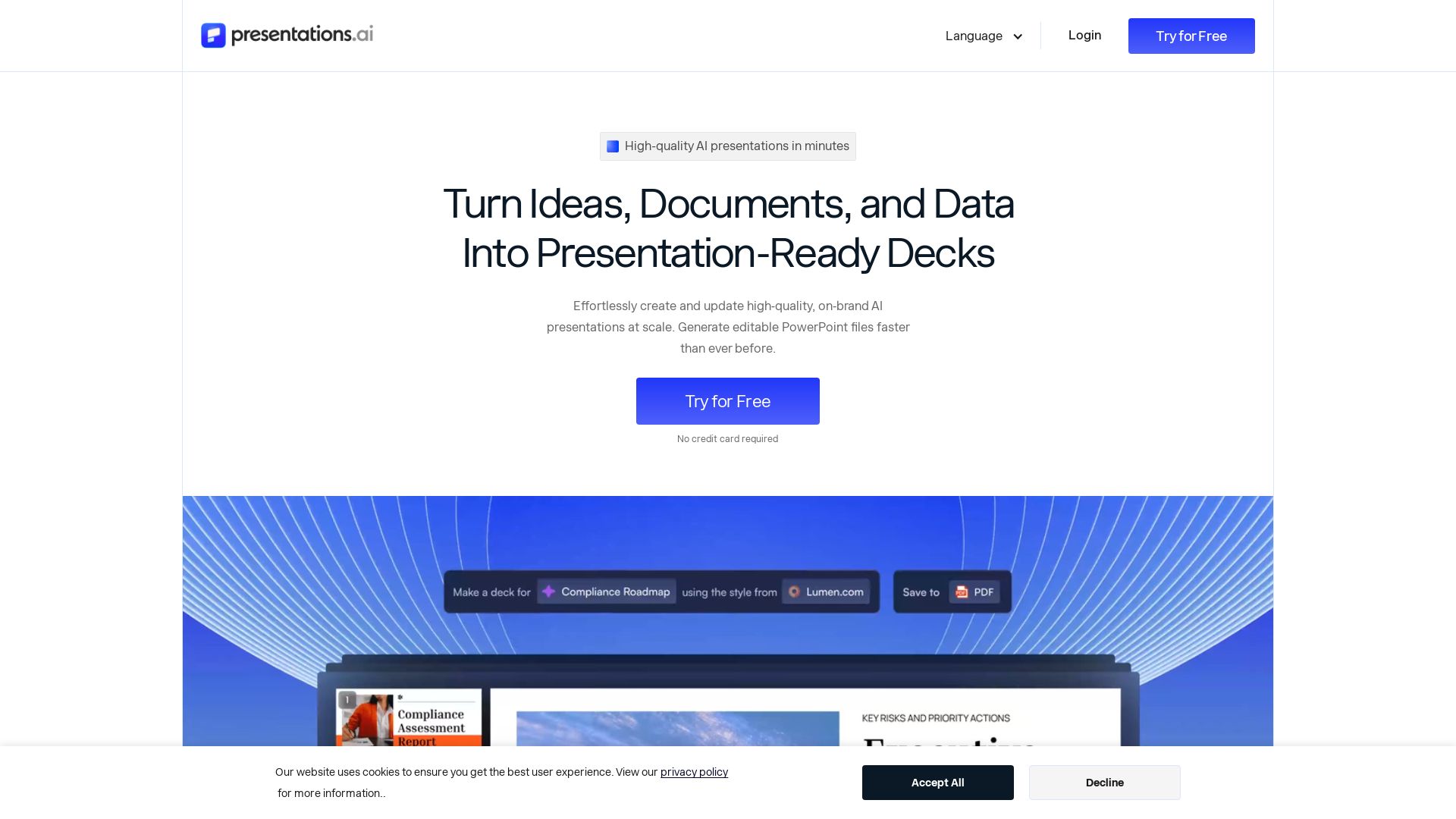
Presentations.AI
Create professional AI presentations in minutes. Turn ideas, documents, or data into editable PowerPoint slides with instant branding. Trusted by 12M+ teams.

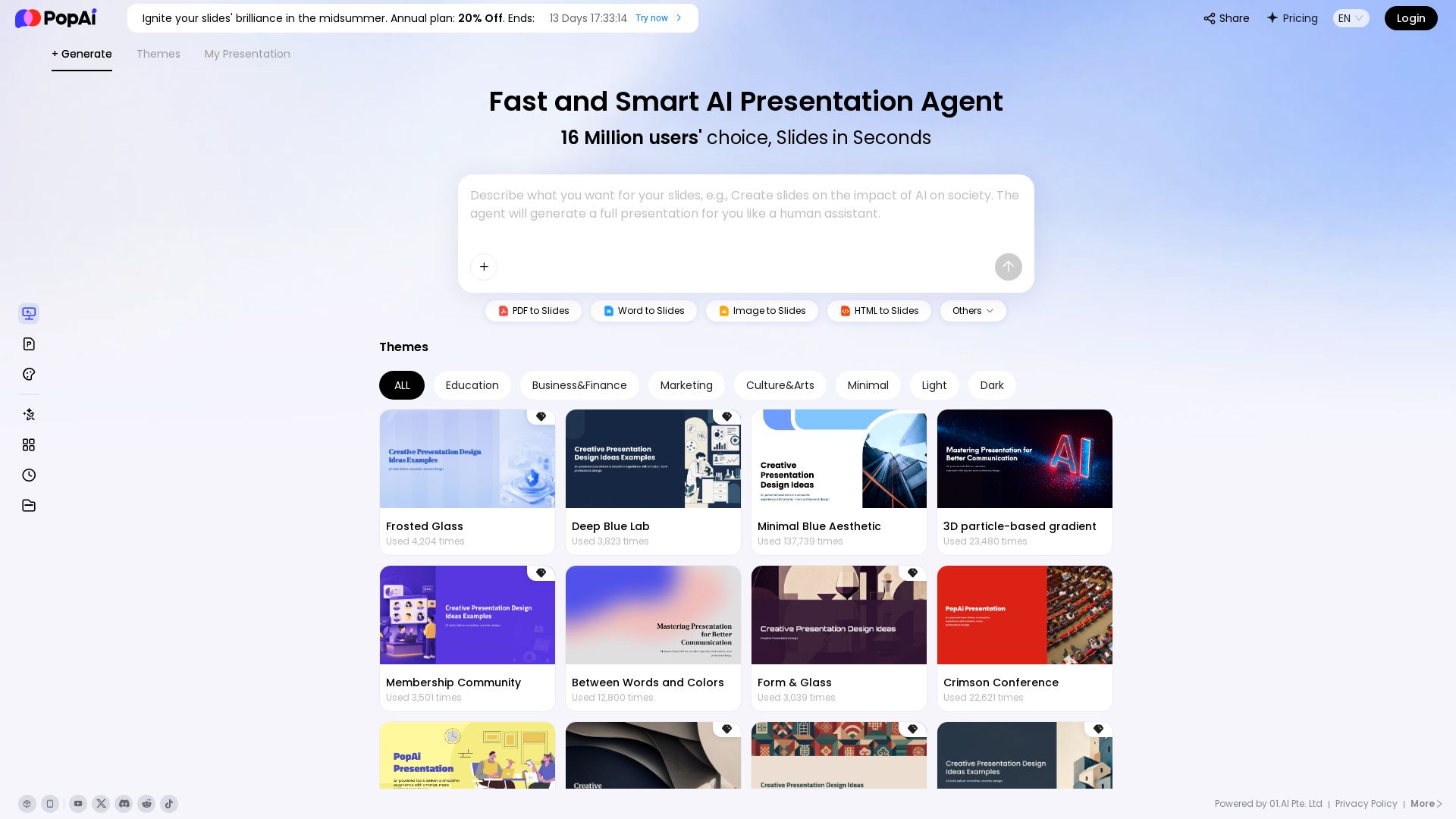
PopAi
Turn prompts, PDFs, Word docs into professional AI presentations. Fast, smart, and easy. 20% off annual plan. Try now!

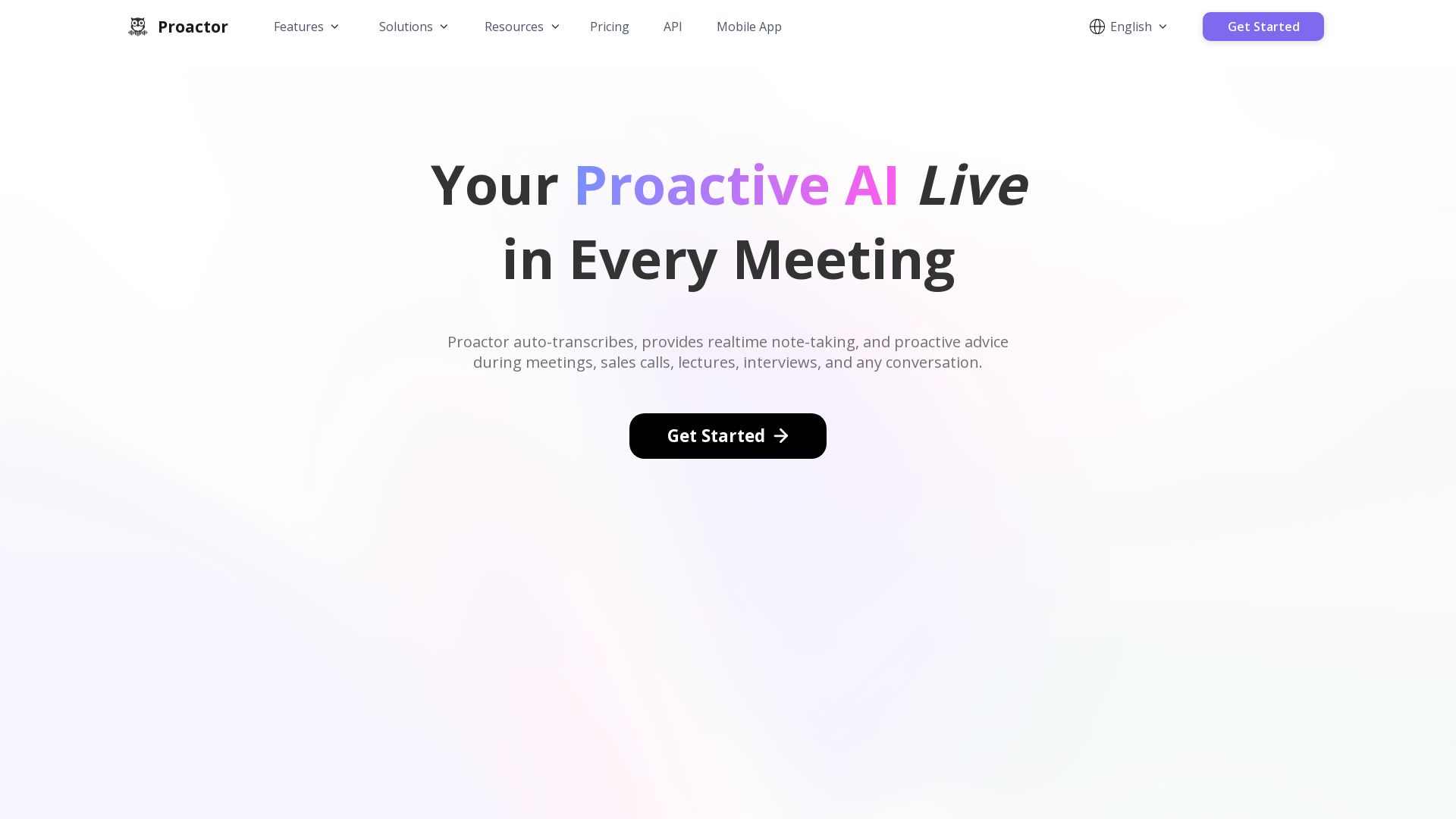
Proactor AI
Proactor offers real-time transcription, note-taking, and proactive advice for meetings, sales calls, lectures, and interviews. Boost your productivity today.
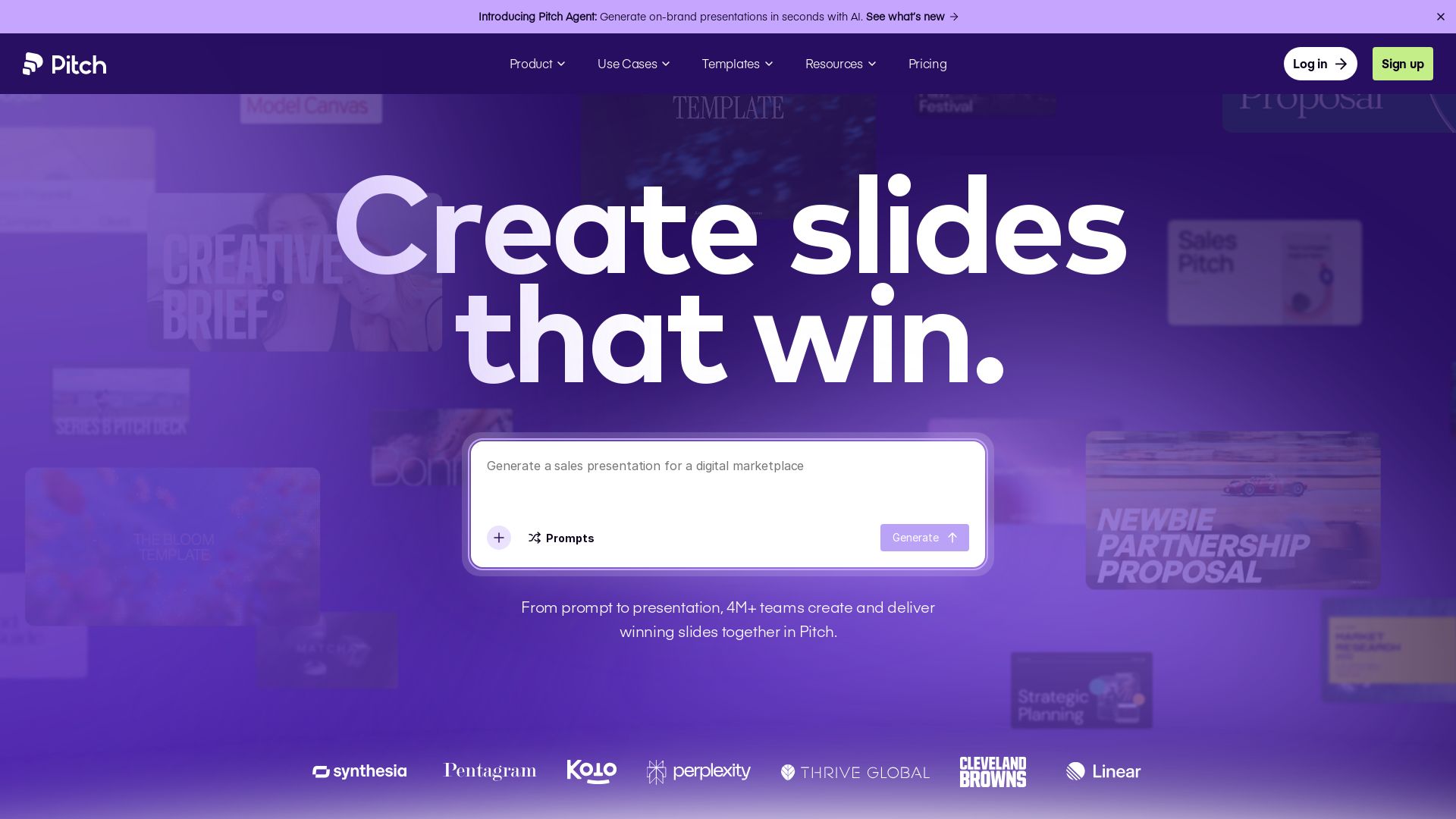
Pitch
Pitch is a presentation workspace where 4M+ teams create stunning slides, collaborate in real time, and track engagement. AI-powered, brand-friendly, and free to start.

mymeet.ai
AI that joins your calls, provides accurate transcripts, summaries, and action items. Integrates with video platforms, CRM, and calendars. Free tier available. Trusted by teams. Get structured reports with AI templates.

ℹ️ Curation Disclosure: The overview and features of Notta were synthesized using AI and fact-checked by our curation team to ensure accuracy.