
Ajelix
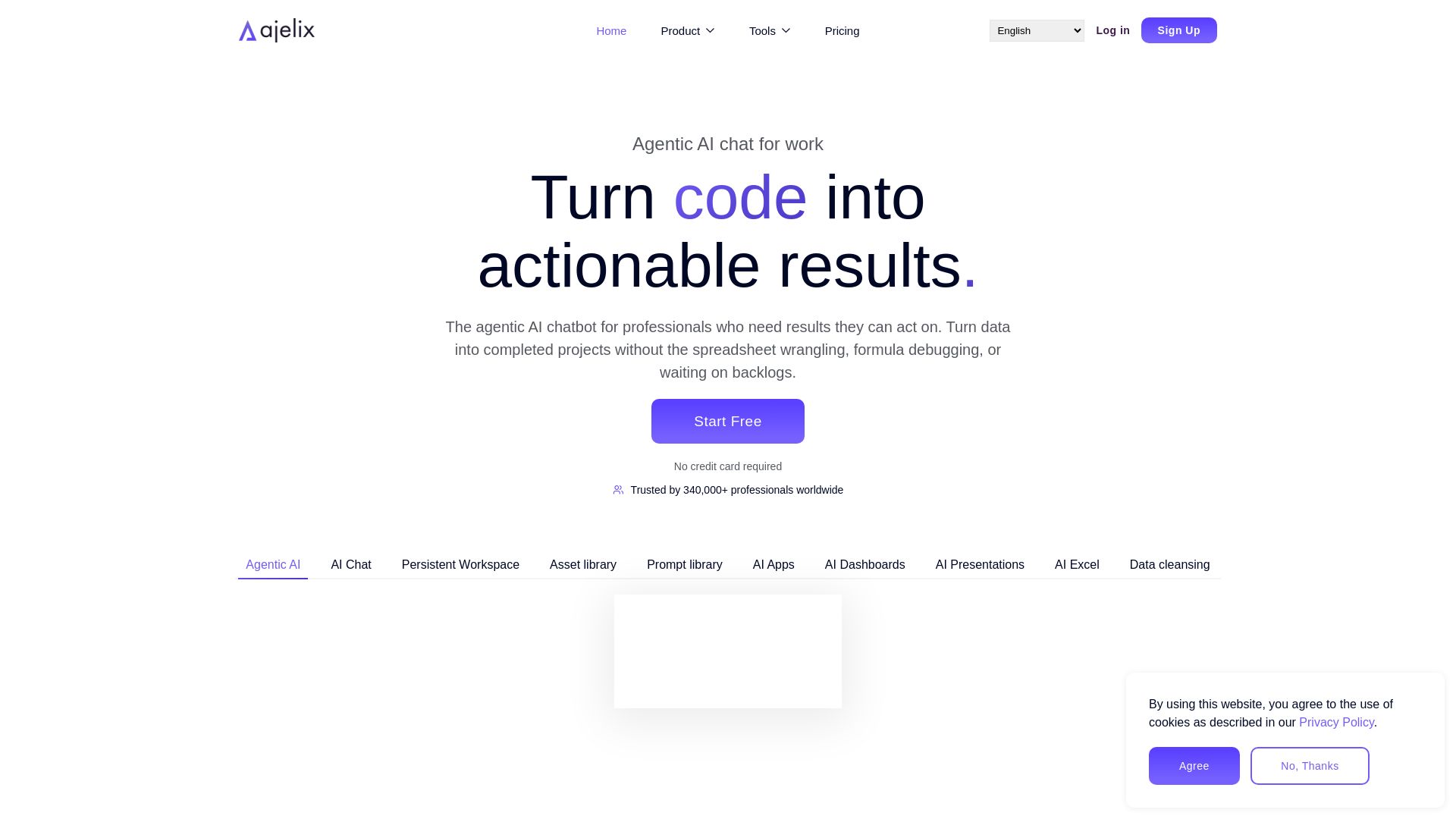
Agentic AI chatbot that turns data into actionable results. Generate dashboards, Excel scripts, apps & more. Trusted by 340K+ professionals. Start free.


Editor's Verdict
Key Takeaways
- Persistent Workspace
- Generate Working Assets
- Large File Upload
- Embed and Share
In-Depth Review: What is Ajelix?
Ajelix is an agentic AI chatbot designed for professionals who need to turn data into actionable results. Unlike generic AI tools, Ajelix offers a persistent workspace where you can upload files up to 1GB, chat with AI models optimized for different tasks, and generate production-ready assets like Excel files, dashboards, presentations, and interactive apps. It remembers context across conversations, allows editing and reusing prompts, and supports scheduling and sharing. With enterprise-grade security and GDPR compliance, Ajelix helps businesses automate data cleaning, reporting, and workflow tasks. Trusted by over 340,000 users worldwide, it's the AI workspace that goes from chat to execution.
Core Features
Persistent Workspace
Your data stays ready across all AI chats without re-uploading, enabling seamless multi-session workflows.
Generate Working Assets
Create production-ready Excel files, dashboards, apps, presentations, and VBA scripts directly from chat.
Large File Upload
Upload files up to 1GB including spreadsheets, PDFs, CSVs, and documents for comprehensive analysis.
Embed and Share
Assets are embeddable, shareable, and schedulable with one click, enabling easy distribution.
Enterprise Security
GDPR compliant, data is not used for training, and your data stays yours with robust privacy measures.
Multi-Model AI
Access to the newest and most capable LLMs optimized for different tasks, including advanced statistics and coding.
Pricing
Lite
- Access better models
- Standard usage
- Max file: 20MB
- Workspace: 500MB
- Assets and AI Asset Editor
- Priority support
- 1 CPU, 1 GB RAM for spreadsheets & research
Pro
- Best industry models
- Extended usage
- Max file: 100MB
- Workspace: 2GB
- Assets and AI Asset Editor
- Priority support
- 2 CPUs, 4 GB RAM for analysis & automation
Max
- Most capable models
- 2x pro usage
- Max file: 500MB
- Workspace: 10GB
- Assets and AI Asset Editor
- Priority support
- 4 CPUs, 8 GB RAM for PDF, OCR, statistics
Enterprise
- Custom AI models
- Custom usage
- Custom file storage
- Dedicated workspace
- Customization per requests
- Priority custom support
- Dedicated compute and custom workflows
Pros and Cons
Pros
- Persistent WorkspaceData remains accessible across sessions, eliminating the need to re-upload for continuity.
- Actionable OutputsGenerates working assets like Excel files, dashboards, and apps, not just text responses.
- Large File SupportHandles files up to 1GB, accommodating extensive datasets and documents.
- Shareable AssetsAssets can be embedded, shared, or scheduled with one click, enhancing collaboration.
- Enterprise SecurityGDPR compliant with data not used for training, ensuring privacy and trust.
Cons
- No Offline ModeRequires an internet connection to access the AI workspace and generate assets.
- Limited Free TierFree plan has limited usage and features, pushing users to paid plans for full capabilities.
- Learning CurveAdvanced features like custom app building may require time to master.
- Integration ScopeIntegrations primarily with Google Workspace; broader integration may be limited.
- Cost for Small TeamsHigher-tier plans ($99–$199 per user/month) can be expensive for small businesses.
Use Cases & Recommended Professions
Data Analyst→ View Toolkit
Automate data cleaning, analysis, and visualization without manual spreadsheet work.
Financial Manager→ View Toolkit
Generate financial models, dashboards, and reports from raw data quickly.
Marketing Manager→ View Toolkit
Create KPI reports, market research summaries, and campaign dashboards on demand.
Operations Manager→ View Toolkit
Streamline workflow automation, inventory tracking, and process documentation.
Business Analyst→ View Toolkit
Transform data into actionable insights and deliverables like apps and presentations.
Project Manager→ View Toolkit
Generate status reports, project dashboards, and automate recurring updates.
Frequently Asked Questions
Alternative AI Tools
View Detailed Comparison →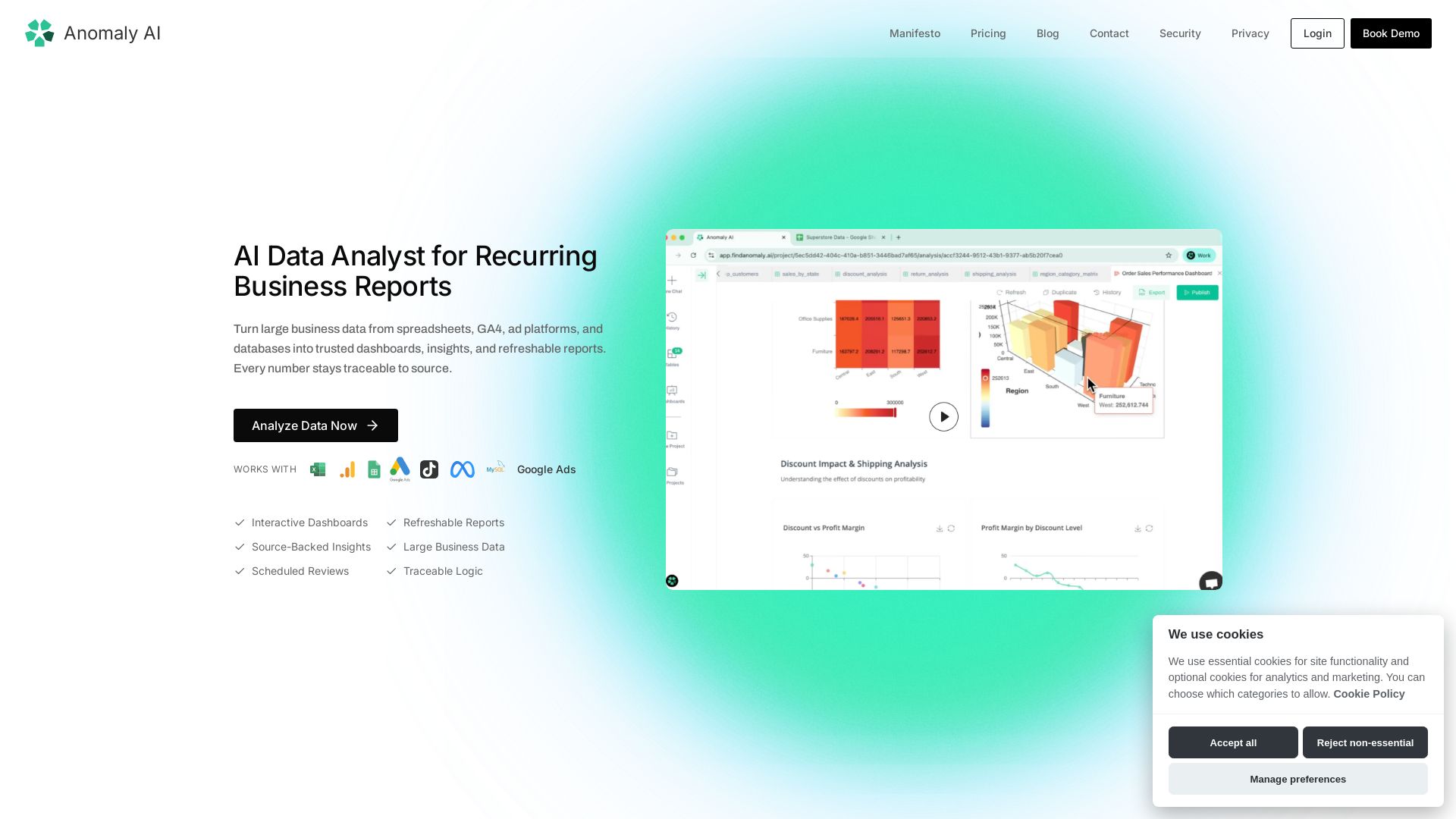
Find Anomaly
Turn large spreadsheet, GA4, ad, and database data into trusted dashboards & refreshable reports. Every number traceable to source.

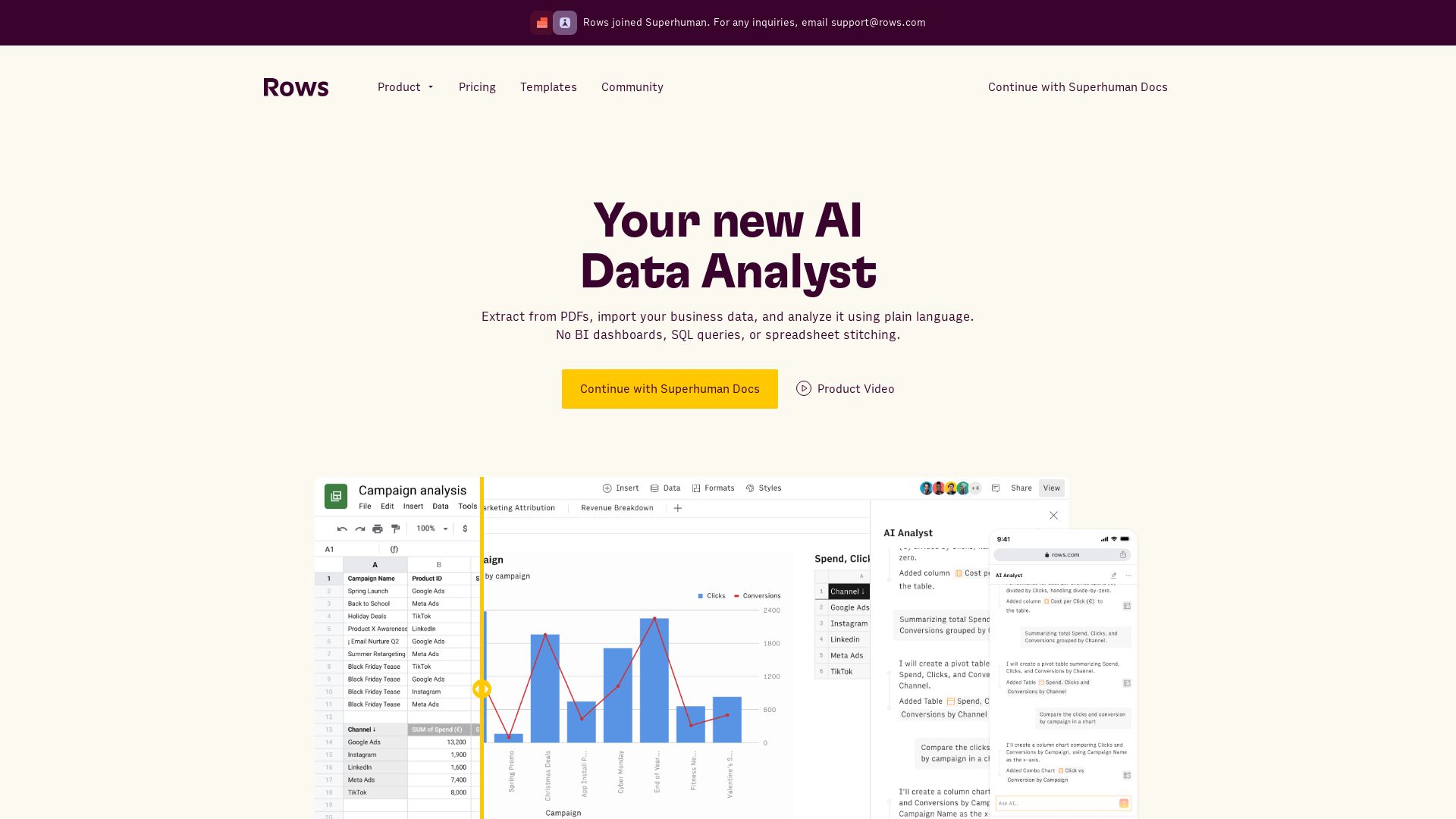
Rows
Extract data from PDFs, analyze with plain language, build live reports. No SQL needed. Integrate 50+ sources. Collaborate in real-time.


PrometAI
Generate investor-ready business plans in minutes with PrometAI's AI. Trusted by 100,000+ founders. Start for free, no guesswork.

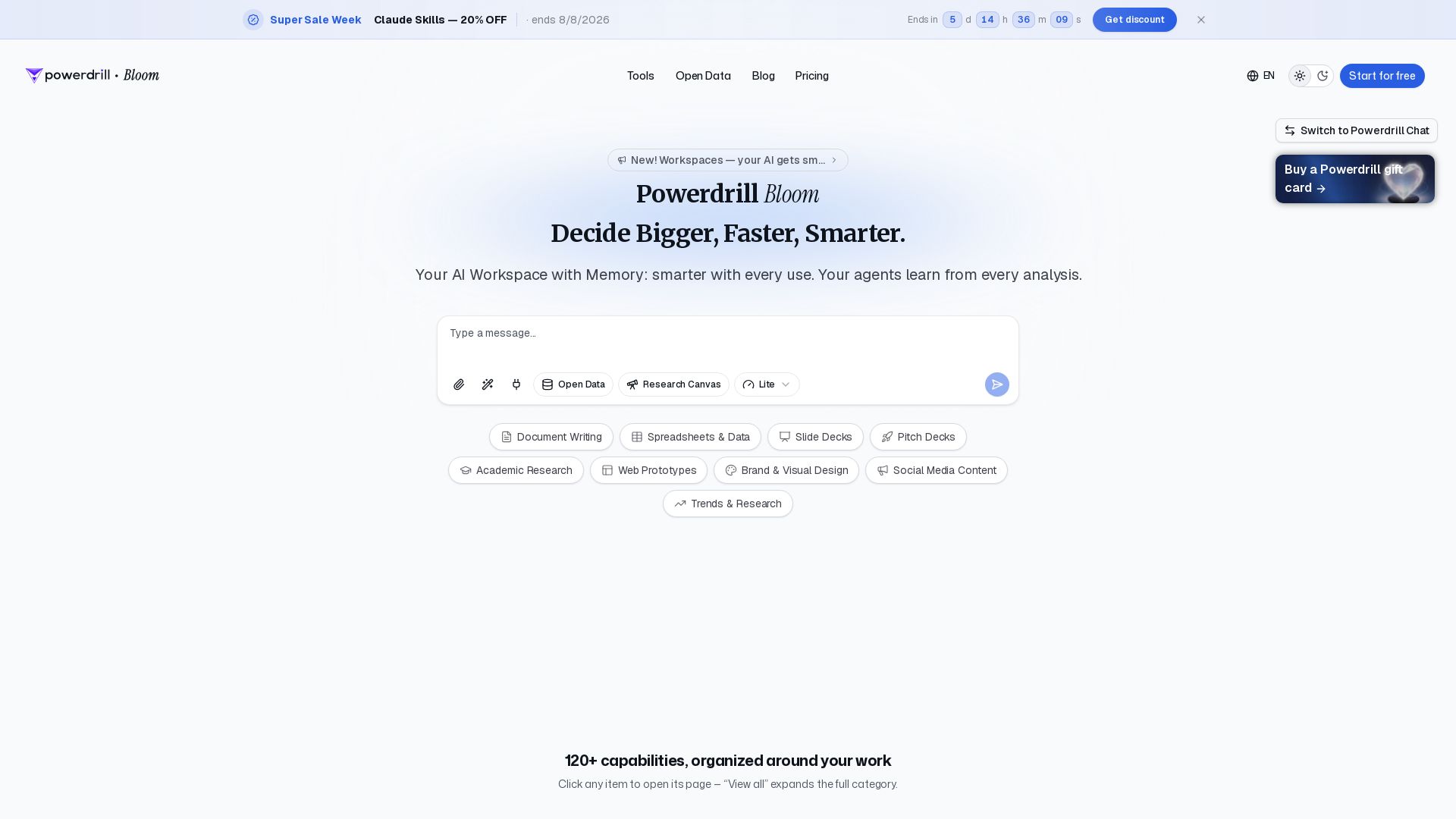
Powerdrill Bloom
Powerdrill Bloom: AI workspace with memory for data analysis, docs, research & more. Smarter with every use. Start free.

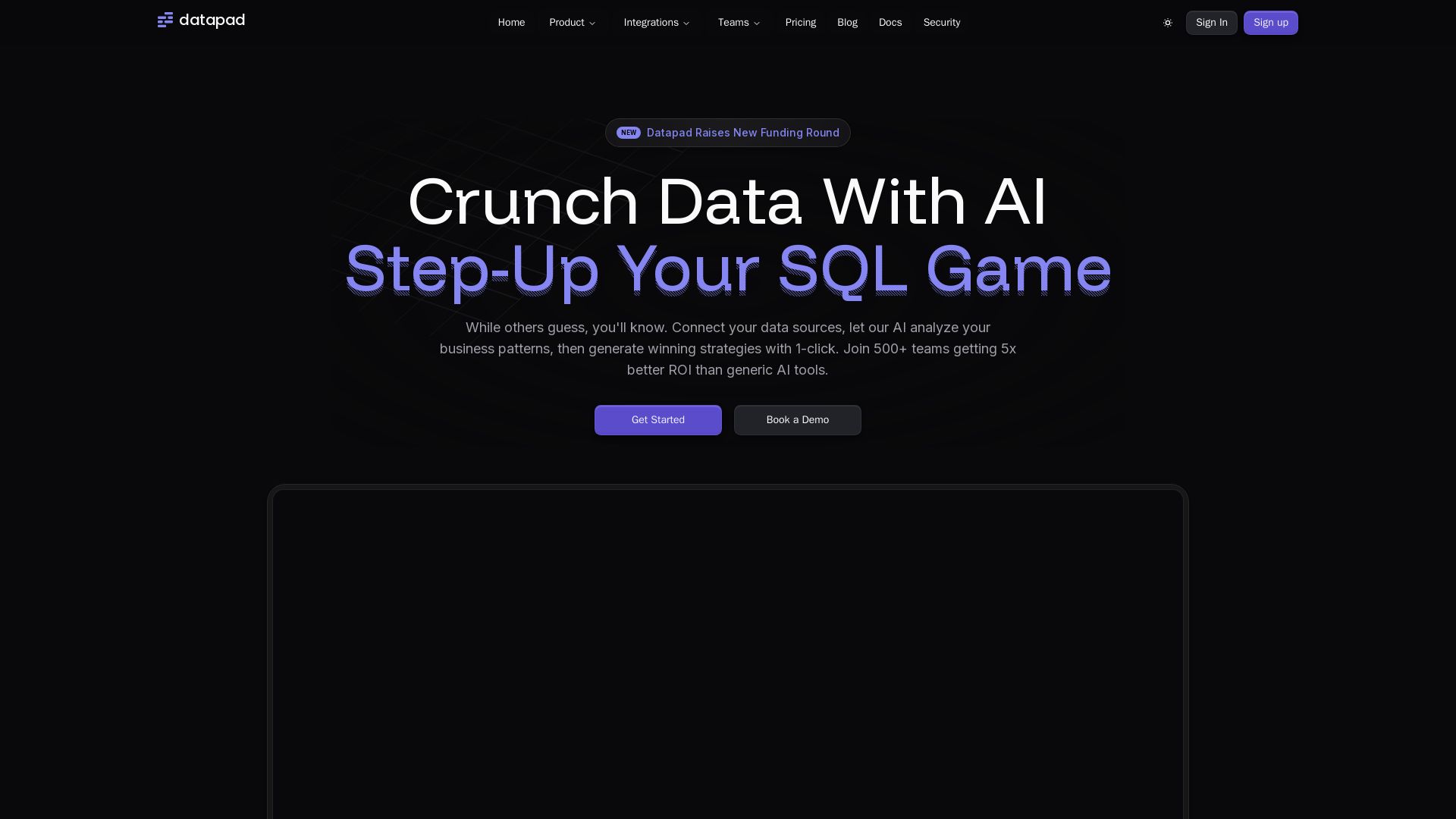
Datapad
Connect any data source, ask questions in plain English. Datapad's AI generates instant insights, dashboards, and strategies. Join 500+ teams getting 5x better ROI.

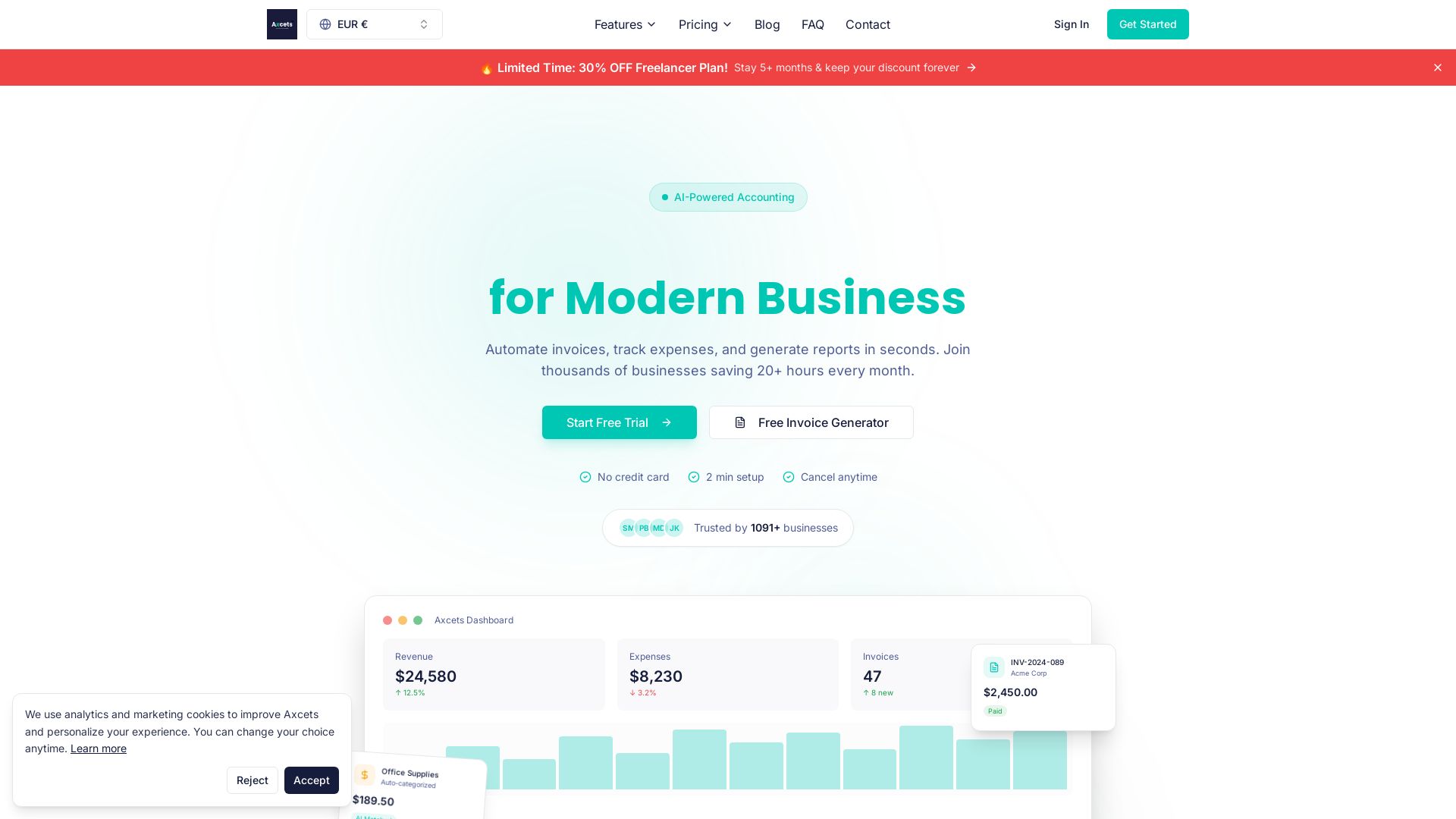
Axcets
Axcets automates invoicing, expense tracking, and financial reports with AI. Trusted by 960+ businesses. Try free — no credit card needed.

Figr
Ship better UX faster. Figr builds a living understanding of your product, maps flows, finds edge cases, and generates high-fidelity prototypes from your actual design system.

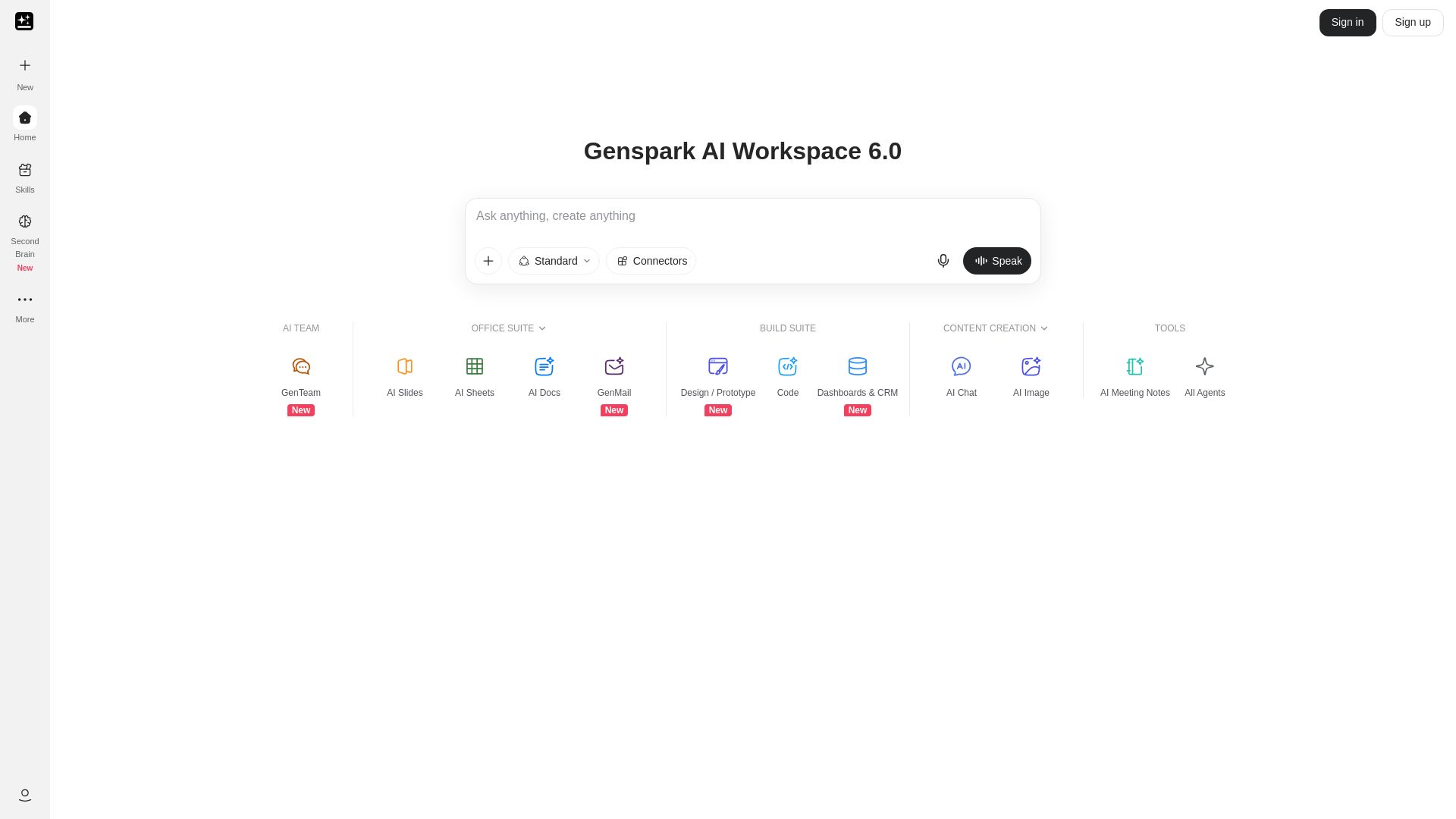
Genspark
Unlock hundreds of AI tools for writing, design, video, business, and more. Your ultimate workspace for creativity and productivity.

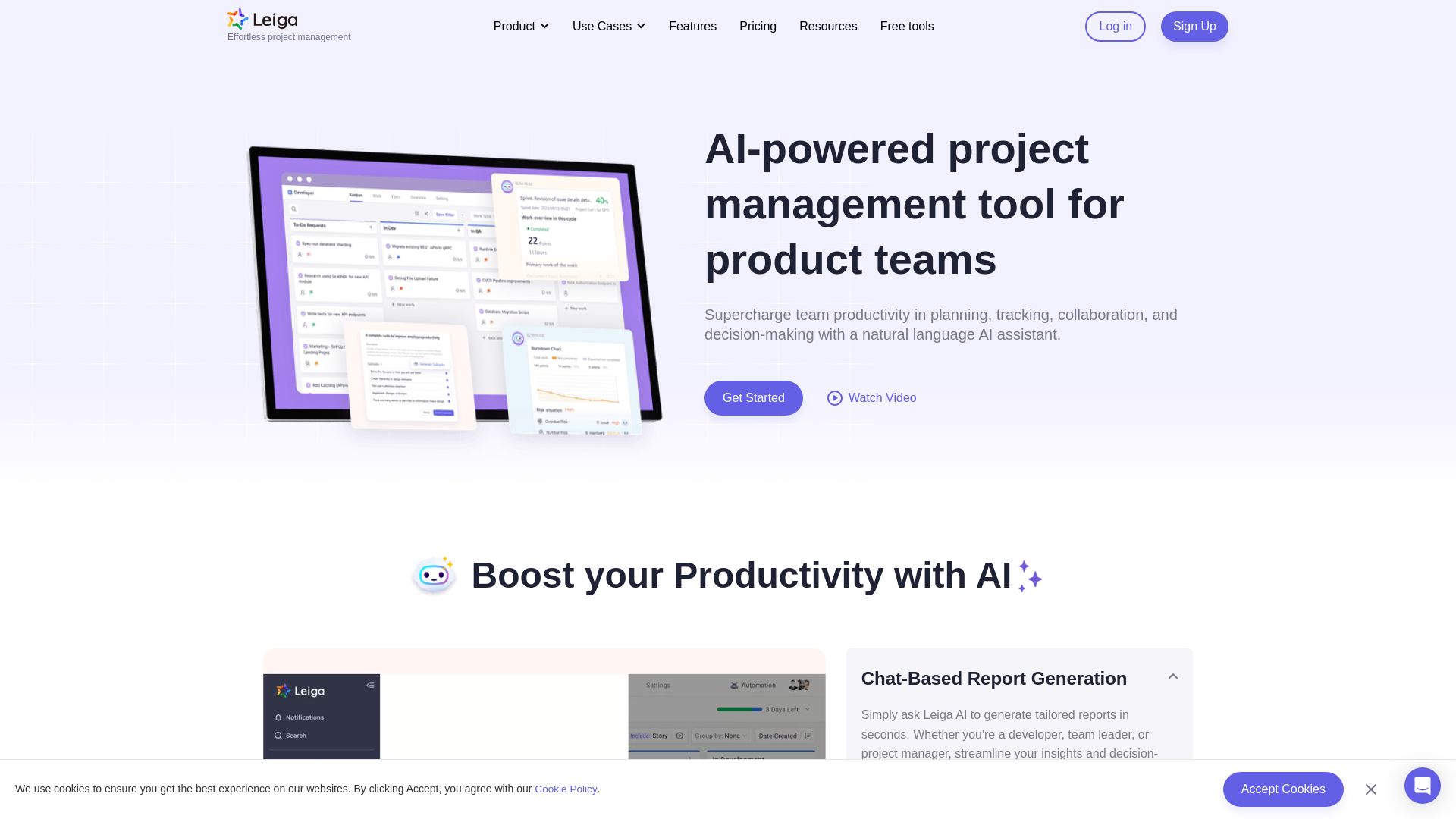
Leiga
Supercharge team productivity with AI-driven planning, tracking, and collaboration. Chat-based reports, automated workflows, and risk warnings. Free forever.


AIGenerator
Plan, launch, and grow your business with AI. Generate business plans, ads, and content in minutes. Free to start.

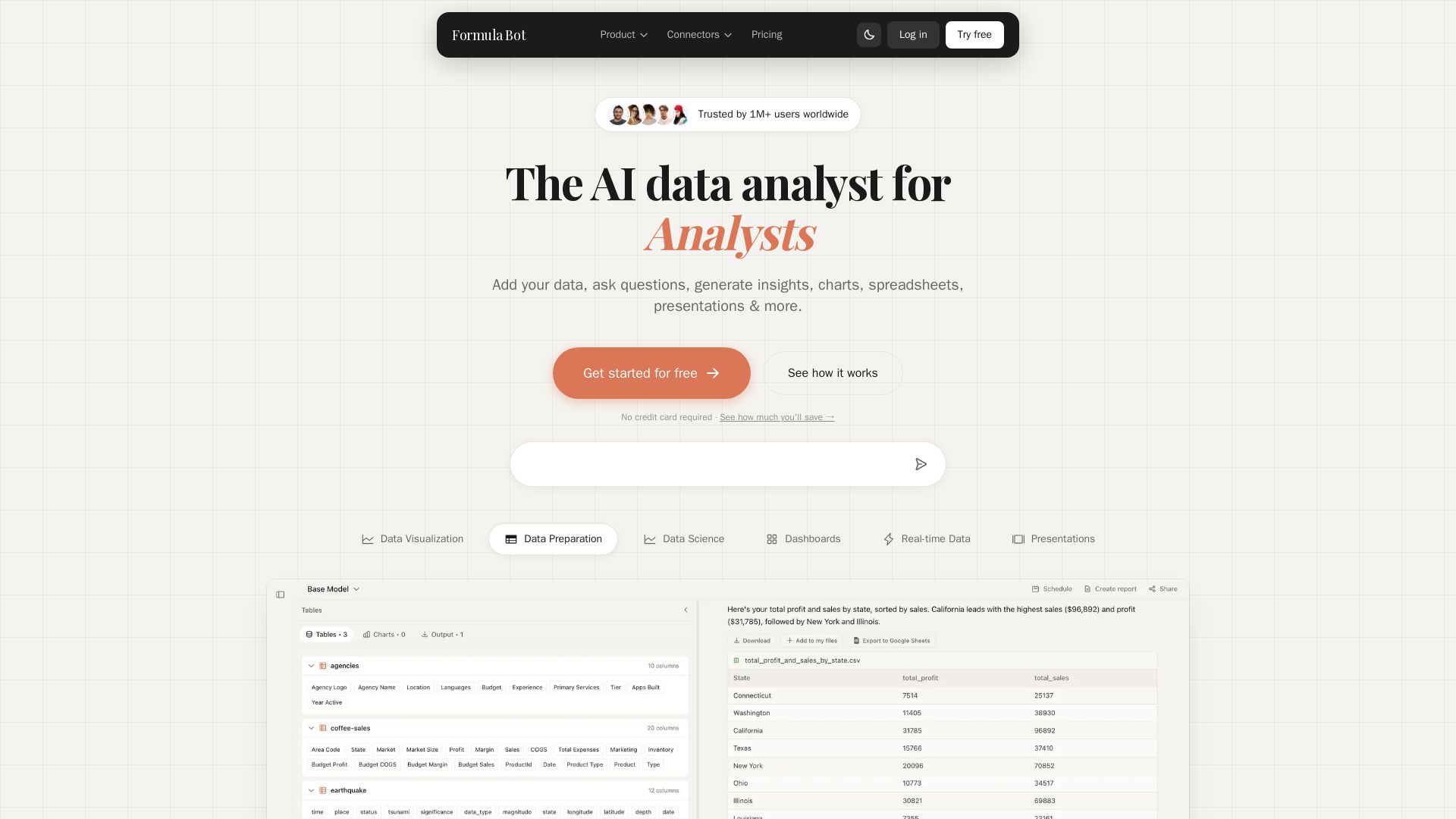
Formula Bot
Add your data, ask questions in plain English, and get instant insights, charts, and dashboards. Free plan available. No credit card required.


NimbleWork
Boost productivity with AI-driven work management. Visual boards, agile tools, and analytics trusted by industry leaders. Try for free!

ℹ️ Curation Disclosure: The overview and features of Ajelix were synthesized using AI and fact-checked by our curation team to ensure accuracy.
