
Rows
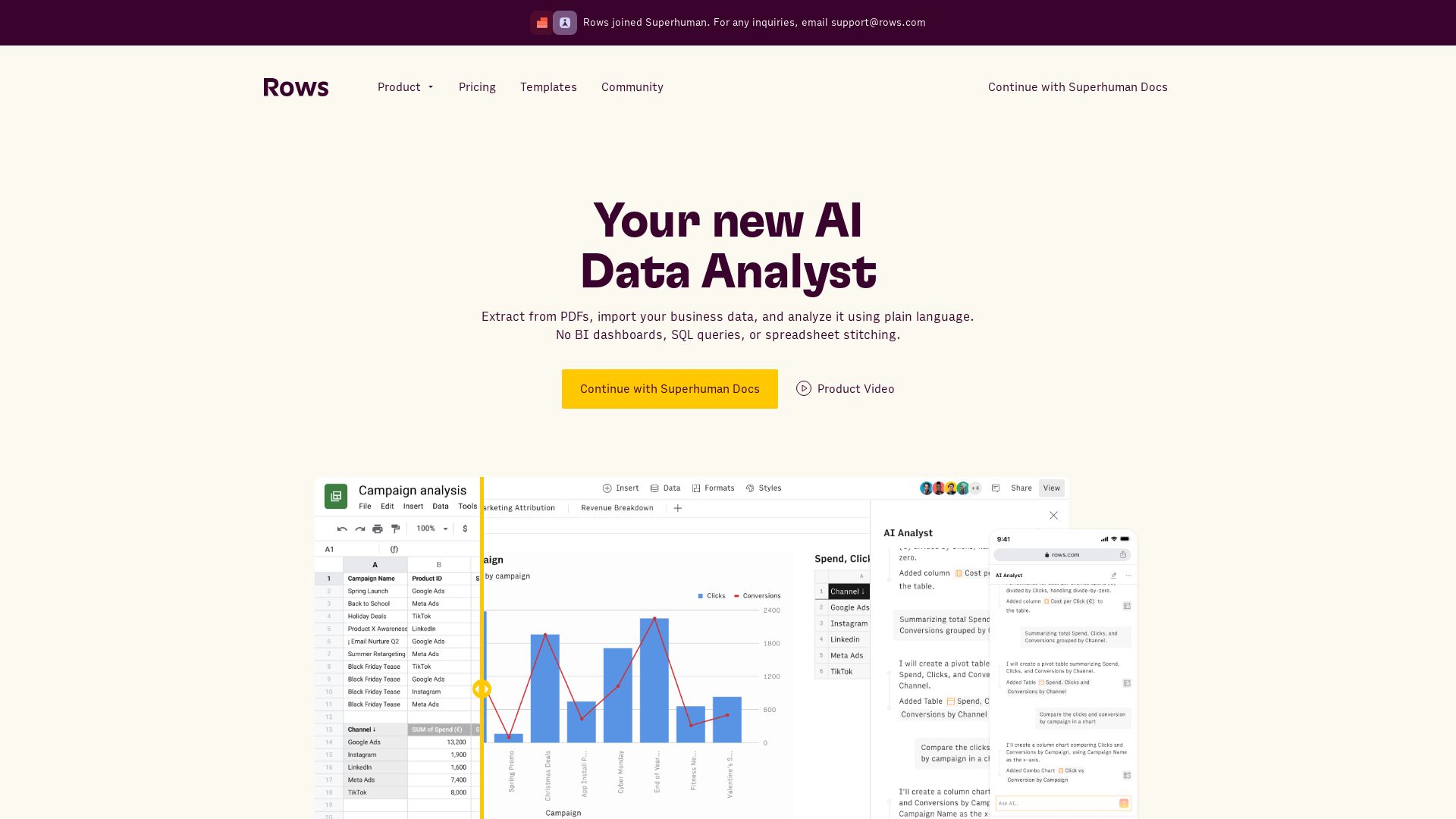
Extract data from PDFs, analyze with plain language, build live reports. No SQL needed. Integrate 50+ sources. Collaborate in real-time.

Editor's Verdict
Key Takeaways
- Rows AI
- Built-in Integrations
- Real-time Collaboration
- Automation & Data Refresh
In-Depth Review: What is Rows?
Rows AI is an all-in-one spreadsheet that combines AI-powered data analysis with seamless integrations. Turn words into reports, analyze data 10x faster, and build dynamic models without formulas or SQL. Connect to 50+ sources, refresh data automatically, and share interactive dashboards anywhere. Perfect for teams, side-projects, and business reporting.
Core Features
Rows AI
Use plain language to extract data from PDFs, import business data, and perform advanced analysis without SQL or BI dashboards.
Built-in Integrations
Connect to 50+ tools like social media, data warehouses, and advertising platforms without code.
Real-time Collaboration
Work together in real-time, manage permissions with workspaces and folders, and use view mode to control data visibility.
Automation & Data Refresh
Set automatic refresh of data tables ranging from every minute to every month, and use web requests to import/export data from any API.
Interactive Elements
Add buttons, checkboxes, and input fields to create forms, calculators, and interactive dashboards.
Templates Gallery
Start quickly with dozens of pre-built templates for analytics, trackers, and financial models.
Pricing
Free
- AI Tasks: 5/month
- Data Tables: Import manually
- Integrations: 10 accounts
- Up to 3 guests
- Unlimited spreadsheets
- Cell enrichment: Limited
- File import size: 1 MB
- Version history: 7 days
- Rows API calls: 500/month
- Embeds: Branded
Plus
- AI Tasks: 200/month
- Data Tables: Automate per day
- Integrations: 10 accounts
- Up to 10 guests
- Unlimited spreadsheets
- Cell enrichment: 1M tasks/month
- File import size: 5 MB
- Version history: 30 days
- Rows API calls: 50k/month
- Embeds: Branded
- Chat priority support
Pro
- AI Tasks: 1,000/month
- Data Tables: Automate per minute
- Integrations: 100 accounts
- Up to 200 guests
- Unlimited spreadsheets
- Cell enrichment: 1M tasks/month
- File import size: 100 MB
- Version history: 2 years
- Rows API calls: 1M/month
- Embeds: Unbranded
- Video support
Enterprise
- Advanced API endpoints
- Custom AI models, functions and Integrations
- High-volume usage
- Custom themes and designs
- SAML SSO
- Dedicated CS Manager
Pros and Cons
Pros
- AI-Powered AnalysisAsk questions in plain language and get answers without SQL or BI tools, speeding up data analysis.
- Seamless IntegrationsConnect to 50+ popular services directly from the spreadsheet, eliminating manual data entry.
- Real-Time CollaborationMultiple users can work on the same spreadsheet simultaneously, with fine-grained permission controls.
- Automated Data RefreshKeep data up-to-date with auto-refresh schedules from every minute to monthly, reducing manual work.
- Generous Free TierFree plan includes 5 AI tasks per month and unlimited spreadsheets, great for exploration.
Cons
- Limited AI Tasks on Free PlanOnly 5 AI tasks per month, which may not suffice for regular analysis.
- File Size RestrictionsFree plan allows only 1 MB file imports, Plus 5 MB, which can be limiting for large datasets.
- Guest LimitationsFree plan limits guests to 3, Plus to 10, which may hinder collaboration with external stakeholders.
- No Custom API on Lower TiersCustom API endpoints and SAML SSO are only available in Enterprise plan.
- Pricing Per User Can Add UpPro plan costs $79 base + $8 per user/month, which can become expensive for larger teams.
Use Cases & Recommended Professions
Data Analyst→ View Toolkit
Analysts can use AI to query data without writing SQL, automate reporting, and combine multiple data sources in one spreadsheet.
Marketing Manager→ View Toolkit
Easily pull in social media and advertising data, create live dashboards, and share reports with stakeholders.
Product Manager→ View Toolkit
Track product metrics, build calculators, and collaborate with engineering without needing technical support.
Startup Founder→ View Toolkit
Use templates for financial models, cash flow projections, and KPI tracking to make data-driven decisions.
Operations Manager→ View Toolkit
Automate inventory or expense tracking, connect to operational tools, and share live reports with the team.
Financial Analyst→ View Toolkit
Model financial scenarios, import data from accounting software, and generate reports with AI assistance.
Frequently Asked Questions
Alternative AI Tools
View Detailed Comparison →
PrometAI
Generate investor-ready business plans in minutes with PrometAI's AI. Trusted by 100,000+ founders. Start for free, no guesswork.

Find Anomaly
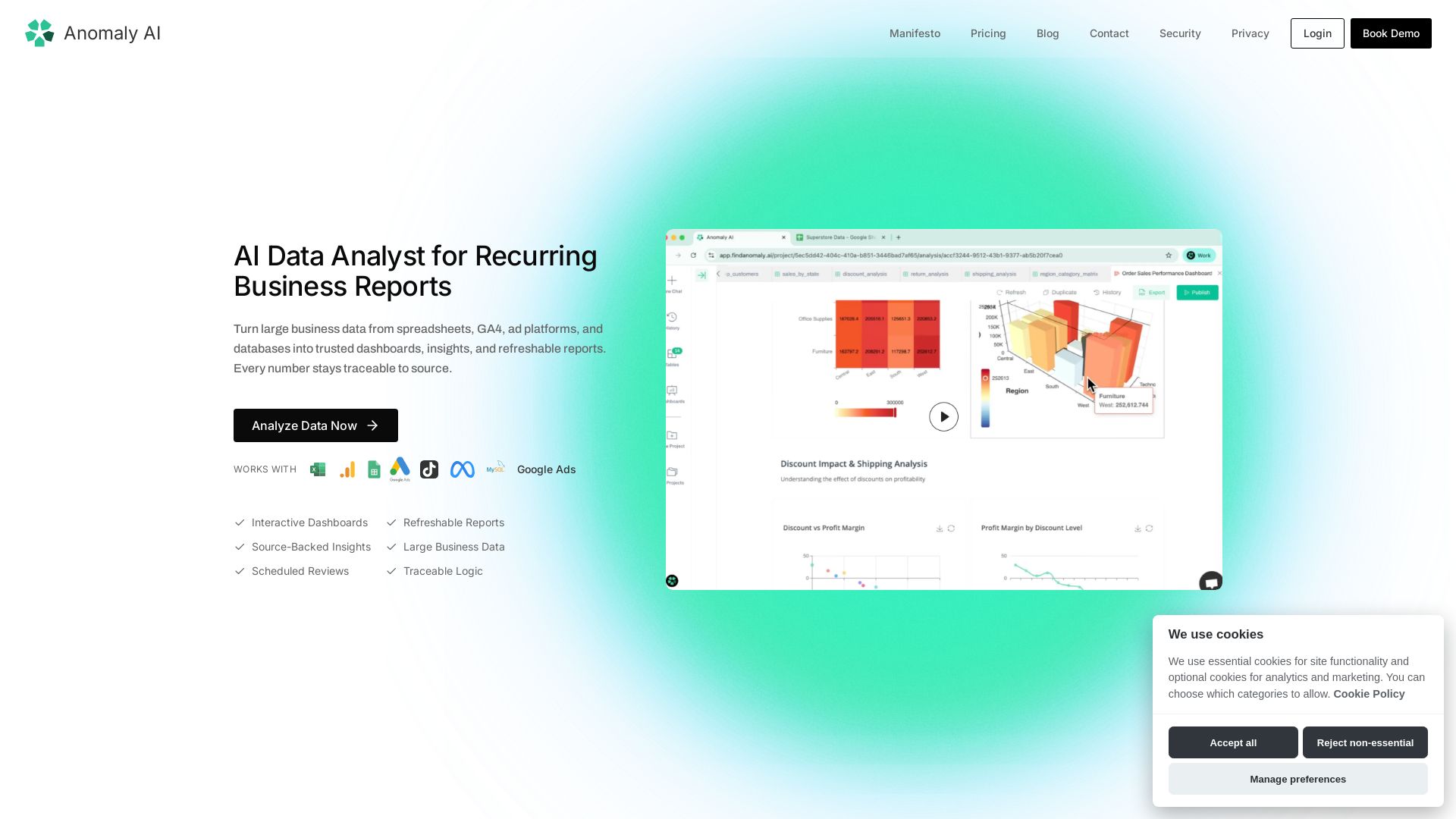
Turn large spreadsheet, GA4, ad, and database data into trusted dashboards & refreshable reports. Every number traceable to source.


AIGenerator
Plan, launch, and grow your business with AI. Generate business plans, ads, and content in minutes. Free to start.


Figr
Ship better UX faster. Figr builds a living understanding of your product, maps flows, finds edge cases, and generates high-fidelity prototypes from your actual design system.

Equals
Build AI workbooks, sync your tools, and get trusted answers. No SQL needed. Deploy insights everywhere.

SKULaunch
Automate supplier data onboarding, AI extracts attributes, enrich product catalogs, and publish ready data. From messy files to filterable search.

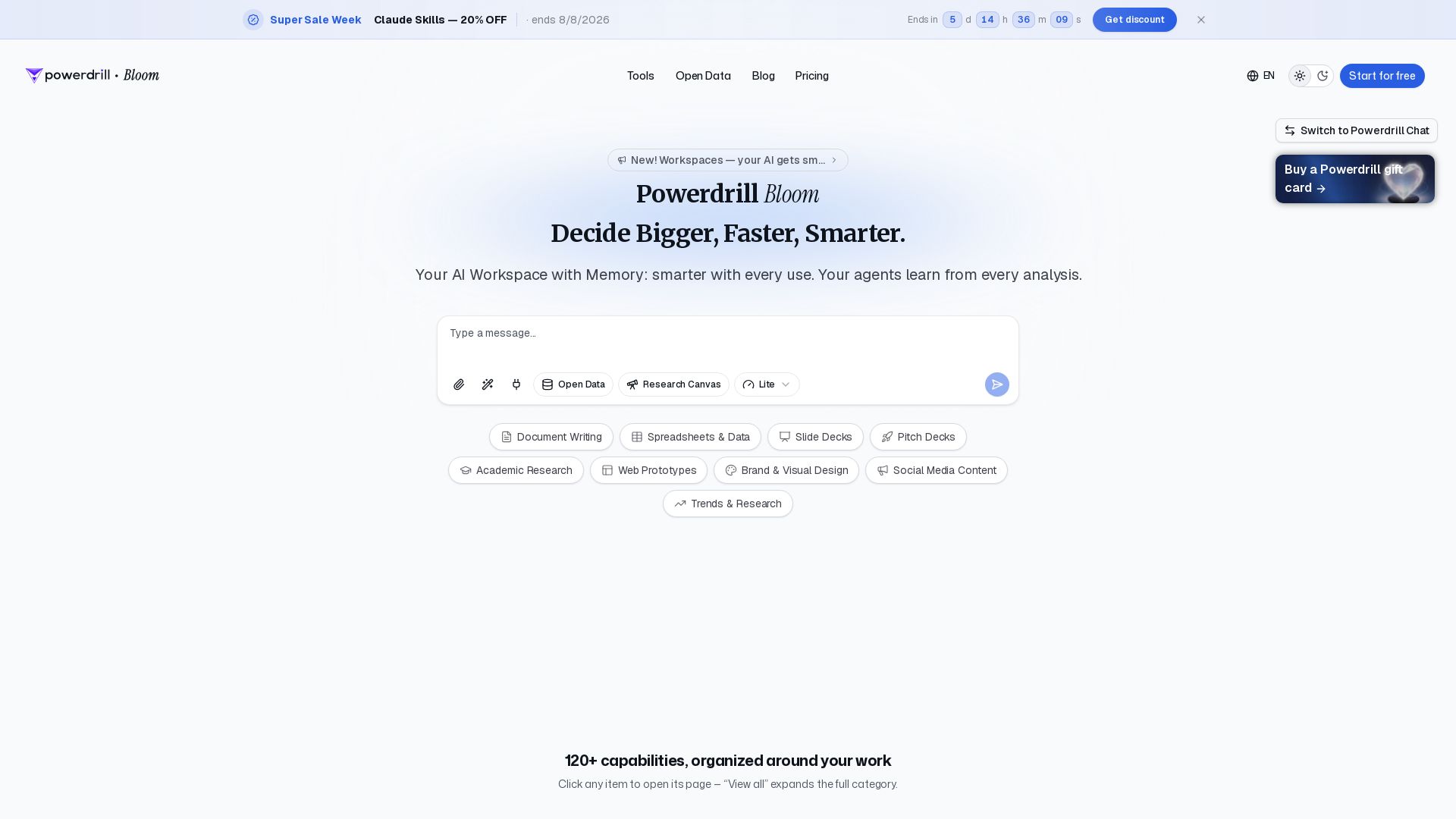
Powerdrill Bloom
Powerdrill Bloom: AI workspace with memory for data analysis, docs, research & more. Smarter with every use. Start free.

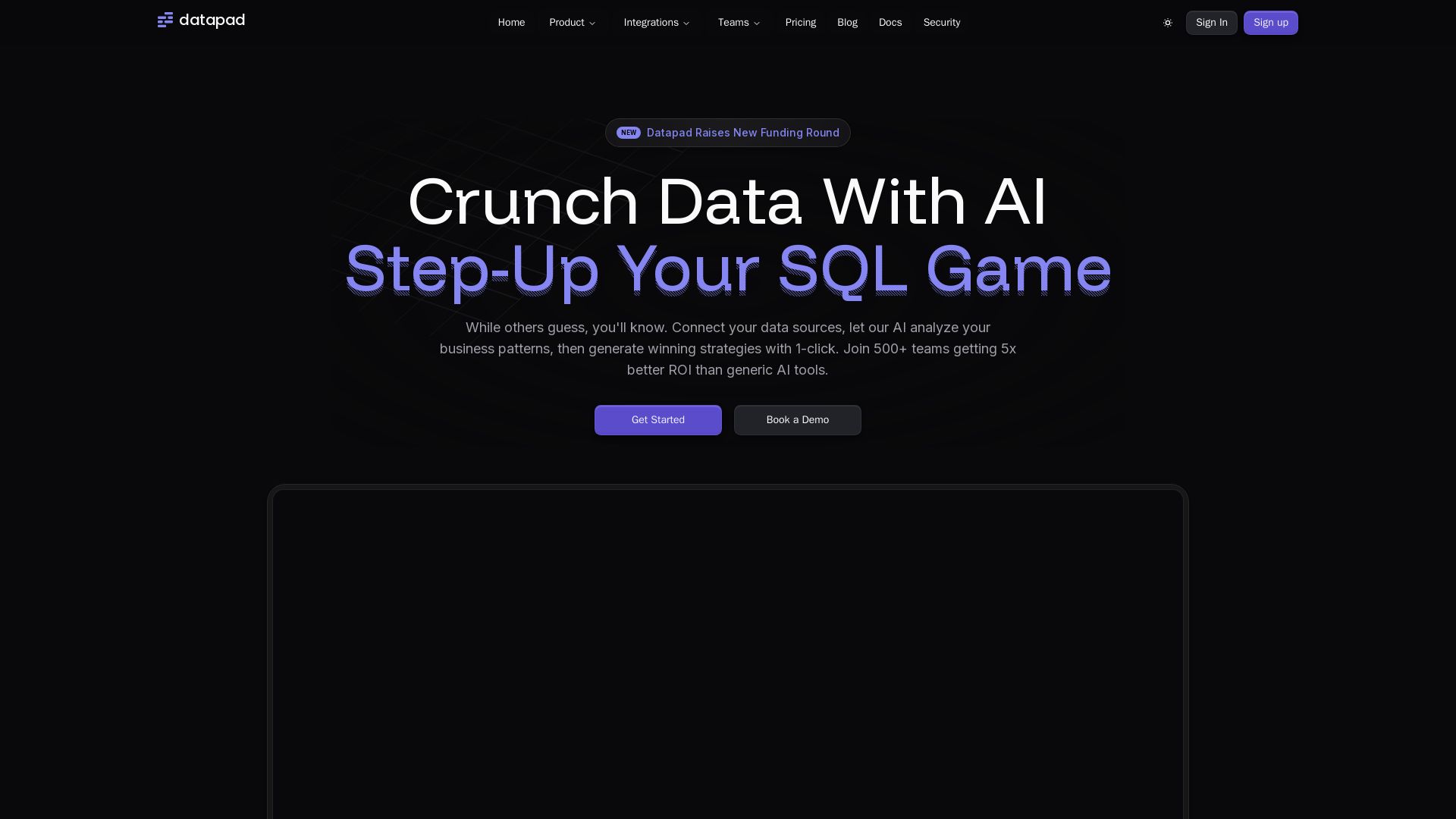
Datapad
Connect any data source, ask questions in plain English. Datapad's AI generates instant insights, dashboards, and strategies. Join 500+ teams getting 5x better ROI.

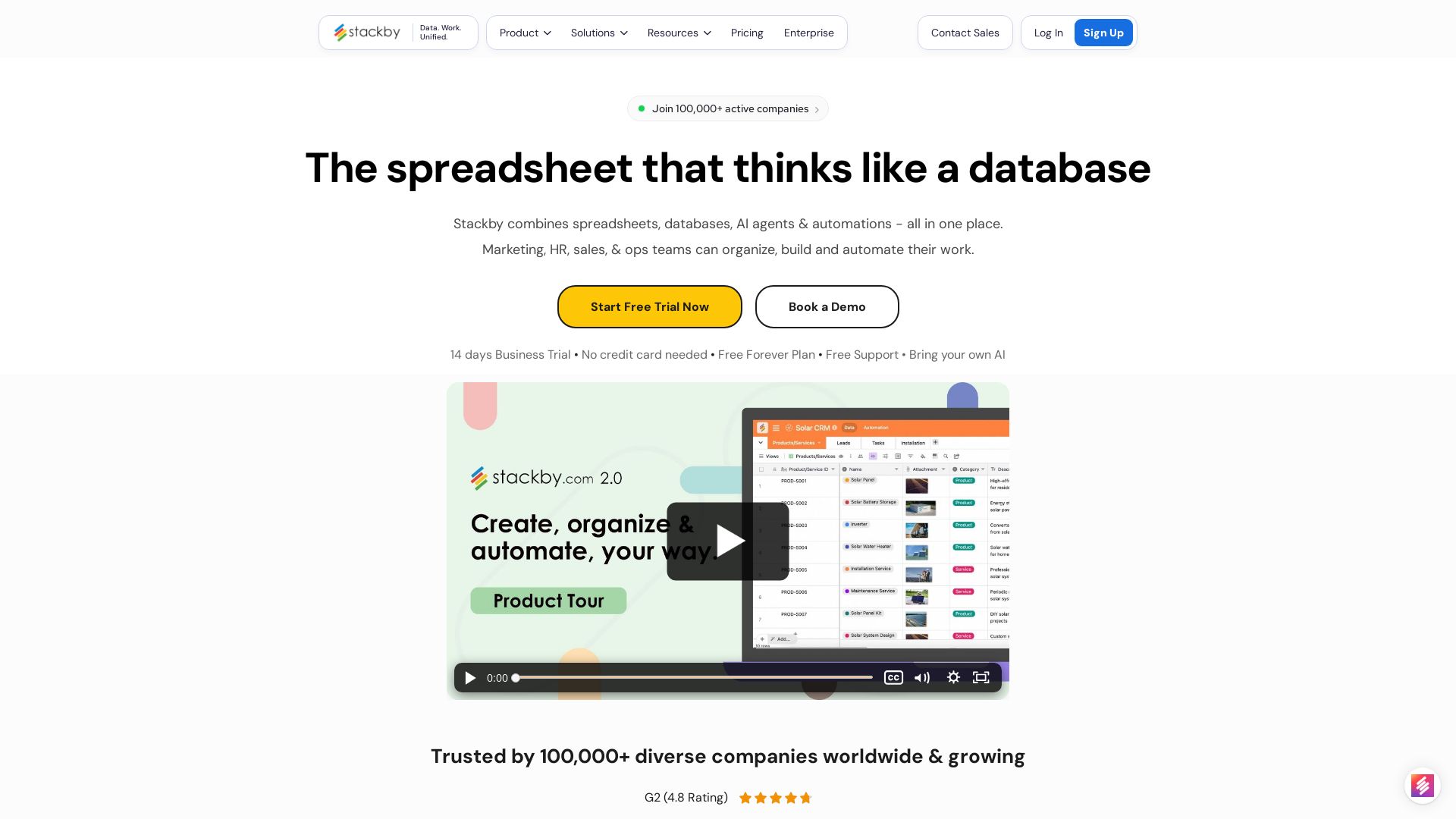
Stackby
Stackby combines spreadsheets, databases, AI agents & automations. Build custom workflows, forms, dashboards & more. Trusted by 100,000+ teams.

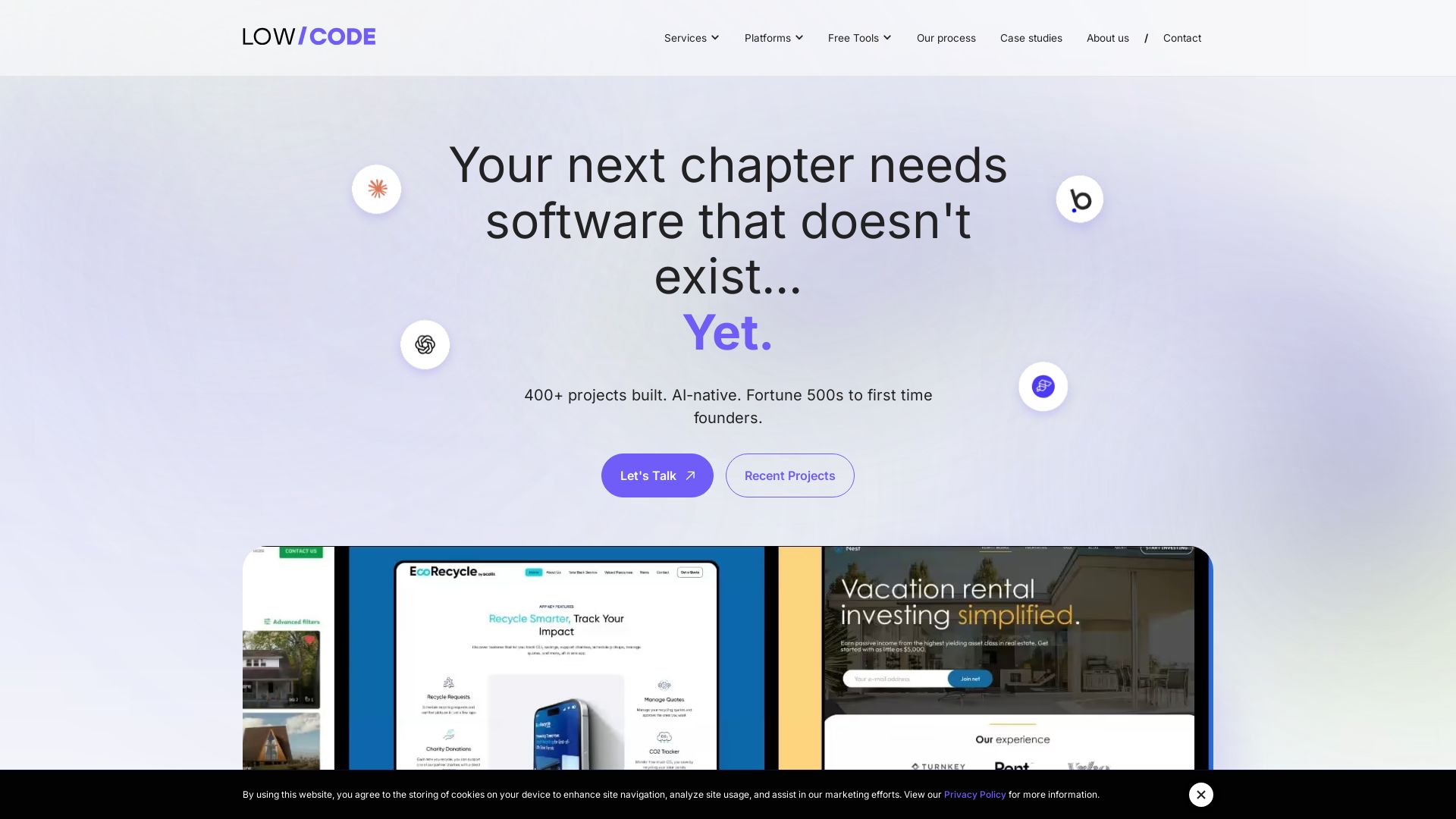
Claude Code vs LangGraph: Agent vs Workflow
Low-code development agency building custom apps, AI automations, and MVPs for businesses and startups. 400+ projects delivered. Trusted by Fortune 500s and founders.

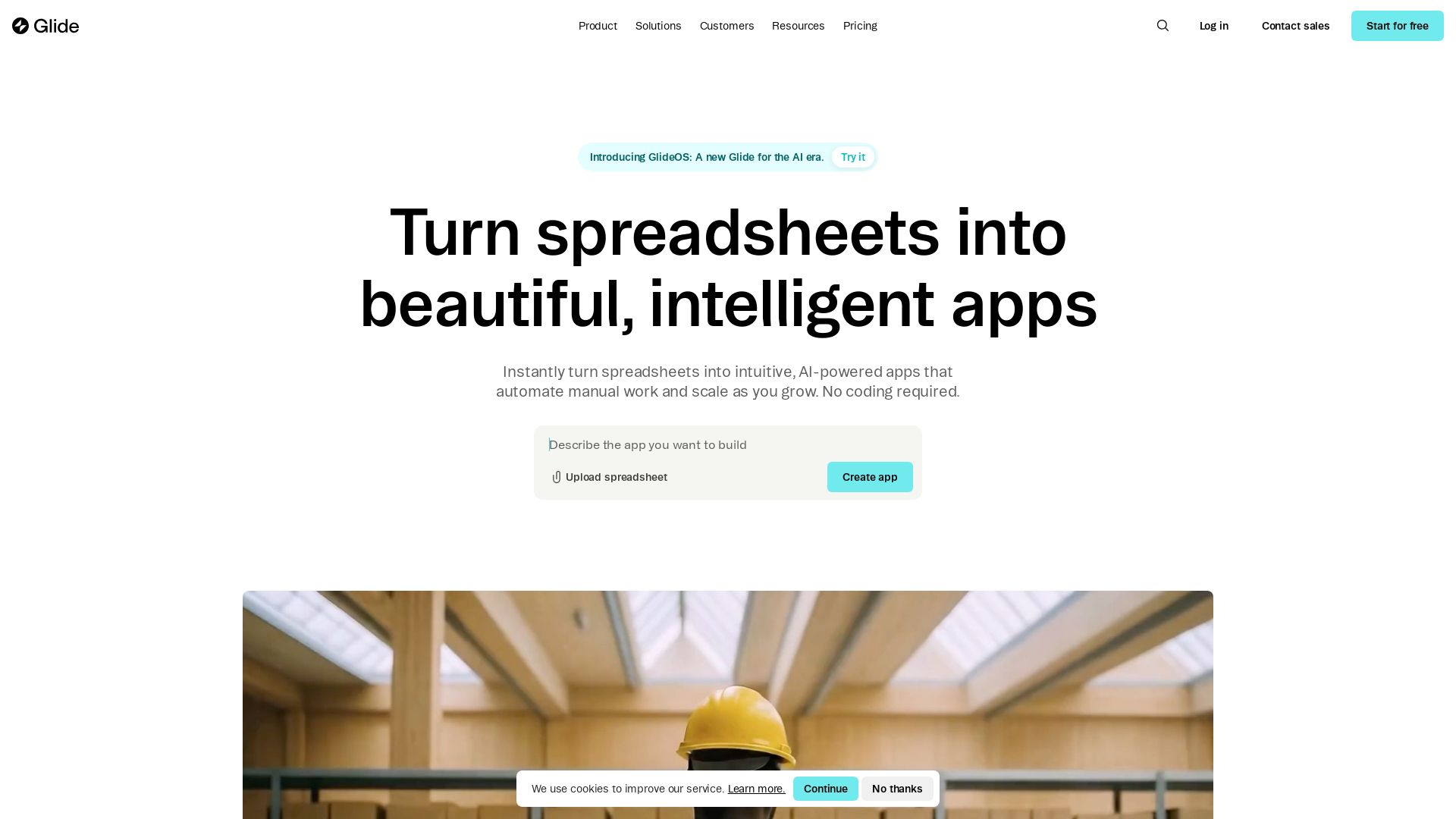
Glide
Instantly transform spreadsheets into beautiful, intelligent apps with Glide. Automate workflows, sync data, and scale your business. No coding required. Start free.

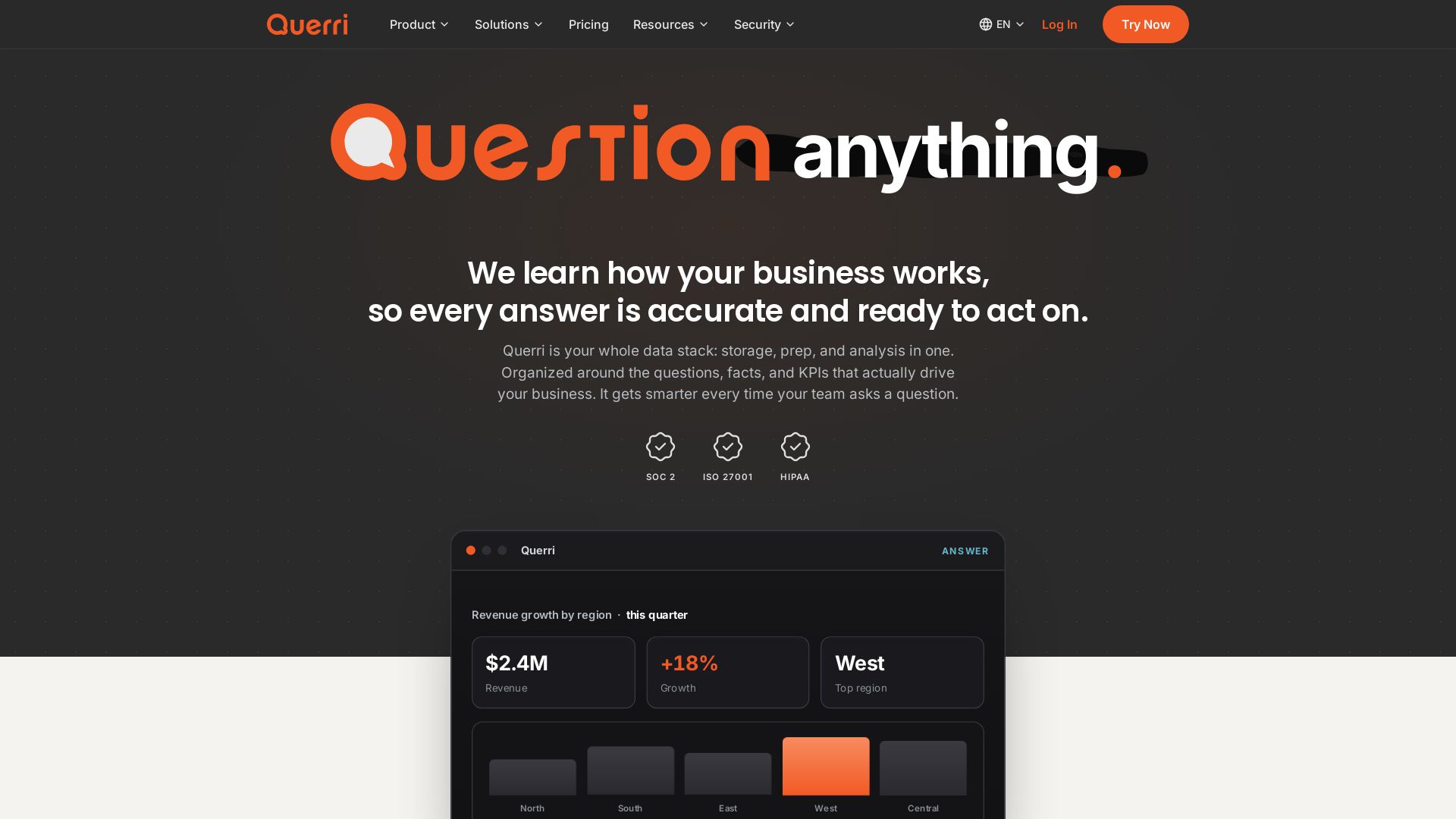
Querri
Turn questions into insights instantly. Connect, clean, analyze data in plain English. One platform: storage, semantics, dashboards, AI chat. SOC2, HIPAA compliant.

ℹ️ Curation Disclosure: The overview and features of Rows were synthesized using AI and fact-checked by our curation team to ensure accuracy.