
Stackby
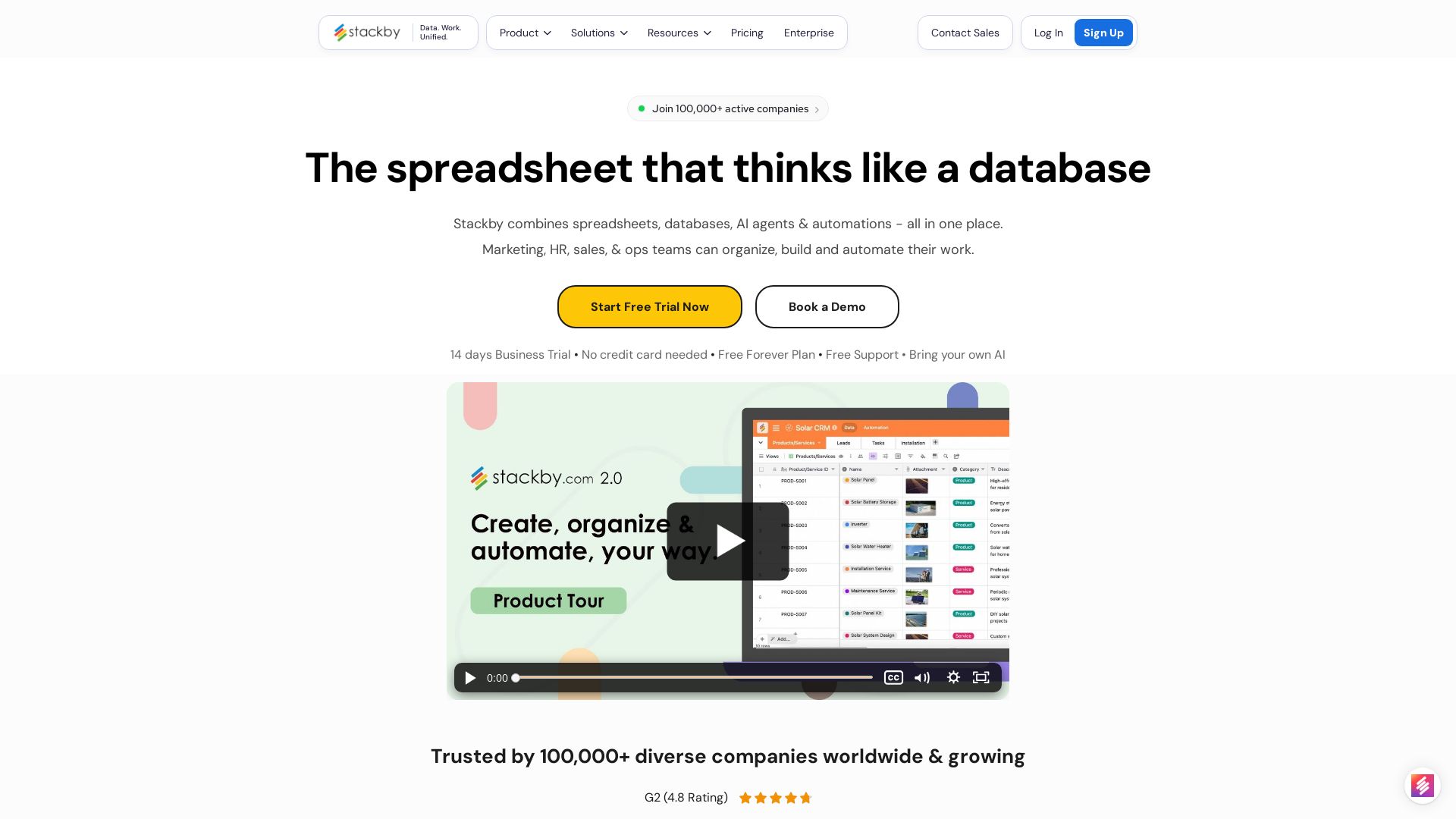
Stackby combines spreadsheets, databases, AI agents & automations. Build custom workflows, forms, dashboards & more. Trusted by 100,000+ teams.



Editor's Verdict
Key Takeaways
- AI-powered Databases
- Multiple Views
- Advanced Form Builder
- Reporting & Dashboards
In-Depth Review: What is Stackby?
Stackby is an all-in-one platform that combines the simplicity of spreadsheets with the power of relational databases, AI agents, and no-code automation. Build custom apps for marketing, sales, HR, operations, and more—using 30+ column types, 8 views, advanced forms, dashboards, and 1,000+ templates. Trusted by 100,000+ companies, Stackby lets you centralize data, collaborate in real time, and scale workflows effortlessly, all without coding.
Core Features
AI-powered Databases
Custom spreadsheet-style databases with 30+ unique column types including link across tables, formulas, AI fields, checklists, and attachments.
Multiple Views
Visualize data in grid, kanban, gallery, calendar, timeline, list, map, and dashboard layouts, with grouping in grid, list, and timeline views.
Advanced Form Builder
Build powerful forms with 30+ fields, conditional logic, multiple line-item support, updatable forms, themes, and display elements.
Reporting & Dashboards
Create real-time dashboards with charts, pivot tables, summary boxes, goal tracker, time tracker, embeds, docs, and global search.
Automations
Create workflow automations using triggers and actions to automate manual tasks, sending emails, Slack notifications, updating rows, and AI generation.
AI Field Agents & Co-Builder
Bring AI models (OpenAI, Gemini, Anthropic) into columns with your own API keys to generate content, analyze documents, or conduct web research.
No-code App Builder
Build custom databases and apps instantly with the Stackby Co-builder, no coding or technical training needed.
Template Gallery
Explore over 1000 database templates for various use cases and industries, customizable to your needs.
Data Import & Integration
Import data from spreadsheets, Google Sheets, API, Webhooks, and 40+ native integrations with popular services.
Real-time Collaboration
Comment on rows, use checklists, due-dates, reminders, and collaborate in real-time with your team.
Apps Marketplace & Powerups
Extend functionality with apps, powerups, and custom connectors to tailor the platform to your workflows.
Granular Permissions
Set user permissions at stack, view, table, and column level for secure data access.
Interface Designer
Design and publish apps/interfaces with custom domains and branding.
Cross-Platform Access
Available on Browser, Mac, Windows, iOS, Android, Tablets, and iPad.
Pricing
Free
- 5 editors + 50 read only guests
- 20 stacks
- 1500 rows per stack
- 2GB attachment per stack
- 100 Internal Automation Runs
- 2MB file upload limit
- 1 app per stack
- 2 weeks activity history
- 2 column linked API connectors
- Refresh cell update method: Manual
- Interface (App) Designer
Economy
- Unlimited guests (read-only)
- 25 stacks
- 7000 rows per stack
- 6GB attachment per stack
- 1000 Internal Automation Runs
- 5MB file upload limit
- 3 apps per stack
- 6 months activity history
- 10 column linked API connectors
- Refresh cell update method: Automatic
- 500 Automatic API runs per month
- 6 months Internal automation run history
- Custom Branded Forms
- Customization & Color Formatting Options
- Interface Designer with Publishing
- Available Add-ons: Custom Domains + Portals (Starting at $60 for 10 guests/month)
Business
- Unlimited guests (read-only)
- 50 stacks
- 50,000 rows per stack
- 20GB attachment per stack
- 25,000 Internal Automation Runs
- 25MB file upload limit
- 10 apps per stack
- 12 months activity history & database snapshots
- 15 column linked API connectors
- Refresh cell update method: Automatic
- 1000 Automatic API runs per month
- 1 year Internal automation run history
- 10 Synced tables per stack
- All Stackby Powerups (25+)
- Table, column & View level Permissions
- Personal & Locked Views
- 2FA
- Interface Designer + Custom Domain
- Available Add-ons: Portals (Starting at $100 for 10 guests/month)
Pro
- Unlimited guests (read-only)
- 100 stacks
- 100,000 rows per stack
- 50GB attachment per stack
- 100,000 Internal Automation Runs
- 50MB file upload limit
- 20 apps per stack
- 12 months activity history & database snapshots
- 20 column linked API connectors
- Refresh cell update method: Automatic
- 5000 Automatic API runs per month
- 1 year Internal automation run history
- 15 Synced tables per stack
- All Stackby Powerups (25+)
- Table, column & View level Permissions
- Personal & Locked Views
- 2FA
- Enterprise Admin Panel
- Priority Support
- Interface Designer + Custom Domain
- Available Add-ons: Portals (Starting at $150 for 10 guests/month)
Enterprise
- Unlimited guests (read-only)
- Unlimited stacks
- 250,000 rows per stack
- 1000GB attachment per stack
- 250,000 Internal Automation Runs
- 100MB file upload limit
- 25 apps per stack
- 3 years activity history & database snapshots
- 15 column linked API connectors
- Refresh cell update method: Automatic
- 10000 Automatic API runs per month
- 3 years Internal automation run history
- 20 Synced tables per stack
- All Stackby Powerups (20+)
- Table, column & View level Permissions
- Personal & Locked Views
- SAML based single sign-on
- Enterprise Admin Panel
- Priority Support
- Interface Designer + Custom Domain
- Available Add-ons: Portals (Contact Sales)
Pros and Cons
Pros
- Ease of UseCombines spreadsheets and databases with a familiar interface, no coding required.
- AI IntegrationBring your own AI API keys to generate content, analyze documents, and automate workflows.
- Customizable Views and FormsMultiple layouts and advanced forms adapt to any workflow.
- Comprehensive AutomationAutomate repetitive tasks with triggers, actions, and AI.
- Cost-EffectiveSave up to 70% on annual plans compared to competitors.
Cons
- Limited Free PlanOnly 20 stacks and 1,500 rows per stack, which may not suffice for large projects.
- Advanced Permissions LockedTable and column level permissions require Business plan or higher.
- Some Features Still in DevelopmentAI image generation and two-way sync are listed as 'coming soon'.
- Learning Curve for Advanced FeaturesWhile basic use is easy, building complex apps may require training.
- API Runs CappedLower plans have limited automatic API runs per month.
Use Cases & Recommended Professions
Marketing Manager→ View Toolkit
Manage campaigns, content calendars, and lead tracking in one unified workspace.
HR Manager→ View Toolkit
Track recruitment, employee assessments, and HR workflows with customizable databases and forms.
Sales Manager→ View Toolkit
Build a CRM that fits your sales process, manage pipelines, and automate follow-ups.
Project Manager→ View Toolkit
Organize projects with multiple views, timelines, and team collaboration.
Operations Manager→ View Toolkit
Centralize processes, automate workflows, and get real-time insights across departments.
Product Manager→ View Toolkit
Use databases and roadmaps to manage product development and feedback.
Frequently Asked Questions
Alternative AI Tools
View Detailed Comparison →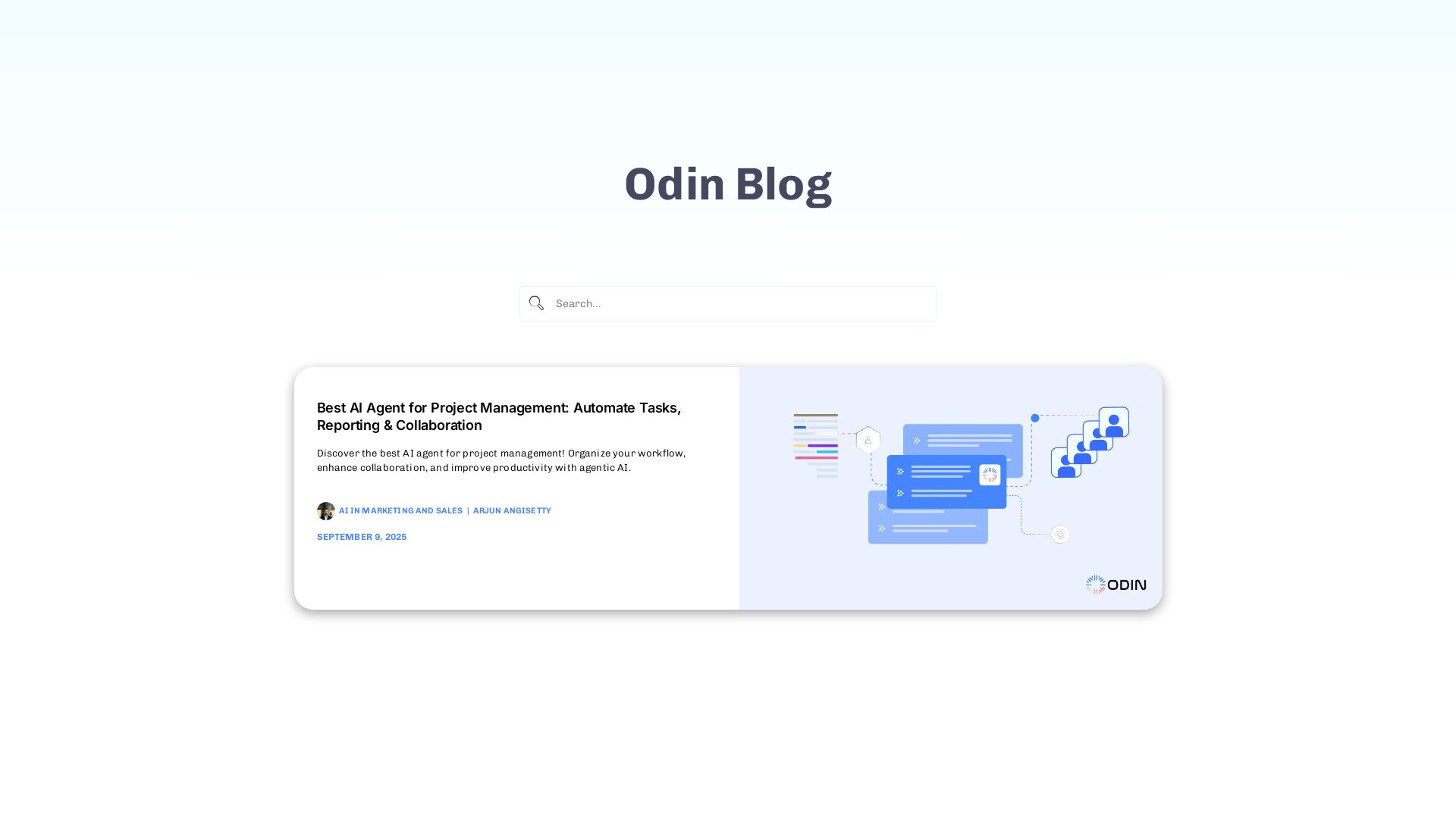
Odin AI
Automate tasks, document summarization, and collaboration with Odin AI's no-code platform. Boost productivity with intelligent AI agents.


Agentic Workers
Automate tasks with 100+ pre-built AI workflows. Connect 800+ tools, save 10+ hours/week. No coding needed. Join 13,000+ professionals.

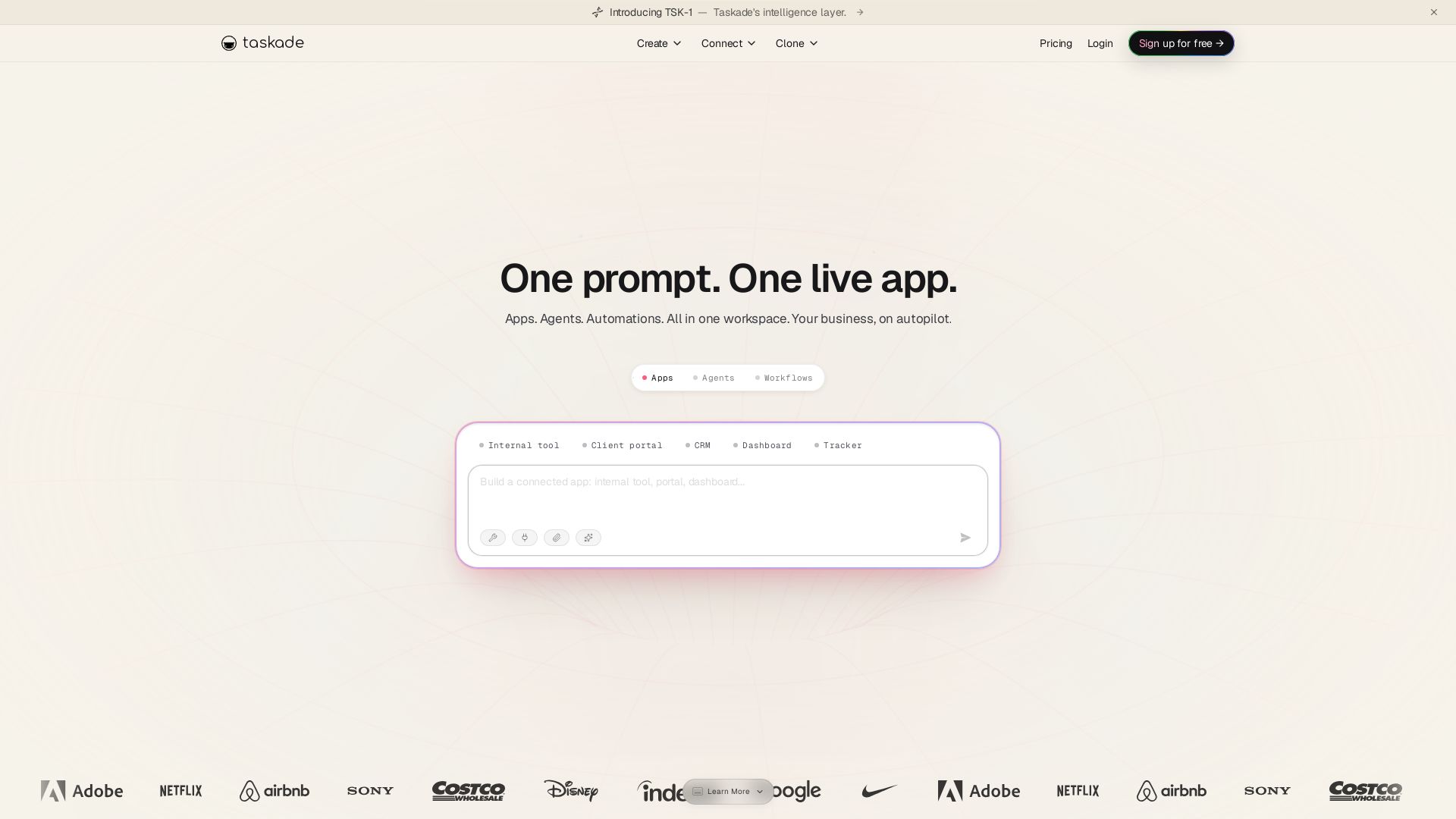
Taskade
Turn one prompt into living apps with AI agents and automations. Clone CRMs, dashboards, portals. No code. Your business on autopilot.

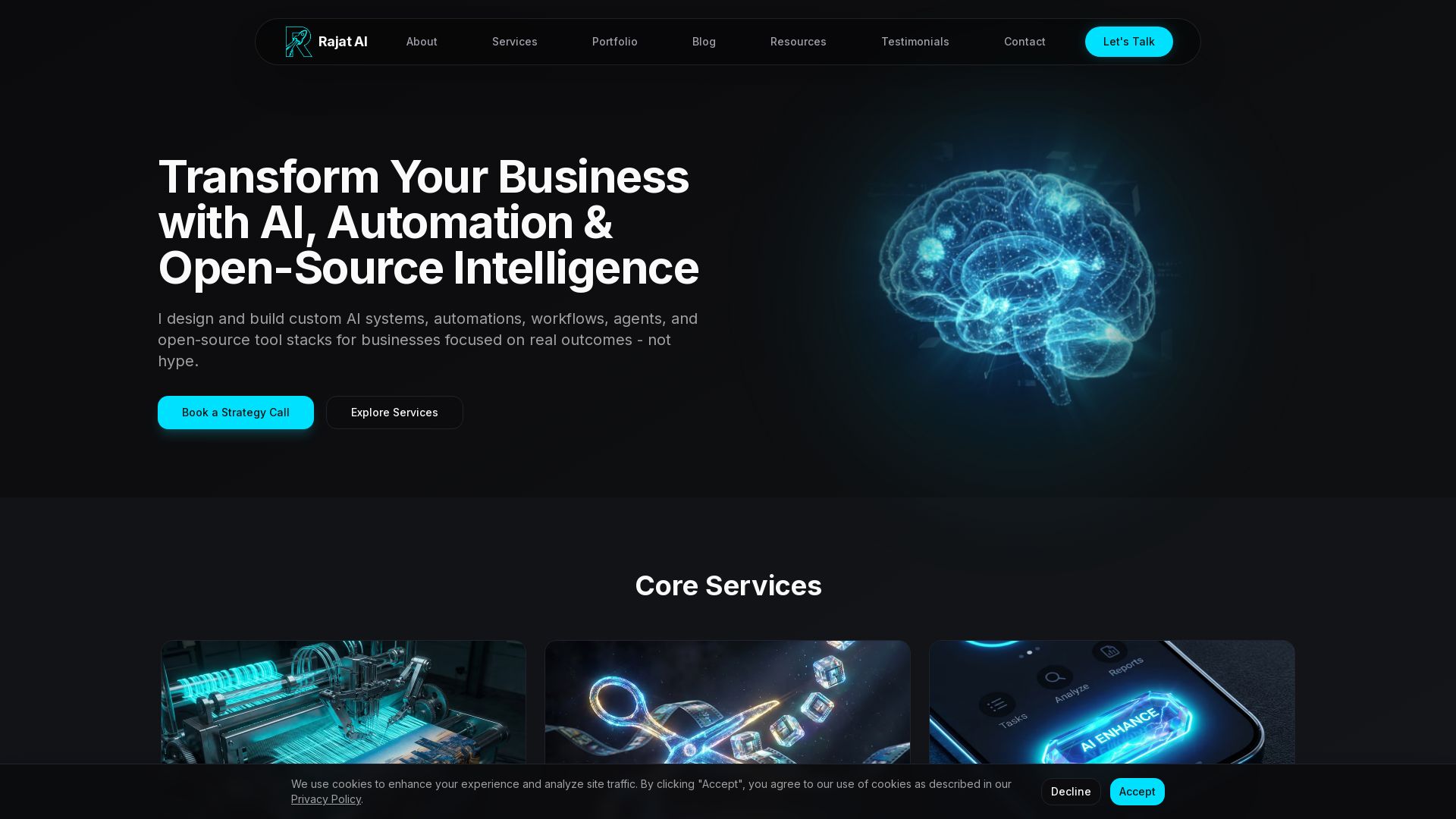

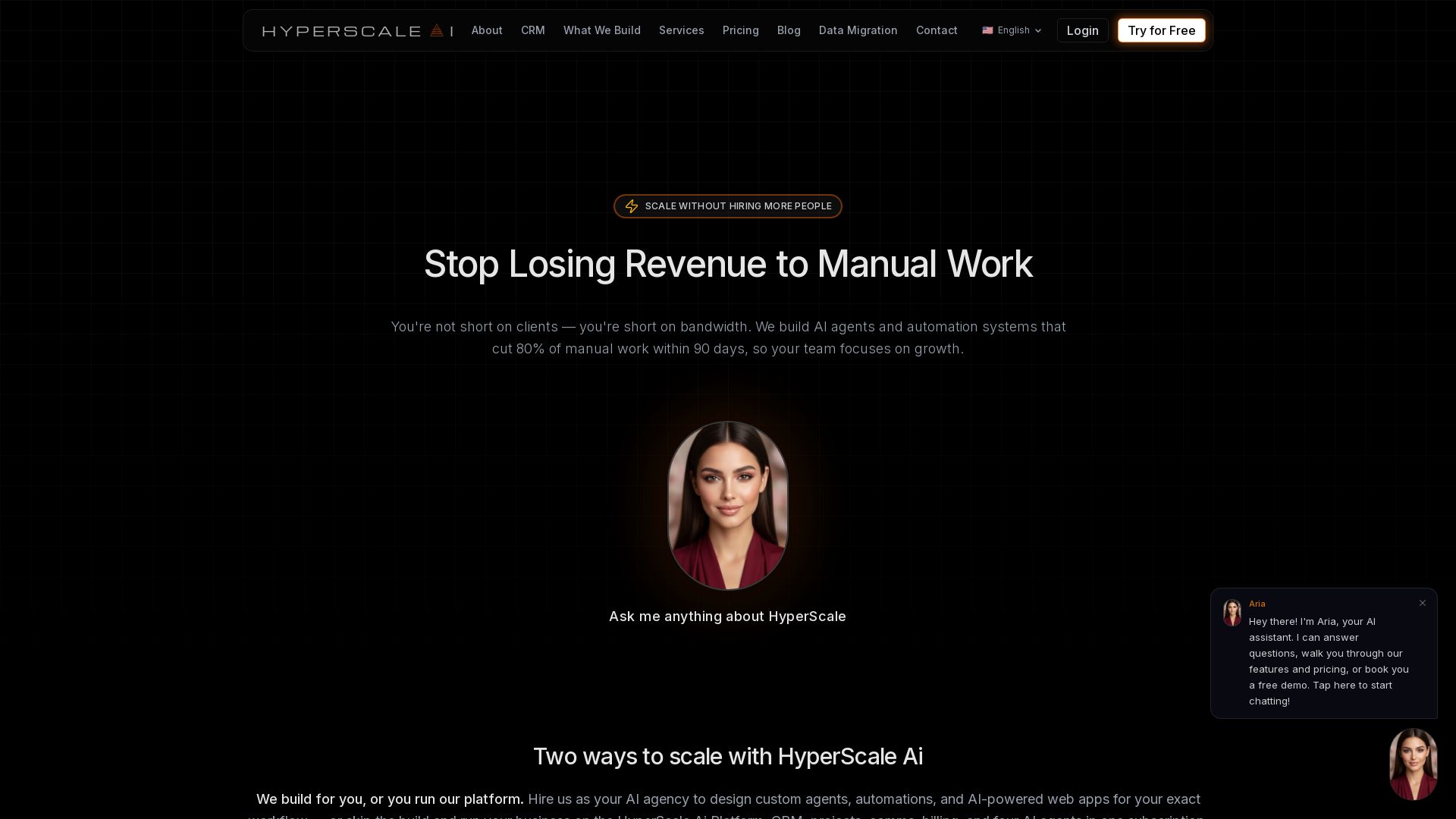
HyperScale Ai
Replace 8+ tools with one AI-native platform: CRM, projects, chat, billing, and 4 AI agents. Or hire us to build custom AI agents and automation. Scale without hiring.

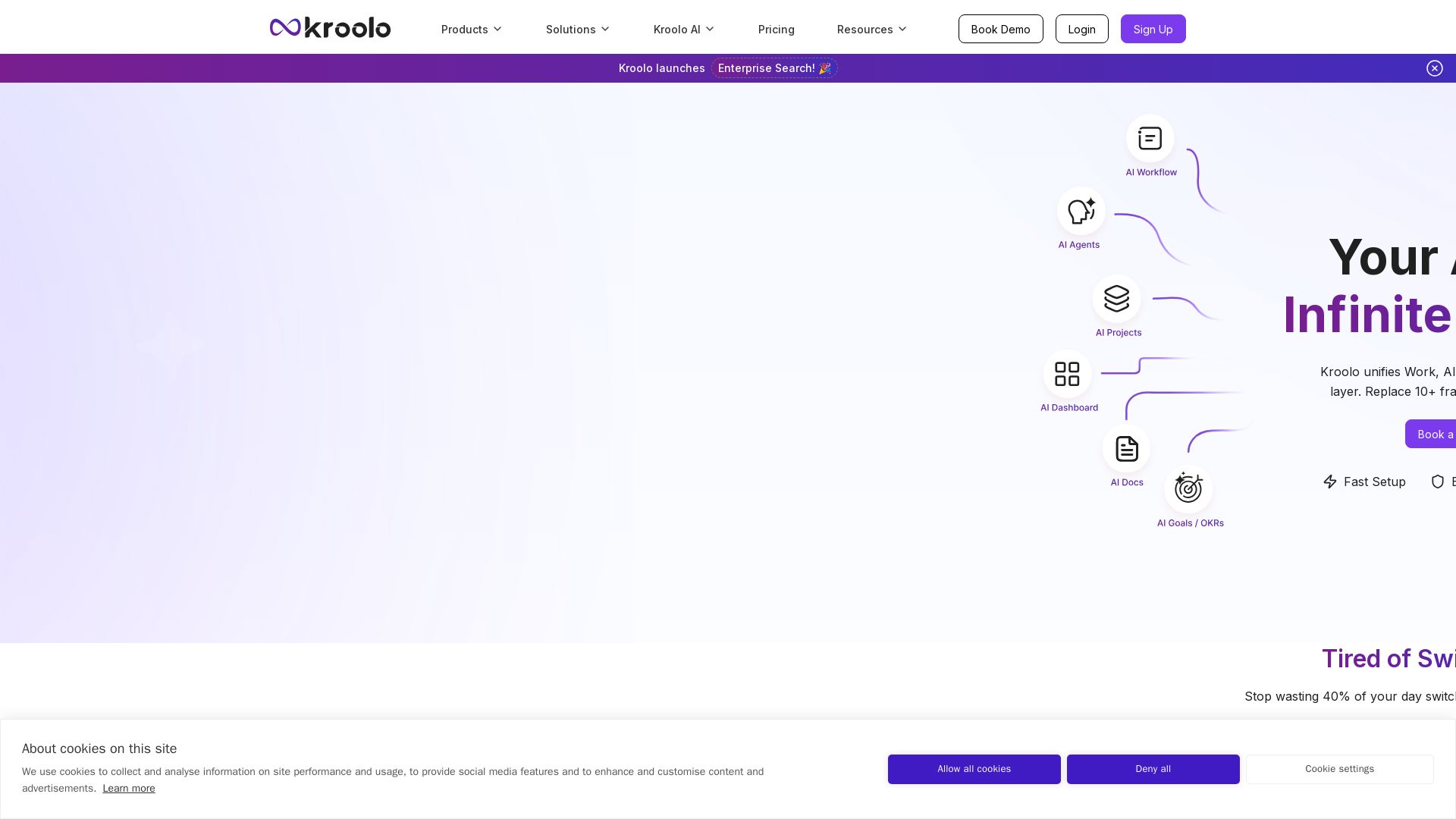
Kroolo
Replace 10+ fragmented apps with one AI-native platform. Kroolo unifies work, AI agents, and enterprise search to boost productivity up to 70%.


Making AI think and act: my approach to the Hugging Face AI ...
Experienced AI engineer specializing in medical imaging and LLM-powered agents. Built globally deployed radiology AI at AZmed. Now building AI agents at Matrix One.


SF AI Labs
End-to-end AI services from strategy to launch. Proven delivery framework, expert network in San Francisco. Maximize ROI with custom AI solutions for modern companies.

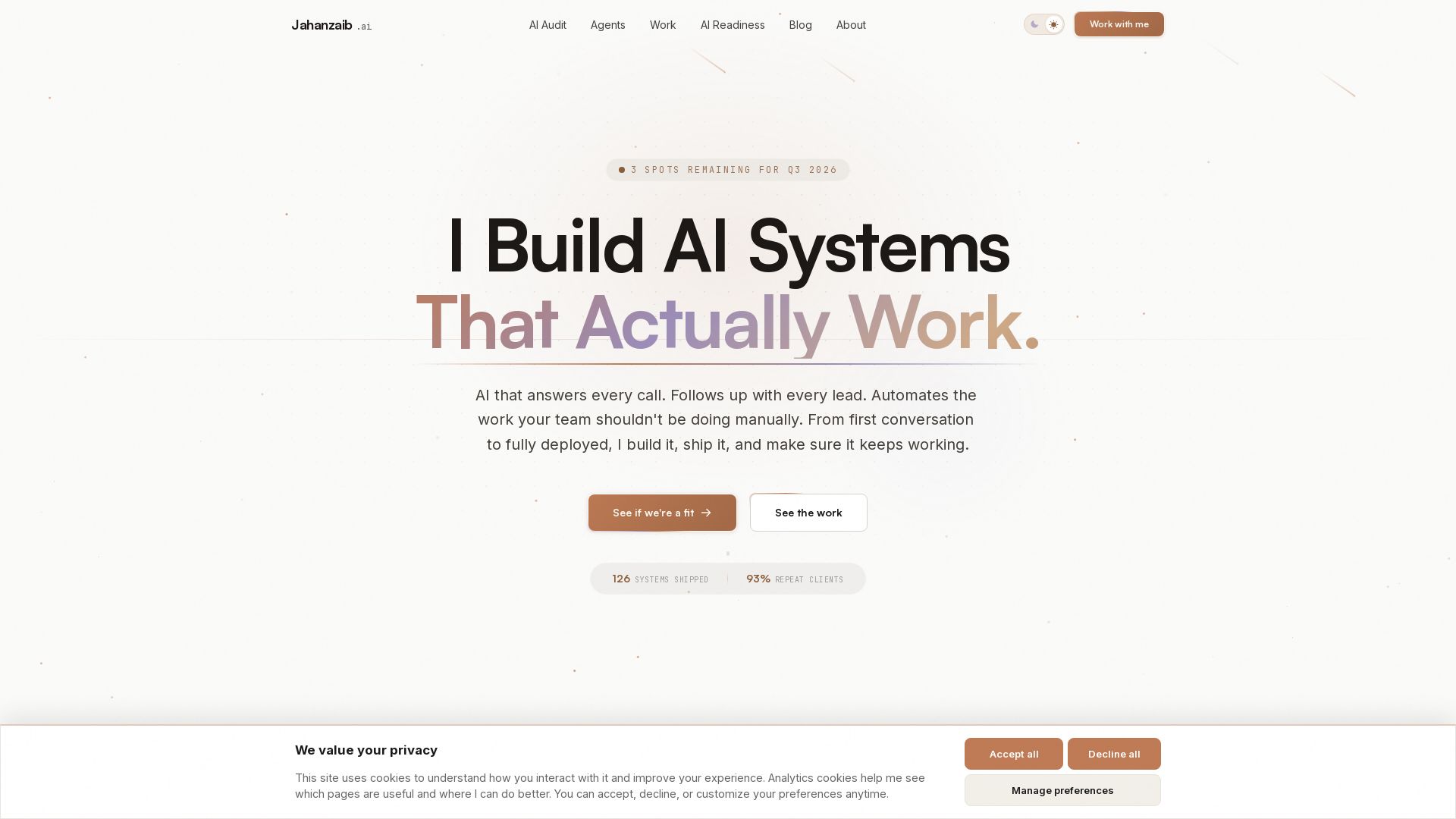
Pydantic AI Tutorial: Type-Safe Agents in Production
Production-ready AI voice agents, automation, and chatbots. 126 systems shipped. 21-day live guarantee. Book a free AI audit.

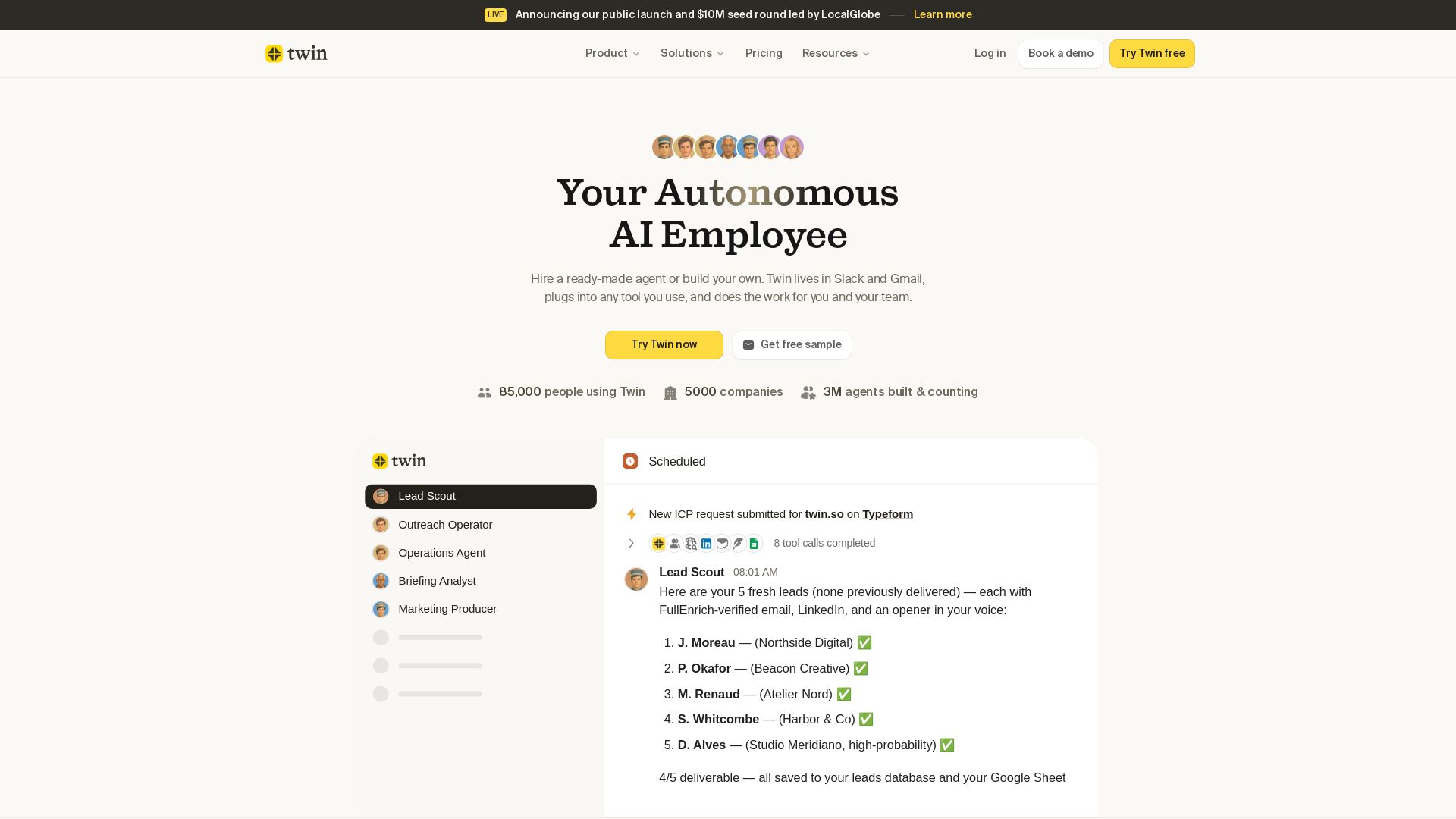
Twin
Twin: ready-made AI agents that work in Slack & Gmail. Automate prospecting, outreach, and more. Trusted by 85,000 users. Start free.


Wizr AI
Build autonomous enterprises with AI-powered automation. Accelerate software delivery by 50% with production-ready AI systems. Trusted by world-class enterprises.


Scuti AI
We specialize in generative AI, AI-OCR, RAG, and offshore development. Combining Vietnam's speed with Japan's quality to automate tasks and boost business.

ℹ️ Curation Disclosure: The overview and features of Stackby were synthesized using AI and fact-checked by our curation team to ensure accuracy.