
Find Anomaly
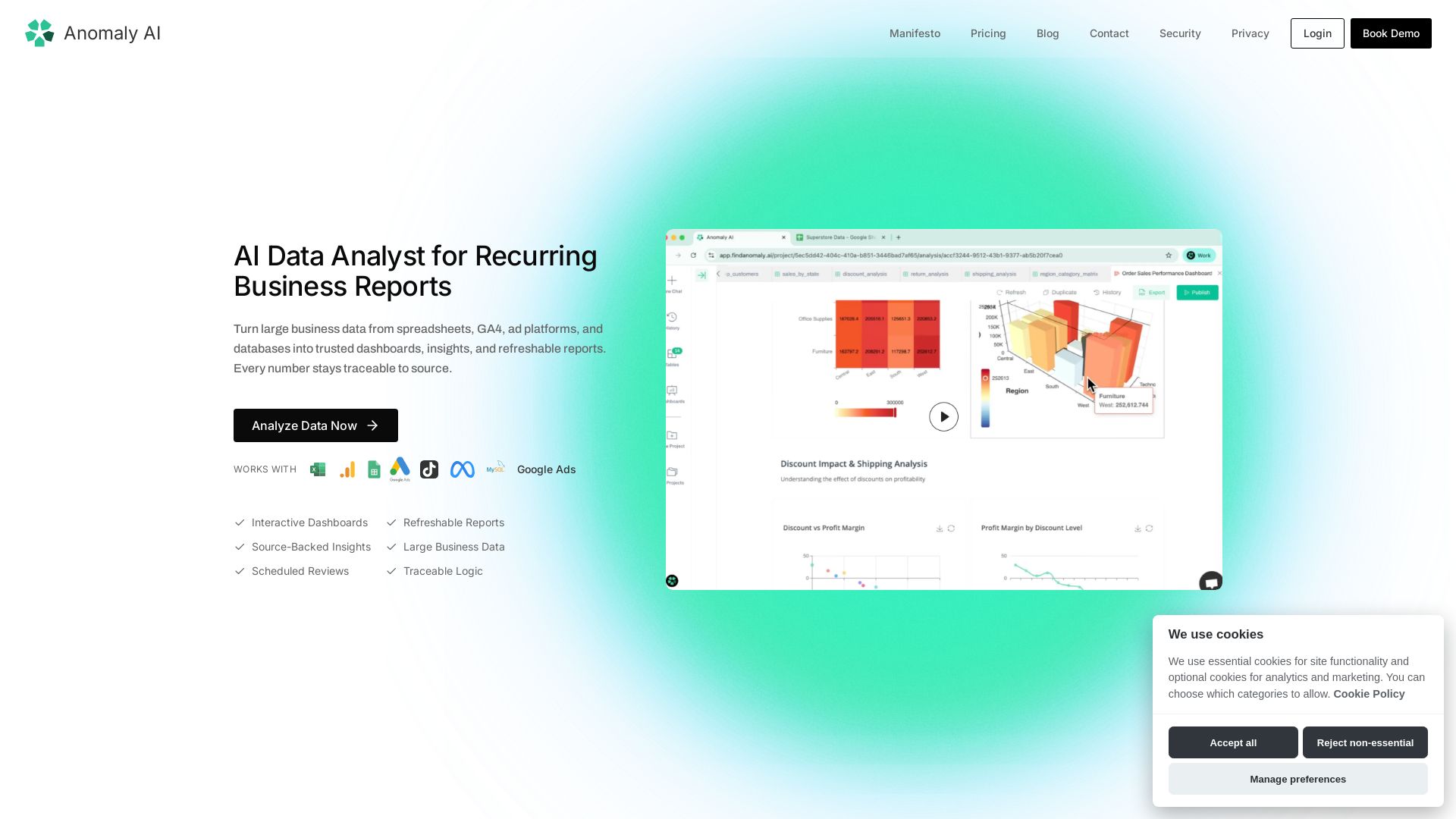
Turn large spreadsheet, GA4, ad, and database data into trusted dashboards & refreshable reports. Every number traceable to source.
Editor's Verdict
Key Takeaways
- AI Data Analyst
- Interactive Dashboards
- Refreshable Reports
- Source-Backed Insights
In-Depth Review: What is Find Anomaly?
Anomaly AI is an AI-powered data analyst that transforms recurring business data from spreadsheets, GA4, ad platforms, and databases into interactive dashboards, insights, and refreshable reports. It automates data cleaning, transformation, and visualization while keeping every calculation traceable to its source. Ideal for teams needing reliable, repeatable reporting for marketing, finance, customer, operations, and stakeholder reporting—without manual rebuilding.
Core Features
AI Data Analyst
Turn large business data from spreadsheets, GA4, ad platforms, and databases into trusted dashboards, insights, and refreshable reports with every number traceable to source.
Interactive Dashboards
Create interactive dashboards that update with new data, making it easy to explore trends and drill down into details.
Refreshable Reports
Schedule and refresh reports automatically so stakeholders always see the latest data without manual effort.
Source-Backed Insights
Every insight, KPI, and calculation is linked back to the original source data for full auditability and trust.
Data Connectors
Connect to Google Sheets, GA4, Excel, BigQuery, Snowflake, MySQL, and other databases and ad platforms seamlessly.
Auto Data Cleaning
AI automatically scans for quality issues, duplicates, missing values, and outliers to prepare data for analysis.
Traceable Logic
Definitions, calculations, and business rules are documented and reusable across reporting cycles.
Pricing
Free
- 30 credits/month
- ~16 insights with charts or ~4 dashboards
- All data sources supported
- Core analysis features
- Live chat support
Pro
- 1,000 credits/month
- ~600 insights with charts or ~200 dashboards per month
- All data sources supported
- Shareable dashboards
- Auto report scheduling
- Priority support
Team
- 2,000 credits/seat/month
- ~1,200 insights with charts or ~400 dashboards per paid seat
- Everything in Pro
- Shared workspace and team billing
- Team usage visibility
- Collaboration and admin controls
Enterprise
- Credits sized to your team
- Annual contracts available
- Seat-based pricing options
- Dedicated support
- SSO + SAML
- Custom SLA
- Advanced security & compliance
Pros and Cons
Pros
- AI-Driven AutomationAutomates data cleaning, transformation, and visualization, saving hours of manual work.
- Traceable to SourceEvery number and insight is linked back to original data, ensuring trust and auditability.
- Handles Large DataProcesses large datasets that no longer fit in spreadsheets, with automatic validation.
- Integrates WidelyConnects to multiple data sources like GA4, Excel, Google Sheets, and cloud databases.
- Scheduled ReportsReports can be refreshed automatically on a schedule, keeping stakeholders updated.
Cons
- Credit-Based UsageEach action consumes credits, which may limit heavy users on lower tiers.
- Learning CurveNew users may need time to understand the credit system and agent workflow.
- Requires Data ConnectionRelies on connecting external data sources; offline files might need manual upload.
- Limited Free TierFree plan offers only 30 credits/month, which may be insufficient for regular use.
- No Offline ModeThe tool is cloud-based and requires internet access to function.
Use Cases & Recommended Professions
Data Analyst→ View Toolkit
Automates repetitive reporting and data cleaning, allowing focus on deeper analysis.
Marketing Manager→ View Toolkit
Turns GA4 and ad platform data into weekly performance reports with actionable insights.
Finance Professional→ View Toolkit
Refreshes revenue, cost, and margin reports from spreadsheets for board reviews.
Product Manager→ View Toolkit
Tracks retention, feature usage, and customer cohorts without rebuilding dashboards.
Operations Manager→ View Toolkit
Reviews production, inventory, and service level data from large operational datasets.
Client Reporting Specialist→ View Toolkit
Moves from raw exports to client-ready dashboards with traceable evidence.
Frequently Asked Questions
Alternative AI Tools
View Detailed Comparison →
PrometAI
Generate investor-ready business plans in minutes with PrometAI's AI. Trusted by 100,000+ founders. Start for free, no guesswork.


AIGenerator
Plan, launch, and grow your business with AI. Generate business plans, ads, and content in minutes. Free to start.

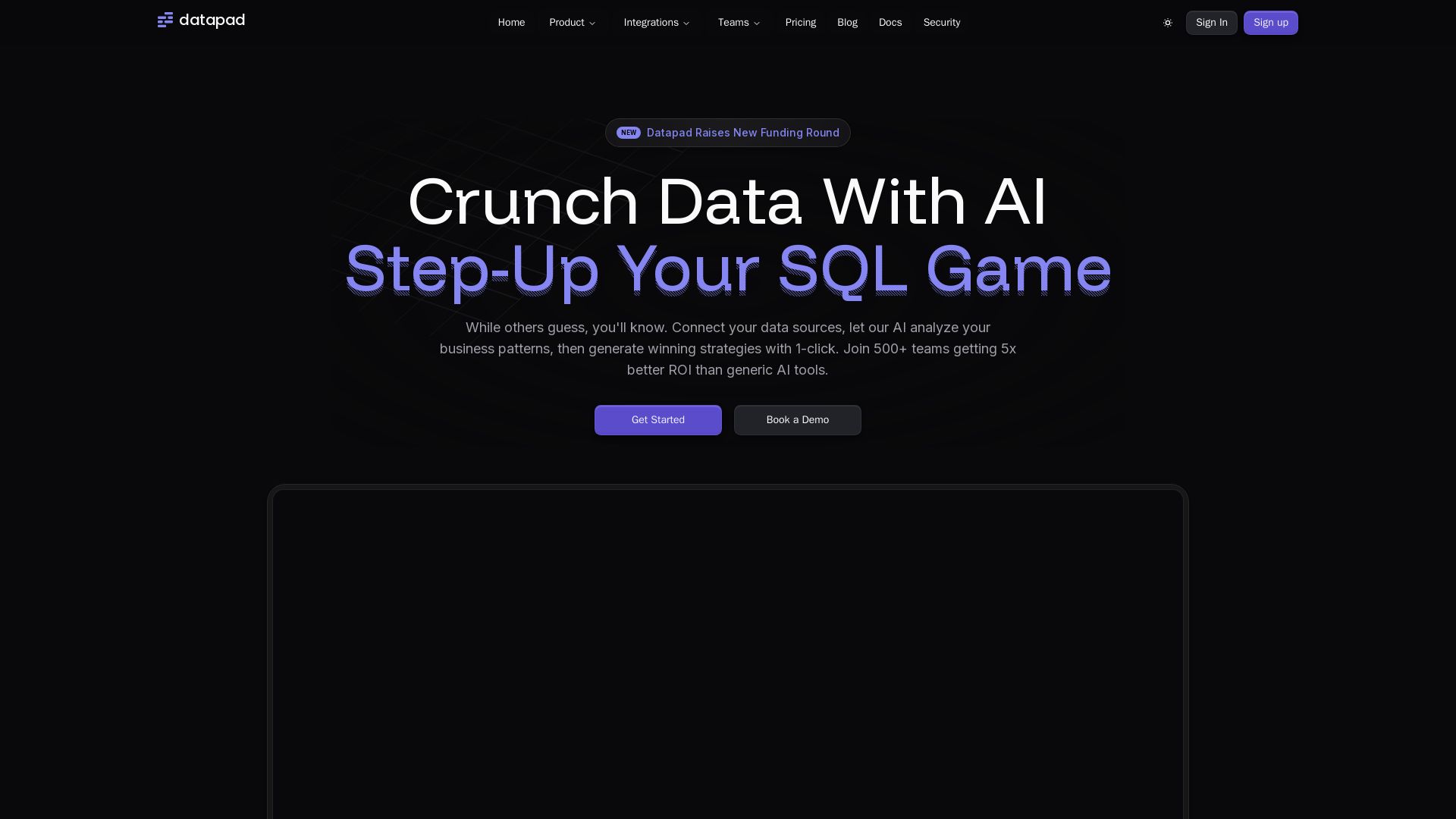
Datapad
Connect any data source, ask questions in plain English. Datapad's AI generates instant insights, dashboards, and strategies. Join 500+ teams getting 5x better ROI.

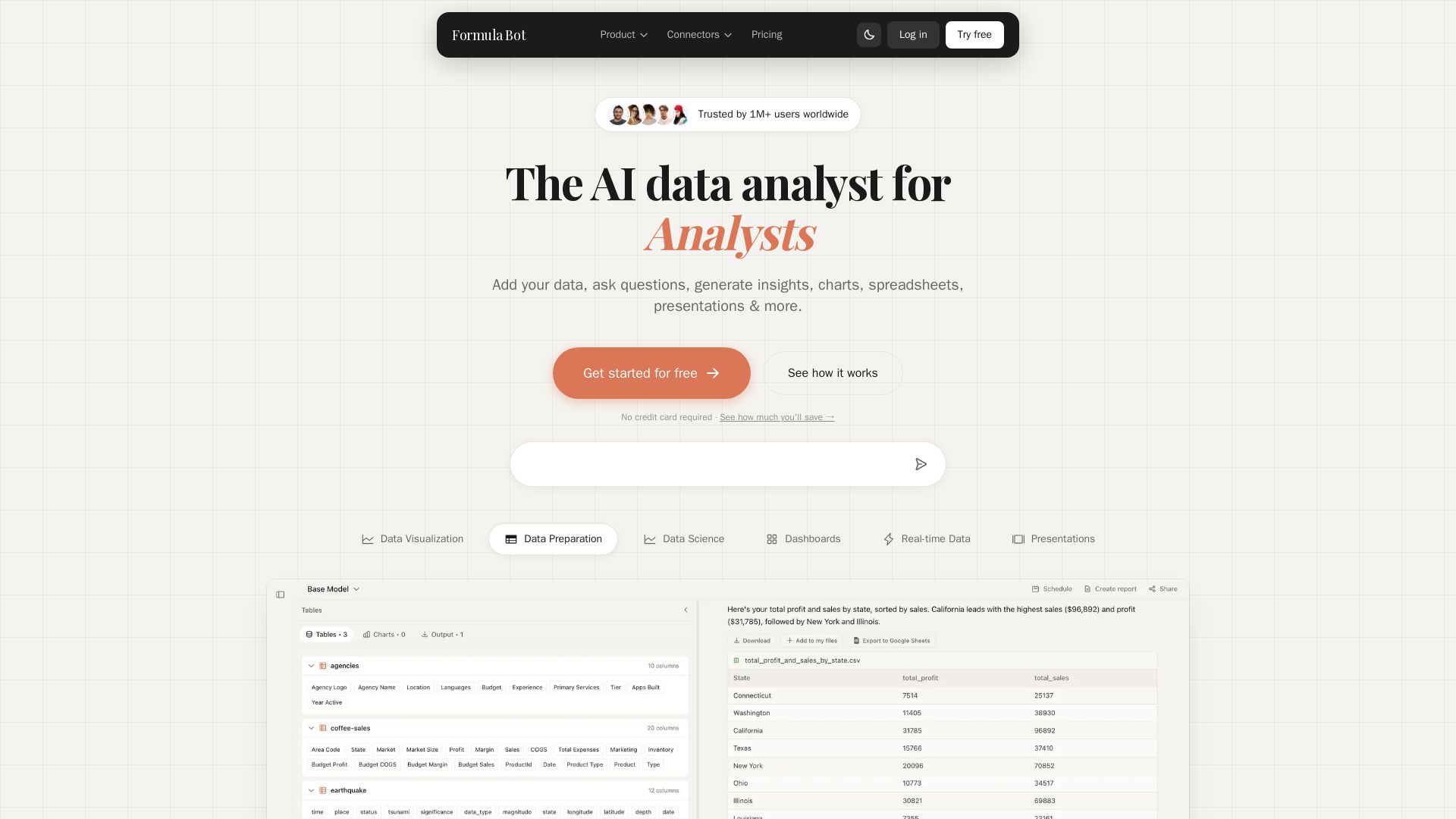
Formula Bot
Add your data, ask questions in plain English, and get instant insights, charts, and dashboards. Free plan available. No credit card required.

GigaSpaces
eRAG grounds GenAI in your operational data for accurate insights. Deploys in 2-3 weeks, no data prep. Drive revenue & efficiency.

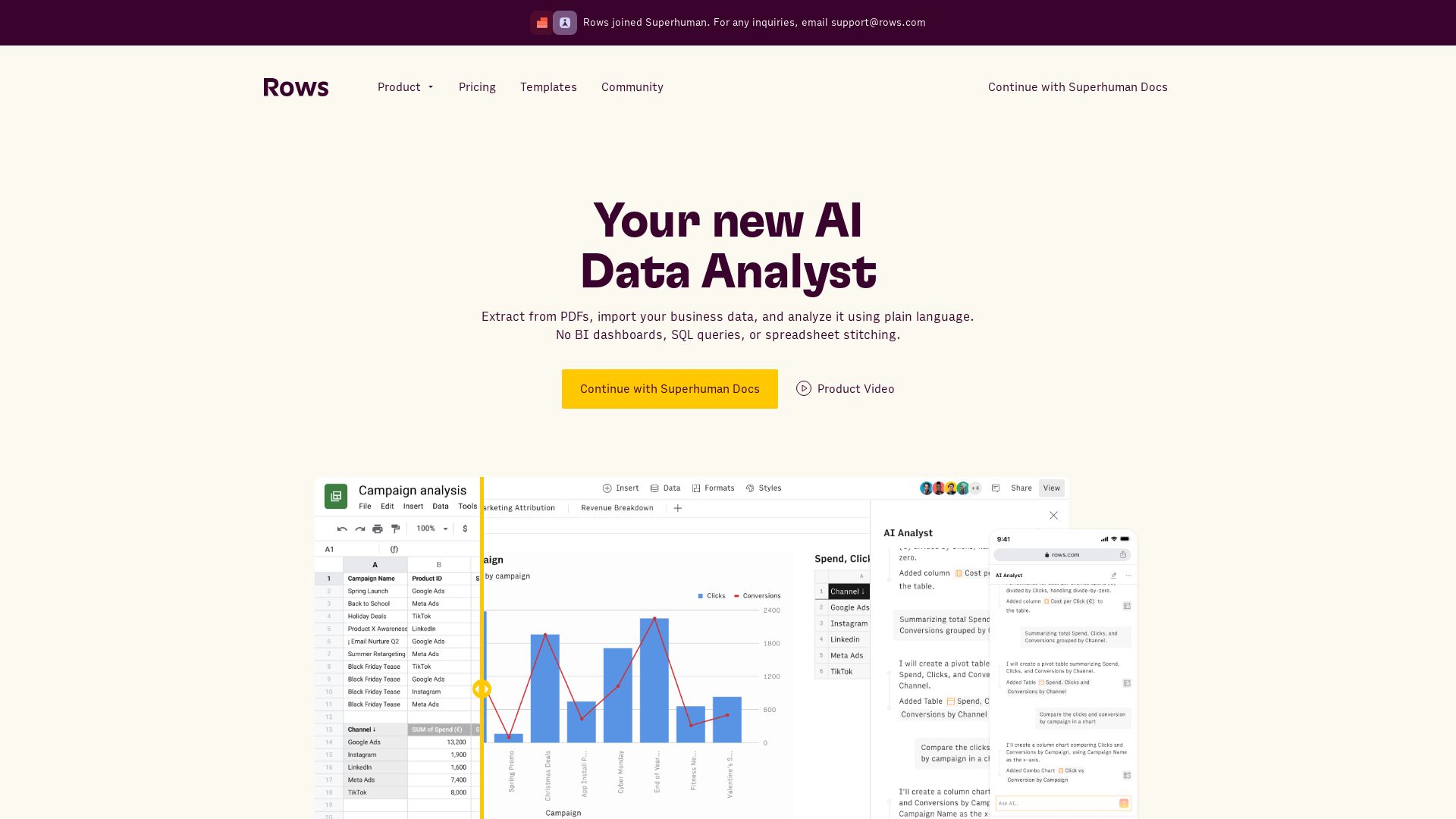
Rows
Extract data from PDFs, analyze with plain language, build live reports. No SQL needed. Integrate 50+ sources. Collaborate in real-time.

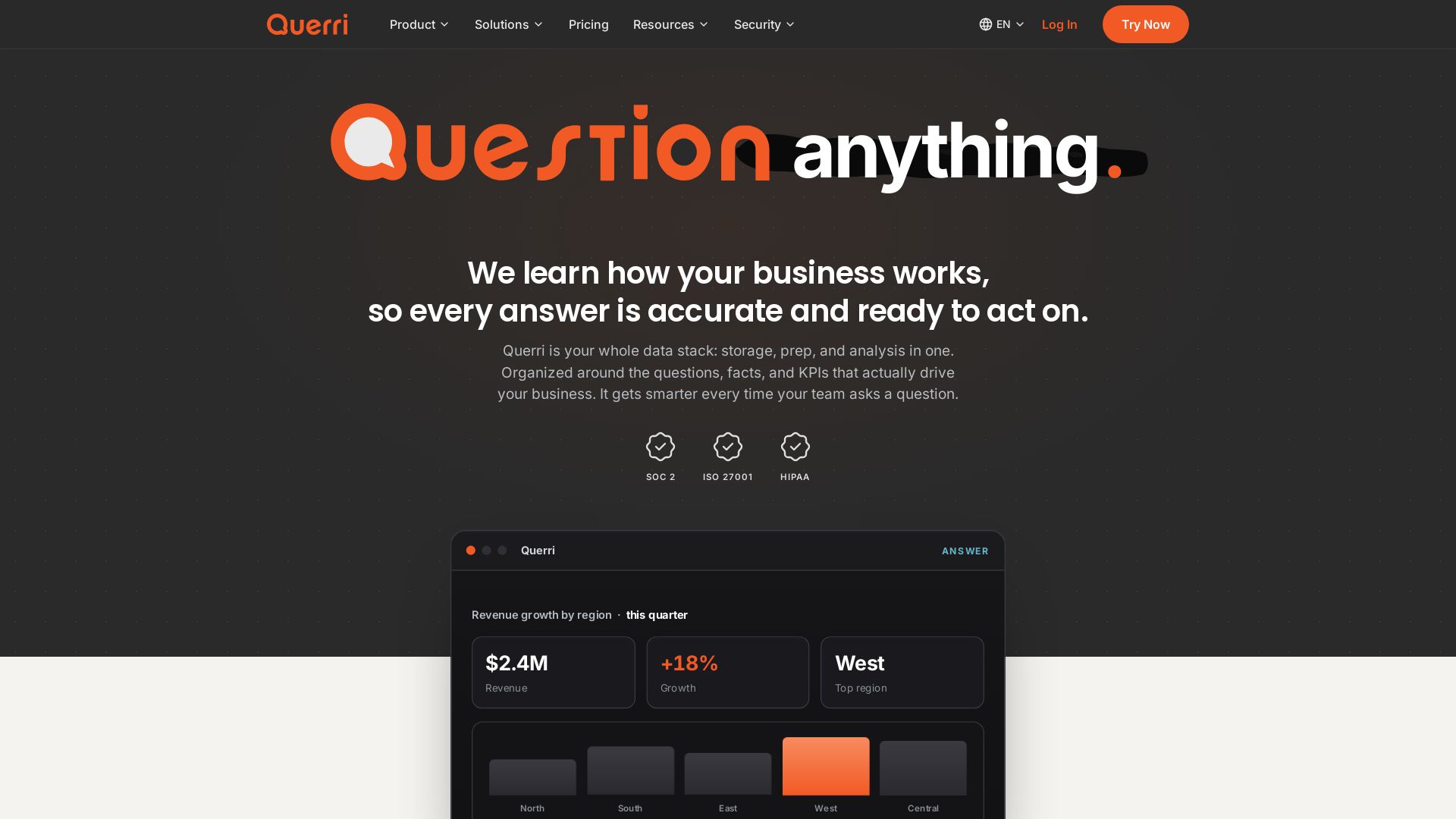
Querri
Turn questions into insights instantly. Connect, clean, analyze data in plain English. One platform: storage, semantics, dashboards, AI chat. SOC2, HIPAA compliant.


BizPlanr
Create a professional business plan in minutes with our free AI-powered generator. Used by 1000+ users. Get your free draft now!


Julius AI
Unlock insights with Julius - AI assistant for data analysis, Excel models, website building, and more. Sign up free.

AI Business Stack
Practical AI workflows for leads, quotes, client admin, and more. Start with a free planner, then pick the right pack or software for your business.


BznsBuilder
AI-powered financial planning and forecasting for SMEs. Build business plans, track KPIs, and make smarter decisions with confidence.



ℹ️ Curation Disclosure: The overview and features of Find Anomaly were synthesized using AI and fact-checked by our curation team to ensure accuracy.
