
Datapad
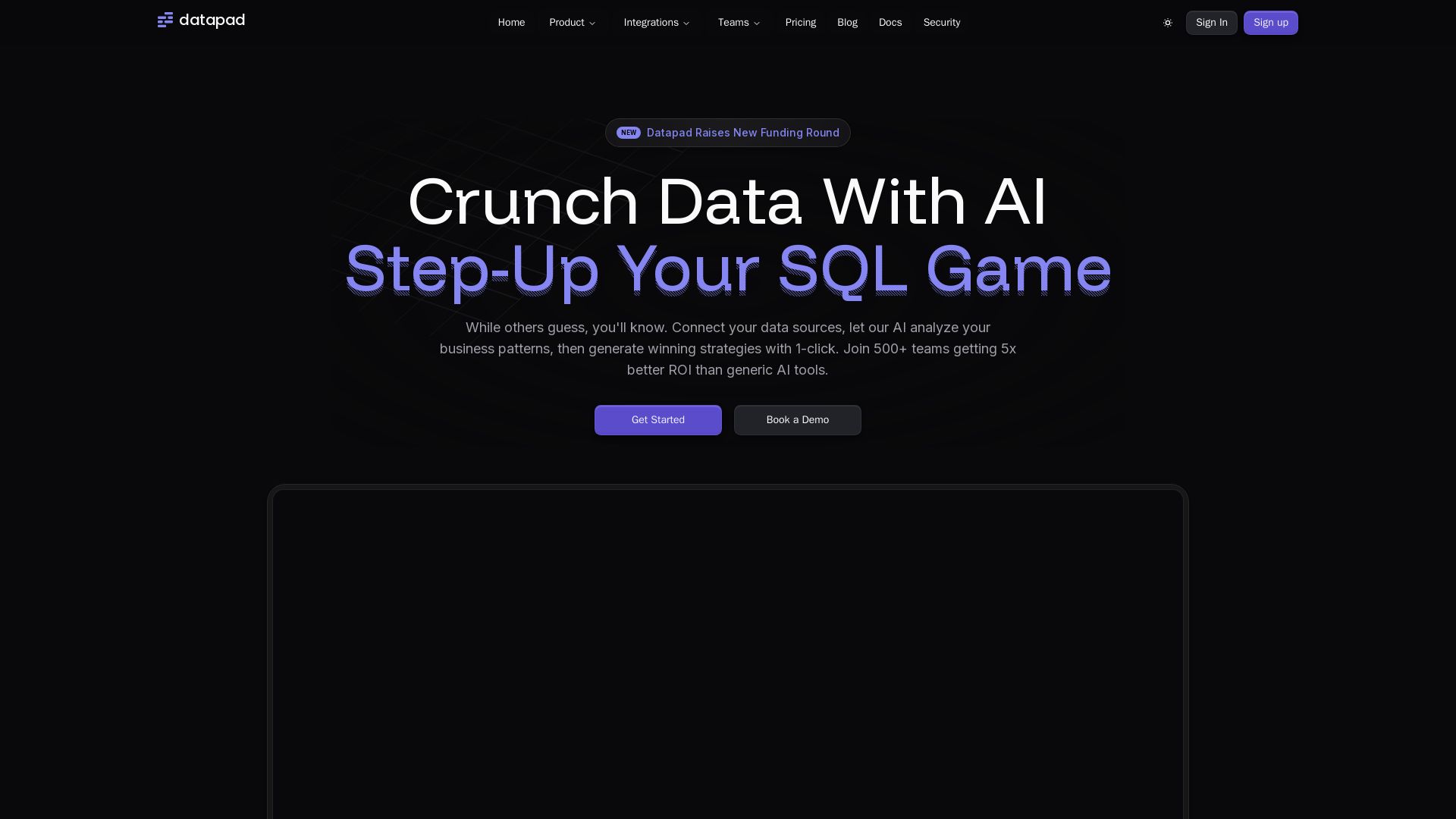
Connect any data source, ask questions in plain English. Datapad's AI generates instant insights, dashboards, and strategies. Join 500+ teams getting 5x better ROI.
Editor's Verdict
Key Takeaways
- AI Data Agent
- Dashboards
- Text2SQL & Python
- Data Blending
In-Depth Review: What is Datapad?
Datapad is an AI-driven data analysis platform that lets you connect multiple data sources—databases, CRMs, marketing tools—and ask business questions in natural language. Its AI agent executes SQL and Python code to blend data, uncover hidden patterns, and deliver predictive models. Built-in dashboards, real-time alerts, and 50+ workflows turn raw data into actionable insights, ad campaigns, and reports. Trusted by startups and enterprises, it replaces expensive data teams and provides insights in seconds.
Core Features
AI Data Agent
Talk to your data like a human analyst. Get instant answers with charts and visualizations.
Dashboards
AI creates custom dashboards tailored to your business needs automatically.
Text2SQL & Python
Convert natural language questions into executable code and database queries.
Data Blending
Combine data from multiple sources for comprehensive cross-platform analysis.
Shareable Reports
Generate and share professional reports and dashboards with stakeholders instantly.
50+ Integrations
Connect all your data sources: databases, marketing, sales, and social platforms.
Slack Bot
Get data insights and alerts directly in your team's communication hub.
AI Workflows
50+ ready-to-use AI workflows that create actionable deliverables from your data.
Voice Mode
Present data insights through voice interaction with real-time updates.
Multi-Model AI
Leverage Claude, ChatGPT, and other AI models for optimal results.
Learning Layer
Personalized AI that learns from users, data sources, and workspace context.
Web Access
Real-time web data integration for comprehensive market analysis.
Pricing
Free
- 1 User
- 5 daily chat messages
- 1 saved report
- Community support
Basic
- 1 User
- Unlimited Messages
- Unlimited File Uploads
- 1 Data Source except Database
Basic
- 1 User
- Unlimited Messages
- Unlimited File Uploads
- 1 Data Source except Database
Pro
- Per User Pricing
- Unlimited Messages
- Unlimited File Uploads
- Unlimited Dashboards
- 10 Data Sources except Databases
Pro
- Per User Pricing
- Unlimited Messages
- Unlimited File Uploads
- Unlimited Dashboards
- 10 Data Sources except Databases
Scale
- Per Workspace Pricing
- Unlimited Messages
- Unlimited File Uploads
- Unlimited Dashboards
- Unlimited Data Sources including Databases
- Priority support
- Workflow & Automation
- Slack Bot
- Auto-Learning Agent
Scale
- Per Workspace Pricing
- Unlimited Messages
- Unlimited File Uploads
- Unlimited Dashboards
- Unlimited Data Sources including Databases
- Priority support
- Workflow & Automation
- Slack Bot
- Auto-Learning Agent
Enterprise
- Everything in Scale
- Bring Your Own Cloud
- Dedicated Support
- Custom Services
- Advanced Security & Compliance
- Priority Feature Requests
- White-label Options
Pros and Cons
Pros
- Natural Language QueriesAsk questions in plain English and get instant, sophisticated insights without writing code.
- Data BlendingEasily combine data from multiple sources for comprehensive cross-platform analysis with drag-and-drop simplicity.
- Automated Workflows50+ ready-to-use AI workflows that generate actionable deliverables like campaigns, strategies, and content ready to deploy.
- Code-Level AnalysisThe AI seamlessly switches between SQL for data extraction and Python for advanced modeling, providing sophisticated analysis.
- Multi-Model AILeverages multiple AI models (Claude, ChatGPT, etc.) to optimize results and provide the best insights.
Cons
- Limited Free PlanThe free plan allows only 5 daily chat messages, which may be restrictive for frequent use.
- Learning CurveUsers may need time to adapt to interacting with the AI agent and understanding its capabilities.
- Data Source Limits on Lower PlansBasic and Pro plans restrict the number of data sources and exclude databases, requiring upgrade for full integration.
- High Cost for ScaleThe Scale plan at $1000/month may be expensive for small teams or startups with limited budgets.
- AI Accuracy DependenceThe AI might misinterpret complex or ambiguous queries, requiring iterative refinement.
Use Cases & Recommended Professions
Data Analyst→ View Toolkit
Quickly gain insights and generate reports without writing complex SQL queries or Python code.
Marketing Manager→ View Toolkit
Analyze campaign performance, ROI, and blend data from multiple channels to optimize strategies.
Business Analyst→ View Toolkit
Combine data from various sources for cross-functional analysis and data-driven recommendations.
Founder or CEO→ View Toolkit
Get enterprise-level analytics and automated reports without needing a dedicated data team.
Operations Manager→ View Toolkit
Monitor KPIs, receive anomaly alerts, and streamline reporting across systems.
Data Scientist→ View Toolkit
Accelerate exploratory analysis, feature engineering, and model building with natural language prompts.
Frequently Asked Questions
Alternative AI Tools
View Detailed Comparison →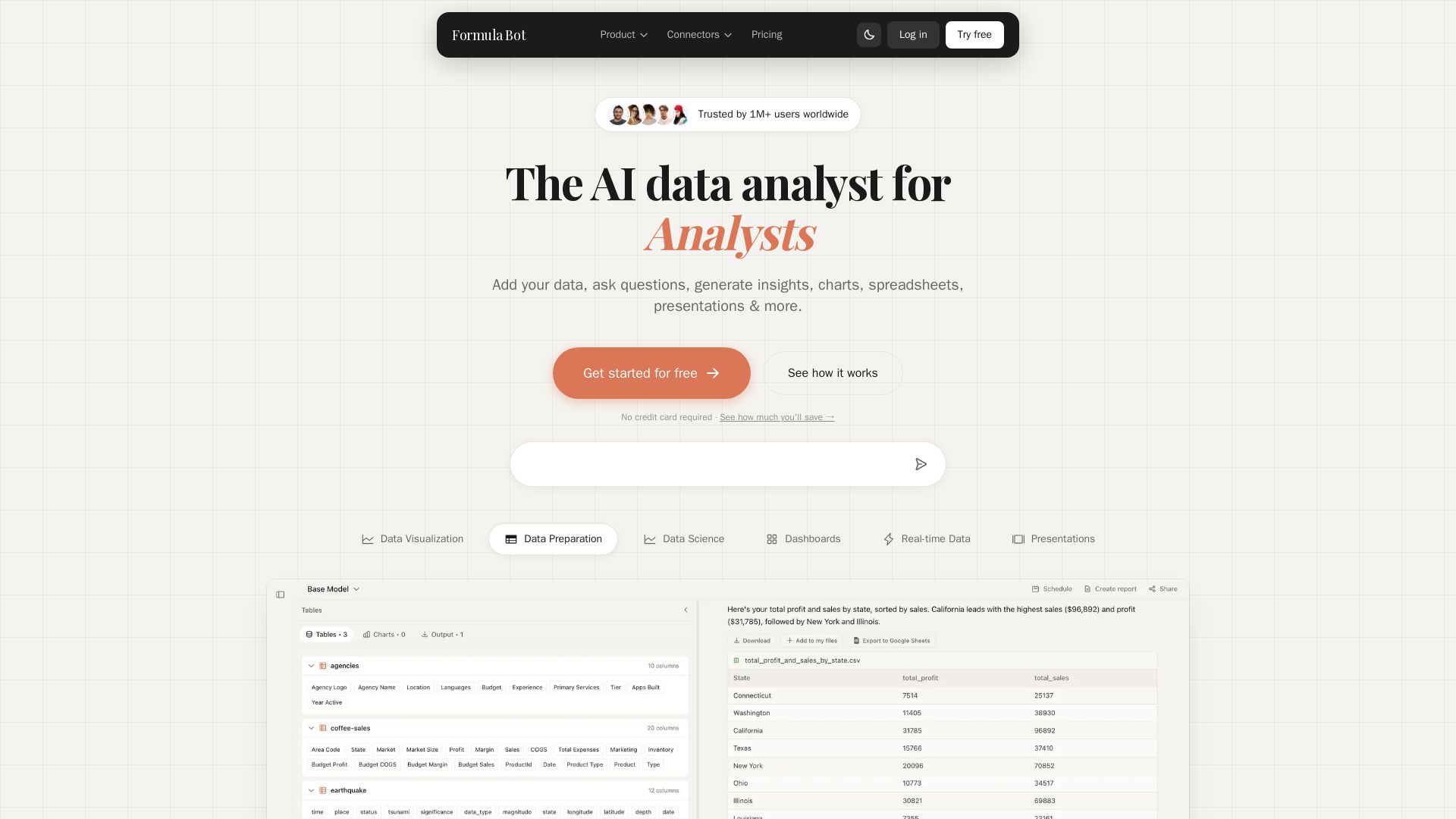
Formula Bot
Add your data, ask questions in plain English, and get instant insights, charts, and dashboards. Free plan available. No credit card required.


PrometAI
Generate investor-ready business plans in minutes with PrometAI's AI. Trusted by 100,000+ founders. Start for free, no guesswork.


AIGenerator
Plan, launch, and grow your business with AI. Generate business plans, ads, and content in minutes. Free to start.

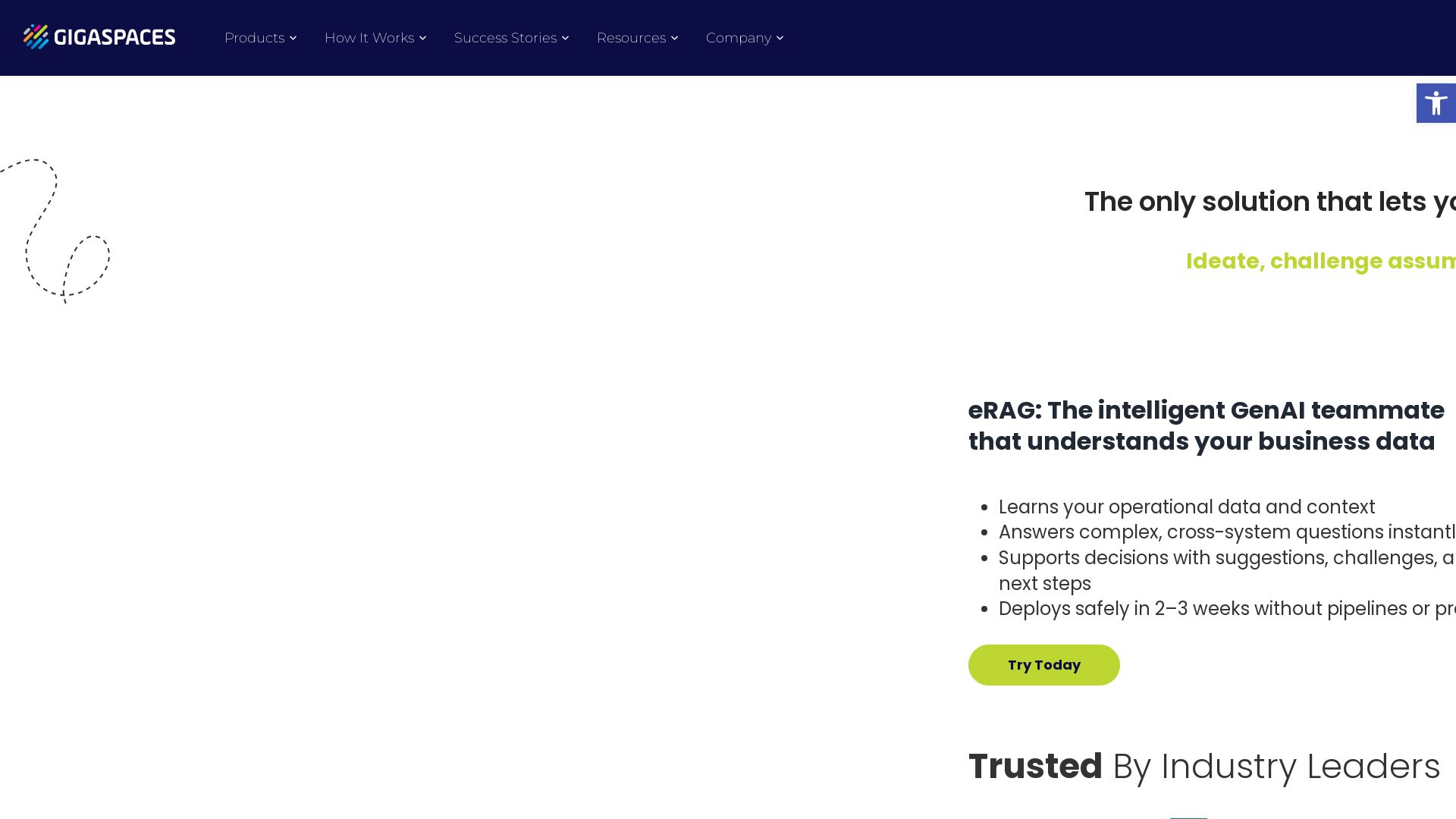
GigaSpaces
eRAG grounds GenAI in your operational data for accurate insights. Deploys in 2-3 weeks, no data prep. Drive revenue & efficiency.

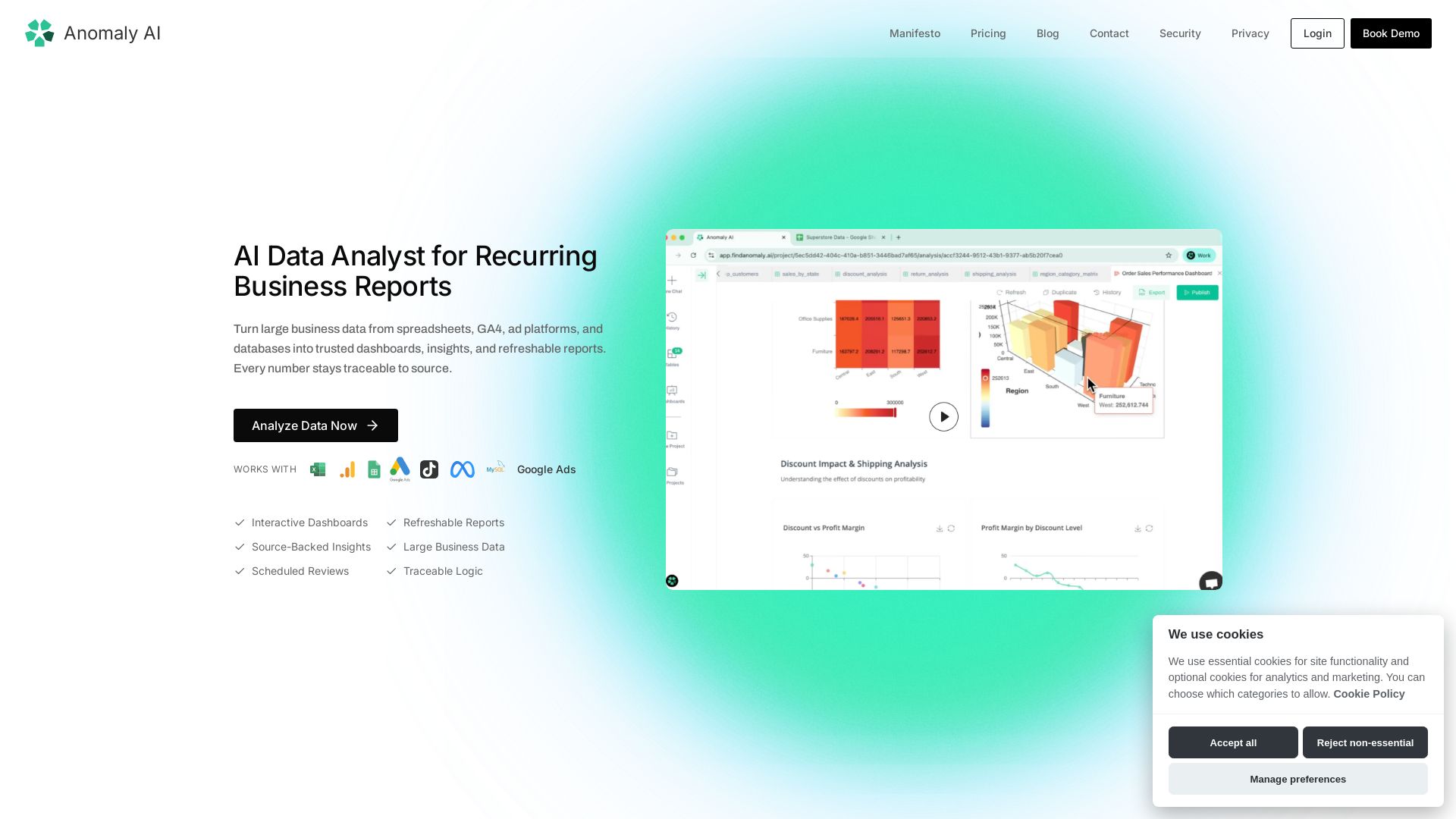
Find Anomaly
Turn large spreadsheet, GA4, ad, and database data into trusted dashboards & refreshable reports. Every number traceable to source.

ProArch
ProArch builds secure, scalable AI solutions on Microsoft expertise. We turn data into real business impact with proven outcomes. Trusted across industries.

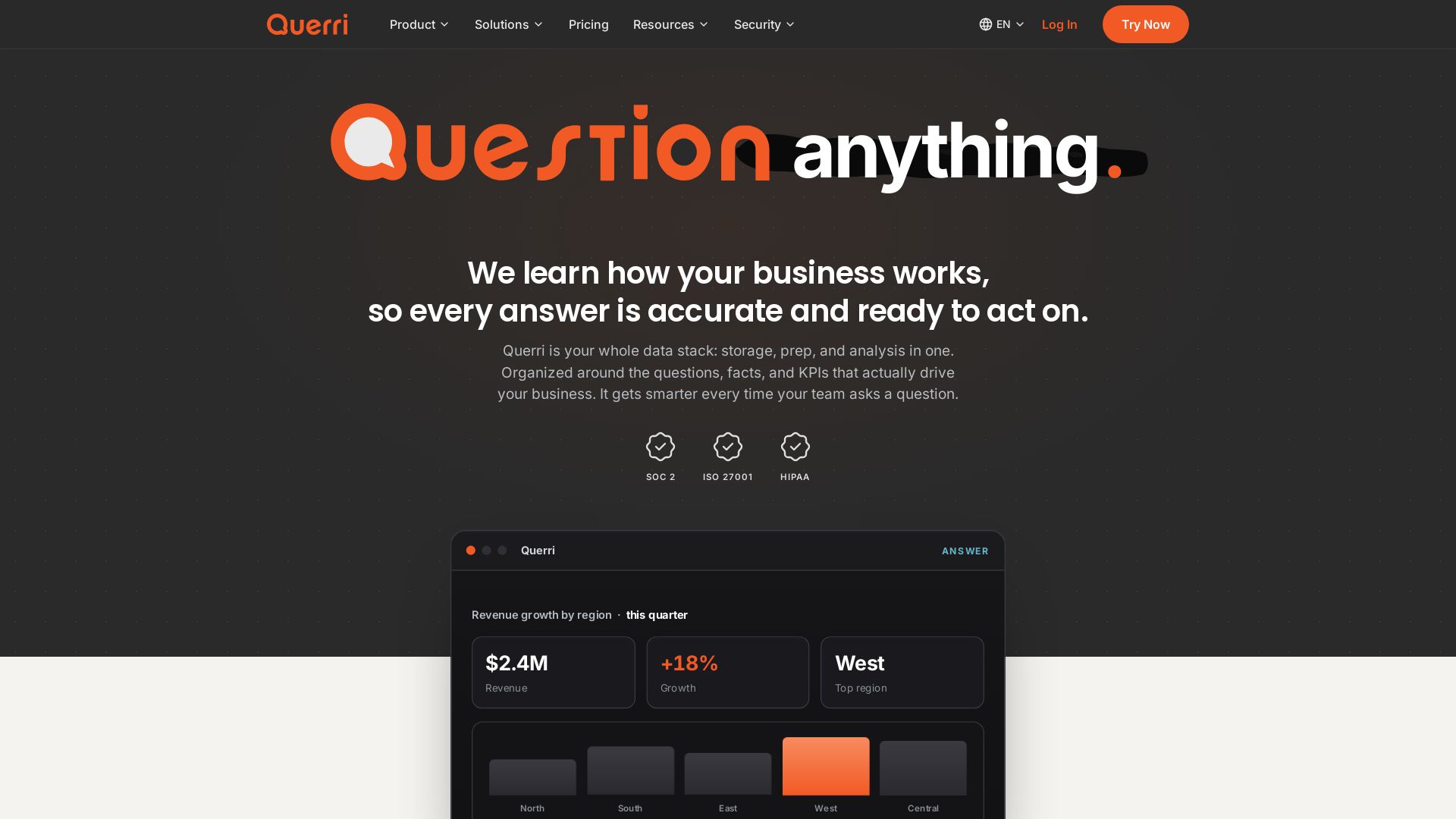
Querri
Turn questions into insights instantly. Connect, clean, analyze data in plain English. One platform: storage, semantics, dashboards, AI chat. SOC2, HIPAA compliant.

Databricks
Comprehensive how-to guides, references, and tutorials for data analysts, scientists, and engineers on the Databricks Lakehouse. Start for free.

BizPlanr
Create a professional business plan in minutes with our free AI-powered generator. Used by 1000+ users. Get your free draft now!

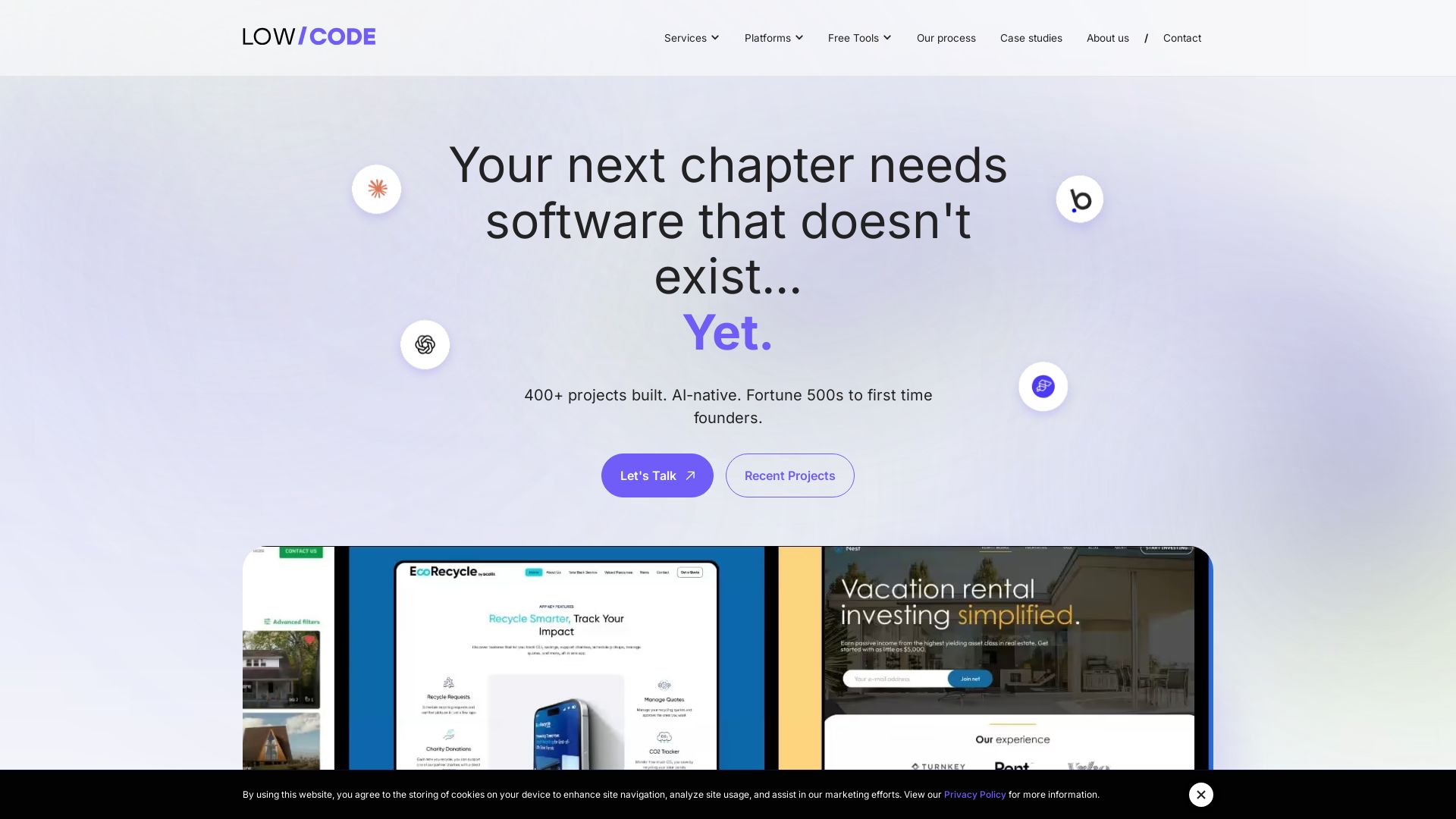
Claude Code vs LangGraph: Agent vs Workflow
Low-code development agency building custom apps, AI automations, and MVPs for businesses and startups. 400+ projects delivered. Trusted by Fortune 500s and founders.

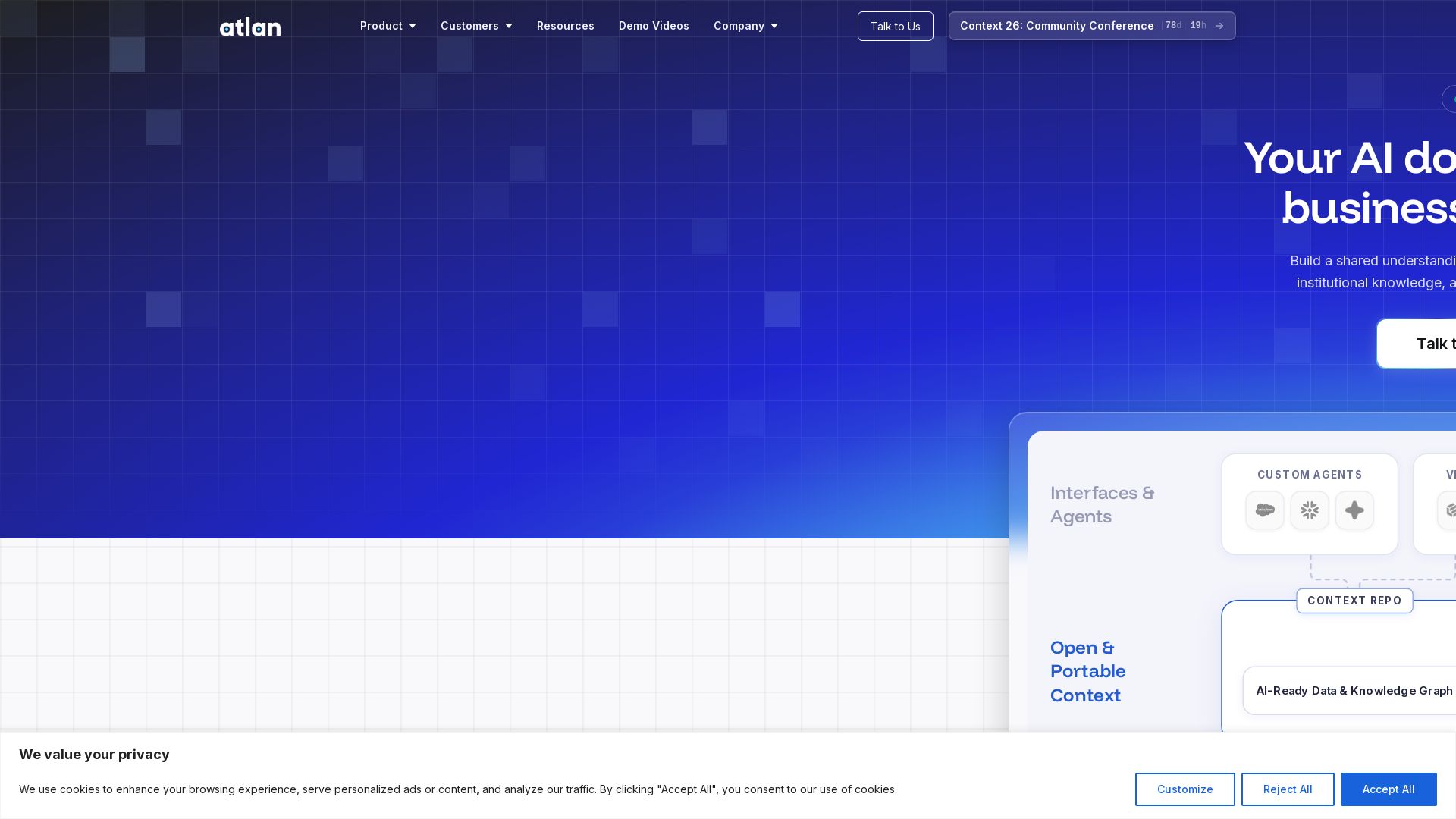
Atlan
Unify data, business logic, and knowledge into a living graph. Reduce AI hallucinations and ship agents that understand your business.

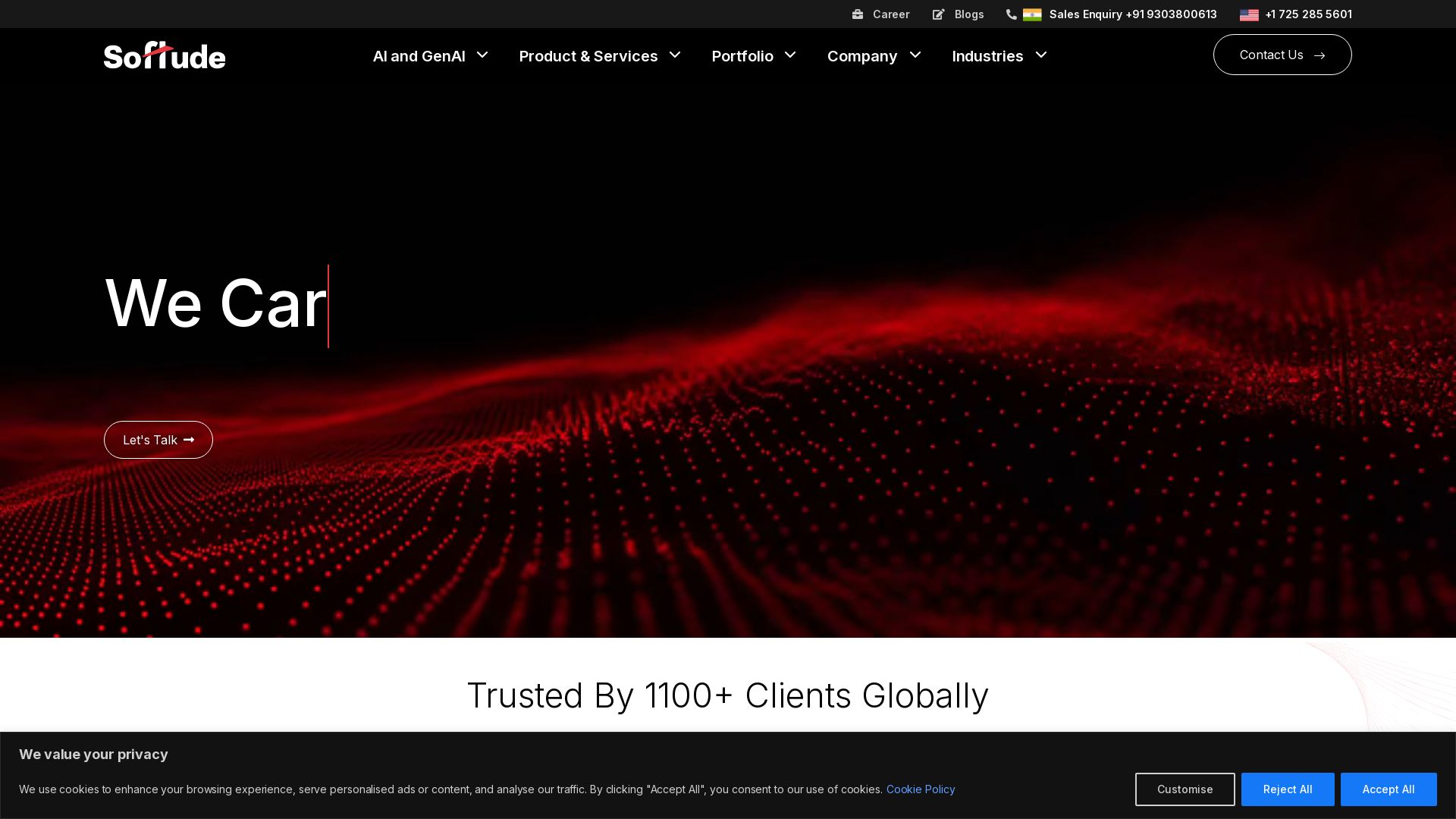
Vertex AI Agent Builder vs Others: What You Should Know
Trusted by 1100+ clients globally. We deliver AI, GenAI, and digital transformation services to take your business 10 years ahead. Explore our solutions.

ℹ️ Curation Disclosure: The overview and features of Datapad were synthesized using AI and fact-checked by our curation team to ensure accuracy.
