
Databricks
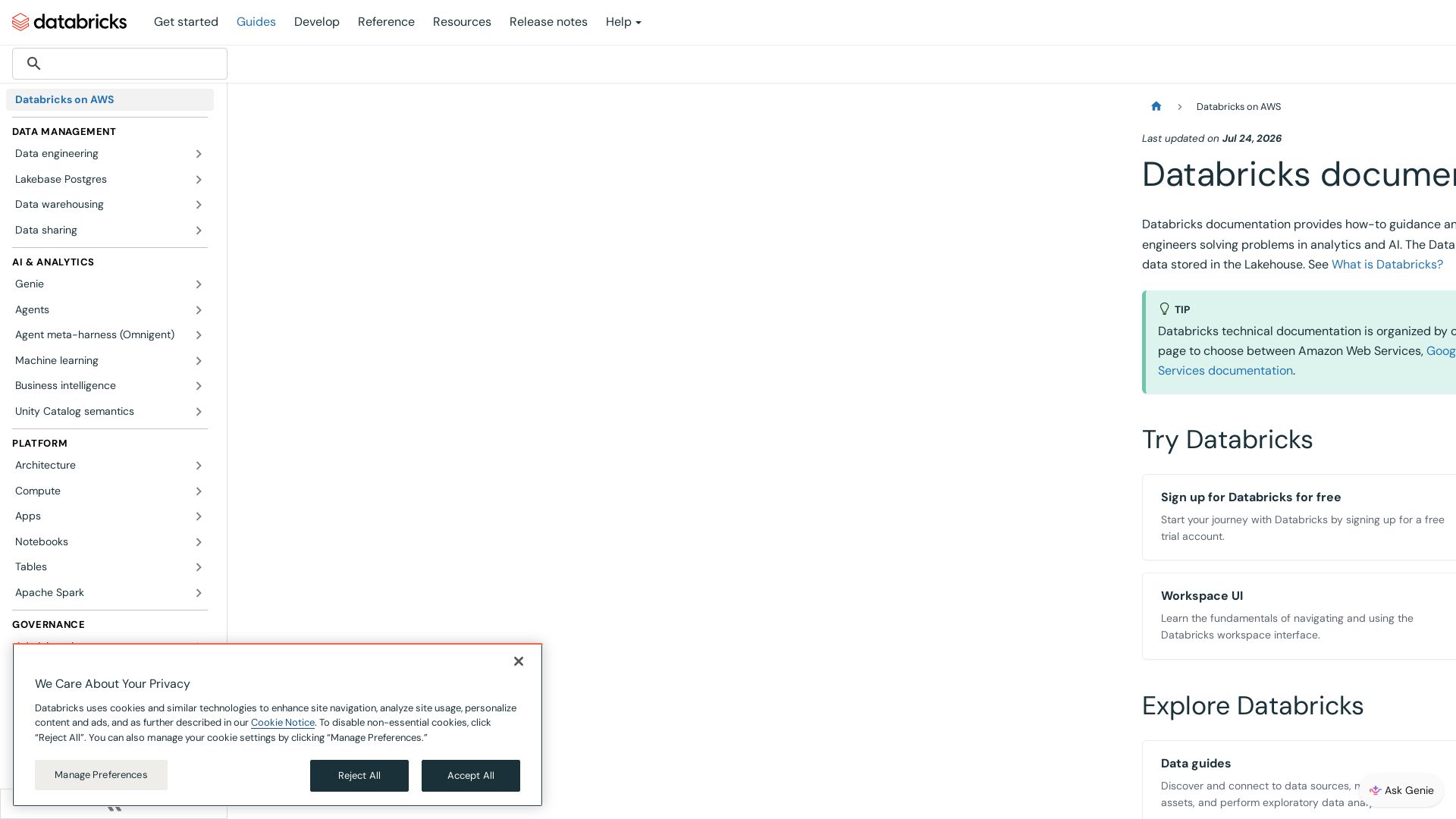
Comprehensive how-to guides, references, and tutorials for data analysts, scientists, and engineers on the Databricks Lakehouse. Start for free.
Editor's Verdict
Key Takeaways
- Unified Lakehouse Platform
- Data Engineering & ETL
- AI and Machine Learning
- Data Sharing & Collaboration
In-Depth Review: What is Databricks?
Databricks Data Intelligence Platform on AWS enables data teams to collaborate on data stored in the Lakehouse. Explore guides for data engineering, AI/ML, data warehousing, data sharing, and governance. Sign up for a free trial, access tutorials, and learn workspace UI basics. Get help from Genie, the documentation assistant.
Core Features
Unified Lakehouse Platform
Combines data lake and data warehouse capabilities to enable analytics and AI on a single platform.
Data Engineering & ETL
Build and manage ETL pipelines, process large datasets, and orchestrate data workflows.
AI and Machine Learning
Develop, train, and deploy ML models and generative AI applications using MLflow and Databricks tools.
Data Sharing & Collaboration
Securely share data and AI assets across organizations or within your account.
BI and Dashboards (AI/BI)
Create dashboards, reports, and visualizations for business insights and BI analytics.
Data Warehousing & SQL Analytics
Query and analyze data using SQL, manage schemas, and optimize data warehouse performance.
OLTP with Lakebase
Create and manage fully-managed PostgreSQL-compatible databases integrated with your Lakehouse.
Unity Catalog Governance
Establish data governance frameworks, manage data lineage, and implement data quality controls.
Security & Compliance
Implement security controls, configure access policies, and ensure compliance with industry standards.
Free Trial & Tutorials
Start with a free trial account and guided tutorials to learn the basics of Databricks.
Pros and Cons
Pros
- Unified Analytics PlatformIntegrates data engineering, data science, and business analytics into one platform, reducing tool sprawl.
- Lakehouse ArchitectureCombines the flexibility of data lakes with the reliability of data warehouses, enabling both BI and AI workloads.
- Scalability and PerformanceBuilt on Apache Spark and optimized for cloud, handling massive datasets with speed.
- Collaboration FeaturesSupports notebooks, dashboards, and MLflow for team collaboration across data roles.
- Strong Governance (Unity Catalog)Provides fine-grained access control, data lineage, and auditing for compliance.
Cons
- ComplexitySteep learning curve for new users, especially those unfamiliar with Spark or cloud environments.
- Cost ManagementPricing can become high with large clusters and extensive usage; requires careful resource optimization.
- Cloud DependencyVendor lock-in to a specific cloud provider (AWS, Azure, GCP) based on deployment.
- Limited Offline CapabilitiesPrimarily cloud-based; limited functionality for fully offline or on-premises deployments.
- Documentation OverloadExtensive documentation can be overwhelming; finding specific answers may require effort.
Use Cases & Recommended Professions
Data Engineer→ View Toolkit
Builds and maintains ETL pipelines, manages data infrastructure, and orchestrates workflows on Databricks.
Data Scientist→ View Toolkit
Develops and deploys machine learning models using MLflow and Databricks notebooks.
Data Analyst→ View Toolkit
Creates dashboards and performs SQL queries to derive business insights from the Lakehouse.
AI/ML Engineer→ View Toolkit
Trains and deploys generative AI models and manages the ML lifecycle on Databricks.
Business Intelligence Analyst→ View Toolkit
Uses Databricks AI/BI to build reports and visualizations for decision-making.
Security/Compliance Officer→ View Toolkit
Configures access policies, ensures data governance, and monitors compliance using Unity Catalog.
Frequently Asked Questions
Alternative AI Tools
View Detailed Comparison →
Scuti AI
We specialize in generative AI, AI-OCR, RAG, and offshore development. Combining Vietnam's speed with Japan's quality to automate tasks and boost business.


SF AI Labs
End-to-end AI services from strategy to launch. Proven delivery framework, expert network in San Francisco. Maximize ROI with custom AI solutions for modern companies.

Addepto
Transform your business with custom AI, generative AI, and data engineering services. Trusted by leading companies worldwide.

Leanware
We build custom AI agents, ship AI products, and assess AI ROI. Milestone-billed, lean teams, no handoffs. Trusted by startups and businesses.

Xebia
Xebia helps enterprises become AI-first with consulting, engineering, and training. Specializing in agentic data foundations, AI-native engineering, and building AI-ready leaders.


Cequence AI Gateway
Safely connect AI agents to business apps with enterprise-grade security, OAuth 2.1, and MCP. Unlock agentic AI productivity.


Section AI
Turn AI investment into workforce transformation with Section. Command center, coaching, and strategic support to drive measurable ROI.



Making AI think and act: my approach to the Hugging Face AI ...
Experienced AI engineer specializing in medical imaging and LLM-powered agents. Built globally deployed radiology AI at AZmed. Now building AI agents at Matrix One.

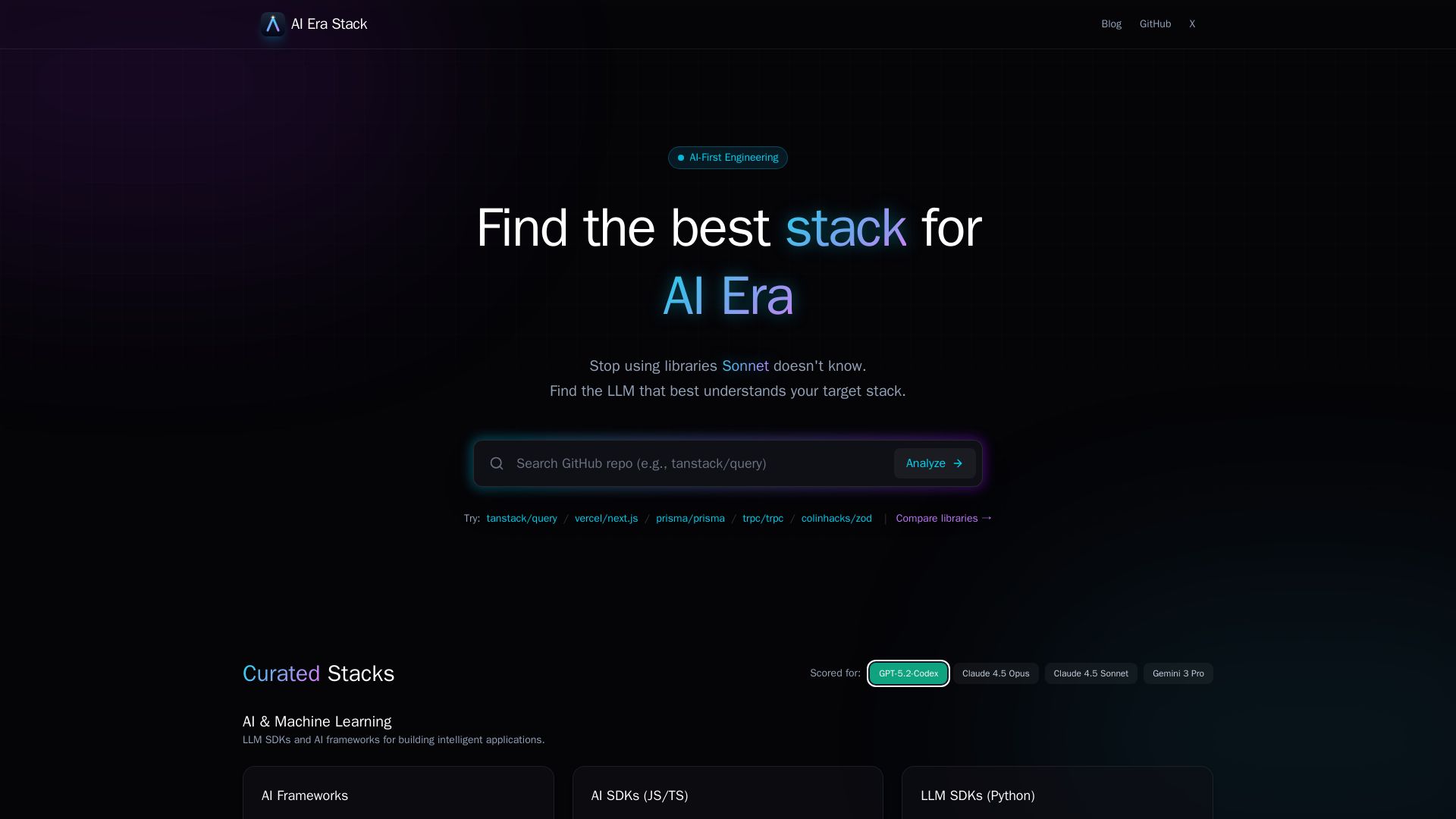
AI Era Stack
Discover which GitHub projects are best understood by LLMs like GPT, Claude, Gemini. Score based on AI coverage, adoption, and more. Choose stacks AI knows.


Unum
ML6 partners with bold leaders to deliver AI that reshapes business models. Discover Unum, the world's first Enterprise Superintelligence Platform.

Massachusetts AI Hub
Explore no-cost Google AI training, startup accelerator, and major investments. Join the global leader in applied AI.

ℹ️ Curation Disclosure: The overview and features of Databricks were synthesized using AI and fact-checked by our curation team to ensure accuracy.
