
Adobe
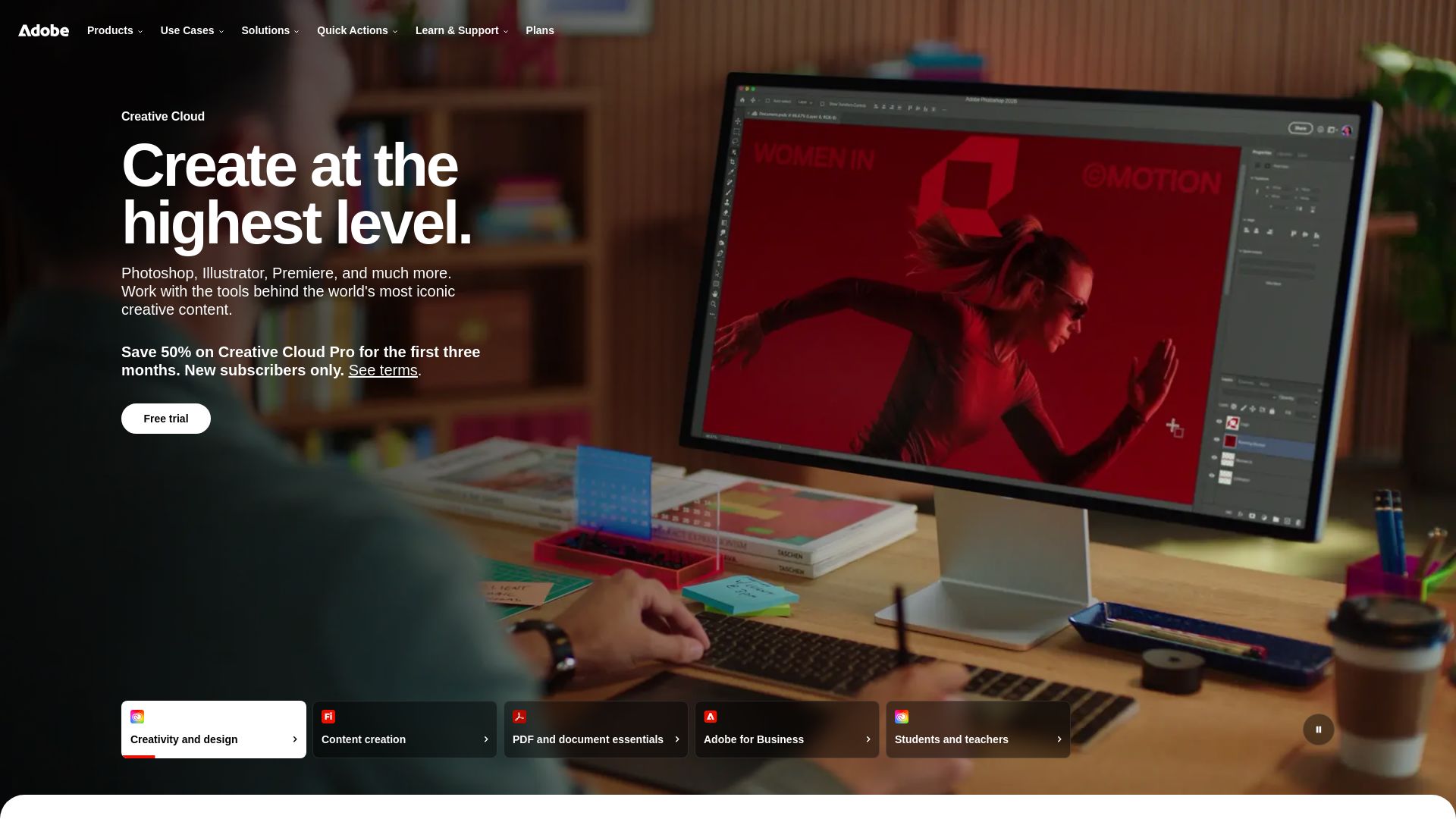
Create stunning designs, edit PDFs with AI, generate images with Firefly, and more. Save big on Creative Cloud for students & businesses. Try free.
Editor's Verdict
Key Takeaways
- Creative Cloud
- Adobe Firefly
- Acrobat
- Adobe for Business
In-Depth Review: What is Adobe?
Adobe's official website offers industry-leading creative tools like Photoshop, Illustrator, Premiere Pro, AI models via Firefly, PDF solutions with Acrobat, and enterprise marketing solutions. Features include free trials, student discounts, and AI-powered features to streamline workflows for creators, businesses, and educators.
Core Features
Creative Cloud
Industry-leading apps for design, photo, video, and creative AI, including Photoshop, Illustrator, and Premiere Pro.
Adobe Firefly
Generative AI models for image, video, audio, and design creation from Adobe, Google, OpenAI, and more.
Acrobat
Trusted PDF tools for creating, editing, sharing, and signing documents, enhanced with AI for summaries and content creation.
Adobe for Business
AI-powered platform to unify data, content, and workflows for orchestrating customer experiences and driving business impact.
Education Plans
Discounted Creative Cloud Pro subscriptions (71% off) for students and teachers to build skills and create projects.
Pricing
Creative Cloud Pro
- Access to Photoshop, Illustrator, Premiere Pro and more
- Save 50% for first 3 months for new subscribers
- Free trial available
Creative Cloud Pro (Education)
- Same as Creative Cloud Pro
- First year at discounted rate, annual billing
- For students and teachers
Adobe Firefly
- Generate and edit images, video, audio, and designs
- Unlimited generations on select models for first year
- Save until August 26
Acrobat
- Create, edit, share PDFs
- AI-powered editing and summaries
- Sign documents
Adobe for Business
- Enterprise-grade AI tools
- Unify data, content, workflows
- Personalize at scale
Pros and Cons
Pros
- Comprehensive Creative SuiteOffers industry-standard tools for design, video, and audio, meeting professional needs.
- AI IntegrationLatest AI models (Firefly) enhance productivity and creativity directly in workflows.
- Cross-Platform CompatibilityWorks seamlessly across desktop, web, and mobile for flexible work.
- Strong Enterprise FeaturesAdobe for Business provides AI-driven customer experience orchestration and analytics.
- Generous Education DiscountStudents and teachers save up to 71% on Creative Cloud Pro, making it affordable.
Cons
- High Regular PriceCreative Cloud Pro's $69.99/mo is expensive for individuals or freelancers.
- Subscription-Only ModelNo perpetual license; requires ongoing payment to access software.
- Complexity for BeginnersAdvanced tools have a steep learning curve, overwhelming for new users.
- Limited Free OptionsMost features require paid subscription; free trials are short.
- Dependence on InternetMany features require internet connection, limiting offline use.
Use Cases & Recommended Professions
Graphic Designer→ View Toolkit
Needs Creative Cloud for professional design work using Photoshop and Illustrator.
Video Editor→ View Toolkit
Uses Premiere Pro and After Effects for cutting-edge video production and effects.
Photographer→ View Toolkit
Relies on Lightroom and Photoshop for photo editing and organization.
Marketing Professional→ View Toolkit
Leverages Adobe for Business to create campaigns, manage customer data, and personalize outreach.
Student/Teacher→ View Toolkit
Benefits from discounted Creative Cloud to learn design and create projects.
Real Estate Agent→ View Toolkit
Uses Acrobat to quickly summarize contracts and create property documents.
Frequently Asked Questions
Alternative AI Tools
View Detailed Comparison →
Superdesign
Create stunning designs with AI. Iterate quickly using natural language. Export production-ready code. Browse design prompts and styles.

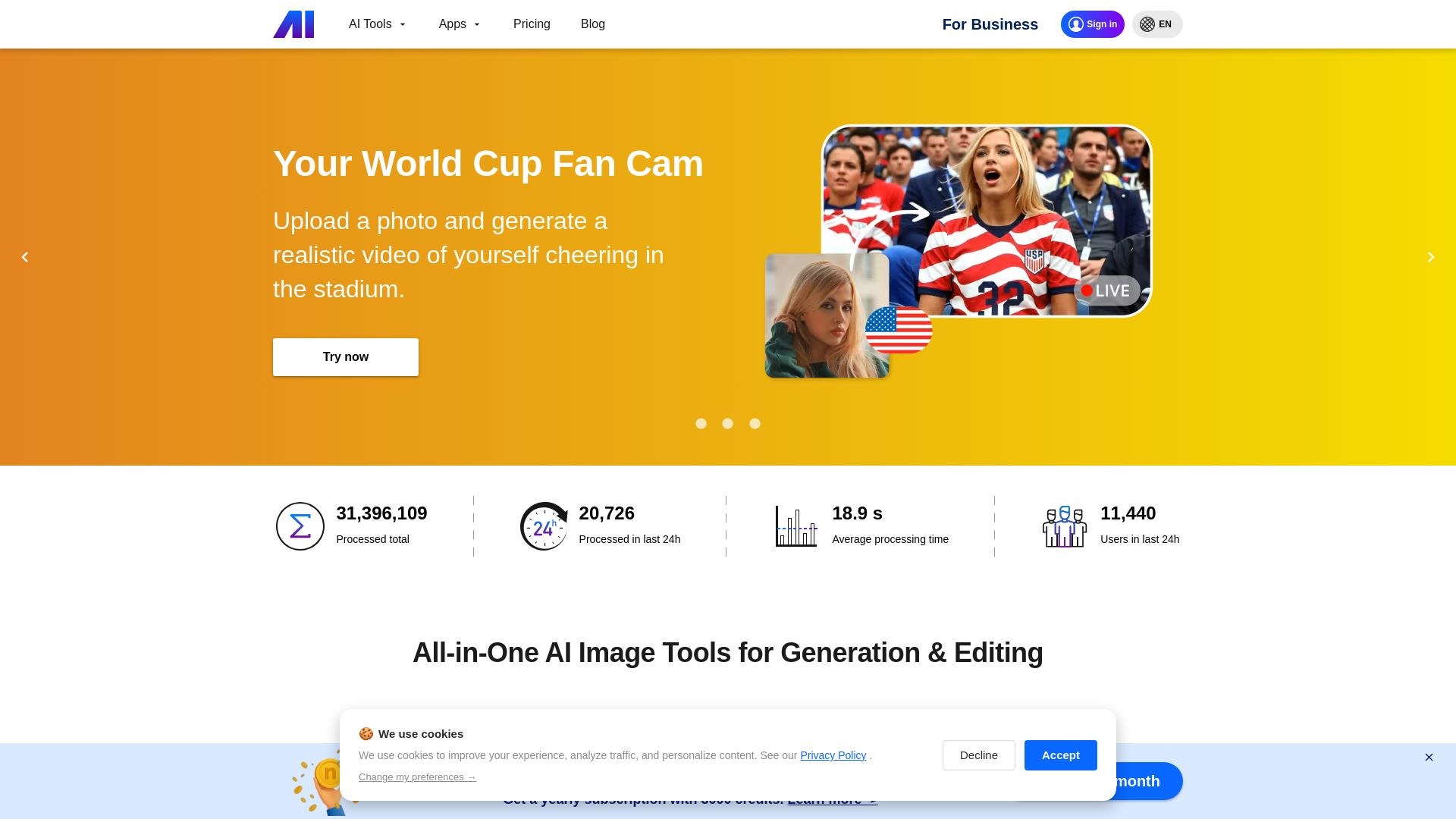
Nero AI
Upload photos, restore old images, upscale videos, generate AI effects. Free AI tools for designers, e-commerce, and more. Try now!

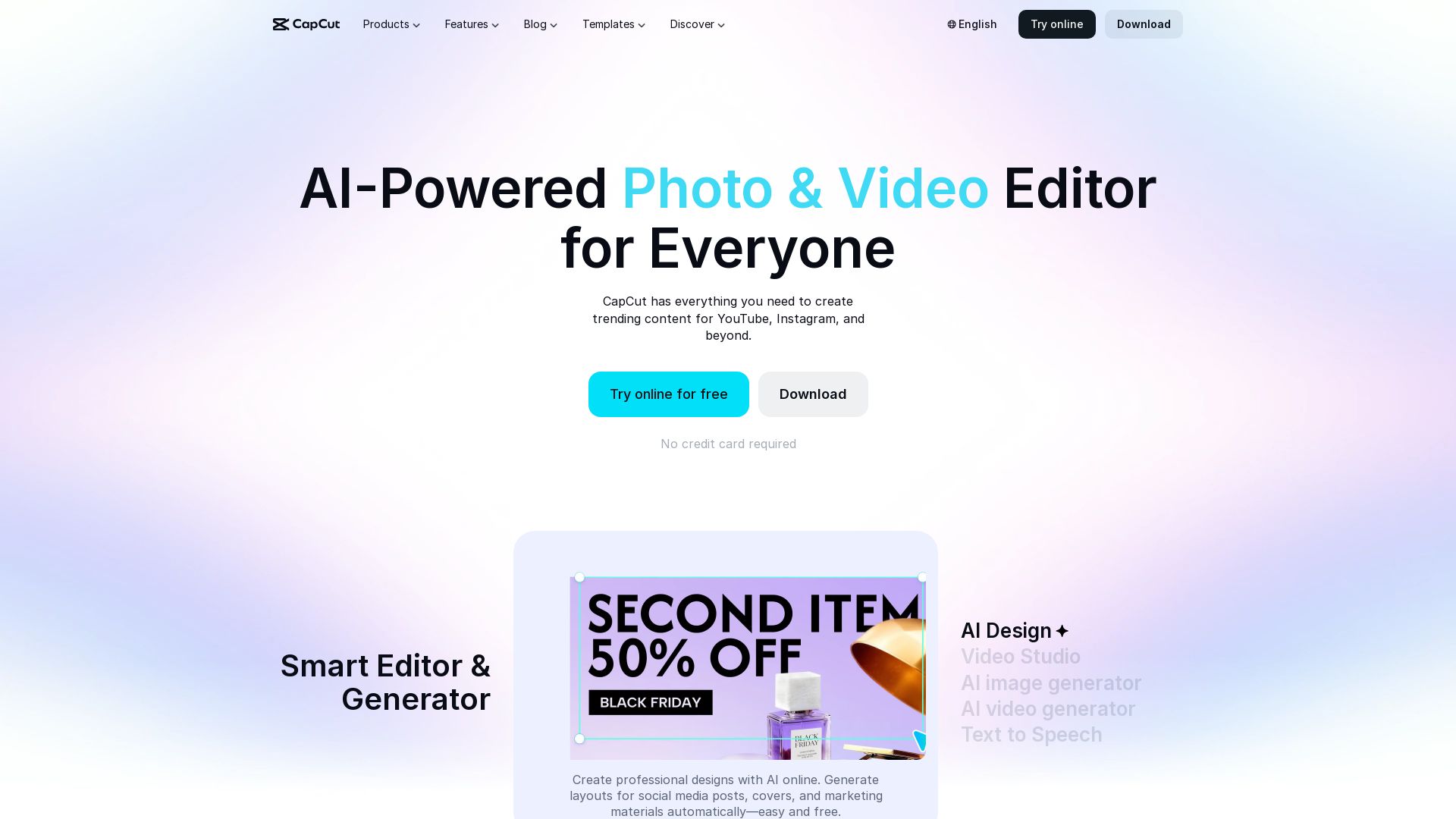
CapCut AI Video Editor
Create stunning videos and photos with CapCut's AI tools. Free online editor, background remover, text to speech, templates. No watermark. Try now!

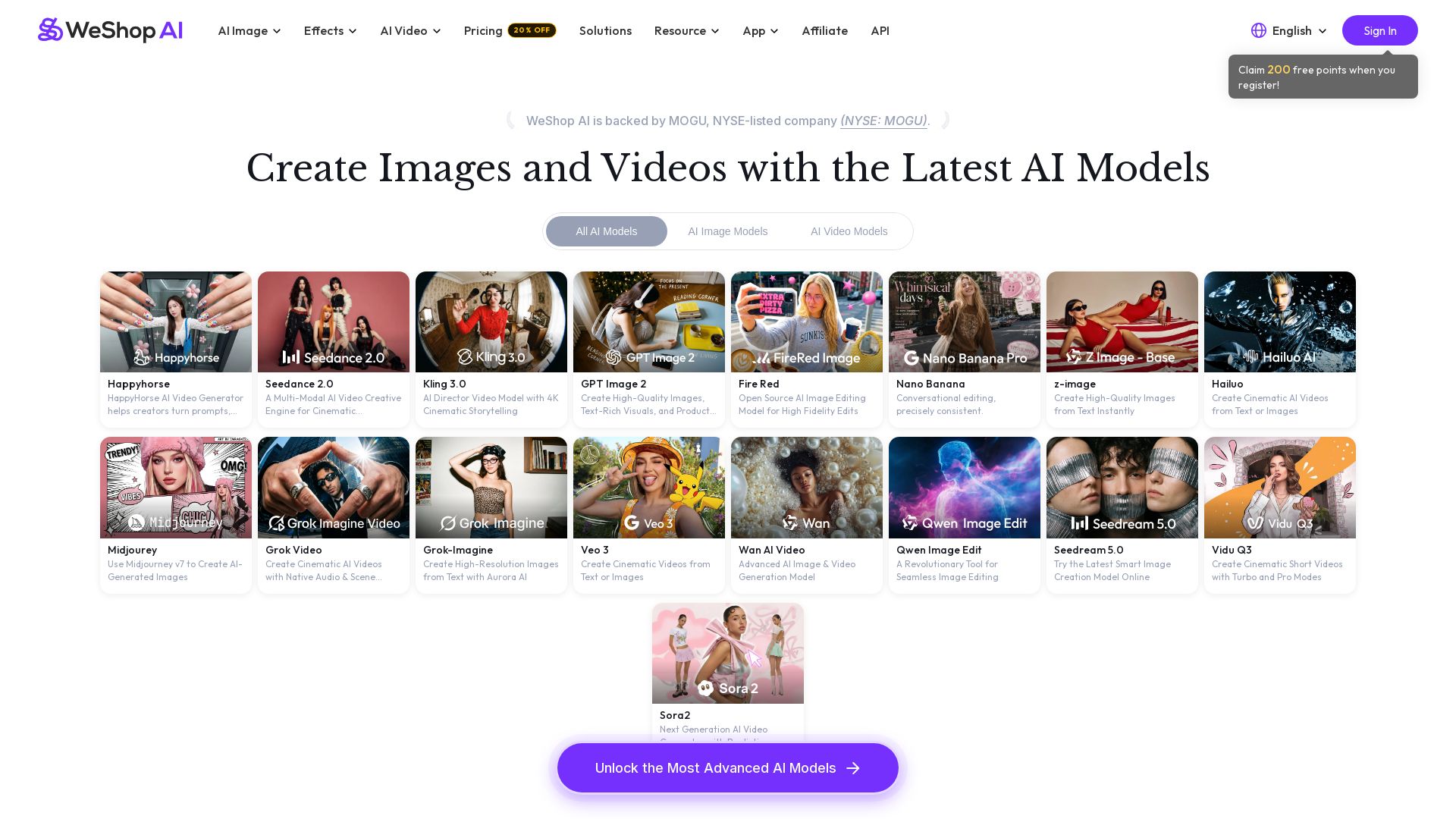
WeShop AI
Generate high-quality AI images and videos using top models like Midjourney, Kling, and Seedance. Try virtual try-on, AI fashion models, and more. Trusted by 3M+ users. Start with 200 free points!


Section AI
Turn AI investment into workforce transformation with Section. Command center, coaching, and strategic support to drive measurable ROI.

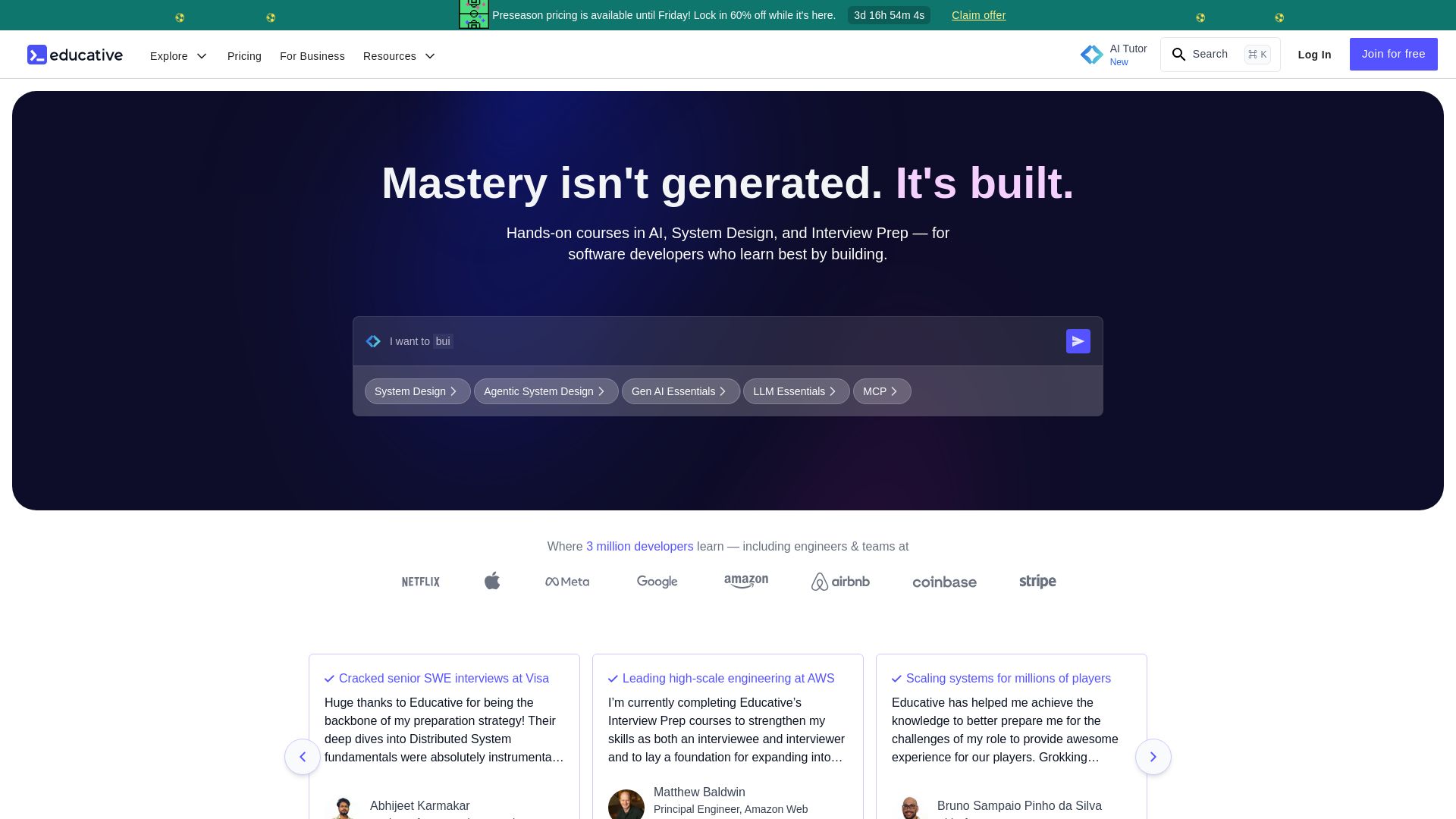
Educative
Master AI, system design, and coding interviews with interactive, text-based courses. Learn by building with real-time AI feedback. Trusted by 3M+ developers.


Motiff AI
Generate production-ready UI from text, wireframes, or screenshots with Motiff AI. Choose preset styles, export to React/HTML. Fast, consistent design.

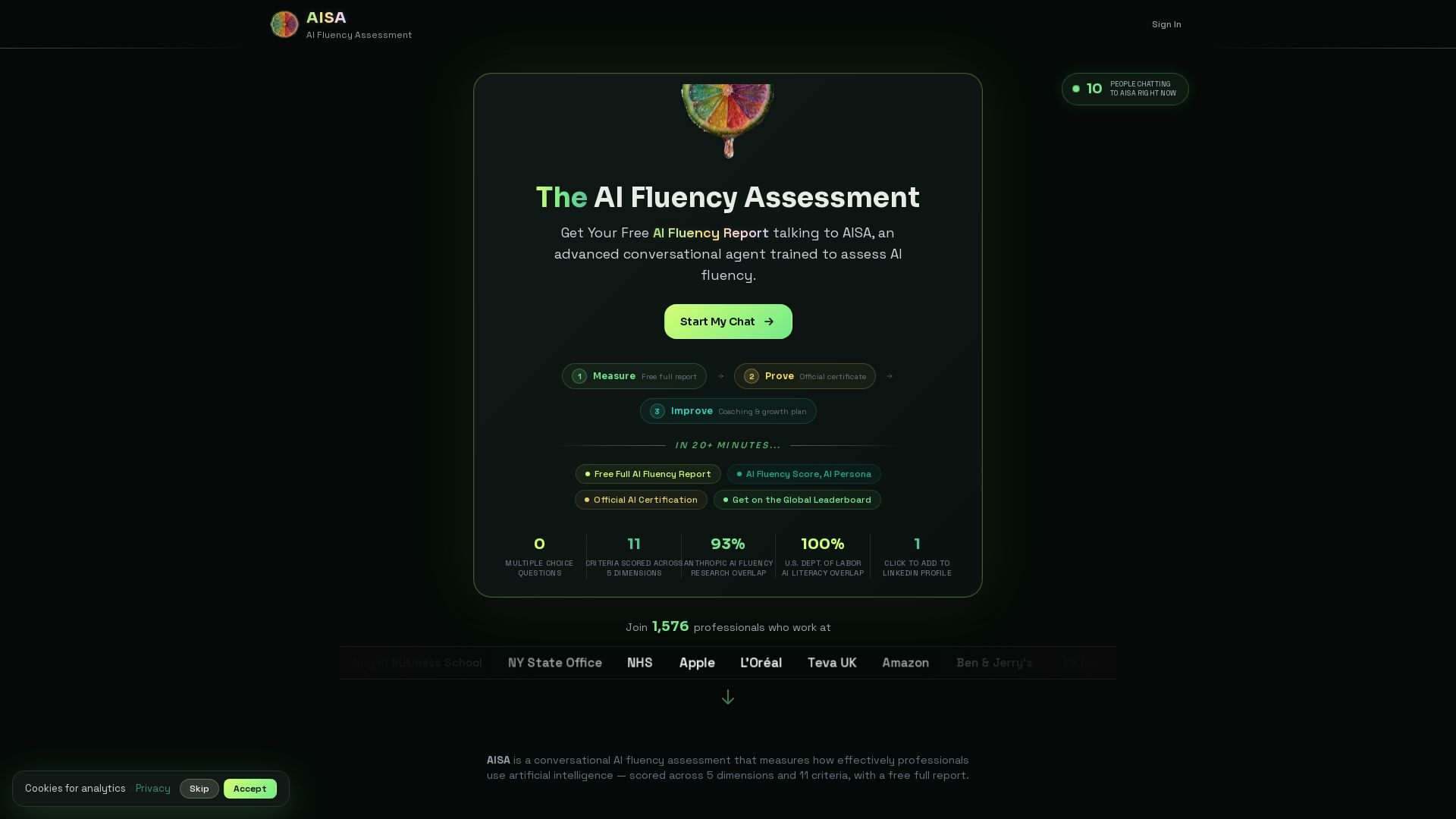

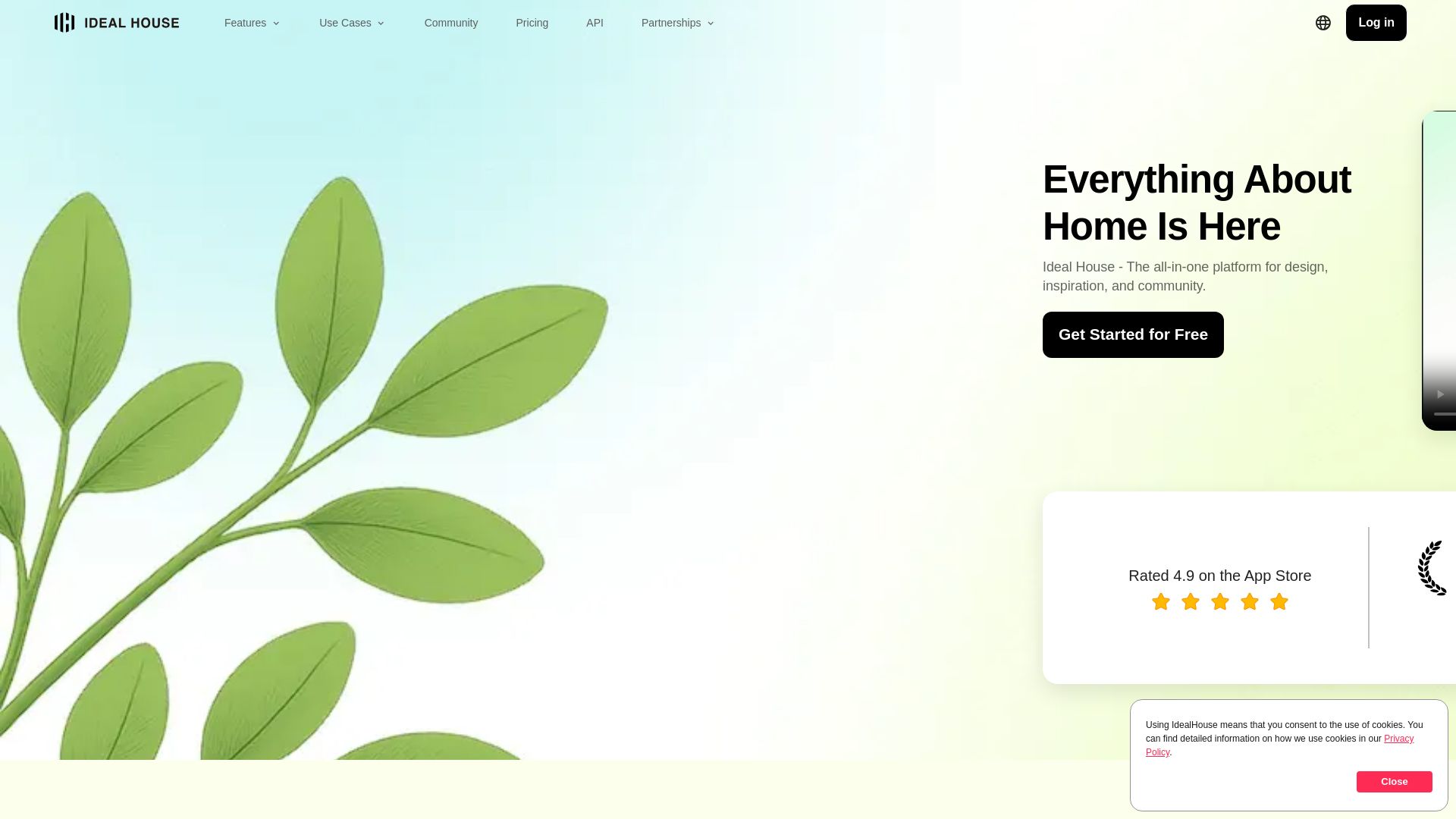
Ideal House
Transform your home with AI tools for interior remodeling, landscaping, and floor plans. Get inspired, design, and visualize your dream space in seconds. Join 3.12M+ users.

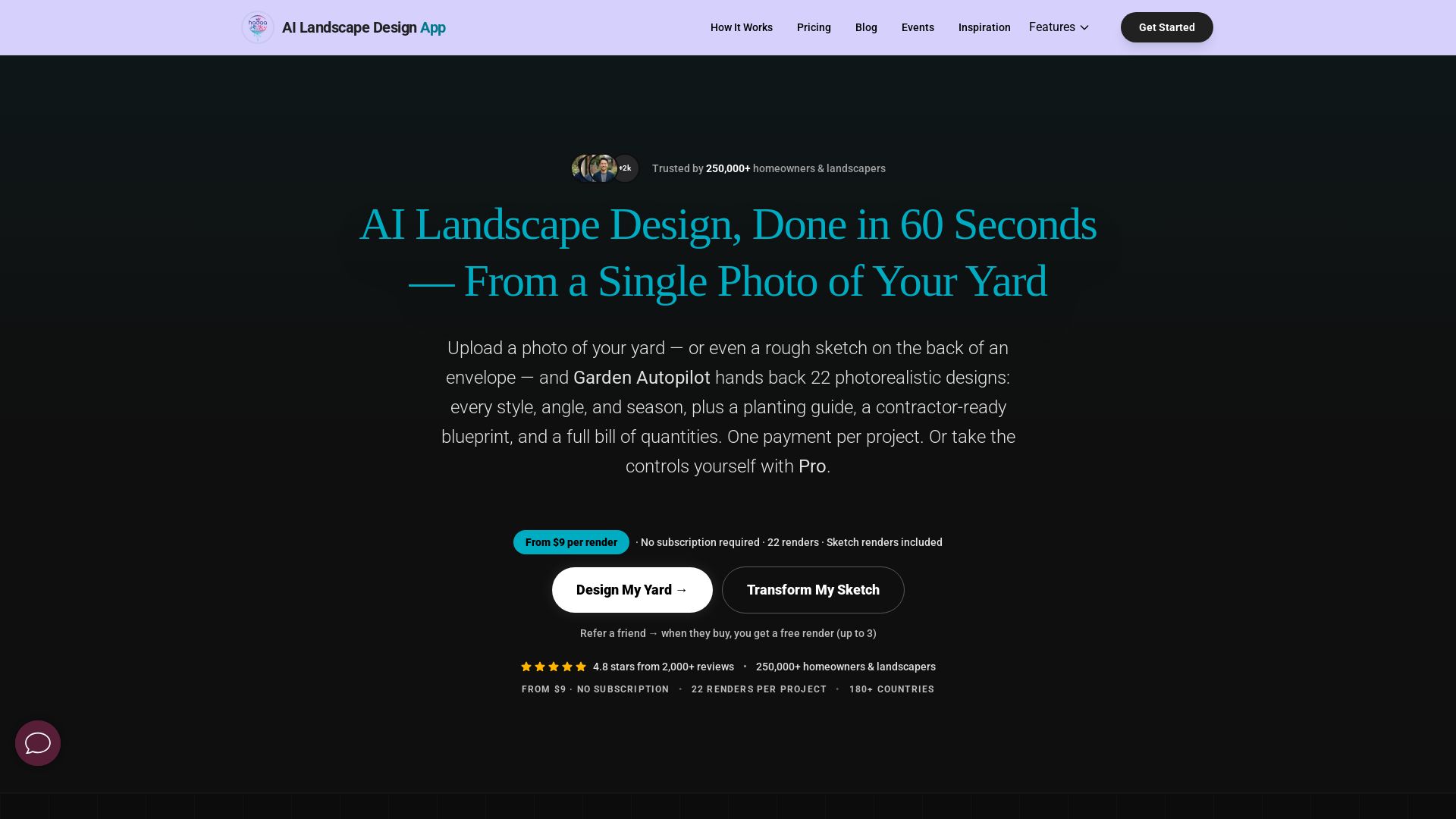
AI Garden Design vs Hadaa: Features & Pricing (2026)
Upload a photo or sketch, get 22 photorealistic designs, planting guide, blueprint & BOQ. Pay per project, no subscription.


Figma Console MCP
Connect AI to Figma for design extraction, token sync, and component creation. Turn your design system into a programmable API.

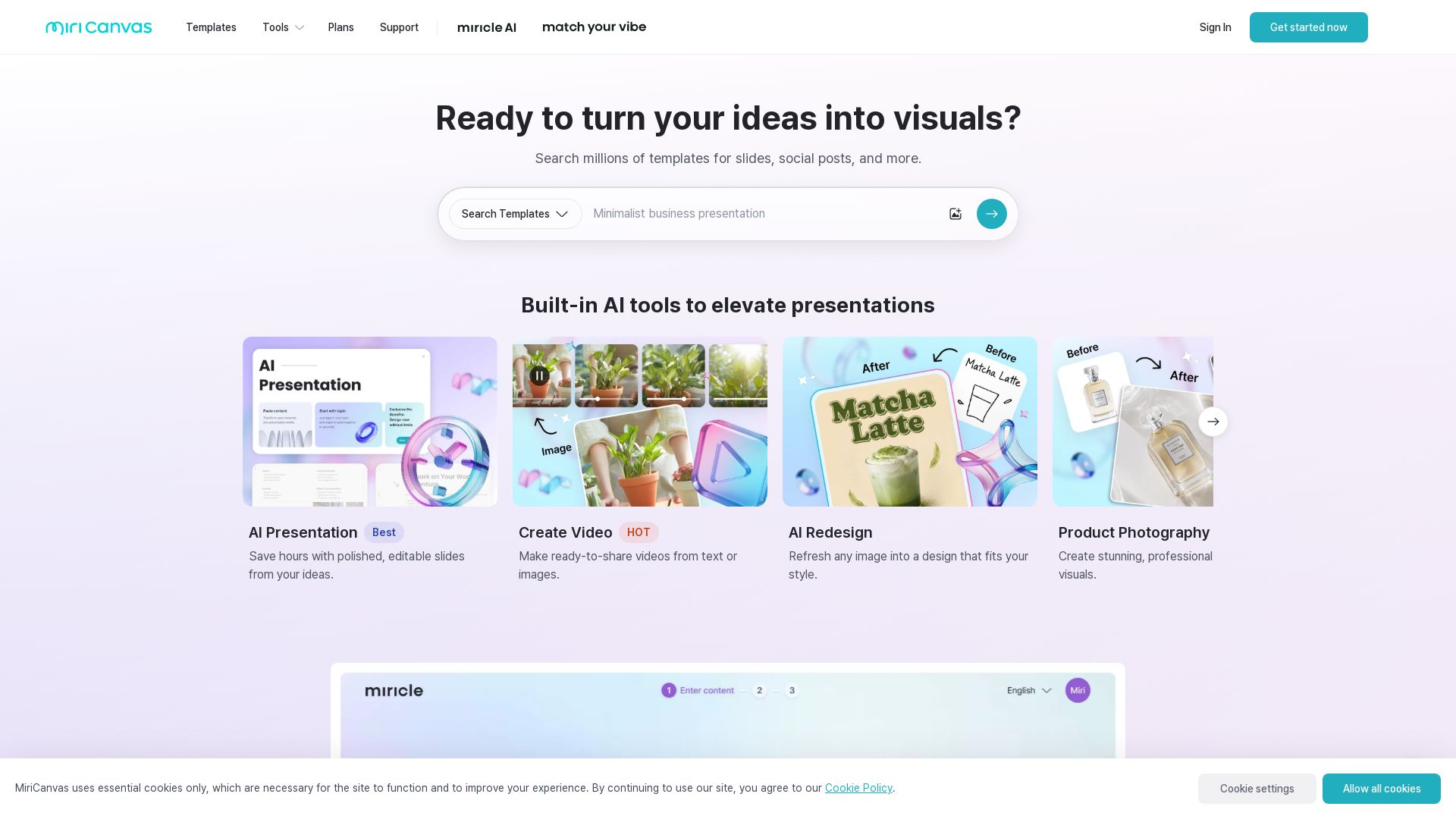
MiriCanvas
Create stunning presentations, videos, and social graphics with MiriCanvas AI. Over 530K templates, 10M+ elements. Try free!

ℹ️ Curation Disclosure: The overview and features of Adobe were synthesized using AI and fact-checked by our curation team to ensure accuracy.
