
WPS Office
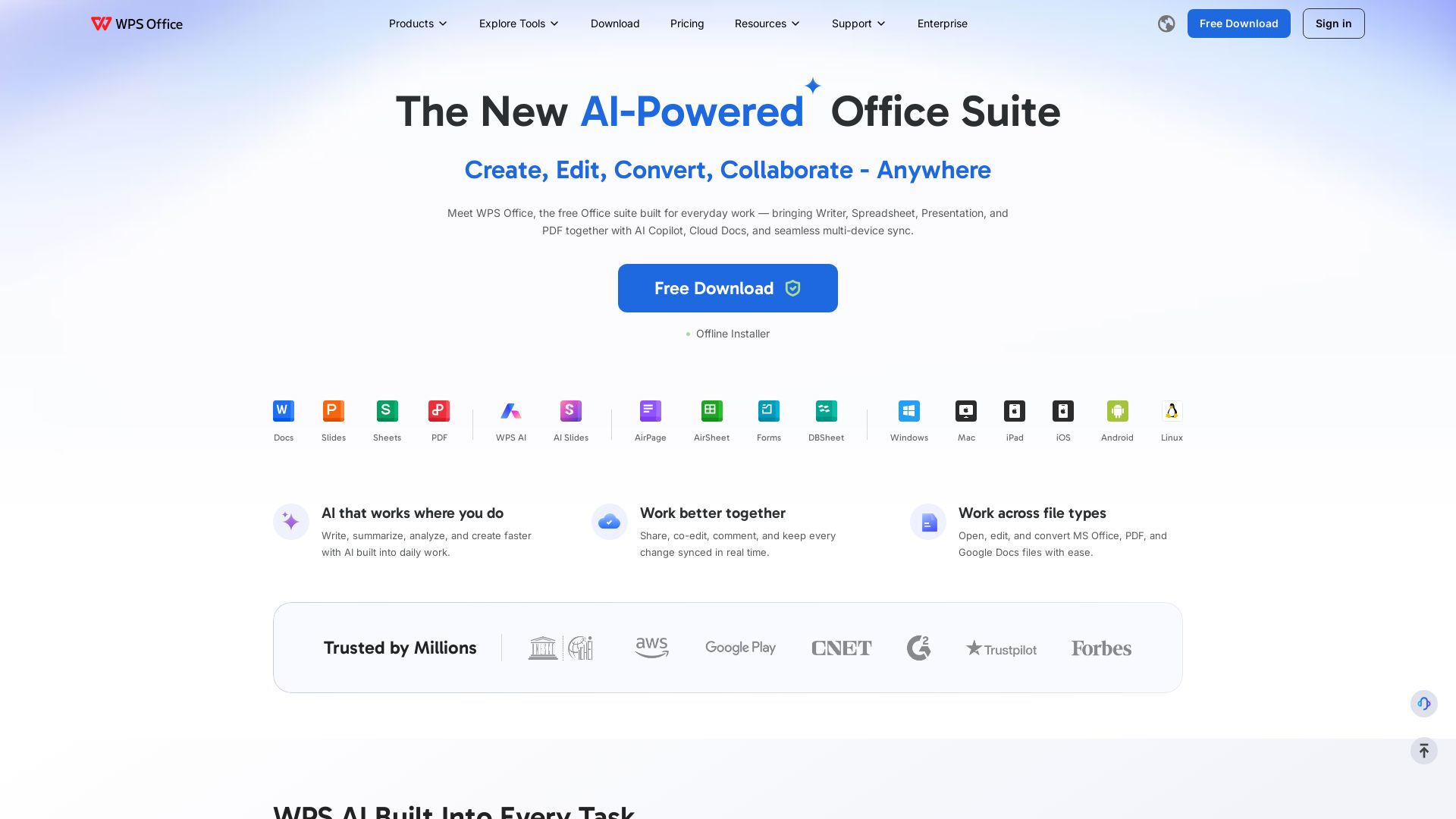
Create, edit, and collaborate with WPS Office. AI-powered Writer, Spreadsheet, Presentation, and PDF tools. Free download for Windows, Mac, Linux, iOS, Android.

Editor's Verdict
Key Takeaways
- AI-Powered Writing
- AI Slides Creation
- AI Data Analysis
- AI PDF Assistant
In-Depth Review: What is WPS Office?
WPS Office is a free, all-in-one productivity suite that replaces scattered software with Writer, Spreadsheet, Presentation, PDF, and photo tools. Powered by AI Copilot, it helps you write, summarize, analyze, and create faster. Enjoy real-time co-editing, cloud sync, and seamless collaboration across devices. Compatible with Microsoft Office and Google Docs, WPS Office is trusted by millions and prioritizes data security with encrypted transfer and global compliance.
Core Features
AI-Powered Writing
Write, summarize, and rewrite content with built-in AI tools such as AI Story Generator, AI Email Writer, and AI Rewrite.
AI Slides Creation
Turn ideas into fully editable presentations from a short description or existing files using AI Slides.
AI Data Analysis
Analyze data, generate charts, and summarize insights automatically in WPS Sheets.
AI PDF Assistant
Summarize, ask questions, and extract key information from PDFs without reading every page.
Real-Time Co-Editing
Collaborate with team members in real time with live cursors, comments, emoji reactions, and change tracking.
Cloud Sync & Storage
Access documents anywhere with automatic syncing across all devices and up to 20GB cloud storage on paid plans.
Cross-Platform Availability
Available on Windows, Mac, Linux, Android, iOS, iPad, and online for seamless multi-device use.
PDF Editing & Conversion
Edit, convert, merge, split, and sign PDFs without additional tools; includes PDF to Word/Excel/PPT conversion.
Template Library
Access thousands of free templates for documents, spreadsheets, presentations, and more.
File Format Compatibility
Supports 47 file formats including Microsoft Office formats (docx, xlsx, pptx) and Google Docs.
Pricing
WPS Standard
- Access to basic PDF features (Free PDF Reader)
- Limited template downloads
- 1 GB cloud storage
- 47 file formats supported
- 46 languages supported
- Basic office suite functions (Writer, Spreadsheet, Presentation)
WPS Pro+
- All WPS Standard features
- Full PDF editing & conversion tools
- Unlimited template downloads
- Advanced text recognition (OCR)
- Full electronic signature feature
- 20 GB cloud storage
- No advertising
- Essential AI tools with usage limits
Sharing Plan
- One subscription for multiple users
- Share & remove members anytime
- Each member gets private account & storage
- 20 GB cloud space per user
- AI integrated into every workflow
- PDF tools including Word, Excel & PPT conversion
Pros and Cons
Pros
- All-in-One SuiteCombines Writer, Spreadsheet, Presentation, PDF, and photo editing in a single lightweight app, reducing the need for multiple tools.
- AI IntegrationBuilt-in AI features (writing, slides, data analysis, PDF chat) boost productivity across everyday tasks.
- Cross-Platform CompatibilityWorks seamlessly on Windows, Mac, Linux, Android, iOS, iPad, and online with real-time sync.
- Microsoft Office CompatibilityFully compatible with Microsoft file formats (docx, xlsx, pptx) and supports 47 file types.
- Free Tier AvailableWPS Standard is free with generous features including basic PDF reader, 1GB cloud storage, and template access.
Cons
- Limited Cloud Storage on Free PlanFree plan only offers 1GB of cloud storage, which may be insufficient for heavy users.
- AI Usage Limits on Free PlanAI tools are limited or have usage caps on the free tier; full AI access requires a paid plan.
- Advanced PDF Features Require PaymentFull PDF editing, conversion, and OCR features are only available in WPS Pro+ or Sharing plans.
- No Lifetime Purchase OptionPaid plans are subscription-based (yearly billing), with no one-time purchase option mentioned.
- Limited Offline FunctionalitySome AI and cloud features require internet connectivity; offline mode may be restricted.
Use Cases & Recommended Professions
Content Writer→ View Toolkit
Use AI writing tools to generate, refine, and summarize articles, reports, and emails quickly.
Marketing Manager→ View Toolkit
Create presentations, analyze campaign data, and collaborate with team using real-time co-editing and cloud storage.
IT Engineer→ View Toolkit
Handle large documents and spreadsheets reliably, with fast performance and cross-platform support.
High School Teacher→ View Toolkit
Prepare lesson materials, presentations, and worksheets; access templates and collaborate with colleagues.
Freelancer→ View Toolkit
Manage contracts, invoices, and proposals with a suite that includes PDF editing, cloud sync, and AI assistance.
University Student→ View Toolkit
Write papers, create presentations, and organize research with free office tools and AI summarization.
Frequently Asked Questions
Alternative AI Tools
View Detailed Comparison →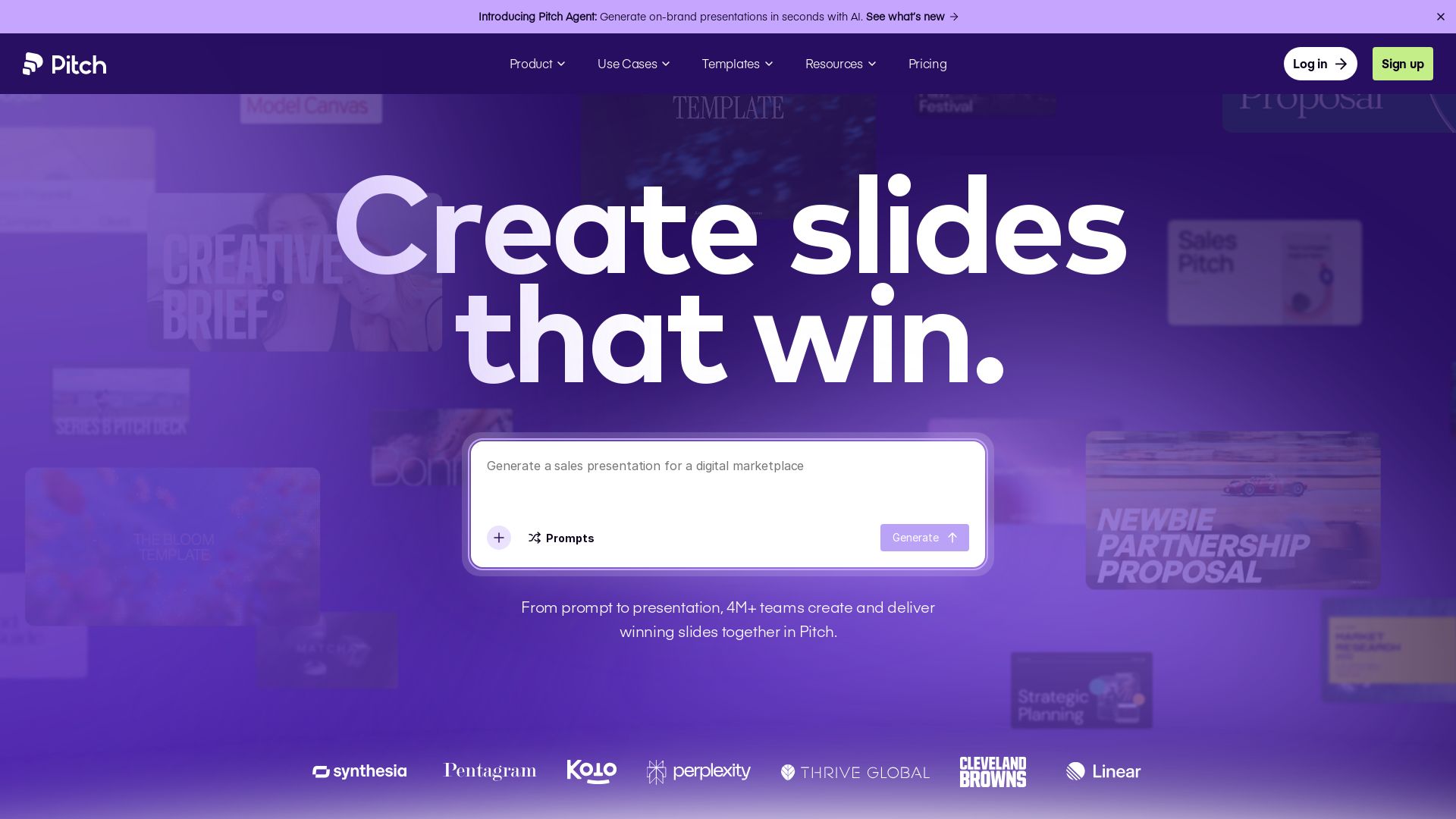
Pitch
Pitch is a presentation workspace where 4M+ teams create stunning slides, collaborate in real time, and track engagement. AI-powered, brand-friendly, and free to start.

DX
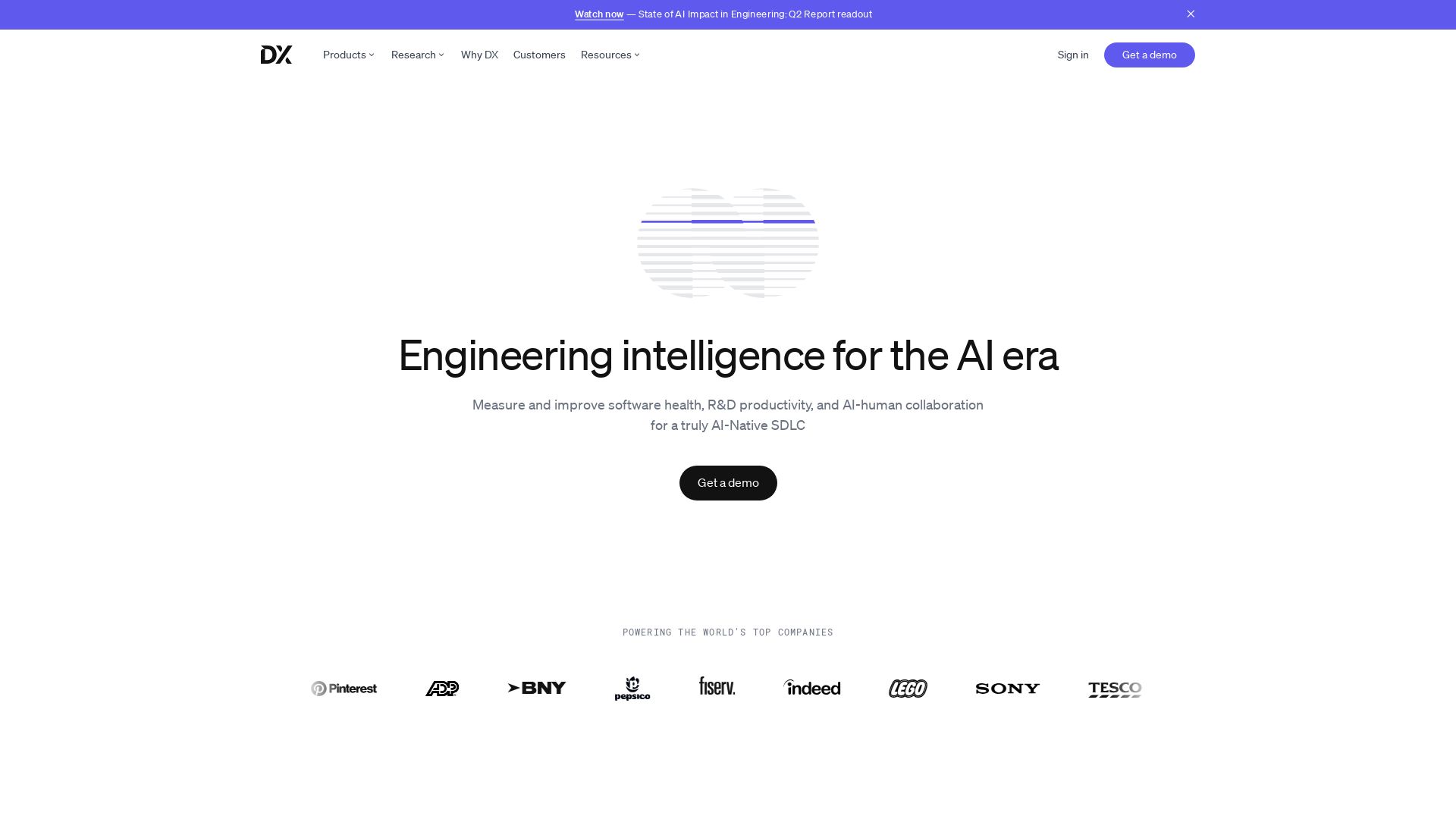
Optimize developer productivity, measure AI impact, and improve software health with DX, the platform designed by researchers.


Prezi
Prezi AI creates studio-quality presentations from your ideas. Describe or upload, get a polished deck in seconds. Refine via chat, export as PPTX or PDF. No design skills needed.

Dotzlaw Consulting
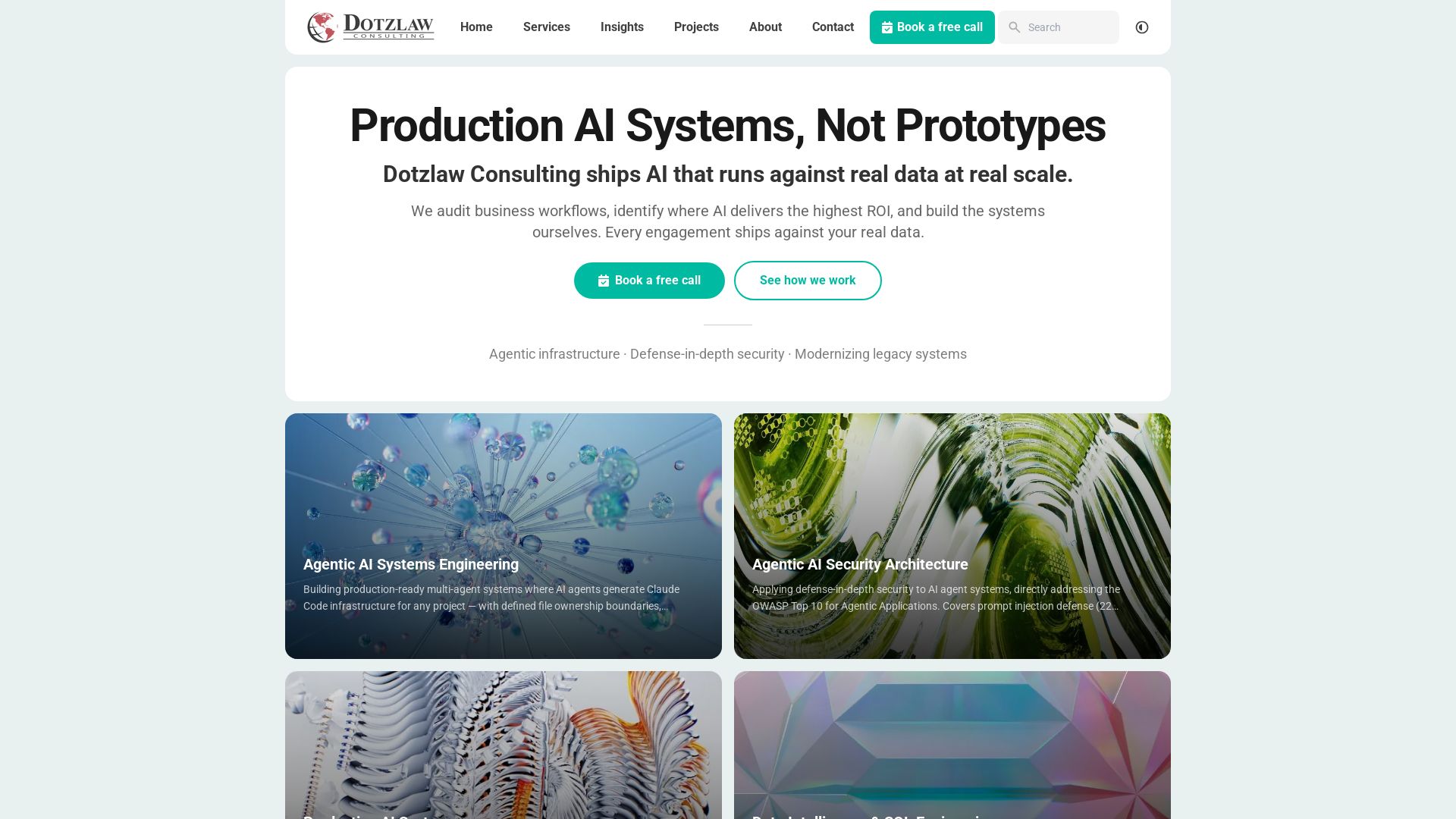
We build production-ready AI systems, multi-agent workflows, and secure architectures. Real data, real scale. Expert SQL & data intelligence.

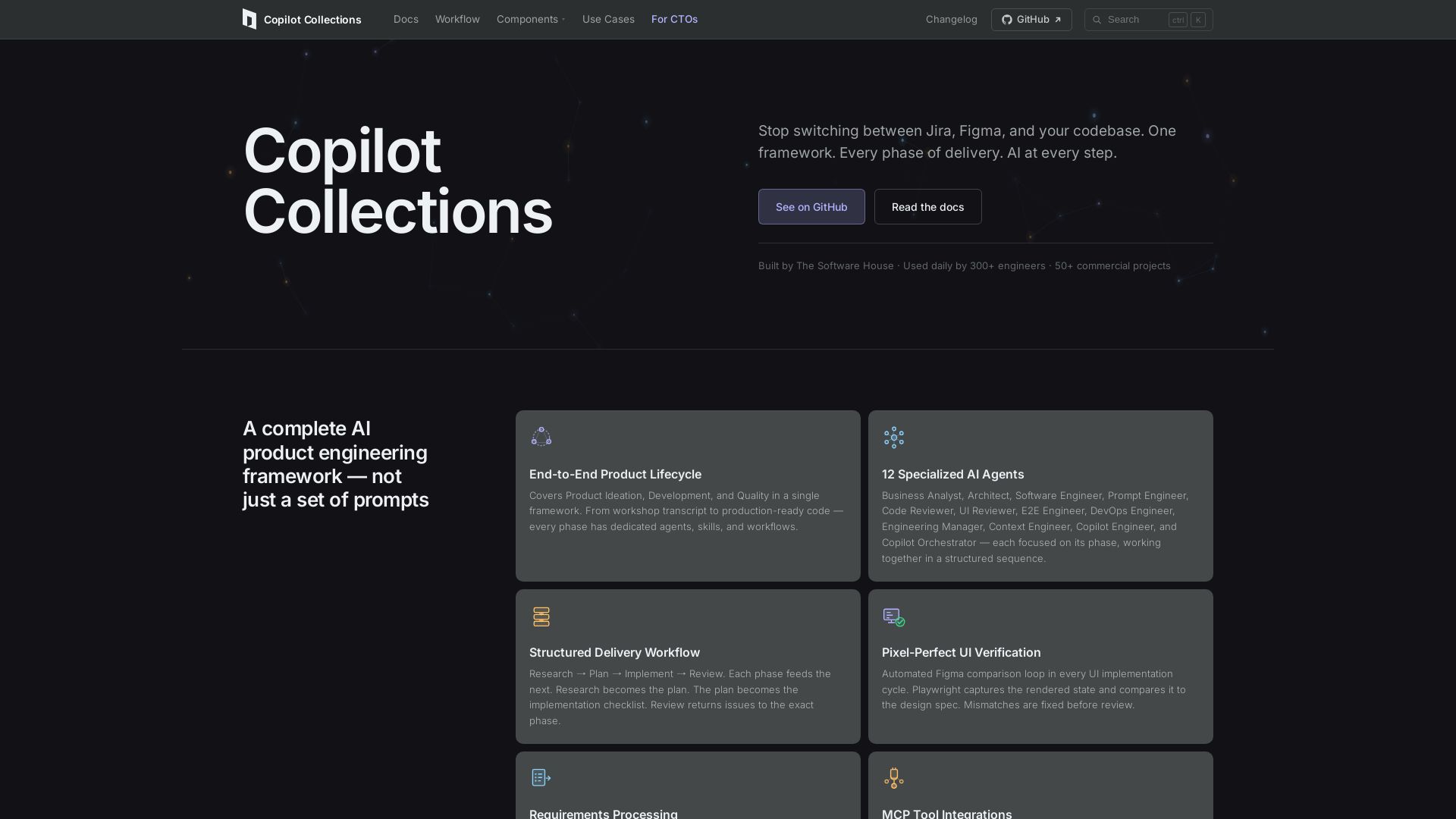
Copilot Collections
Turn ideas into production code with 12 AI agents, MCP integrations, and pixel-perfect UI verification. Used by 300+ engineers. Reduce lead time by 30%.


SlidesAI
Create beautiful presentations from notes, prompts, or docs with SlidesAI. Works in Google Slides, PowerPoint, ChatGPT & web. Save 85% time.

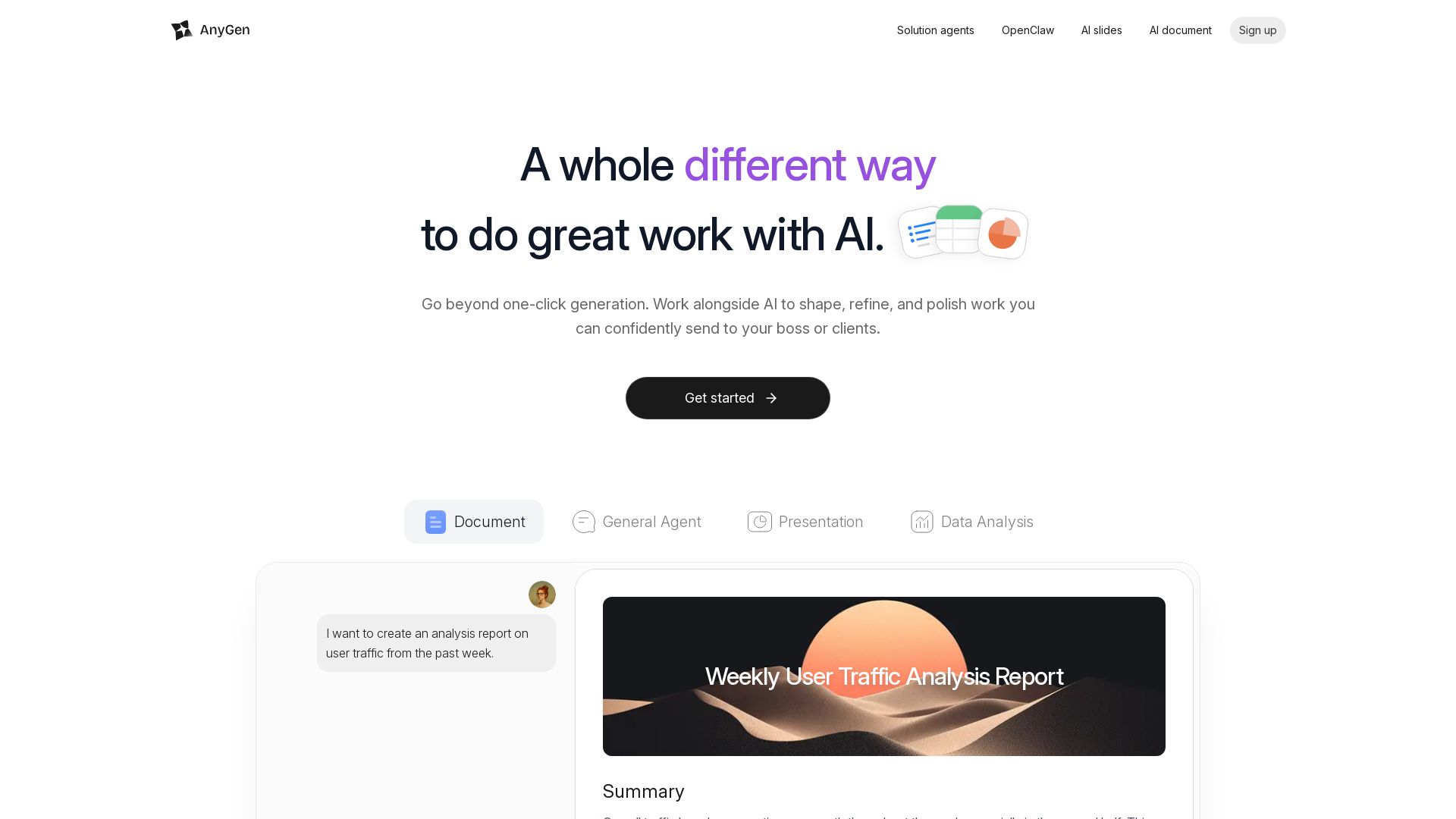
AnyGen
Create documents and presentations with AI that collaborates with you. Verify accuracy, refine tone, and stay in flow. No more one-click guesses.


SlideSpeak
Turn PDFs, Word docs, and ideas into professional PowerPoint slides in minutes. AI-powered editor, video, and branding. Trusted by 1M+ users.

CodeWithSense
Embedded senior AI engineering teams for startups. LLM fine-tuning, RAG, MLOps, agentic AI. Ship production code in weeks, not months.


AiPPT
Transform ideas into stunning presentations instantly with AiPPT. Generate slides from text, documents, URLs, or templates. Import from Google Drive. Free and paid plans.


Figr
Ship better UX faster. Figr builds a living understanding of your product, maps flows, finds edge cases, and generates high-fidelity prototypes from your actual design system.

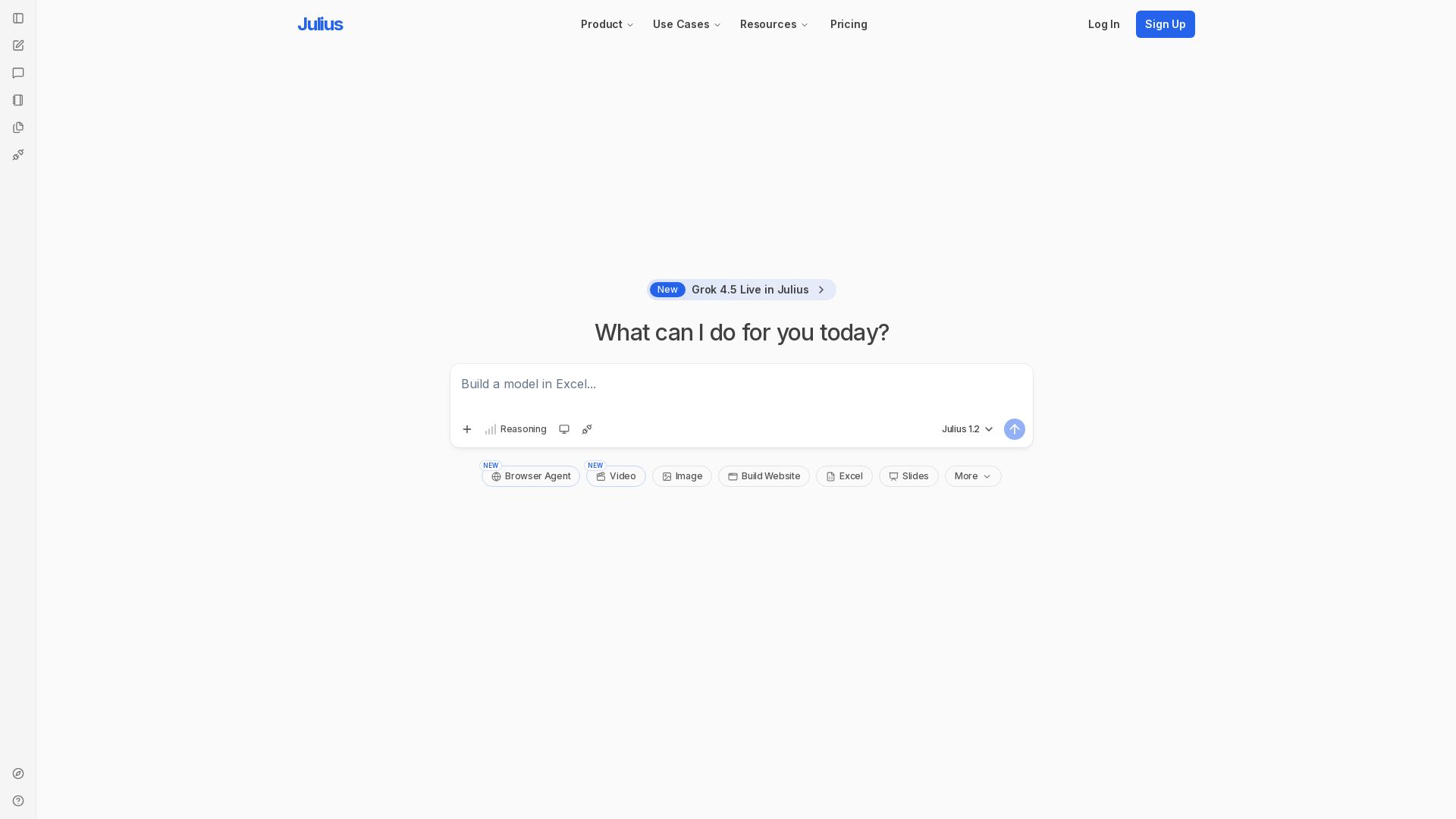
Julius AI
Unlock insights with Julius - AI assistant for data analysis, Excel models, website building, and more. Sign up free.

ℹ️ Curation Disclosure: The overview and features of WPS Office were synthesized using AI and fact-checked by our curation team to ensure accuracy.
