
Runway
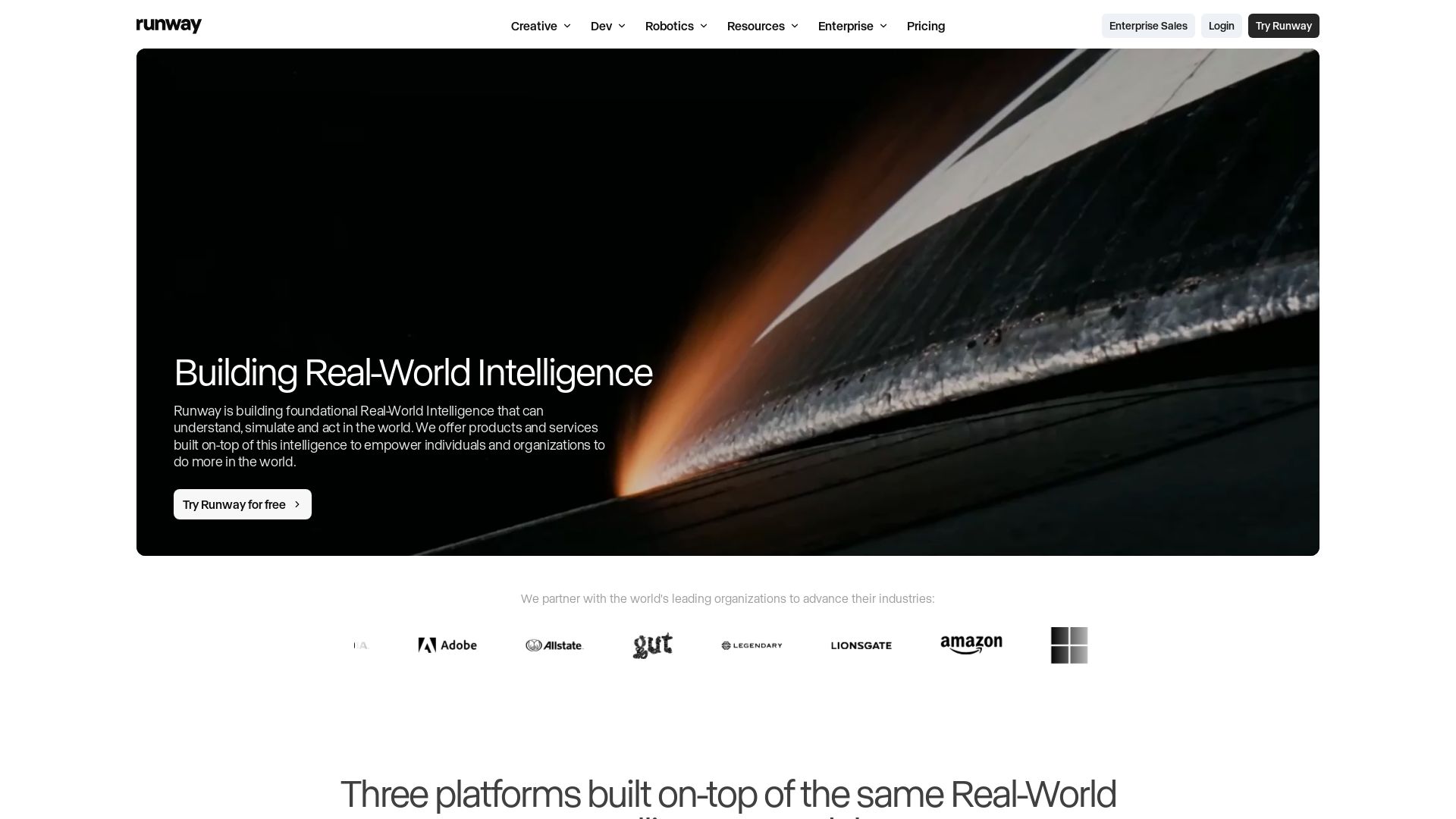
Build, simulate, and create with Runway's real-world intelligence. Try free for video, image, and audio generation. Enterprise solutions available.


Editor's Verdict
Key Takeaways
- Runway Creative
- Runway Dev
- Runway Robotics
- Agent
In-Depth Review: What is Runway?
Runway offers three platforms—Creative, Dev, and Robotics—powered by foundational Real-World Intelligence models. Create videos, images, and audio with the Creative Suite; build custom AI pipelines with Dev tools; and simulate real-world scenarios with Robotics. Used by 50M+ creatives, with enterprise partnerships and cutting-edge research like GWM-1 and Gen-4.5.
Core Features
Runway Creative
An all-in-one cloud-based creative platform for generating and editing video, images, and audio, designed for individuals and teams of all sizes.
Runway Dev
AI media platform for developers to integrate world-class models, create custom pipelines, and trigger workflows via API endpoints.
Runway Robotics
A complete toolkit for policy inference through photorealistic simulation, powered by GWM-1 General World Model, enabling synthetic data generation and hardware integration.
Agent
Create with AI Agent that assists in generating and editing media, streamlining creative workflows.
Workflows
Build custom multi-modal pipelines combining models, modalities, and tasks, with triggerable custom endpoints.
General World Models
Foundational AI models that understand, simulate, and act in the real world, capable of universal simulation and real-world intelligence.
Pricing
Free
- 125 one-time credits
- Generative Video (Gen-4 Turbo Image to Video)
- Generative Image (Gen-4 Text to Image, References)
- Gemini 3 Pro and 2.5
- Image Apps
- Generative Audio (Text to Speech, Audio Apps)
- 3 video editor projects
- 5GB asset storage
Standard
- 625 credits monthly
- All AI images and video models (Gen-4.5, Nano Banana Pro, Aleph, Veo 3.1, and more)
- 4K Upscaling
- No watermarks
- Gen-4.5, Kling 3.0, Nano Banana Pro and more
Pro
- Everything in Standard
- 2250 credits monthly
- Create Custom Voices for Lip Sync and Text to Speech
- 500GB asset storage
- Access to best models
- Topaz AI Upscale UNLIMITED
- Gen-4.5, Seedance 2.0, Kling 3.0, Nano Banana Pro and more
Max
- Everything in Pro
- 9500 credits monthly
- Roll over unused credits for 1 month
- First access to newest models
- Highest generation volume
- Topaz AI Upscale UNLIMITED
- Gen-4.5, Seedance 2.0, Kling 3.0, Nano Banana Pro and more
Enterprise
- Everything in Max
- Custom credits
- Single sign-on
- Workspace Analytics
- Configurable teamspaces
- Enterprise-wide onboarding
- Priority support
- Custom team sizes
Pros and Cons
Pros
- Comprehensive Creative SuiteOffers a wide range of AI-powered tools for video, image, and audio generation and editing in one cloud platform.
- Flexible Credit SystemPay-as-you-go credits with multiple plans to suit different usage levels, including a free tier to get started.
- State-of-the-Art ModelsAccess to cutting-edge models like Gen-4.5, GWM-1, Seedance 2.0, and more, continually updated.
- Enterprise-Grade SecurityFeatures like SSO, workspace analytics, and custom teamspaces for secure, scalable deployment.
- Developer-Friendly APIRobust API and workflow builder for integrating AI media generation into custom applications.
Cons
- Limited Free PlanFree plan only provides 125 one-time credits, which restricts extensive usage without upgrading.
- No Credit Rollover on Lower PlansStandard and Pro plans do not allow unused credits to roll over, potentially wasting credits.
- Costly for Heavy UsersHigh-volume usage may require the Max plan or custom enterprise pricing, which can be expensive.
- Model Access TieredSome advanced models are only available on higher-tier plans, limiting experimentation.
- No Offline ModeEntirely cloud-based, requiring internet connection and possibly limiting use in low-connectivity environments.
Use Cases & Recommended Professions
Video Editor→ View Toolkit
Needs to quickly generate and edit high-quality video content using AI models, saving time on manual editing.
Content Creator→ View Toolkit
Requires versatile tools for creating images, videos, and audio for social media or marketing campaigns.
AI Researcher→ View Toolkit
Utilizes state-of-the-art world models and research tools for exploring visual dynamics and simulation.
Software Developer→ View Toolkit
Leverages API and workflows to integrate AI media generation into applications, enabling automated content creation.
Robotics Engineer→ View Toolkit
Uses photorealistic simulation and policy inference to develop and test robotic systems in virtual environments.
Marketing Manager→ View Toolkit
Benefits from rapid, on-brand content generation for campaigns, reducing production time and costs.
Frequently Asked Questions
Alternative AI Tools
View Detailed Comparison →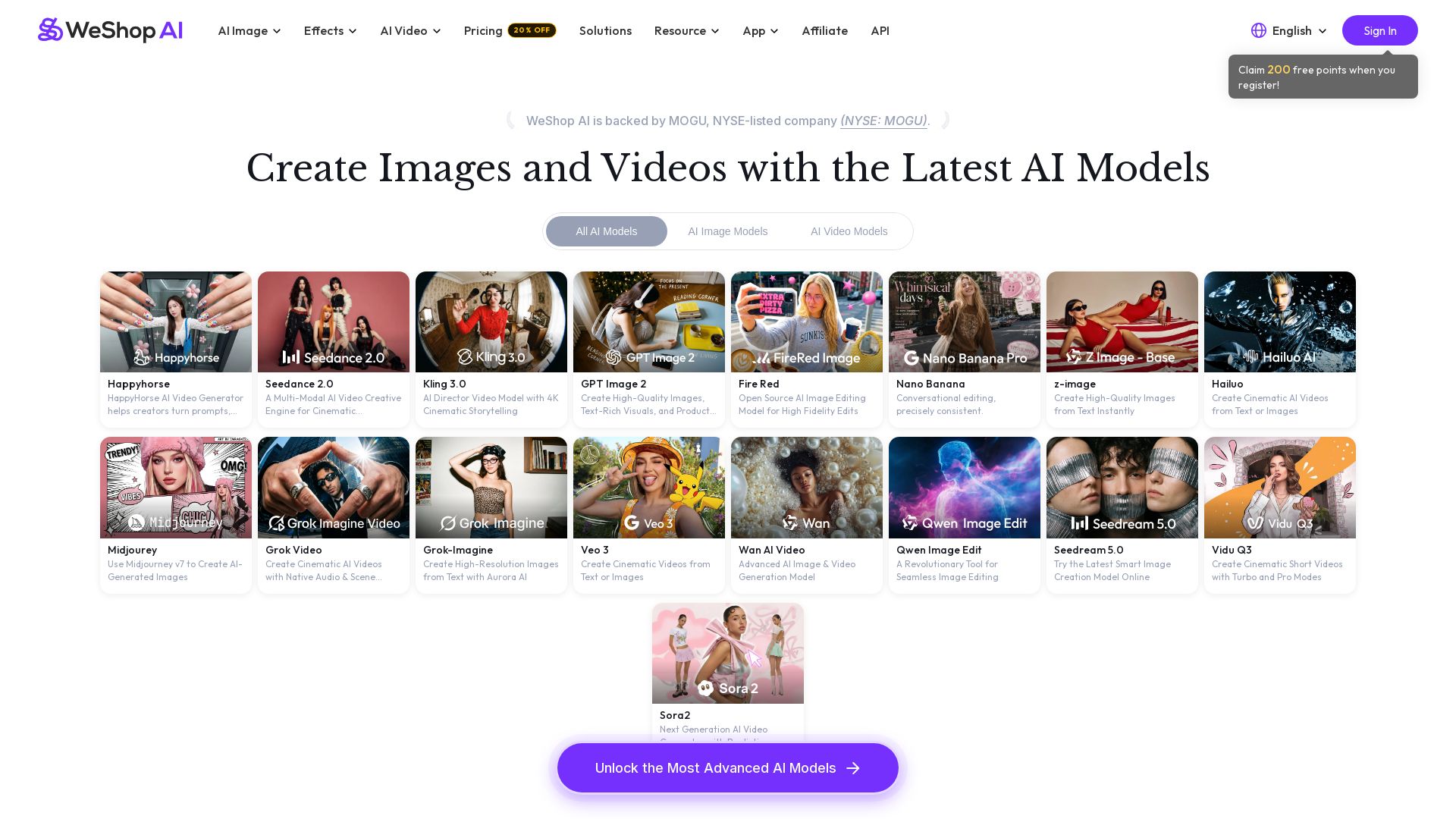
WeShop AI
Generate high-quality AI images and videos using top models like Midjourney, Kling, and Seedance. Try virtual try-on, AI fashion models, and more. Trusted by 3M+ users. Start with 200 free points!

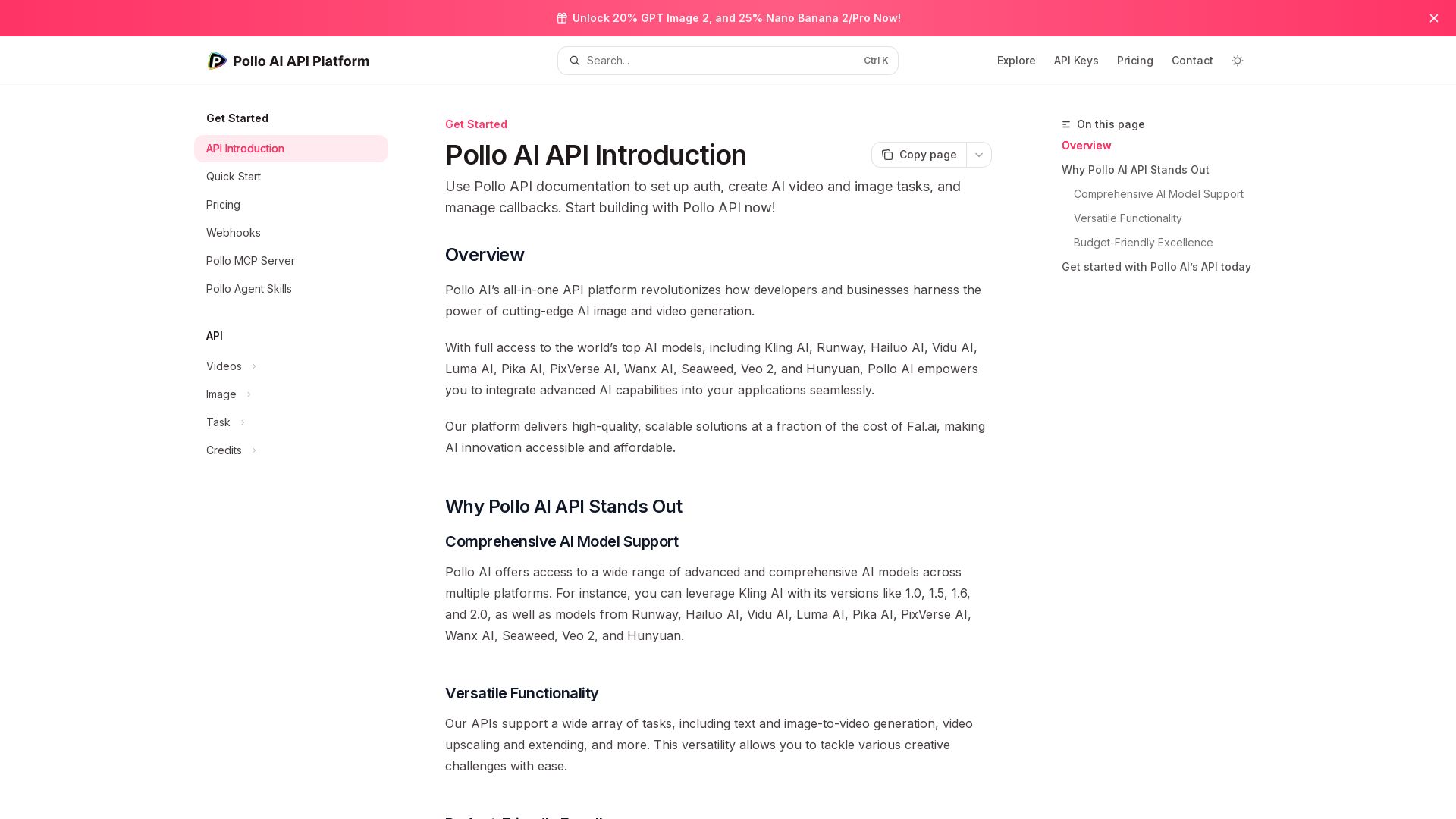
Pollo API
Integrate cutting-edge AI video and image generation with Pollo AI API. Access Kling, Runway, Hailuo, and more. Budget-friendly, high quality.


SeaArt AI
Turn ideas into stunning images and cinematic videos with SeaArt AI. Free tools, community, and advanced models like Seedance 2.0.

Yollo AI
Free, no sign-up. Chat with 200K+ characters, create NSFW AI art & videos. Ultimate creative freedom.

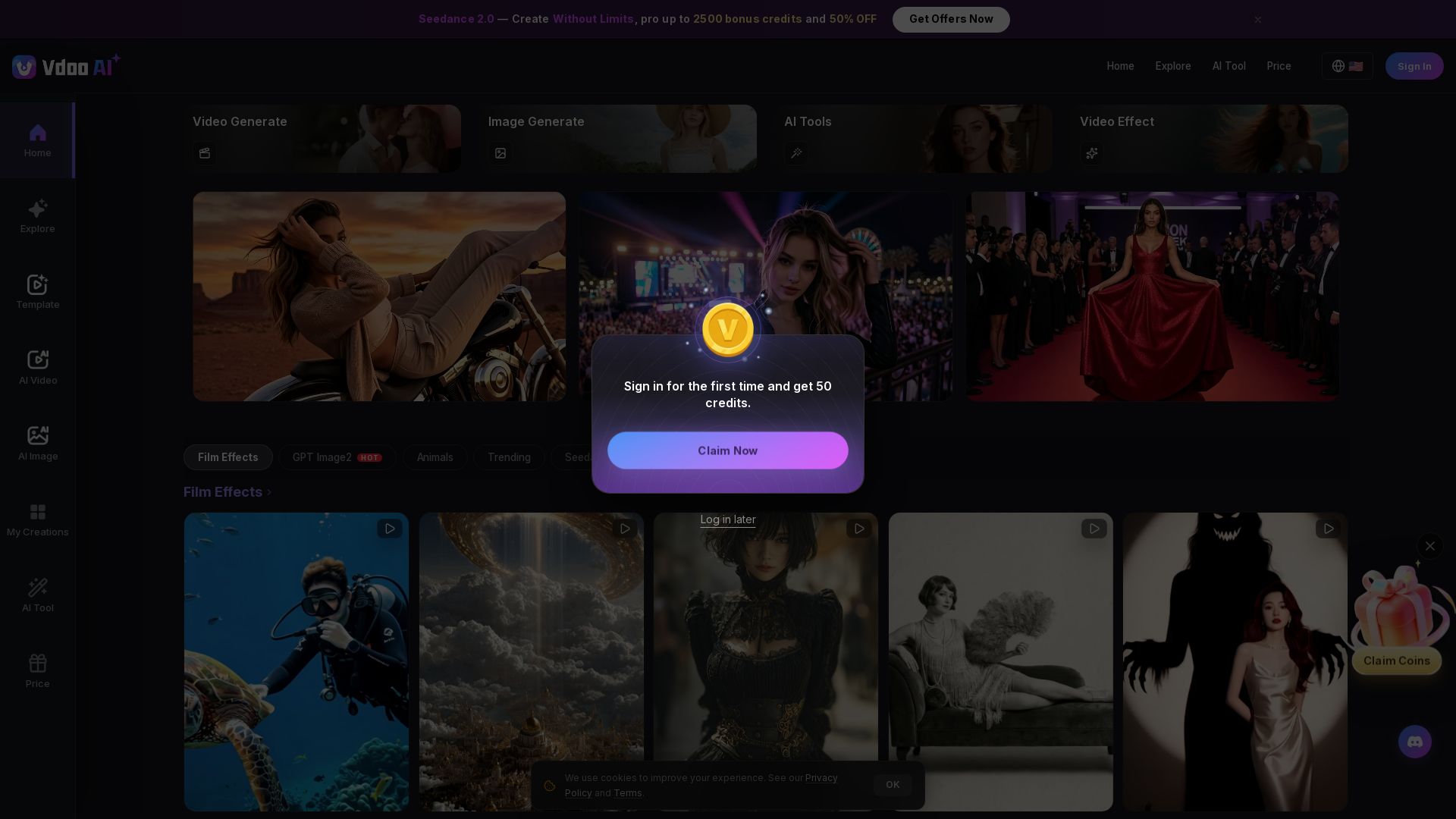
Vdoo AI
Create stunning AI videos and images with cutting-edge models. Easy-to-use platform for professional-quality content. Try free tools today!


Viyou
Create stunning AI videos and images for free. Generate avatars, romantic kisses, dance videos, and more - all on one platform with full access.

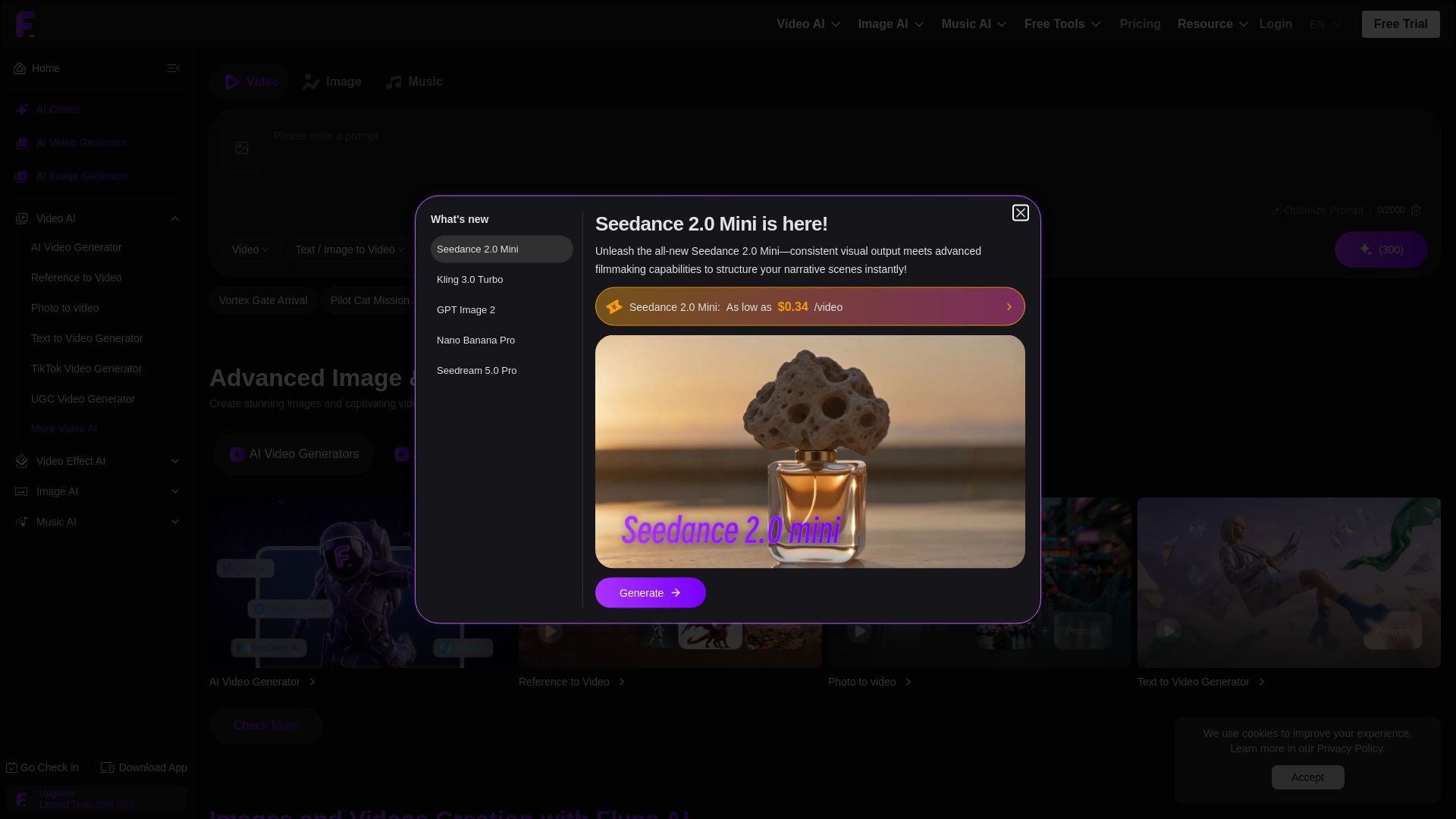
Flyne AI
Create stunning AI images and videos with Flyne AI. Free tools, cutting-edge models like Veo 3.1, Kling 3.0, and Seedance 2.0. Start free!

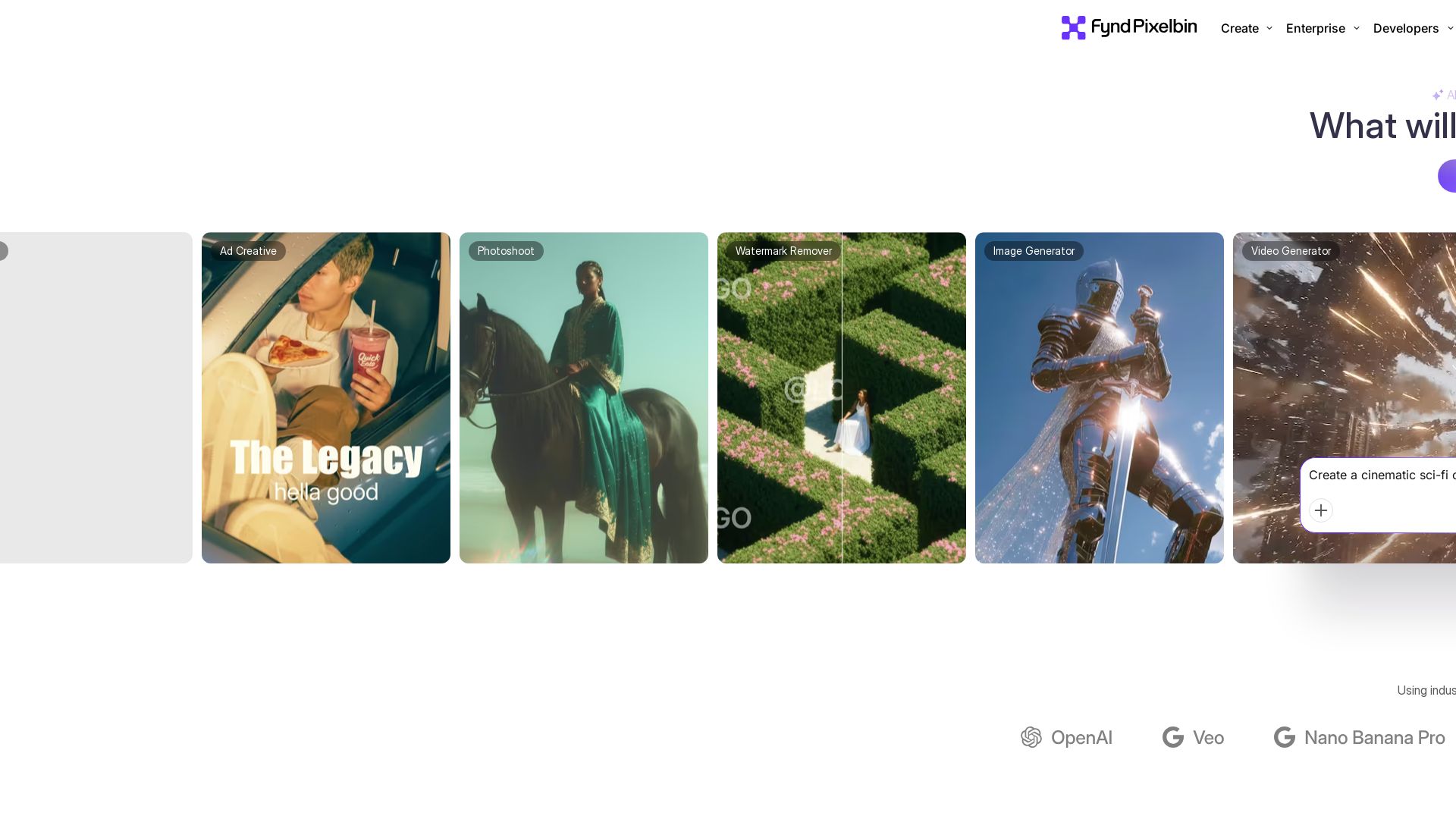
Pixelbin AI Studio
Create stunning visuals with Pixelbin's AI tools: image editing, video generation, upscaling, batch processing. Trusted by 58M+ users. Free to start.

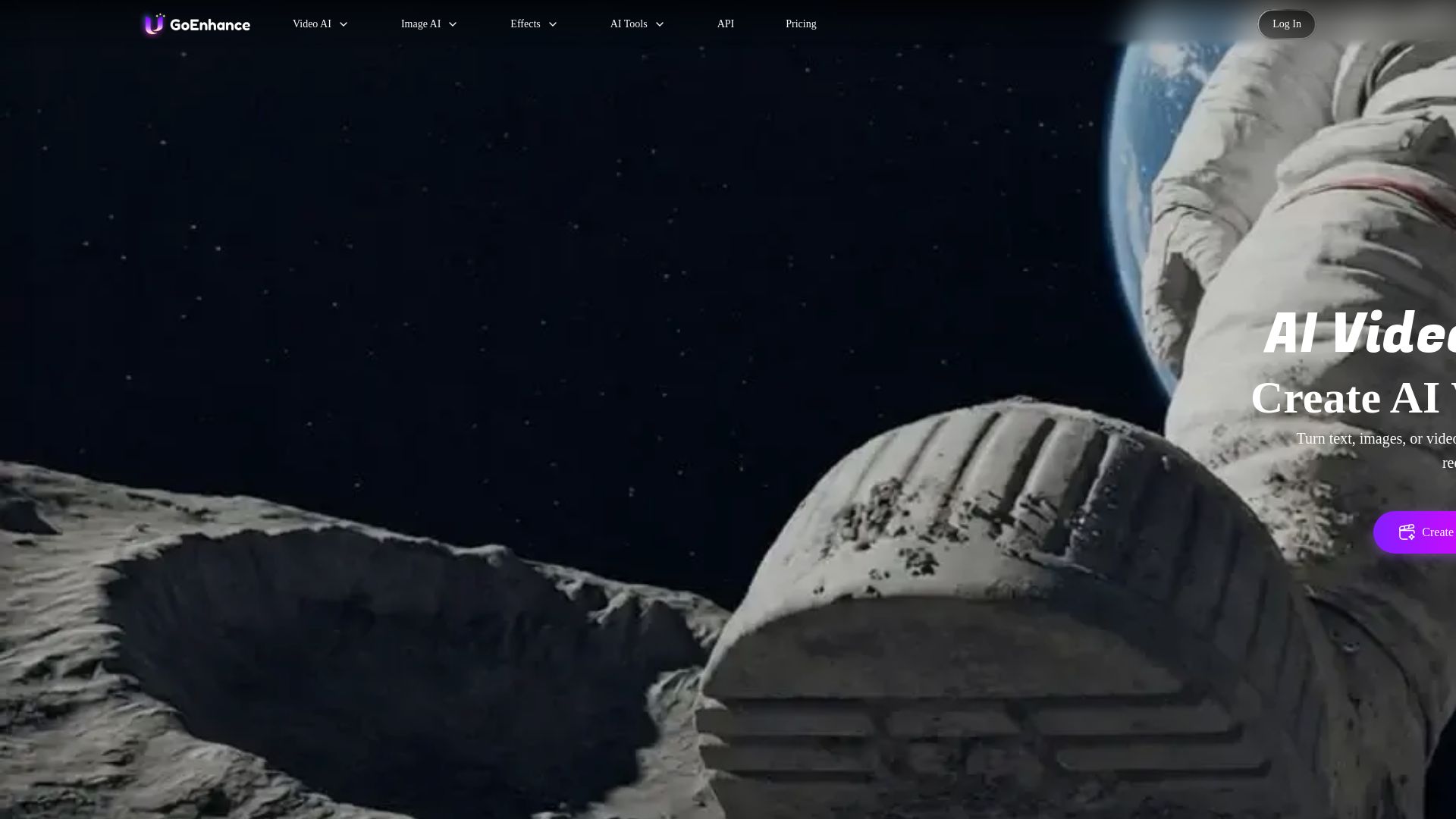
GoEnhance AI
Turn text, images, or videos into stunning AI videos and images. Access 50+ models like Sora, Runway, and Flux. Free to start!

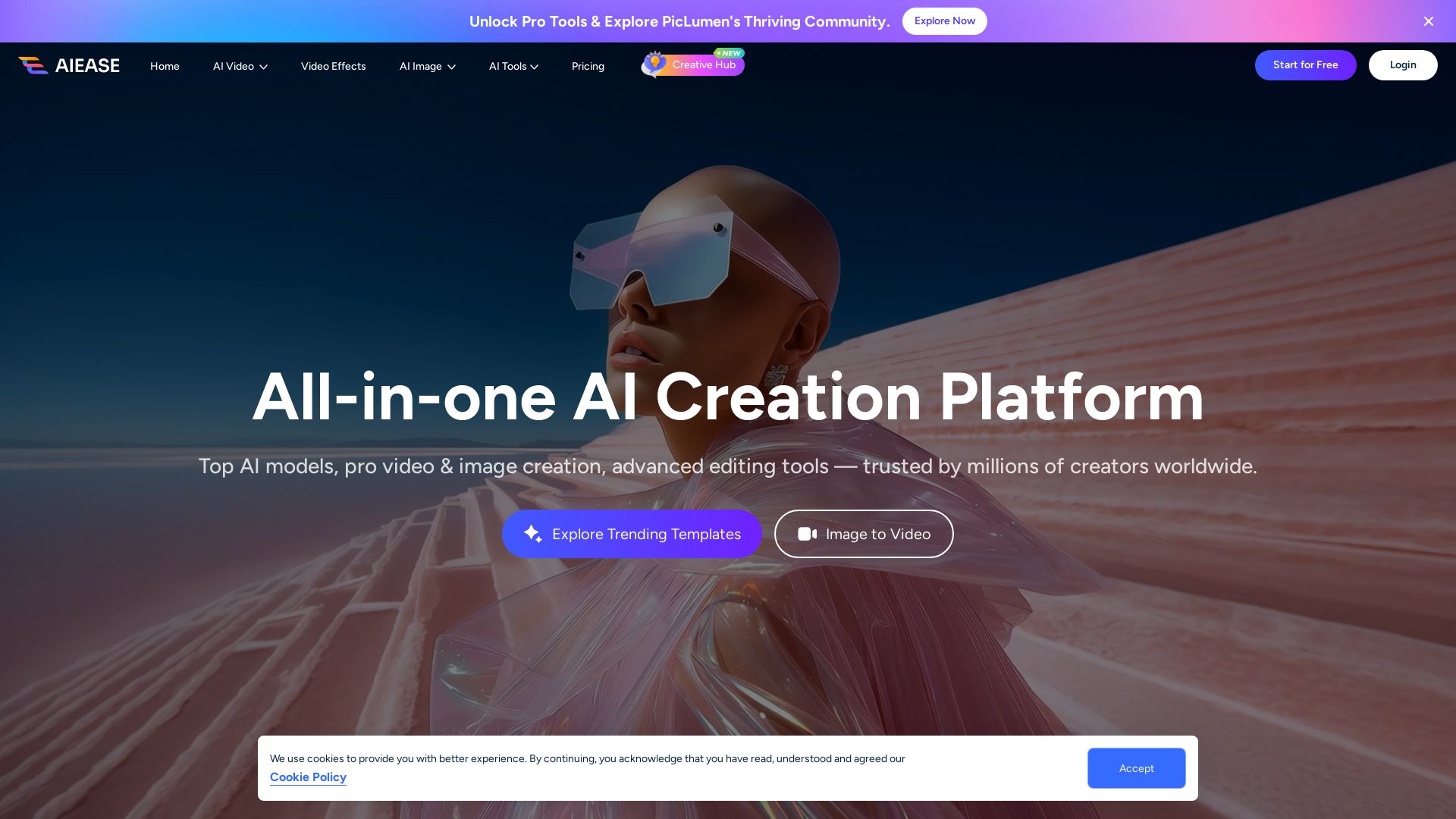
AI Ease
Create stunning AI videos and images with top models. Free tools for text-to-video, image generation, editing, and more. Trusted by millions.

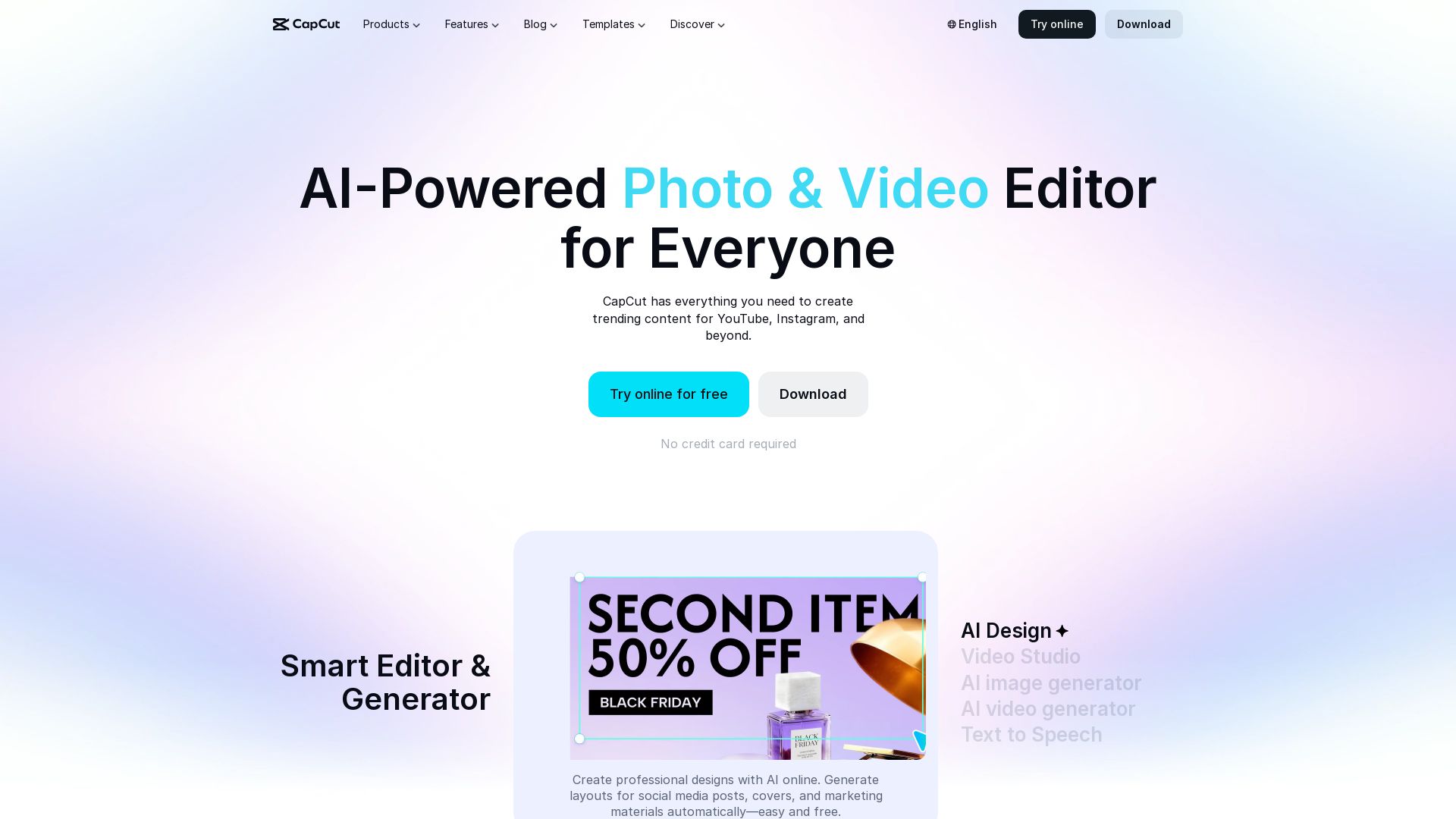
CapCut AI Video Editor
Create stunning videos and photos with CapCut's AI tools. Free online editor, background remover, text to speech, templates. No watermark. Try now!

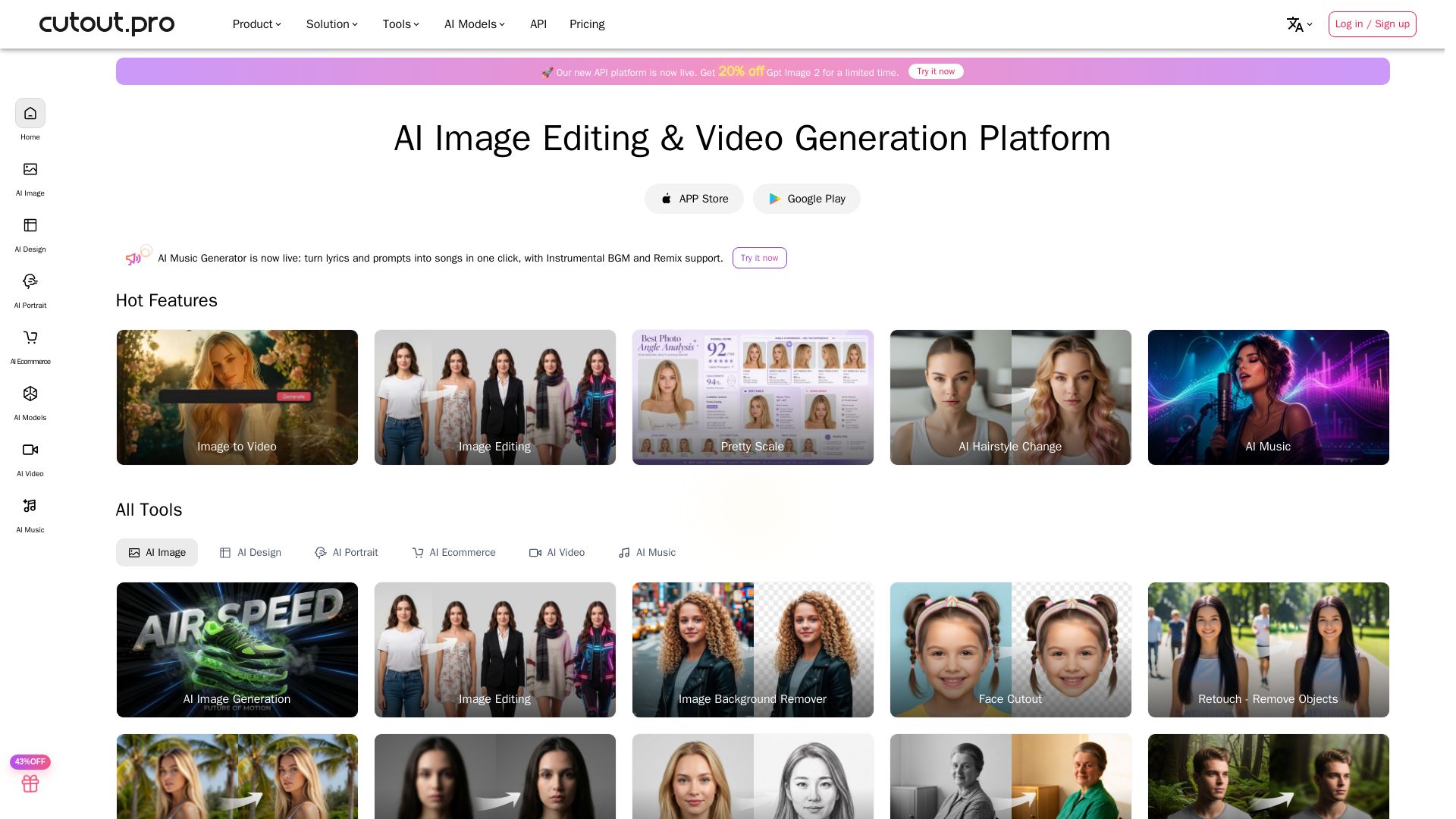
Cutout.Pro
Cutout.Pro offers AI image editing, video generation, background removal, and API integration. Trusted by 25K+ businesses. Get started for free.

ℹ️ Curation Disclosure: The overview and features of Runway were synthesized using AI and fact-checked by our curation team to ensure accuracy.