
PureCode AI

Orchestrate and govern AI agents for any workflow across the software lifecycle, on any model, deployed anywhere from cloud to air-gapped.
Editor's Verdict
Key Takeaways
- Spec Mode
- Agent Mode
- Chat Mode
- Skill Feature
In-Depth Review: What is PureCode AI?
PureCode AI provides an Agent Control Plane that orchestrates and governs AI agents across the entire software development lifecycle. It supports legacy modernization, code refactoring, UI generation, and more, with enterprise-grade security and zero data risk. The platform is model-agnostic and can be deployed locally, in VPC, on-premises, or air-gapped. Trusted by over 100 enterprise teams, it accelerates development while maintaining coding standards and governance.
Core Features
Spec Mode
Plan before you build: turn requirements into a reviewed spec that the agent executes against, ensuring complex work matches intent from the start.
Agent Mode
Automate any workflow end to end: agents migrate legacy code, ship new features, run incident response, or build data pipelines, working autonomously and in parallel across models.
Chat Mode
Understand any codebase or system: ask questions across your entire codebase, debug live applications, and trace legacy patterns with context-scoped answers.
Skill Feature
Package a workflow once, reuse it everywhere: save a proven process as a named, reusable capability any team can run.
Tool Permissions
Decide what runs on its own: set what each agent can do autonomously and what needs human sign-off, scoped per team.
Rules for AI
Enforce your standards everywhere: add company-wide coding standards, architectural guidelines, and security requirements that every agent must follow.
Hybrid Context Engine
Indexes your entire codebase and scopes each call to the actual dependencies, ensuring suggestions follow your architecture and enterprise standards.
Enterprise Security
Your source code never leaves your environment: runs locally, in your VPC, on-premises, or fully air-gapped, with zero data retention and no training on your code.
Multi-Platform Deployment
Deploy anywhere from cloud to air-gapped environments, supporting any model.
Pricing
Enterprise Trial
- Full access to Agent Control Plane
- All modes (Spec, Agent, Chat)
- Skill Feature, Tool Permissions, Rules for AI
- Enterprise security and deployment options
Enterprise
- Custom deployment (VPC, on-premises, air-gapped)
- Scalable agent orchestration
- Dedicated support
- Advanced governance and permissions
Pros and Cons
Pros
- Enterprise-Grade SecuritySource code never leaves your environment; supports air-gapped deployment with zero data retention.
- Comprehensive SDLC CoverageCovers planning, coding, testing, migration, and incident response with autonomous agents.
- Legacy Modernization ExpertiseBuilt for .NET, Java, COBOL, and mainframe migration, accelerating modernization by 60%.
- Reusable WorkflowsSkill Feature allows packaging proven workflows as reusable assets for the entire organization.
- Granular GovernanceTool Permissions and Rules for AI provide fine-grained control over agent actions and coding standards.
Cons
- Pricing TransparencyNo public pricing for enterprise plans; requires contacting sales, which may deter small teams.
- Learning CurveAdvanced features like Spec Mode and custom agent orchestration may require initial training.
- Dependence on AI ModelsRequires compatible AI models; bring-your-own-model adds complexity for some users.
- Limited Free TierOnly a 30-day trial is offered; no permanent free plan for individual developers.
- Niche Focus on .NETStrong emphasis on .NET and legacy modernization may not appeal to teams using other stacks.
Use Cases & Recommended Professions
Software Engineer→ View Toolkit
Accelerates coding, refactoring, and debugging across the SDLC, reducing repetitive tasks and improving code quality.
DevOps Engineer→ View Toolkit
Automates incident response, data pipelines, and deployment workflows with autonomous agents.
Engineering Manager→ View Toolkit
Provides governance and reusable skills to scale AI adoption across teams while maintaining standards.
Enterprise Architect→ View Toolkit
Migrates legacy systems (e.g., .NET, COBOL) to modern architectures with agent-driven workflows.
Security Engineer→ View Toolkit
Enforces security rules and ensures zero data risk with on-premises or air-gapped deployment.
QA Engineer→ View Toolkit
Uses Chat Mode to debug applications and verify code against architectural guidelines.
Frequently Asked Questions
Alternative AI Tools
View Detailed Comparison →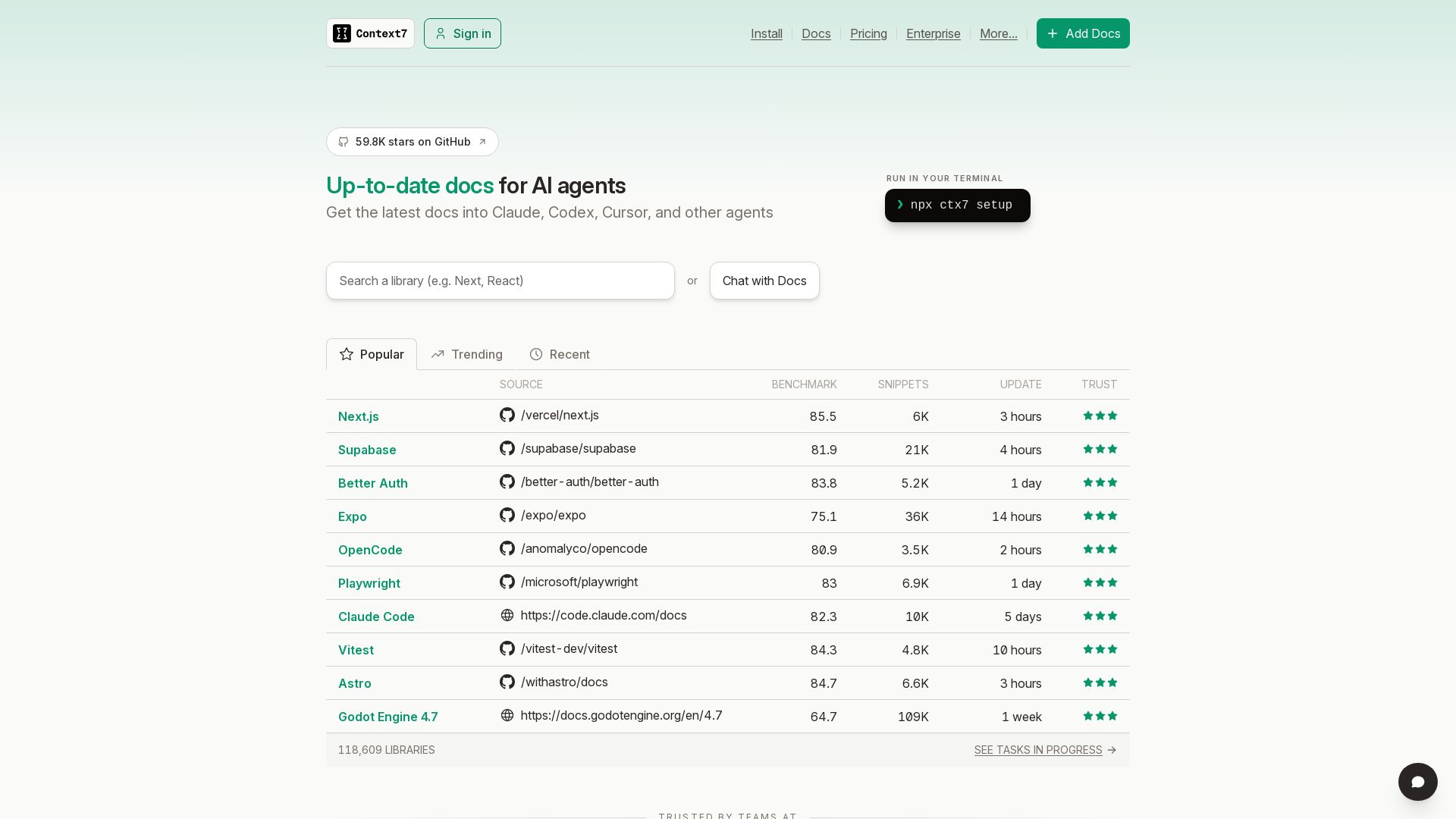
Context7
Get the latest docs into Claude, Codex, Cursor, and other AI agents. Run npx ctx7 setup to start. Trusted by teams.

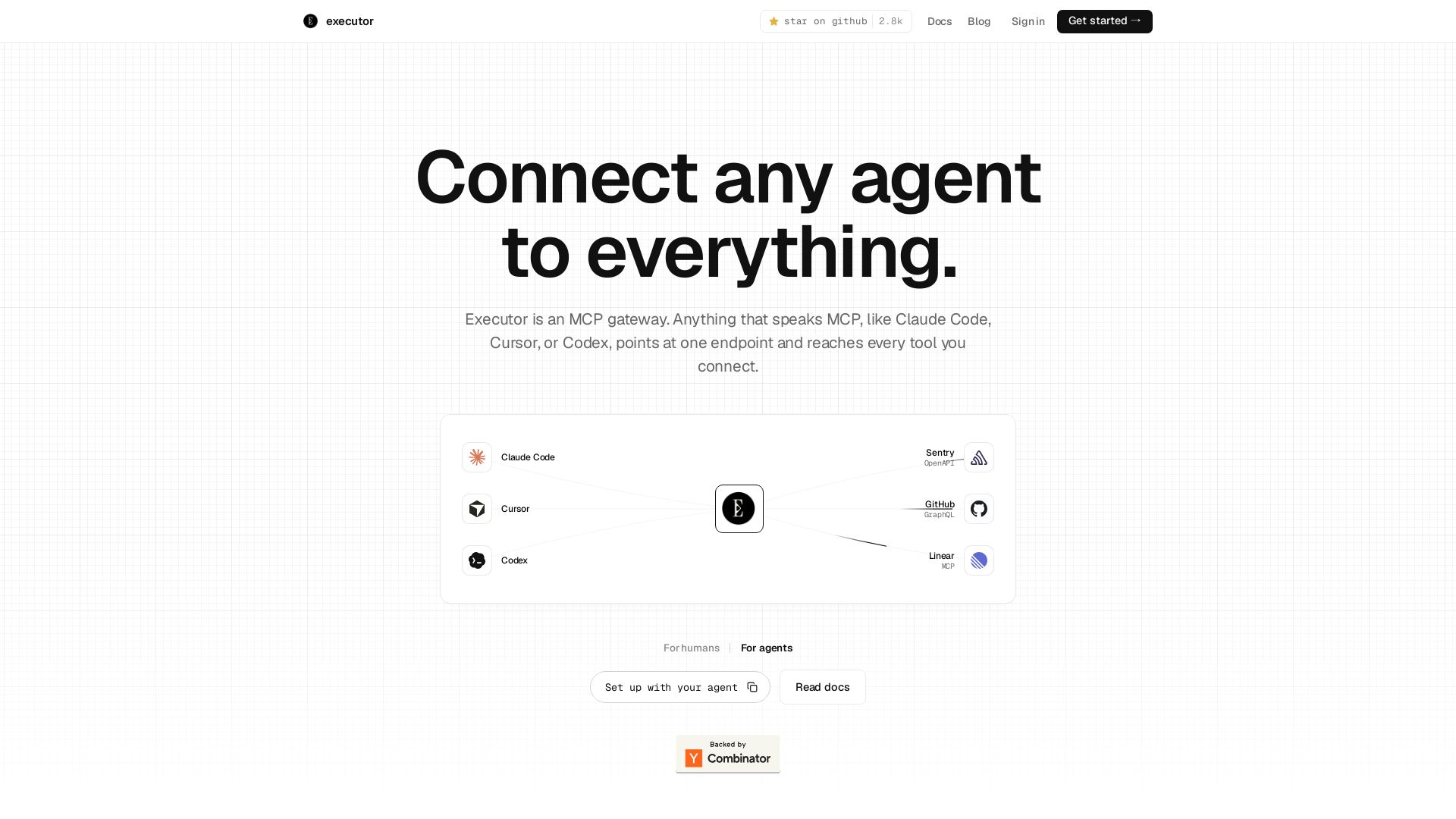
Executor
Executor is an MCP gateway for AI agents like Claude Code and Cursor. Connect thousands of tools through one endpoint with context efficiency, sandbox security, and team features.

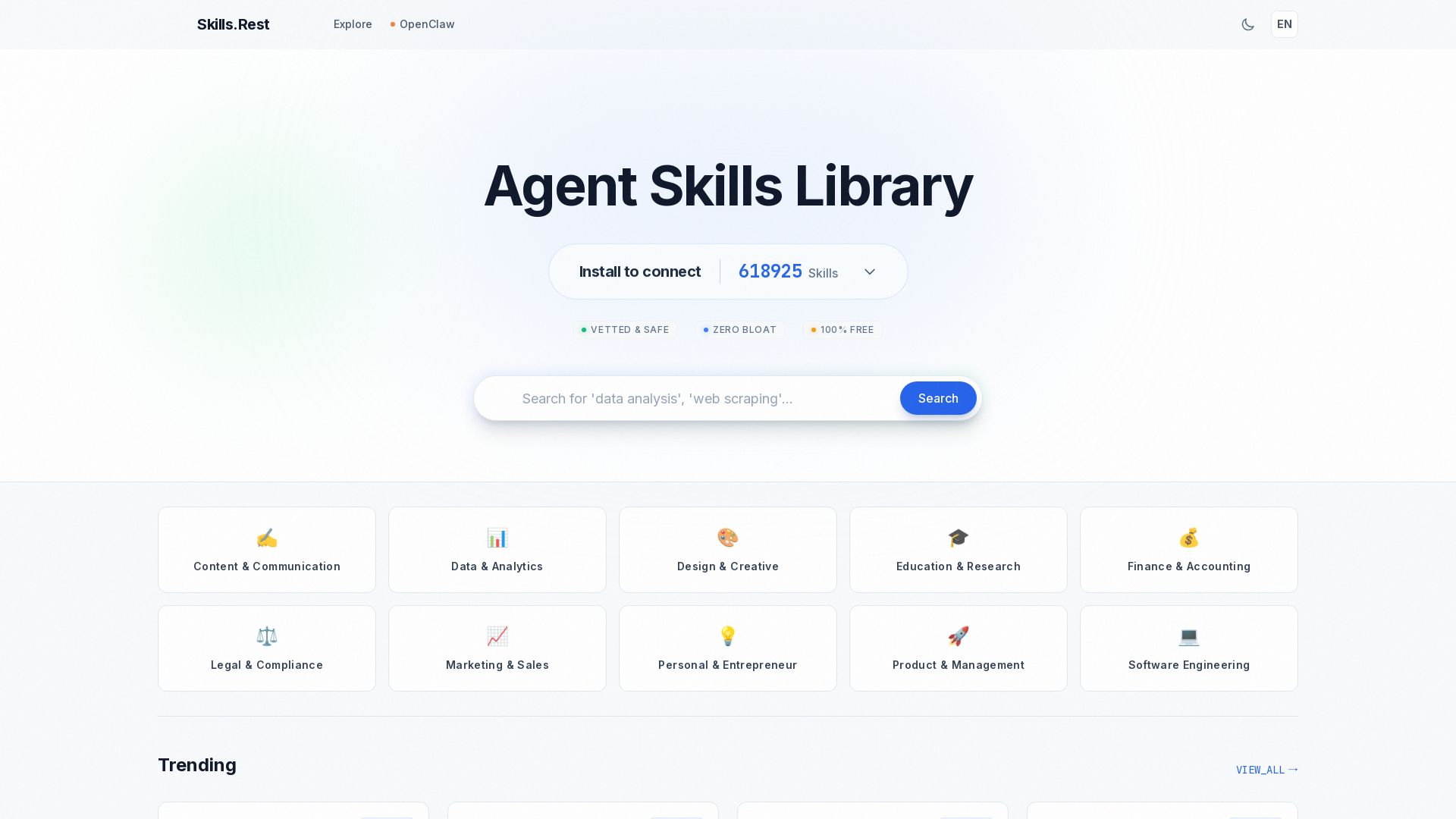
Skills.rest
Discover a curated library of free, safe, and zero-bloat AI agent skills. Install instantly via PowerShell and enhance your Claude Code workflows.
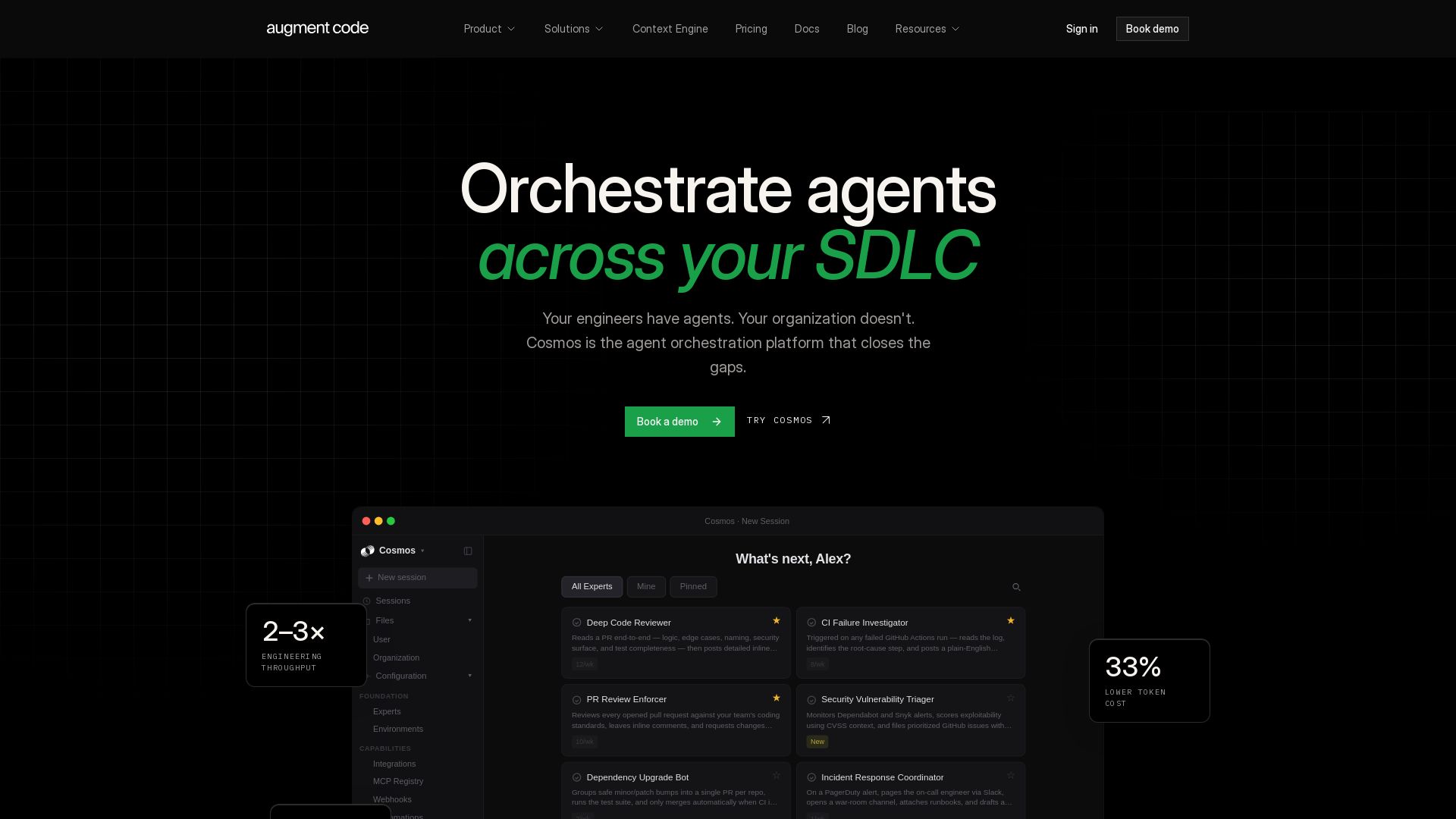
Augment Code
Orchestrate AI agents across your SDLC. Boost engineering throughput 2-3x, cut token costs 33%, and accelerate delivery. Trusted by enterprises.

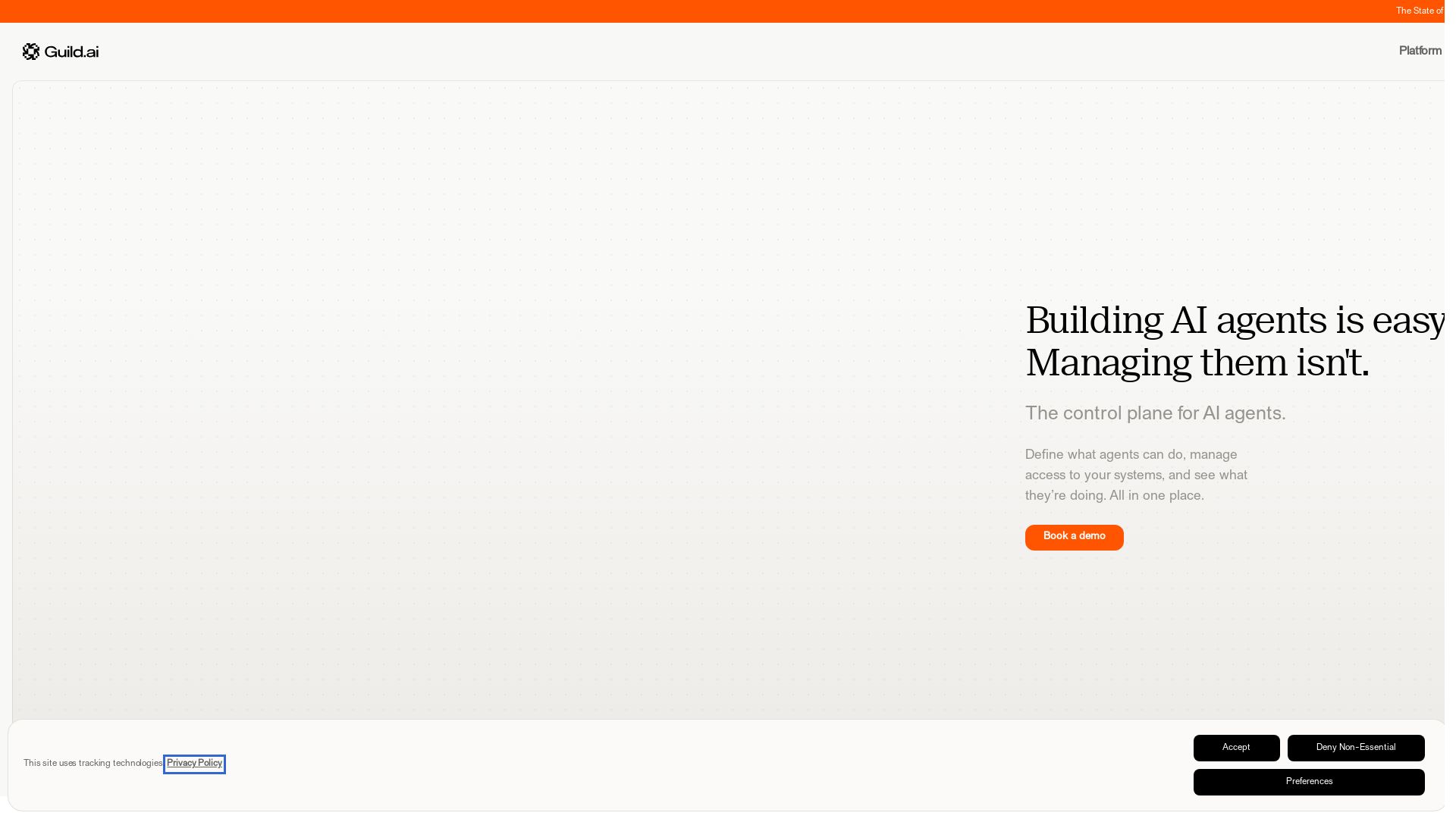
Guild.ai
Build, deploy, govern, and share AI agents at scale. Full visibility, scoped access, and enterprise-grade control. Book a demo.

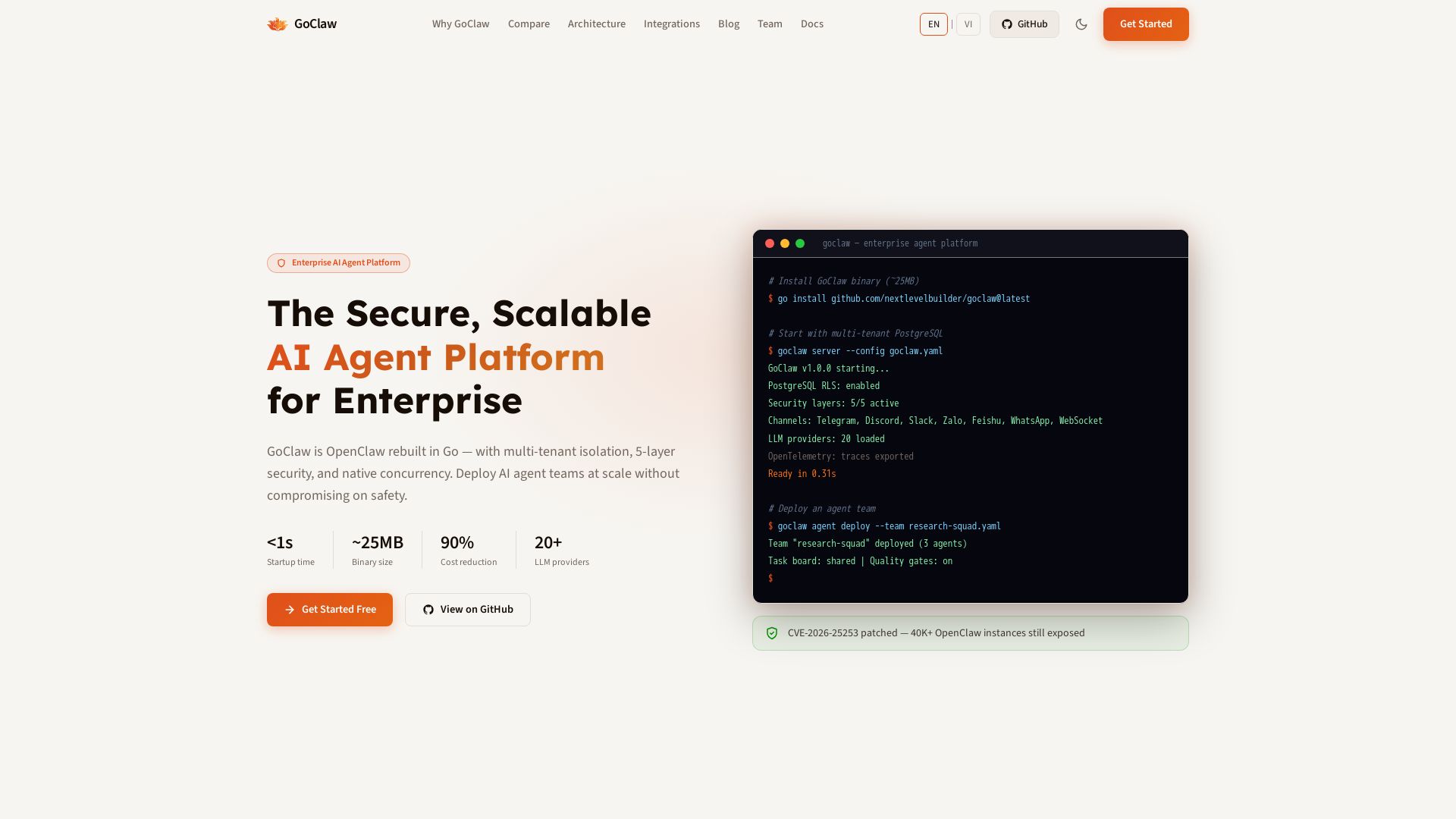
GoClaw
Deploy AI agent teams at scale with multi-tenant isolation, 5-layer security, and 90% cost reduction. Fast startup, ~25MB binary, 20+ LLMs.

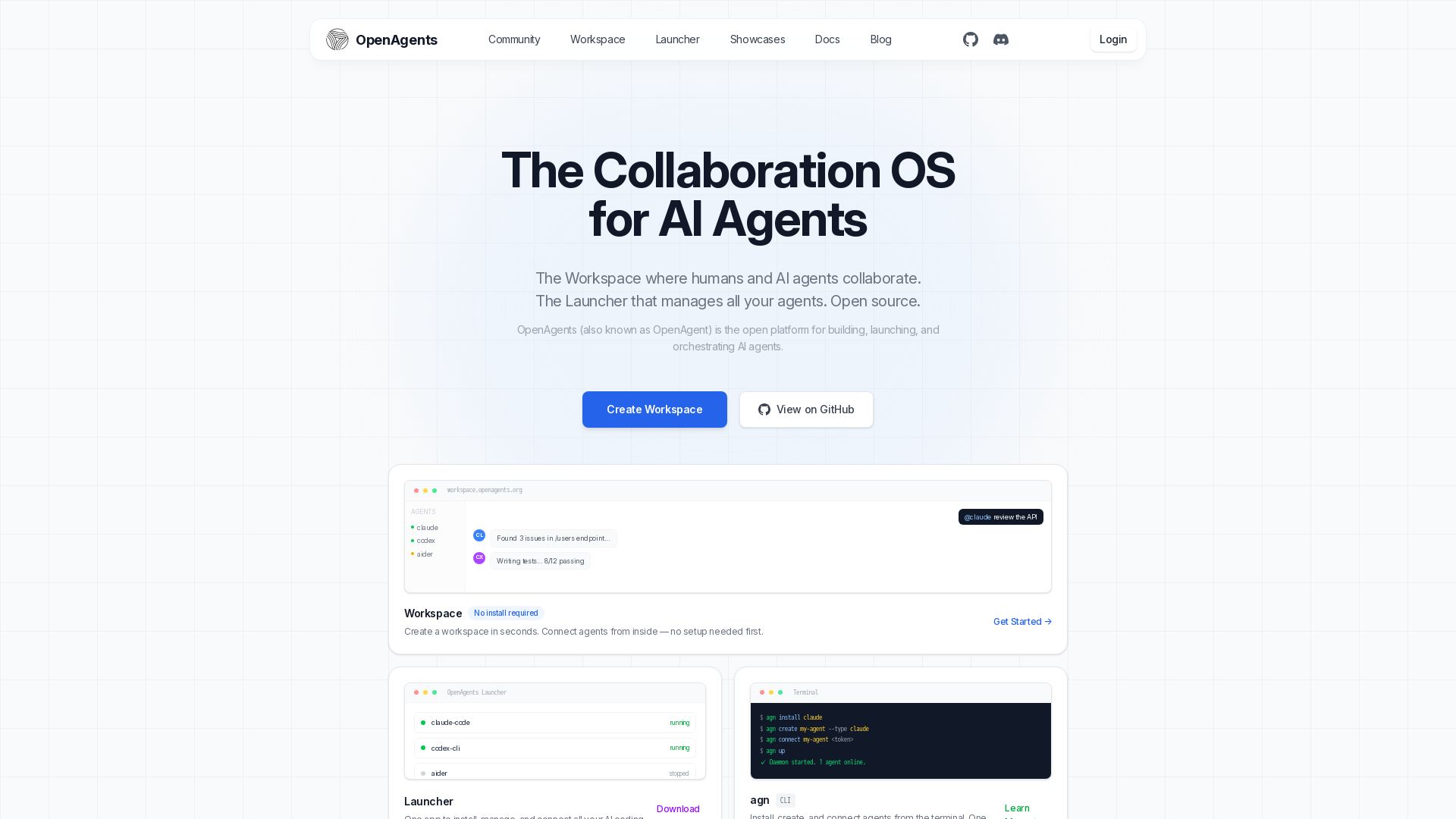
OpenAgents
Open-source AI agent platform: Collaborate with agents in a shared workspace. Manage Claude, Codex, Aider & more with the Launcher. Free, MIT license.

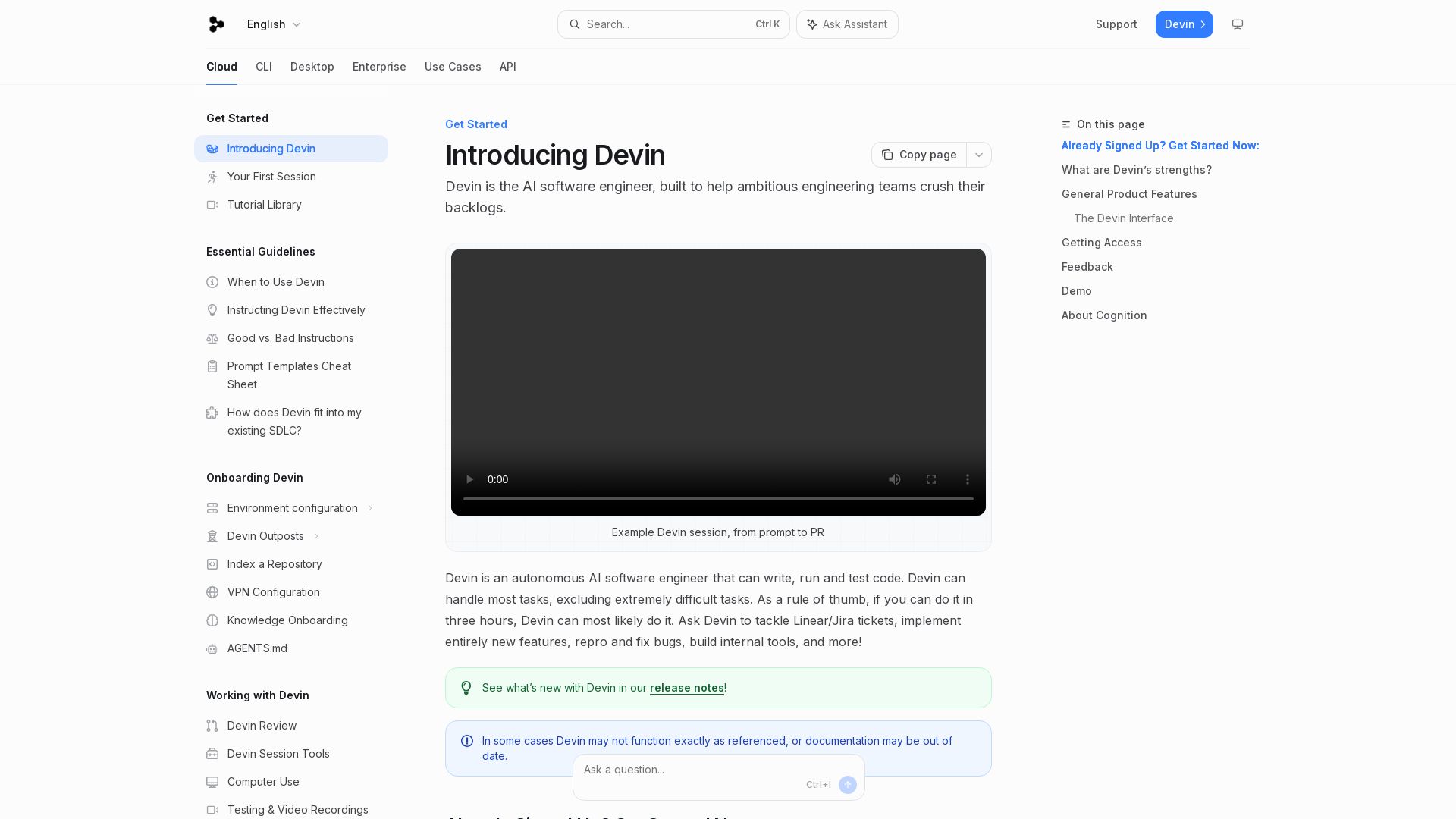
Devin
Devin is an autonomous AI software engineer that writes, runs, and tests code. Automate coding tasks, fix bugs, and crush backlogs.

Toloka
High-quality training data for AI agents, LLMs, and coding assistants. Trusted by leading AI teams. 90+ domains, expert network.

Future AGI
Catch AI hallucinations, evaluate accuracy, and deploy guardrails. Open-source platform to simulate, test, and monitor AI agents in production.


StackOne
Connect AI agents to 450+ enterprise apps with secure, token-optimized integrations. Deploy in minutes.

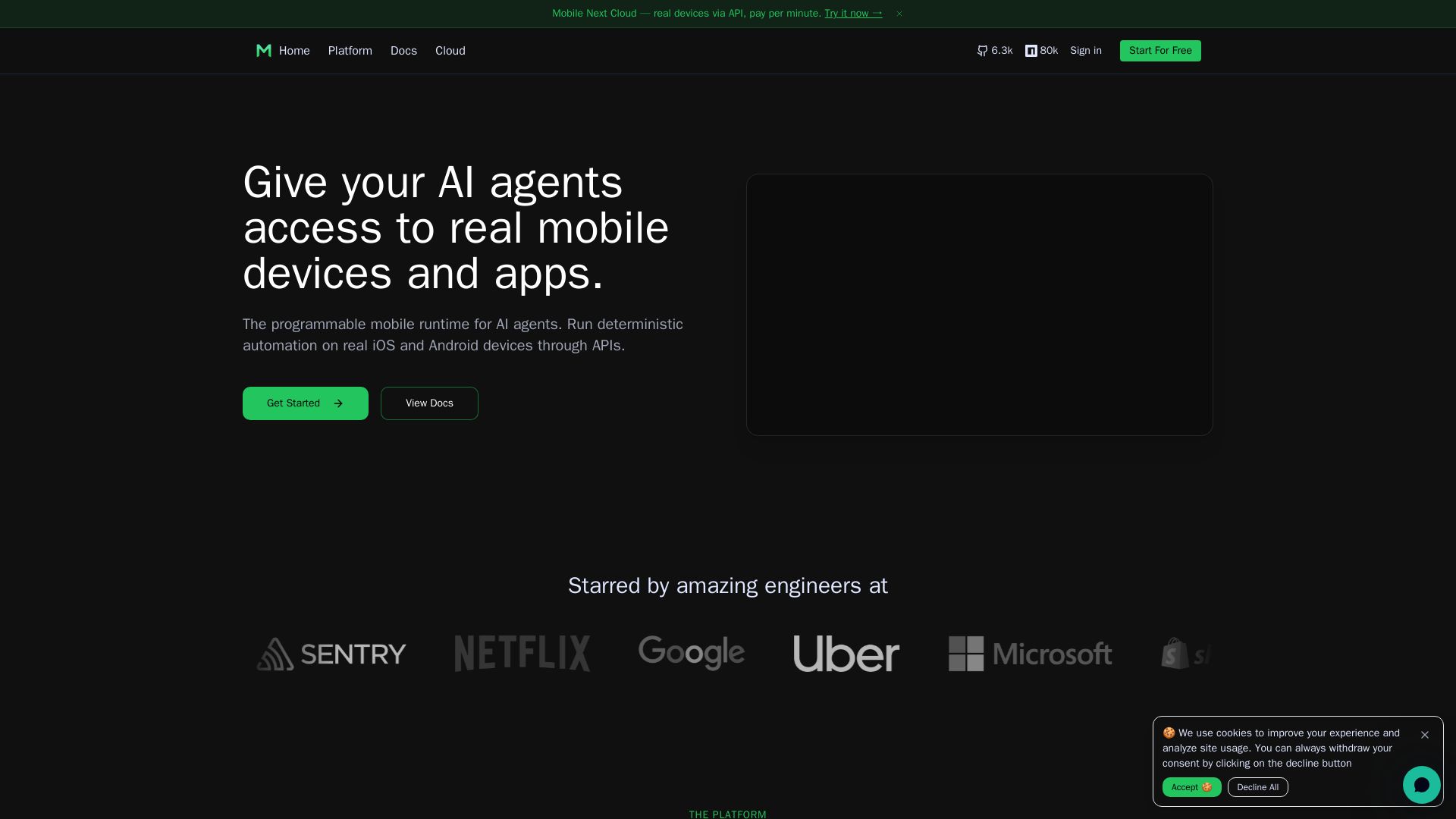
Mobile Next
Give your AI agents hands-on control of real iOS & Android devices via API. Pay per minute. Deterministic automation, agentic QA, and MCP integration.

ℹ️ Curation Disclosure: The overview and features of PureCode AI were synthesized using AI and fact-checked by our curation team to ensure accuracy.
