
printpal
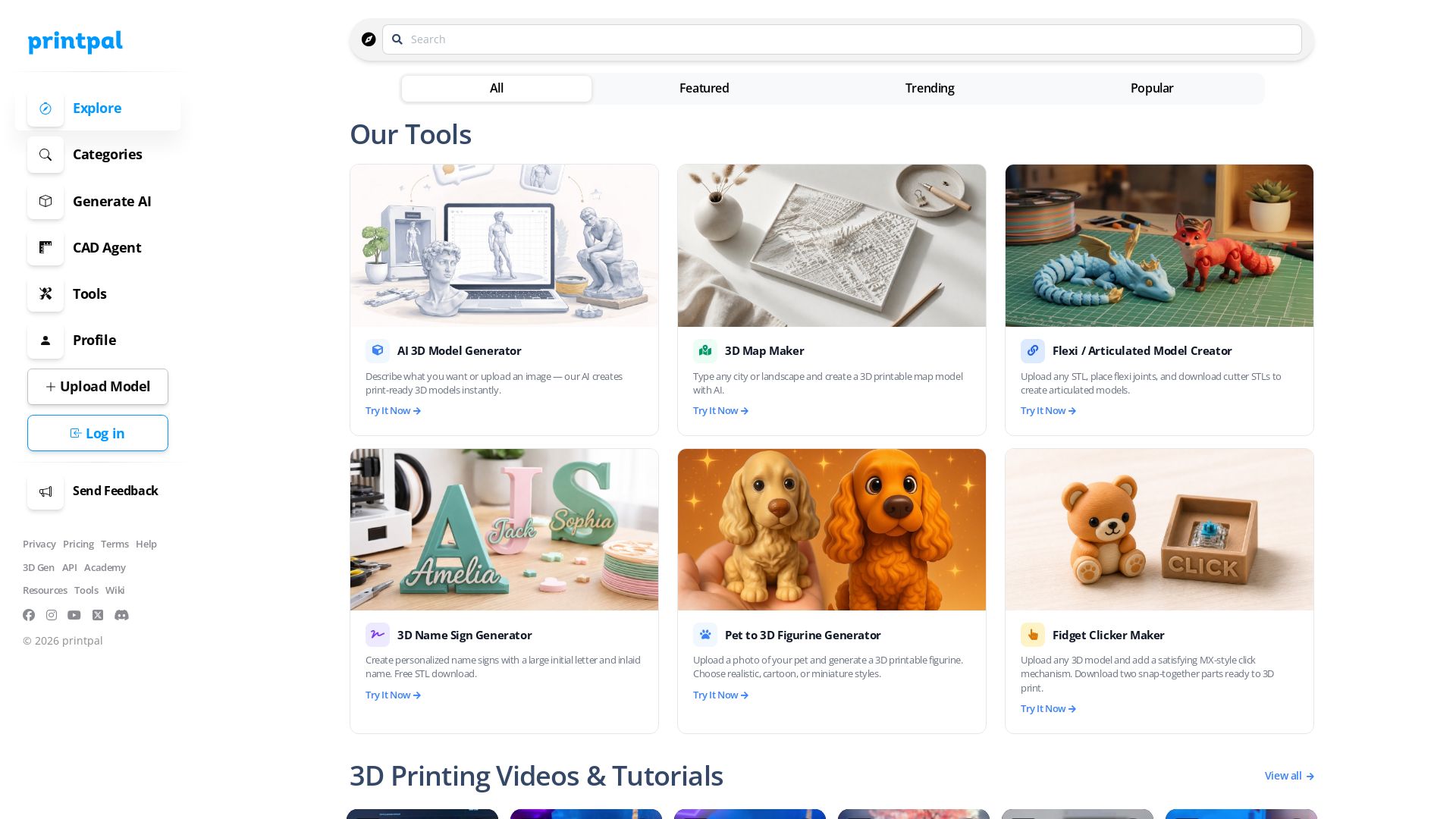
Create print-ready 3D models with AI. Generate custom name signs, maps, and pet figurines. Explore tutorials and tools for 3D printing enthusiasts.


Editor's Verdict
Key Takeaways
- AI 3D Model Generator
- 3D Map Maker
- Flexi Model Creator
- 3D Name Sign Generator
In-Depth Review: What is printpal?
printpal is an all-in-one platform for 3D printing enthusiasts, offering powerful AI tools to generate print-ready 3D models from text or images, create interactive maps, personalized name signs, pet figurines, fidget clickers, and more. Explore a community library of 3D models, watch tutorials, and access resources to take your 3D printing projects to the next level. Whether you're a beginner or an expert, printpal helps you turn ideas into physical objects effortlessly.
Core Features
AI 3D Model Generator
Describe what you want or upload an image to instantly create print-ready 3D models.
3D Map Maker
Enter any city or landscape to generate a 3D printable map model with AI.
Flexi Model Creator
Upload any STL, place flexi joints, and download cutter STLs to create articulated models.
3D Name Sign Generator
Create personalized name signs with a large initial letter and inlaid name, free STL download.
Pet to 3D Figurine
Upload a pet photo and generate a 3D printable figurine in realistic, cartoon, or miniature styles.
Fidget Clicker Maker
Add a satisfying MX-style click mechanism to any 3D model and download snap-together parts.
Text-to-CAD mode
Generate CAD models from text descriptions, included in all plans.
AI-Powered Model Edits
Modify and refine 3D models using AI, available in Pro and Studio.
All Export Formats
Export in STL, OBJ, GLB, PLY and more with Pro and Studio.
Commercial Rights
Use your generated models for commercial purposes, even on the free plan.
Pricing
Free
- 10 Basic AI Generations/month
- Default Resolution Models
- Standard Processing Queue
- Basic Export Formats
- Text-to-CAD mode
- 3D Printing Design Tools
- Commercial Rights
Pro
- 200 AI Generations/month
- Text-to-CAD mode
- AI-Powered Model Edits
- High-Resolution Models
- Priority Processing Queue
- All Export Formats
- Advanced Model Parameters
- 3D Printing Design Tools
- Flexi Model Creator
- Commercial Rights
Studio
- 500 AI Generations/month
- Everything in Pro
- Text-to-CAD mode
- AI-Powered Model Edits
- High-Resolution Models
- Priority Processing Queue
- All 3D Printing Design Tools
- Commercial Rights
Enterprise
- Unlimited generations
- REST API access
- Dedicated resources & support
Pros and Cons
Pros
- AI-Powered 3D GenerationGenerate print-ready models from text or images instantly, saving hours of manual modeling.
- Diverse Specialized ToolsFrom map makers to flexi joint creators and pet figurines, the platform covers many niche and fun use cases.
- Free Tier with Commercial RightsStart free and still get commercial rights, making it ideal for makers who want to sell their prints.
- High-Resolution and Advanced ControlsPro and Studio plans offer high-resolution models and advanced parameters for professional-grade outputs.
- Educational and Tutorial ResourcesAccess a library of videos and tutorials to improve your 3D printing skills.
Cons
- Limited Free GenerationsThe free plan only allows 10 basic AI generations per month, which may be insufficient for regular creators.
- Advanced Features Require Paid PlansPriority processing, high-resolution exports, and advanced edit tools are locked behind Pro and Studio.
- No REST API for Lower TiersAPI access is only available on Enterprise plans, limiting automation for small teams.
- Plan Pricing AmbiguityAnnual discount is mentioned but detailed annual prices are not displayed clearly.
- Dependent on Internet ConnectionThe web-based platform requires a stable internet connection; no offline application is available.
Use Cases & Recommended Professions
3D Printing Hobbyist→ View Toolkit
Enthusiasts who want to quickly turn ideas into printable models without learning complex CAD software.
Etsy Seller / Small Business Owner→ View Toolkit
Creators who sell 3D printed products and need commercial rights, efficient design, and flexible model generation.
Product Designer→ View Toolkit
Professionals who need rapid prototyping, AI-powered edits, and high-resolution exports for product development.
Educator / Teacher→ View Toolkit
Instructors who incorporate 3D printing into STEM curricula and need accessible, low-cost tools for students.
Architect / Urban Planner→ View Toolkit
Professionals who need 3D printable maps of cities and landscapes for visualization and presentations.
Content Creator / YouTuber→ View Toolkit
People who produce 3D printing tutorials and need unique models to demonstrate and engage their audience.
Frequently Asked Questions
Alternative AI Tools
View Detailed Comparison →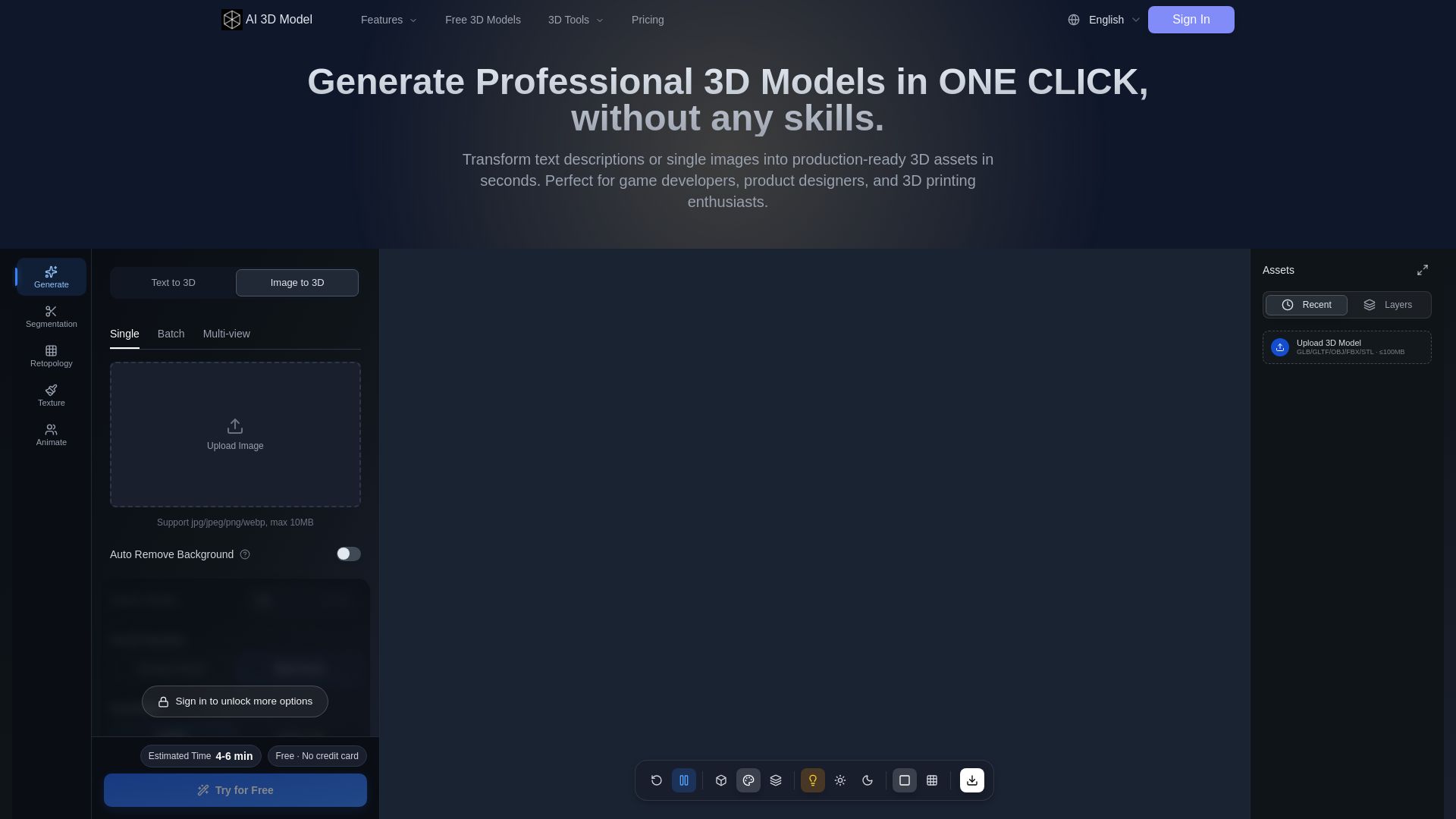
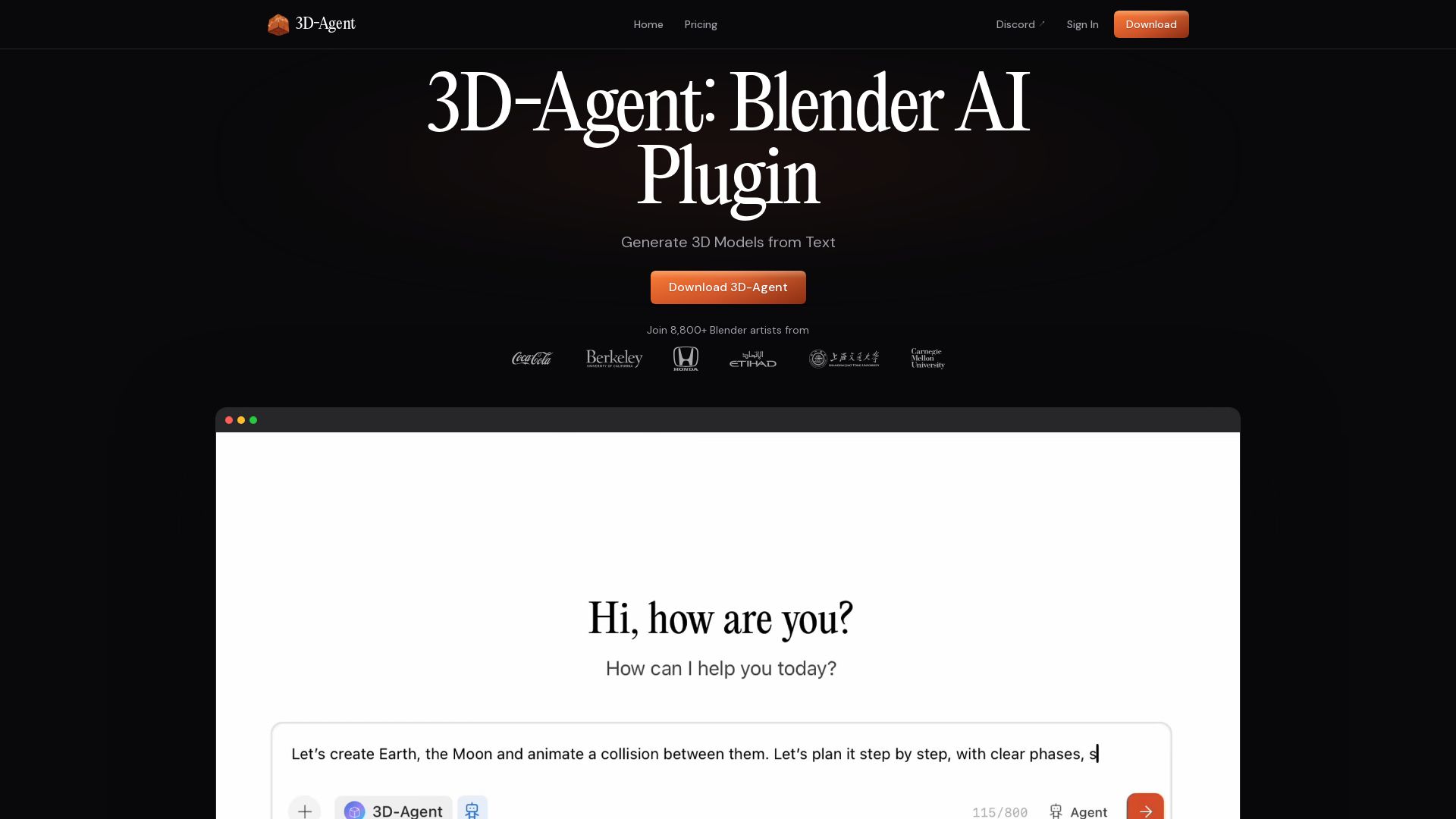
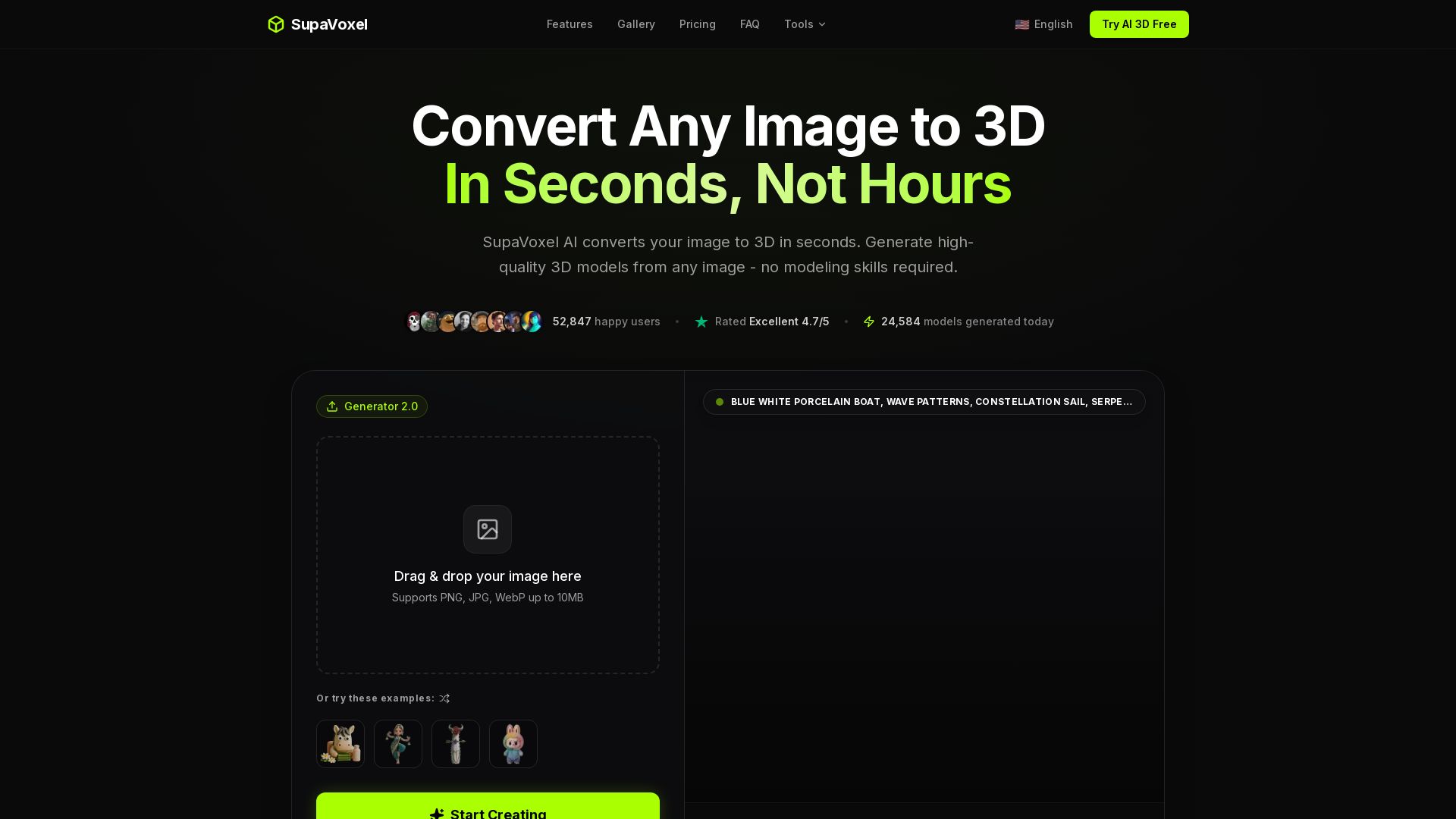
AI 3D Model Generator
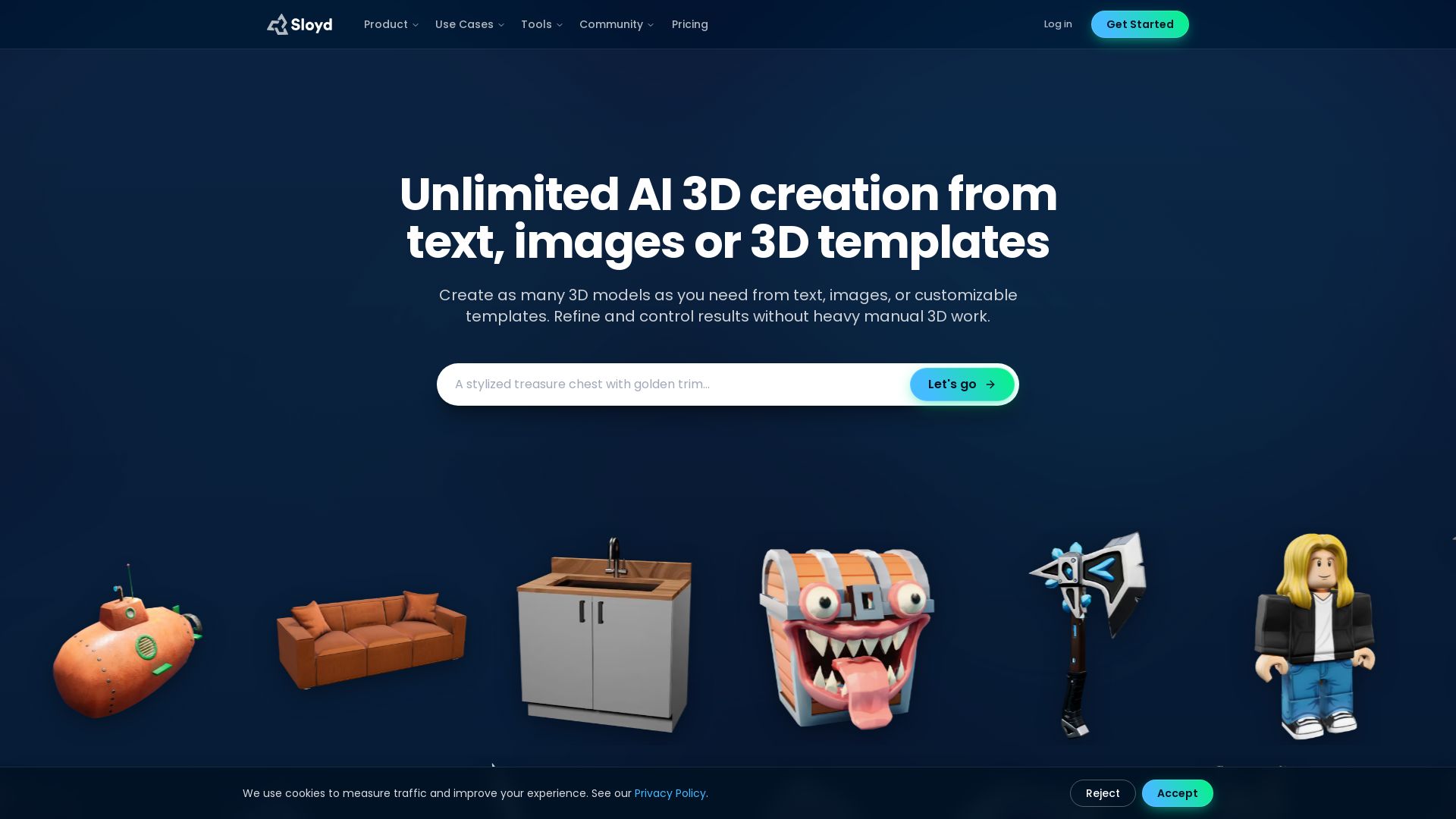
Turn text or images into production-ready 3D models in seconds. Perfect for games, product design, 3D printing. No skills needed. Try free!

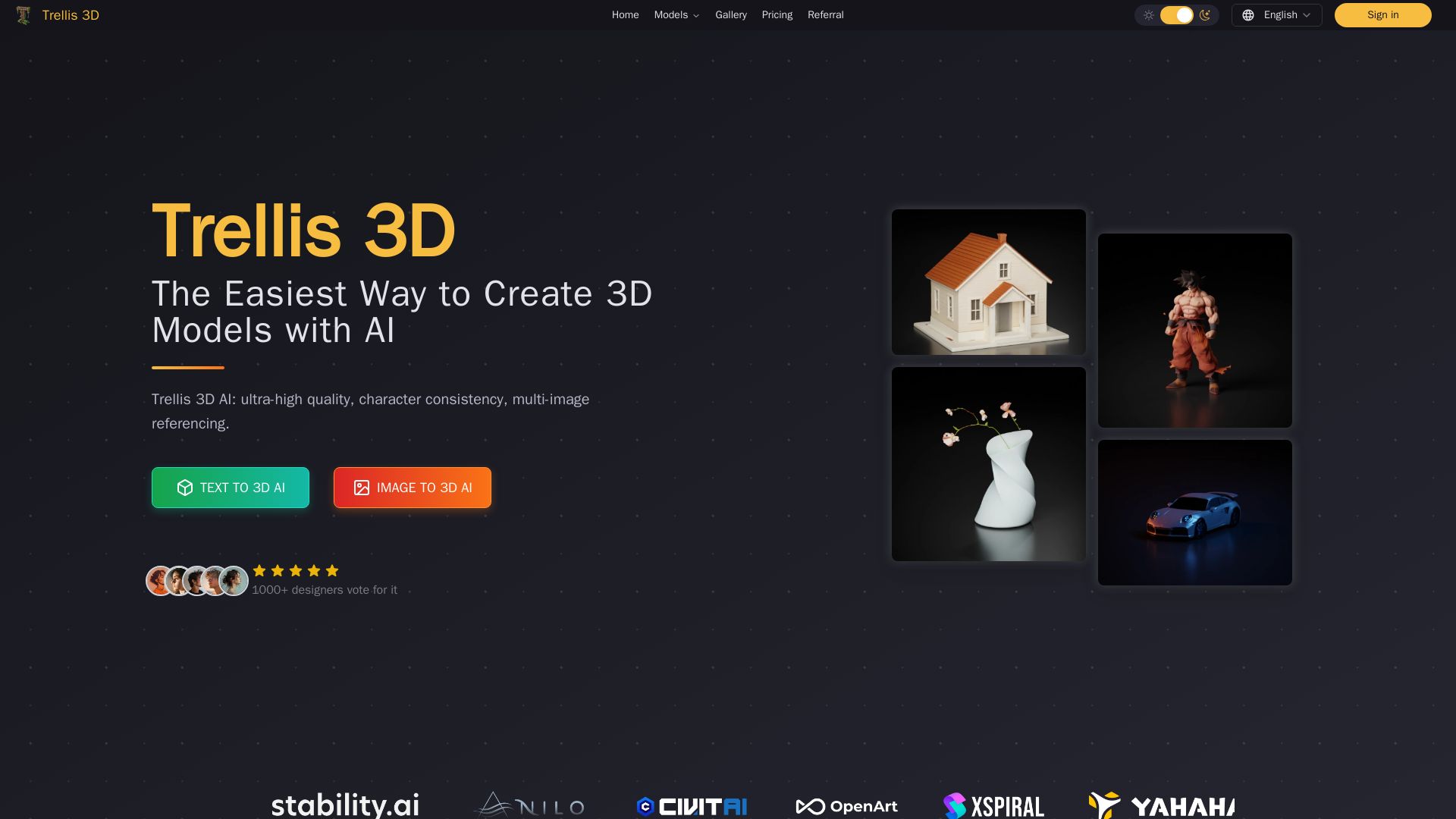
Trellis 3D AI
Create stunning 3D models from text or images using Trellis 3D AI. Ultra-high quality, multi-format output, and easy editing. Try it free!

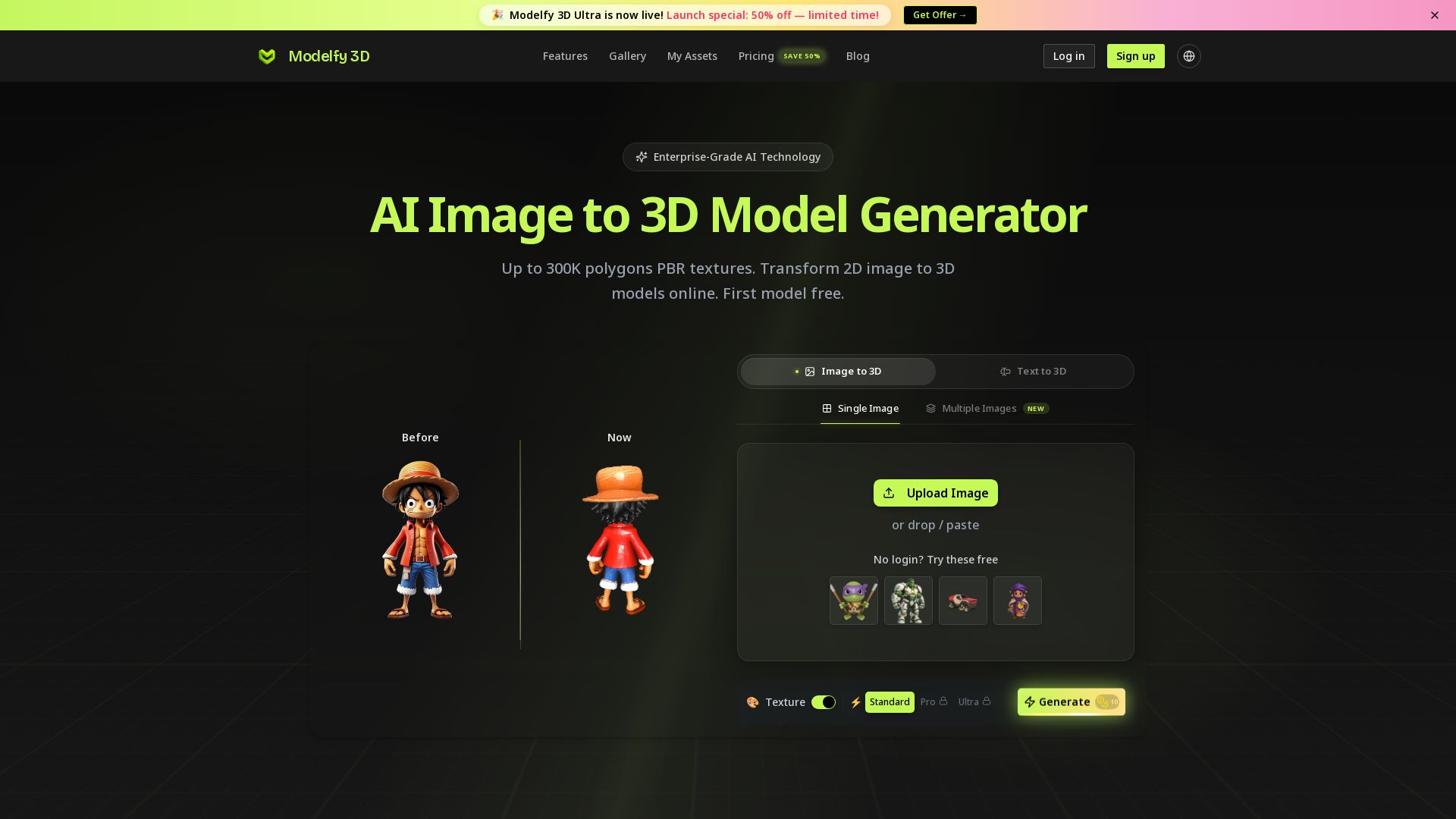
Modelfy 3D
Convert 2D images to 3D models with AI. Up to 300K polygons, PBR textures, GLB/OBJ/STL export. Free first model. Try Modelfy 3D now.


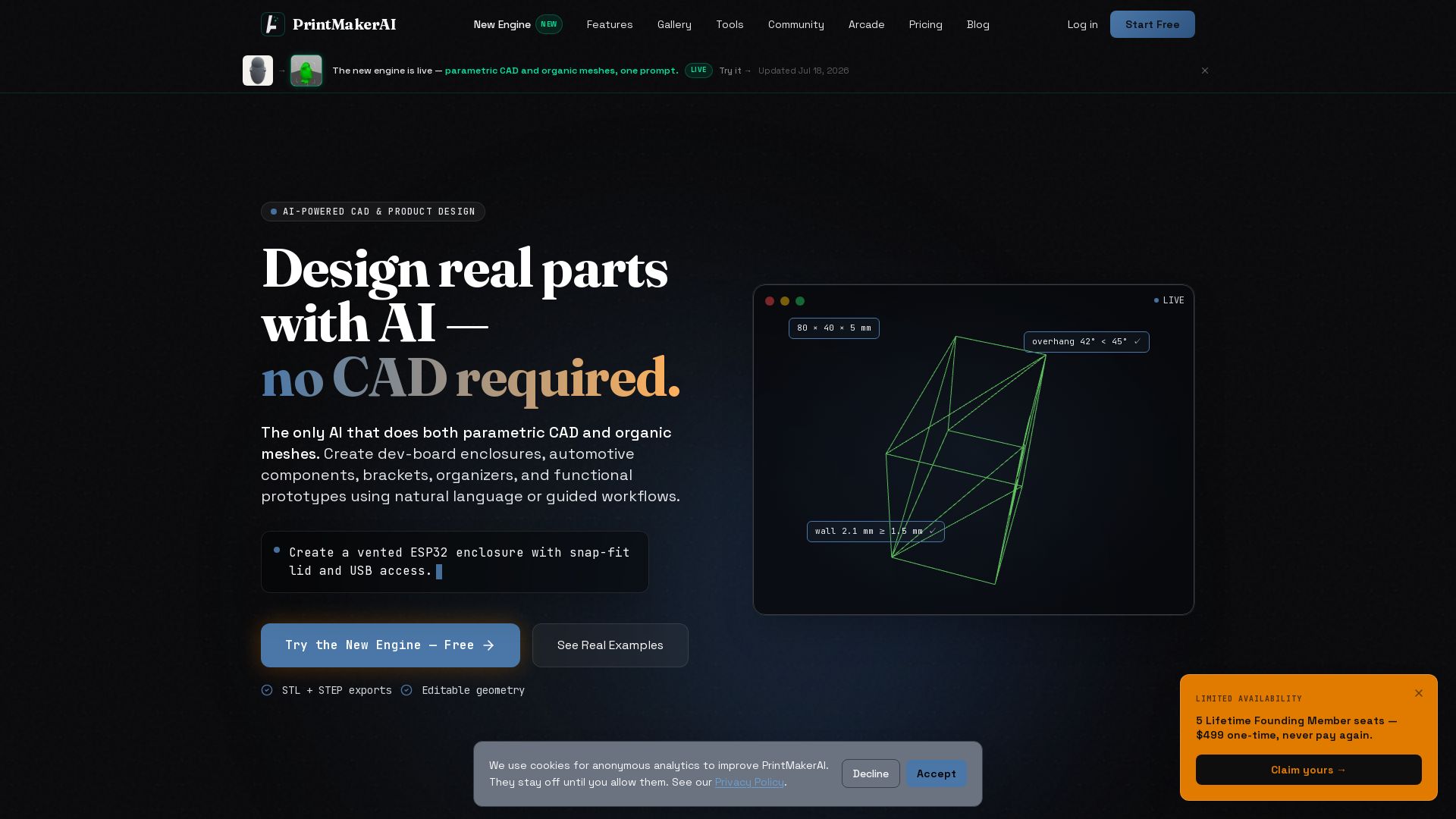
PrintMakerAI
Design real parts with AI — no CAD required. Create functional 3D-printable models from text or images. Export STL/STEP. Trusted by makers and engineers.


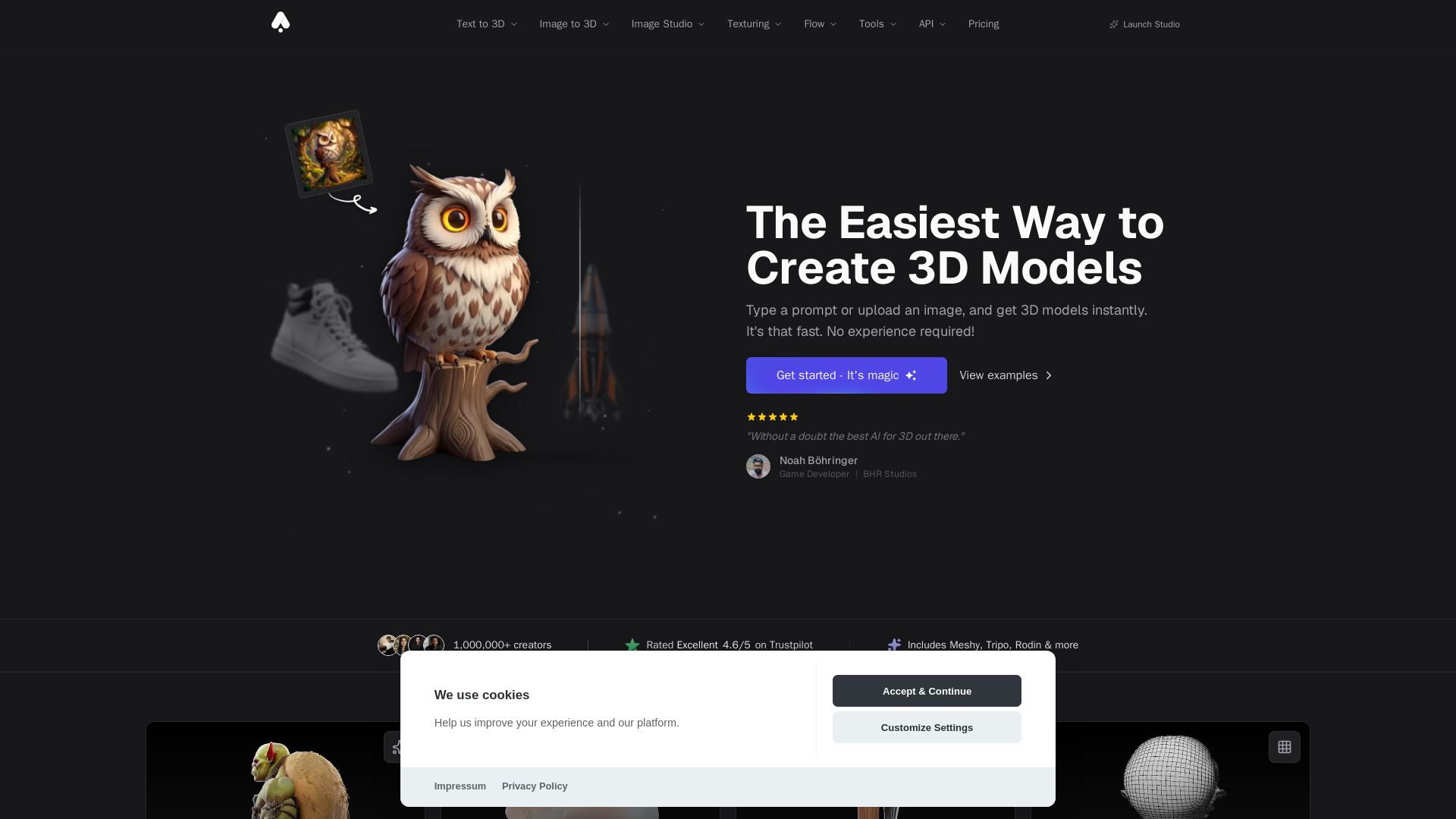
3D AI Studio
Create stunning 3D models instantly from text or images with AI. No experience required. Export to GLB, FBX, STL & more. Used by 1M+ creators.

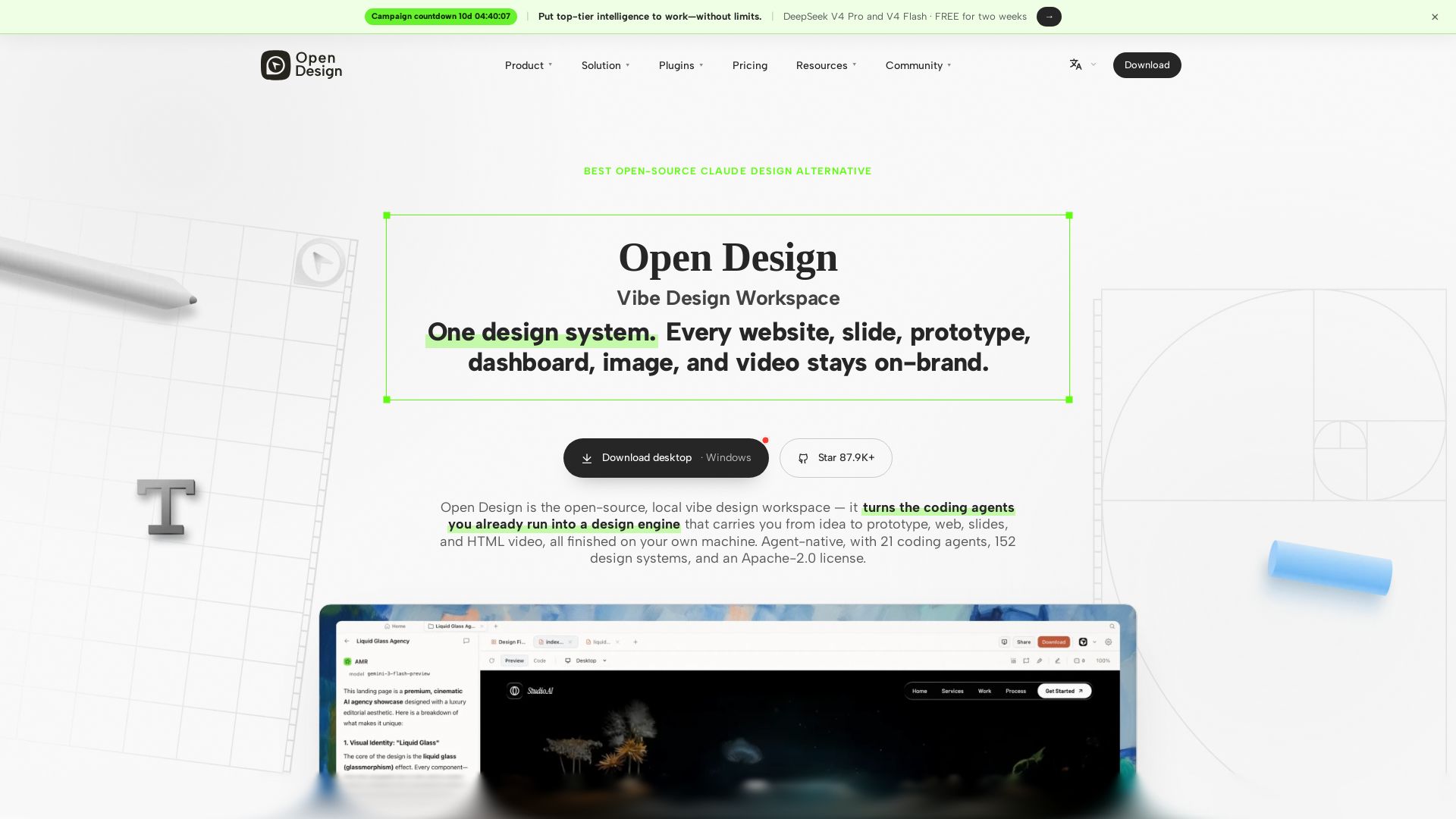
Open Design
Free, open-source design workspace that turns your coding agent into a design engine. Create websites, prototypes, slides & videos locally. Apache-2.0.





ℹ️ Curation Disclosure: The overview and features of printpal were synthesized using AI and fact-checked by our curation team to ensure accuracy.
