
PrintMakerAI
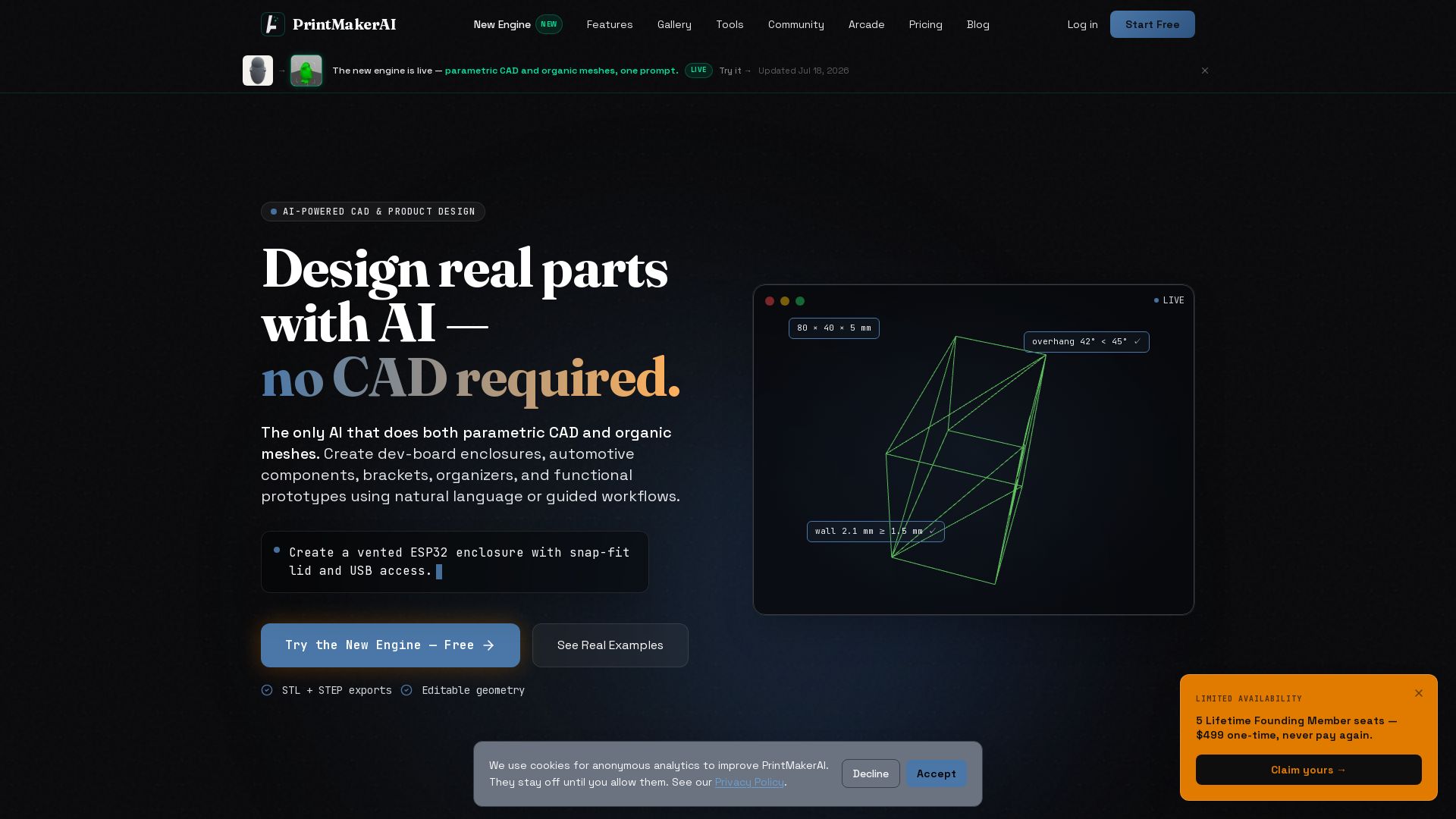
Design real parts with AI — no CAD required. Create functional 3D-printable models from text or images. Export STL/STEP. Trusted by makers and engineers.
Editor's Verdict
Key Takeaways
- AI-Powered CAD Design
- STL + STEP Exports
- TinkerSpace Manual + AI Workbench
- Manufacturing-Aware Geometry
In-Depth Review: What is PrintMakerAI?
PrintMakerAI is an AI-powered design platform that lets you create real, functional 3D-printable parts using natural language or guided workflows. No CAD experience required. It generates both parametric CAD and organic meshes, outputs editable STL/STEP files ready for Fusion 360 or your slicer. Trusted by makers, engineers, and hardware founders for prototyping enclosures, brackets, and more. Built with a true solid-modeling kernel for manufacturing-aware geometry.
Core Features
AI-Powered CAD Design
Design real parts with AI using natural language or guided workflows. No CAD experience required. Generates both parametric CAD and organic meshes.
STL + STEP Exports
Export editable geometry in STL or STEP formats for 3D printing or further refinement in CAD tools like Fusion 360.
TinkerSpace Manual + AI Workbench
Full manual CAD workbench with AI assistance. Supports primitives, booleans, fillets, and chat-driven design for precision control.
Manufacturing-Aware Geometry
Generated models understand tolerances, overhangs, and manifold healing for true 3D printability and real-world manufacturing.
Free 3D-Printing Tools
No-login access to parametric generators like measuring kit, ArUco capture mat, lithophane generator, screw-top container, snap-fit enclosure, and spiral fidget tower.
Pricing
Free
- Try the New Engine
- Access to free 3D-printing tools
- Limited use of AI CAD generation
Lifetime Deal
- Full Engineer-tier access forever
- Unlimited AI CAD generation
- TinkerSpace full manual workbench
- STL and STEP exports
- Priority support
Pros and Cons
Pros
- No CAD Experience RequiredDesign functional parts using natural language, making 3D modeling accessible to anyone.
- Real Parametric GeometryGenerates true CAD geometry via CadQuery, not just visual meshes, allowing editing and export to professional tools.
- Manufacturing-AwareDesigns account for tolerances, overhangs, and printability, reducing failed prints and time wasted.
- Free Tools IncludedA suite of parametric generators for common tasks available without login or cost.
- Lifetime Deal AvailableOne-time payment of $499 grants perpetual access, ideal for long-term users.
Cons
- Limited Pricing TransparencyOnly a free tier and a lifetime deal are clearly presented; no monthly subscription options are mentioned.
- New PlatformThe app appears to be in early stages (April 2026), so feature set and community might still develop.
- Learning Curve for Complex ProjectsWhile simple prompts work, intricate designs may require understanding of TinkerSpace or iterative refinement.
Use Cases & Recommended Professions
3D Printing Enthusiast / Maker→ View Toolkit
Quickly turn ideas into printable models without learning complex CAD software.
Mechanical Engineer→ View Toolkit
Speed up prototyping and generate editable geometry for further refinement in Fusion 360 or other CAD tools.
Hardware Founder→ View Toolkit
Rapidly iterate on enclosures, brackets, and parts for product development without hiring a CAD specialist.
Product Designer→ View Toolkit
Create functional prototypes and product concepts using natural language descriptions.
Hobbyist / DIY Creator→ View Toolkit
Design custom organizers, cases, and tools for personal projects with minimal effort.
Frequently Asked Questions
Alternative AI Tools
View Detailed Comparison →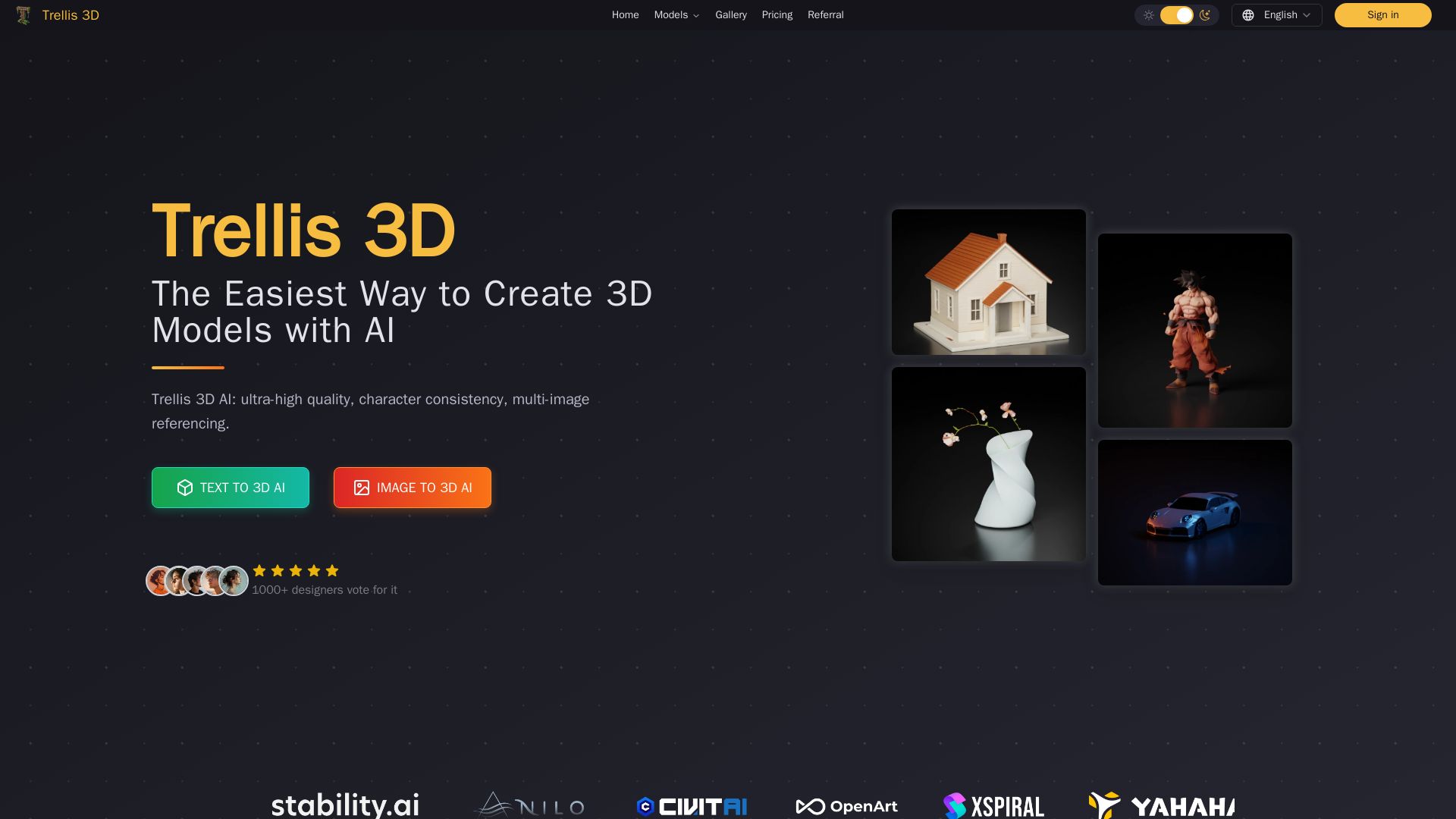
Trellis 3D AI
Create stunning 3D models from text or images using Trellis 3D AI. Ultra-high quality, multi-format output, and easy editing. Try it free!

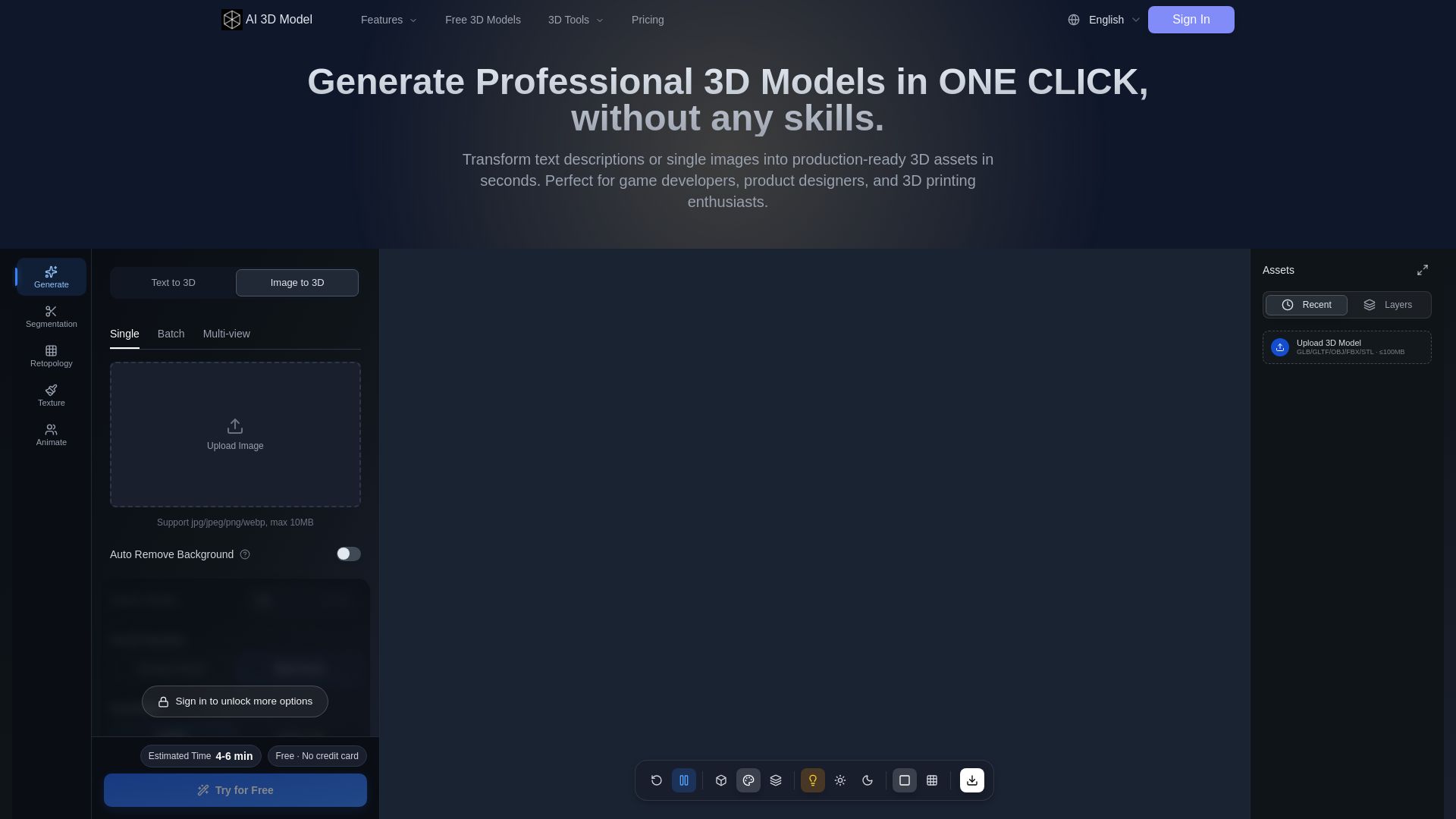
AI 3D Model Generator
Turn text or images into production-ready 3D models in seconds. Perfect for games, product design, 3D printing. No skills needed. Try free!

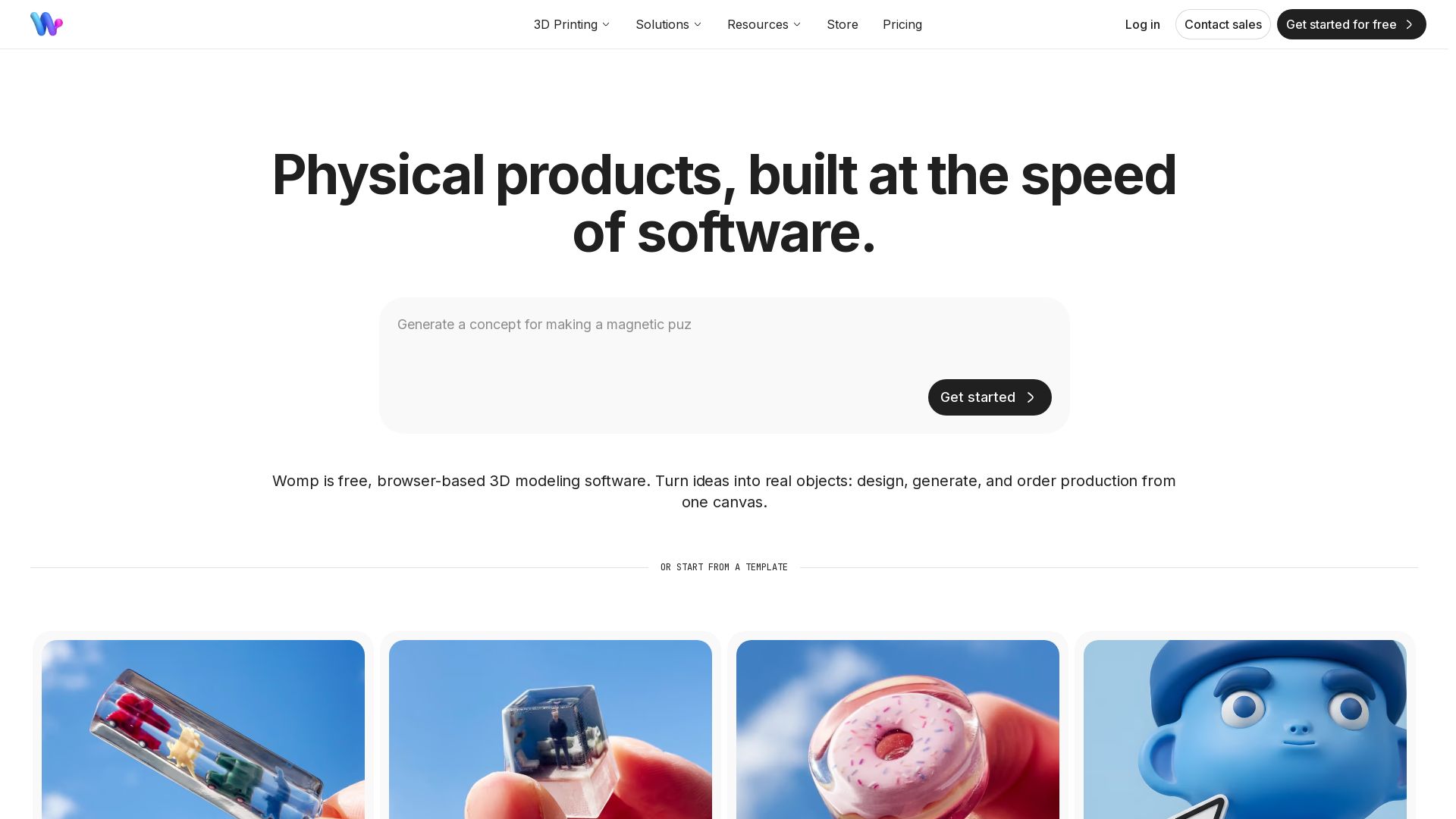

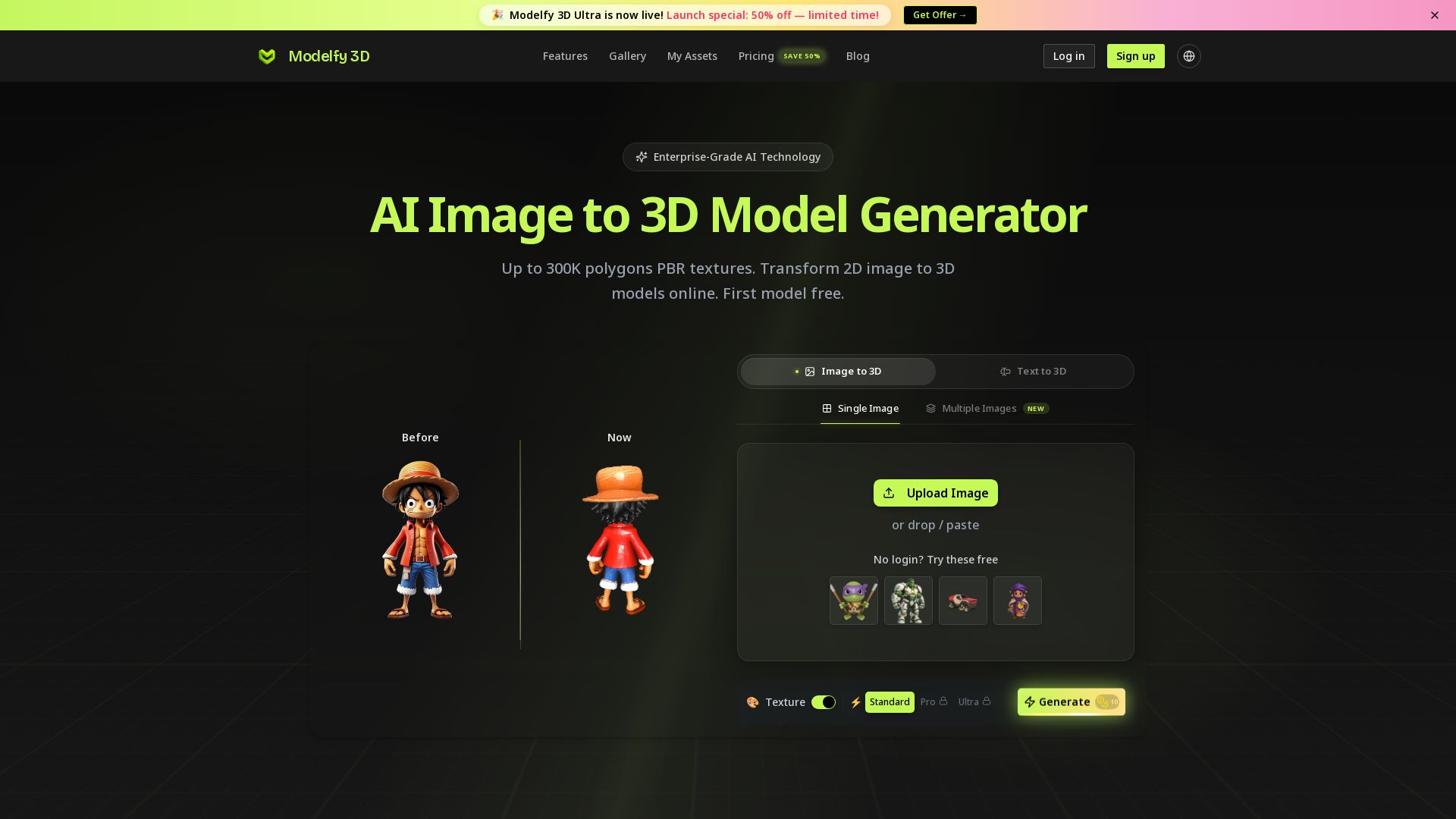
Modelfy 3D
Convert 2D images to 3D models with AI. Up to 300K polygons, PBR textures, GLB/OBJ/STL export. Free first model. Try Modelfy 3D now.


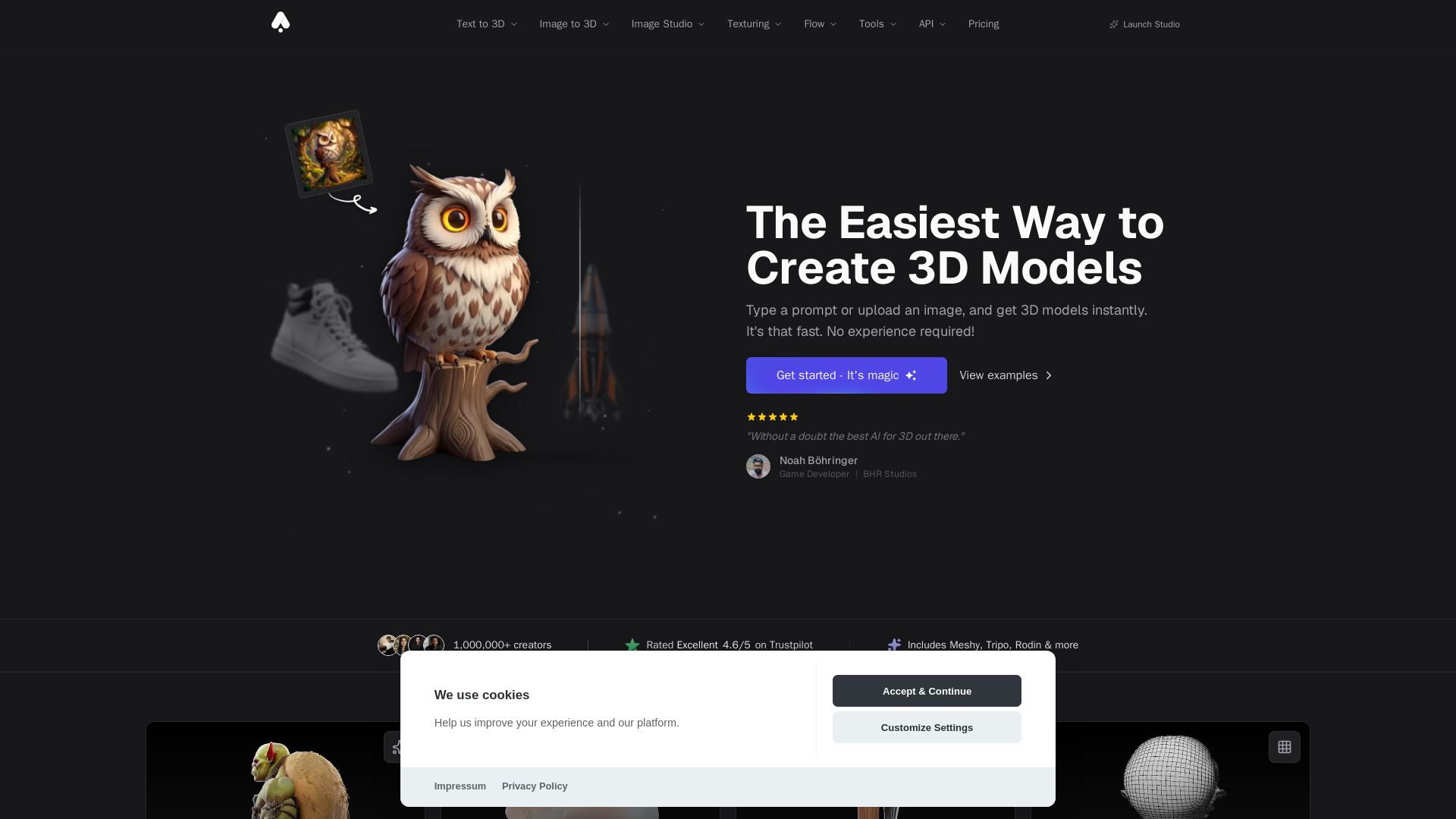
3D AI Studio
Create stunning 3D models instantly from text or images with AI. No experience required. Export to GLB, FBX, STL & more. Used by 1M+ creators.






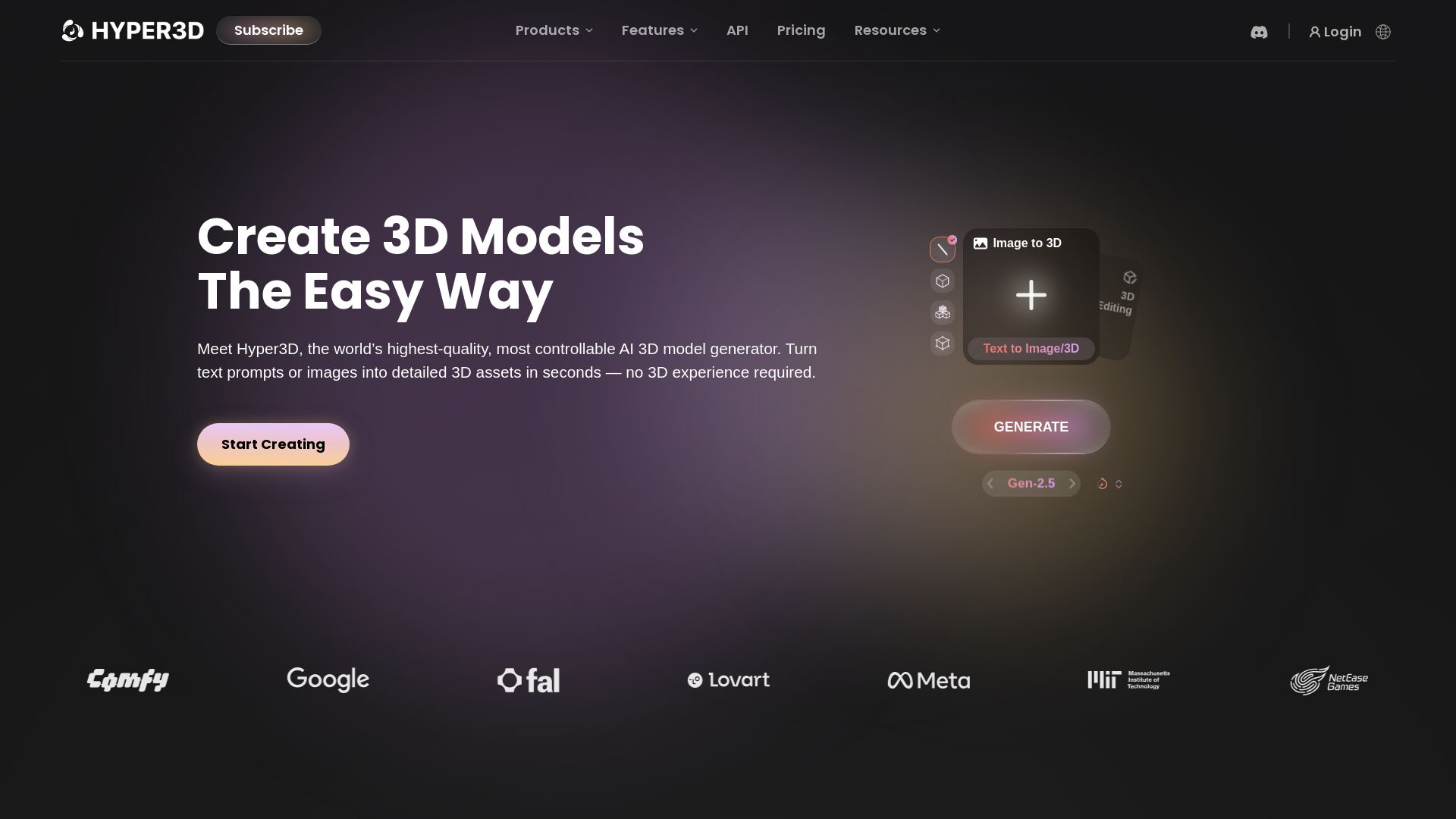
Hyper3D Rodin
Turn text or images into high-quality 3D models in seconds. No experience needed. Free trial available. Start creating now!


Superdesign
Create stunning designs with AI. Iterate quickly using natural language. Export production-ready code. Browse design prompts and styles.

ℹ️ Curation Disclosure: The overview and features of PrintMakerAI were synthesized using AI and fact-checked by our curation team to ensure accuracy.
