Open WebUI

Open WebUI is an open-source desktop app to manage and chat with multiple AI models locally and via API. Supports Ollama, OpenAI, Claude, Gemini, RAG document analysis, and user permissions. Free download.


Editor's Verdict
Key Takeaways
- Local AI Integration
- Cloud Model Integration
- Document and Web Analysis
- User Management
In-Depth Review: What is Open WebUI?
Open WebUI is an open-source desktop application that centralizes access to various AI models, both local and cloud-based. It integrates with Ollama for running models offline on your PC, and connects to cloud services like OpenAI, Claude, and Gemini via API keys. Features include a RAG system for document and website analysis, user management with permissions, and a side-by-side model comparison. Ideal for users who want a single, private, and configurable interface for multiple AI assistants.
Core Features
Local AI Integration
Connect with Ollama to run language models on your own PC, ensuring data privacy and offline operation.
Cloud Model Integration
Use API keys to link commercial AI services like OpenAI, Anthropic, Google Gemini, or Grok from a single dashboard.
Document and Web Analysis
Upload files or provide URLs for AI to analyze using Retrieval-Augmented Generation (RAG) for summarization and research.
User Management
Create independent accounts, assign permissions, set spending limits, and control model access for team use.
Centralized Interface
Manage and chat with multiple AI models, both local and cloud, from a single configurable environment.
Pricing
Free
- Local AI integration via Ollama
- Cloud model integration via API
- Document and website analysis
- User management and permissions
- Centralized chat interface
Pros and Cons
Pros
- Unified AI HubGroups local and commercial models in a single window, eliminating multiple tabs and fixed subscriptions.
- Privacy-FirstRun models locally with full offline capability, ensuring no data leaves your computer.
- Document AnalysisUpload PDFs or websites for AI to extract and summarize information based on provided context.
- Team CollaborationAdmin panel with user accounts, permissions, and usage quotas for shared environments.
- Open SourceFree and open-source software with community support and transparency.
Cons
- Complex Initial SetupConfiguration is extensive and somewhat complex, lacking an intuitive tutorial or guided setup.
- Requires Technical KnowledgeUsers need familiarity with API keys, local model management, and system settings.
- Limited to Supported ModelsOnly works with models compatible with Ollama or those with available API endpoints.
- No Built-in Model TrainingCannot fine-tune or train models within the app; relies on external tools.
- Interface Could Be More IntuitiveThe dashboard may feel cluttered or non-intuitive for first-time users.
Use Cases & Recommended Professions
AI Researcher→ View Toolkit
Test and compare multiple AI models locally and in the cloud from one interface.
Software Developer→ View Toolkit
Integrate AI capabilities into applications and manage API consumption efficiently.
Data Analyst→ View Toolkit
Analyze documents and websites using RAG to extract insights and summarize data.
Student→ View Toolkit
Use local models for study assistance without sharing data online.
IT Manager→ View Toolkit
Deploy a centralized AI tool for team use with user permissions and spending controls.
Content Creator→ View Toolkit
Generate content ideas and drafts using various AI models while keeping data private.
Frequently Asked Questions
Alternative AI Tools
View Detailed Comparison →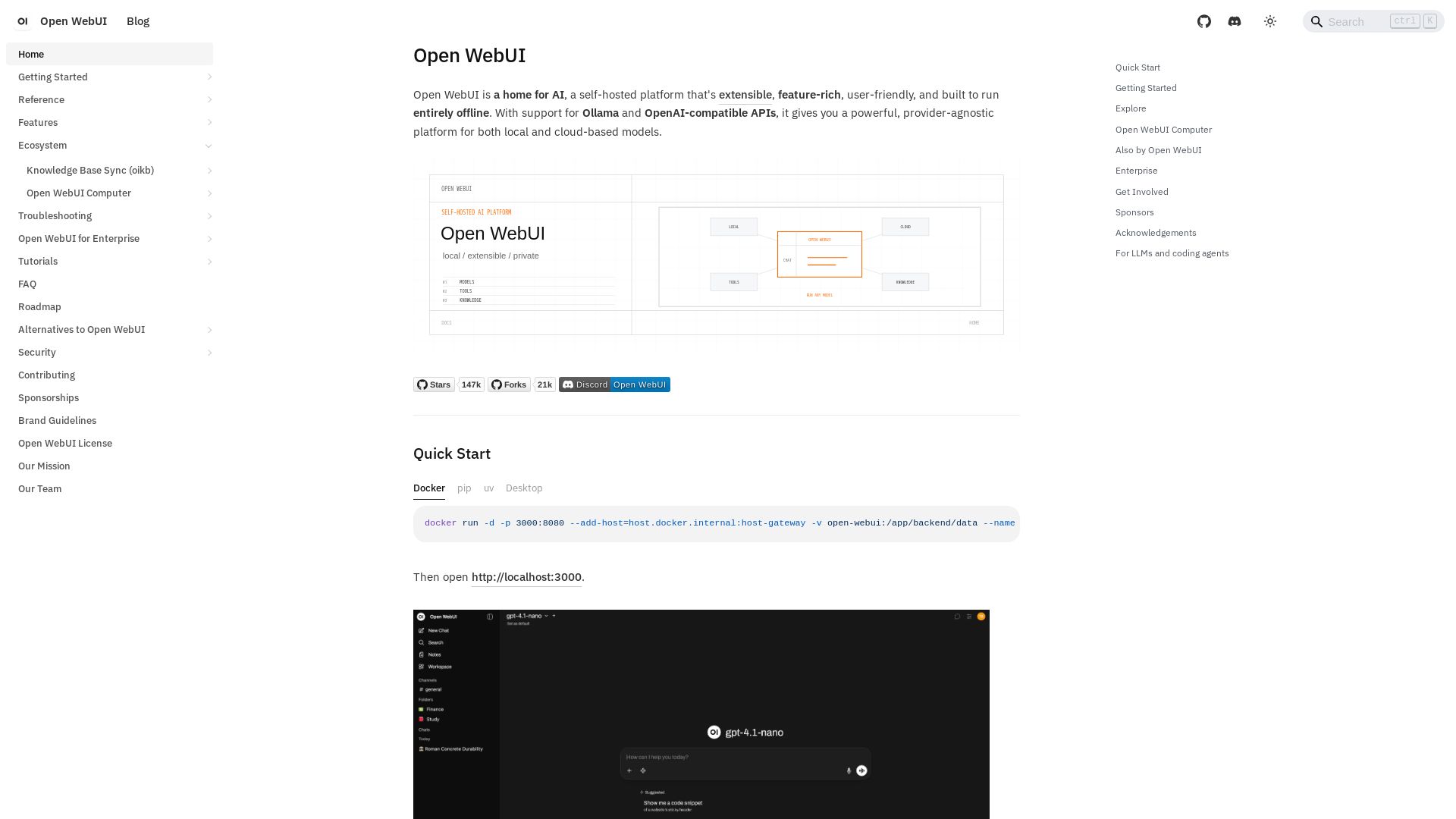
Open WebUI
Self-hosted, extensible AI platform with offline support. Connect any model via Ollama or OpenAI APIs. Feature-rich, user-friendly, and private.

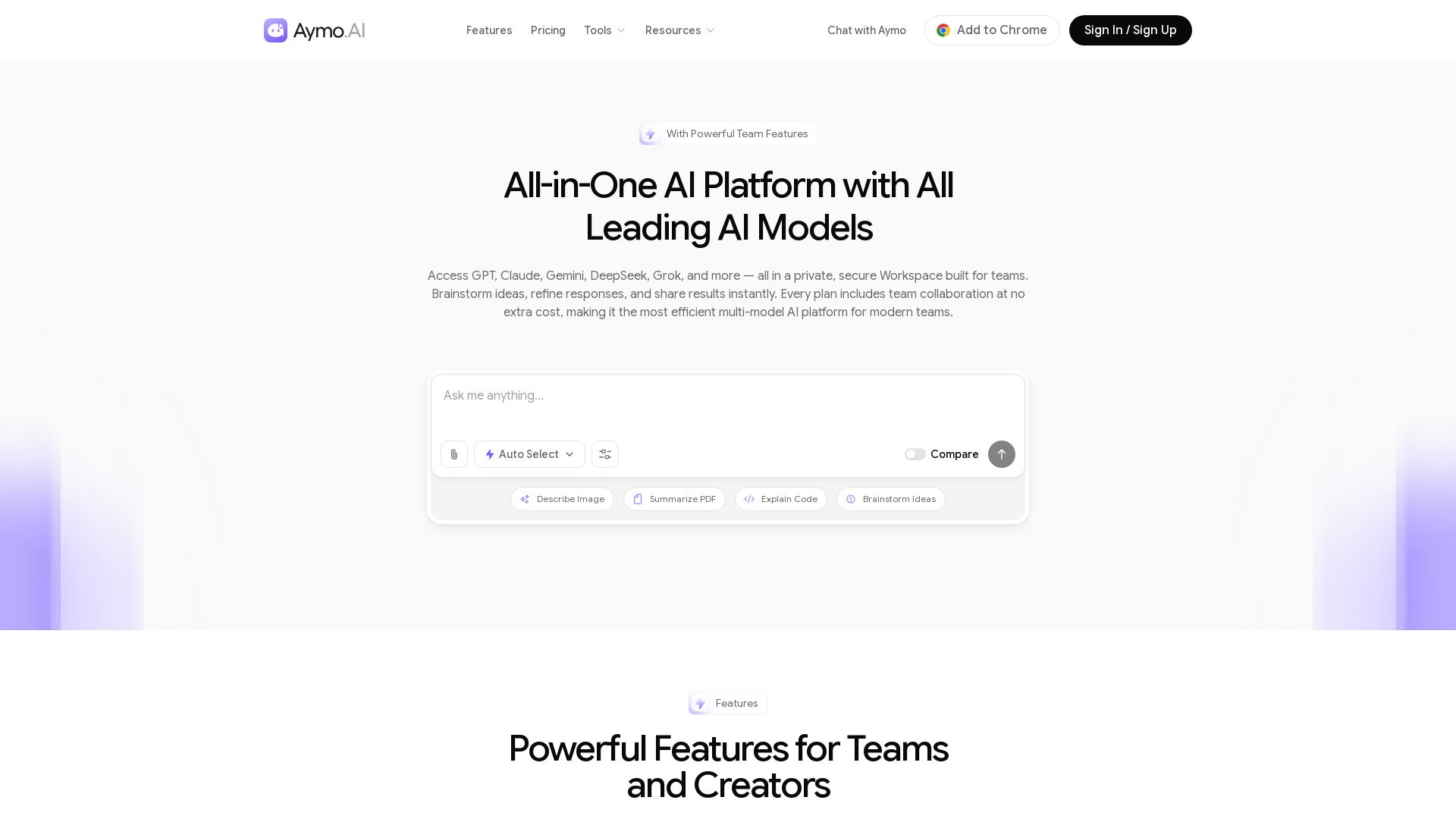
Aymo AI
Access GPT, Claude, Gemini, DeepSeek, Grok & more in one workspace. Save 90% on subscriptions. Built-in team tools. Try free!

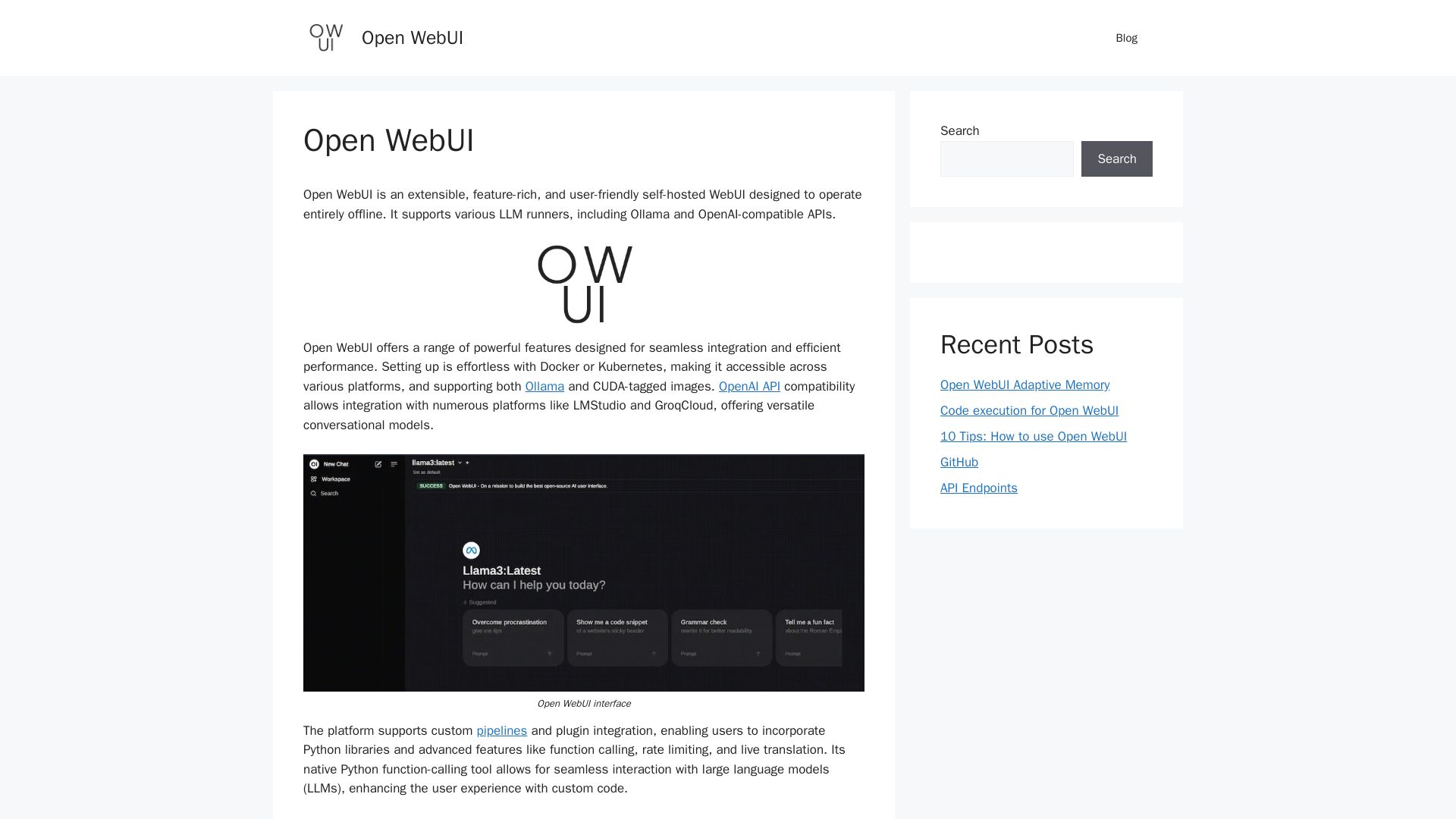
Open WebUI
Discover Open WebUI, an extensible, offline-capable WebUI for LLMs. Features RAG, image generation, code execution, and plugin support. Perfect for AI enthusiasts.

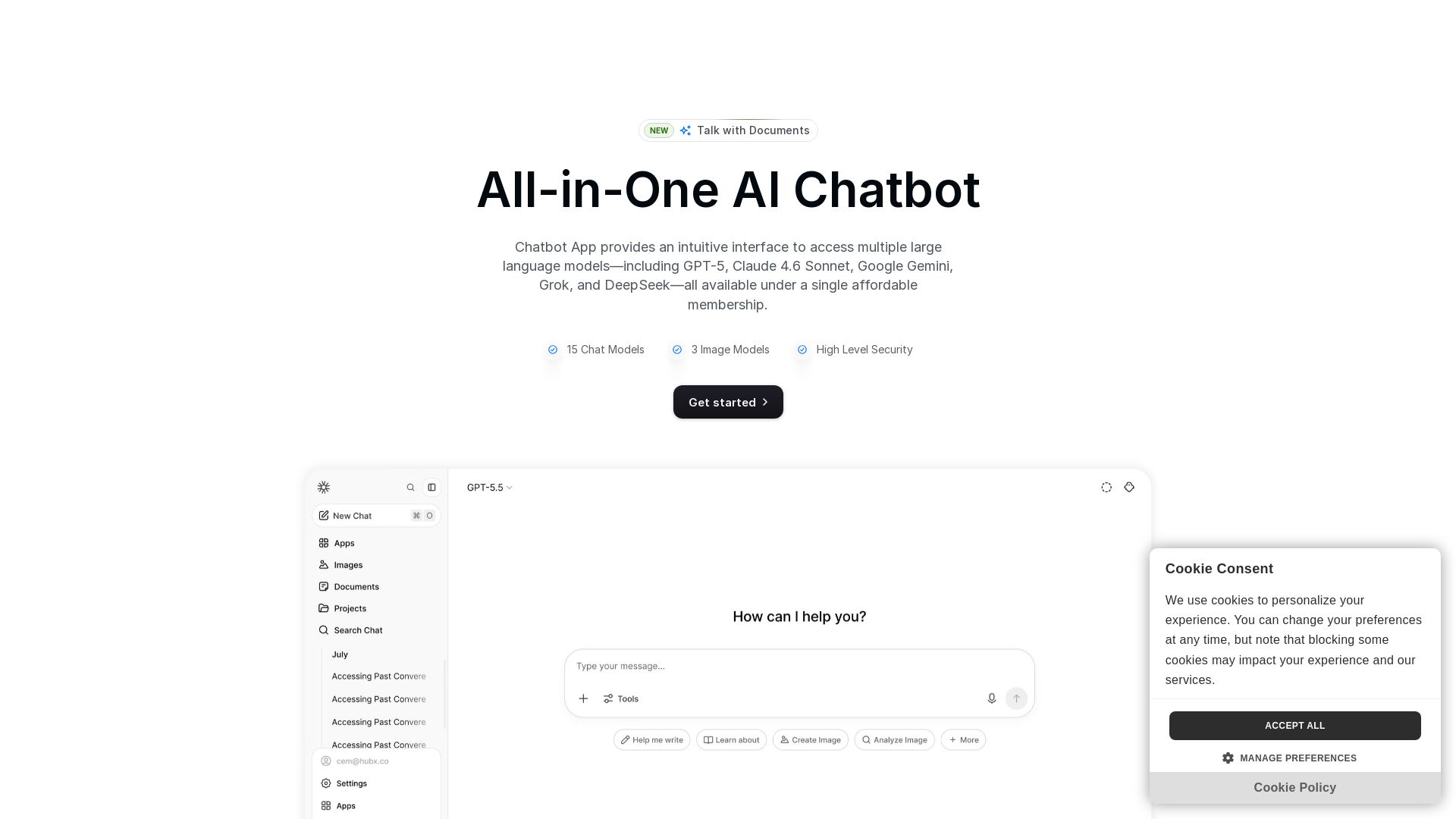
Chatbot App
Access 15+ top AI models including GPT-5, Claude 4.6, Gemini, DeepSeek in one app. Affordable membership, chat, image generation, PDF support, and more. Save 70%.

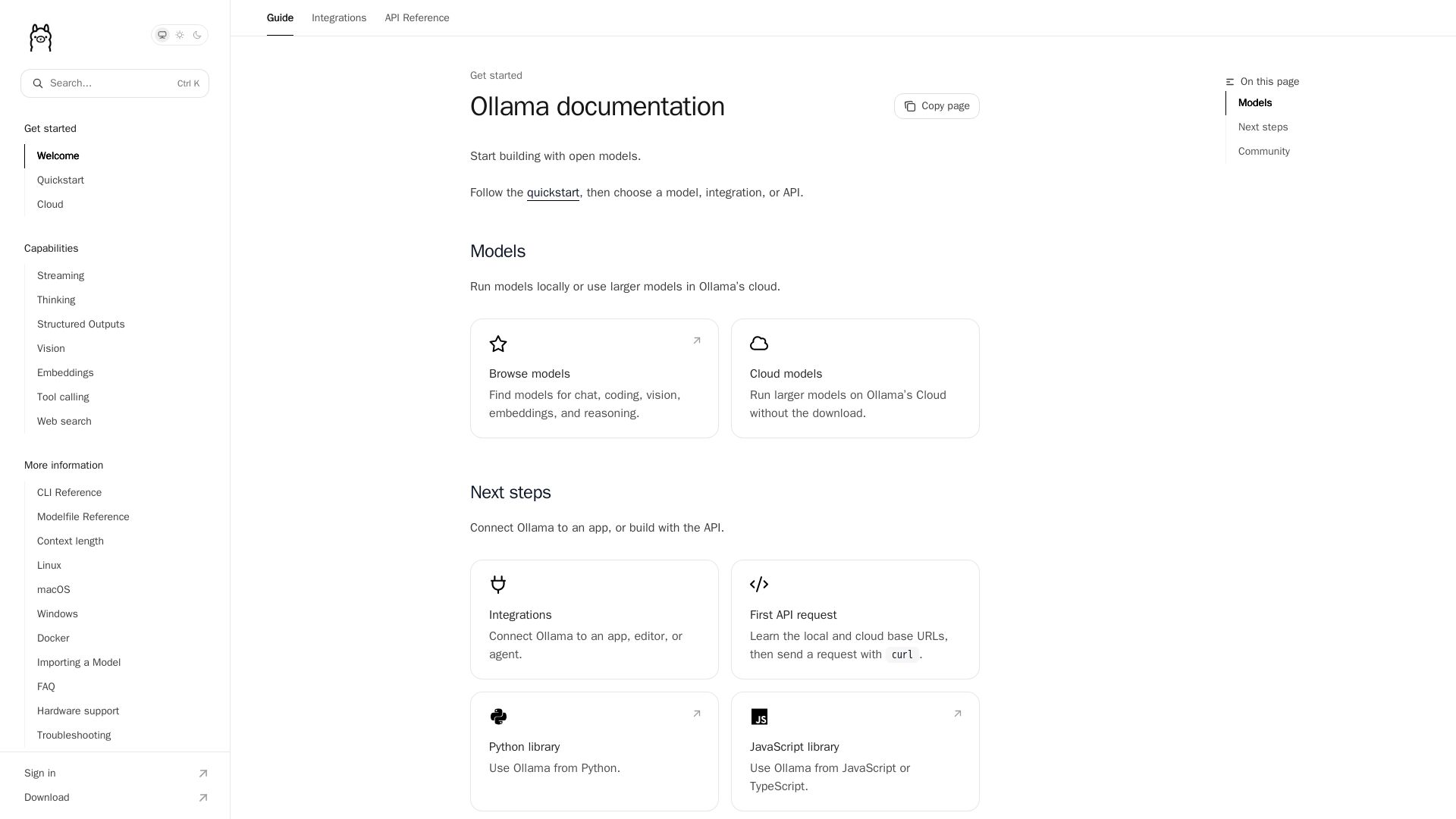
Ollama
Run open models for chat, coding, vision, and more locally or in Ollama's cloud. Easy API, Python & JS libraries.


Expo AI Chatbot
Build AI chatbot apps for iOS, Android & web with Expo SDK 54, AI SDK 5, voice, long-term memory, and more. Open-source codebase.


Figr
Ship better UX faster. Figr builds a living understanding of your product, maps flows, finds edge cases, and generates high-fidelity prototypes from your actual design system.

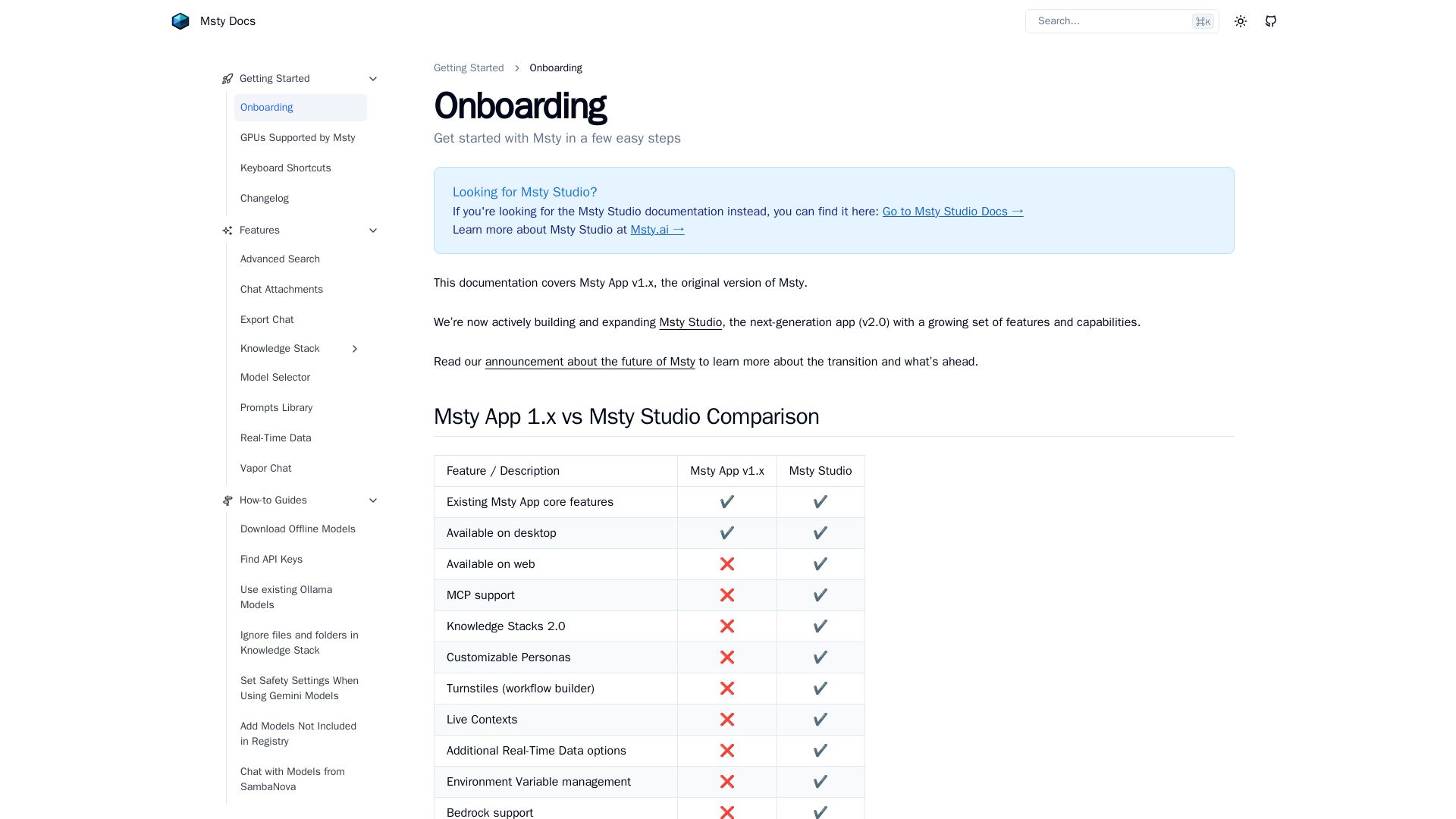
Msty
Run local AI models, chat with LLMs, and create knowledge stacks. Desktop & Studio for advanced workflows.

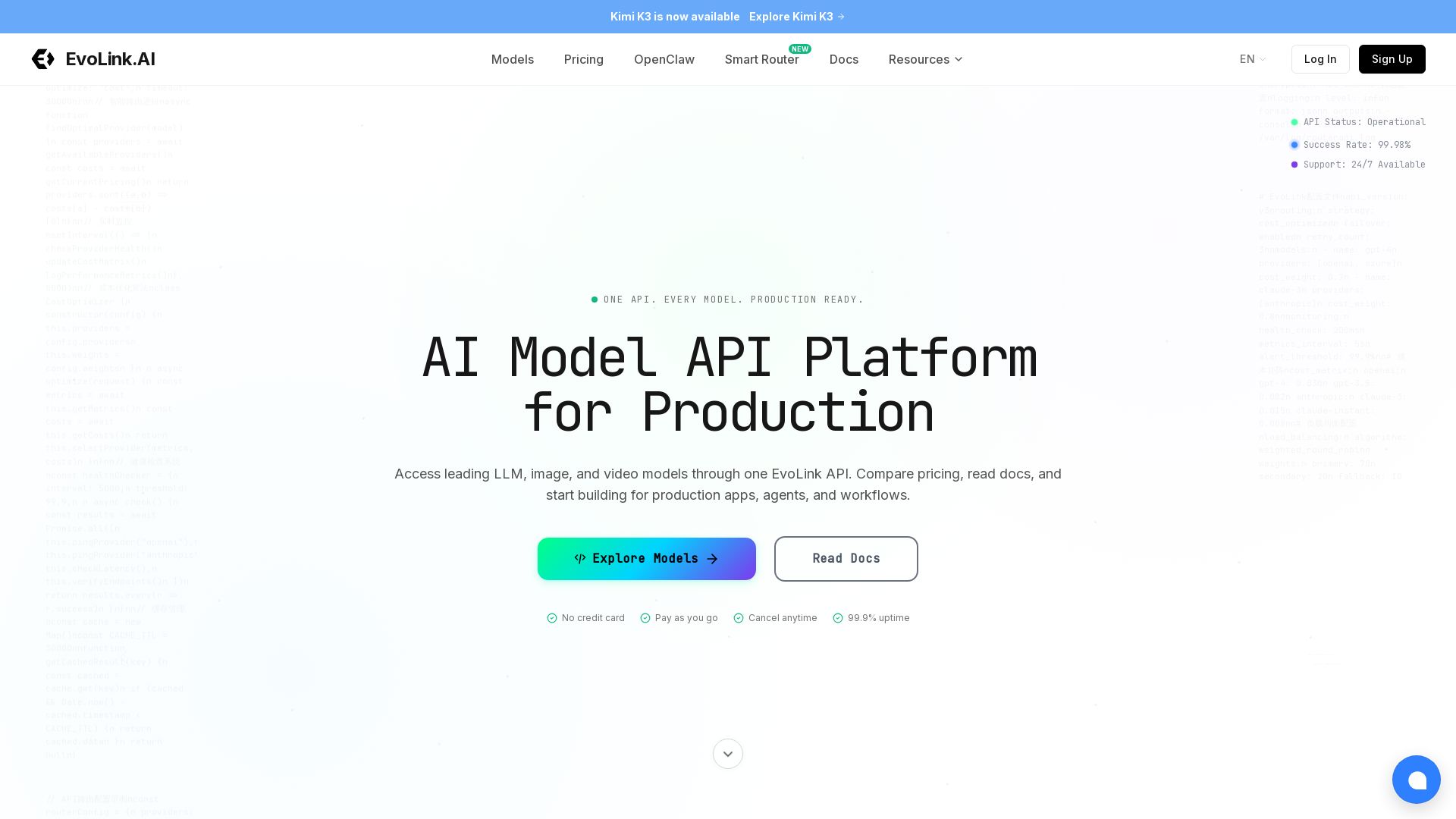
EvoLink
Access GPT, Claude, Gemini, and more via one API. 99.9% uptime, auto failover, pay-as-you-go. Integrate in minutes.

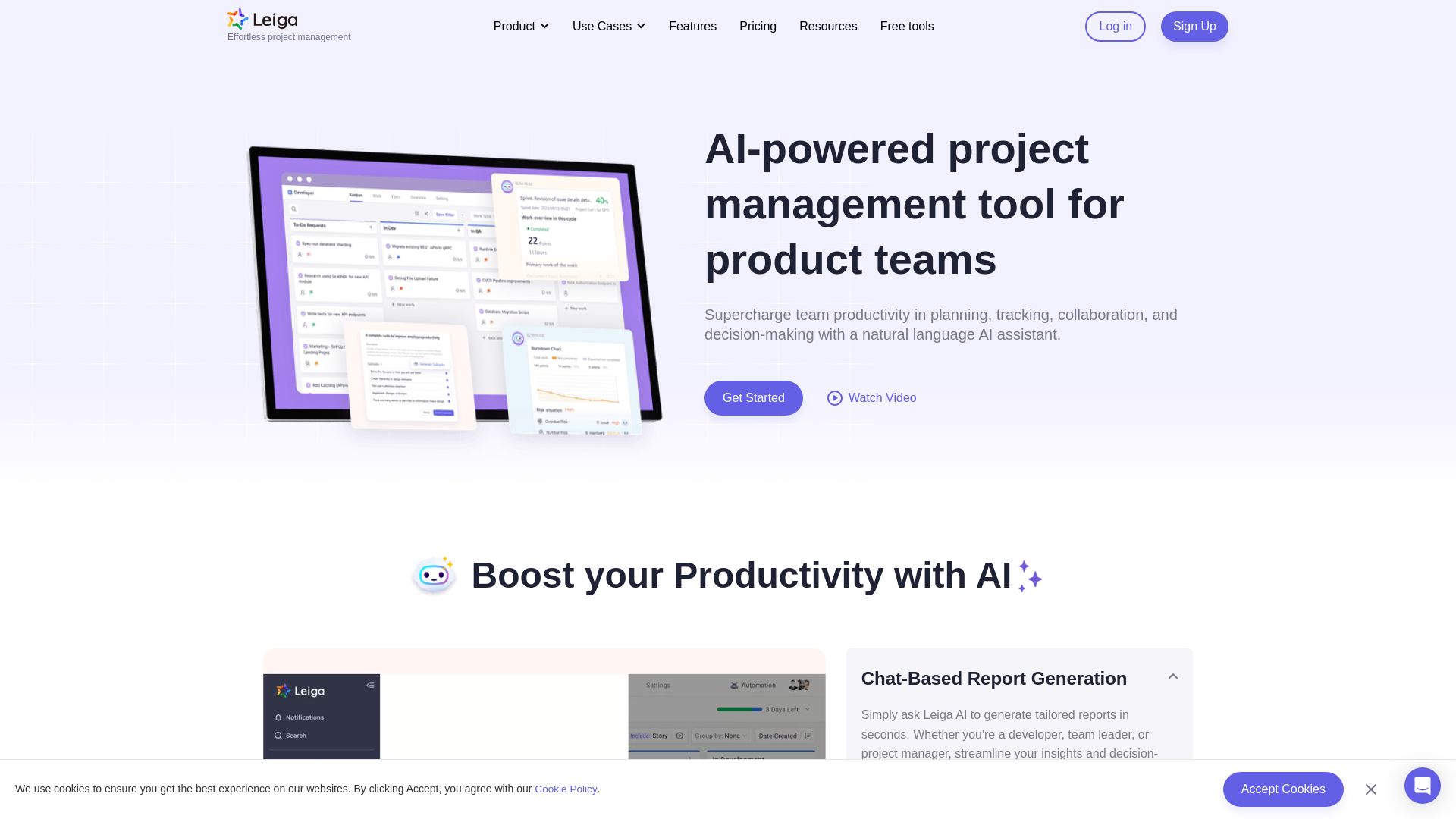
Leiga
Supercharge team productivity with AI-driven planning, tracking, and collaboration. Chat-based reports, automated workflows, and risk warnings. Free forever.

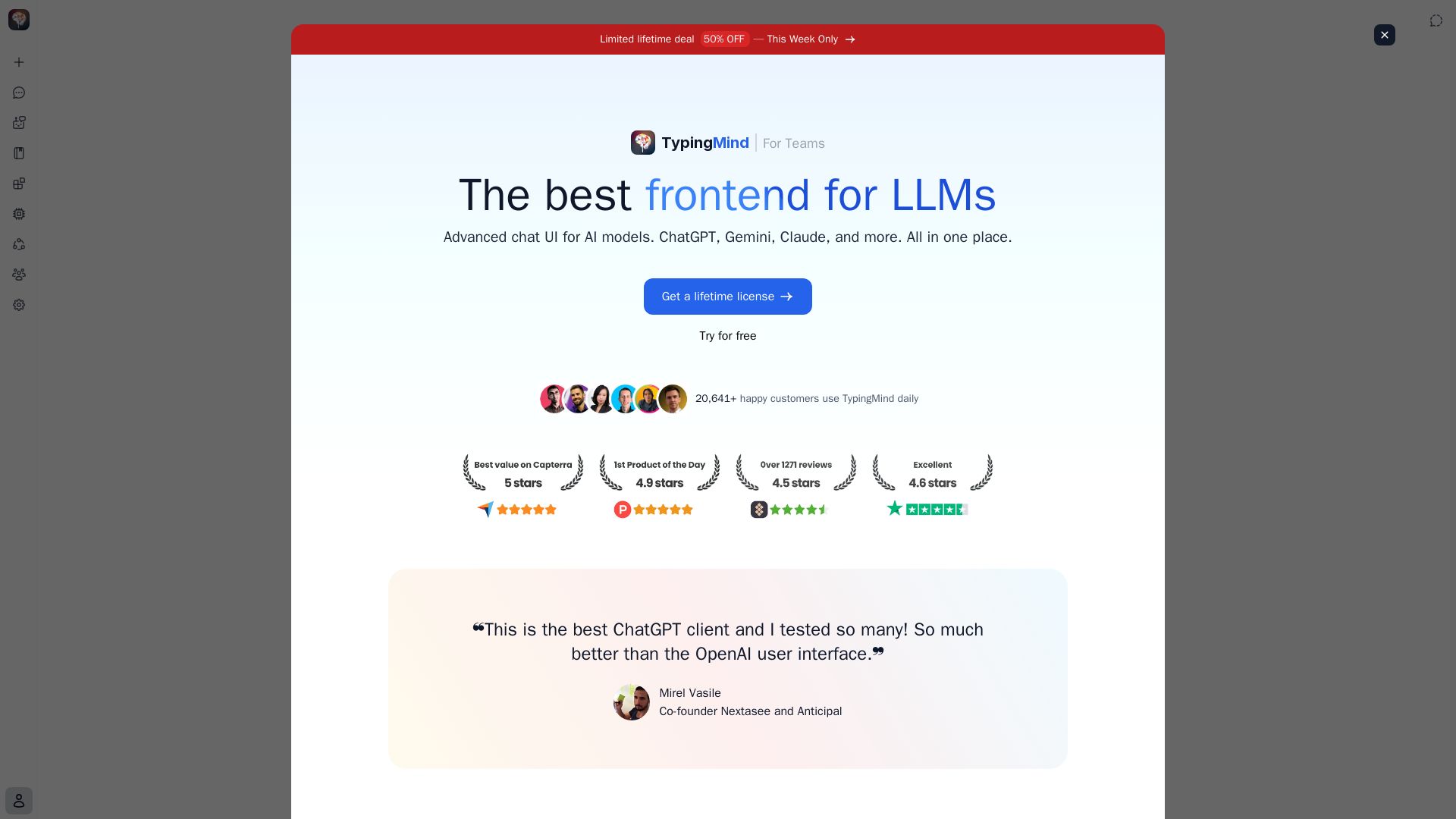
TypingMind
Privacy-first AI workspace supporting ChatGPT, Claude, Gemini, and more. No monthly fees, local storage, powerful features like agents and plugins.

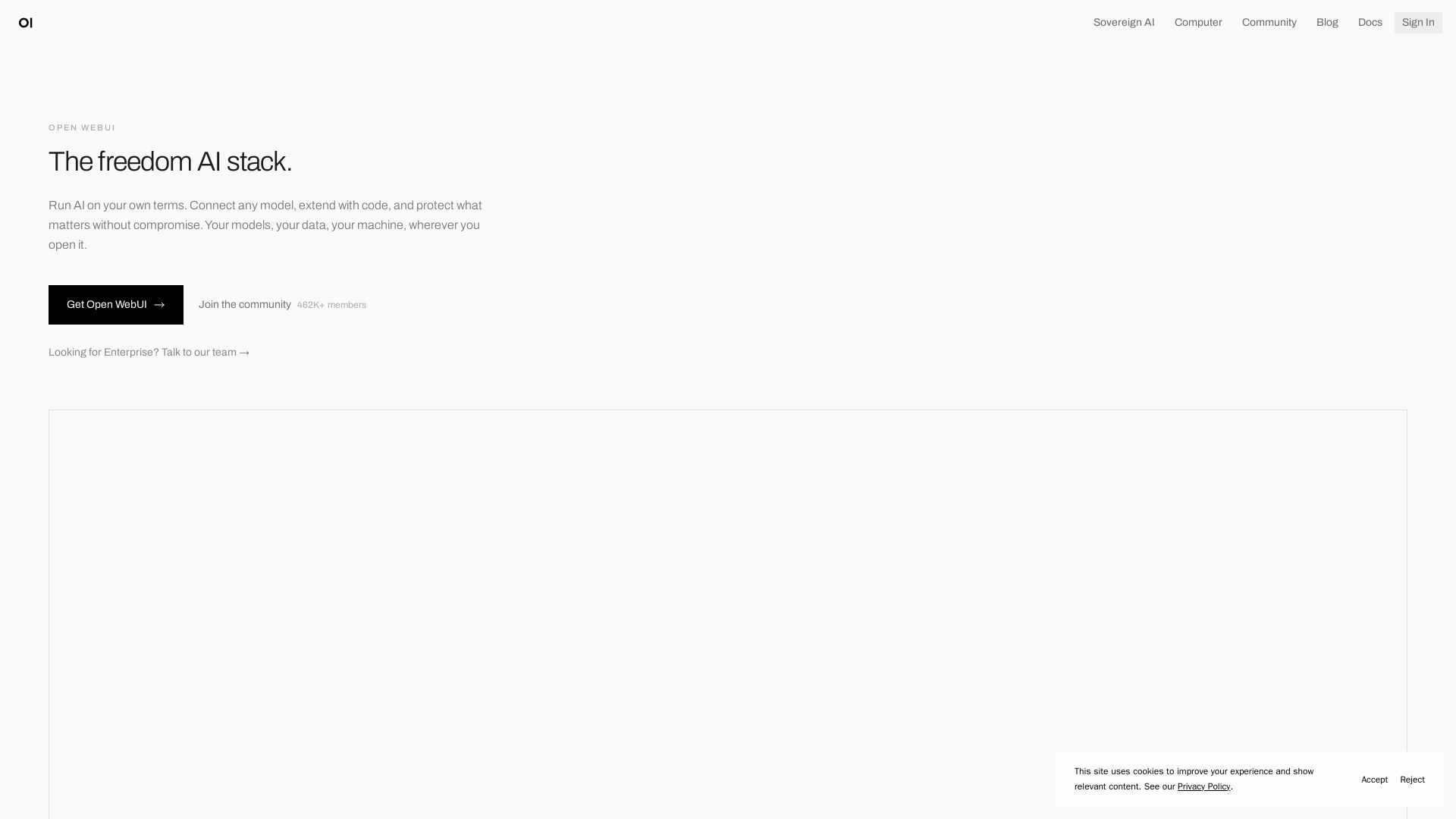
Open WebUI
Run any AI model on your own terms. Self-host, connect to any provider, and keep your data private. 462K+ community.

ℹ️ Curation Disclosure: The overview and features of Open WebUI were synthesized using AI and fact-checked by our curation team to ensure accuracy.
