
TypingMind
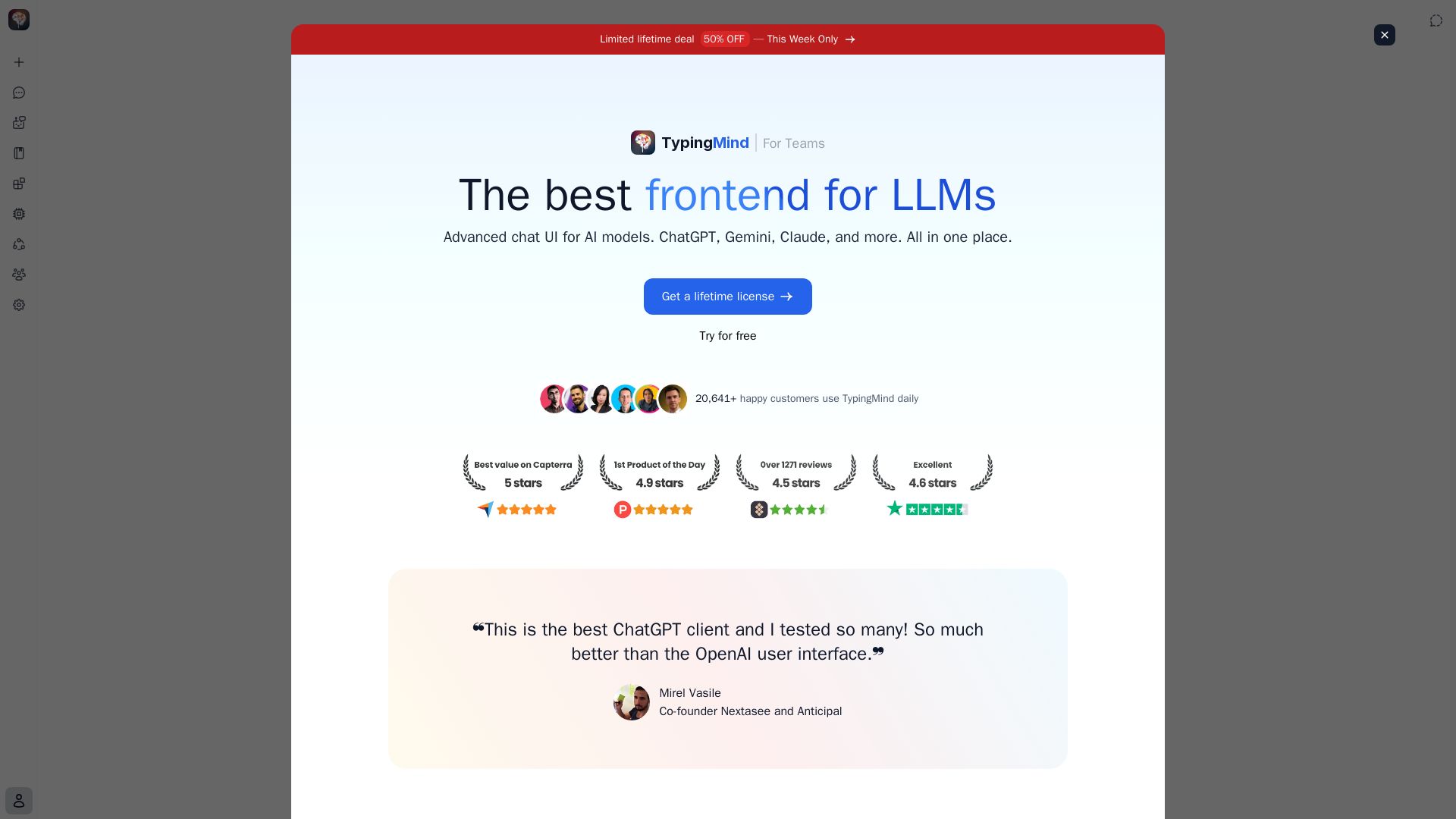
Privacy-first AI workspace supporting ChatGPT, Claude, Gemini, and more. No monthly fees, local storage, powerful features like agents and plugins.
Editor's Verdict
Key Takeaways
- Multi AI Chat Models
- No Monthly Fee, No Usage Limit
- Privacy-First Local Storage
- Best-in-Class Powerful Features
In-Depth Review: What is TypingMind?
TypingMind is a powerful, privacy-focused AI chat client that unifies multiple LLMs in one interface. With lifetime access, local data storage, and features like parallel chats, RAG, plugins, and AI agents, it enhances productivity for both individuals and teams. Trusted by over 20,000 customers.
Core Features
Multi AI Chat Models
Access ChatGPT, Claude, Gemini, and any LLMs through a single interface. Seamlessly switch between different AI providers as needed.
No Monthly Fee, No Usage Limit
Bring your own API keys and only pay for actual usage. No recurring fees, subscriptions, or limitations on your usage.
Privacy-First Local Storage
All your data remains securely stored on your device. Zero data collection or transmission for AI model training purposes.
Best-in-Class Powerful Features
Complete suite of professional tools featuring Project settings, Canvas editors, Artifacts, and beyond.
Comprehensive AI Agent Builder
Design custom AI agents, develop plugins, and create prompts. Seamlessly integrate with your existing data infrastructure.
Flexible Integration via Plugins
Enhance functionality by connecting your preferred tools and data sources through our comprehensive plugin systems.
Artifacts
Generate interactive and editable outputs, from documents and images to more complex coding.
Project Folders
Build dedicated workspaces with chat history, knowledge bases, API content etc.
Web Search
Access real-time information from the internet to improve accuracy and expand AI knowledge.
Text-to-Speech and Voice Input
Use voice commands and listen to AI responses.
Canvas Editor
Collaborate with AI on writing and coding beyond basic chat.
Chat with Documents
Securely analyze and discuss uploaded documents.
Multi-Model Parallel Chats
Chat with multiple AI models simultaneously, comparing responses and leveraging different model strengths in real-time.
MCP (Model Context Protocol)
Connect AI models with external tools and services through Anthropic's standard protocol, expanding capabilities beyond basic chat.
Prompt Caching
Reduce token costs up to 90% and speed up responses by reusing recent prompt context.
Temporary Chat Sessions
Quick conversations that aren't saved to history, perfect for testing ideas and one-off queries.
Threads & Forked Chats
Switch versions when editing messages, or fork to another chat for relevant discussion.
RAG (Retrieval-Augmented Generation)
Upload documents and connect external sources like GitHub, Notion, Google Drive for AI models to access your specific data.
Deep Research
Comprehensive research with multi-step analysis, source verification, and detailed report generation beyond basic web search.
Over 50 Pre-Built Specialized AI Agents
Use ready-made agents for various tasks or customize your own.
Pricing
Lifetime License (Individual)
- Multi AI chat models
- No monthly fee, no usage limit
- Privacy-first local storage
- All best-in-class features
- Comprehensive AI Agent builder
- Flexible integration via plugins
- Web search
- Text-to-speech and voice input
- Canvas editor
- Chat with documents
- Multi-model parallel chats
- MCP
- Prompt caching
- Temporary chat
- Threads & forked chats
- RAG
- Deep research
- Over 50 pre-built AI agents
- Plugin marketplace
- Export/import chats
- Cloud sync (optional)
TypingMind for Teams
- Centralized AI workspaces
- Admin panel
- Knowledge base
- Analytics & reports
- Custom branding
- Roles & permissions
- Advanced auth
- Usage limits
- Integrations
- All individual features
Pros and Cons
Pros
- No Monthly FeesPay once for a lifetime license and only cover API usage costs, making it cost-effective for heavy users.
- Privacy-FocusedData is stored locally by default and never used for training, ensuring maximum privacy.
- Multi-Model SupportSeamlessly switch between ChatGPT, Claude, Gemini, and other LLMs in one interface.
- Rich Feature SetIncludes advanced features like Canvas, RAG, plugins, AI agents, and deep research.
- Customizable and ExtensibleBuild custom AI agents, create plugins, and integrate with external tools via MCP.
Cons
- Requires Own API KeysUsers must bring their own API keys from AI providers, which can be complex for non-technical users.
- No Built-in AI ModelsThe application is a frontend; it does not include its own AI models, so users rely on third-party APIs.
- Learning CurveThe extensive feature set may be overwhelming for new users, requiring time to explore.
- Limited Team Plan DetailsSpecific pricing and features for the Teams plan are not fully disclosed on the homepage.
- Potential API CostsWhile no monthly fee, heavy usage of API keys can lead to significant costs if not monitored.
Use Cases & Recommended Professions
Software Engineer→ View Toolkit
Use multiple AI models for coding assistance, debugging, and integrating AI into projects with plugins and MCP.
Content Creator / YouTuber→ View Toolkit
Generate scripts, ideas, and multimedia content with AI, leveraging voice input and text-to-speech.
AI Researcher→ View Toolkit
Compare outputs from different models, conduct deep research, and build custom AI agents.
Product Manager→ View Toolkit
Organize project chats, use RAG for document analysis, and automate workflows with agents.
Customer Support Manager→ View Toolkit
Deploy AI agents for customer queries, integrate with knowledge bases, and manage team workspaces.
Educator / Trainer→ View Toolkit
Create interactive learning materials, use Canvas for collaborative writing, and analyze documents.
Frequently Asked Questions
Alternative AI Tools
View Detailed Comparison →
Figr
Ship better UX faster. Figr builds a living understanding of your product, maps flows, finds edge cases, and generates high-fidelity prototypes from your actual design system.


Expo AI Chatbot
Build AI chatbot apps for iOS, Android & web with Expo SDK 54, AI SDK 5, voice, long-term memory, and more. Open-source codebase.


AI Chat - Smart Chatbot
Download AI Chat - Smart Chatbot for Android. Powered by ChatGPT, it offers human-like conversations, multilingual support, and easy-to-use interface. Free download.

RAG Framework
Optimize RPA with the RAG Framework. Boost automation reliability and scalability. Chat with your document repository. Join the waitlist.

HazelJS
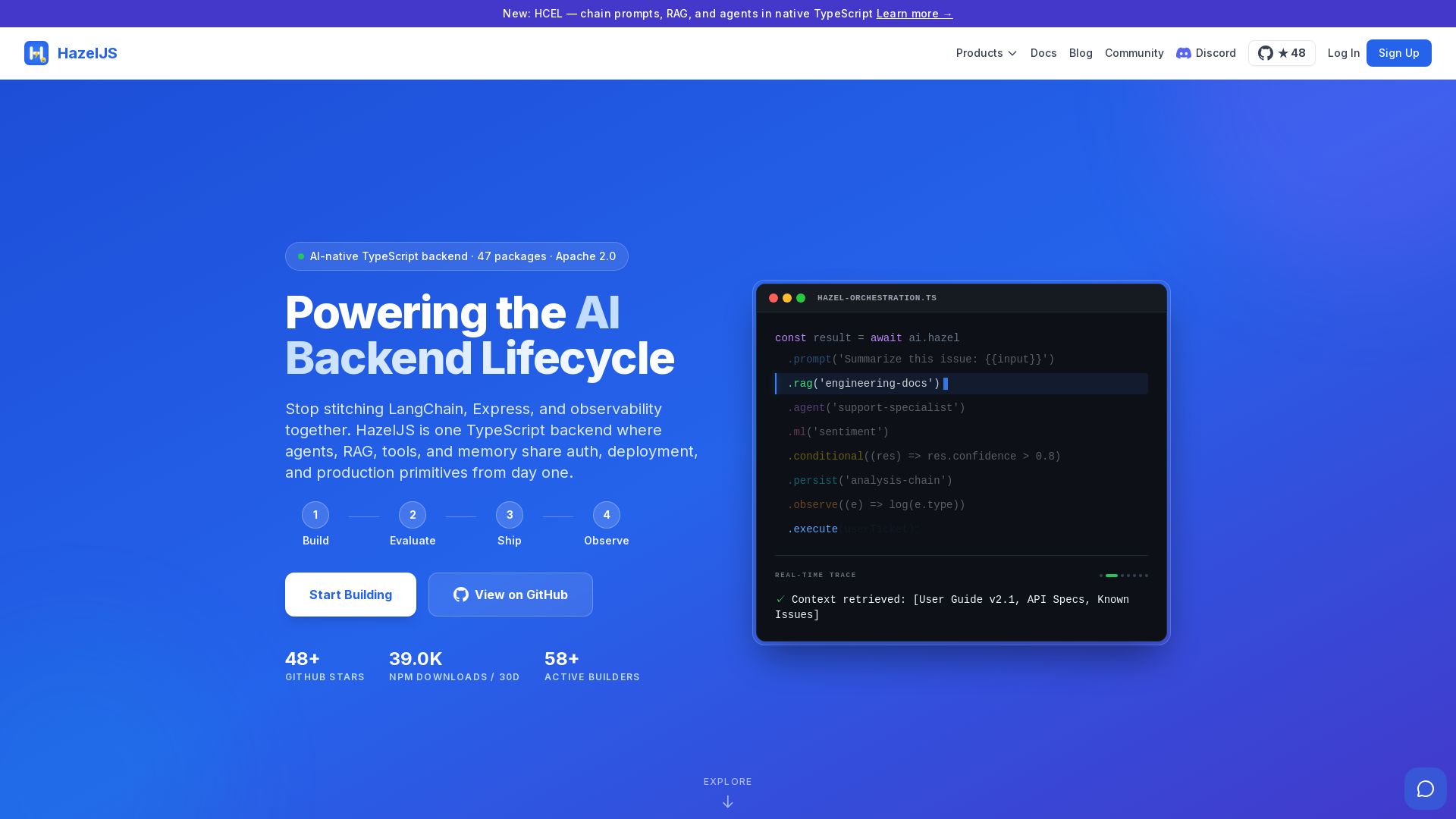
Ship production AI agents, RAG pipelines, and workflows in one TypeScript backend. Stateful, open-source, with 47 packages under Apache 2.0.


ProductCrafters
Get a free 2-week trial sprint for your AI product. Working prototype in 30 days, production-ready in 90. No contract, no credit card. Test your dev team risk-free.

Chatbot Builder
Build an AI chatbot in minutes without coding. 24/7 customer support, sales automation, and seamless integrations. Start your free 14-day trial today!

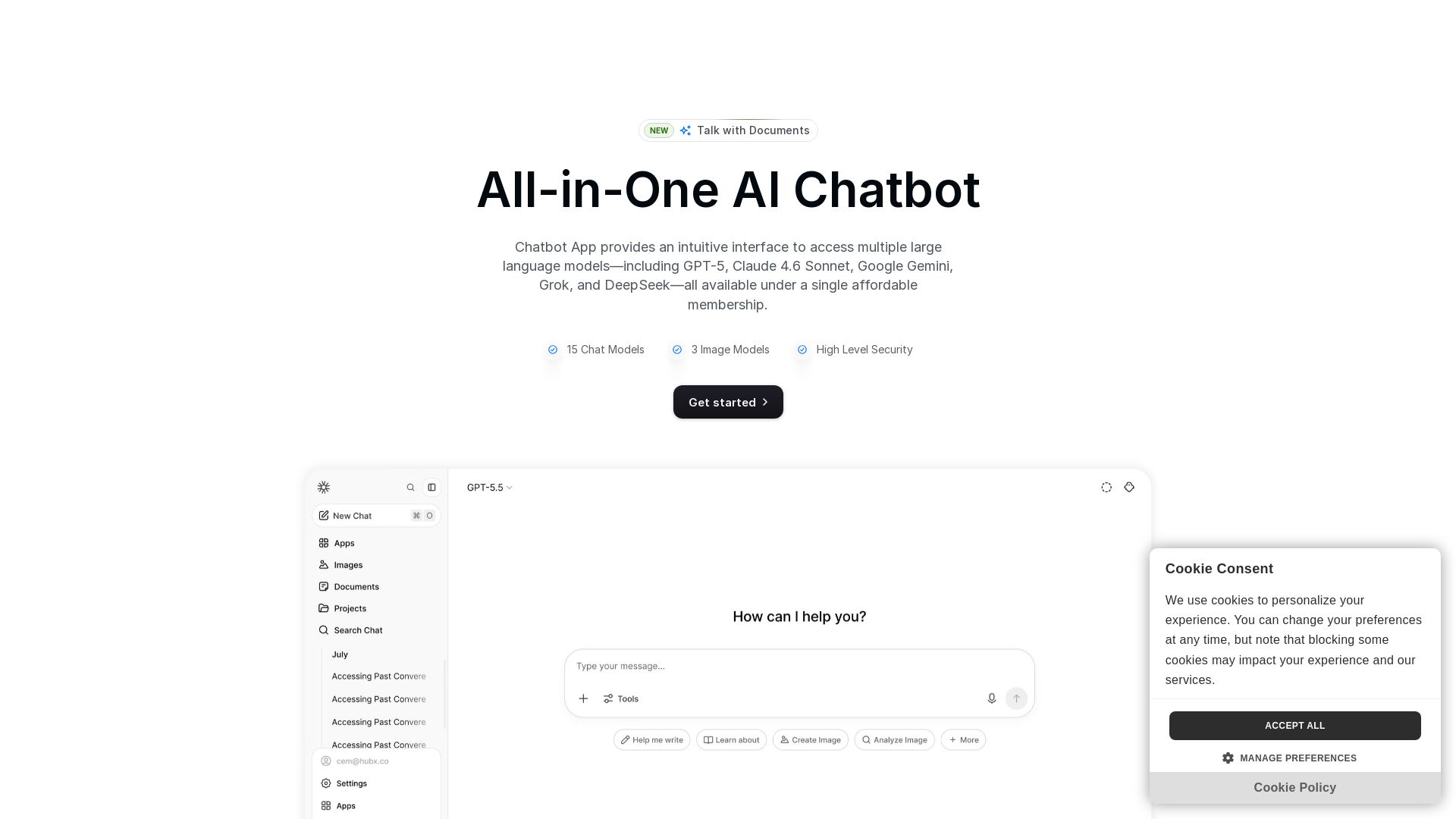
Chatbot App
Access 15+ top AI models including GPT-5, Claude 4.6, Gemini, DeepSeek in one app. Affordable membership, chat, image generation, PDF support, and more. Save 70%.

PerfectionGeeks Technologies
Trusted by IBM, ICICI & 150+ clients. Build mobile apps, web platforms, AI products & custom software. Serving USA, UK, Singapore, Netherlands.

ChatBot
Train an AI agent on your website in minutes. Answer questions, recommend products, and close sales 24/7. Free 14-day trial, no credit card.

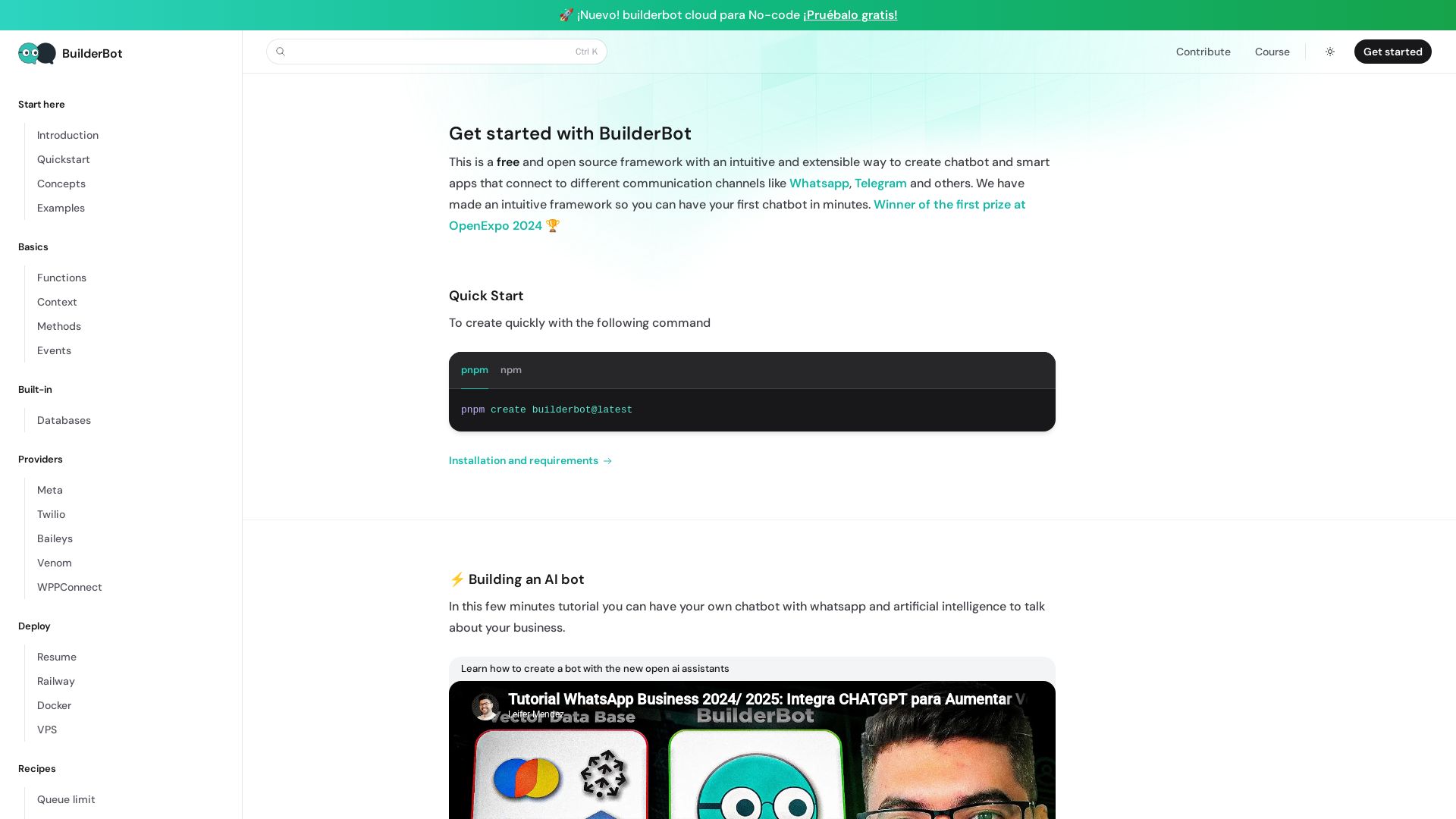
BuilderBot.app
Build smart chatbots for WhatsApp, Telegram & more with BuilderBot. Free, open source, winner of OpenExpo 2024. Quick start in minutes.

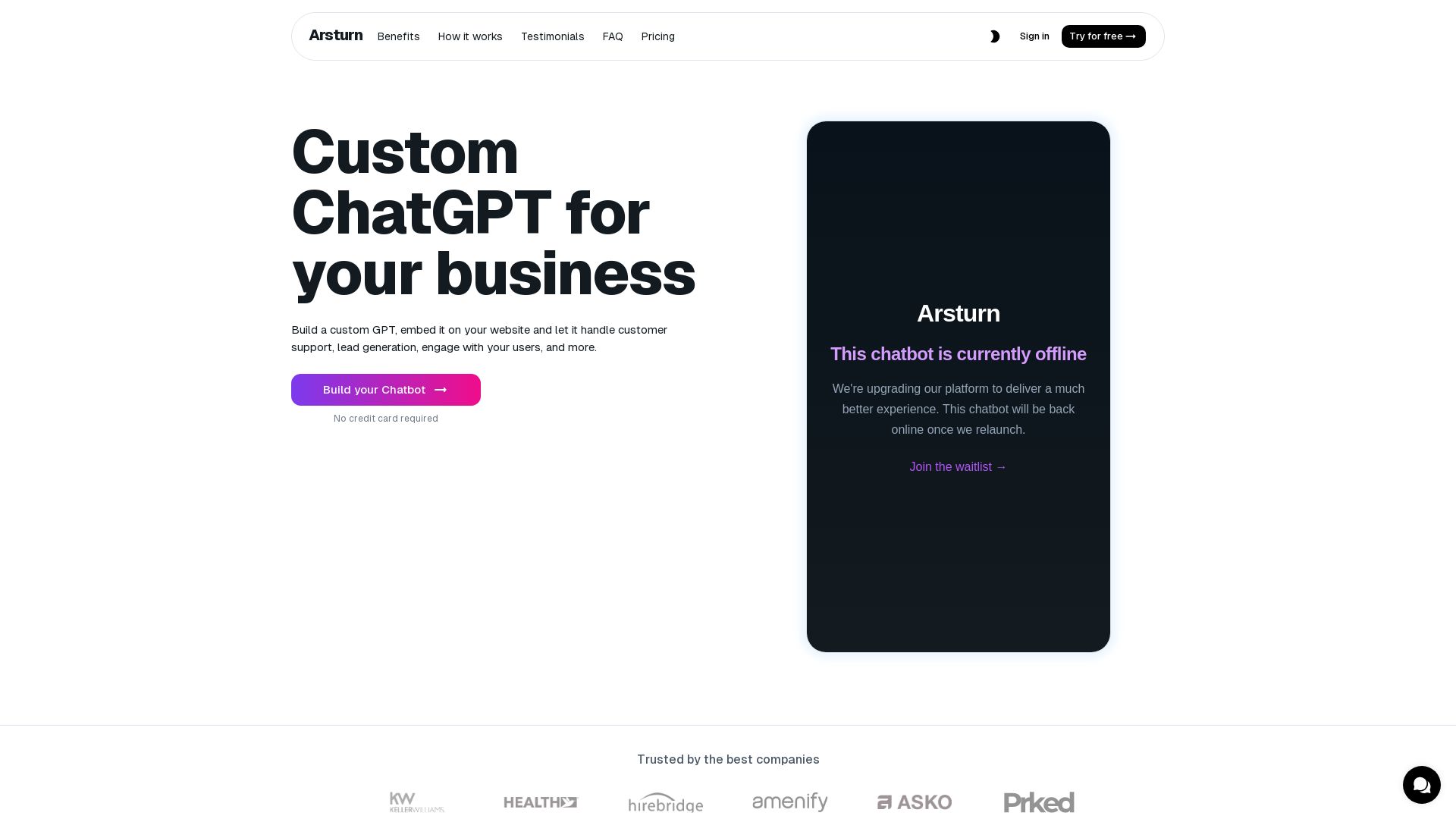
Arsturn
Build a custom GPT chatbot without coding. Train with your data, embed on website, boost engagement and lead generation. Free plan available.

ℹ️ Curation Disclosure: The overview and features of TypingMind were synthesized using AI and fact-checked by our curation team to ensure accuracy.
