
BuilderBot.app
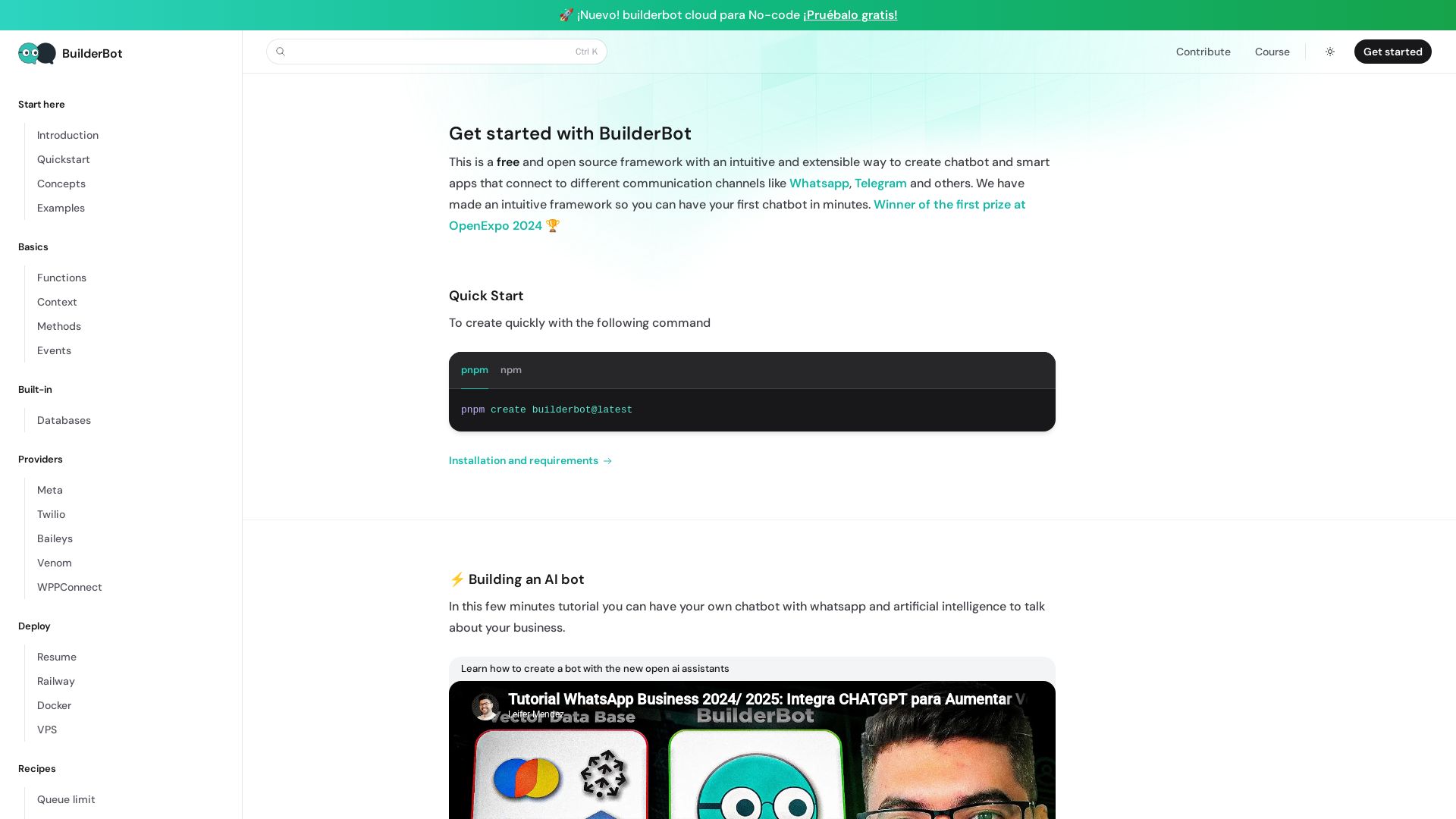
Build smart chatbots for WhatsApp, Telegram & more with BuilderBot. Free, open source, winner of OpenExpo 2024. Quick start in minutes.
Editor's Verdict
Key Takeaways
- Multi-channel support
- No-code cloud builder
- Free and open source
- AI assistant integration
In-Depth Review: What is BuilderBot.app?
BuilderBot is a free and open source framework for creating intelligent chatbots and smart apps that connect to popular communication channels like WhatsApp, Telegram, and others. With an intuitive and extensible design, you can build your first bot in minutes using the quick start command. It includes features like no-code cloud options, AI integration, and extensive documentation. Winner of the first prize at OpenExpo 2024, BuilderBot empowers developers to create powerful conversational experiences effortlessly.
Core Features
Multi-channel support
Build once and connect your chatbot to WhatsApp, Telegram, and other messaging platforms using providers like Baileys, Twilio, Venom, and WPPConnect.
No-code cloud builder
Create chatbots visually with BuilderBot Cloud for no-code users, including a free trial option.
Free and open source
A fully open-source framework with no licensing fees, allowing you to customize and self-host your chatbot.
AI assistant integration
Enhance your bot with artificial intelligence by integrating OpenAI assistants, Gemini, and Langchain for intelligent responses.
Flow-based development
Design conversational flows using a simple keyword-based system with multiple answers, media, and functions.
Flexible deployment options
Deploy your bot on Railway, Docker, VPS, or use the cloud, making it easy to scale and maintain.
Modular architecture
Organize your code into reusable and maintainable modules, improving code clarity and collaboration.
Extensive plugins and recipes
Use community plugins and built-in recipes for features like reminders, queue limits, scheduled reboots, and forwarding to humans.
Pricing
Open Source (Self-Hosted)
- Full framework access
- Community support
- Deploy on your own infrastructure
- No credit card required
Cloud (No-Code)
- No-code builder
- Managed hosting
- Free trial
- Automatic updates and maintenance
Pros and Cons
Pros
- Free and open sourceNo initial cost, with full access to source code for customization and self-hosting.
- Multi-channel compatibilityConnect to WhatsApp, Telegram, and other popular messaging apps using various providers.
- AI integration readyEasily integrate AI models like OpenAI, Gemini, and Langchain for smart conversational experiences.
- Rapid prototypingIntuitive flows and quickstart commands allow you to build your first bot in minutes.
- Extensible via pluginsA rich library of plugins and community contributions lets you add features without building from scratch.
Cons
- Self-hosting requires technical backgroundTo use the open-source framework, you need some knowledge of Node.js and deployment environments.
- Cloud pricing not transparentThe cloud no-code service does not list exact pricing, requiring users to contact sales for quotes.
- Documentation scatteredDocumentation is detailed but spread across multiple guides, making it harder to find specific information quickly.
- Limited support options for free tierThe free open-source version relies on community support, which may not be sufficient for critical business applications.
Use Cases & Recommended Professions
Chatbot Developer→ View Toolkit
Needs a flexible framework to quickly build and deploy custom chatbots for clients across multiple channels.
Software Engineer→ View Toolkit
Requires an open-source solution to integrate conversational interfaces into existing applications with full control.
AI Engineer→ View Toolkit
Wants to combine AI models with messaging platforms for advanced natural language processing use cases.
Business Owner→ View Toolkit
Seeks an easy way to automate customer interactions without heavy coding, using the no-code cloud option.
Customer Support Manager→ View Toolkit
Needs to automate common queries and route complex issues to human agents, improving response times and satisfaction.
Product Manager→ View Toolkit
Prototypes conversational features and tests user engagement with minimal development effort.
Frequently Asked Questions
Alternative AI Tools
View Detailed Comparison →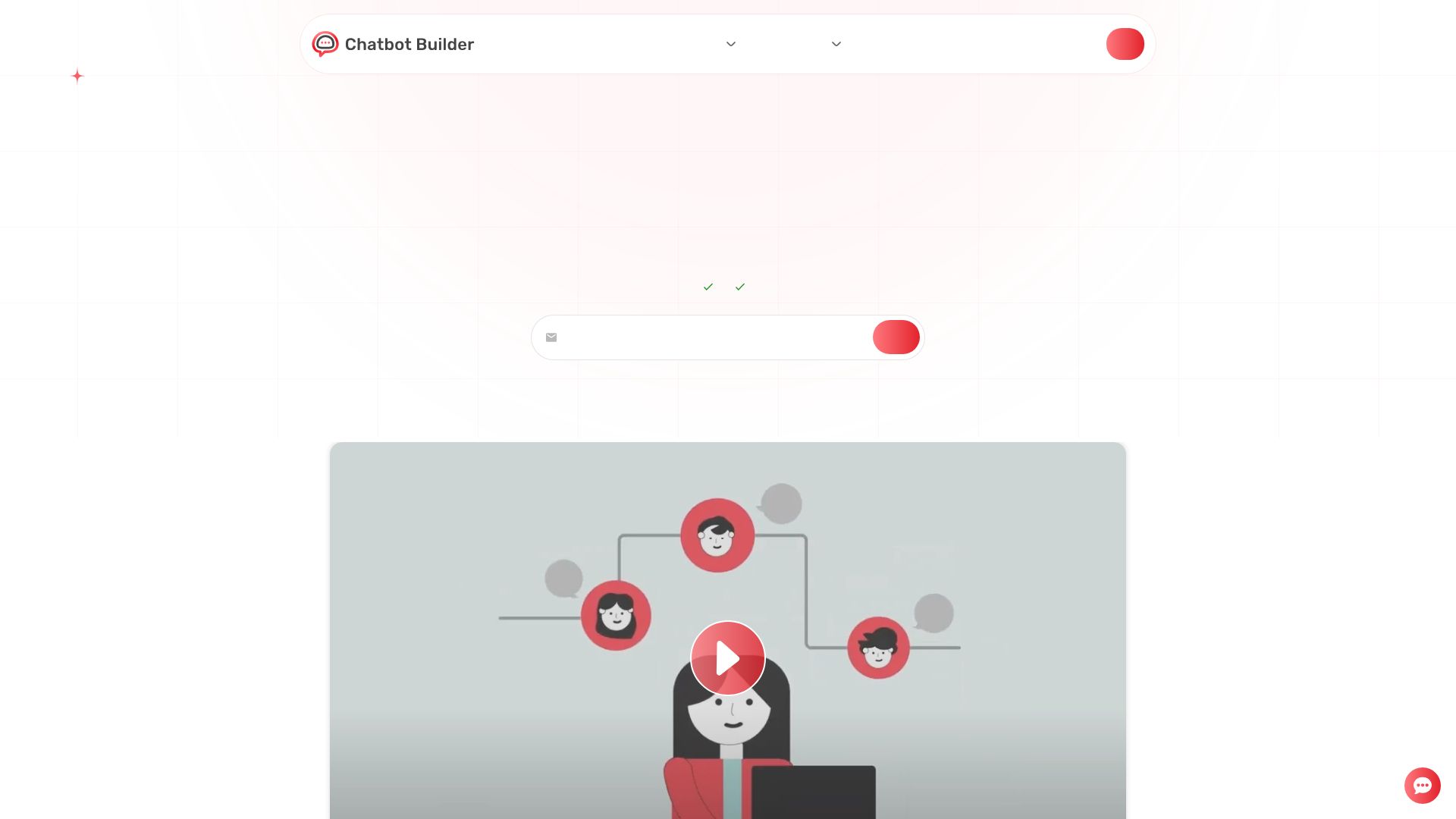
Chatbot Builder
Build an AI chatbot in minutes without coding. 24/7 customer support, sales automation, and seamless integrations. Start your free 14-day trial today!

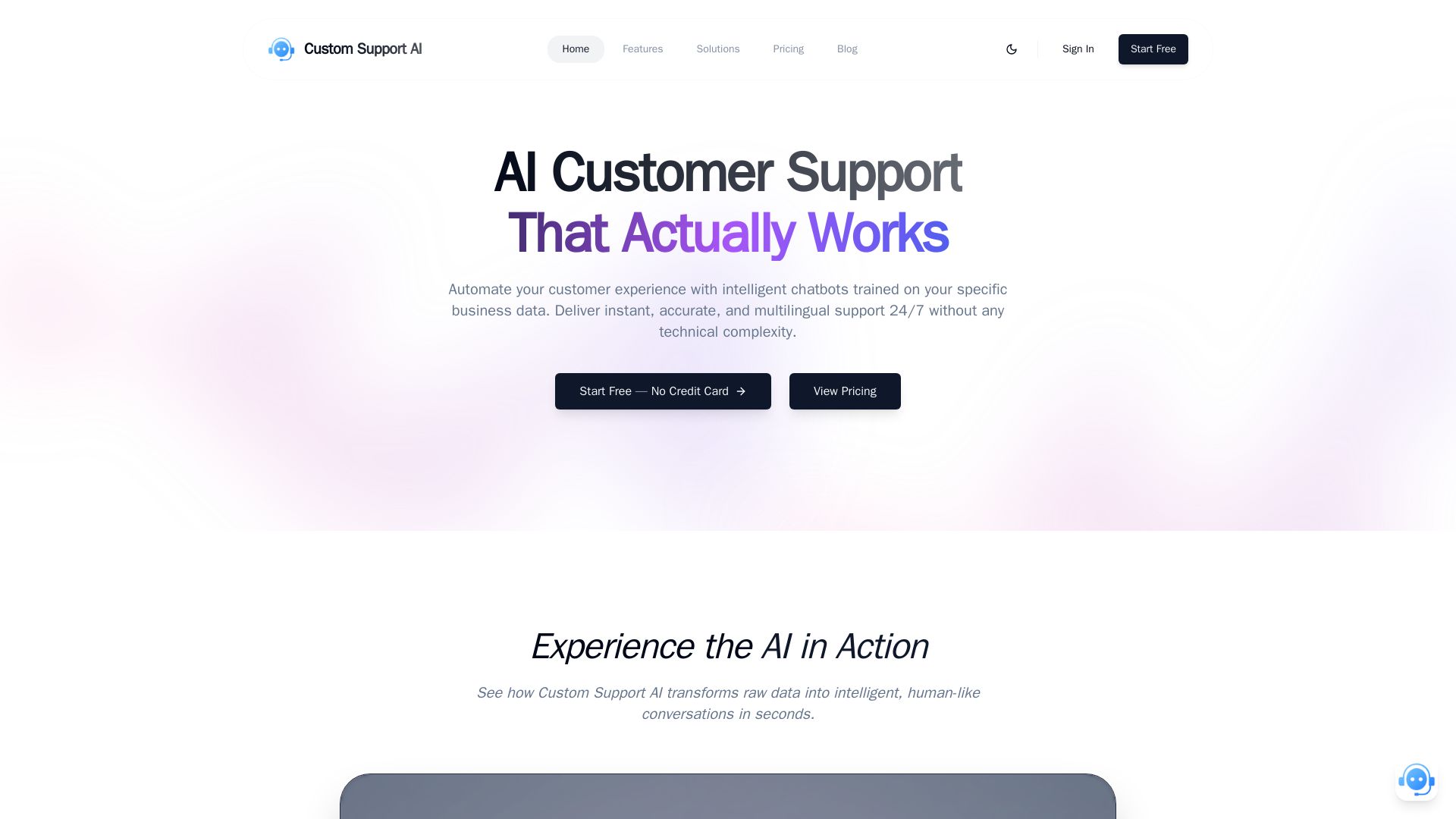
Custom Support AI
Deliver instant, accurate, multilingual customer support 24/7 with AI chatbots trained on your business data. Simple integration, no credit card required.
Arsturn
Build a custom GPT chatbot without coding. Train with your data, embed on website, boost engagement and lead generation. Free plan available.

Conferbot
Capture 3x more leads and cut support costs by 60% with Conferbot. Deploy no-code AI chatbots across 13+ channels in minutes. Free to start, no credit card required.

NeuralTalk AI
Create your own AI chatbot for free. Train on your data, deploy on website, and automate customer service 24/7 with no coding. Best chatbot platform.
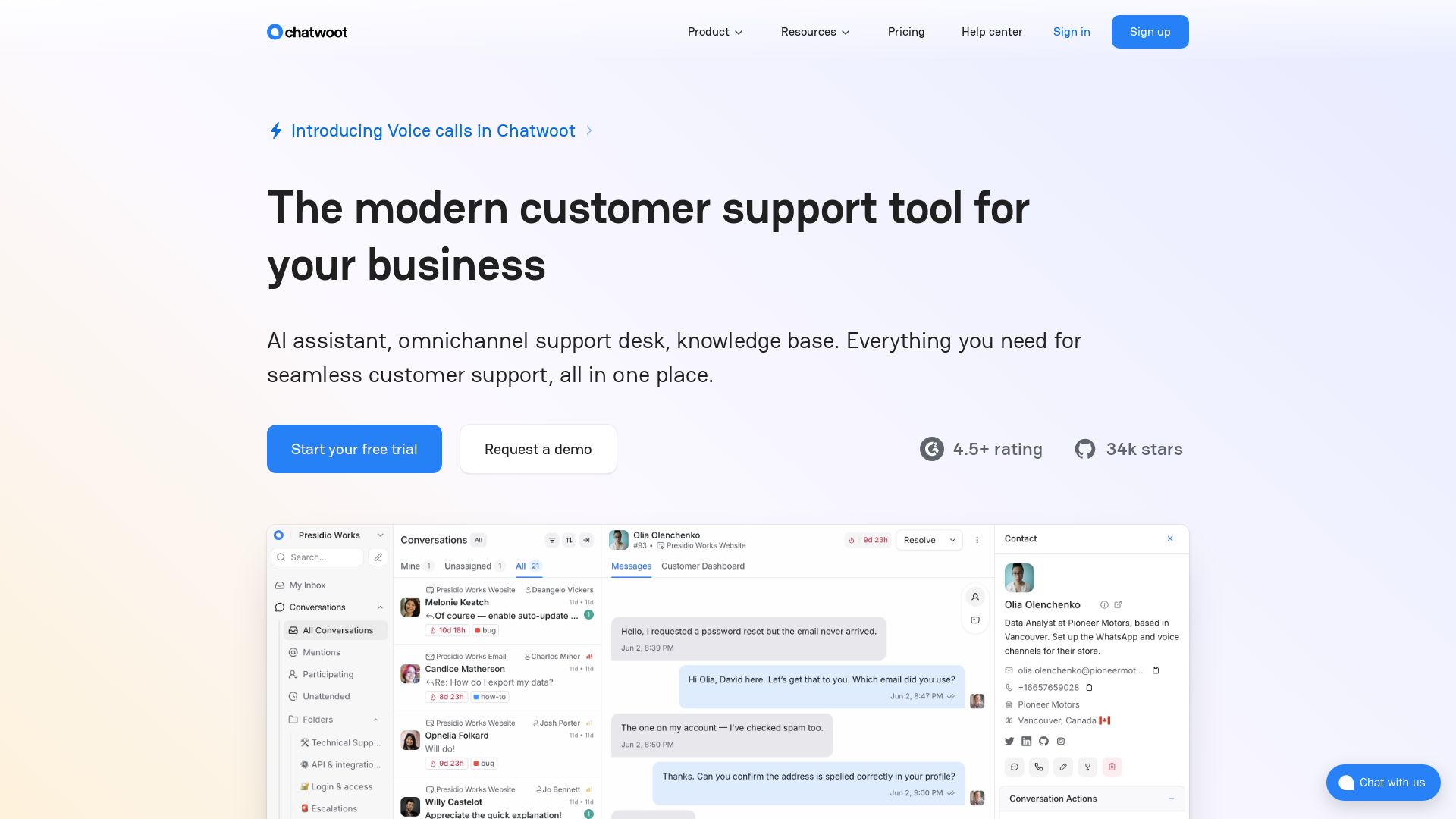
Chatwoot
Modern customer support with AI assistant, omnichannel inbox, and knowledge base. Trusted by 15,000+ businesses. Open source self-hosted alternative to Intercom & Zendesk.

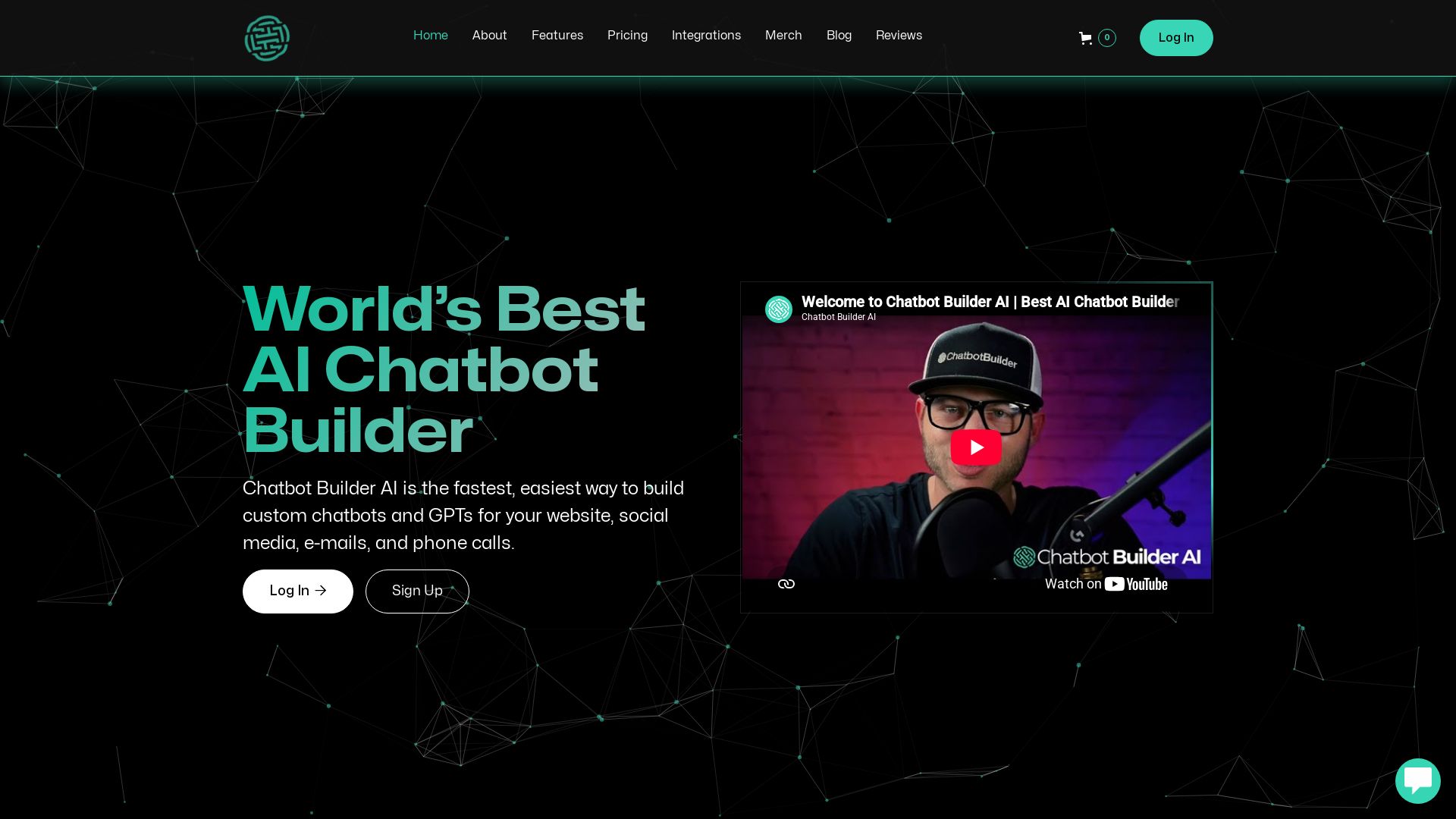
ChatBotBuilderai
Create powerful AI chatbots and GPTs for your business. Integrate with 1000+ apps, support multi-channel, and automate customer service. 14-day free trial. No credit card required.


ChatBot
Train an AI agent on your website in minutes. Answer questions, recommend products, and close sales 24/7. Free 14-day trial, no credit card.


Expo AI Chatbot
Build AI chatbot apps for iOS, Android & web with Expo SDK 54, AI SDK 5, voice, long-term memory, and more. Open-source codebase.

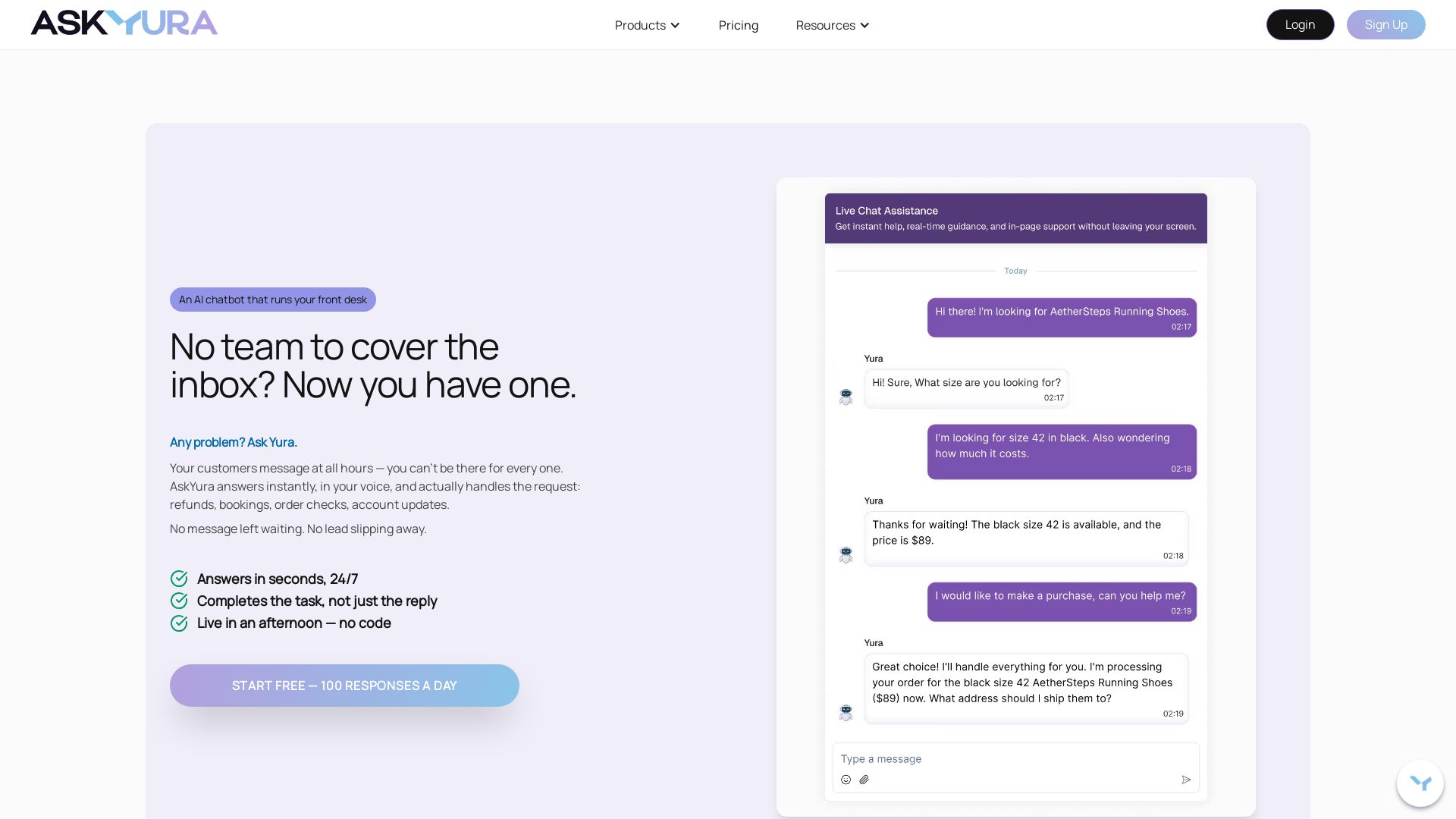
AskYura
Answer every customer instantly with AskYura's AI chatbot. Handle refunds, bookings, orders, and more—no code required. Start free with 100 daily responses.

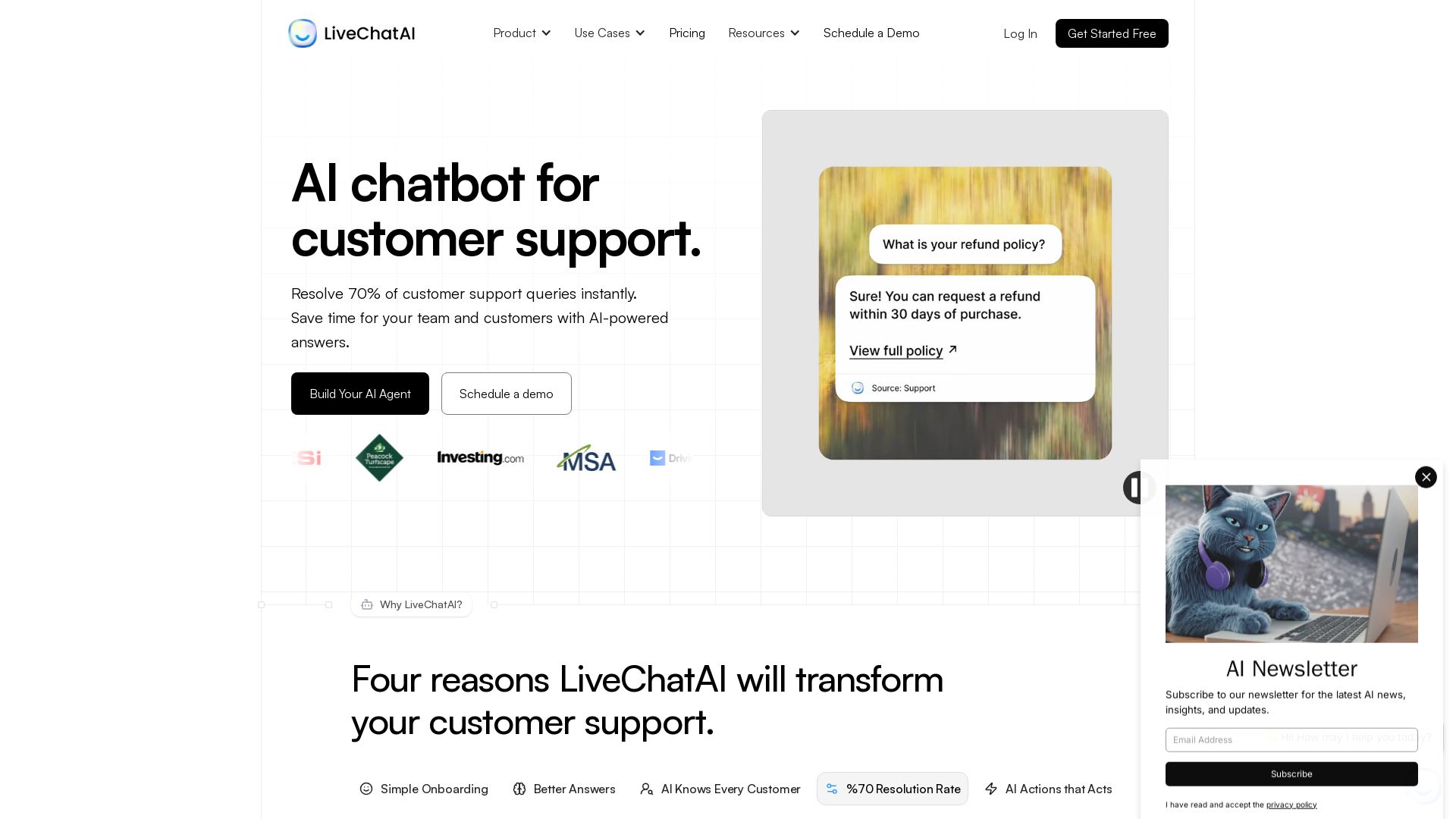
LiveChatAI
Resolve 70% of customer queries instantly with AI. Train on your data, deploy anywhere, integrate AI Actions. Save time and money.

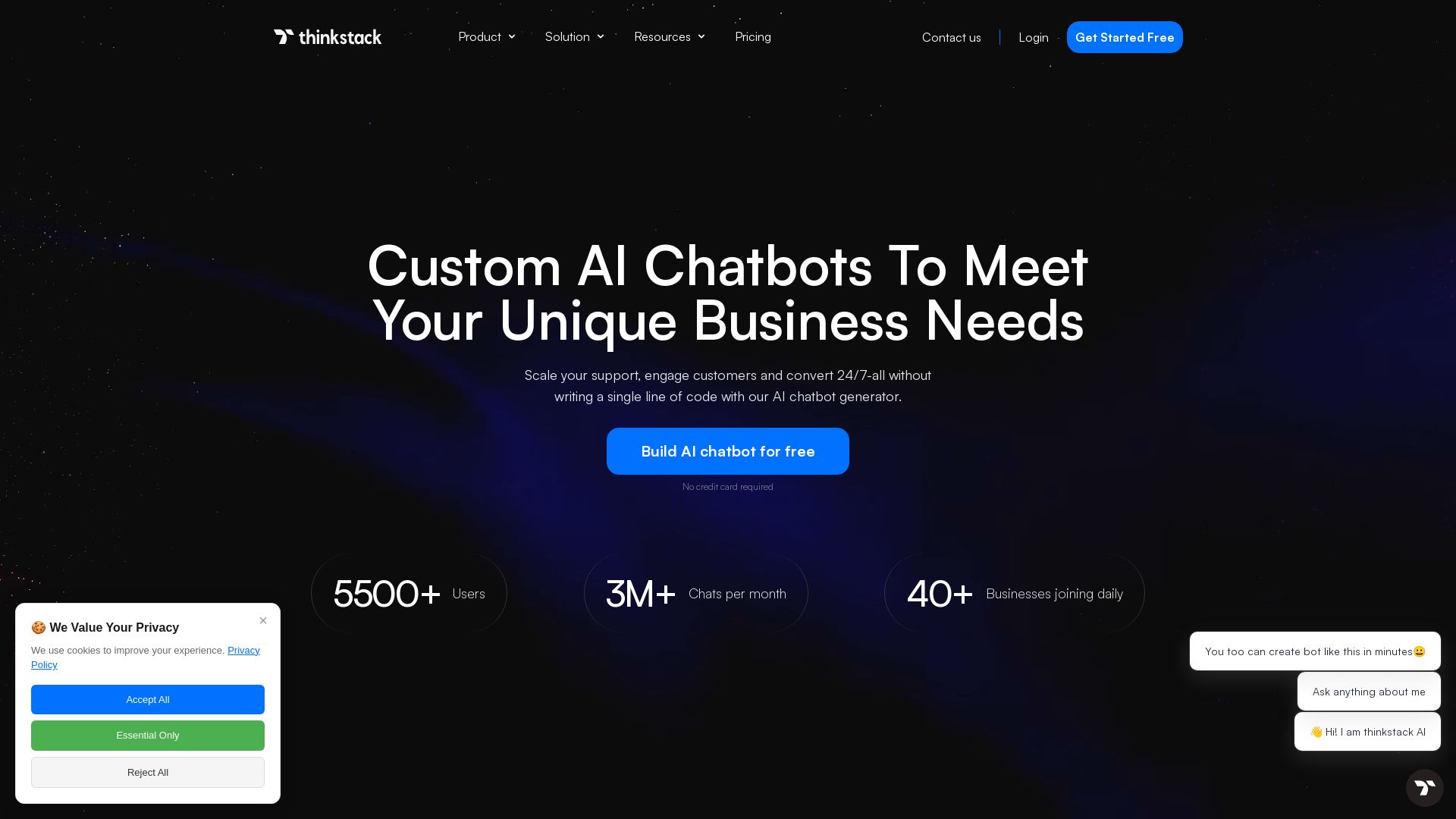
Thinkstack
Build custom AI chatbots with no code. Train on your data, deploy on any website, and automate support 24/7. Free plan available.
ℹ️ Curation Disclosure: The overview and features of BuilderBot.app were synthesized using AI and fact-checked by our curation team to ensure accuracy.
