
Msty
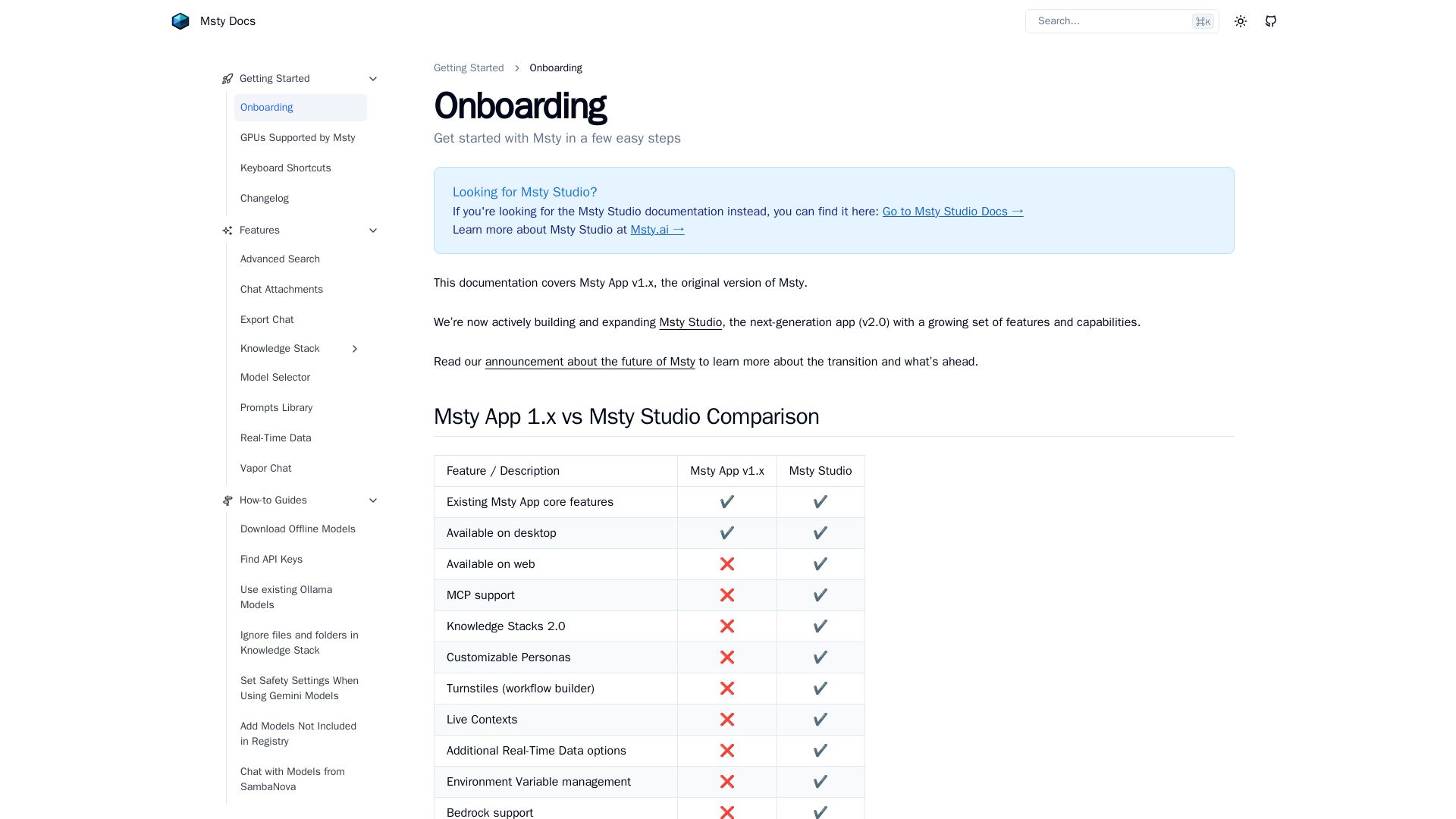
Run local AI models, chat with LLMs, and create knowledge stacks. Desktop & Studio for advanced workflows.
Editor's Verdict
Key Takeaways
- Advanced Search
- Chat Attachments
- Export Chat
- Knowledge Stack
In-Depth Review: What is Msty?
Msty is a versatile AI platform that lets you run powerful language models locally on your device, ensuring privacy and offline capabilities. It supports remote providers like Ollama and SambaNova, and includes features like Knowledge Stacks for organizing documents, real-time data, and advanced search. The next-gen Msty Studio (v2.0) adds MCP support, customizable personas, workflow builder, and more, making it ideal for both individual users and teams. Get started quickly with guided onboarding and enjoy features like chat attachments, model selection, and local GPU acceleration.
Core Features
Advanced Search
Perform advanced searches within your data to find information quickly and efficiently.
Chat Attachments
Attach files, images, or documents to your chat sessions for richer interactions.
Export Chat
Export your chat conversations for sharing, backup, or analysis.
Knowledge Stack
Create and manage knowledge stacks to organize and retrieve information from your data.
Model Selector
Choose from various AI models, both local and remote, to suit your needs.
Prompts Library
Use and manage a library of prompts to streamline your AI interactions.
Real-Time Data
Access and incorporate real-time data into your AI sessions.
Vapor Chat
Engage in ephemeral chat sessions that don't persist, enhancing privacy.
Setup Local AI
Easily download and install a local AI model on your machine for offline use.
Add Remote Models Provider
Connect to remote AI model providers to expand your model options.
Use Ollama Models
Integrate and use existing Ollama models within Msty for seamless operation.
MCP Support
Model Context Protocol support for enhanced model interoperability (Msty Studio).
Customizable Personas
Create and customize AI personas for tailored interactions (Msty Studio).
Turnstiles (Workflow Builder)
Build automated workflows with a visual builder (Msty Studio).
Live Contexts
Maintain dynamic live contexts for ongoing sessions (Msty Studio).
Forge Mode
AI-powered content editor for generating and editing text (Msty Studio).
Pricing
Msty App v1.x
- Advanced Search
- Chat Attachments
- Export Chat
- Knowledge Stack
- Model Selector
- Prompts Library
- Real-Time Data
- Vapor Chat
- Setup Local AI
- Add Remote Models Provider
- Use Ollama Models
Msty Studio
- Existing Msty App core features
- Available on desktop
- Available on web
- MCP support
- Knowledge Stacks 2.0
- Customizable Personas
- Turnstiles (workflow builder)
- Live Contexts
- Additional Real-Time Data options
- Environment Variable management
- Bedrock support
- Forge Mode (AI content editor)
- Enterprise / Team support (coming soon)
Pros and Cons
Pros
- Easy Local AI SetupMsty simplifies downloading and running AI models locally, making it accessible for users without extensive technical knowledge.
- Multiple Model ProvidersSupports a variety of model sources including local download, remote APIs, and Ollama, offering flexibility.
- Free Desktop AppMsty App v1.x is completely free to download and use, with no hidden costs.
- Comprehensive Feature SetIncludes advanced search, chat attachments, knowledge stacks, and real-time data integration.
- Active DevelopmentMsty Studio introduces cutting-edge features like workflow builder and MCP support, showing ongoing innovation.
Cons
- Limited to DesktopMsty App v1.x is only available on desktop, with no web version for on-the-go access.
- Feature Gap with Studiov1.x lacks many advanced features of Msty Studio such as customizable personas and workflow builder.
- No MCP Supportv1.x does not support Model Context Protocol, limiting interoperability with other AI systems.
- Older Knowledge Stacksv1.x uses an older version of Knowledge Stacks, missing improvements in v2.0.
- No Enterprise FeaturesTeam and enterprise support is only available in Msty Studio, not in the free v1.x app.
Use Cases & Recommended Professions
AI Researcher→ View Toolkit
To experiment with various AI models, both local and remote, and leverage knowledge stacks for data organization.
Content Writer→ View Toolkit
To use AI for content generation, editing with Forge Mode, and managing prompts and knowledge stacks.
Software Developer→ View Toolkit
To integrate AI models into applications, test them locally, and use Msty Studio's workflow builder for automation.
Data Analyst→ View Toolkit
To utilize real-time data and knowledge stacks for analysis, and export chat logs for documentation.
Student→ View Toolkit
To learn about AI, interact with models for academic projects, and benefit from free access.
Product Manager→ View Toolkit
To build AI-driven workflows with Turnstiles, manage personas, and oversee team collaboration in Studio.
Frequently Asked Questions
Alternative AI Tools
View Detailed Comparison →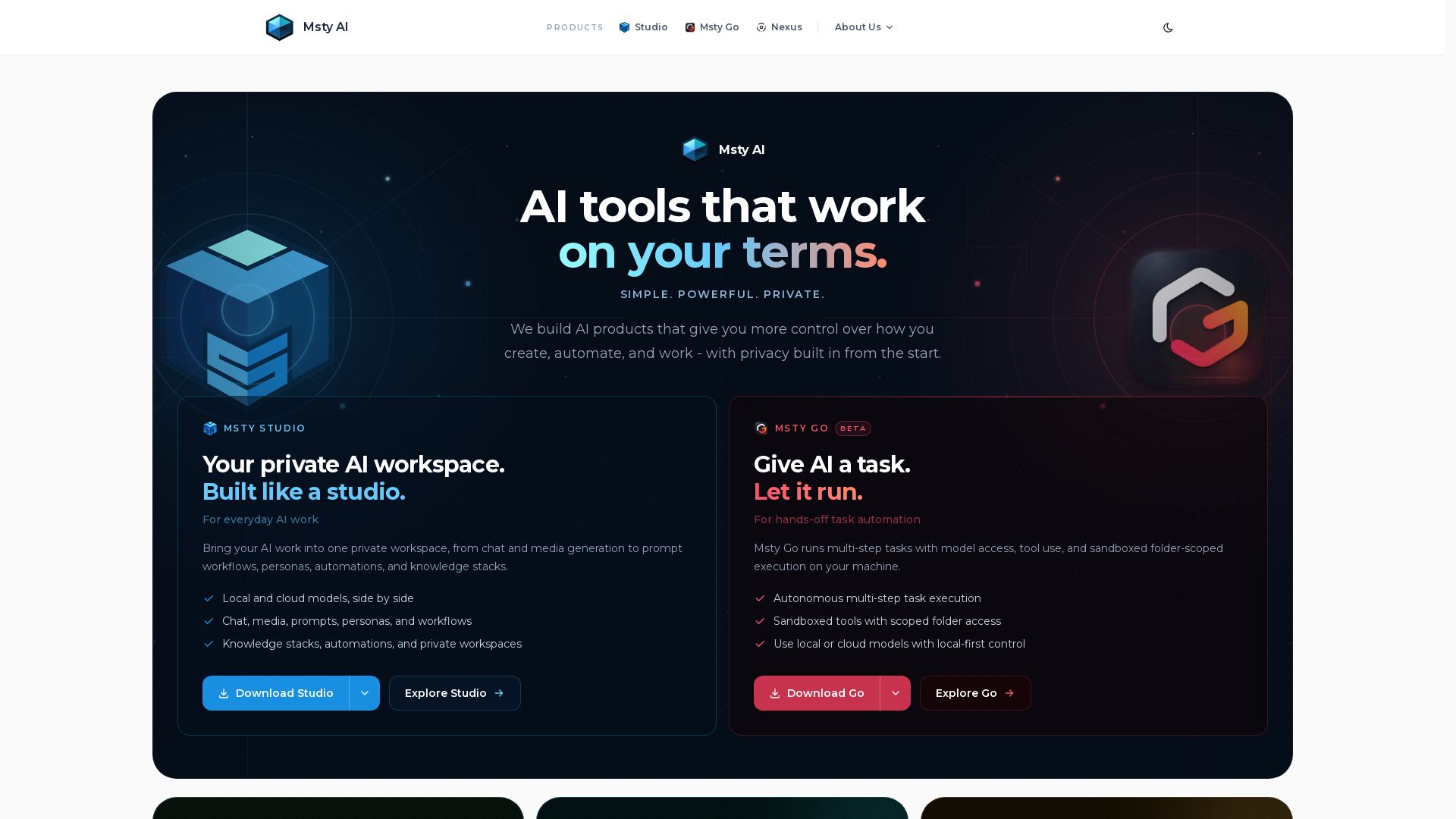
Msty AI
Discover Msty AI - private, powerful AI tools. Studio for chat & media, Claw for task automation, Nexus as AI gateway. Local-first, privacy built in.


Figr
Ship better UX faster. Figr builds a living understanding of your product, maps flows, finds edge cases, and generates high-fidelity prototypes from your actual design system.


Expo AI Chatbot
Build AI chatbot apps for iOS, Android & web with Expo SDK 54, AI SDK 5, voice, long-term memory, and more. Open-source codebase.

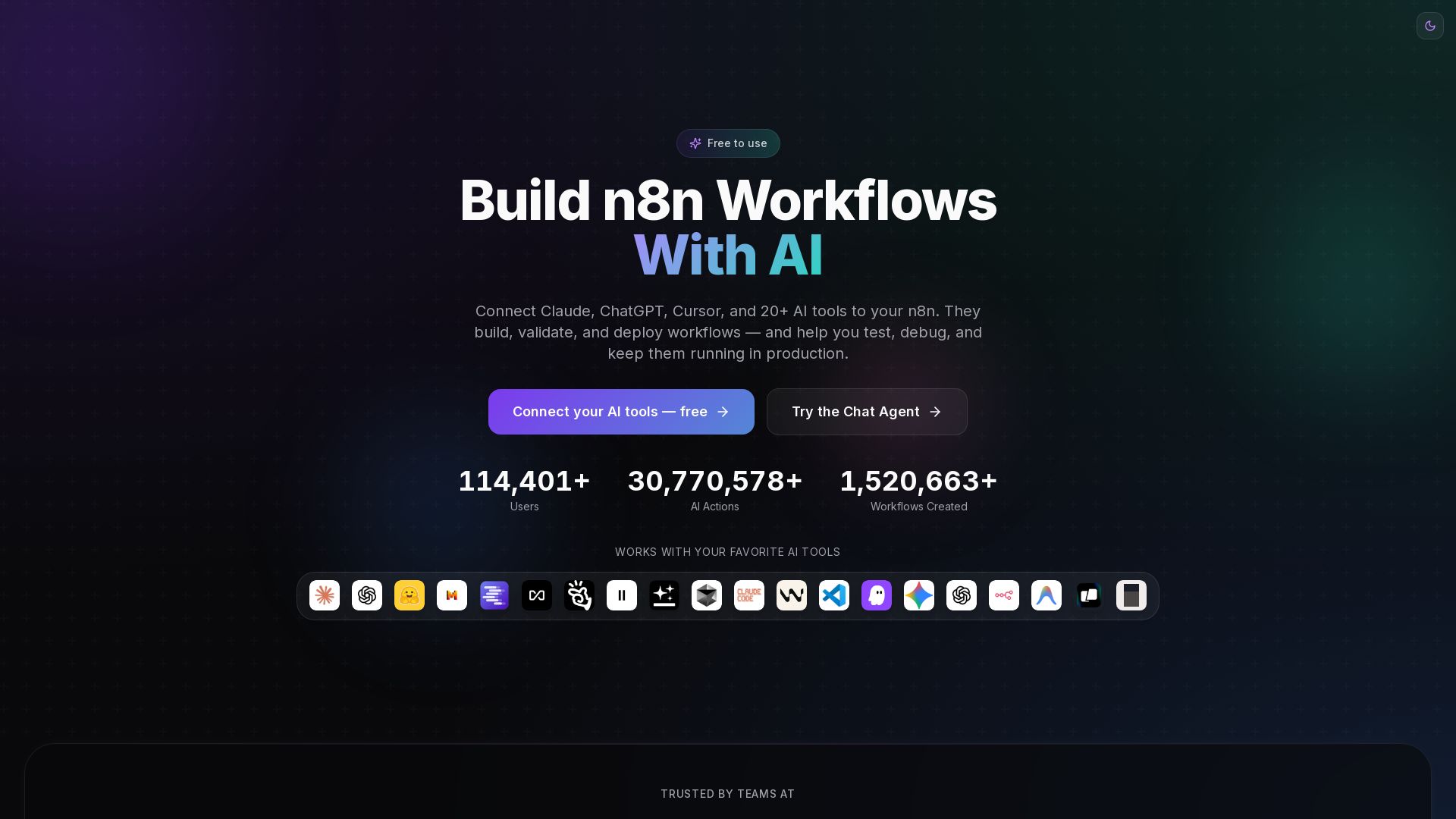
n8n MCP
Connect Claude, ChatGPT, and 20+ AI tools to n8n. Build, validate, and deploy workflows with AI. Free hosted or self-hosted.

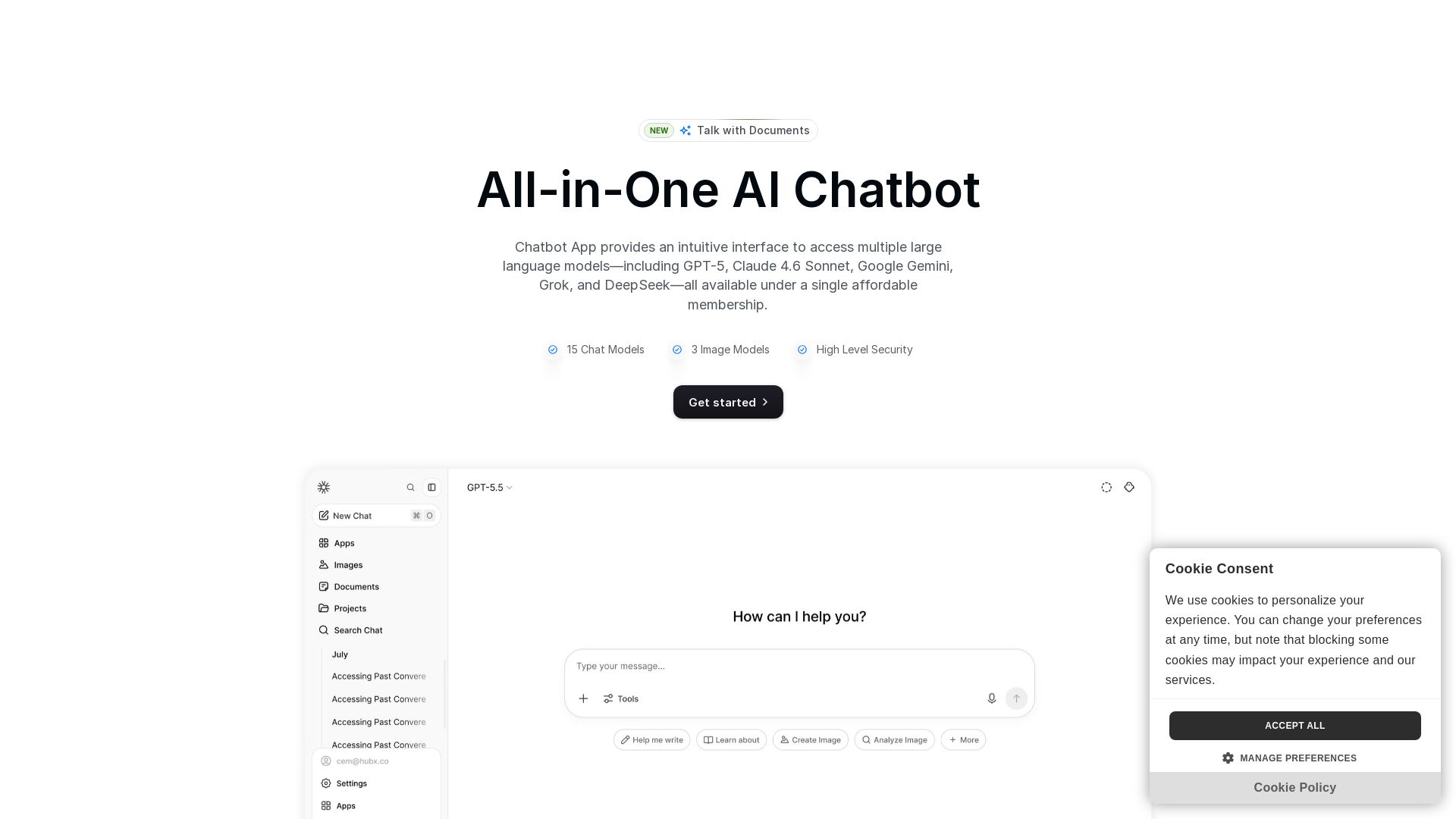
Chatbot App
Access 15+ top AI models including GPT-5, Claude 4.6, Gemini, DeepSeek in one app. Affordable membership, chat, image generation, PDF support, and more. Save 70%.


ProductCrafters
Get a free 2-week trial sprint for your AI product. Working prototype in 30 days, production-ready in 90. No contract, no credit card. Test your dev team risk-free.

Chatbot Builder
Build an AI chatbot in minutes without coding. 24/7 customer support, sales automation, and seamless integrations. Start your free 14-day trial today!

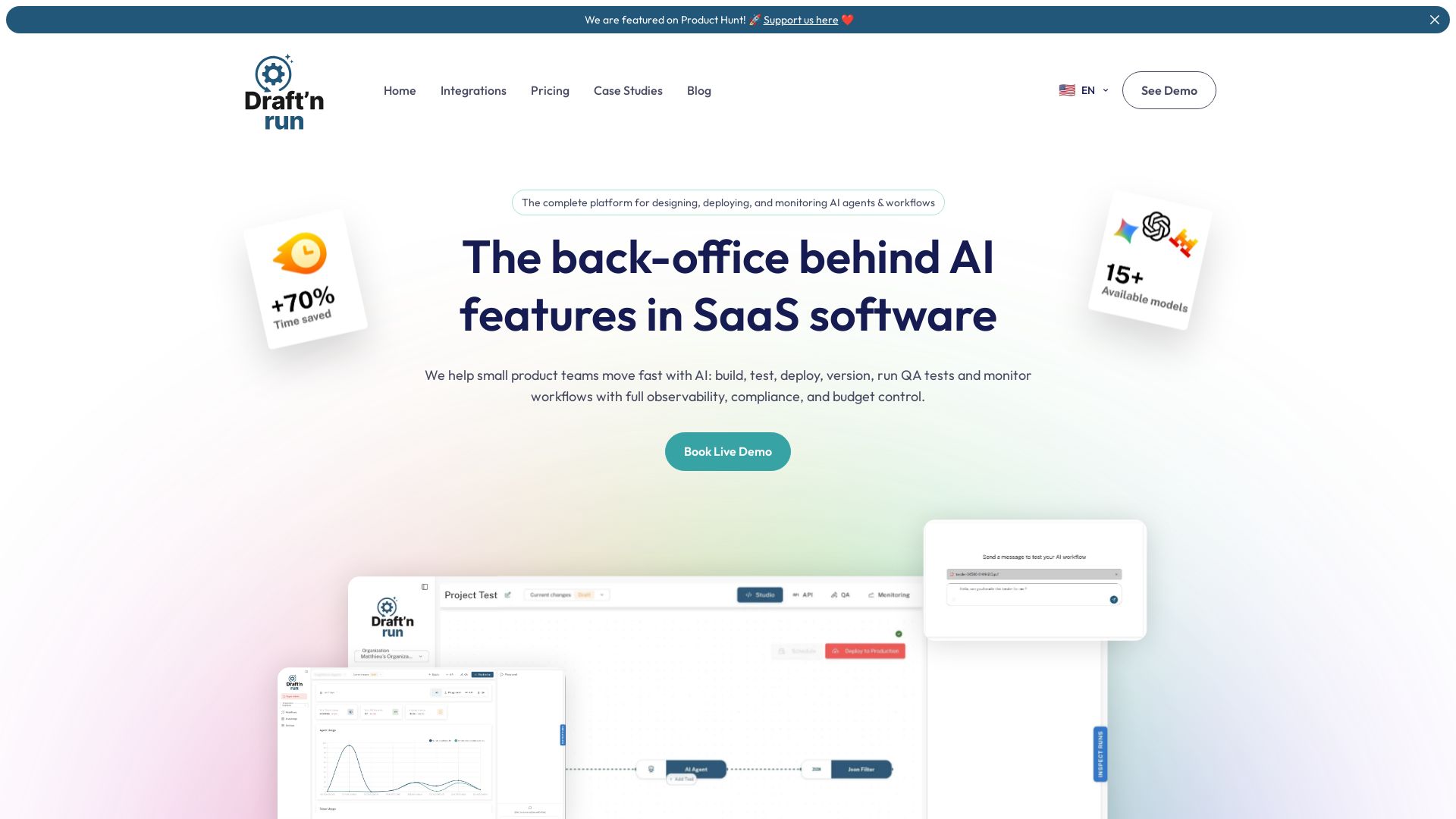
Draft'n run
Design, deploy, and monitor production-ready AI workflows without coding. Open-source with full observability, cost control, and zero vendor lock-in. Trusted by teams.
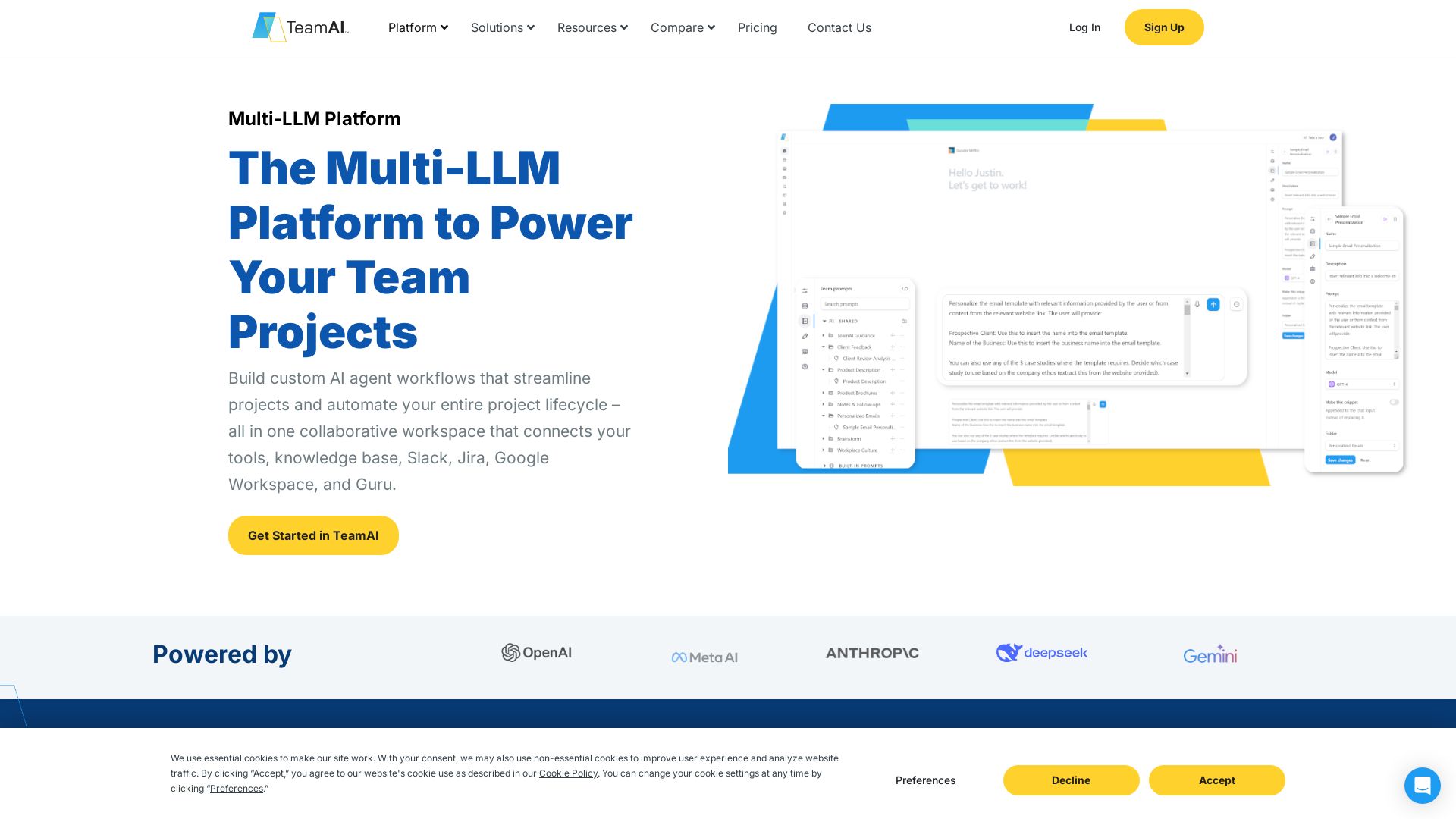
TeamAI
Build custom AI agents, automate workflows, and collaborate with top models in one workspace. Trusted by 1000+ businesses. Start free!

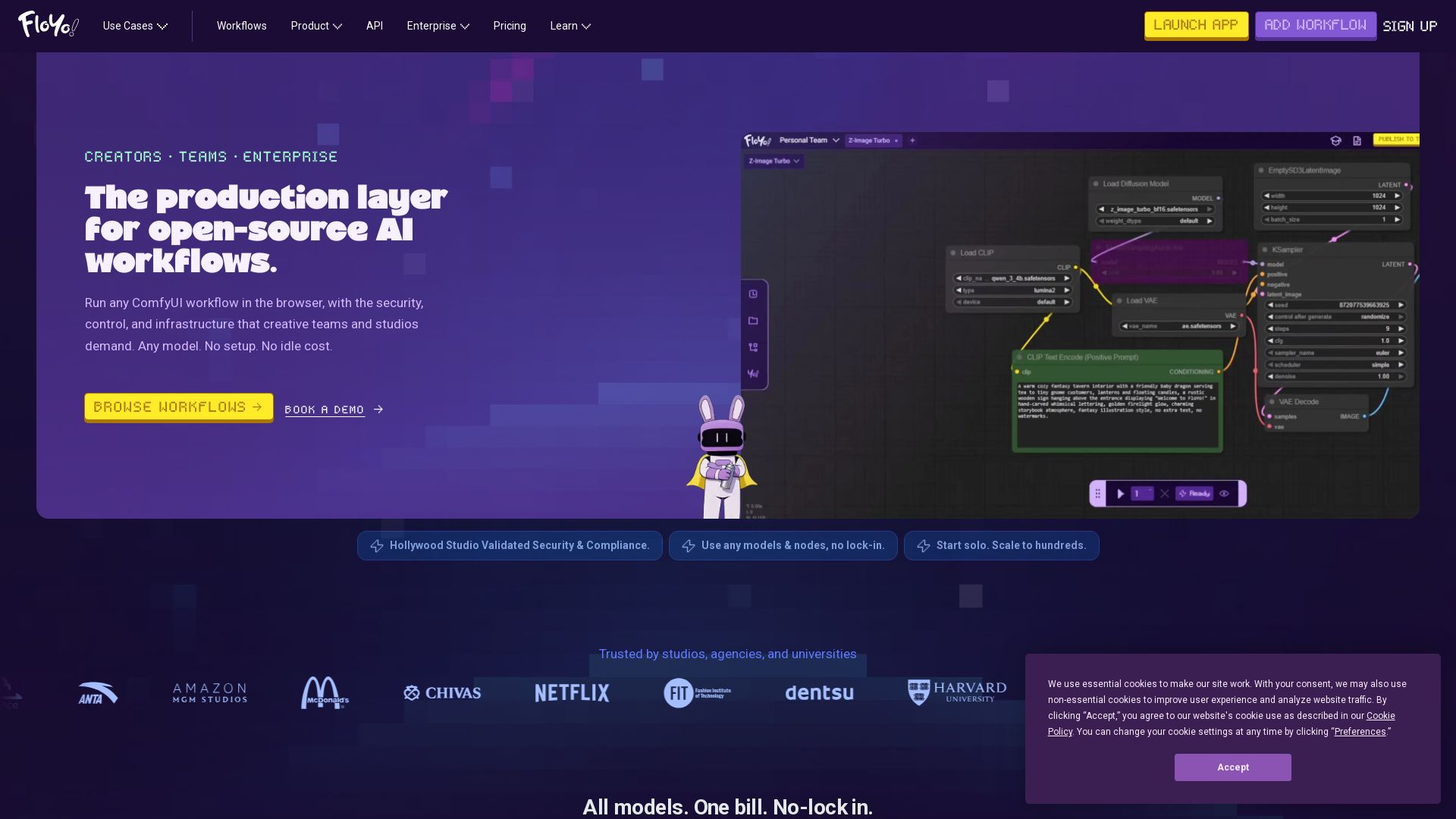
Floyo
Run any ComfyUI workflow in the browser with security and zero idle cost. Model-agnostic, team-ready, enterprise-grade. Trusted by studios.

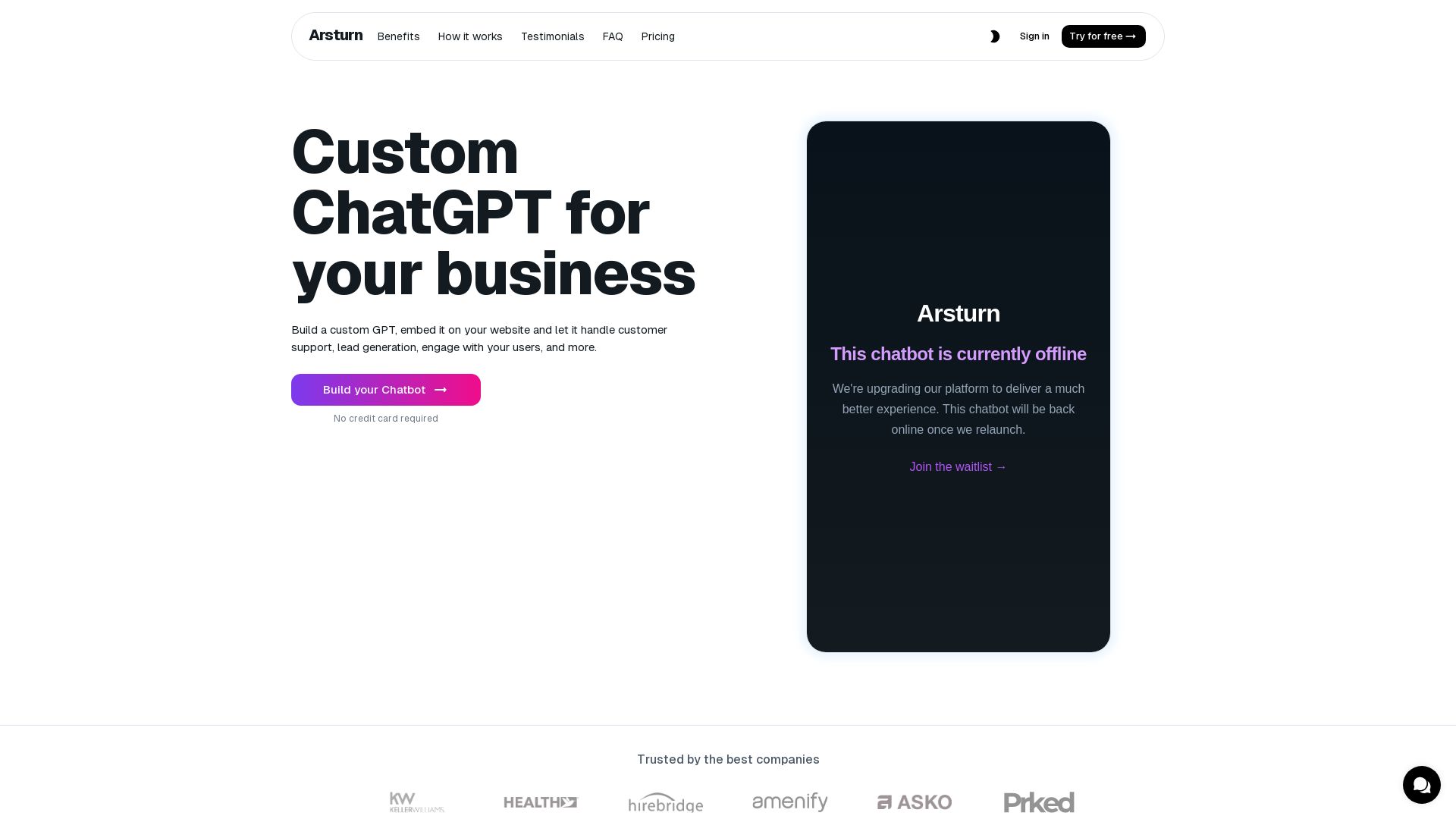
Arsturn
Build a custom GPT chatbot without coding. Train with your data, embed on website, boost engagement and lead generation. Free plan available.


ChatBot
Train an AI agent on your website in minutes. Answer questions, recommend products, and close sales 24/7. Free 14-day trial, no credit card.

ℹ️ Curation Disclosure: The overview and features of Msty were synthesized using AI and fact-checked by our curation team to ensure accuracy.
