
Floyo
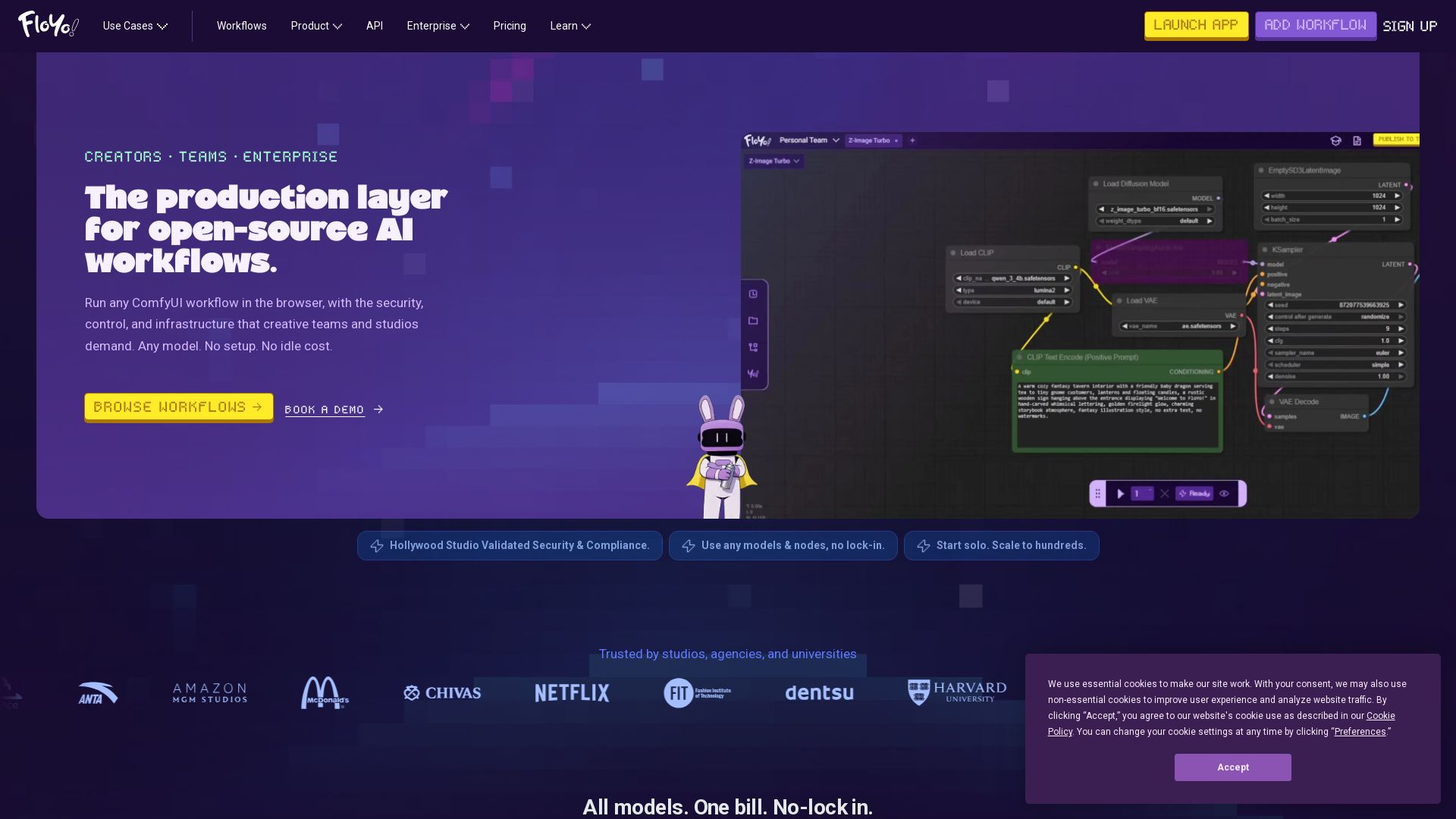
Run any ComfyUI workflow in the browser with security and zero idle cost. Model-agnostic, team-ready, enterprise-grade. Trusted by studios.
Editor's Verdict
Key Takeaways
- Model-agnostic
- Zero idle cost
- Team workspaces
- API endpoints from any workflow
In-Depth Review: What is Floyo?
Floyo is the production layer for open-source AI workflows, designed for creative teams and enterprises. It allows you to run any ComfyUI workflow directly in the browser with no setup, no idle costs, and full control. Floyo is model-agnostic, supporting open-source models, custom fine-tunes, and closed-source APIs all in one workspace. Features include shared workspaces, pooled GPU credits, role-based access, audit logs, and enterprise-grade security validated by major studios. Use cases span character design, video production, VFX, and more. Trusted by Amazon MGM, Pixar alums, and universities.
Core Features
Model-agnostic
Run any open-source, closed-source API, or custom fine-tuned model in one workflow. No lock-in, swap models freely.
Zero idle cost
Build and edit workflows for free. Pay only when GPU is actively generating output.
Team workspaces
Shared workspaces with pooled GPU credits, role-based access, run history, and audit logs. Collaborate seamlessly.
API endpoints from any workflow
Convert any ComfyUI workflow into a callable API endpoint without infrastructure management.
Verified security & compliance
Hollywood studio-validated security, no training on your data, commercial-use indemnification, and full audit trail.
2,500+ preloaded nodes
Access thousands of validated custom nodes with new ones added daily. Upload your own LoRAs and fine-tunes.
Unlimited editing
Tweak workflows endlessly without timeouts or idle charges. Only pay when you render.
No time limit per run
Workflows can run as long as needed without interruption, consuming FloTime only during active generation.
Concurrent runs
Run multiple workflows simultaneously across tabs to iterate faster and finish more work.
Pricing
Free Trial
- 15 min free Flex FloTime
- $0.75 free Partner Nodes Credits on signup
- No concurrent runs
- 10GB private storage (72hr file persistence)
- No team members
- No team Pages
Explorer
- 3.5 hr/month FloTime
- Flex FloTime at $7/hr
- $5 free Partner Nodes Credits on signup
- 2 concurrent runs per member
- 20GB private storage
- 5 team members max
- 1 team Page
Explorer
- 3.5 hr/month FloTime
- Flex FloTime at $7/hr
- $5 free Partner Nodes Credits on signup
- 2 concurrent runs per member
- 20GB private storage
- 5 team members max
- 1 team Page
Pathfinder
- 10 hr/month FloTime
- Flex FloTime at $7/hr
- $10 free Partner Nodes Credits on signup
- 4 concurrent runs per member
- 100GB private storage
- 10 team members max
- 3 team Pages
Pathfinder
- 10 hr/month FloTime
- Flex FloTime at $7/hr
- $10 free Partner Nodes Credits on signup
- 4 concurrent runs per member
- 100GB private storage
- 10 team members max
- 3 team Pages
Trailblazer
- 22 hr/month FloTime
- Flex FloTime at $7/hr
- $15 free Partner Nodes Credits on signup
- 8 concurrent runs per member
- 200GB private storage
- 10 team members max
- 10 team Pages
Trailblazer
- 22 hr/month FloTime
- Flex FloTime at $7/hr
- $15 free Partner Nodes Credits on signup
- 8 concurrent runs per member
- 200GB private storage
- 10 team members max
- 10 team Pages
Enterprise
- Pure usage-based pricing (unlimited seats)
- Verified-Private (no training on your data)
- Commercial-Use Guaranteed
- Priority Queue
- Priority Support
- Dedicated GPU pools
- Custom model and node registries
- Studio compliance support
Pros and Cons
Pros
- Model AgnosticismRun any model – open-source, closed-source, or custom – in a single workflow without vendor lock-in.
- Cost EfficiencyPay only for actual GPU inference time; editing and building are free. Flex FloTime rolls over for up to 12 months.
- Team CollaborationShared workspaces, pooled credits, role-based access, and run history streamline creative team workflows.
- Enterprise-Grade SecurityVerified private and commercial-use models, no training on your data, full audit trails, and US data residency.
- No Setup RequiredPreloaded nodes, models, and workflows let you start creating immediately without infrastructure headaches.
Cons
- Limited Free TrialOnly 15 minutes of GPU time are provided for free, which may not be enough for thorough evaluation of complex workflows.
- Team Size Limits on Lower TiersExplorer plan caps at 5 members, which may be restrictive for small studios or larger teams.
- Concurrent Run LimitsEven on the highest plan, concurrent runs are limited, potentially slowing down heavy parallel workloads.
- Storage LimitsPrivate storage is capped per plan, and files on Free Trial persist only 72 hours, requiring careful management.
- Flex FloTime CostExtra generation time at $7/hr can add up for heavy users, making cost unpredictable beyond the monthly allowance.
Use Cases & Recommended Professions
VFX Artist→ View Toolkit
Need to integrate AI-generated assets into pipelines with custom nodes and models, while ensuring commercial-use rights and team collaboration.
Concept Designer→ View Toolkit
Quickly iterate on character and environment designs using multiple open-source models and LoRAs without managing hardware.
Video Producer→ View Toolkit
Generate and edit AI video content, run multiple workflows concurrently, and collaborate with remote team members.
Creative Director→ View Toolkit
Oversee AI production workflows across a studio, enforce model governance, and maintain IP security while scaling the team.
AI Developer / API Integrator→ View Toolkit
Convert visual workflows into callable APIs for products, leveraging pre-built nodes and avoiding infrastructure maintenance.
E-commerce Content Creator→ View Toolkit
Generate product images, marketing visuals, and fashion designs using AI, with curated workflows for retail use cases.
Frequently Asked Questions
Alternative AI Tools
View Detailed Comparison →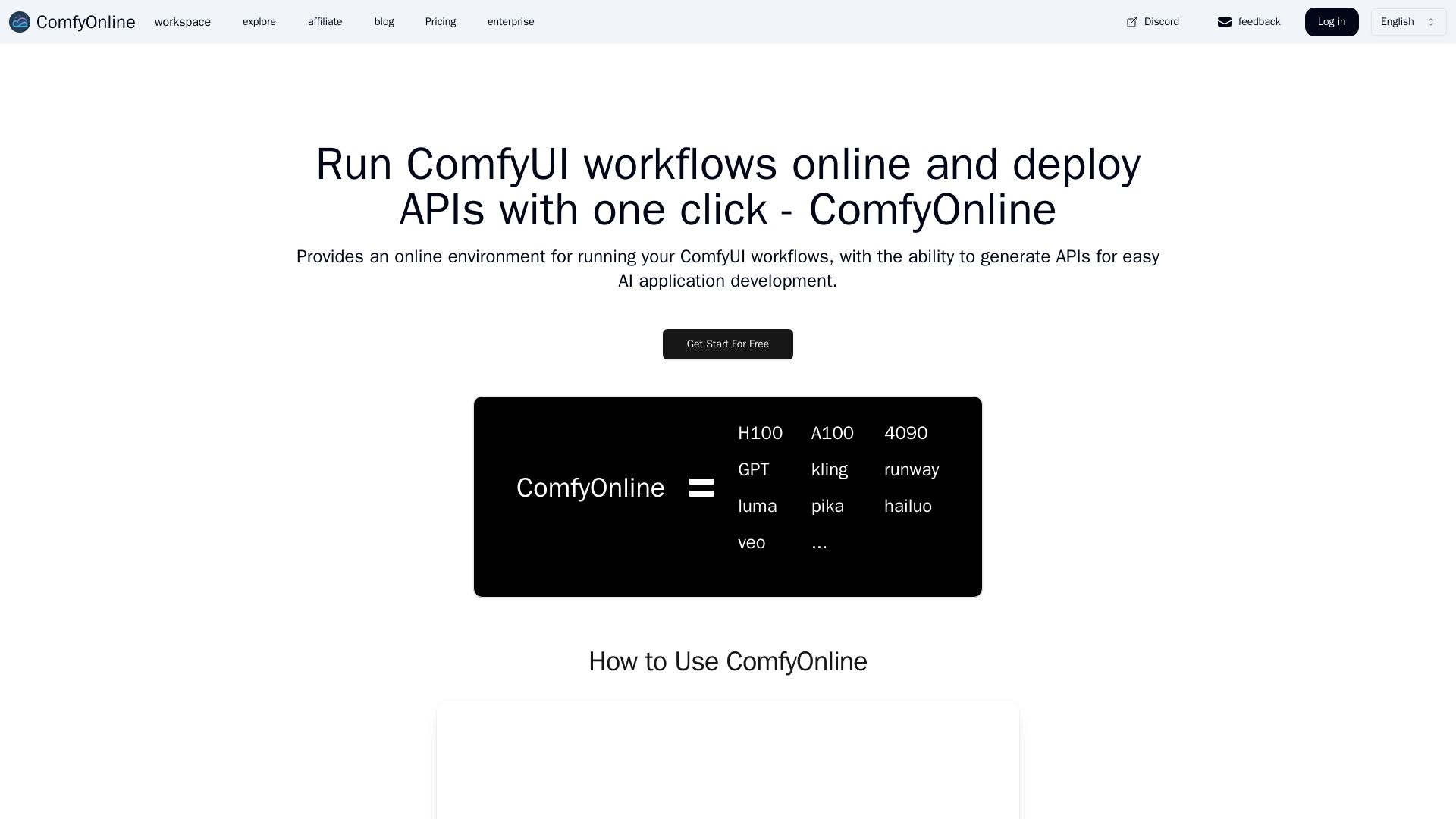
ComfyOnline
Run ComfyUI workflows online without expensive GPUs. Pay only for runtime, auto-generate APIs, and scale effortlessly. Start for free.


ComfyUI
Run advanced AI image generation workflows in the cloud. No GPU needed. Access custom nodes, models, and API. Create stunning art effortlessly.

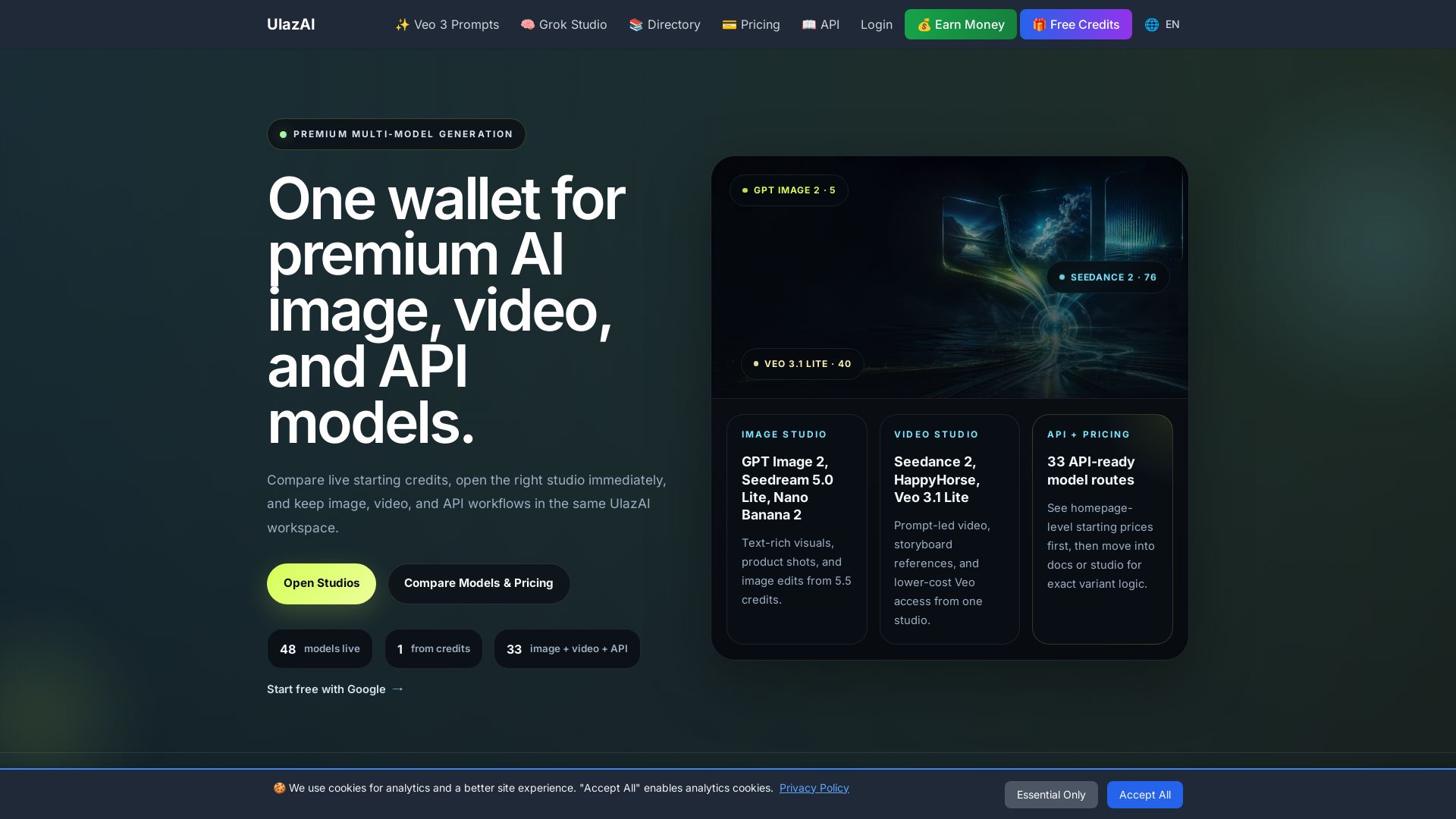
ULAZAI
Generate stunning images and videos with 48 premium AI models. One credit wallet for Image Studio, Video Studio, and API. Start free from 1 credit.

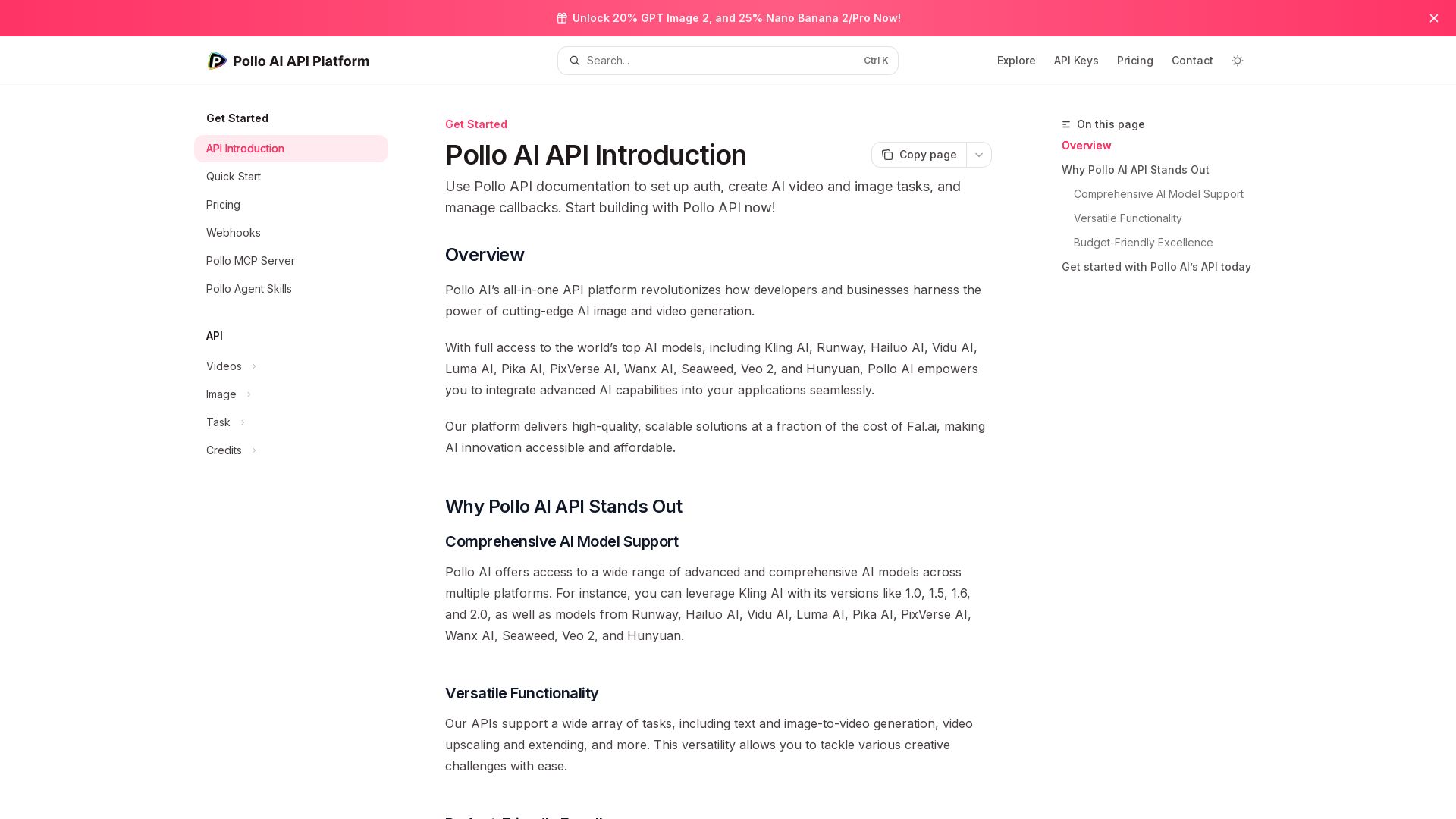
Pollo API
Integrate cutting-edge AI video and image generation with Pollo AI API. Access Kling, Runway, Hailuo, and more. Budget-friendly, high quality.

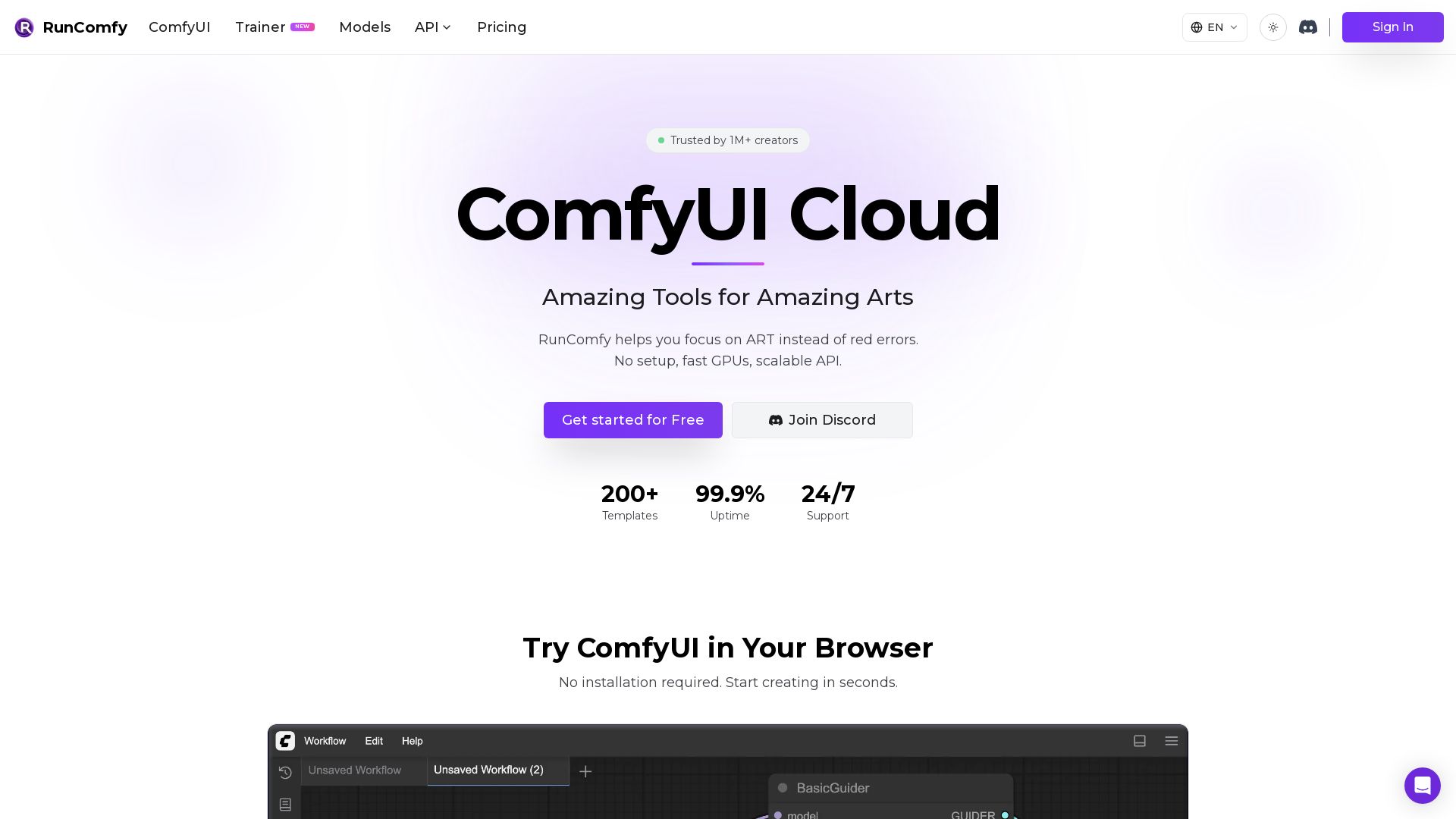
RunComfy
Experience ComfyUI in the cloud with zero setup. Upload workflow.json for auto-configured environment. 200+ templates, fast GPUs, serverless API. Start free.


SeaArt AI
Turn ideas into stunning images and cinematic videos with SeaArt AI. Free tools, community, and advanced models like Seedance 2.0.


Pixlr
Edit, generate, and design with Pixlr's free AI photo editor. Transform photos, create images from text, and more – all in your browser. No download needed.


Kie.ai
Access 100+ video, image, audio & LLM models via one unified API. Save up to 84% vs official APIs. Zero cost for failed tasks. 99.9% uptime.

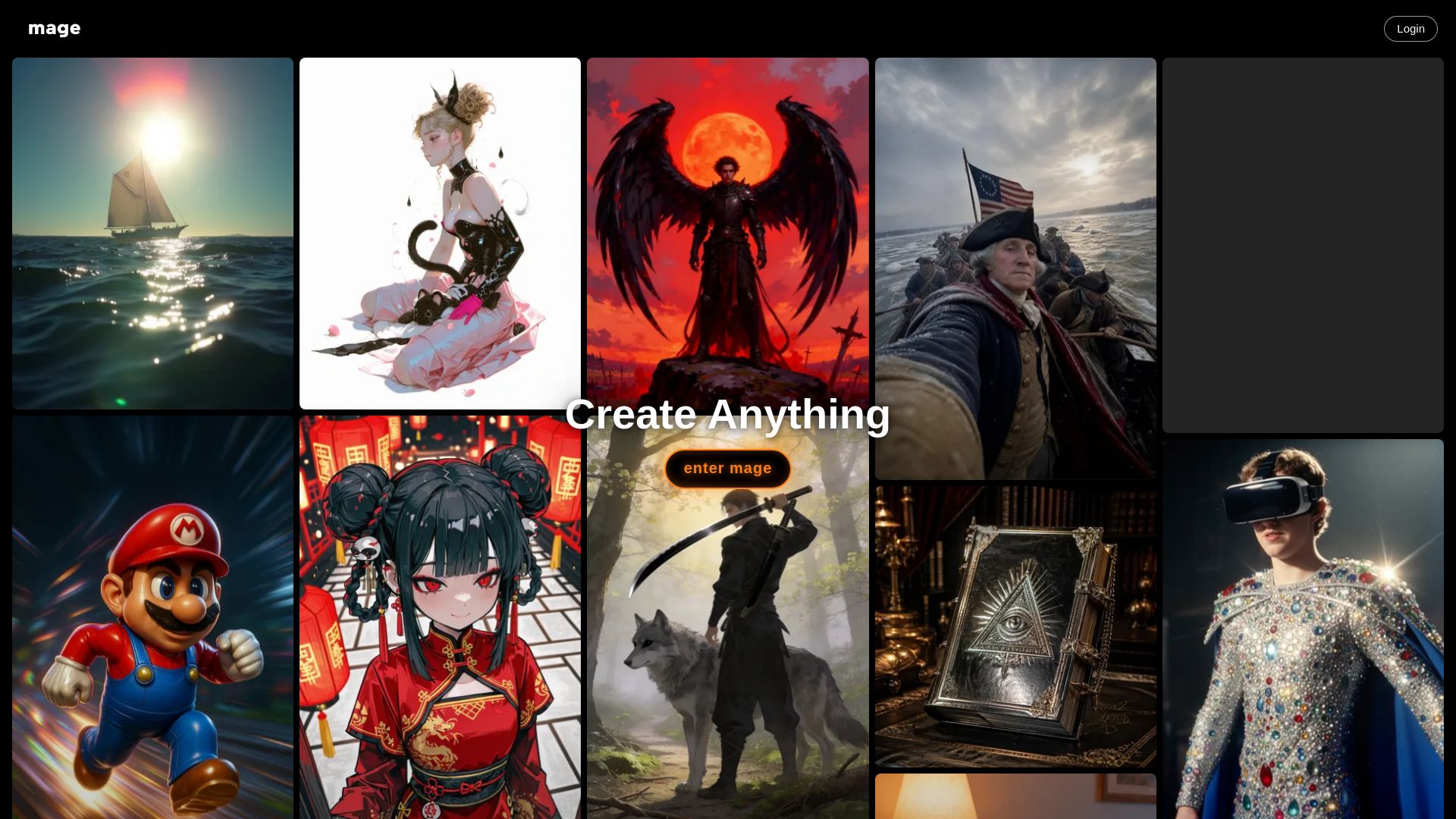
Mage
Create anything with Mage. Free AI image and video generator. Unlimited, private, NSFW allowed. Use Stable Diffusion, Flux, Wan, and more.


Gen AI Video Generator
Create stunning AI videos and images with 90+ models including Google VEO 3, Sora 2, Seedance 2.0. Text-to-video, image-to-video, photo editing on iOS.

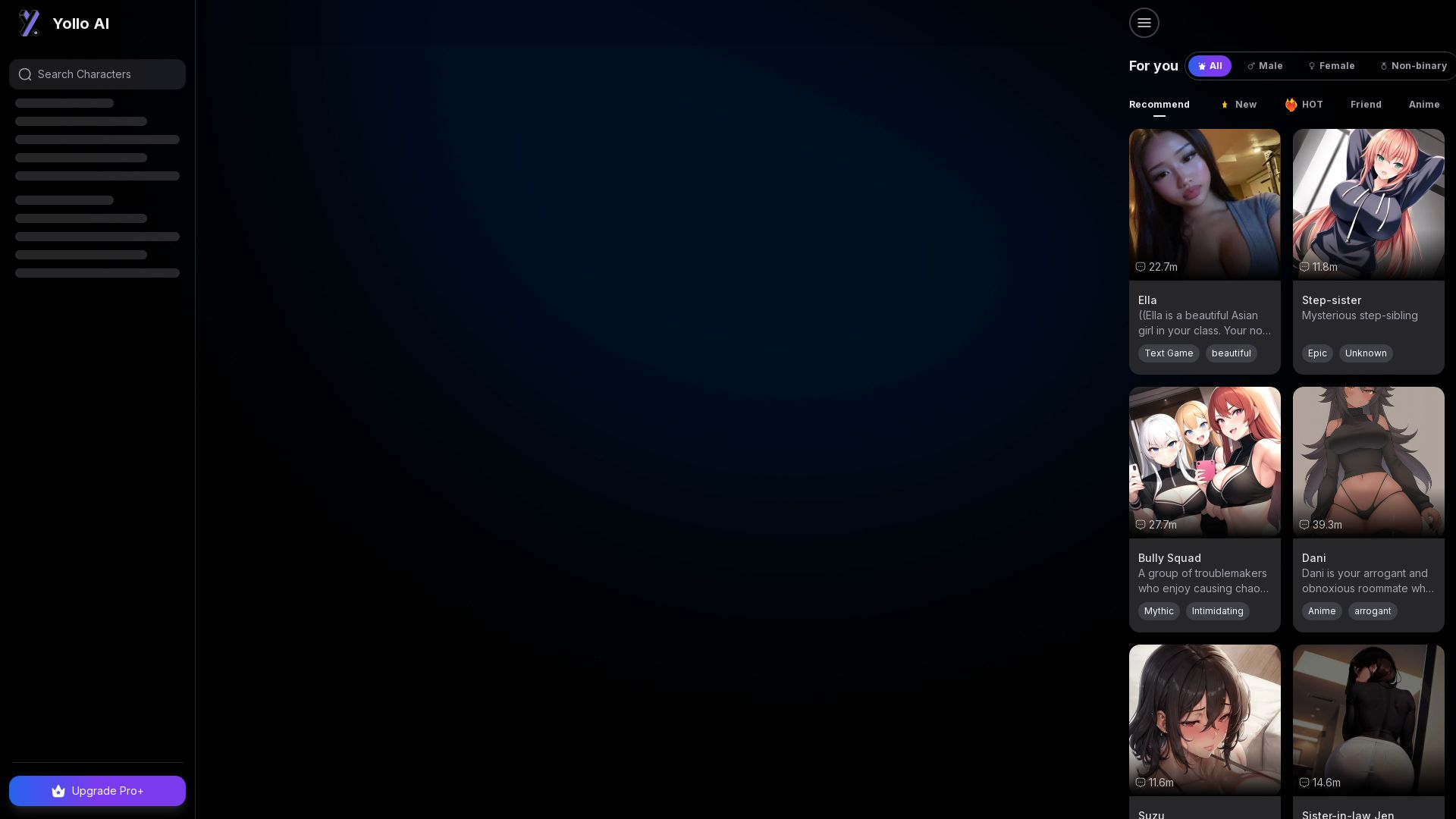
Yollo AI
Free, no sign-up. Chat with 200K+ characters, create NSFW AI art & videos. Ultimate creative freedom.

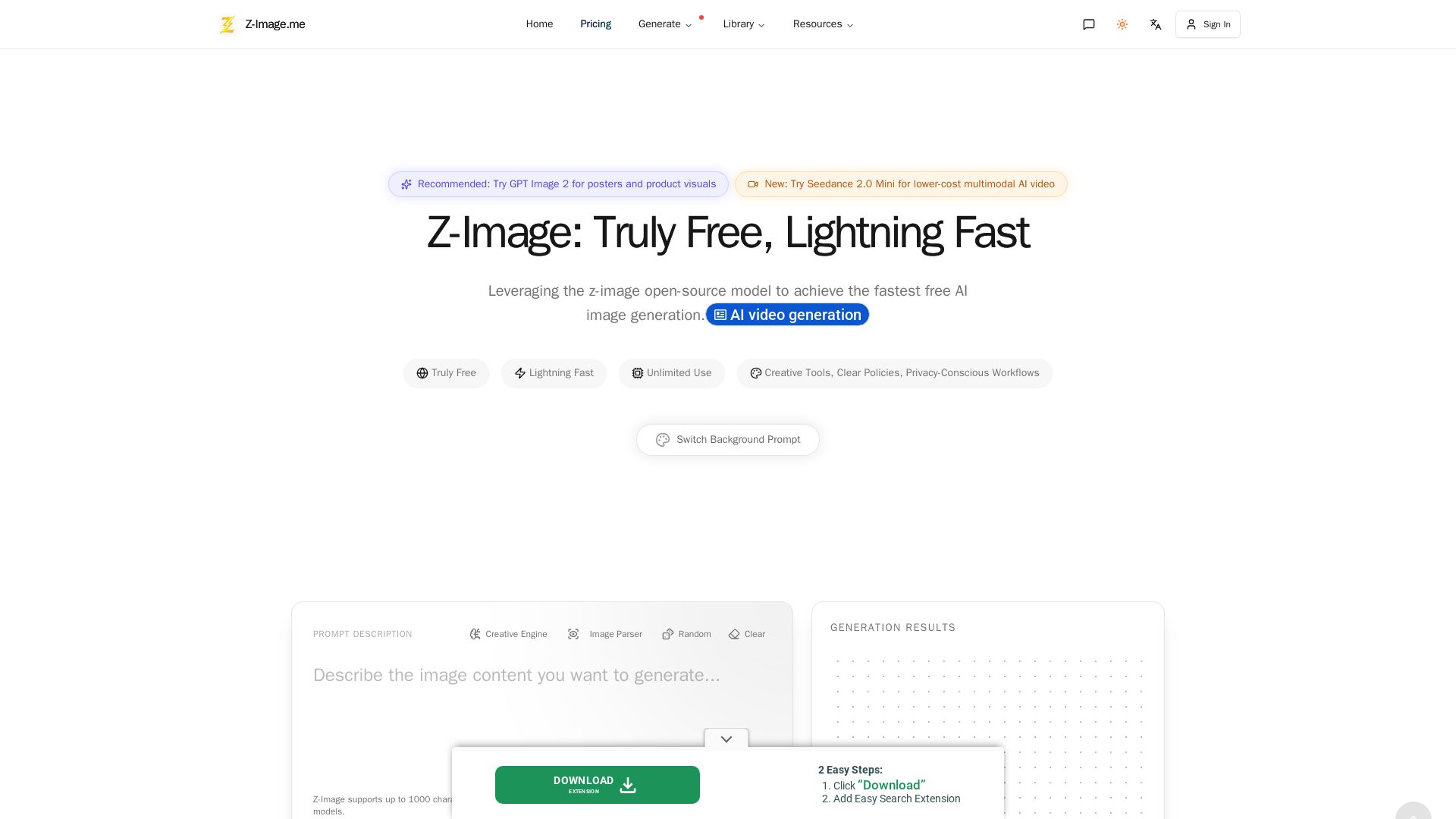
Z-Image
Experience lightning-fast, truly free AI image generation with unlimited use, creative tools, and privacy-focused workflows. Generate stunning visuals instantly.

ℹ️ Curation Disclosure: The overview and features of Floyo were synthesized using AI and fact-checked by our curation team to ensure accuracy.
