
ComfyOnline
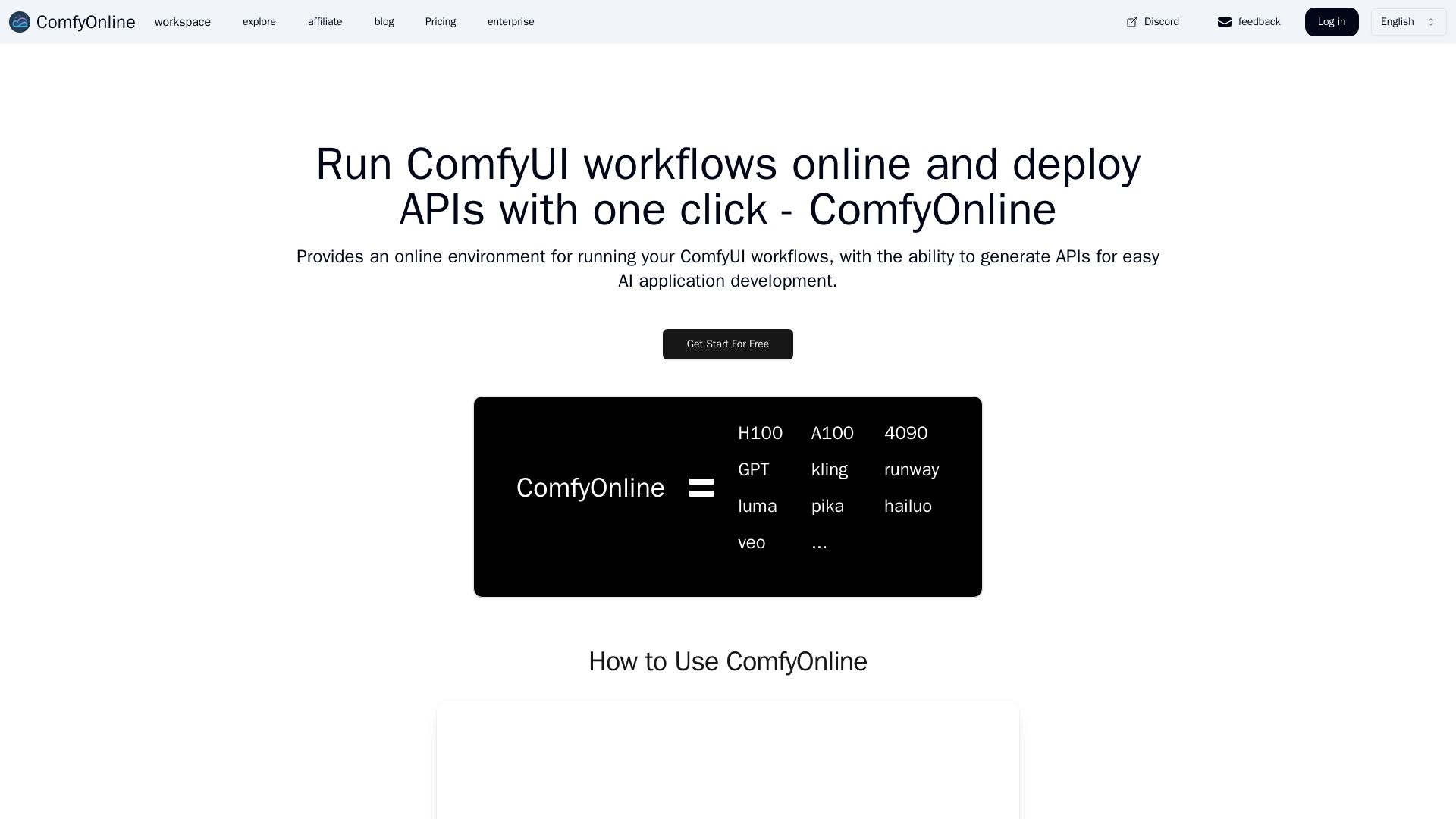
Run ComfyUI workflows online without expensive GPUs. Pay only for runtime, auto-generate APIs, and scale effortlessly. Start for free.
Editor's Verdict
Key Takeaways
- No Expensive Hardware Required
- No Complex Setup or Installation
- Pay Only for Runtime
- Fast AI Application Deployment
In-Depth Review: What is ComfyOnline?
ComfyOnline provides a serverless platform to run ComfyUI workflows instantly, without needing costly hardware or complex setup. It automatically generates APIs for your workflows, enabling fast AI application deployment. Supports video generation (Kling, Runway, etc.), image generation (Recraft, Flux Pro), audio (ElevenLabs), and LLMs (Claude, GPT). Includes popular custom nodes. Pay only for active runtime, and scale automatically. Ideal for developers and creators who want to build AI apps without infrastructure headaches.
Core Features
No Expensive Hardware Required
Run ComfyUI workflows without investing in costly GPU devices, saving on upfront costs.
No Complex Setup or Installation
All dependency installations and model downloads are handled automatically, so you can focus on building workflows.
Pay Only for Runtime
You are charged only for the time your workflows are running, with no idle GPU costs and no surprise bills.
Fast AI Application Deployment
Automatically generate APIs for your workflows to quickly build and deploy AI applications.
Scalable Infrastructure
The platform automatically scales to meet demand, handling large traffic surges effortlessly.
Support for Multiple AI Services
Integration with video generation (Kling, Runway, etc.), image generation, audio synthesis, and large language models.
Custom Nodes
Supports popular custom nodes like rgthree-comfy, AnimateDiff, ControlNet, and many more.
Pricing
Pay-as-you-go $10
- Run on 4090 24GB
- Costs 0.62 credits per second
- Free editing and API generation
- Support for hunyuanvideo, flux lora train, video generation, image generation, LLMs
- Support private models/loras
Pay-as-you-go $25
- Run on 4090 24GB
- Costs 0.62 credits per second
- Free editing and API generation
- Support for hunyuanvideo, flux, wan2.1, hidream lora train
- Support for all video and image generation services
- Support private models/loras
Pay-as-you-go $50
- Run on 4090 24GB
- Costs 0.62 credits per second
- Free editing and API generation
- Support for hunyuanvideo, flux, wan2.1, hidream lora train
- Support for all video and image generation services
- Support private models/loras
Pay-as-you-go $300
- Run on 4090 24GB
- Costs 0.62 credits per second
- Free editing and API generation
- Support for hunyuanvideo, flux, wan2.1, hidream lora train
- Support for all video and image generation services
- Support private models/loras
Personal
- Unlimited generation queue (relax mode)
- Run on 4090 24GB
- Free editing and API generation
- Support for lora train
- Support for video, image, and LLM services
- Support private models/loras
Startups
- Unlimited generation queue (relax mode)
- Run on 4090 24GB
- Free editing and API generation
- Support for lora train
- Support for video, image, and LLM services
- Support private models/loras
Business
- Customized features
- All features of Startups plan
- Supports customized deployment and various GPUs
Pros and Cons
Pros
- No Hardware InvestmentUse expensive GPUs like H100, A100 without buying them.
- Easy SetupNo need to install dependencies or download models; everything is pre-configured.
- Cost-Effective RuntimePay only when your workflows are running, no idle costs.
- Fast API DeploymentOne-click API generation for quick integration into applications.
- Automatic ScalingInfrastructure scales with your traffic, ensuring reliability.
Cons
- No Free TierThere is no free plan; you must purchase credits or a subscription to use the service.
- Credit System ComplexityUnderstanding credit costs per second and different GPU rates may be confusing for new users.
- Internet DependencyRequires a stable internet connection to run workflows and access the platform.
- Limited GPU OptionsOnly specific GPUs are available by default; advanced GPUs require startup plan.
- Learning CurveUsers need to learn ComfyUI workflow creation to fully utilize the platform.
Use Cases & Recommended Professions
AI Researcher→ View Toolkit
To experiment with ComfyUI workflows without needing expensive local hardware.
Content Creator→ View Toolkit
To generate high-quality videos and images using advanced AI models quickly.
Software Developer→ View Toolkit
To deploy AI APIs for applications with minimal infrastructure overhead.
Digital Artist→ View Toolkit
To leverage state-of-the-art image generation tools like Flux and Ideogram.
Video Producer→ View Toolkit
To utilize video generation services like Kling, Runway, and Luma for content creation.
Data Scientist→ View Toolkit
To integrate large language models and custom models into data workflows.
Frequently Asked Questions
Alternative AI Tools
View Detailed Comparison →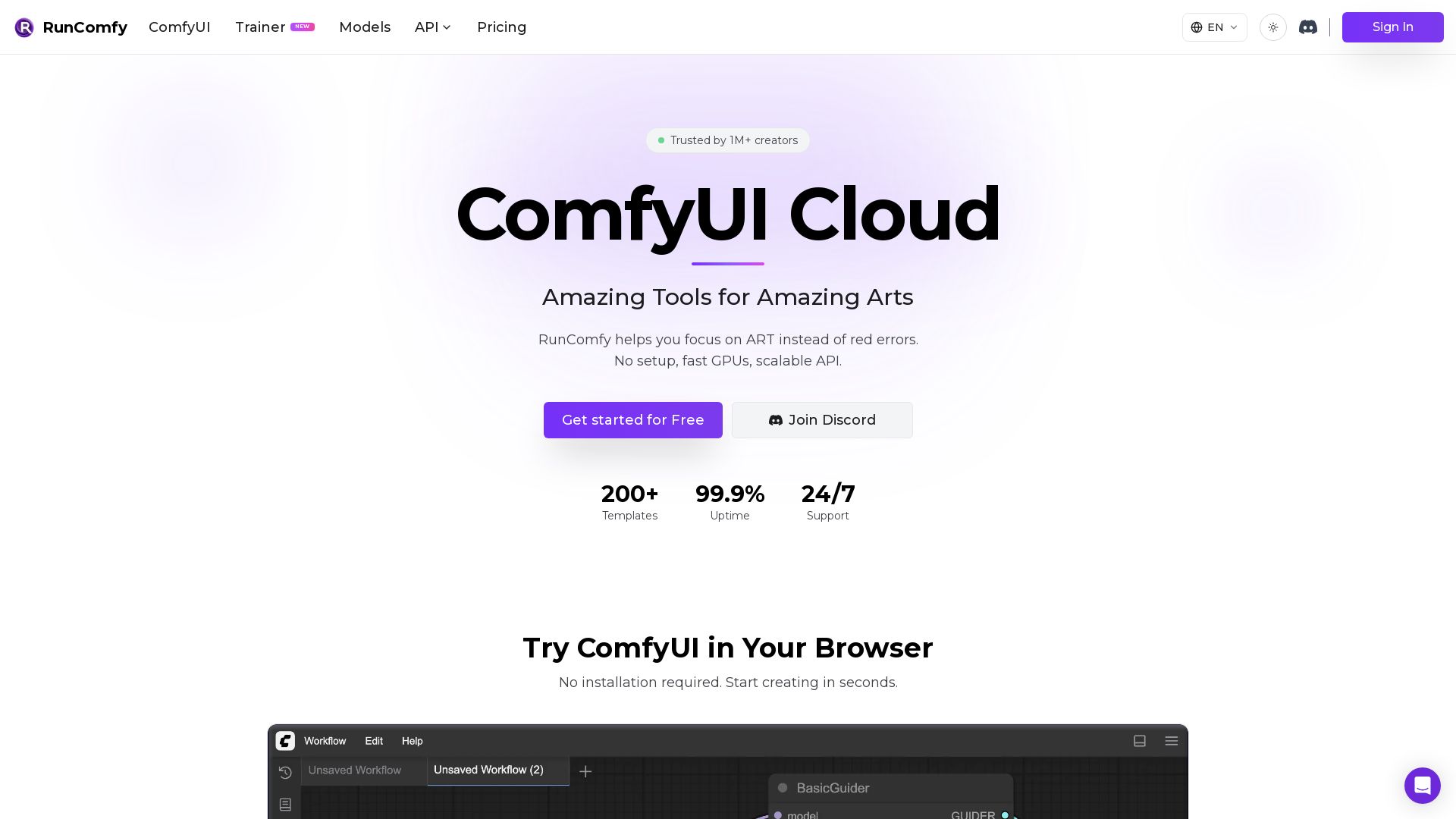
RunComfy
Experience ComfyUI in the cloud with zero setup. Upload workflow.json for auto-configured environment. 200+ templates, fast GPUs, serverless API. Start free.

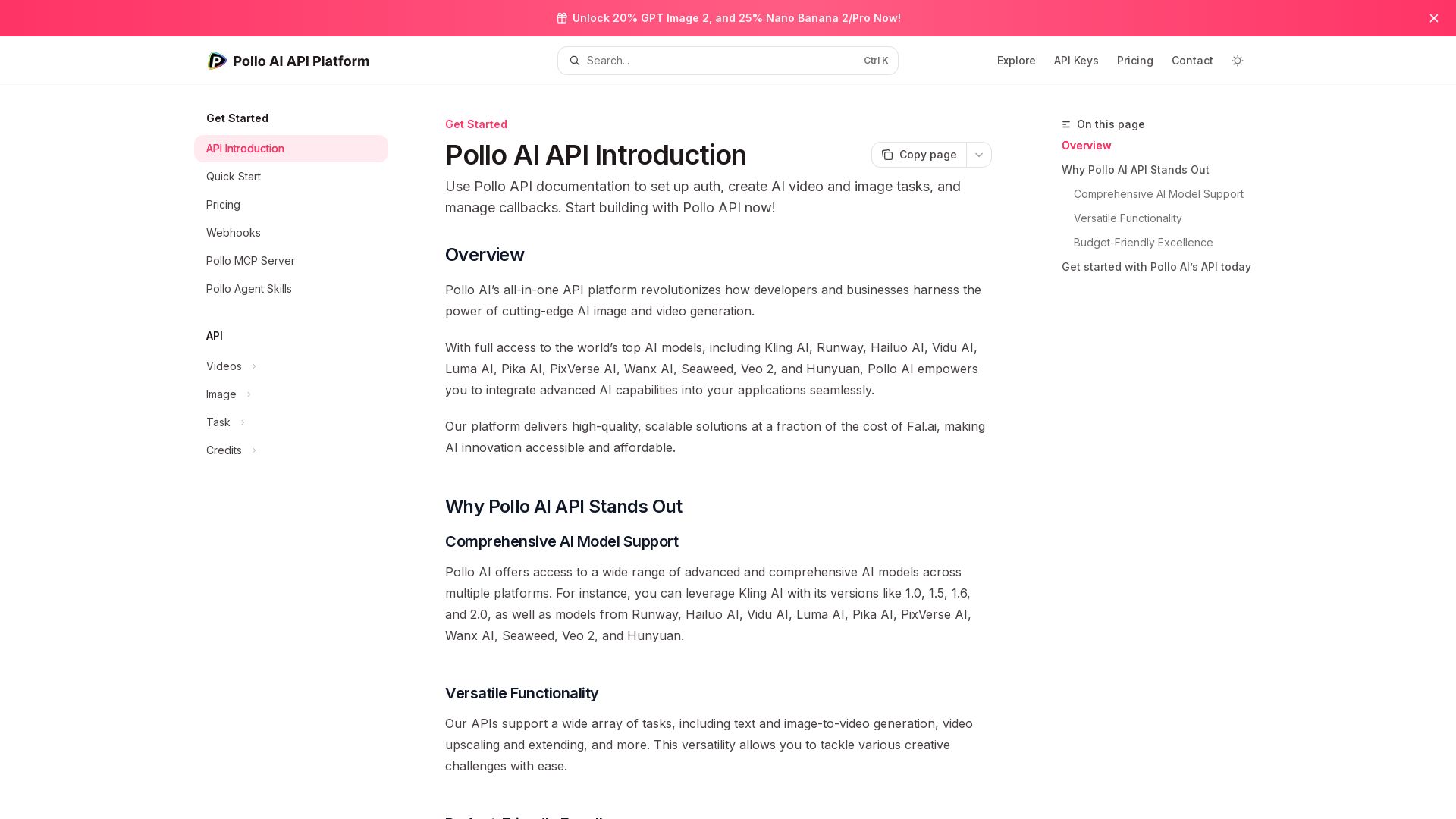
Pollo API
Integrate cutting-edge AI video and image generation with Pollo AI API. Access Kling, Runway, Hailuo, and more. Budget-friendly, high quality.


ComfyUI
Run advanced AI image generation workflows in the cloud. No GPU needed. Access custom nodes, models, and API. Create stunning art effortlessly.

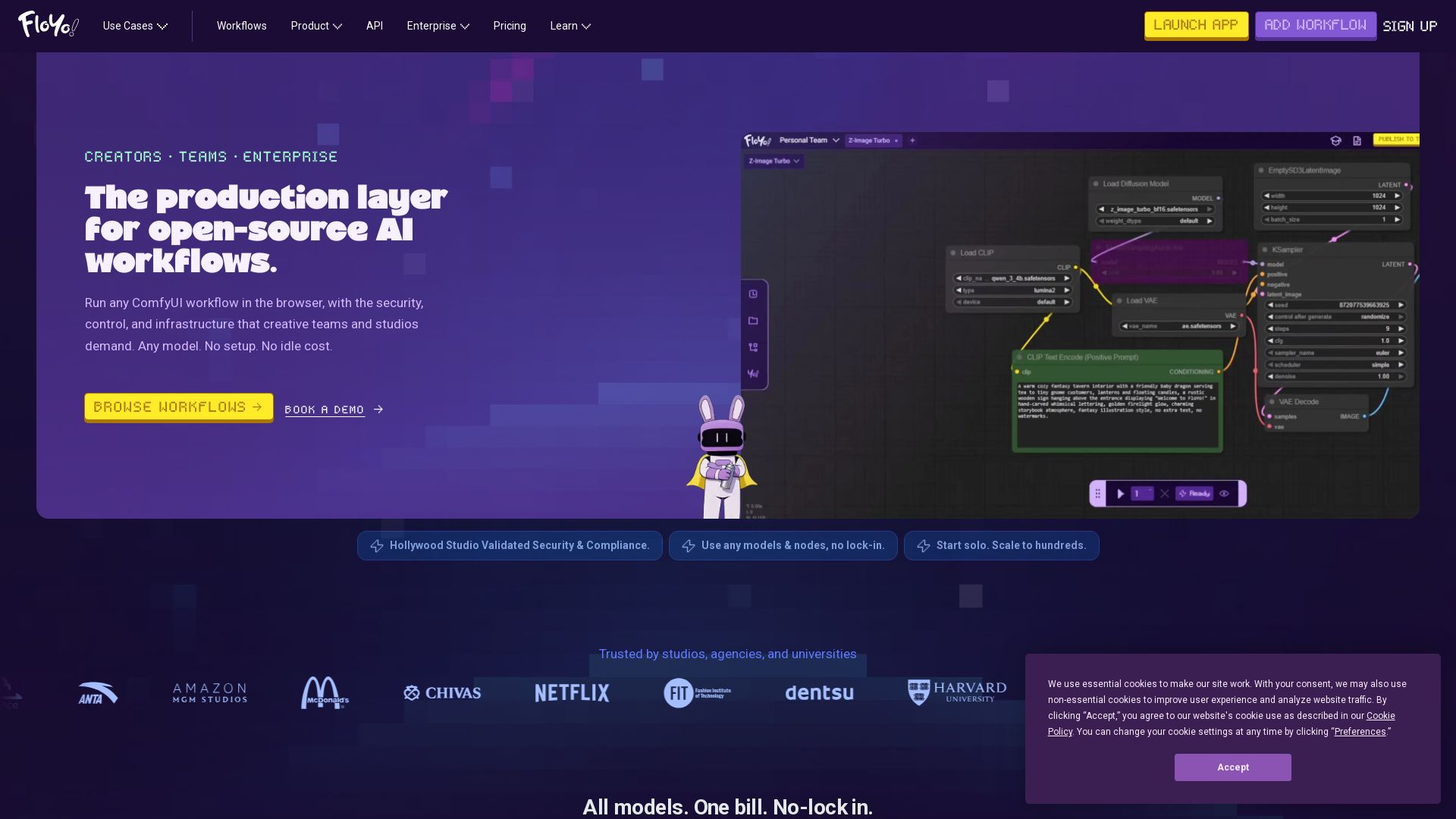
Floyo
Run any ComfyUI workflow in the browser with security and zero idle cost. Model-agnostic, team-ready, enterprise-grade. Trusted by studios.

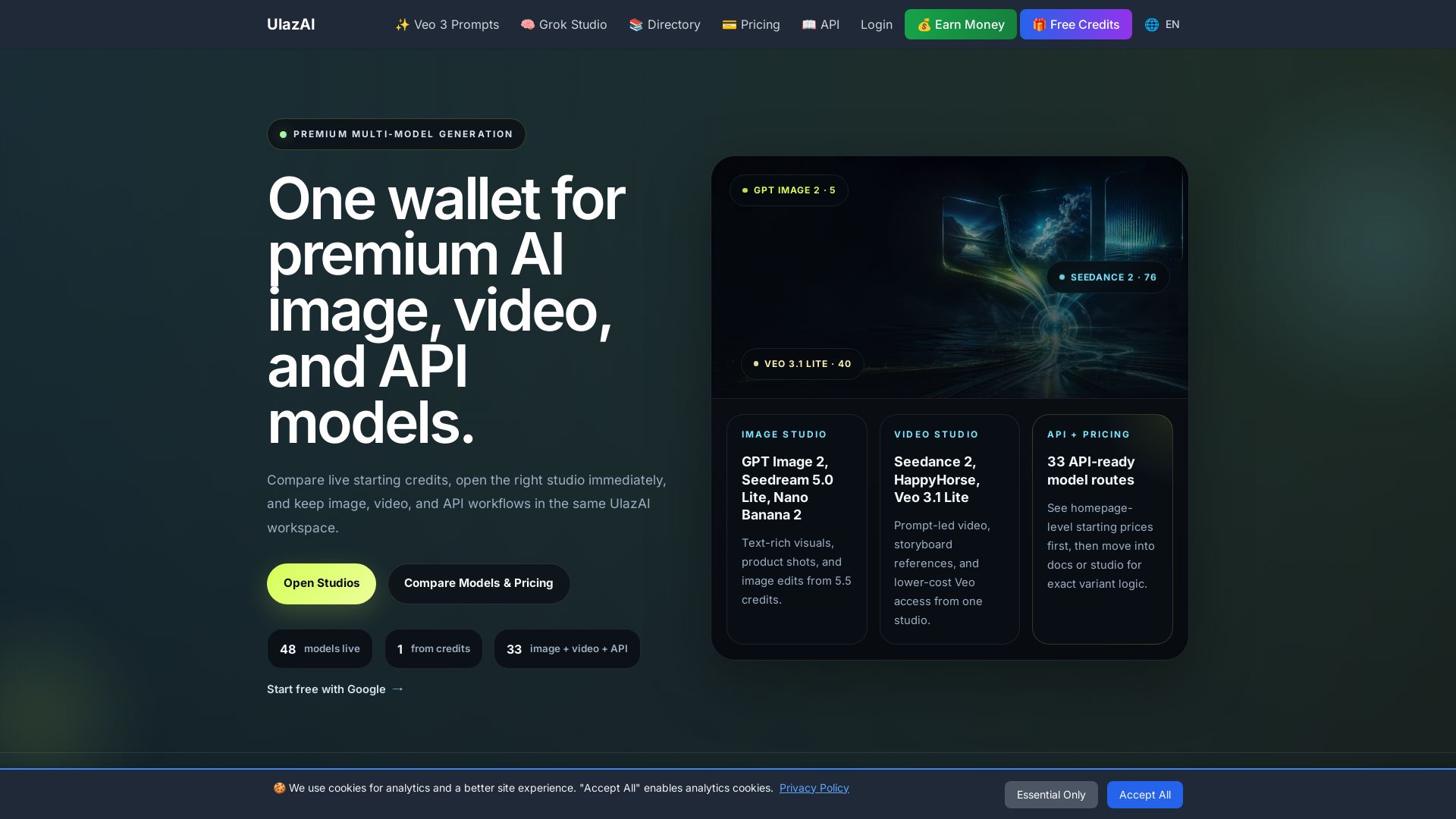
ULAZAI
Generate stunning images and videos with 48 premium AI models. One credit wallet for Image Studio, Video Studio, and API. Start free from 1 credit.

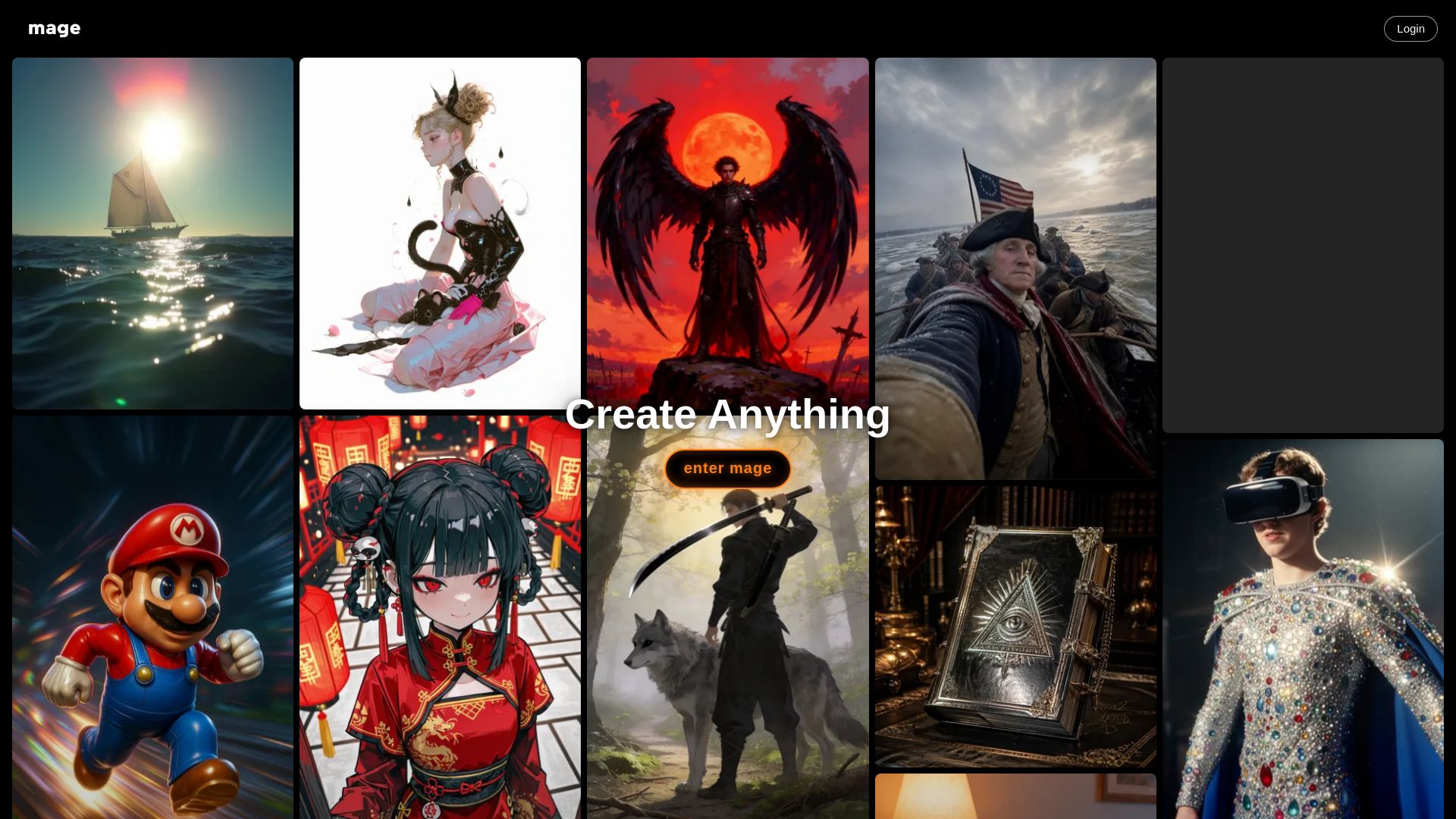
Mage
Create anything with Mage. Free AI image and video generator. Unlimited, private, NSFW allowed. Use Stable Diffusion, Flux, Wan, and more.


SeaArt AI
Turn ideas into stunning images and cinematic videos with SeaArt AI. Free tools, community, and advanced models like Seedance 2.0.


Pixlr
Edit, generate, and design with Pixlr's free AI photo editor. Transform photos, create images from text, and more – all in your browser. No download needed.

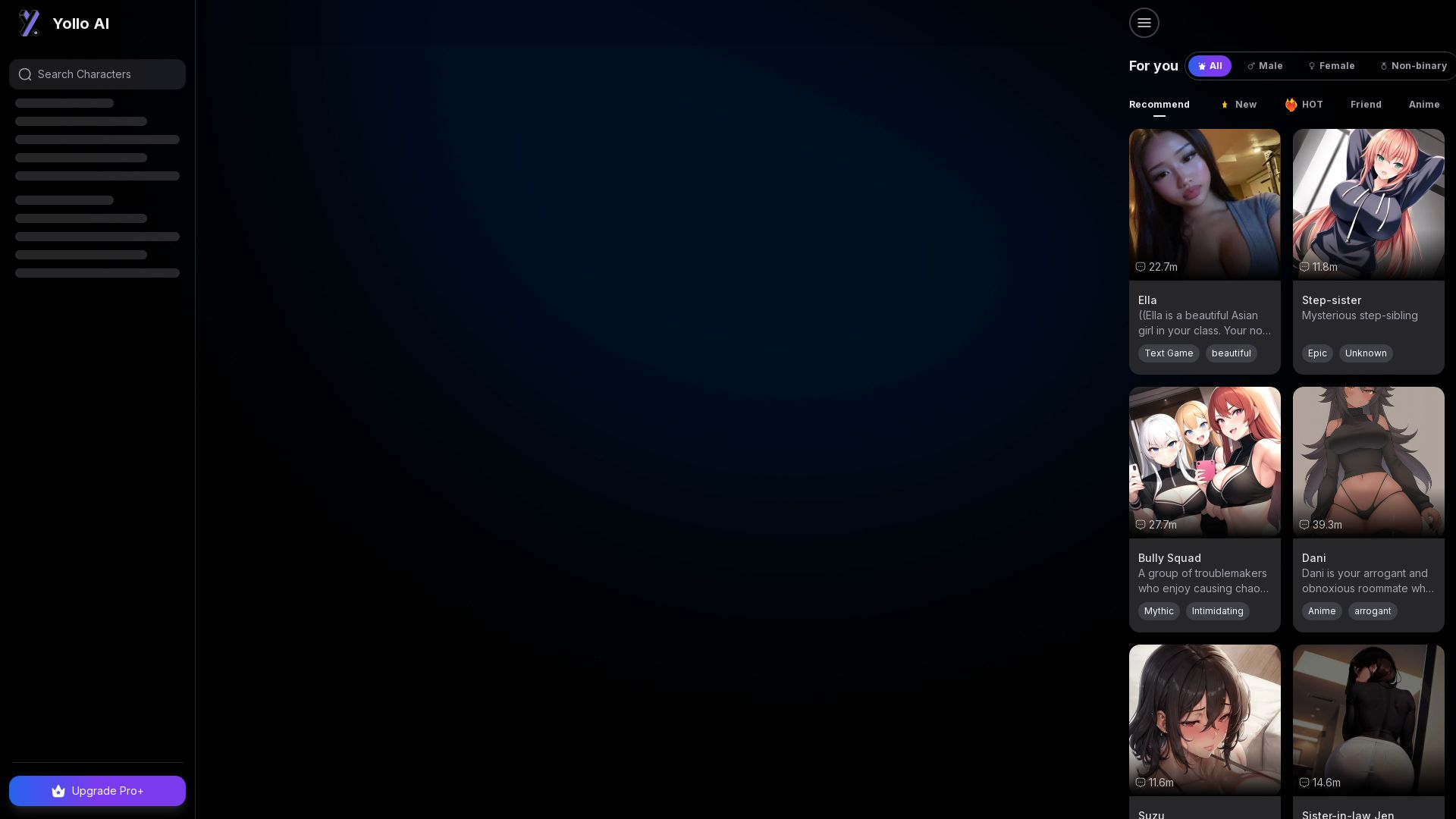
Yollo AI
Free, no sign-up. Chat with 200K+ characters, create NSFW AI art & videos. Ultimate creative freedom.

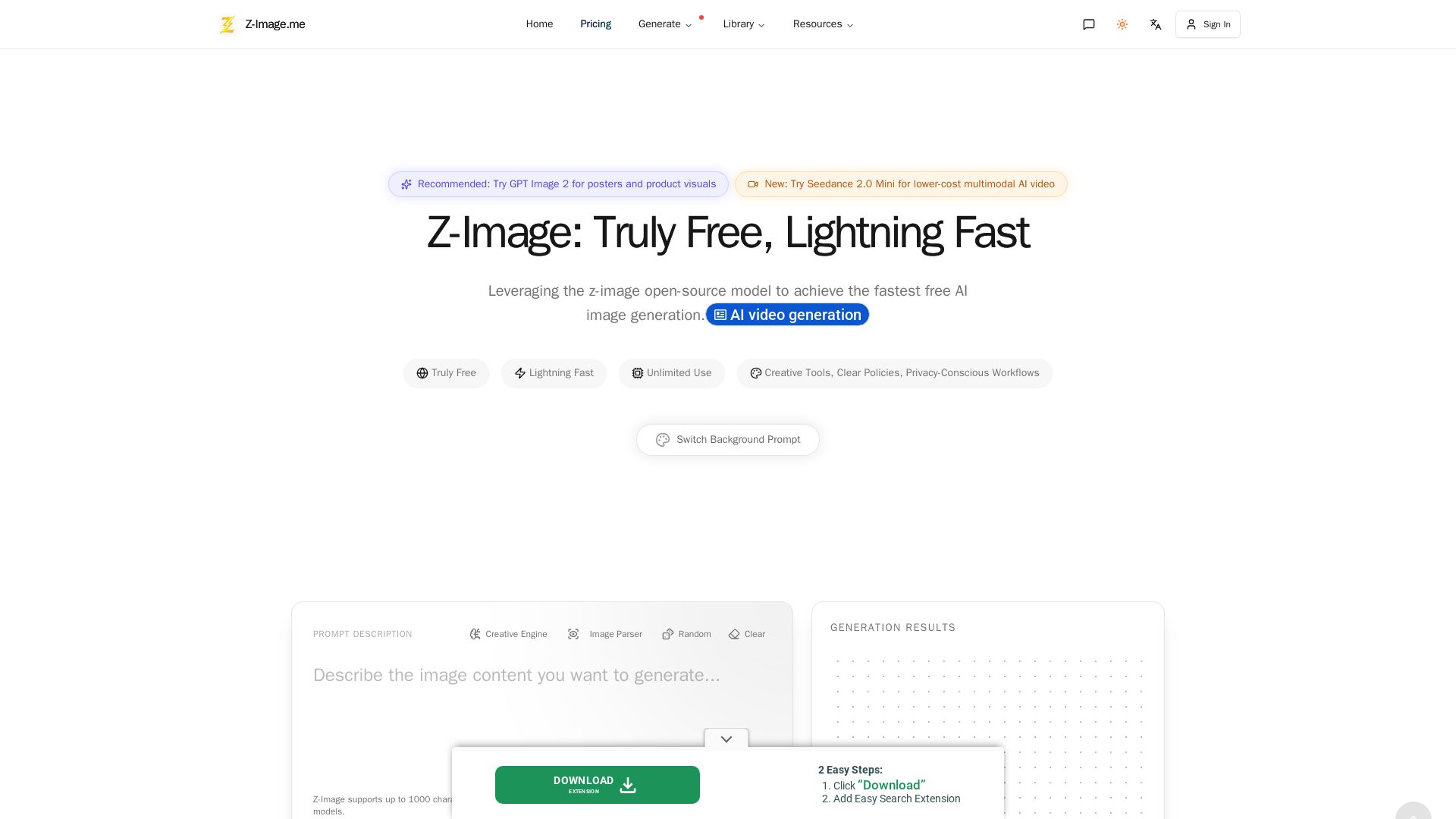
Z-Image
Experience lightning-fast, truly free AI image generation with unlimited use, creative tools, and privacy-focused workflows. Generate stunning visuals instantly.


Kie.ai
Access 100+ video, image, audio & LLM models via one unified API. Save up to 84% vs official APIs. Zero cost for failed tasks. 99.9% uptime.


Gen AI Video Generator
Create stunning AI videos and images with 90+ models including Google VEO 3, Sora 2, Seedance 2.0. Text-to-video, image-to-video, photo editing on iOS.

ℹ️ Curation Disclosure: The overview and features of ComfyOnline were synthesized using AI and fact-checked by our curation team to ensure accuracy.
