
RunComfy
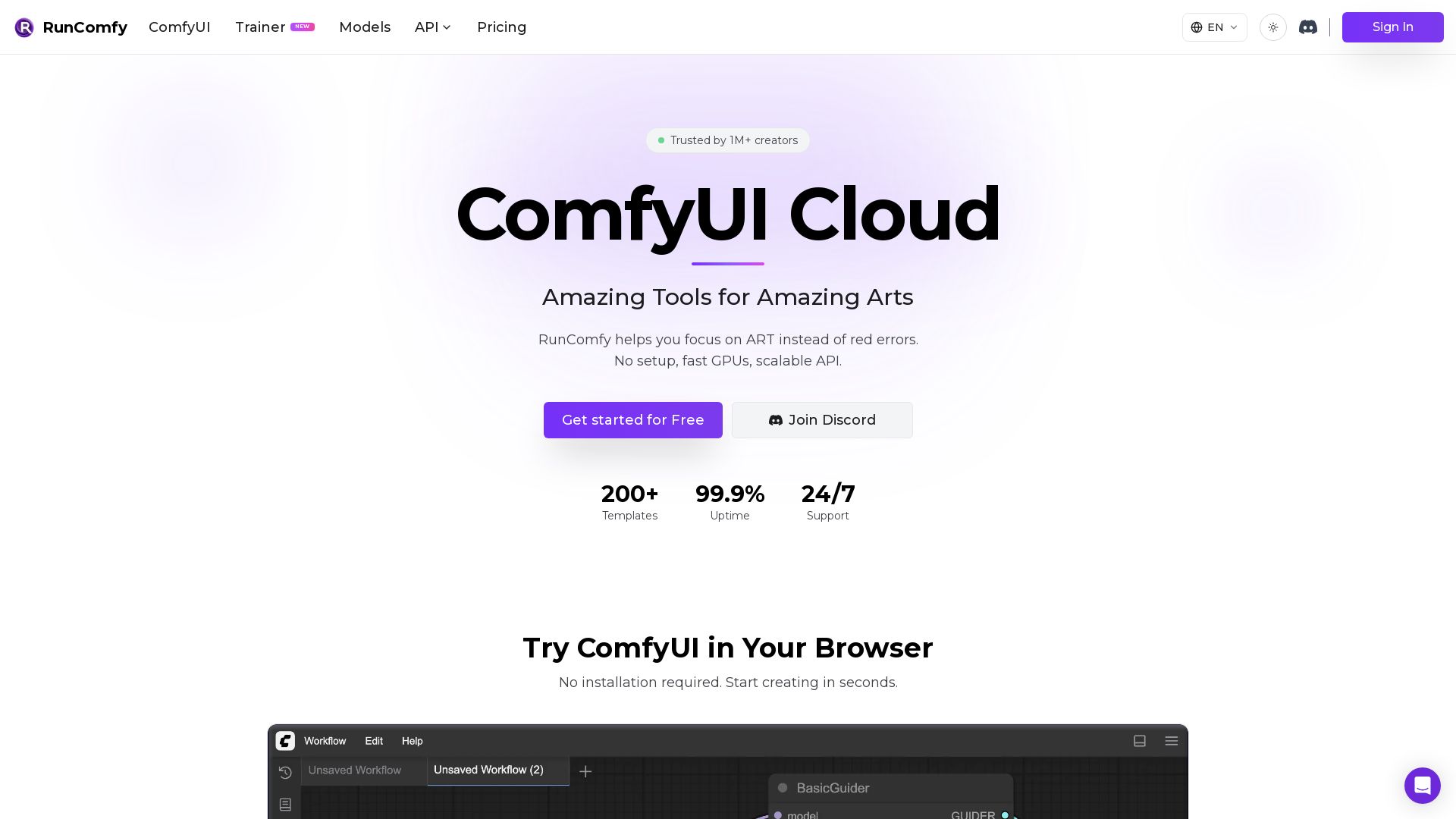
Experience ComfyUI in the cloud with zero setup. Upload workflow.json for auto-configured environment. 200+ templates, fast GPUs, serverless API. Start free.



Editor's Verdict
Key Takeaways
- Auto-Setup Agent
- 200+ Ready-to-Run Templates
- Native ComfyUI
- Model Downloads from Civitai, Hugging Face, Google Drive
In-Depth Review: What is RunComfy?
RunComfy is a cloud platform that eliminates the hassle of setting up ComfyUI. Simply drop a workflow.json file, and our auto-setup handles dependencies, custom nodes, and models – creating a reproducible environment ready to run in seconds. With 200+ ready-to-use templates, native ComfyUI access, and support for models from Civitai and Hugging Face, artists can focus on creation. RunComfy also offers serverless API deployment, turning saved workflows into scalable production endpoints. Trusted by over 1 million creators, it provides fast GPUs (16-141GB VRAM), unlimited environments, and seamless collaboration.
Core Features
Auto-Setup Agent
Drop your workflow.json and the platform automatically handles dependencies, custom nodes, and model downloads, guaranteeing the workflow runs without manual configuration.
200+ Ready-to-Run Templates
Curated ComfyUI workflows with stunning visuals, all ready to run with no setup required, covering various use cases from character creation to video generation.
Native ComfyUI
Unmodified ComfyUI environment for seamless transition between local and cloud, with full compatibility and ease of use.
Model Downloads from Civitai, Hugging Face, Google Drive
Directly download models from popular sources, up to 25x faster than local uploads, with persistence across sessions for repeated use.
Free Node Installation with ComfyUI-Manager
Install any custom nodes within the cloud environment using ComfyUI-Manager, giving unlimited flexibility for workflow customization.
GPU Options from 16GB to 141GB VRAM
Multiple on-demand GPU machines with VRAM ranging from 16GB (T4) to 141GB (H200) to handle models of all sizes efficiently.
Share Workflows with Team
Share saved workflows via a simple link; recipients get the exact environment including workflow, models, custom nodes, and ComfyUI setup.
Serverless API Deployment
Deploy any cloud-saved workflow as a production endpoint with one click; handles environment replication, GPU orchestration, and autoscaling.
Reproducible Workflow Environments
Each workflow is a reproducible snapshot including JSON, OS, Python environment, ComfyUI, custom nodes, and models, enabling easy reuse and collaboration.
Pricing
Pay as You Go
- Standard rates for all GPU usage
- Access top open-source and commercial models via Models & API
- Full native ComfyUI with custom model uploads and node installation
- Dedicated private GPU machines (16 to 141 GB VRAM)
- Save up to 10 workflow environments
- One-click Serverless API from any workflow
- 10 GB storage (inactive assets removed after 90 days)
- Discord & email support
Pro
- 20%+ discount on all GPU rates (ComfyUI & Trainer)
- 20 CPU hours/month included ($10 value)
- $10 monthly credit for Models, ComfyUI, Trainer & APIs
- Priority Discord & email support
- Unlimited saved workflow environments
- 200 GB storage with permanent retention
- All Pay as You Go features
Pro
- 20%+ discount on all GPU rates (ComfyUI & Trainer)
- 20 CPU hours/month included ($10 value)
- $10 monthly credit for Models, ComfyUI, Trainer & APIs
- Priority Discord & email support
- Unlimited saved workflow environments
- 200 GB storage with permanent retention
- All Pay as You Go features
Pros and Cons
Pros
- Zero Setup RequiredNo installation or configuration needed; just upload a workflow.json and start creating immediately.
- Auto-Setup Handles DependenciesAutomatically resolves missing custom nodes, models, and dependencies, saving hours of manual troubleshooting.
- Scalable GPU OptionsFrom 16GB to 141GB VRAM GPUs available on demand, suitable for any model size or workload.
- Reproducible SharingShare workflows as complete environments via link, preserving all settings, models, and nodes for collaboration.
- One-Click API DeploymentConvert any workflow into a serverless API endpoint instantly, enabling scalable production use.
Cons
- Requires Internet ConnectionCloud-based platform necessitates a stable internet connection to access GPUs and services.
- Cost for Heavy UsagePay-per-hour GPU rates can accumulate for continuous or long-running workflows, potentially becoming expensive.
- Free Tier Storage and Environment LimitsFree plan includes only 10 GB storage with 90-day cleanup and up to 10 saved workflow environments.
- No Offline ModeAll computation happens in the cloud; no local offline capability for workflows.
- Vendor DependencyWorkflows and environments are tied to RunComfy's infrastructure, limiting portability to other platforms.
Use Cases & Recommended Professions
VFX Artist→ View Toolkit
Needs powerful cloud GPUs and pre-built workflows for rendering and compositing without local hardware constraints.
AI/ML Engineer→ View Toolkit
Benefits from auto-setup and scalable API deployment to rapidly prototype and productionize generative AI models.
Content Creator→ View Toolkit
Uses ready-to-run templates and easy sharing to generate images, videos, and animations for social media and marketing.
Educator/Instructor→ View Toolkit
Leverages reproducible environments to teach ComfyUI and AI art courses without dealing with technical setup for students.
Software Developer→ View Toolkit
Integrates serverless APIs from workflows to build AI-powered applications with minimal infrastructure management.
Digital Artist→ View Toolkit
Explores advanced AI tools and custom models in a zero-setup environment to create unique artworks.
Frequently Asked Questions
Alternative AI Tools
View Detailed Comparison →
ComfyUI
Run advanced AI image generation workflows in the cloud. No GPU needed. Access custom nodes, models, and API. Create stunning art effortlessly.

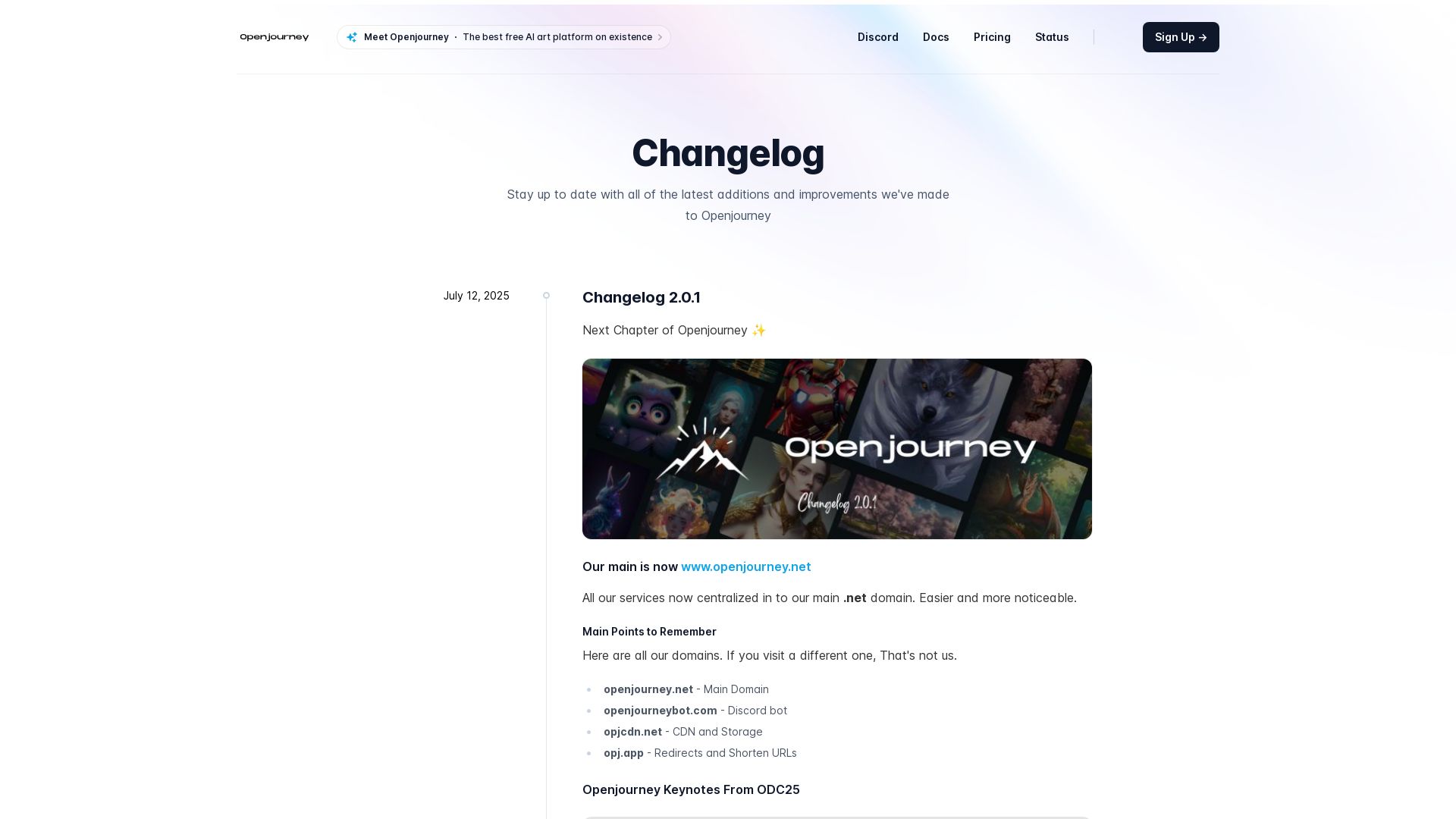
Openjourney bot
Create stunning AI art for free with Openjourney. Generate images, upscale, swap faces, and use developer API. The best free AI art platform.

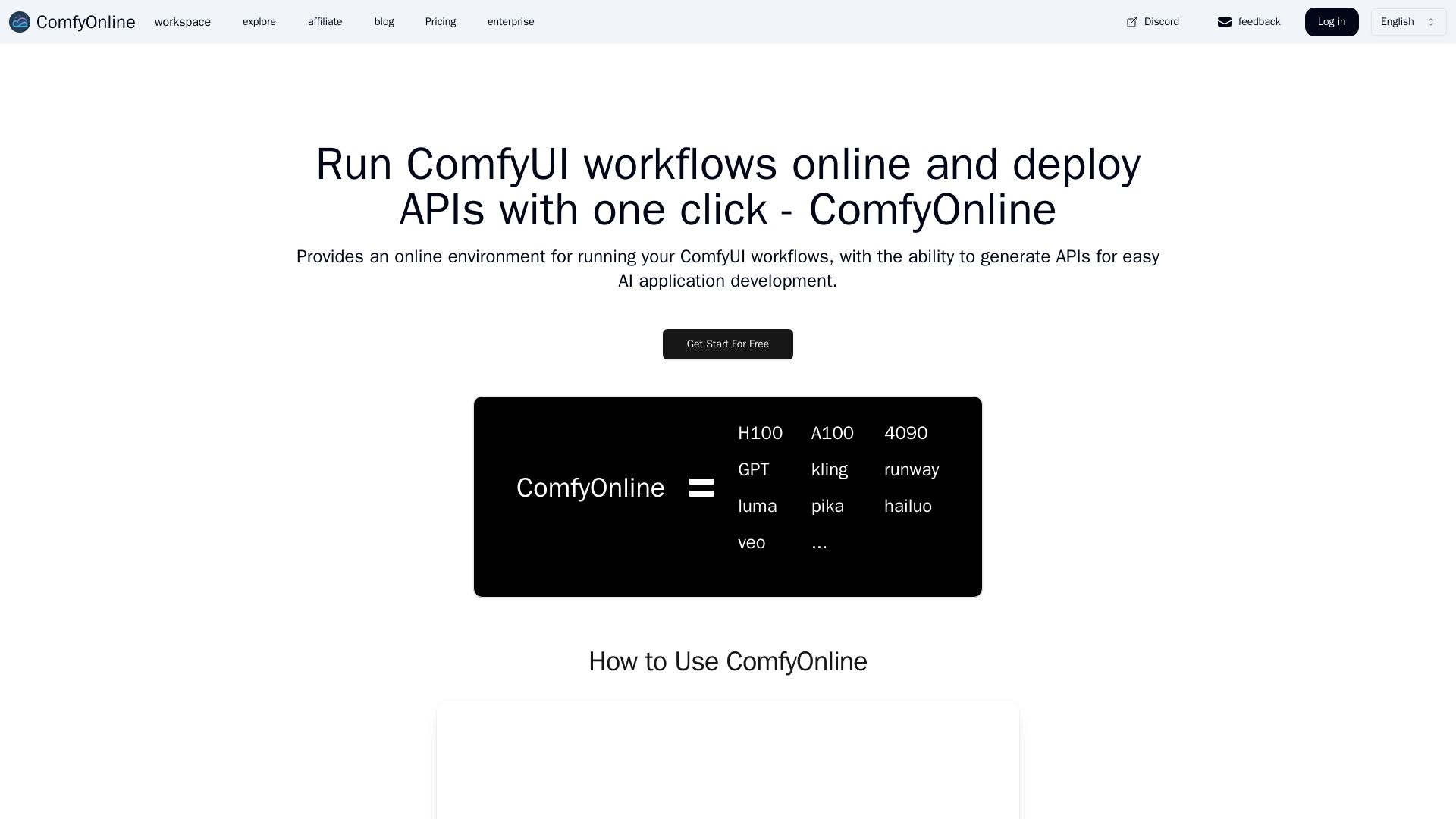
ComfyOnline
Run ComfyUI workflows online without expensive GPUs. Pay only for runtime, auto-generate APIs, and scale effortlessly. Start for free.

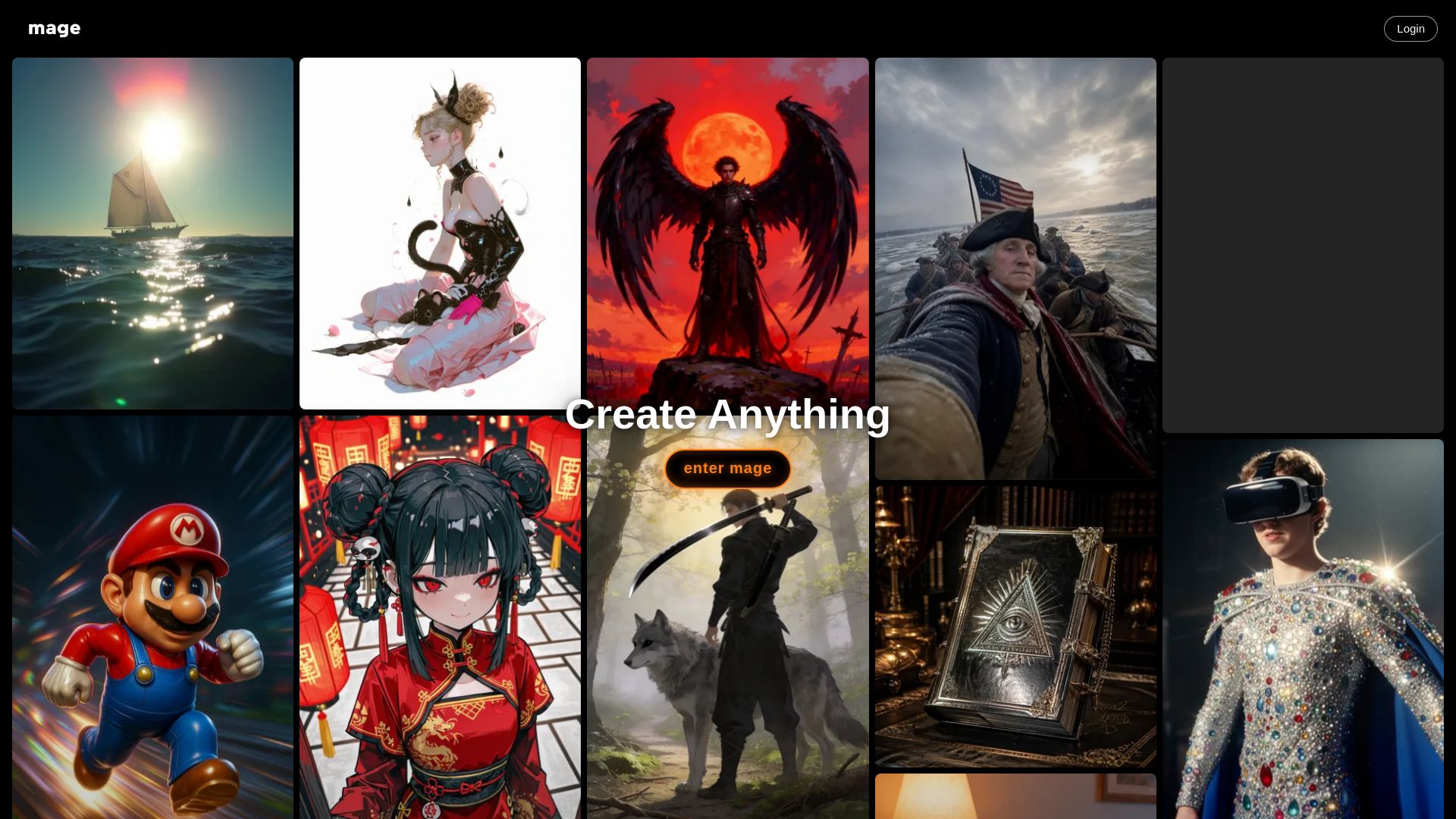
Mage
Create anything with Mage. Free AI image and video generator. Unlimited, private, NSFW allowed. Use Stable Diffusion, Flux, Wan, and more.

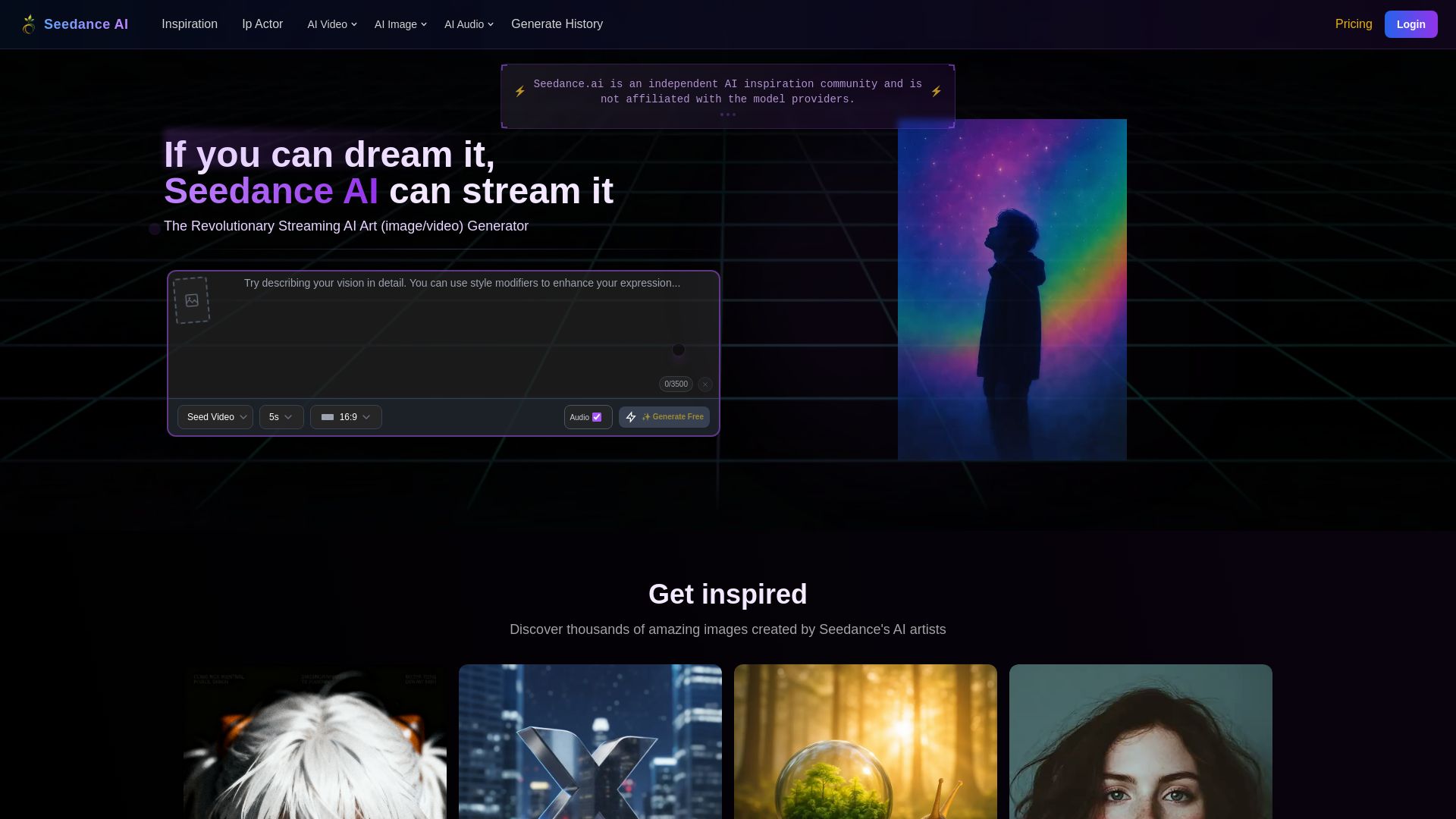
Seedance AI
Create stunning AI images and videos for free. Join millions of artists in the Seedance community. Generate, share, and explore AI art.

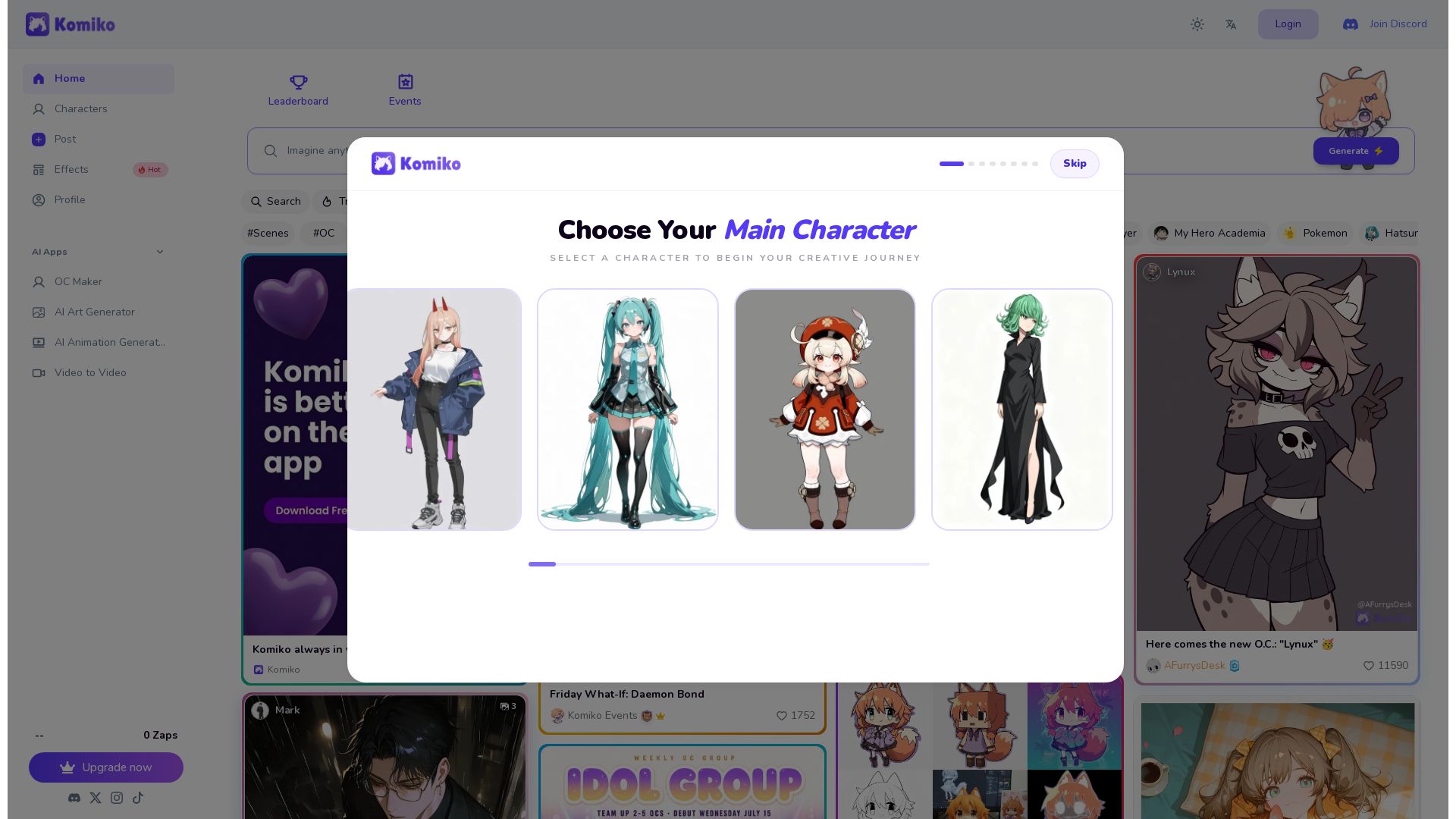
KomikoAI
Generate stunning AI art, anime characters, comics, and animations. Join a creative community with thousands of effects and tools.


Leonardo
Create stunning AI-generated art with Leonardo AI. Free to use, powerful image generation, style presets, and model training. Unleash your creativity today.

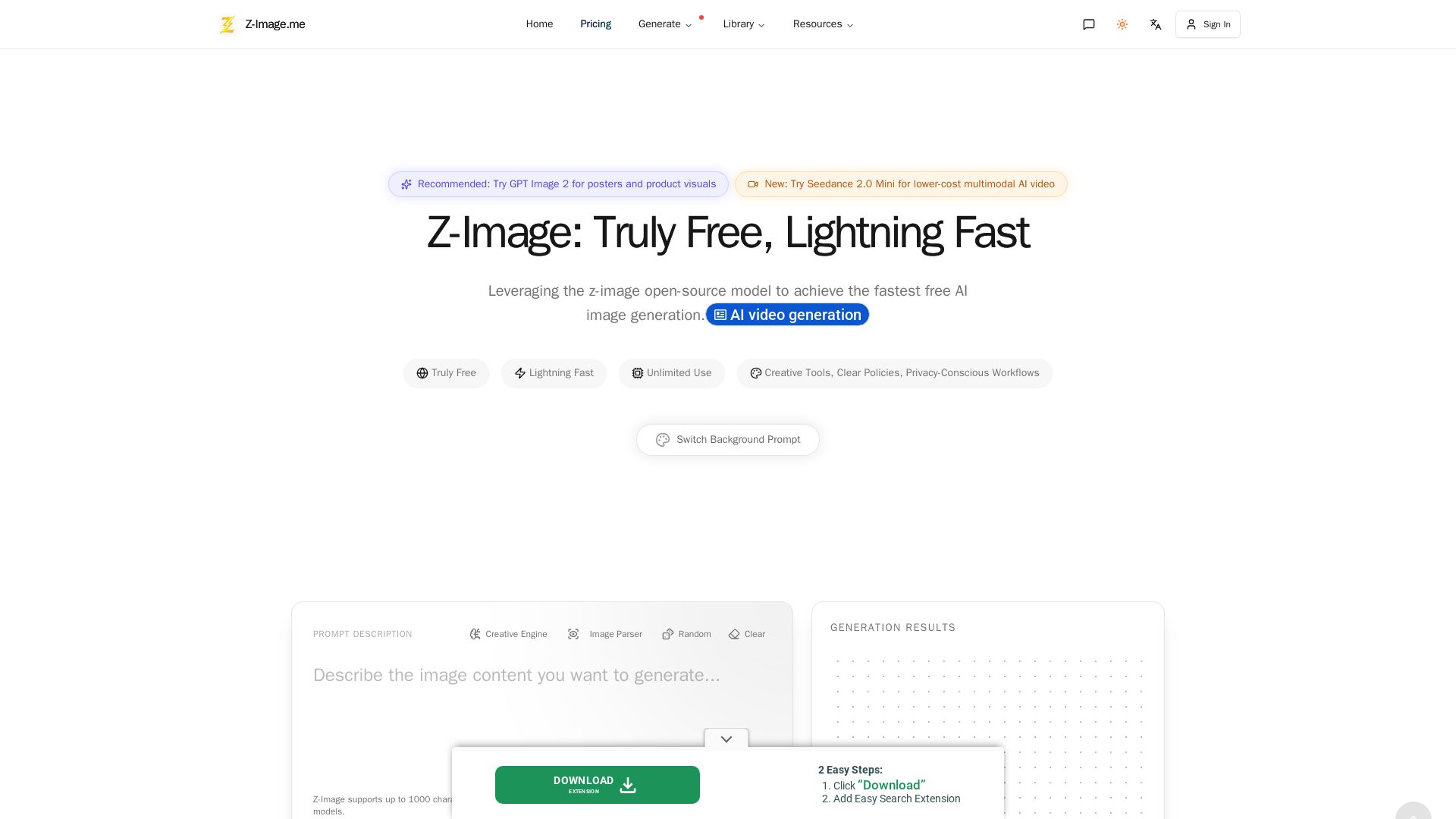
Z-Image
Experience lightning-fast, truly free AI image generation with unlimited use, creative tools, and privacy-focused workflows. Generate stunning visuals instantly.

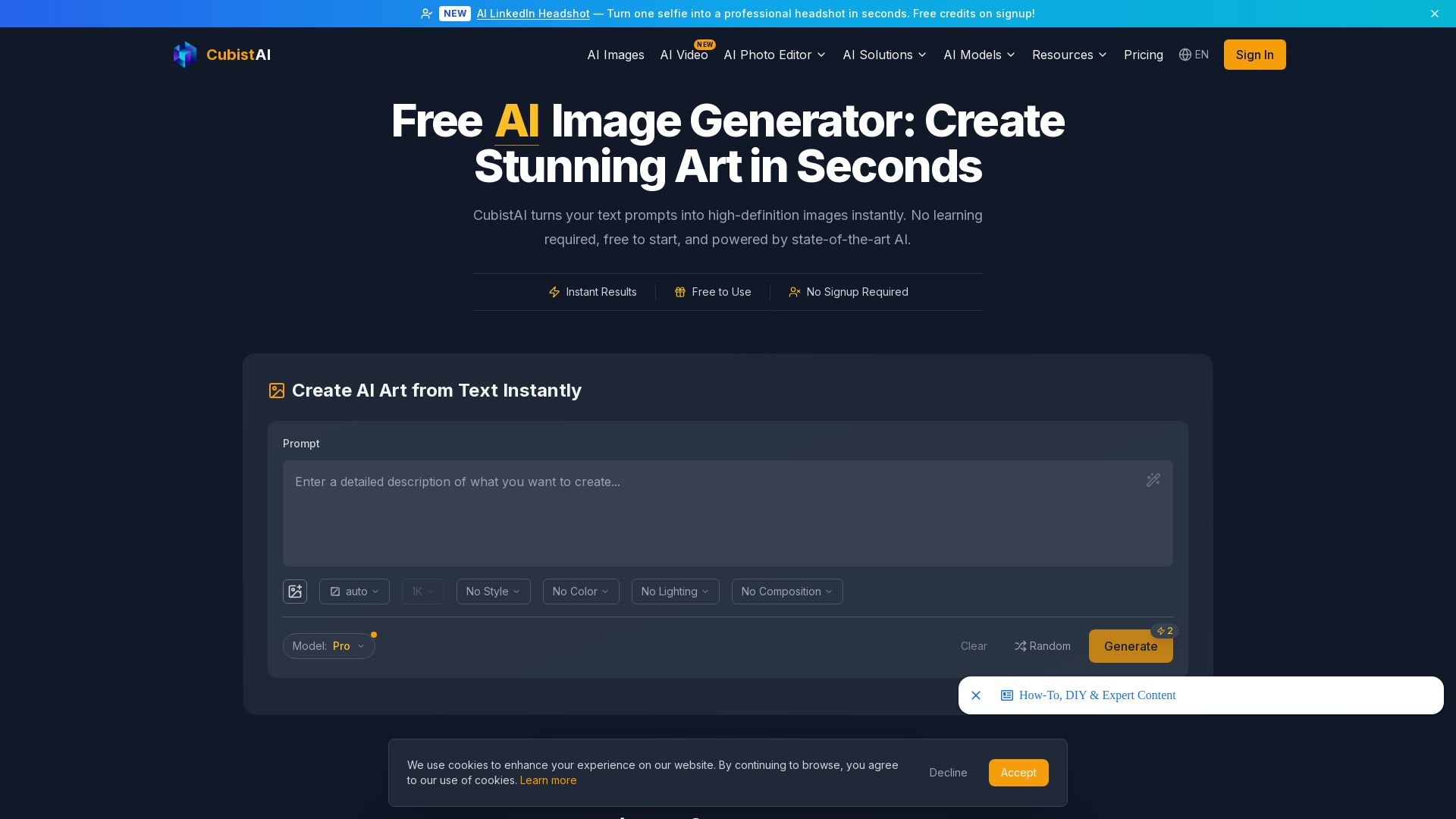
CubistAI
Turn text into high-definition AI images instantly. Free to use, no signup required. Commercial rights included. Generate art, edit photos, and more.
Yollo AI
Free, no sign-up. Chat with 200K+ characters, create NSFW AI art & videos. Ultimate creative freedom.

Civitai
Explore thousands of AI-generated images, models, and collections. Join the vibrant community of creators, from beginners to masters. Start creating today!

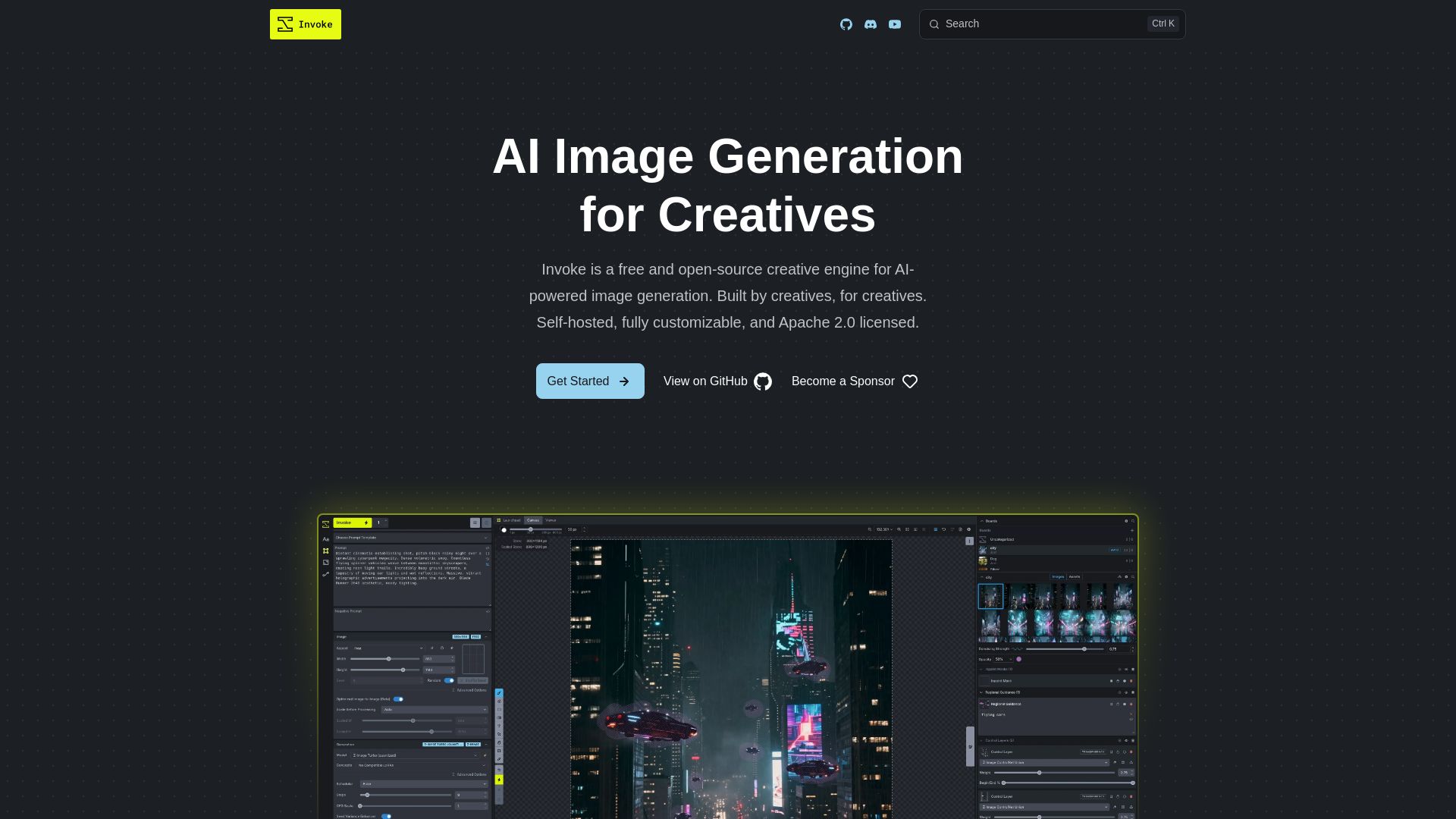
InvokeAI
Free, open-source creative engine for AI-powered image generation. Self-hosted, fully customizable, with Unified Canvas, Node workflows, and leading model support.

ℹ️ Curation Disclosure: The overview and features of RunComfy were synthesized using AI and fact-checked by our curation team to ensure accuracy.