
Open WebUI
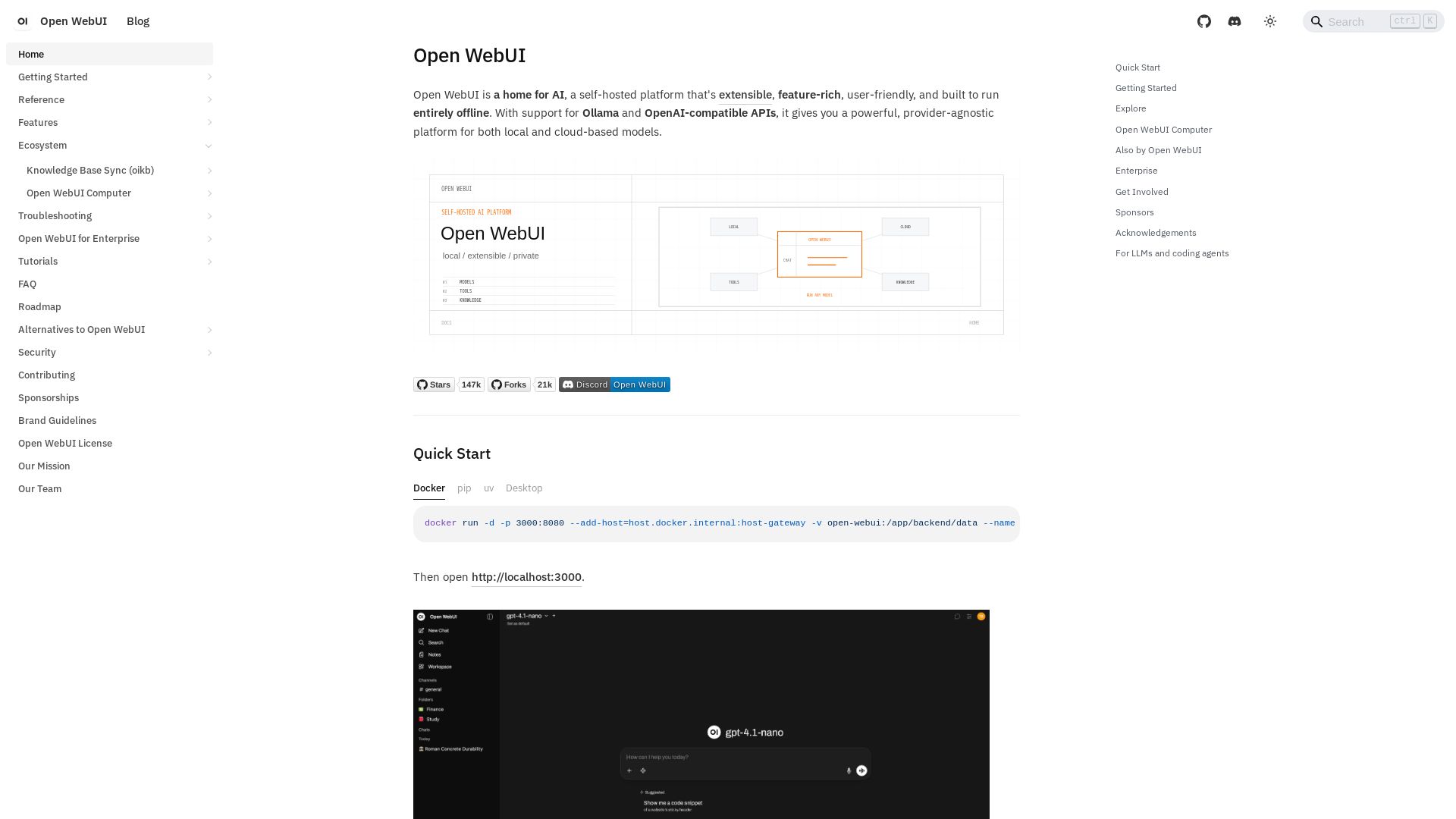
Self-hosted, extensible AI platform with offline support. Connect any model via Ollama or OpenAI APIs. Feature-rich, user-friendly, and private.
Editor's Verdict
Key Takeaways
- Multi-model chats
- File & image uploads
- Web search
- Code execution
In-Depth Review: What is Open WebUI?
Open WebUI is a powerful, provider-agnostic AI platform that runs entirely offline on your own hardware. It supports Ollama and OpenAI-compatible APIs, enabling seamless use of local and cloud models. With features like plugins, tool calling, RAG, and Open Terminal, it's perfect for developers, teams, and enterprises seeking full control over their AI interactions. The ecosystem also includes Open WebUI Computer for agent-based desktop automation, open-terminal for sandboxed code execution, and oikb for knowledge base synchronization—all designed to keep your data private and secure.
Core Features
Multi-model chats
Run two models side-by-side and compare responses.
File & image uploads
Attach documents, images, and code for the AI to analyze.
Web search
AI searches the web and cites sources in real time.
Code execution
Run Python directly in the browser or via Open Terminal.
Memory
The AI remembers facts about you across conversations.
Voice & audio
Speech-to-text, text-to-speech, hands-free voice & video calls.
Image generation
Create and edit images with DALL-E, Gemini, ComfyUI, and more.
Automations
Schedule prompts to run automatically on recurring schedules.
Task management
Models maintain structured task lists for multi-step workflows.
Knowledge bases & RAG
Upload files, build knowledge bases, and use vector search or full-content injection for precise retrieval.
Agentic retrieval
Models search and read your documents autonomously.
Model presets
System prompts, tools, knowledge, and parameters in one package for specialized agents.
Notes
A dedicated workspace with rich editor, AI Enhance, and context injection for content outside conversations.
Channels
Persistent shared spaces where humans and AI models participate in same conversation with @ tagging.
Open Terminal
Give AI a real computer to write, execute, and iterate code from chat.
Extensibility
Add capabilities via Python tools, pipelines, MCP, OpenAPI servers, and community-built extensions.
Authentication & Access
Multi-user with RBAC, SSO/OIDC/LDAP, SCIM 2.0, and API keys.
Administration
Analytics dashboards, model evaluation, system banners, and webhooks.
Deploy Anywhere
One-command Docker, Kubernetes, pip install, cloud storage, and horizontal scaling.
Pros and Cons
Pros
- Self-hosted & PrivateRuns entirely offline on your own hardware, ensuring data privacy and control.
- Provider-AgnosticSupports Ollama, OpenAI, Anthropic, and any OpenAI-compatible API for flexibility.
- Extensible PlatformAdd custom tools, pipelines, MCP servers, and community extensions easily.
- Rich Feature SetIncludes chat, RAG, models, notes, channels, terminal, and administration out of the box.
- Enterprise-ReadyMulti-user with RBAC, SSO, SCIM, and horizontal scaling for organizations.
Cons
- Requires Self-HostingUsers need to set up and maintain their own infrastructure.
- Learning CurveMany features and configuration options can overwhelm new users.
- No Managed Cloud OptionNo official hosted SaaS version; users must deploy themselves.
- Hardware DependencyLocal models need sufficient GPU resources for good performance.
- Limited Documentation for Advanced TopicsSome advanced configurations may require diving into community forums.
Use Cases & Recommended Professions
Software Developer→ View Toolkit
Needs to integrate AI into workflows, run code execution, and manage multiple models.
Data Scientist→ View Toolkit
Benefits from RAG on documents, code execution, and model evaluation features.
IT Administrator→ View Toolkit
Needs to deploy and manage AI for teams with SSO, RBAC, and monitoring.
Content Writer→ View Toolkit
Uses AI writing, notes, and voice features to draft and refine content.
Researcher→ View Toolkit
Leverages knowledge bases, web search, and multi-model comparison for literature review.
Product Manager→ View Toolkit
Uses channels, task management, and automations to coordinate team workflows.
Frequently Asked Questions
Alternative AI Tools
View Detailed Comparison →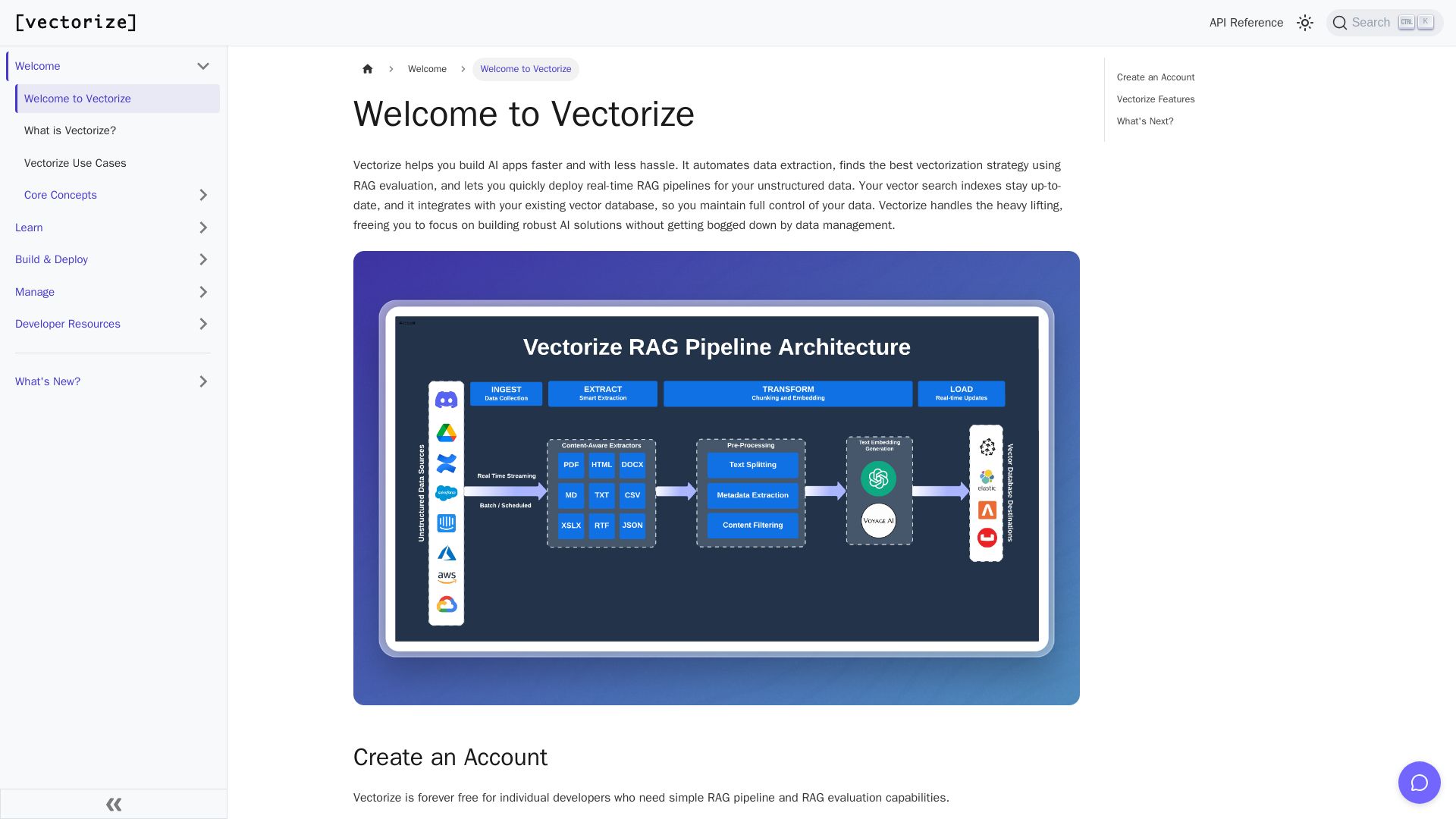
Vectorize
Automate data extraction, evaluate RAG strategies, and deploy real-time pipelines. Forever free for individual developers.


Zapier
Connect AI to 9,000+ apps. Build AI agents, chatbots, and workflows without code. Trusted by Fortune 500. Start free.

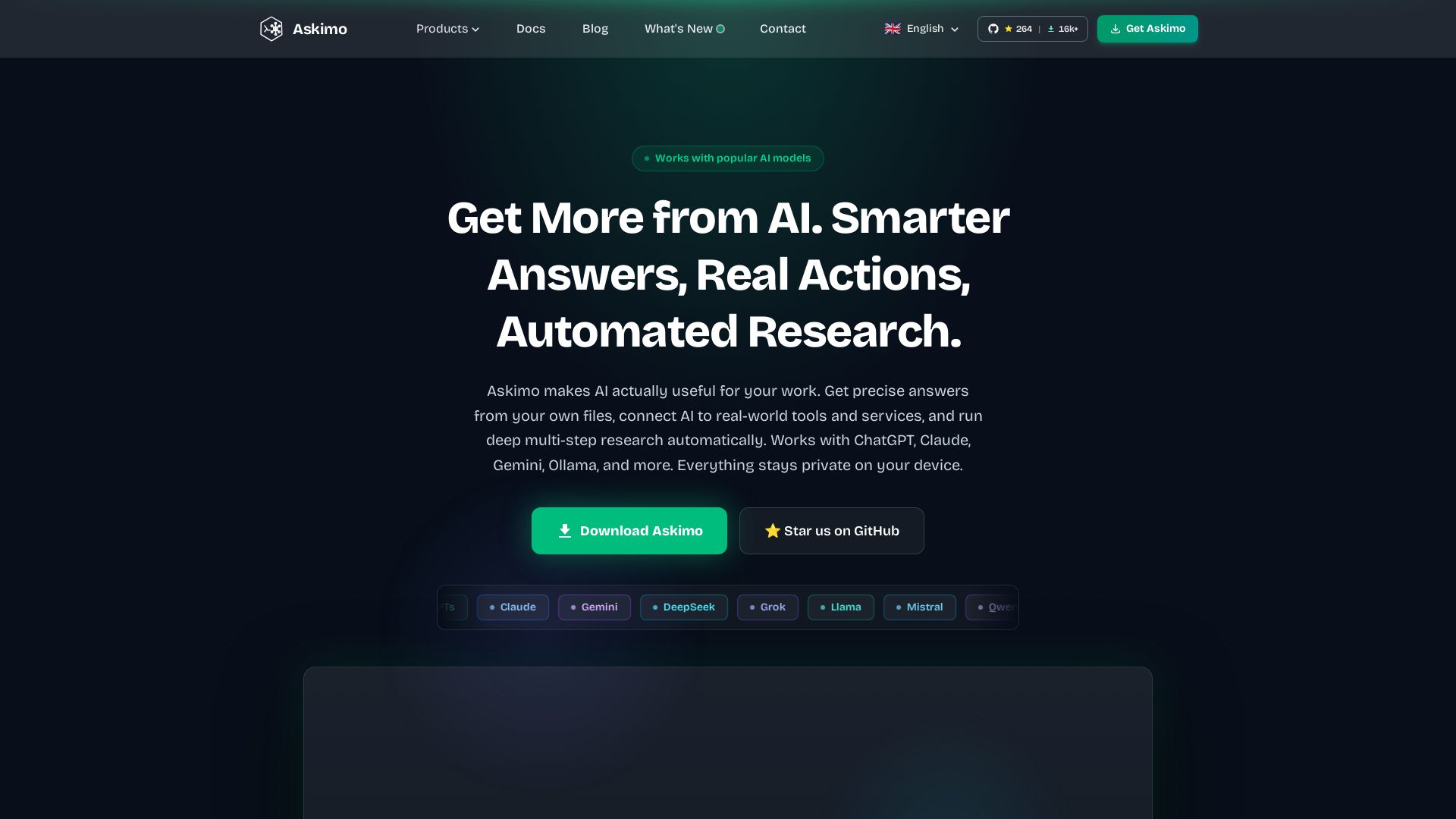
Askimo
Use ChatGPT, Claude, Gemini & more in one desktop app. AI knows your files, runs multi-step workflows, and keeps data private.
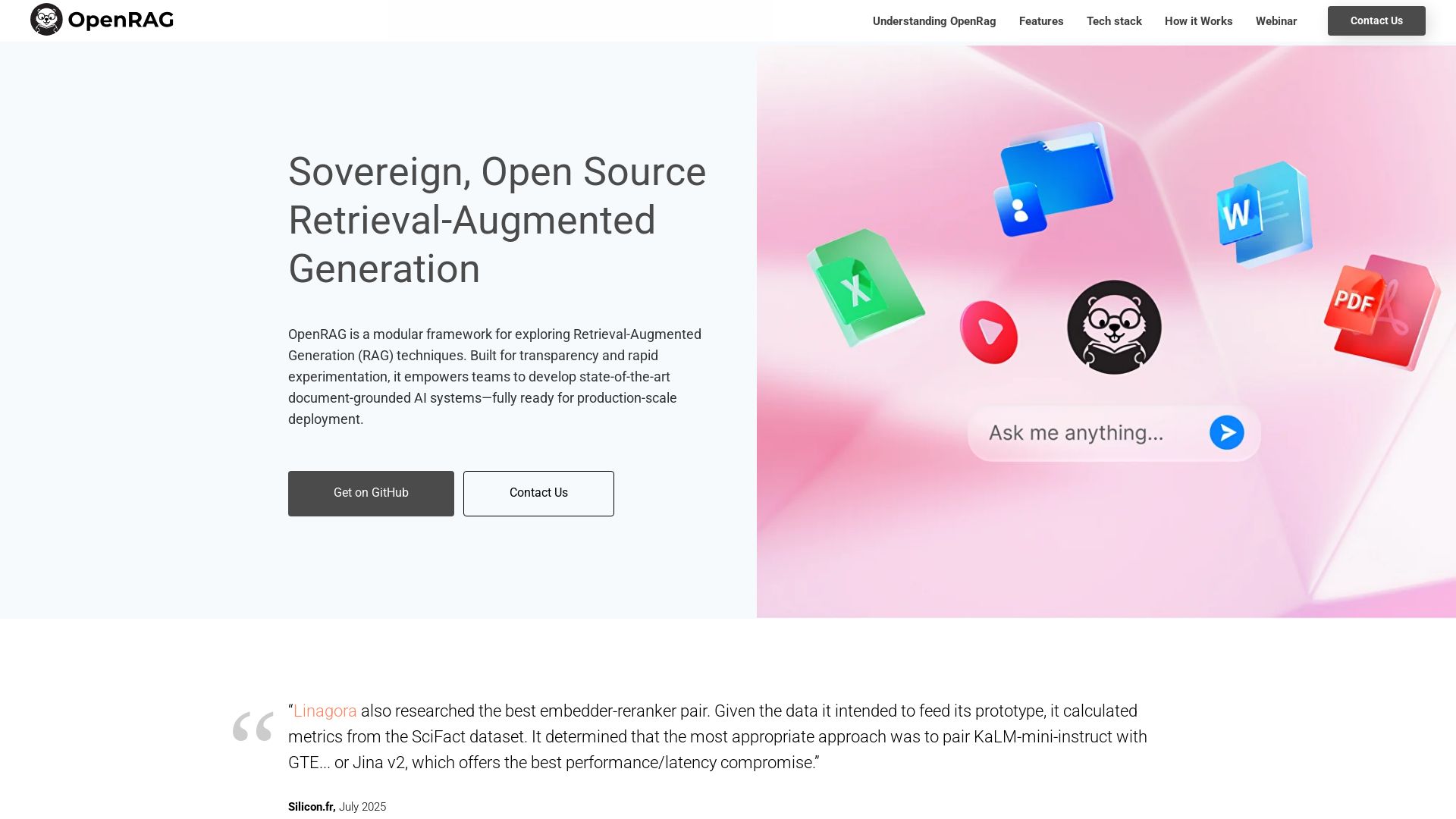
OpenRAG
Build production-ready, document-grounded AI with OpenRAG. Open-source, LLM-agnostic, multimodal, scalable.

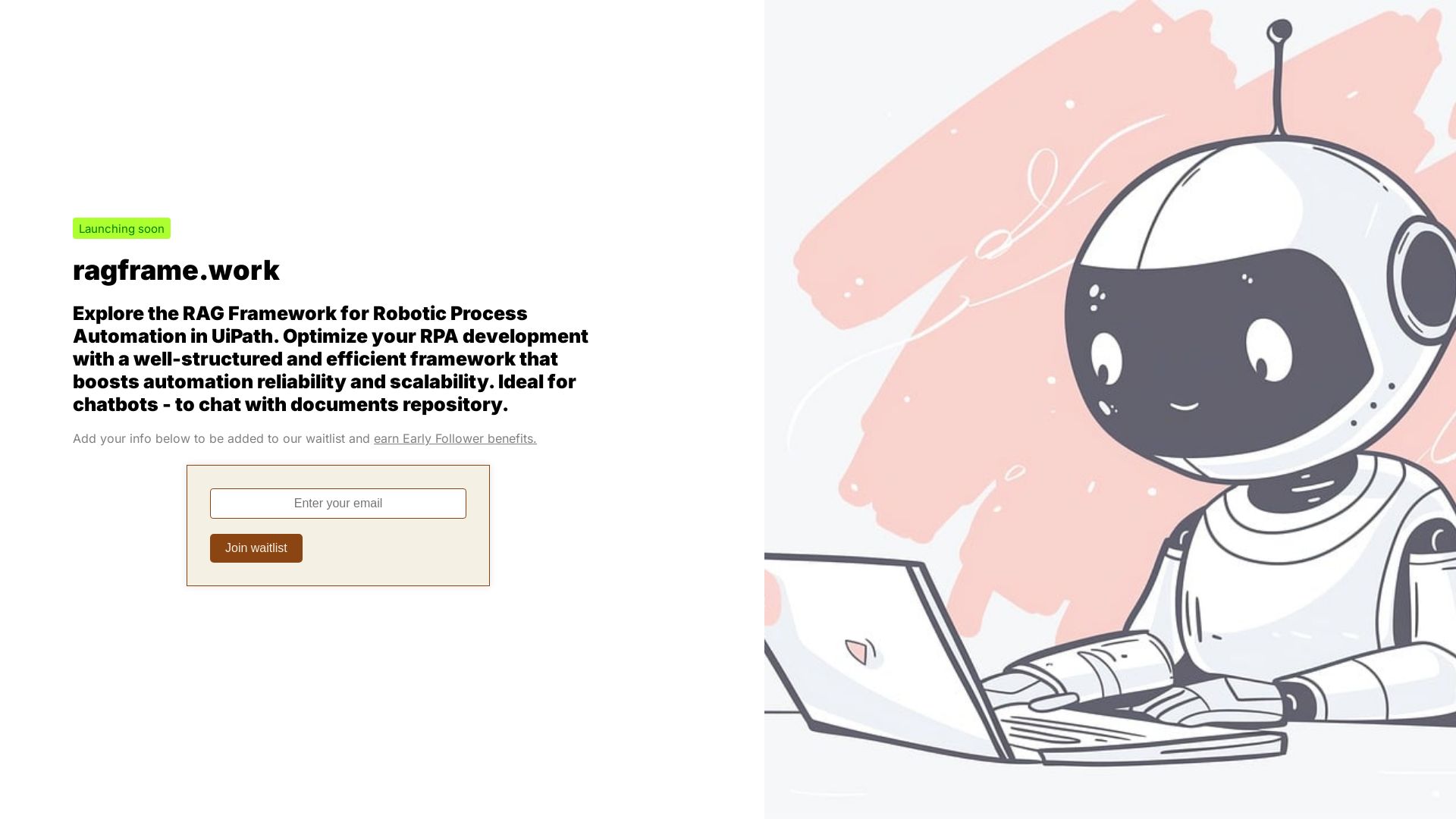
RAG Framework
Optimize RPA with the RAG Framework. Boost automation reliability and scalability. Chat with your document repository. Join the waitlist.

Automation Anywhere
Automate mission-critical processes with agentic AI. Trusted by global leaders. Boost efficiency, ensure compliance. Request a demo.


Agentic Workers
Automate tasks with 100+ pre-built AI workflows. Connect 800+ tools, save 10+ hours/week. No coding needed. Join 13,000+ professionals.


Figr
Ship better UX faster. Figr builds a living understanding of your product, maps flows, finds edge cases, and generates high-fidelity prototypes from your actual design system.

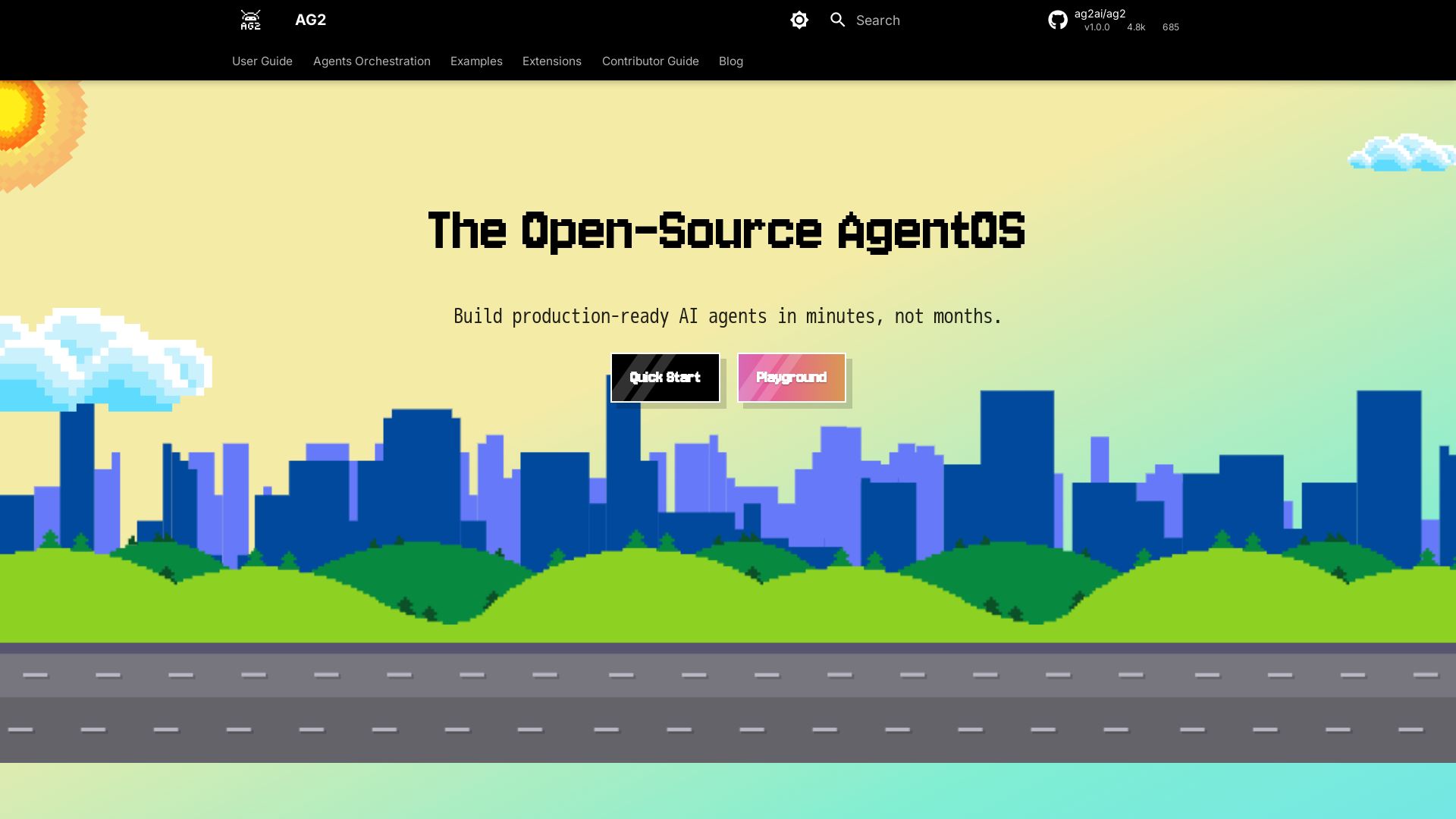
AG2
Build production-ready AI agents in minutes with AG2. Simple syntax, built-in patterns, human-AI collaboration. Open-source multi-agent framework.


Expo AI Chatbot
Build AI chatbot apps for iOS, Android & web with Expo SDK 54, AI SDK 5, voice, long-term memory, and more. Open-source codebase.


HIX AI
HIX AI is an AI agent workspace that lets you research, create slides, videos, images, and more with one tool. Boost productivity with deep research and automated content creation.

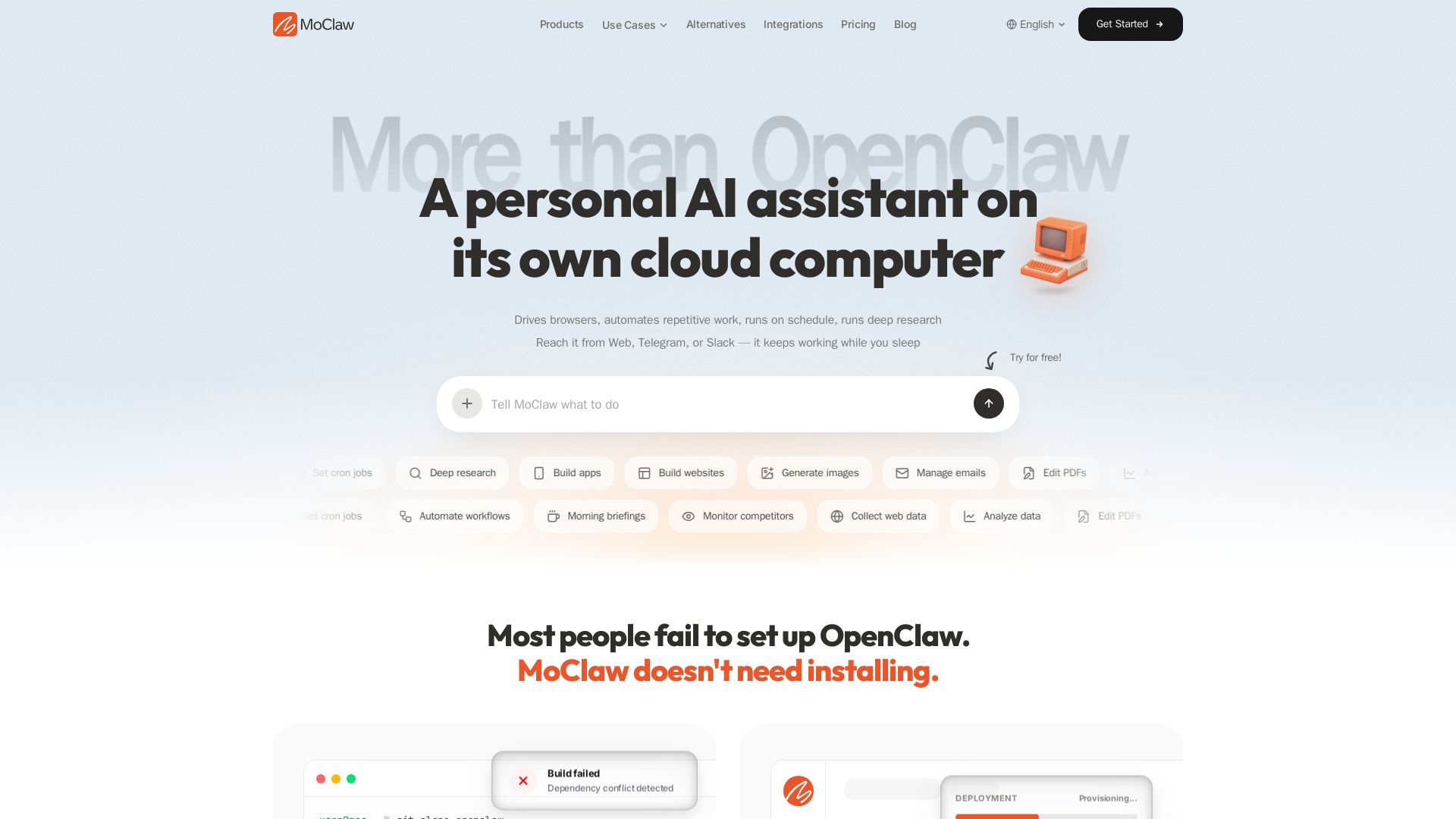
MoClaw
Automate tasks, research, and workflows with MoClaw's always-on AI computer. No setup, no crashes. Deep research, browser control, scheduling. Try free.

ℹ️ Curation Disclosure: The overview and features of Open WebUI were synthesized using AI and fact-checked by our curation team to ensure accuracy.
