
Magic3D
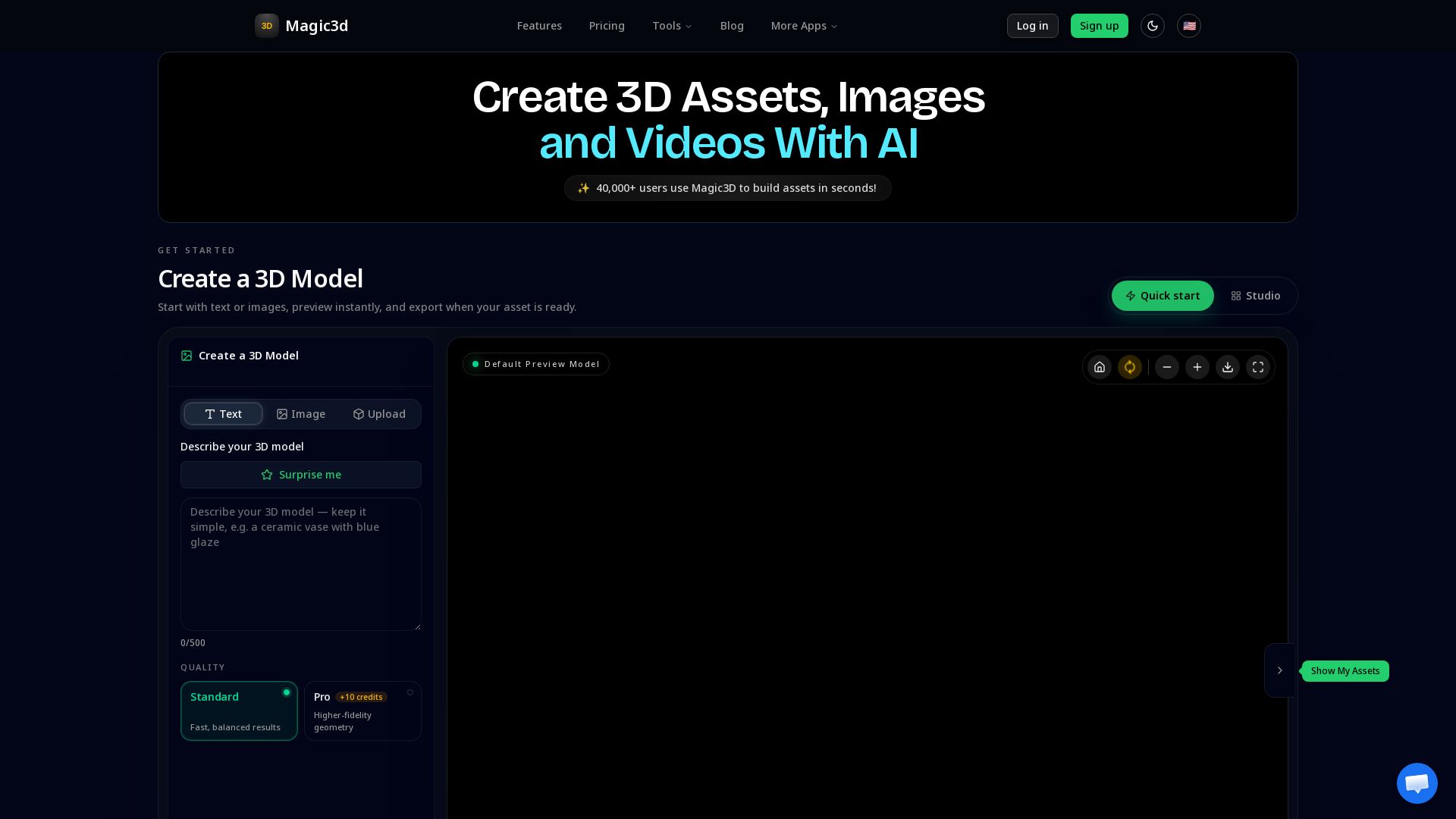
Generate 3D models, images & videos from text or images. Export to Blender, Unity, GLB, STL, and more. Loved by 40K+ creators.
Editor's Verdict
Key Takeaways
- AI 3D Generation
- Multi-format Export
- Pro+ Quality Options
- Credit System
In-Depth Review: What is Magic3D?
Magic3D lets you create 3D assets, images, and videos instantly using AI. Start with a text prompt or reference image, preview in real-time, and export to industry-standard formats like GLB, STL, FBX, and OBJ. Trusted by over 40,000 users across 50+ countries, Magic3D integrates seamlessly with Blender, Unity, Unreal Engine, and 3D printing tools. With plans from free to pro, you can generate high-quality 3D models for games, design, AR/VR, and more.
Core Features
AI 3D Generation
Create 3D assets from text or images instantly with AI, preview in real-time, and export when ready.
Multi-format Export
Export to industry-standard formats like GLB, STL, FBX, OBJ, USDZ, and direct integration with Blender, Unity, Unreal Engine, and more.
Pro+ Quality Options
Upgrade to Pro for higher-fidelity geometry, textures, and full-resolution exports suitable for production pipelines.
Credit System
Flexible credit-based usage: pay only when you export, with pack credits that never expire and subscription credits that reset monthly.
Commercial Rights
Paid plans include commercial use and private asset ownership, ensuring you own what you create.
Real-time 3D Viewer
Preview and rotate your 3D model in the browser before exporting, with adjustable lighting and texture.
Pricing
Free
- 100 sign-up credits
- Free credits expire 30 days after signup
- Generate previews before upgrade
- Real-time 3D viewer
- Limited queue priority
- 1 concurrent task
- Assets licensed under CC BY 4.0 (attribution required)
Pro
- 2,000 credits per month
- Pro+ mesh and texture quality
- Full-resolution export
- Unlimited downloads
- High-speed queue priority
- 10 concurrent tasks
- Early access to new models
- Available for commercial use
- Private assets
Max
- 5,000 credits per month
- Maximum queue priority
- 20 concurrent tasks
- Team-friendly credit sharing
- Ultra-quality + high-fidelity textures
- Advanced texture & material AI
- API access (coming soon)
- Priority human support
- Available for commercial use
- Private assets
Ultra
- 20,000 credits per month
- Highest queue priority
- 30 concurrent tasks
- Unlimited asset storage & retention
- Dedicated priority support
- Available for commercial use
- Private assets
Pros and Cons
Pros
- Rapid Asset CreationGenerate 3D models from text or images in seconds, drastically reducing manual modeling time.
- Industry-Standard ExportsExport to popular formats like GLB, STL, FBX, and direct integrations with Blender, Unity, and Bambu Studio.
- Flexible Credit SystemPay only when you export; pack credits never expire, and subscription credits reset monthly with options for all budgets.
- High-Quality OutputPro plans offer Pro+ mesh and texture quality, full-resolution exports, and commercial rights for professional use.
- Large User CommunityTrusted by over 40,000 users worldwide with an 87% recommendation rate and strong testimonials from diverse industries.
Cons
- Free Credits ExpireThe initial 100 free credits expire 30 days after signup, which may limit extended evaluation.
- Monthly Credits Don't Carry OverUnused subscription credits reset each month, potentially leading to waste if not fully utilized.
- Limited Free Plan FeaturesFree plan includes only basic quality, limited queue priority, 1 concurrent task, and requires attribution (CC BY 4.0).
- Queue Priority on Lower PlansFree and Pro plans have limited or high-speed queue priority, which may result in longer wait times during peak usage.
- API Not Yet AvailableAPI access is listed as 'coming soon' for Max plan, limiting automated integration options currently.
Use Cases & Recommended Professions
Game Developer→ View Toolkit
Quickly generate props, environments, and creatures to accelerate asset creation and reduce manual modeling time.
Industrial Designer→ View Toolkit
Transform concept sketches into printable STL files for rapid prototyping and refinement in CAD software.
UX Designer→ View Toolkit
Create unique hero illustrations and 3D mockups for user interfaces and presentations without stock assets.
VFX Artist→ View Toolkit
Generate environment props from reference photos and integrate directly into lighting and rendering pipelines.
3D Printing Hobbyist→ View Toolkit
Describe models and print them within minutes, enabling custom figurines and functional parts with ease.
AR/VR Developer→ View Toolkit
Quickly produce 3D assets for AR/VR experiences, exportable to Unity and ready for real-time implementation.
Frequently Asked Questions
Alternative AI Tools
View Detailed Comparison →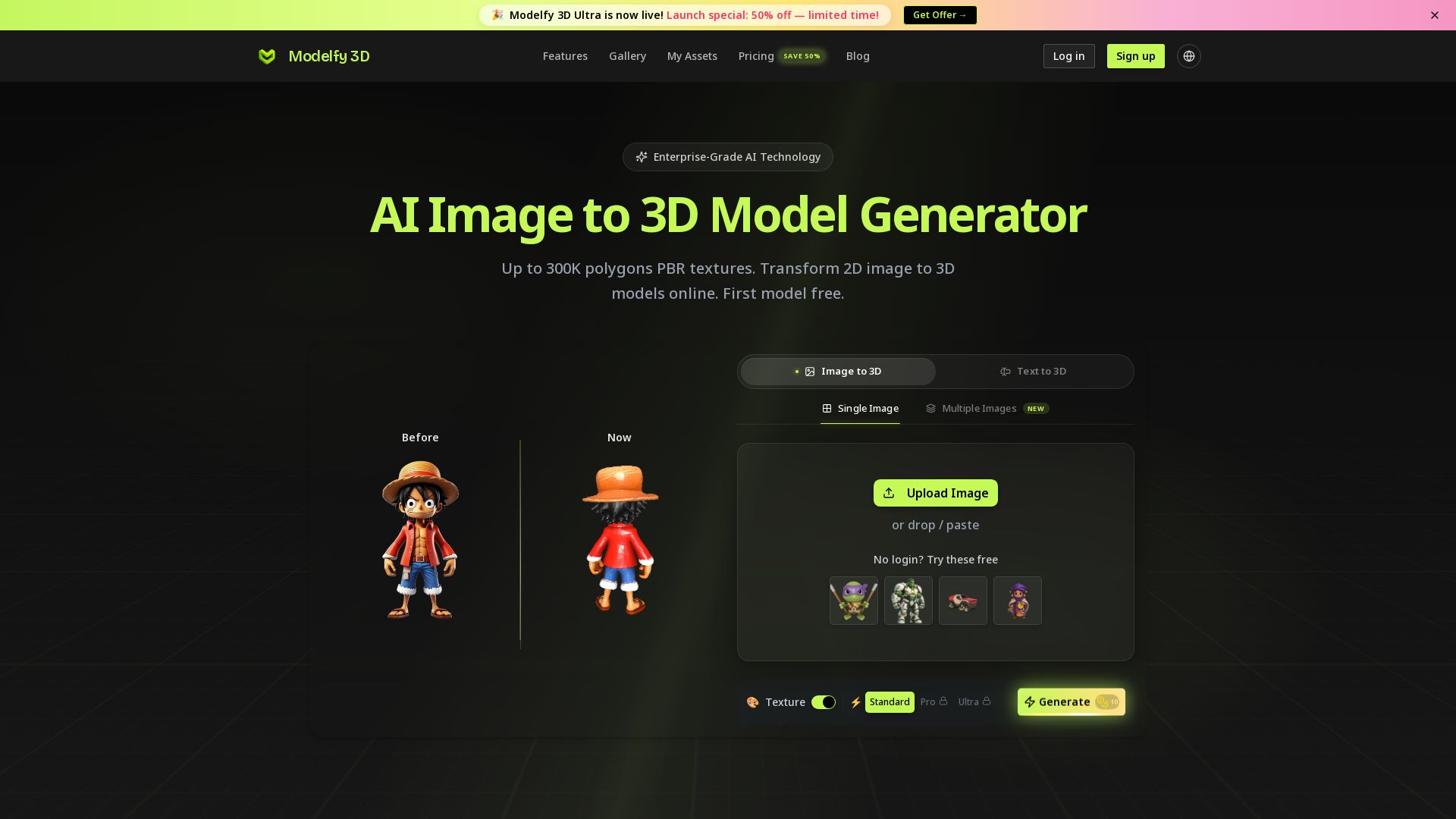
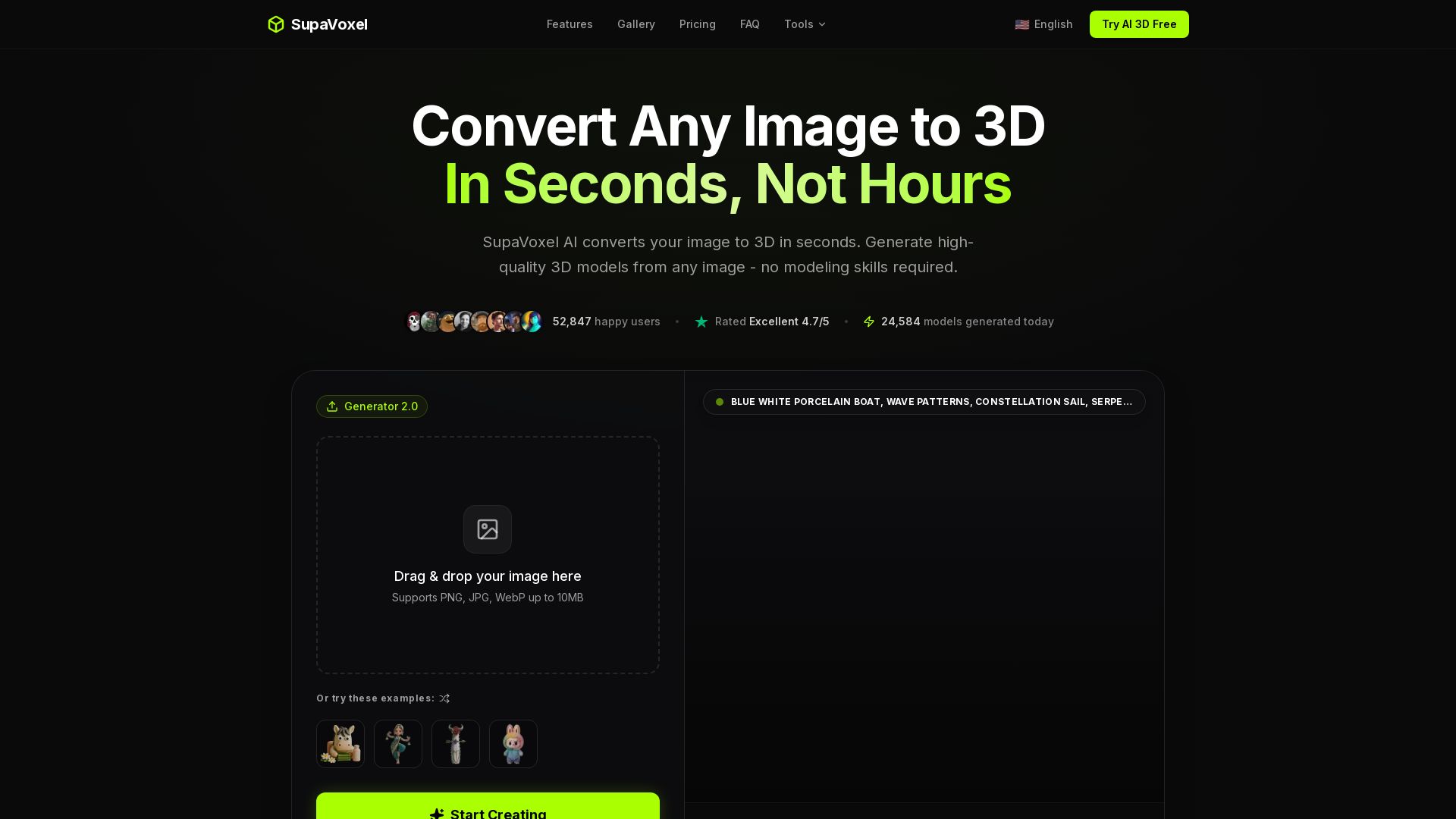
Modelfy 3D
Convert 2D images to 3D models with AI. Up to 300K polygons, PBR textures, GLB/OBJ/STL export. Free first model. Try Modelfy 3D now.

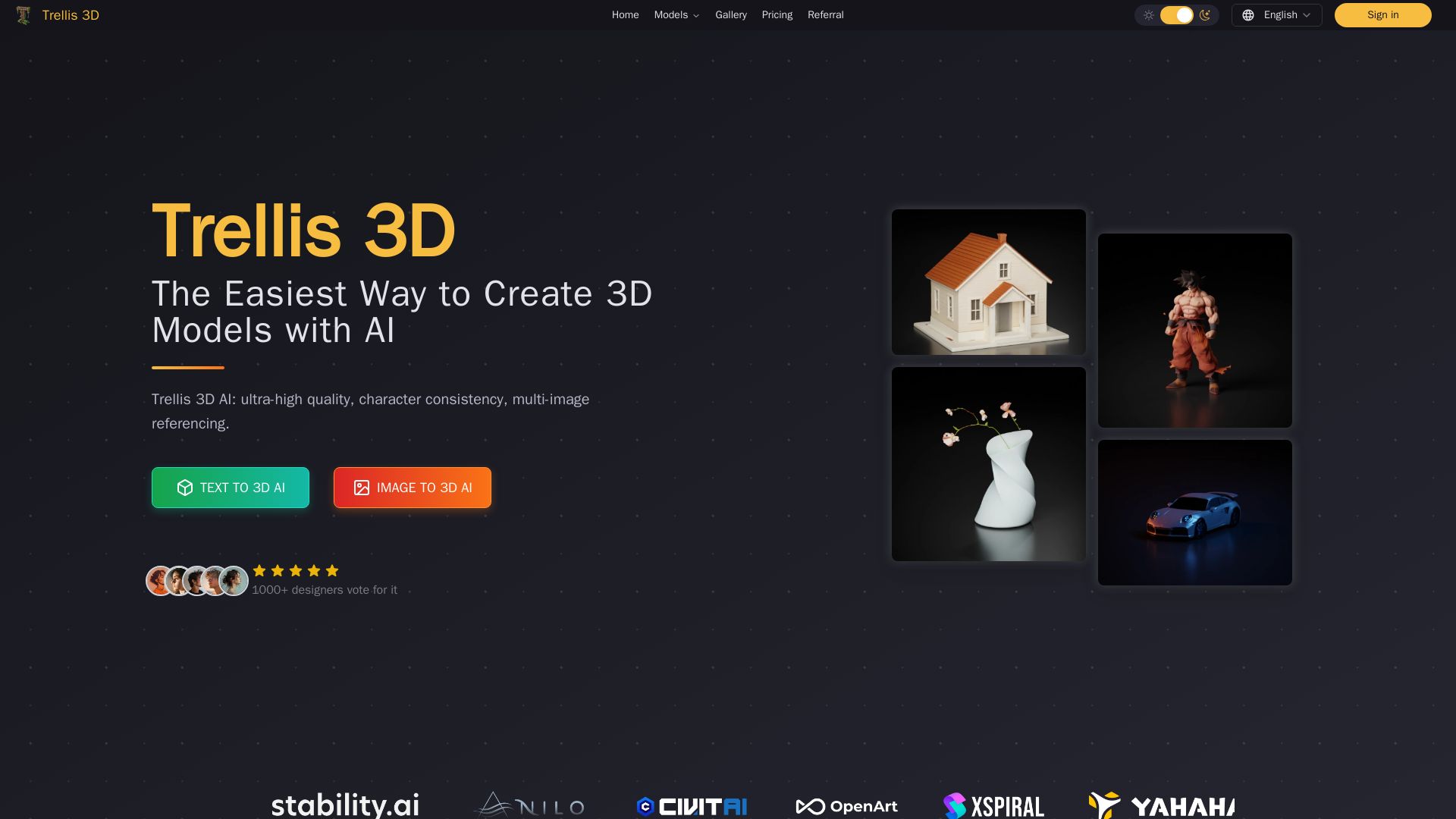
Trellis 3D AI
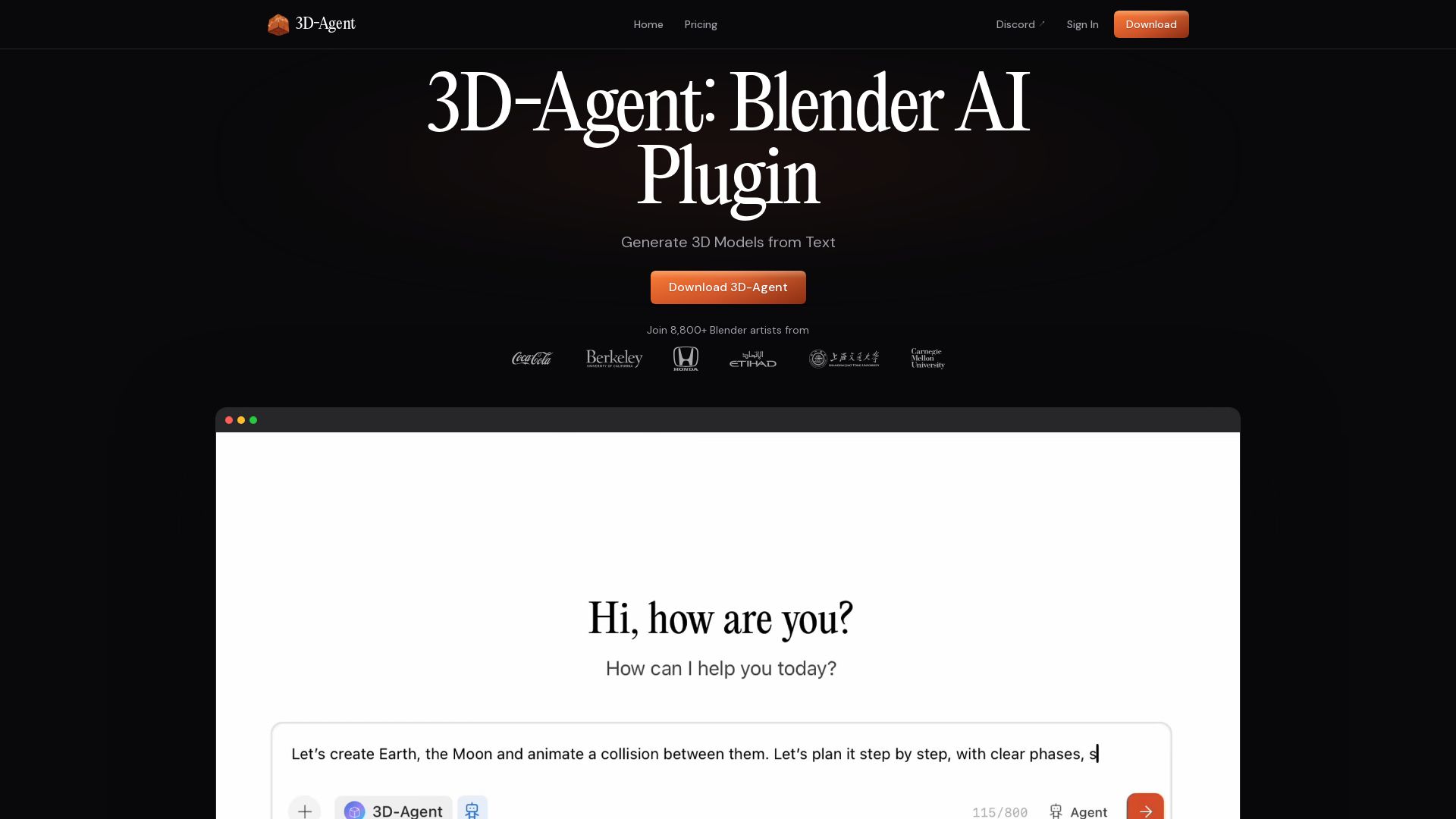
Create stunning 3D models from text or images using Trellis 3D AI. Ultra-high quality, multi-format output, and easy editing. Try it free!

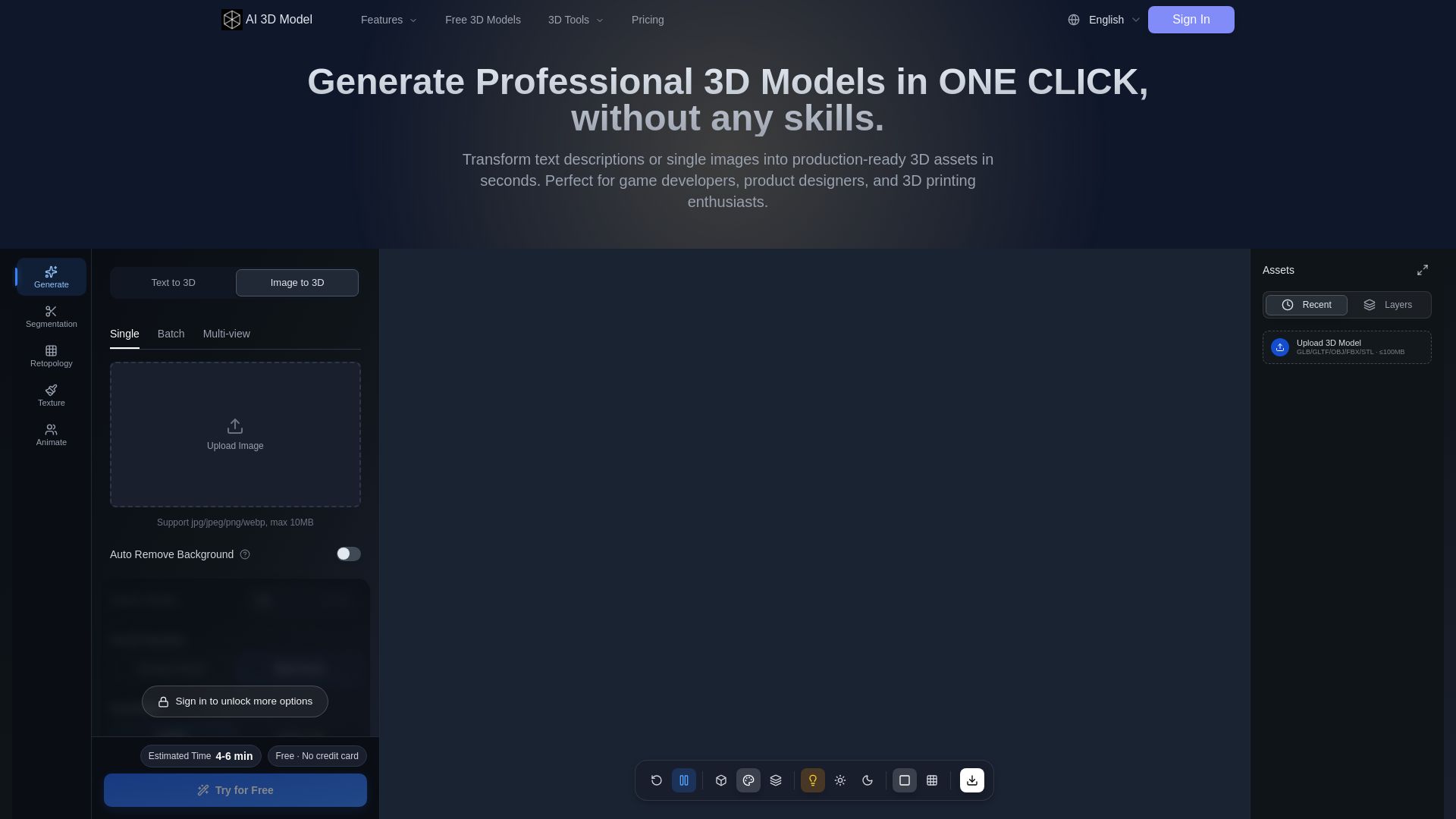
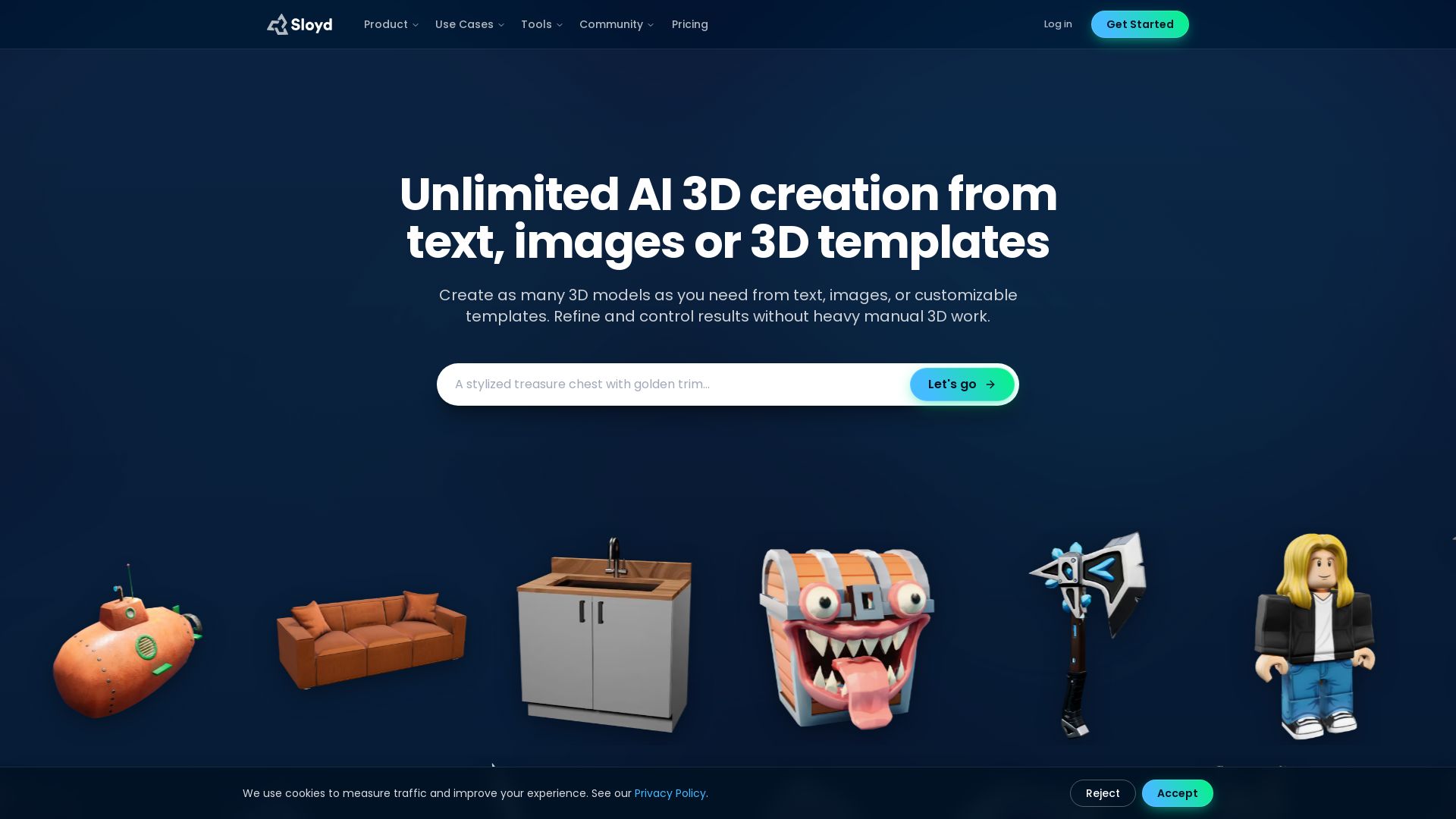
AI 3D Model Generator
Turn text or images into production-ready 3D models in seconds. Perfect for games, product design, 3D printing. No skills needed. Try free!

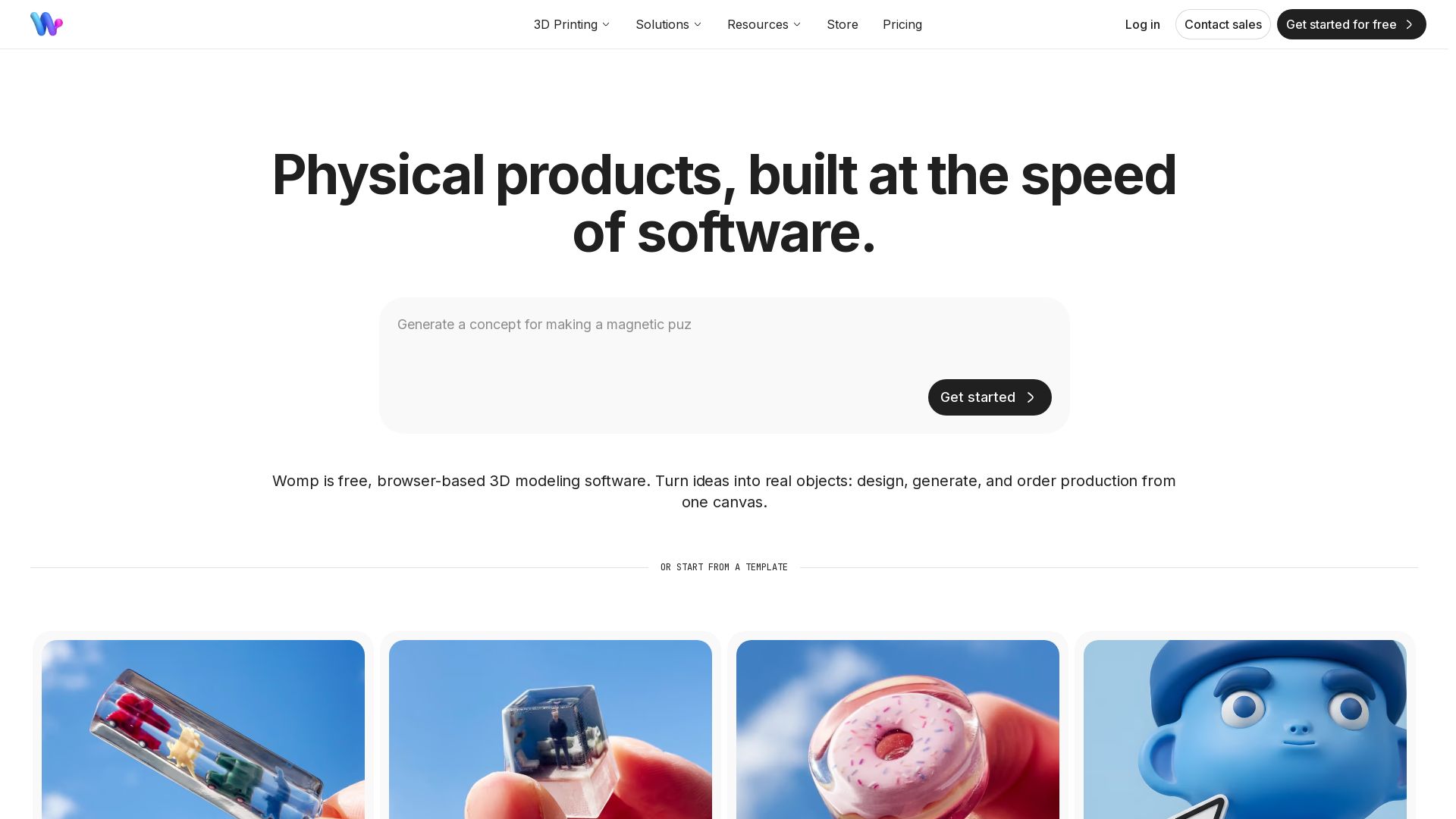

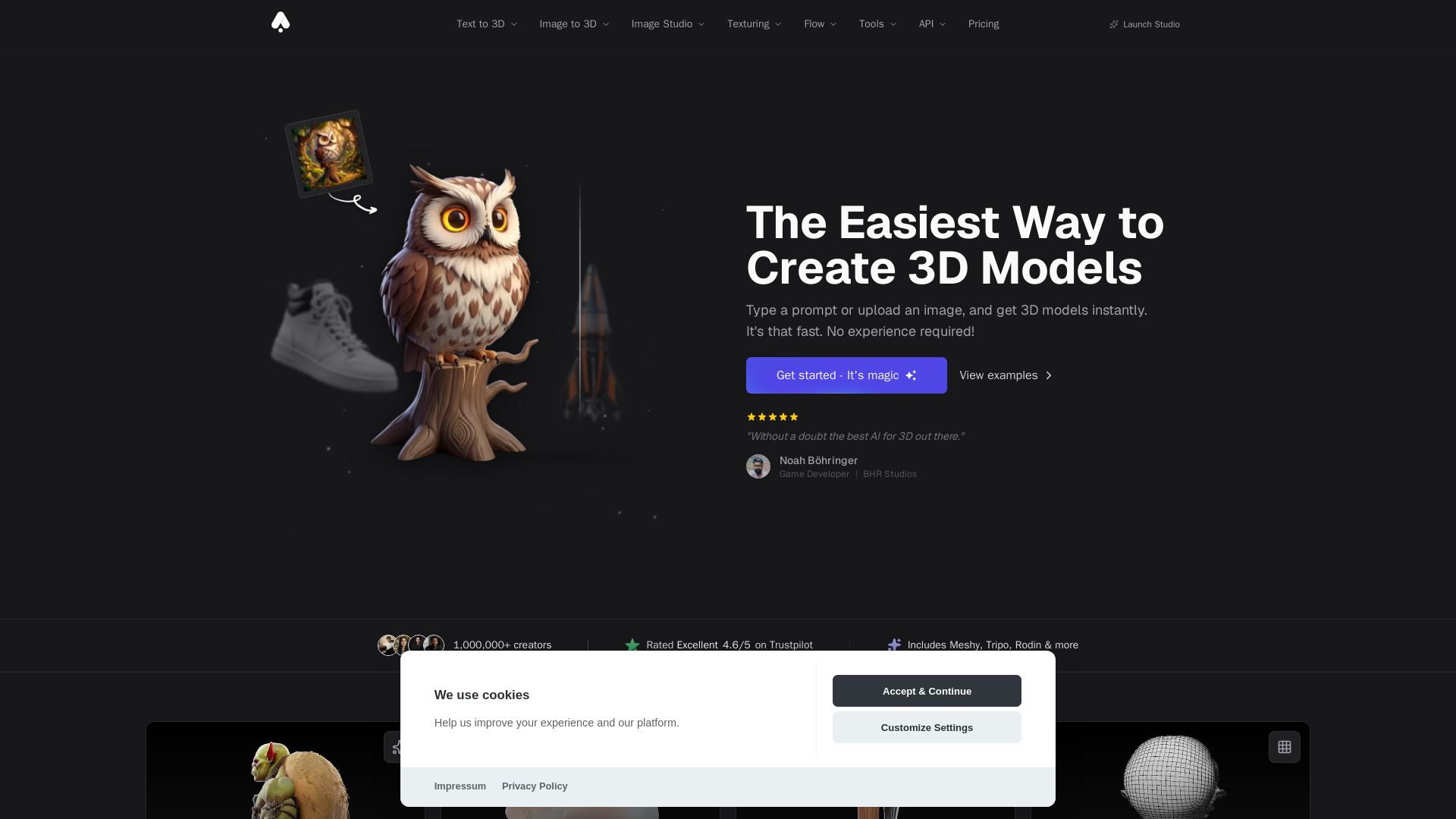
3D AI Studio
Create stunning 3D models instantly from text or images with AI. No experience required. Export to GLB, FBX, STL & more. Used by 1M+ creators.

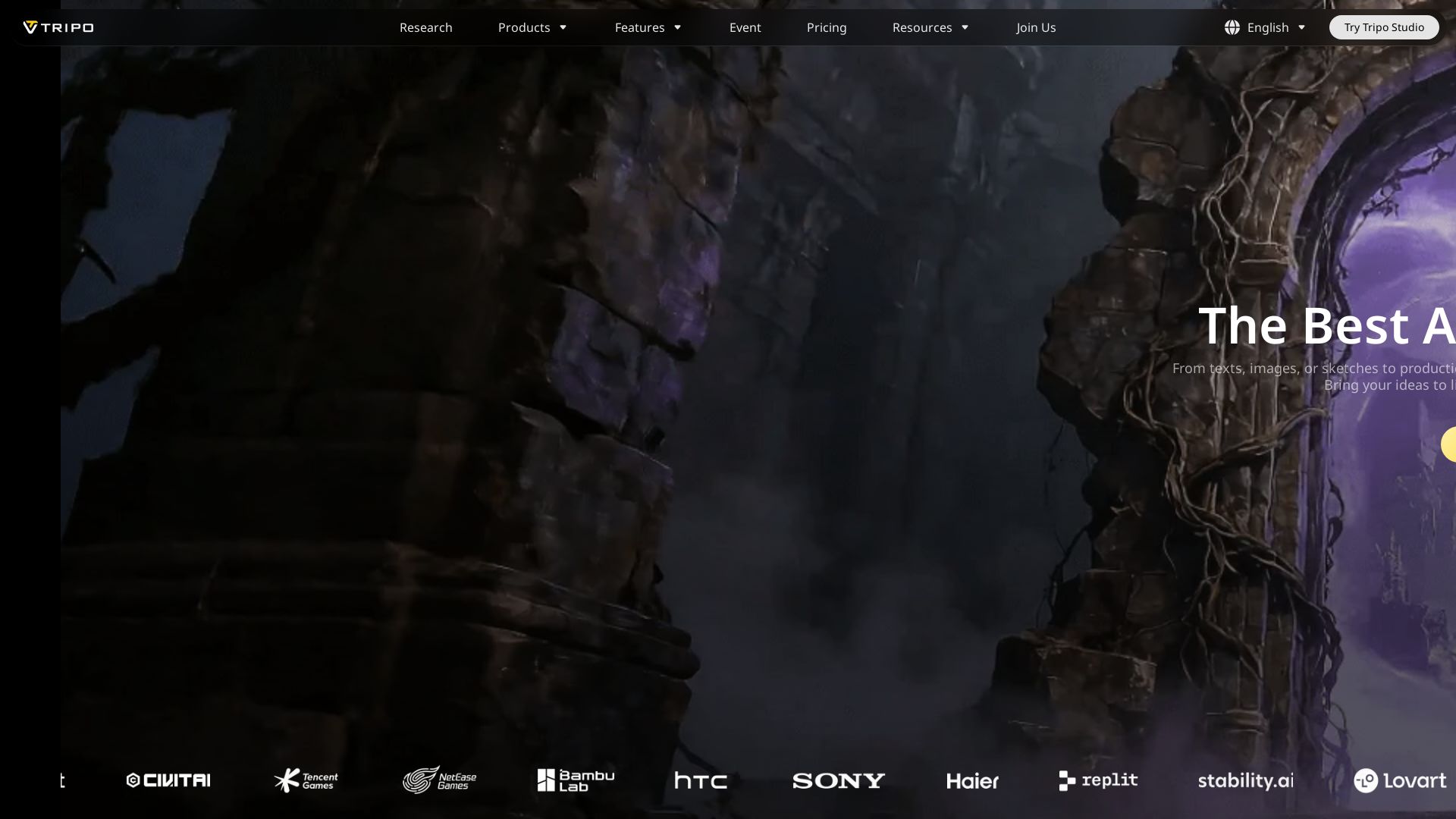



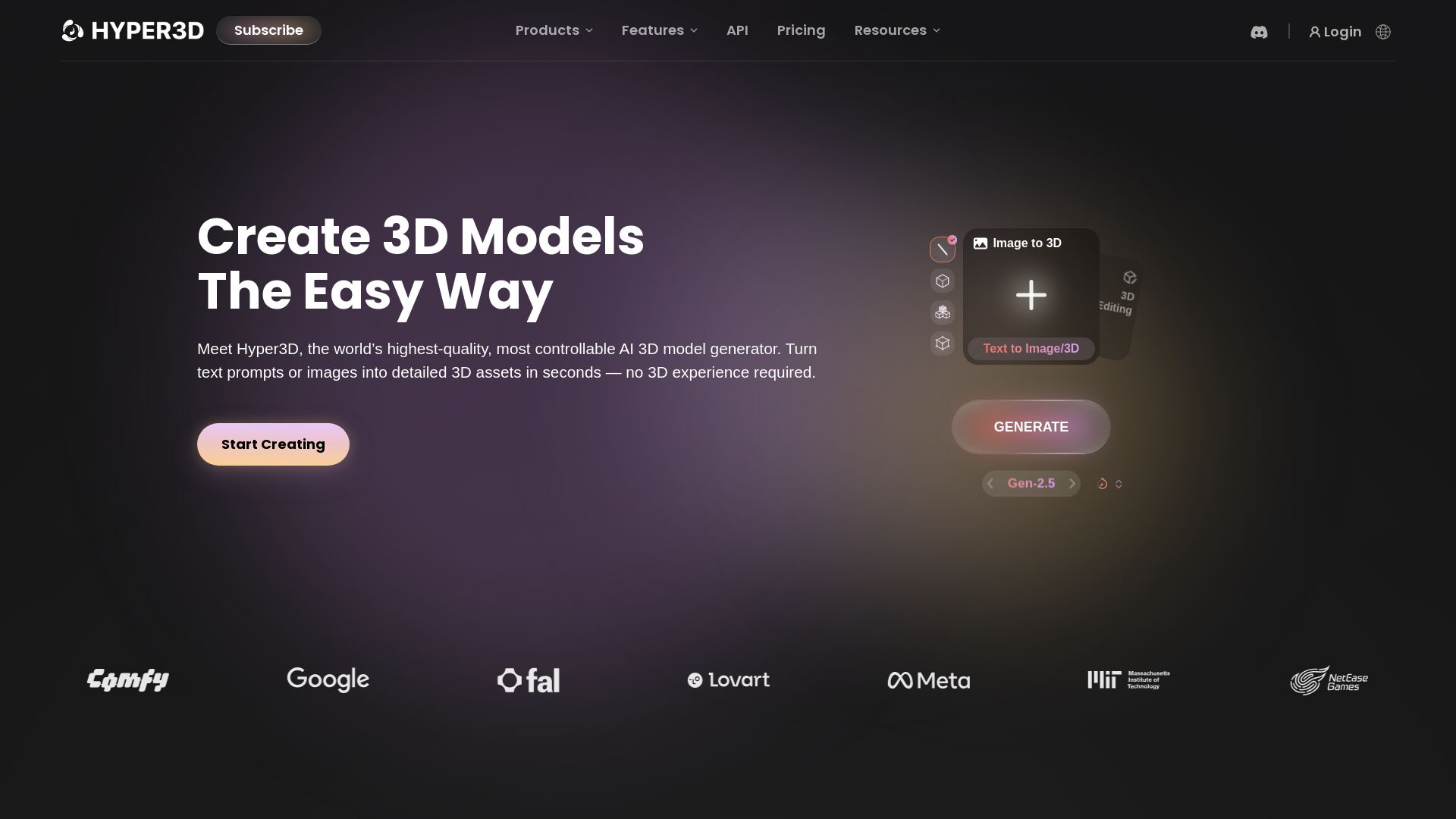
Hyper3D Rodin
Turn text or images into high-quality 3D models in seconds. No experience needed. Free trial available. Start creating now!




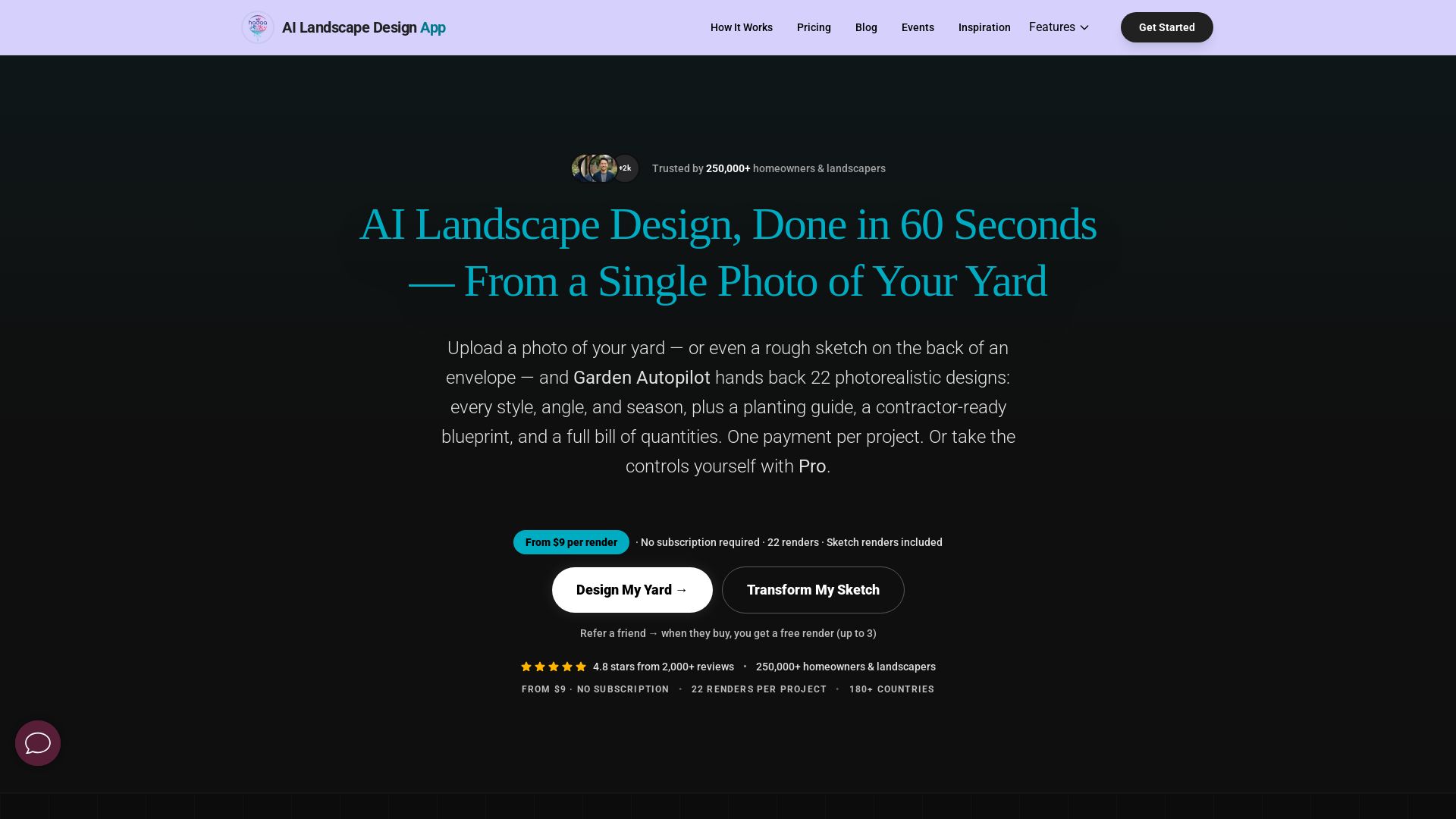
AI Garden Design vs Hadaa: Features & Pricing (2026)
Upload a photo or sketch, get 22 photorealistic designs, planting guide, blueprint & BOQ. Pay per project, no subscription.

ℹ️ Curation Disclosure: The overview and features of Magic3D were synthesized using AI and fact-checked by our curation team to ensure accuracy.
