
Kensa
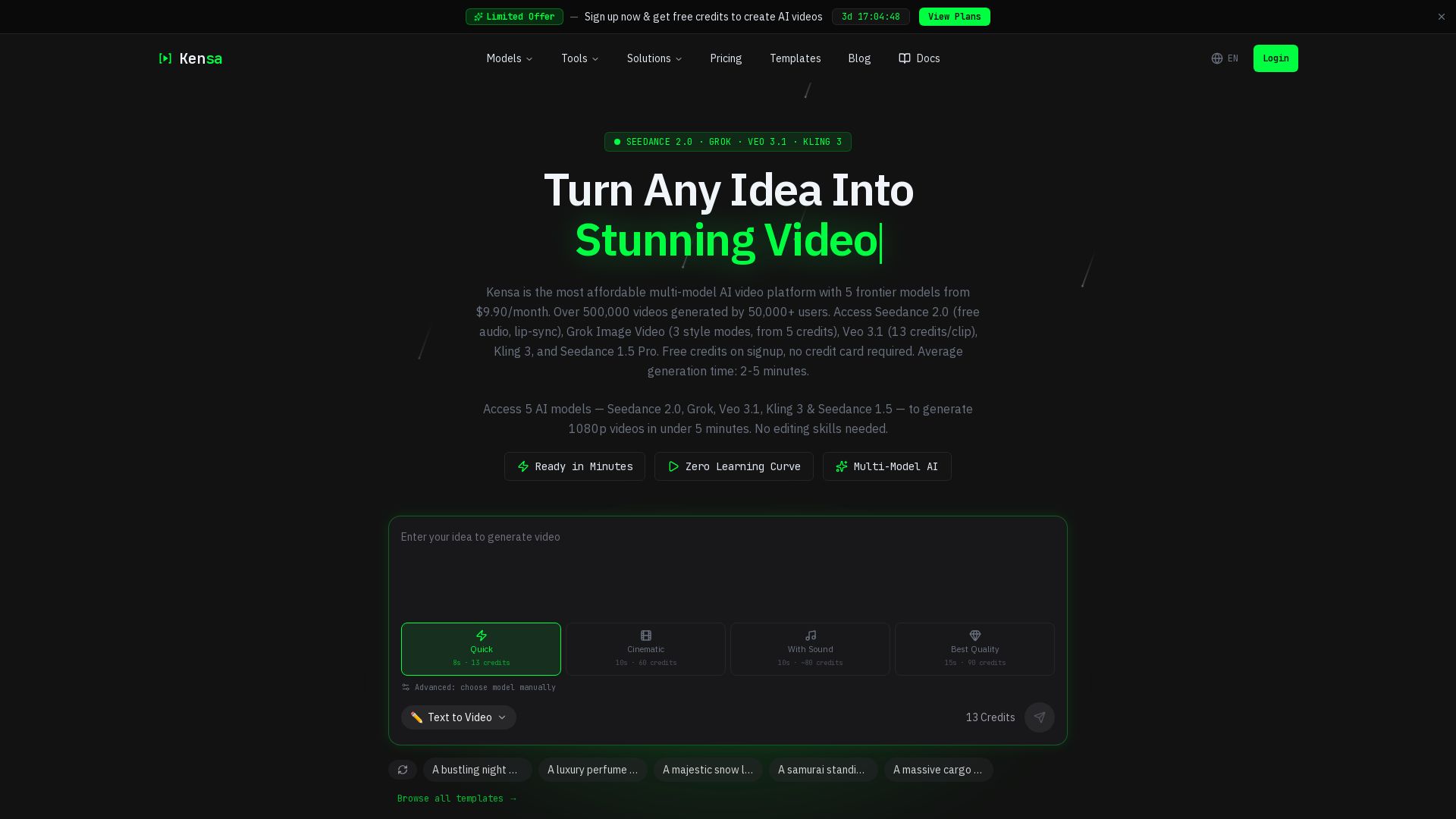
Generate stunning AI videos with Seedance 2.0, Grok, Veo 3.1 & more. Free credits, no card needed. Start from $9.90/mo. Trusted by 100K+ creators.
Editor's Verdict
Key Takeaways
- Multi-Model Access
- Text-to-Video
- Image-to-Video
- Video Enhancement
In-Depth Review: What is Kensa?
Kensa is the most affordable multi-model AI video platform offering access to 5 frontier models including Seedance 2.0, Grok Image Video, Veo 3.1, Kling 3, and Seedance 1.5 Pro. Generate high-quality 1080p videos from text or images in under 5 minutes with no editing skills required. Start with free credits, no credit card needed. Over 500,000 videos generated by 100K+ creators. Plans start at $9.90/month.
Core Features
Multi-Model Access
Access 5 frontier AI models (Seedance 2.0, Grok, Veo 3.1, Kling 3, Seedance 1.5 Pro) from a single dashboard to generate 1080p videos.
Text-to-Video
Describe any scene and watch it come to life with cinematic quality from a single prompt.
Image-to-Video
Upload a photo or illustration and animate it into fluid, natural motion.
Video Enhancement
Upscale to 1080p, extend duration, and refine details on any existing clip.
Fast Generation
Most videos are ready in 2-5 minutes with no overnight renders.
Privacy & Encryption
Your prompts and videos are encrypted at rest and never used for training.
Live Progress Tracking
Watch your video generate in real-time with step-by-step status updates.
Free Credits on Signup
Get free credits to start creating AI videos immediately, no credit card required.
Pricing
Basic
- 280 credits
- HD video generation
- Fast generation
- Watermark
- No commercial use
- No priority support
- No API access
Basic (Yearly)
- 280 credits
- HD video generation
- Fast generation
- Watermark
- No commercial use
- No priority support
- No API access
Pro
- 960 credits
- HD video generation
- Fast generation
- No watermark
- Commercial use
- No priority support
- No API access
Pro (Yearly)
- 960 credits
- HD video generation
- Fast generation
- No watermark
- Commercial use
- No priority support
- No API access
Ultimate
- 2850 credits
- HD video generation
- Fast generation
- No watermark
- Commercial use
- Priority support
- API access
Ultimate (Yearly)
- 2850 credits
- HD video generation
- Fast generation
- No watermark
- Commercial use
- Priority support
- API access
Pros and Cons
Pros
- Affordable PricingPlans start from $9.90/month, significantly cheaper than competitors like Runway ($76/month) and Pika ($58/month).
- Multi-Model AccessAccess 5 top AI video models (Seedance 2.0, Grok, Veo 3.1, Kling 3, Seedance 1.5) under one subscription, allowing you to choose the best output for each project.
- Fast GenerationMost videos are generated in 2-5 minutes, with no need for overnight renders.
- No Editing Skills RequiredSimply describe your scene, and the AI handles the rest—zero learning curve.
- Free Credits to StartNew users receive free credits upon signup with no credit card required, allowing risk-free trial.
Cons
- Limited Credits on Basic PlanThe Basic plan offers only 280 credits per month, which may not suffice for heavy usage.
- Watermark on Basic PlanVideos generated with the Basic plan include a watermark, which may not be suitable for professional use.
- No Commercial License on BasicThe Basic plan does not allow commercial use of generated videos.
- No Priority Support on Lower PlansPriority support is only available on the Ultimate plan, potentially causing longer wait times for basic and pro users.
- API Access Limited to UltimateAPI access is restricted to the Ultimate plan, hindering integration for smaller teams.
Use Cases & Recommended Professions
Content Creator→ View Toolkit
Quickly produce high-quality videos for social media, blogs, or YouTube without editing skills.
Marketing Director→ View Toolkit
Generate professional ad videos, brand introductions, and promotional content at scale.
Social Media Manager→ View Toolkit
Create engaging video posts and reels in minutes to maintain a consistent content calendar.
Video Producer→ View Toolkit
Leverage multiple AI models to experiment with styles and reduce production time for client projects.
E-commerce Business Owner→ View Toolkit
Transform product photos into dynamic videos for listings, ads, and social media.
Real Estate Agent→ View Toolkit
Turn property photos into virtual tours and promotional videos to attract buyers.
Frequently Asked Questions
Alternative AI Tools
View Detailed Comparison →
AI Video - AI Video Generator
Create animated videos from text or images with AI. Drag-and-drop editing, lip-sync, HD export. No skills needed. Download free!

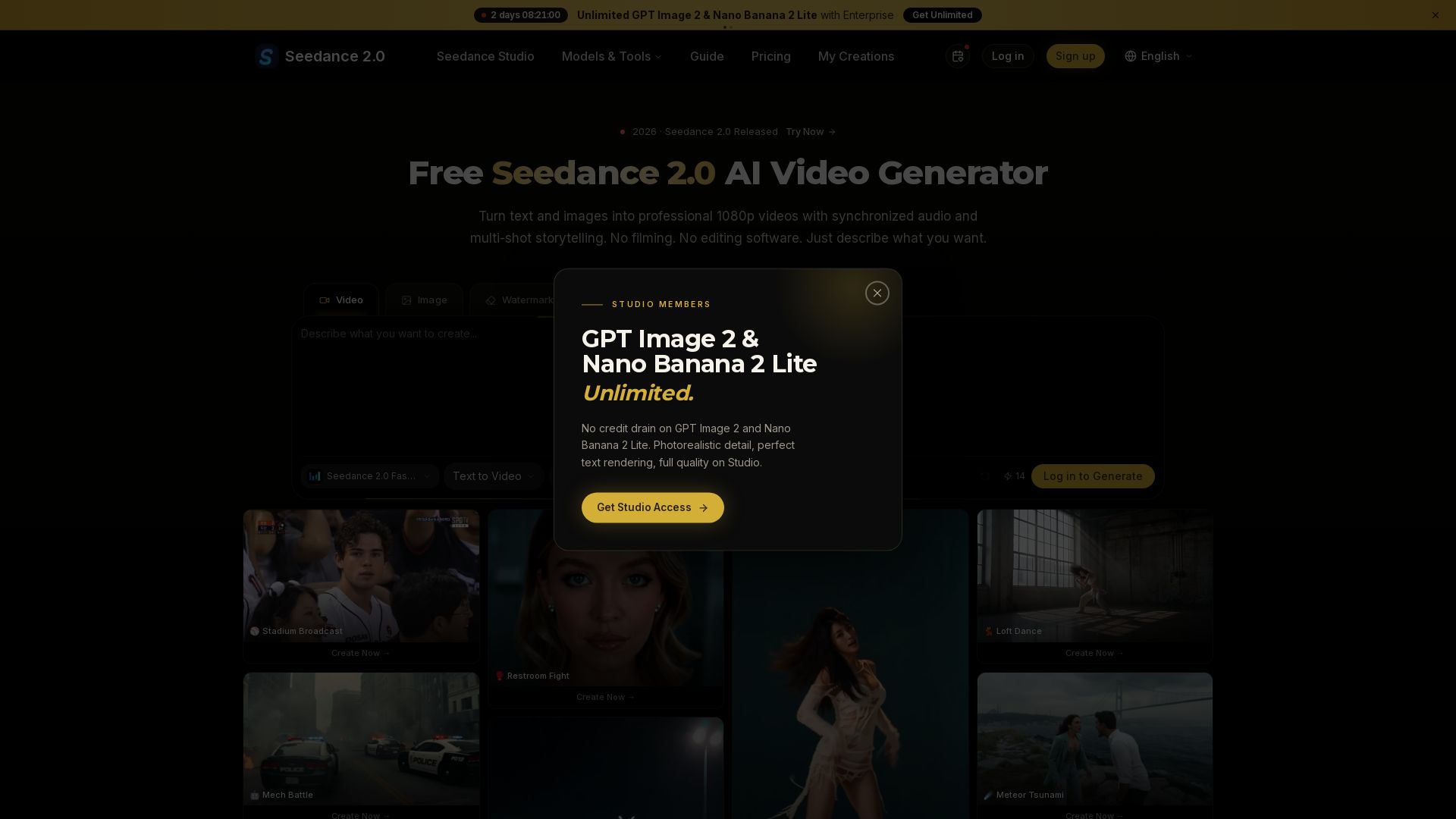
Seedance 2.0
Turn text and images into professional 1080p videos with synchronized audio and multi-shot storytelling. Free to start.


Digen AI
Create stunning AI videos in seconds. Generate from text, images, lip sync, and more. Explore tools like video upscaler, watermark remover, and FPS booster.


Gen AI Video Generator
Create stunning AI videos and images with 90+ models including Google VEO 3, Sora 2, Seedance 2.0. Text-to-video, image-to-video, photo editing on iOS.


Flow AI Video Generator
Create stunning 4K AI videos with Flow AI Video. Text-to-video, image-to-video, multi-shot storytelling. Get 50% OFF now!

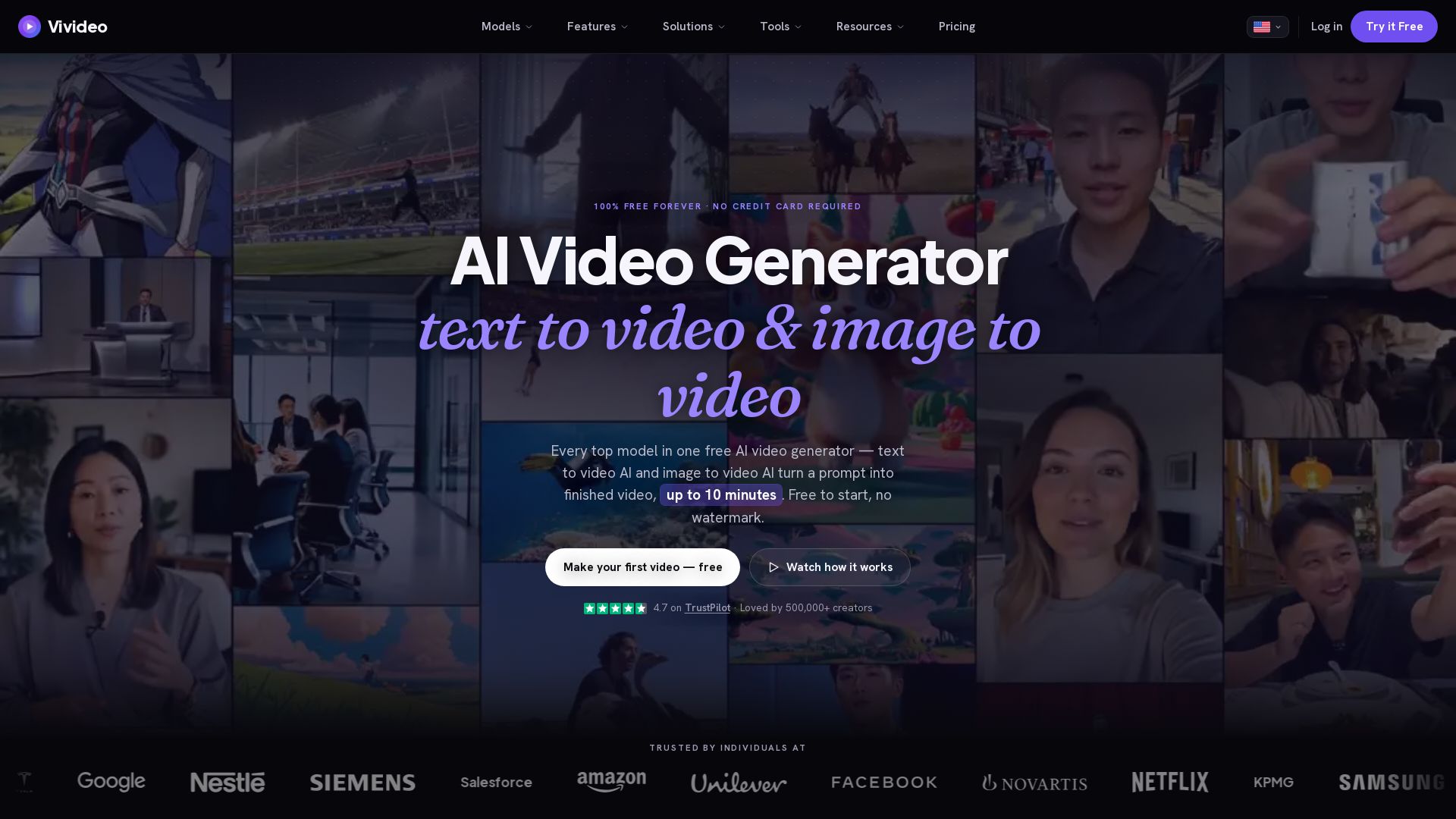
Vivideo
Create stunning AI videos from text or images. 30+ top models, 10 min length, no watermark. Free forever, no credit card needed.

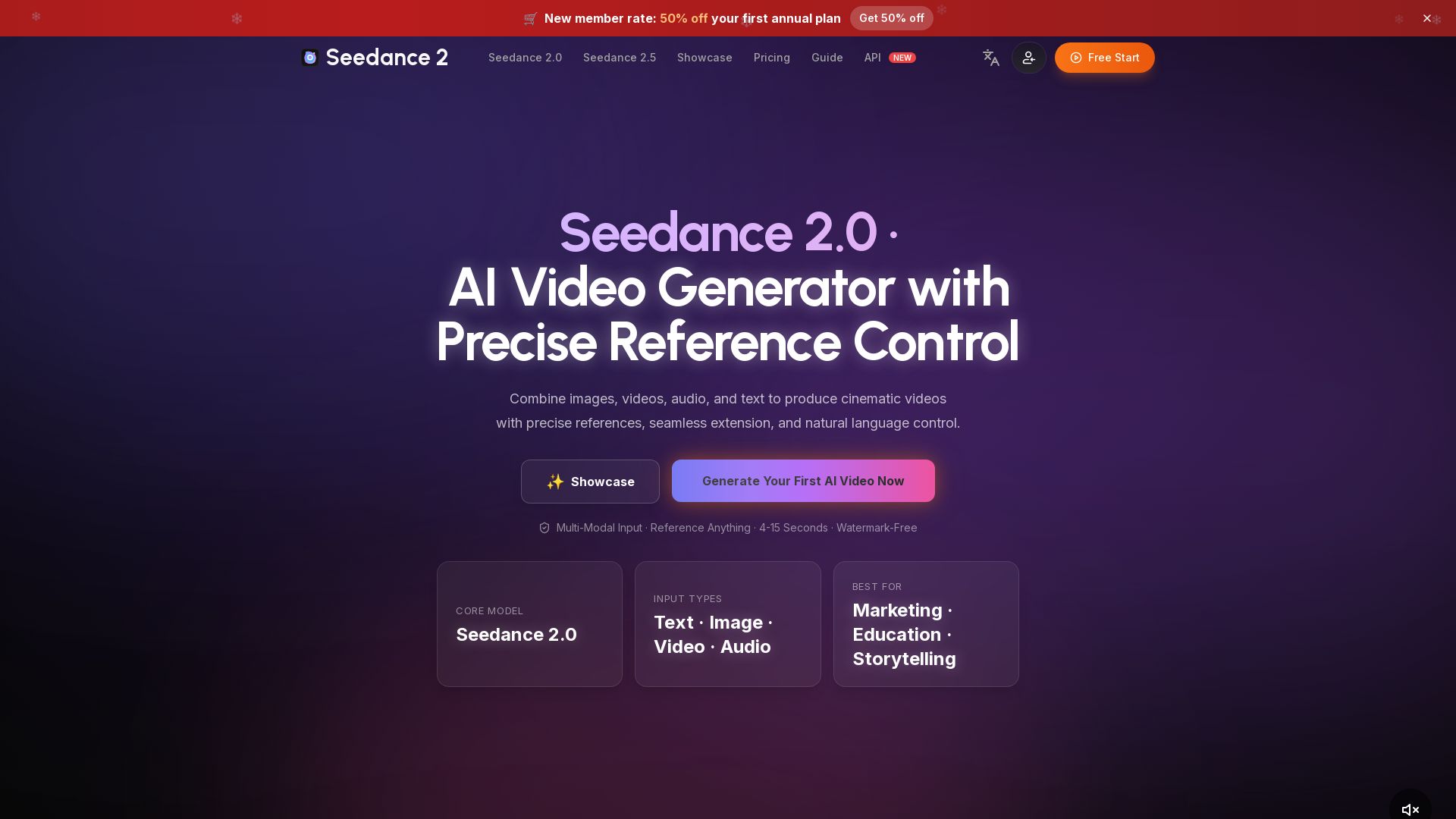
Seedance 2.0
Create cinematic AI videos by combining text, images, video & audio. Precise reference control, seamless extension, watermark-free. Start free!

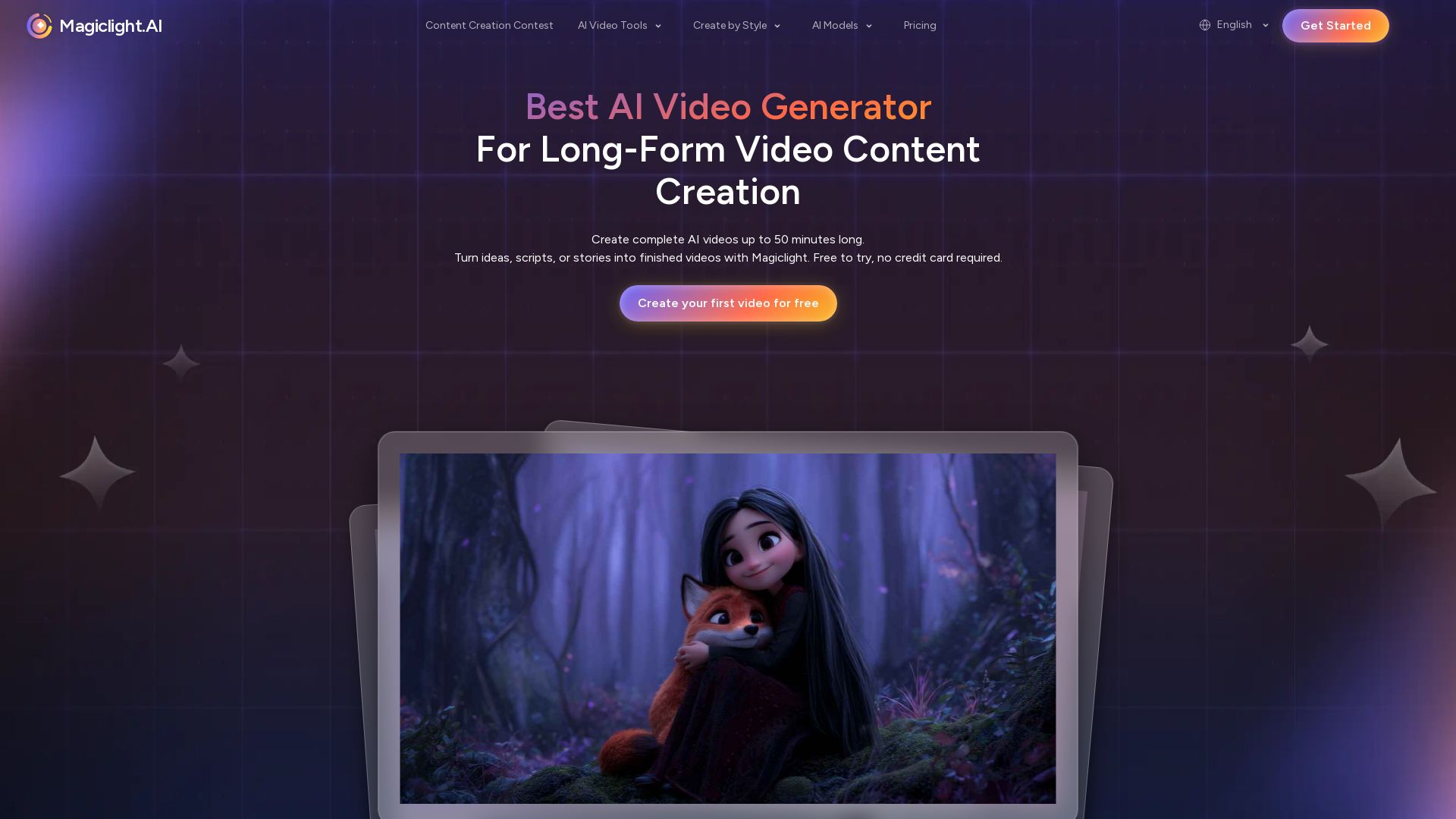
Magiclight.AI
Create complete AI videos up to 50 minutes. Smooth animations, consistent characters, seamless transitions. Free to try, no credit card needed.

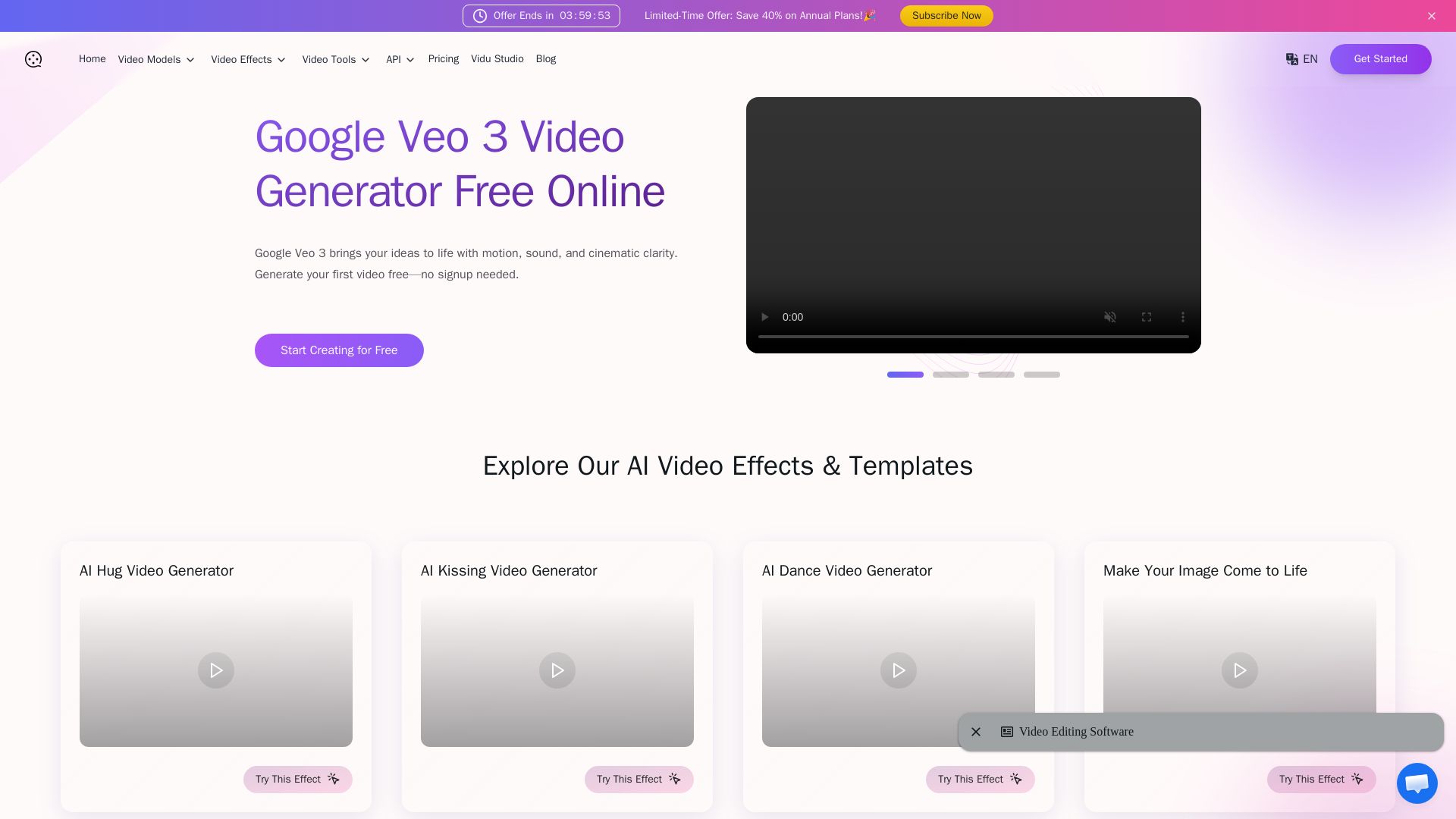
Veo 3
Create stunning AI videos with synchronized audio. Free Veo 3 text-to-video & image-to-video. 60+ effects. No signup needed.

Hailuo AI MiniMax
Create stunning videos from text prompts or images with Hailuo AI MiniMax. Free, fast, and no login needed. High-quality AI video generation.


SeaArt AI
Turn ideas into stunning images and cinematic videos with SeaArt AI. Free tools, community, and advanced models like Seedance 2.0.

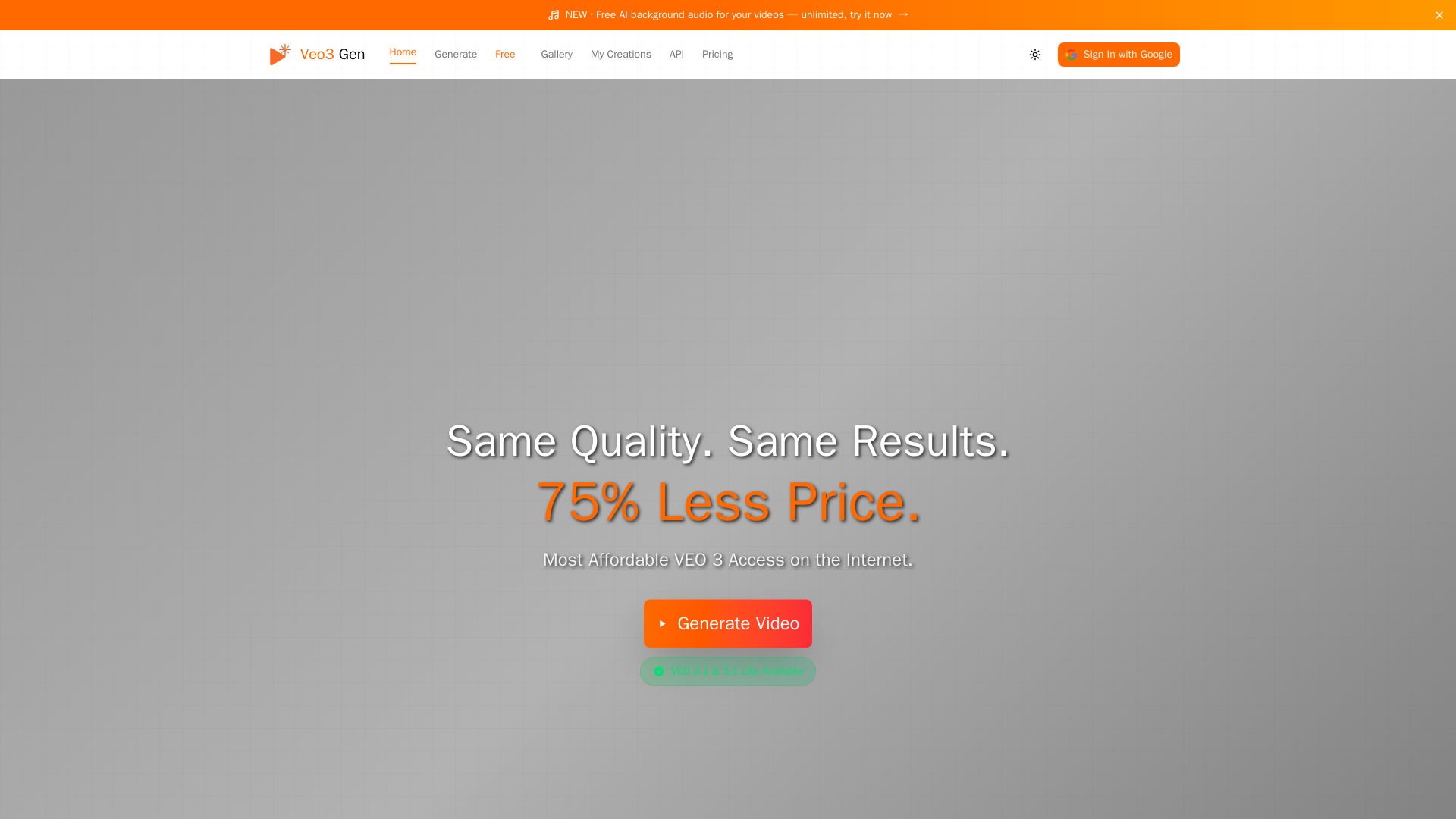
VEO3 Gen
Create stunning AI videos with synchronized audio at 75% less cost than Google VEO. VEO3 Fast from $0.08/sec. Try it free!

ℹ️ Curation Disclosure: The overview and features of Kensa were synthesized using AI and fact-checked by our curation team to ensure accuracy.
