
Veo 3
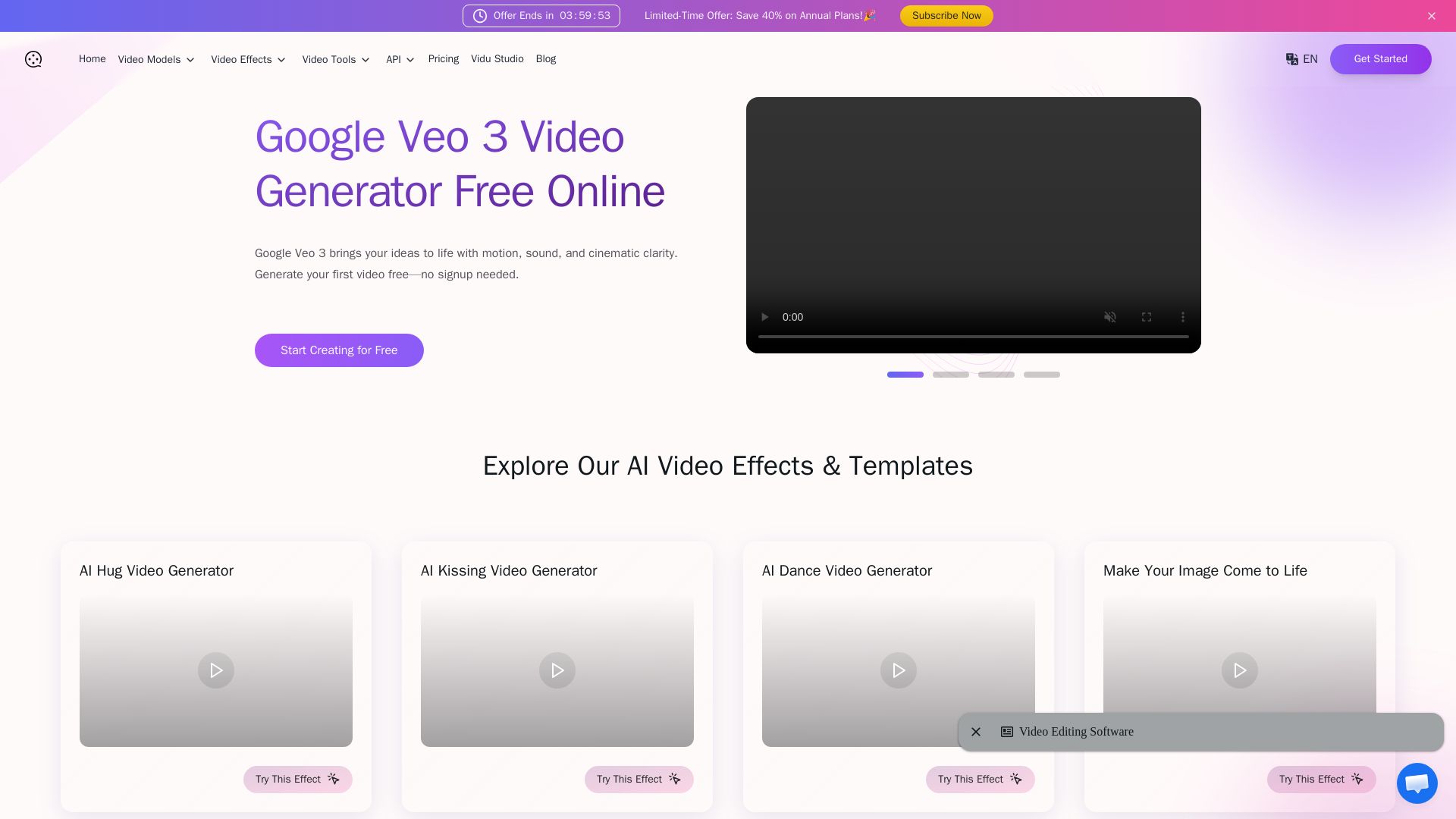
Create stunning AI videos with synchronized audio. Free Veo 3 text-to-video & image-to-video. 60+ effects. No signup needed.


Editor's Verdict
Key Takeaways
- Text to Video with Veo 3 AI
- Image to Video with Cinematic Motion
- Synchronized Audio & Sound Effects
- Fast High-Quality AI Video Output
In-Depth Review: What is Veo 3?
Videomaker.me offers free access to Google Veo 3, the latest AI video generator with synchronized audio, lip-synced dialogue, and realistic sound effects. Transform text or images into cinematic clips in seconds. Explore 60+ AI effects, including fun features like AI kissing video generator. No installation or account required.
Core Features
Text to Video with Veo 3 AI
Turn scripts, blog posts, or simple prompts into cinematic short films with advanced narrative understanding and lip-synced dialogue.
Image to Video with Cinematic Motion
Bring still images to life with motion simulation, natural movement, lighting, and perspective shifts.
Synchronized Audio & Sound Effects
Veo 3 generates ambient audio, sound effects, and voiceover synced to motion for realistic videos.
Fast High-Quality AI Video Output
Generate stunning full HD videos in seconds, backed by Google Veo 3 technology.
Free Veo 3 AI Video Generator
Try Veo 3 online for free without signup or credit card, directly from browser.
60+ AI Effects & Style Transfers
Access over 60 built-in effects like anime, glitch, comic, vintage, and viral tools like AI kissing video generator.
Integrated with Flow Suite
Works with Google's Flow AI filmmaking tool for scripted storytelling and complex workflows.
Pricing
Google AI Pro Plan
- Access to Veo 3 Fast
- 1,000 credits per month in Flow
- Up to 50 Veo 3 Fast videos or 10 Veo 3 Quality videos
- Access via Gemini app
Google AI Ultra Plan
- 12,500 monthly credits
- Up to 125 Veo 3 Quality videos or 625 Veo 3 Fast videos
- Enhanced features in Gemini and Flow
- Highest Veo 3 access
Pros and Cons
Pros
- Free trial without signupTry Veo 3 for free with no registration or credit card required.
- High-quality video with synchronized audioVeo 3 generates realistic videos with ambient sound, dialogue, and effects perfectly synced.
- Fast generation speedsVideos are produced in seconds, ideal for quick prototyping and content creation.
- Wide range of AI effectsOver 60 built-in effects and styles allow for creative and artistic video outcomes.
- Integration with Google's Flow suiteSeamless integration with Flow for advanced scripted storytelling and multi-scene workflows.
Cons
- Limited free trialFree trial may restrict video count and resolution (720p), requiring paid plans for full quality.
- Expensive high-quality plansGoogle Ultra Plan costs $249.99/month for extensive Veo 3 Quality video generation.
- Low resolution on free tierFree videos are limited to 720p, while paid plans offer up to 1080p.
- Limited video count on lower plansPro plan only allows 10 Quality videos per month, which may be insufficient for heavy users.
- Dependence on third-party platformsAccess through VideoMaker.me adds an intermediary, though it offers additional features.
Use Cases & Recommended Professions
Content Creator→ View Toolkit
Need quick video generation for social media posts and engaging stories without complex editing.
Filmmaker→ View Toolkit
Prototype scenes, storyboard ideas, and generate cinematic previews with synchronized audio.
Marketer→ View Toolkit
Create product demos, promotional videos, and ads rapidly to support campaigns.
Educator→ View Toolkit
Produce video lessons and explainer content with narration and visual aids.
Social Media Manager→ View Toolkit
Produce consistent, high-quality video content across platforms to boost engagement.
Entrepreneur→ View Toolkit
Visualize business ideas, pitch concepts, and create prototypes without video editing skills.
Frequently Asked Questions
Alternative AI Tools
View Detailed Comparison →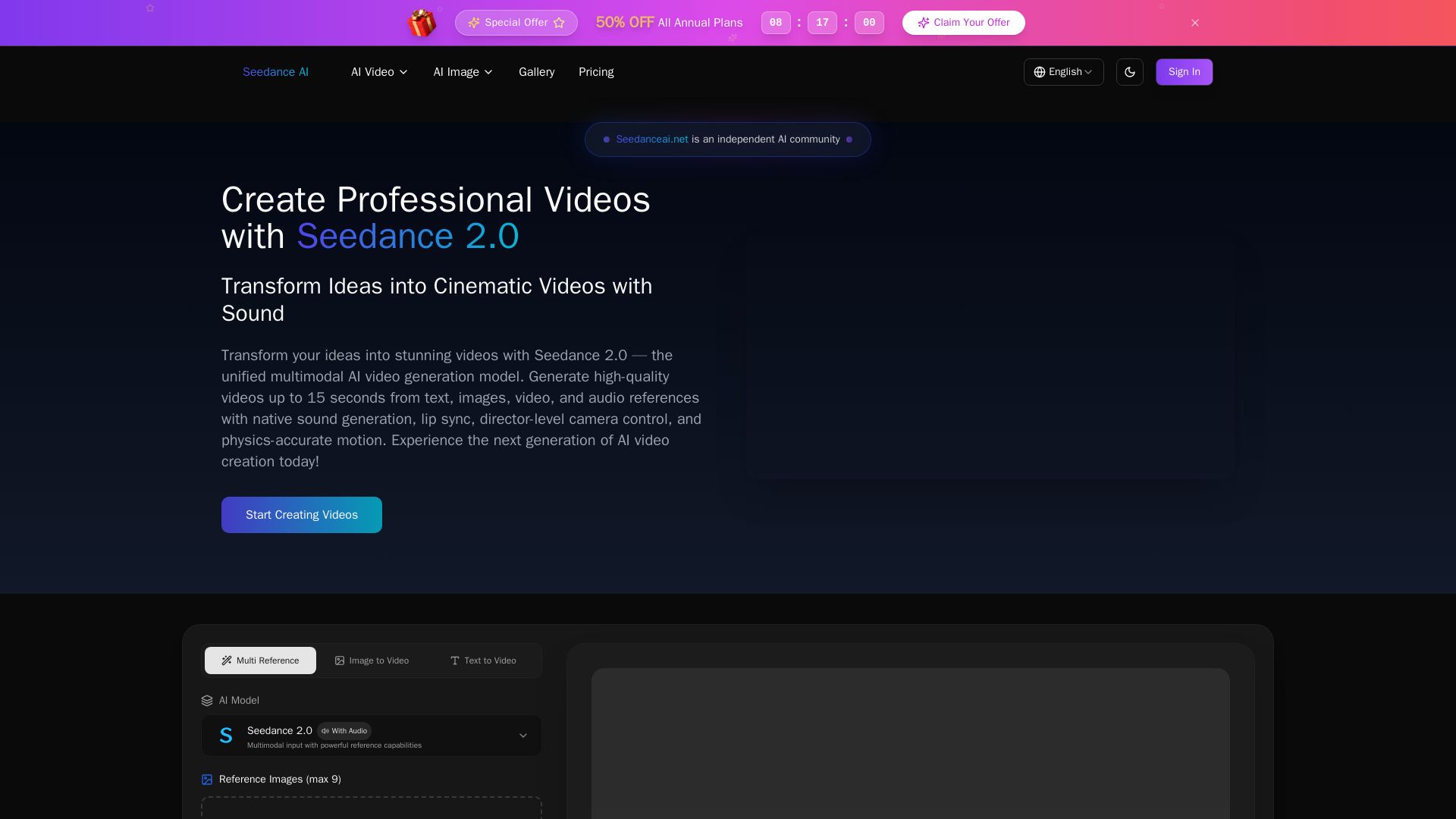
Seedance AI
Transform ideas into cinematic videos with Seedance 2.0 AI. Generate from text, images, video & audio with native sound, lip sync, and camera control. Try now!


Marketing Mary
Unify research, creation, publishing & optimization with one AI Co-Pilot. Works in your existing stack. Join 500+ leaders on the waitlist.


AI Video - AI Video Generator
Create animated videos from text or images with AI. Drag-and-drop editing, lip-sync, HD export. No skills needed. Download free!

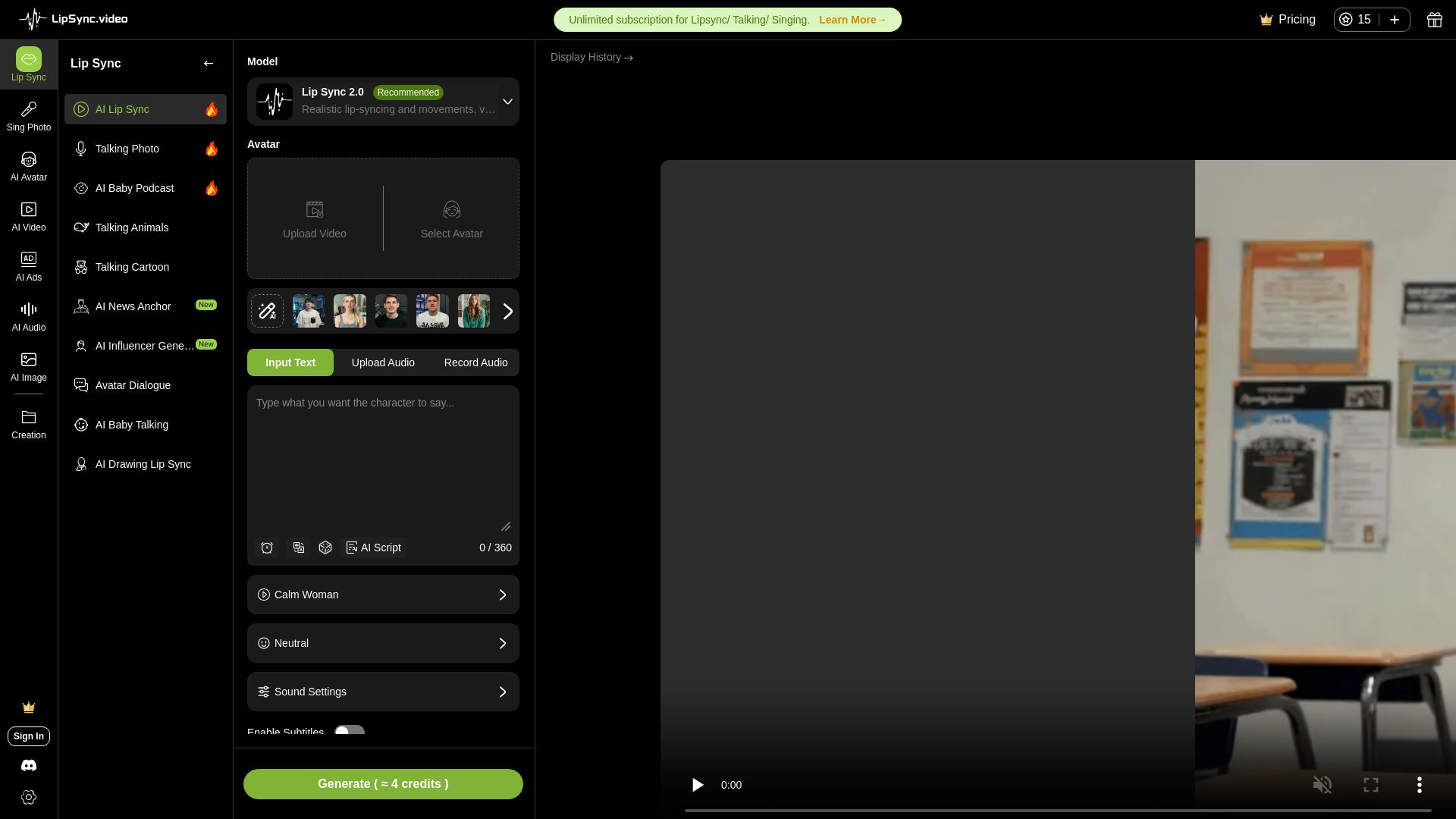
LipSync
Create realistic lip-synced videos for free with no watermark. Supports multiple languages, avatars, and content types. Perfect for marketing, social media, and more.


Marketing Titan
Replace HubSpot, ZoomInfo, Hootsuite & Jasper with 180+ AI agents & Darwin AI. Save $50K+/yr. Start free trial.

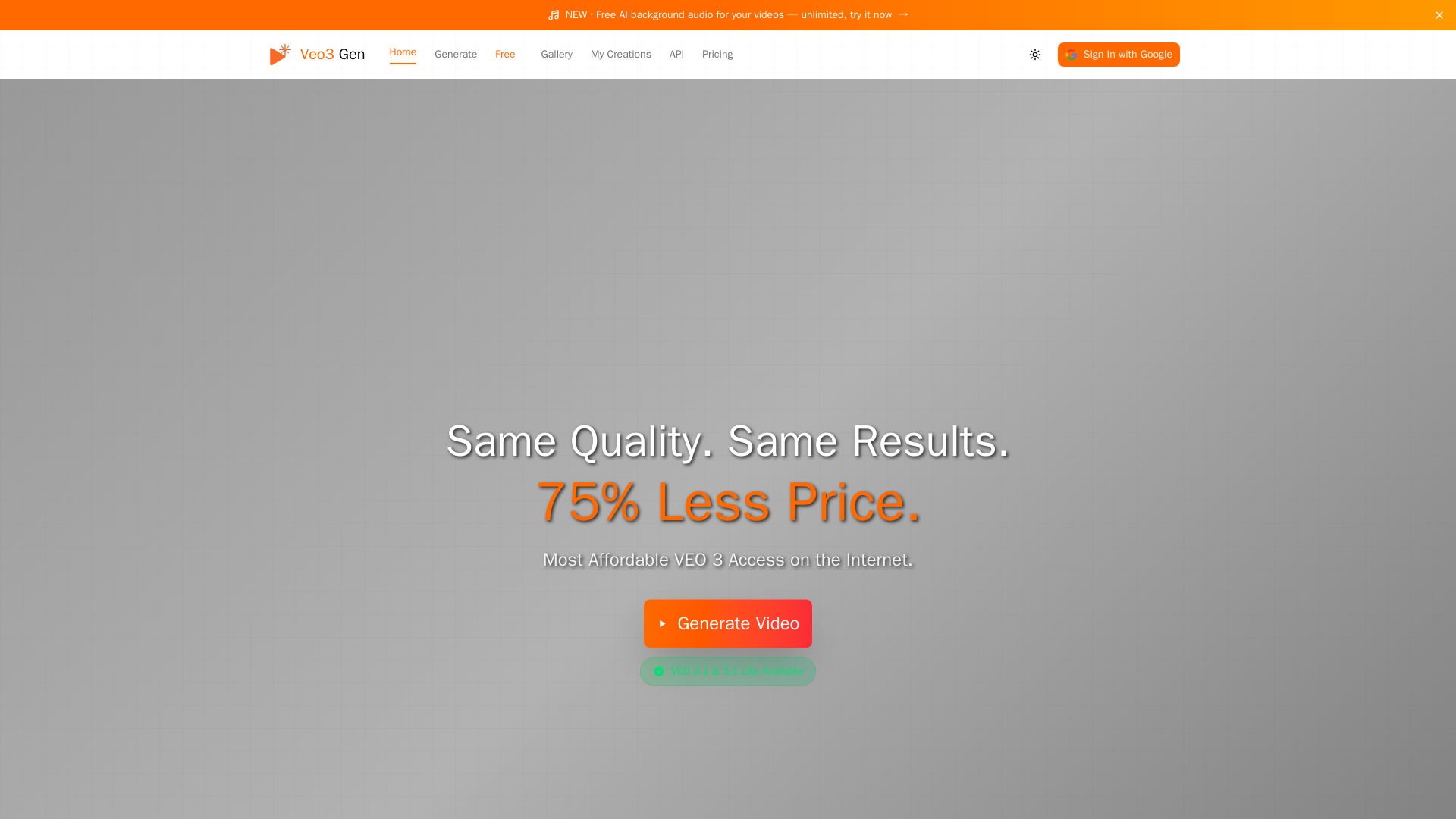
VEO3 Gen
Create stunning AI videos with synchronized audio at 75% less cost than Google VEO. VEO3 Fast from $0.08/sec. Try it free!

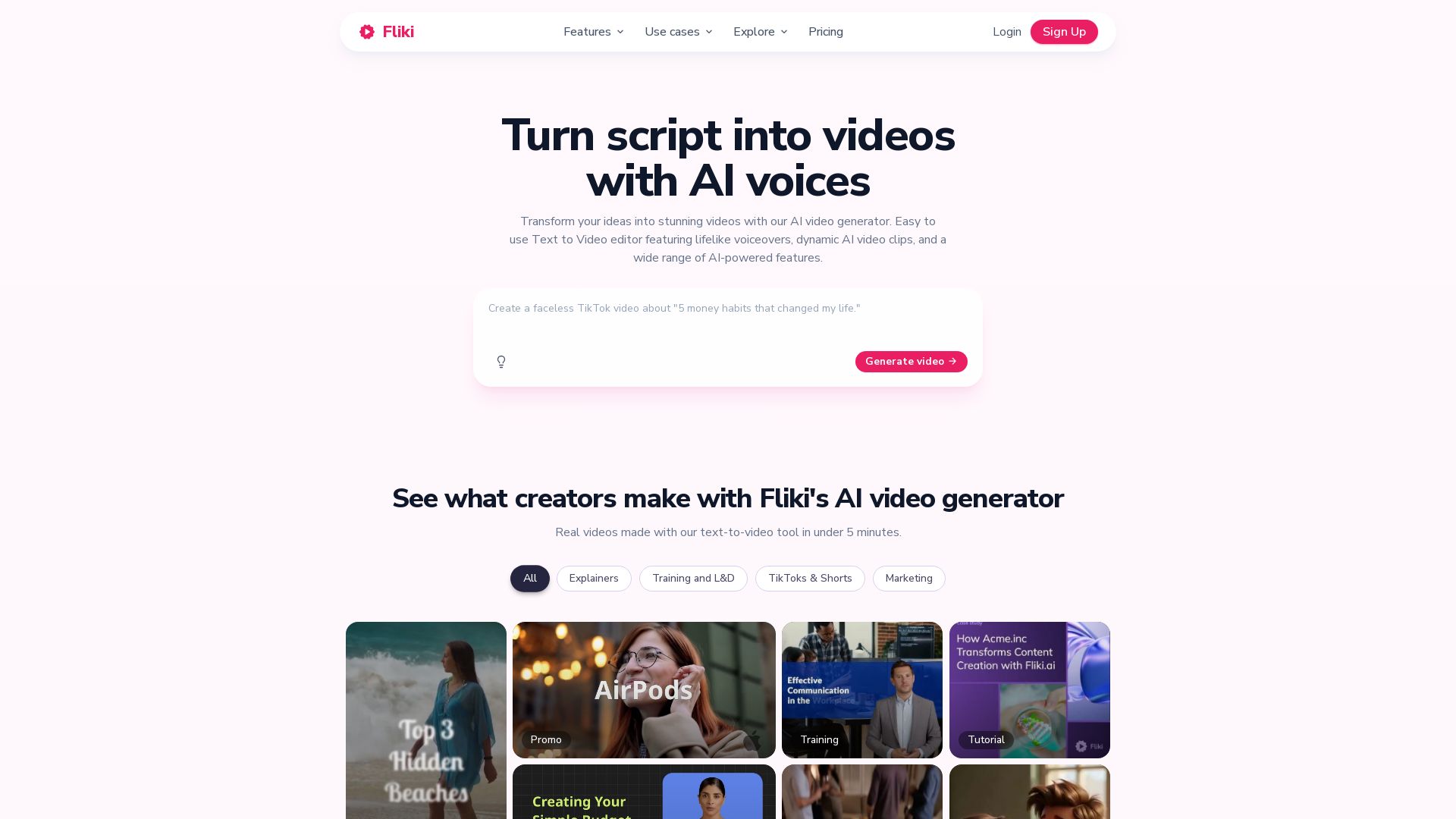
Fliki
Create stunning videos from text in minutes. AI voices, visuals, music, and captions. Trusted by 12M+ creators. Free to start.


Marketing Copilot
Boost AI visibility, engage buyers, and manage data with expert-led marketing. Trusted by tech companies. Claim your AI Visibility Assessment.

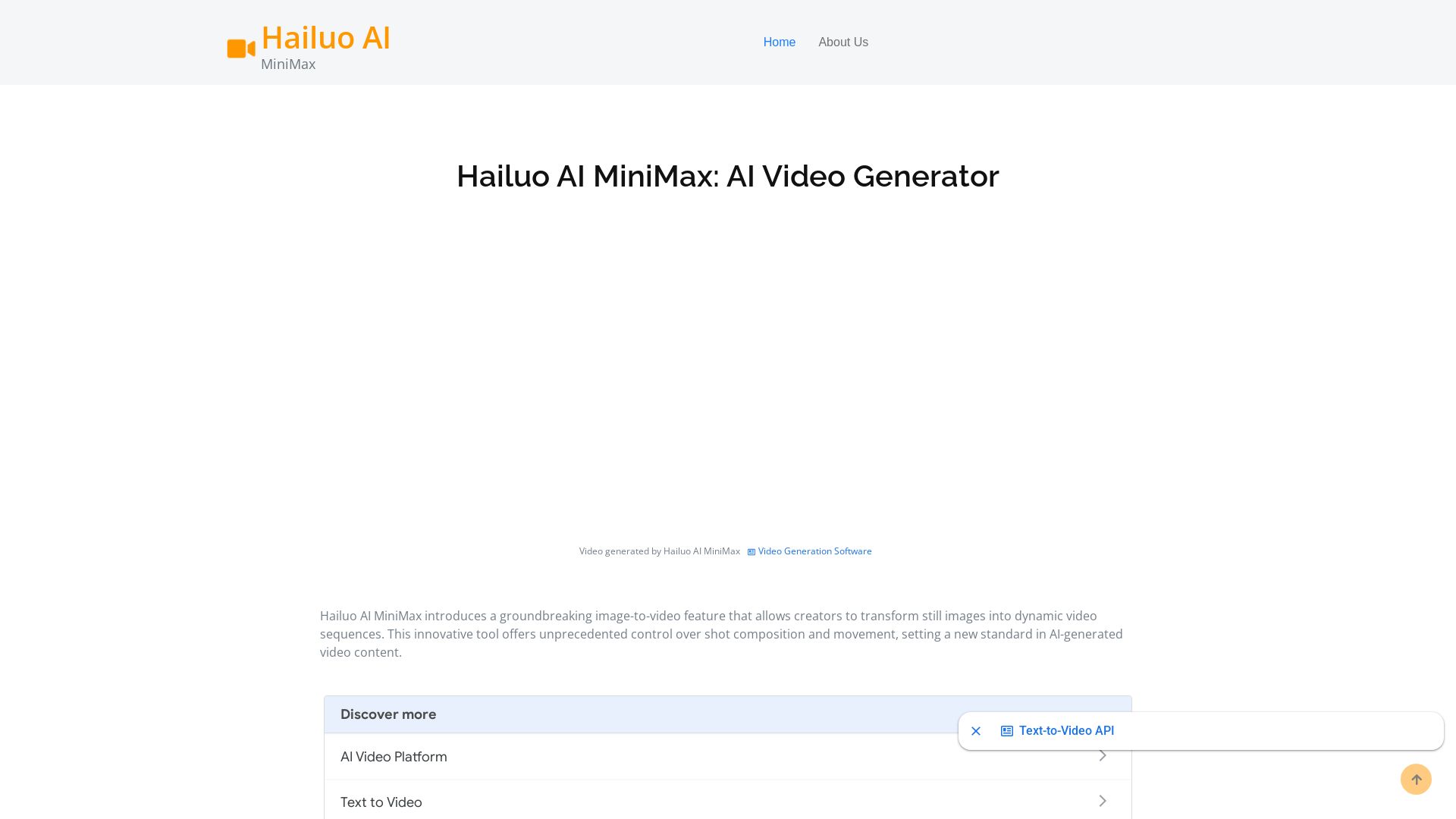
Hailuo AI MiniMax
Create stunning videos from text prompts or images with Hailuo AI MiniMax. Free, fast, and no login needed. High-quality AI video generation.
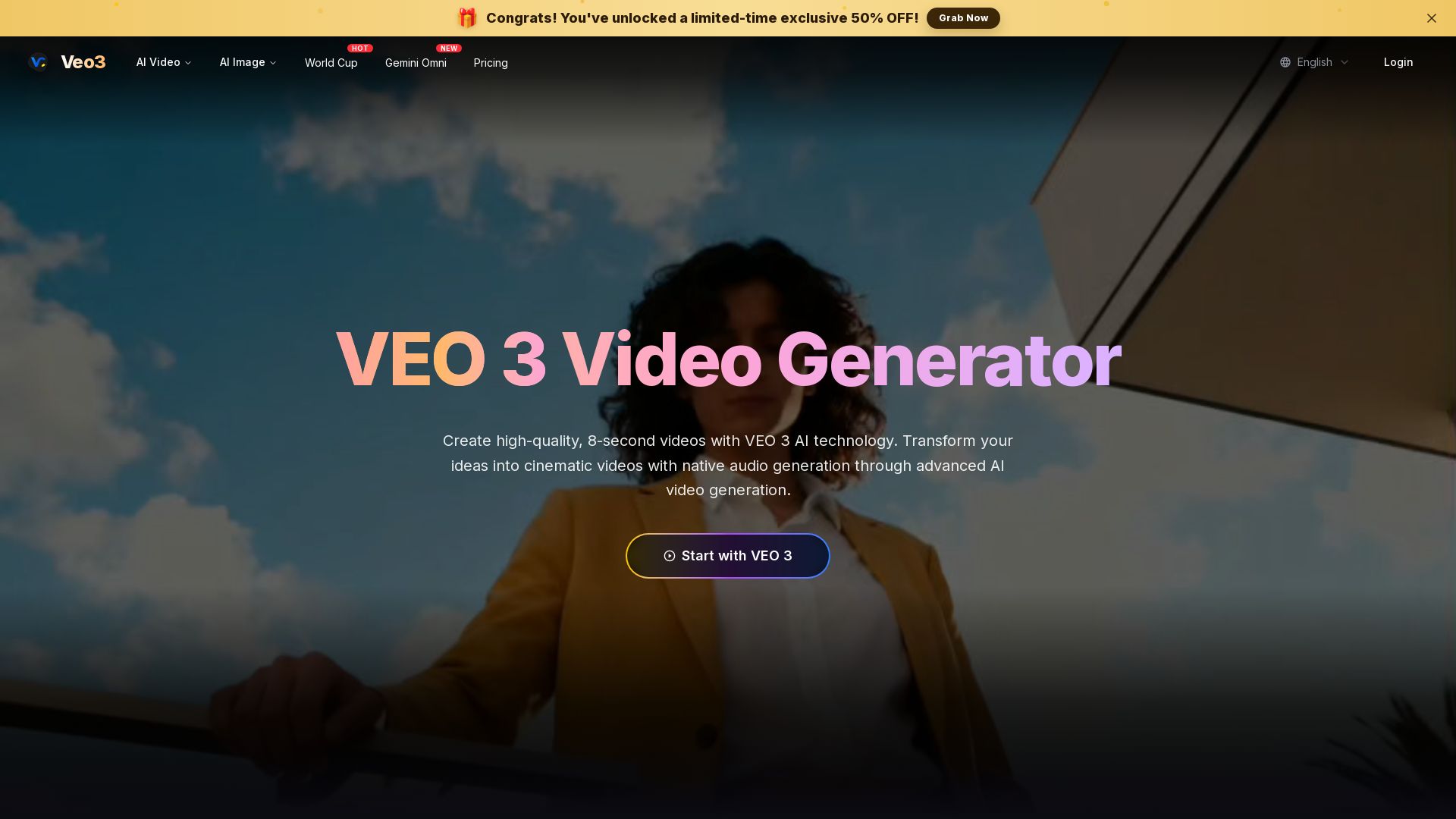
Veo 3
Create stunning 8-second AI videos with native audio. Powered by Google Veo 3.1. Text-to-video, image-to-video, cinematic quality. Start free.


Later
Unforgettable campaigns start with insight. Later combines influencer marketing, social media management, and AI-driven data to drive results for enterprise brands, social media managers, and creators.


FounderPal
Trusted by 2250+ founders. Get a personal AI marketing assistant to define strategy, delegate tasks, boost conversions. Save 100+ hours/month. Try free.

ℹ️ Curation Disclosure: The overview and features of Veo 3 were synthesized using AI and fact-checked by our curation team to ensure accuracy.