
Invideo
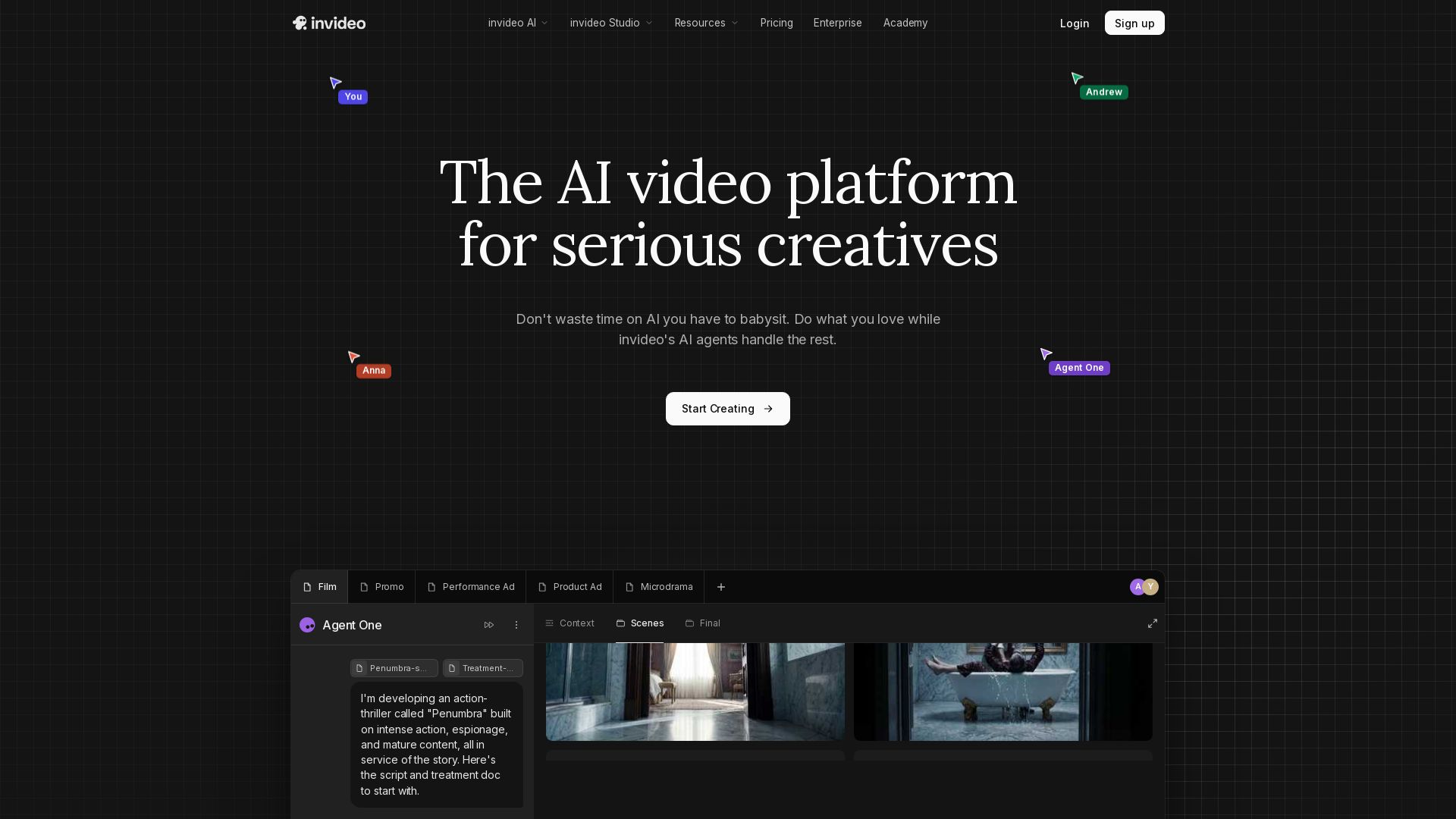
Create professional videos effortlessly with AI agents that remember your context. Collaborate, edit, and scale content across film, ads, and social media.



Editor's Verdict
Key Takeaways
- AI agents with long-term memory
- Multi-shot editing
- Model-agnostic prompt assistance
- Multiplayer collaboration
In-Depth Review: What is Invideo?
invideo AI is a cutting-edge video creation platform designed for serious creatives. It leverages intelligent AI agents that understand your project's context, remember details, and handle complex tasks like scriptwriting, shot planning, and multi-scene editing. With features like real-time collaboration, custom agent roles, and one-click location or costume changes, you can produce high-quality videos without being a prompt engineer. Trusted by teams, it supports filmmaking, advertising, microdramas, and social media content, all while maintaining consistency and creative control.
Core Features
AI agents with long-term memory
Store project context so every clip stays consistent without repeated instructions.
Multi-shot editing
Edit multiple shots simultaneously, changing locations, costumes, or characters without regenerating each clip.
Model-agnostic prompt assistance
Describe your scene and get help choosing the AI model and writing prompts for each shot.
Multiplayer collaboration
Collaborate in real time with live cursors, showing what everyone is working on.
Storyboarding
Turn scripts or ideas into shot-by-shot plans, adjustable before generation.
Script writing with AI co-writer
Write scripts inside invideo with optional AI co-writer assistance.
Timeline editor with AI
Full-featured timeline editor similar to Premiere Pro but with integrated AI capabilities.
Custom agents
Create custom AI agents for specific roles like cinematographer, music designer, etc.
Private & secure
SOC 2 & ISO aligned, GDPR compliant, ensuring data protection.
Pricing
Individual
- Access to 200+ image, video, audio, music models including Seedance 2.0, Veo 3.1, Kling 3.0, Nano banana pro & Elevenlabs music
- Access to top stock providers like iStock, Storyblocks & more
- On-demand credit top-ups available
- Model & agent prices subject to change
Team & Enterprise
- All Individual features
- Seat-based pricing
- Dedicated support
- Custom integrations
Pros and Cons
Pros
- Time-saving AI agentsAutomates repetitive tasks, allowing creatives to focus on storytelling.
- Consistent outputLong-term memory ensures clips stay consistent across a project.
- Flexible editingEdit multiple shots at once, change settings without full regeneration.
- Collaboration readyReal-time multiplayer with live cursors for team projects.
- No prompt engineering neededAutomated model selection and prompt writing for non-technical users.
Cons
- Credit system complexityCredits don't roll over and model pricing varies, which may be confusing.
- Potential high costsHeavy usage or premium models can be expensive.
- Learning curveUnderstanding agents and custom workflows may require initial time investment.
- No free tier detailsPricing page lacks clear free plan information, only mentions 'Sign up'.
- Limited offline capabilityRelies on cloud-based AI models, requiring internet access.
Use Cases & Recommended Professions
Filmmaker→ View Toolkit
Direct every shot with AI handling details, from storyboarding to final edits.
Advertiser→ View Toolkit
Create performance ads and promos that stay on brand across formats.
Social Media Manager→ View Toolkit
Spin one idea into multiple vertical cuts for different social channels.
Microdrama Creator→ View Toolkit
Scale binge-worthy series while maintaining character and story consistency.
Video Editor→ View Toolkit
Use AI timeline editor with full video editing capabilities and agent assistance.
Content Creator→ View Toolkit
Generate videos quickly with AI agents, from scripting to final output.
Frequently Asked Questions
Alternative AI Tools
View Detailed Comparison →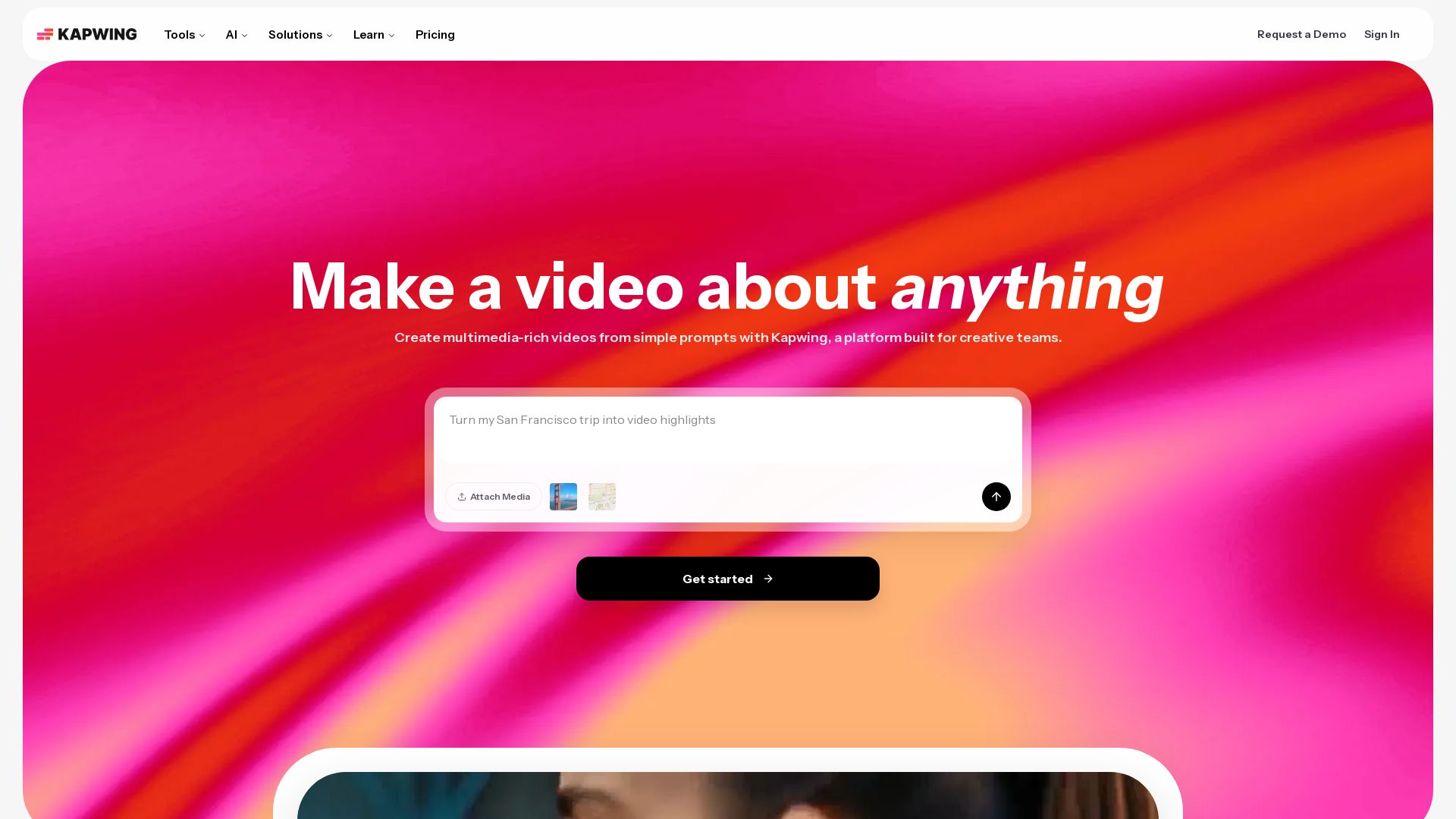
Kapwing
Edit, subtitle, translate, and generate videos with AI. Collaborate in real-time. No downloads needed. Try free.

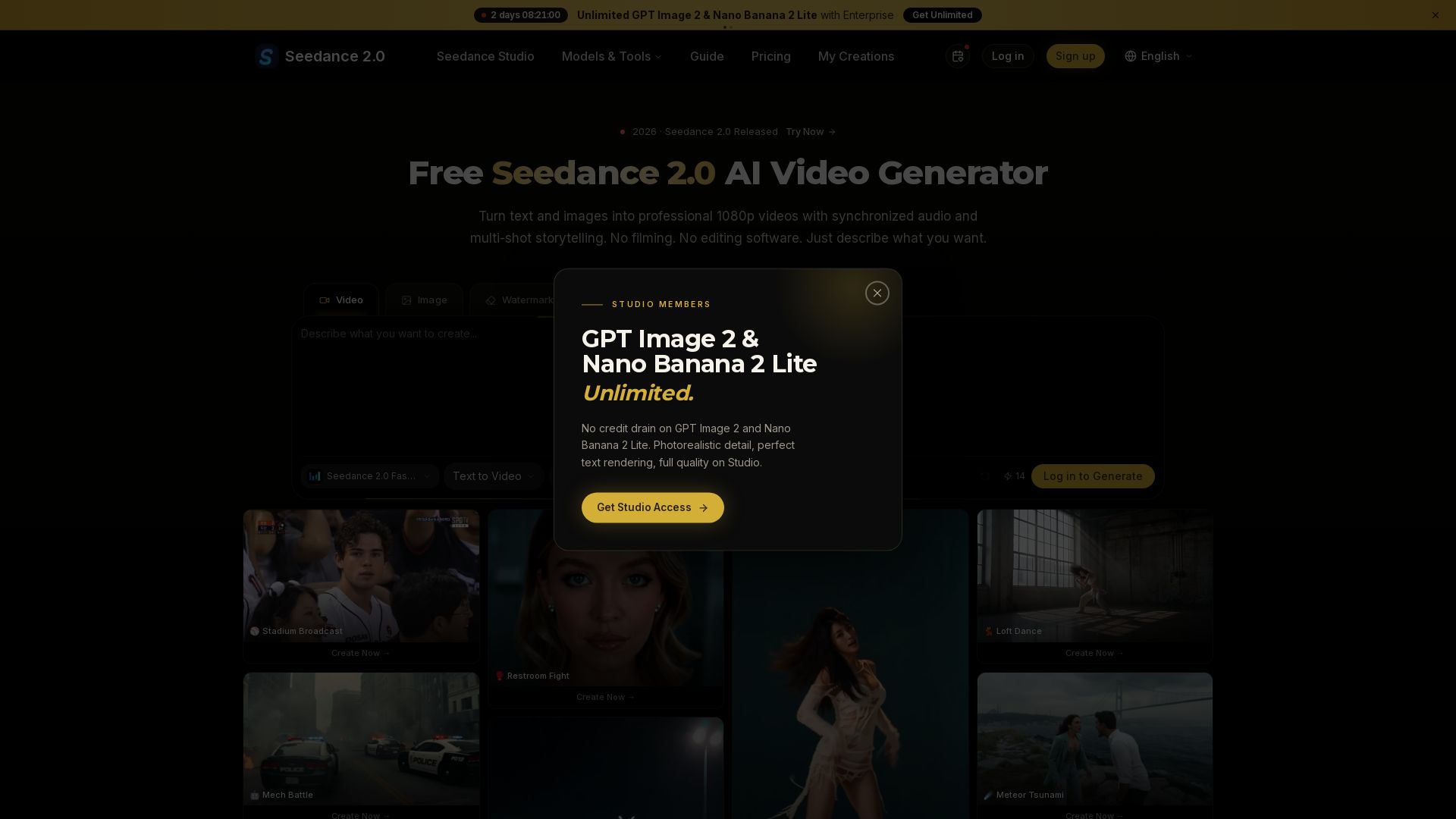
Seedance 2.0
Turn text and images into professional 1080p videos with synchronized audio and multi-shot storytelling. Free to start.


Gen AI Video Generator
Create stunning AI videos and images with 90+ models including Google VEO 3, Sora 2, Seedance 2.0. Text-to-video, image-to-video, photo editing on iOS.


AI Video - AI Video Generator
Create animated videos from text or images with AI. Drag-and-drop editing, lip-sync, HD export. No skills needed. Download free!


Flow AI Video Generator
Create stunning 4K AI videos with Flow AI Video. Text-to-video, image-to-video, multi-shot storytelling. Get 50% OFF now!

Digen AI
Create stunning AI videos in seconds. Generate from text, images, lip sync, and more. Explore tools like video upscaler, watermark remover, and FPS booster.

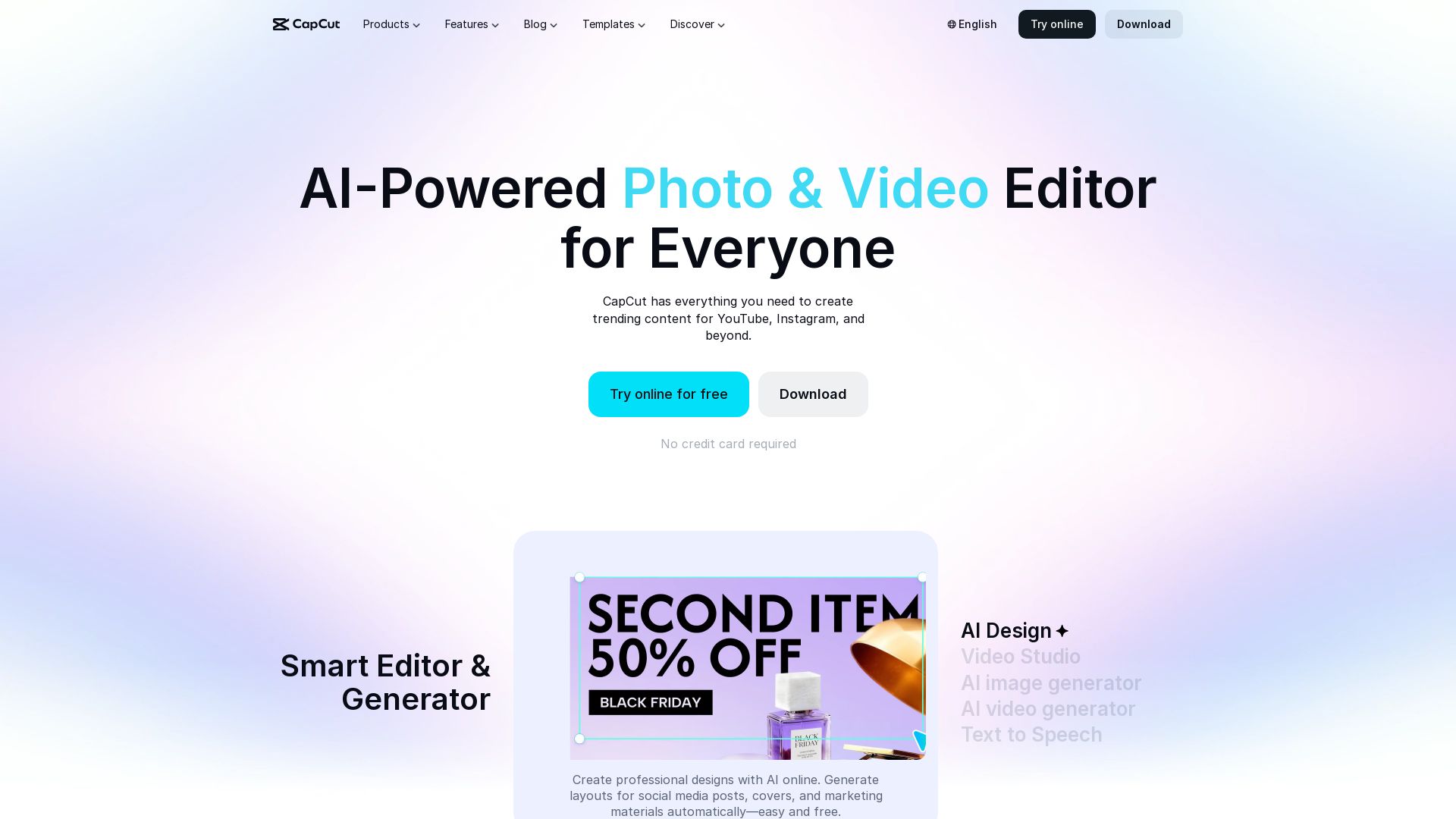
CapCut AI Video Editor
Create stunning videos and photos with CapCut's AI tools. Free online editor, background remover, text to speech, templates. No watermark. Try now!

Hailuo AI MiniMax
Create stunning videos from text prompts or images with Hailuo AI MiniMax. Free, fast, and no login needed. High-quality AI video generation.

Flow Veo 3
Create stunning ultra-HD videos with Flow Veo 3's AI. Professional-grade cinematic content, fast rendering, and easy tools.


SeaArt AI
Turn ideas into stunning images and cinematic videos with SeaArt AI. Free tools, community, and advanced models like Seedance 2.0.

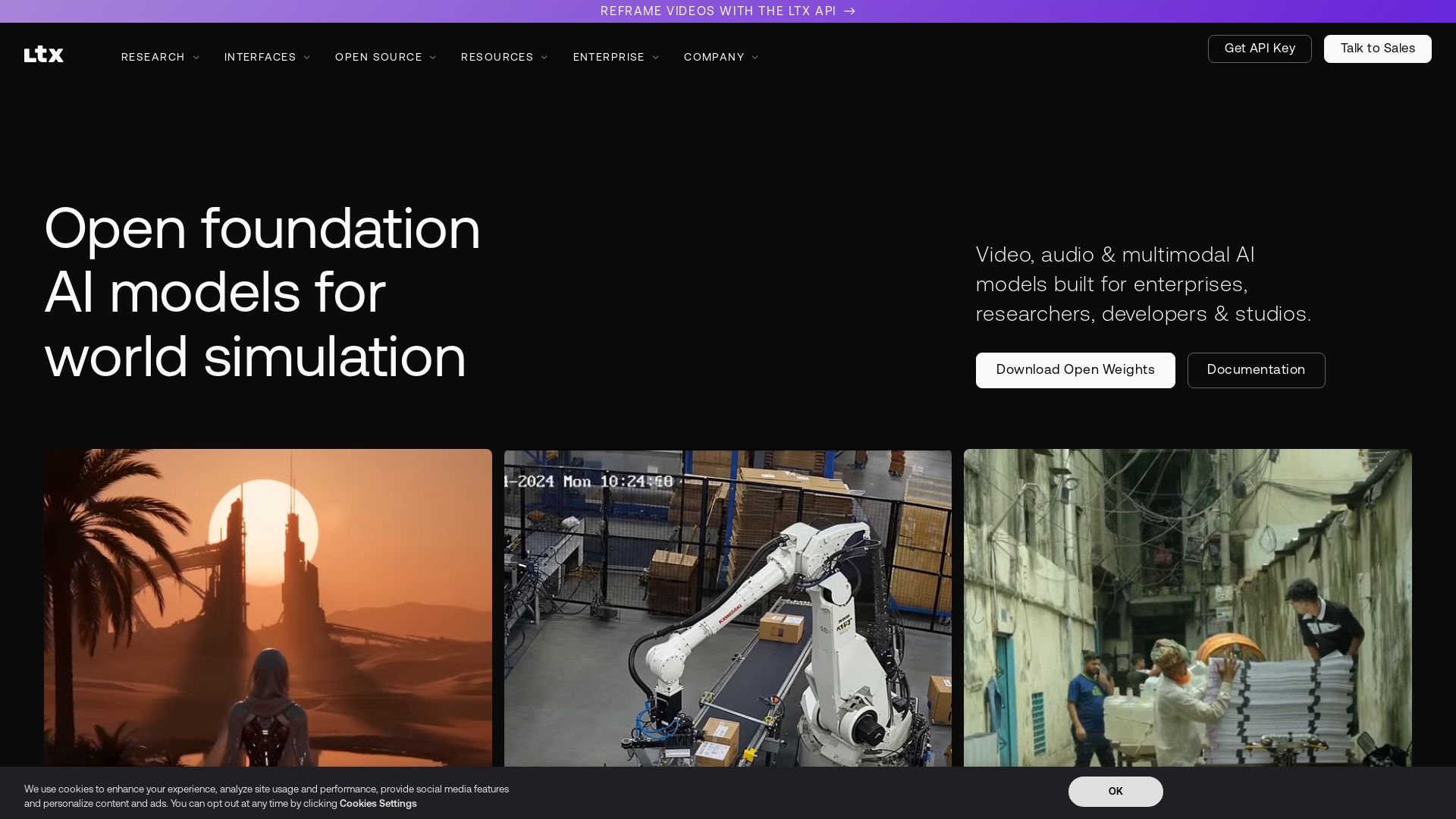
LTX
Generate and reframe videos with LTX's 22B-parameter open-source AI. Outpainting, audio-driven video, and multimodal models for enterprises and creators.

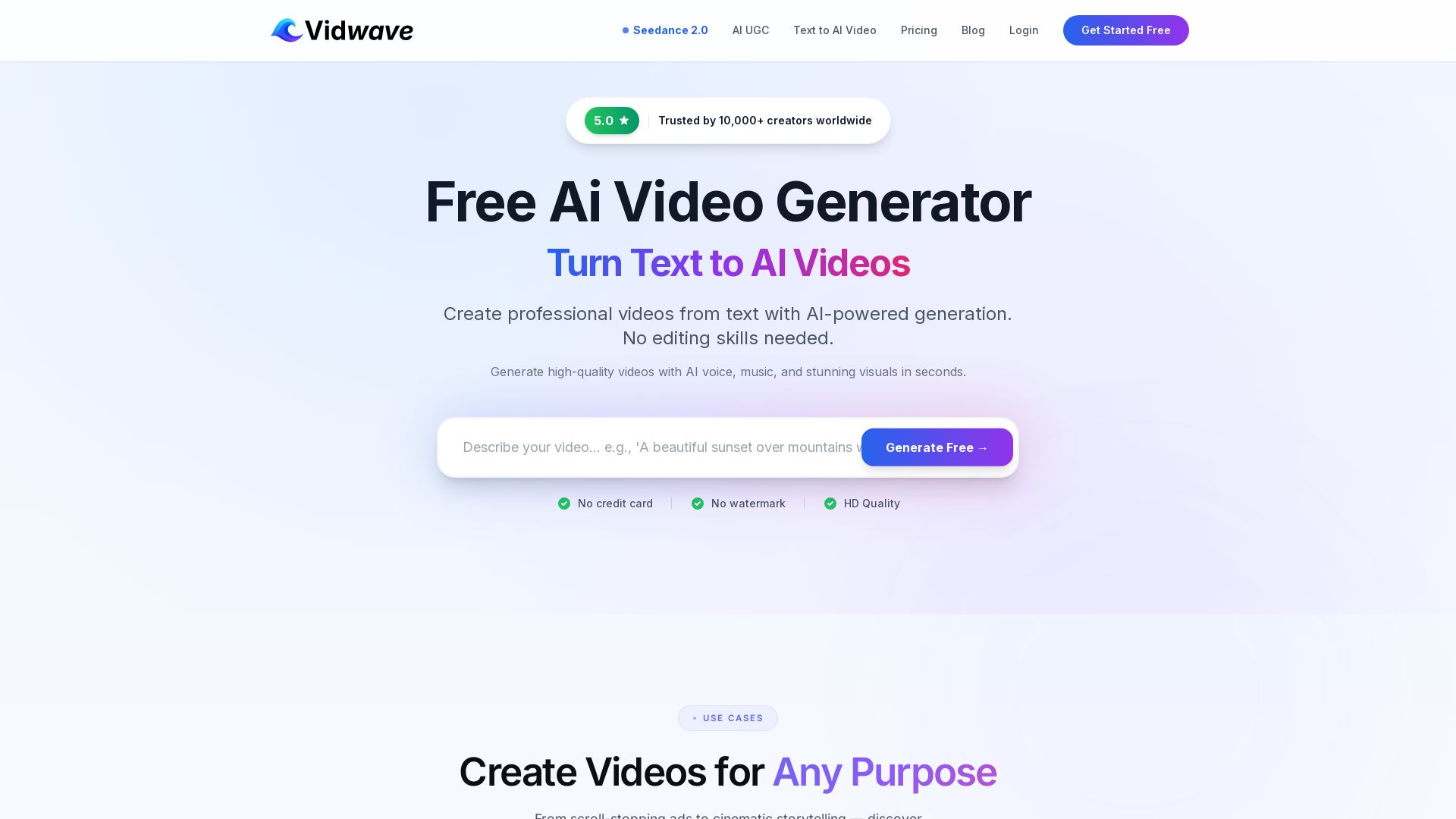
Vidwave
Create stunning AI videos from text in seconds. No editing skills needed. Free HD quality, no watermark. Trusted by 10,000+ creators. Try Vidwave now!

ℹ️ Curation Disclosure: The overview and features of Invideo were synthesized using AI and fact-checked by our curation team to ensure accuracy.