
Connect to Claude
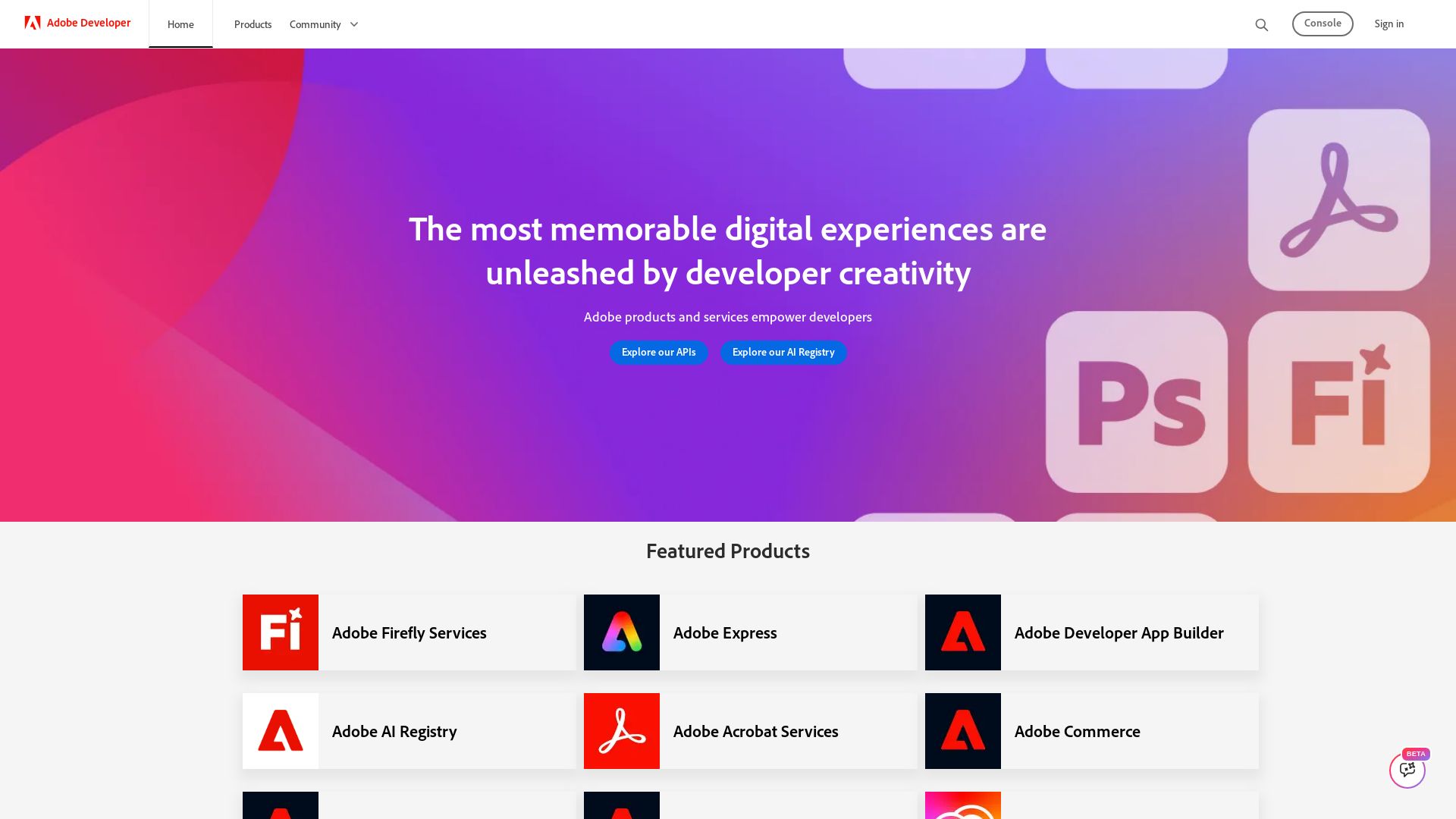
Discover Adobe's APIs, AI Registry, Firefly Services, and more. Build memorable digital experiences with developer tools and community resources.
Editor's Verdict
Key Takeaways
- AI-Powered Automation
- Cross-Platform Integration
- Developer-Friendly APIs
- Custom App Development
In-Depth Review: What is Connect to Claude?
Adobe Developer provides a comprehensive platform for developers to build with Adobe's APIs, AI capabilities, and services. Explore products like Firefly Services, Adobe Express, App Builder, and the AI Registry. Access tools for creativity, document automation, analytics, and commerce. Join the community via blogs, GitHub, and forums. Attend Adobe Developers Live 2026 for keynotes on AI-first and agentic future. Start building today.
Core Features
AI-Powered Automation
Leverage Adobe Firefly Services and AI Registry to automate creative workflows and integrate AI models into applications.
Cross-Platform Integration
Access over 50 tools across Photoshop, Lightroom, Illustrator, and more through a unified connector, enabling seamless cross-app continuity.
Developer-Friendly APIs
Use Adobe Analytics API, Acrobat Services, and others to embed powerful functionalities like data analytics and document processing.
Custom App Development
Build custom applications and extensions with Adobe Developer App Builder, tailored to enterprise workflows.
Cloud-Based Creative Tools
Utilize Adobe Express and Creative Cloud for quick design, content creation, and asset management in the cloud.
Pros and Cons
Pros
- Comprehensive API EcosystemOffers a wide range of APIs for analytics, document processing, creative tools, and more, enabling deep integration.
- AI-Powered CapabilitiesIntegrates cutting-edge AI through Firefly Services and AI Registry, enhancing productivity and creativity.
- Cross-Platform ContinuityAllows users to switch between 50+ tools without losing context, streamlining workflows.
- Strong Community and SupportActive developer community on GitHub, forums, and YouTube, with official support channels.
- Free Tier AvailableSigning in with an Adobe account provides higher usage limits and access to multiple tools at no cost.
Cons
- Steep Learning CurveThe extensive set of products and APIs can be overwhelming for newcomers, requiring time to master.
- Paid Subscriptions for Advanced FeaturesWhile a free tier exists, many premium features and higher usage limits require a paid plan.
- Platform Lock-InDeep integration with Adobe ecosystem may lead to dependency, making it hard to switch to alternative tools.
- Complex Pricing StructurePricing varies across products and plans, which can be confusing for users trying to estimate costs.
Use Cases & Recommended Professions
Software Developer→ View Toolkit
Need to integrate Adobe APIs (Analytics, Acrobat, Creative Cloud) into web and mobile applications for enhanced functionality.
UI/UX Designer→ View Toolkit
Require access to Photoshop, Illustrator, and other design tools to create and prototype user interfaces, leveraging the unified connector for efficient workflows.
Digital Marketer→ View Toolkit
Utilize Adobe Experience Platform and Analytics API to gain customer insights and personalize campaigns across channels.
Data Analyst→ View Toolkit
Analyze user behavior and business data using Adobe Analytics API, combining with other tools for comprehensive reporting.
Content Creator→ View Toolkit
Use Adobe Express and Creative Cloud for quick content creation, photo editing, and video formatting, saving time with AI-powered features.
Enterprise Architect→ View Toolkit
Design and implement custom enterprise solutions using Adobe Developer App Builder, integrating with existing systems.
Frequently Asked Questions
Alternative AI Tools
View Detailed Comparison →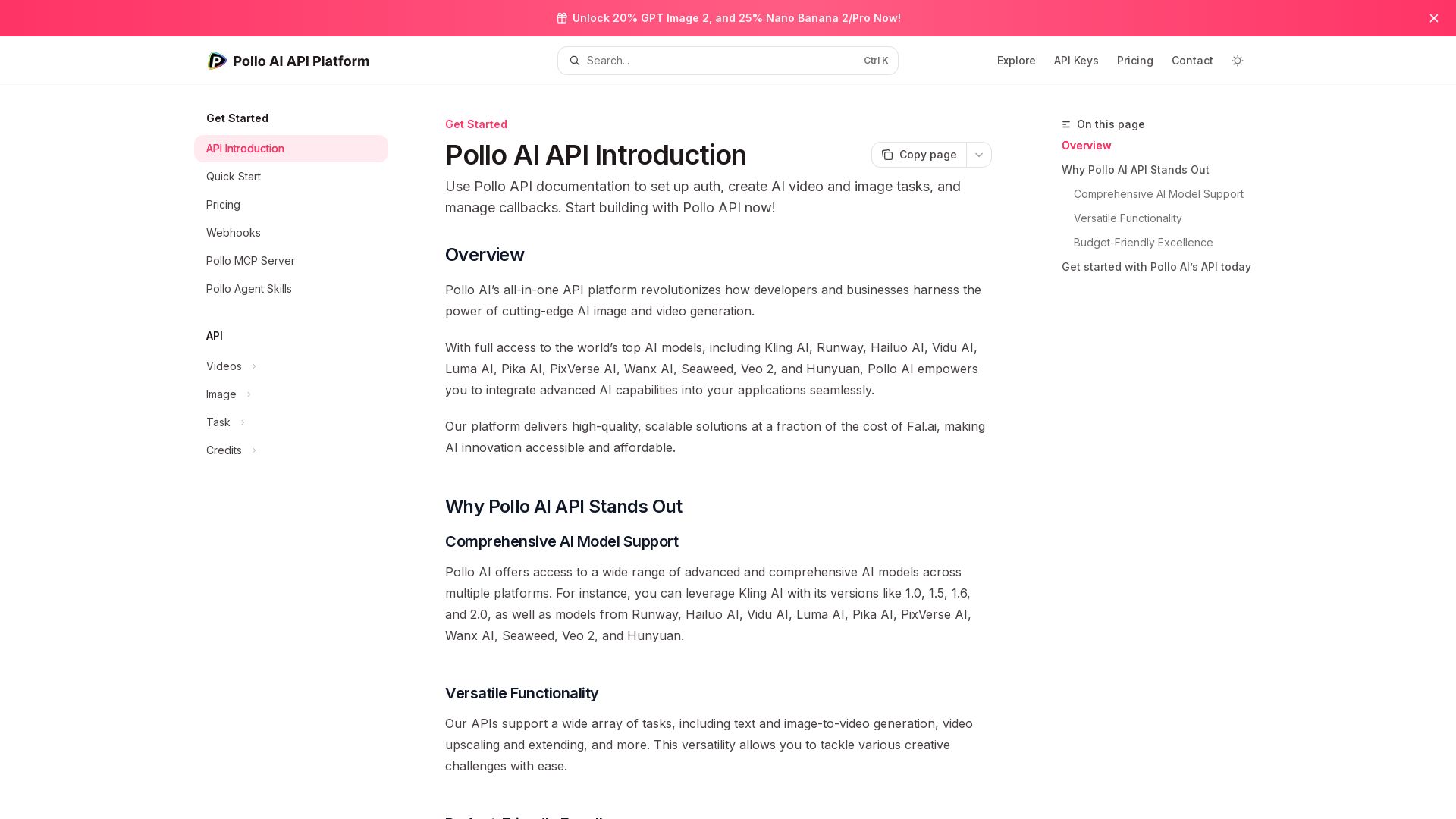
Pollo API
Integrate cutting-edge AI video and image generation with Pollo AI API. Access Kling, Runway, Hailuo, and more. Budget-friendly, high quality.


Kie.ai
Access 100+ video, image, audio & LLM models via one unified API. Save up to 84% vs official APIs. Zero cost for failed tasks. 99.9% uptime.


Figma Console MCP
Connect AI to Figma for design extraction, token sync, and component creation. Turn your design system into a programmable API.

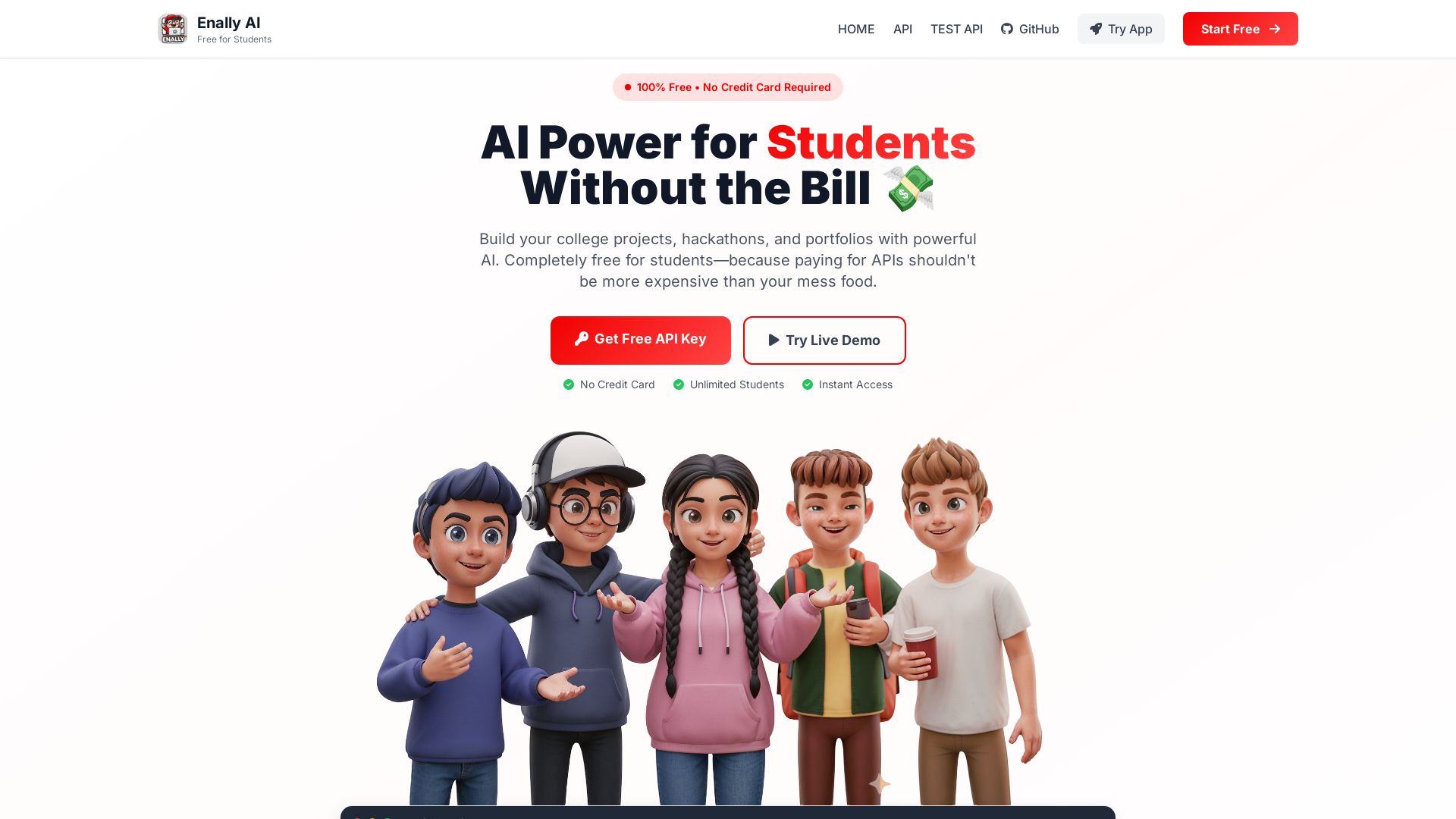
Enally AI
Get unlimited free AI APIs for college projects, hackathons, and portfolios. Chat, multimodal, reasoning. No credit card required. Start building now!

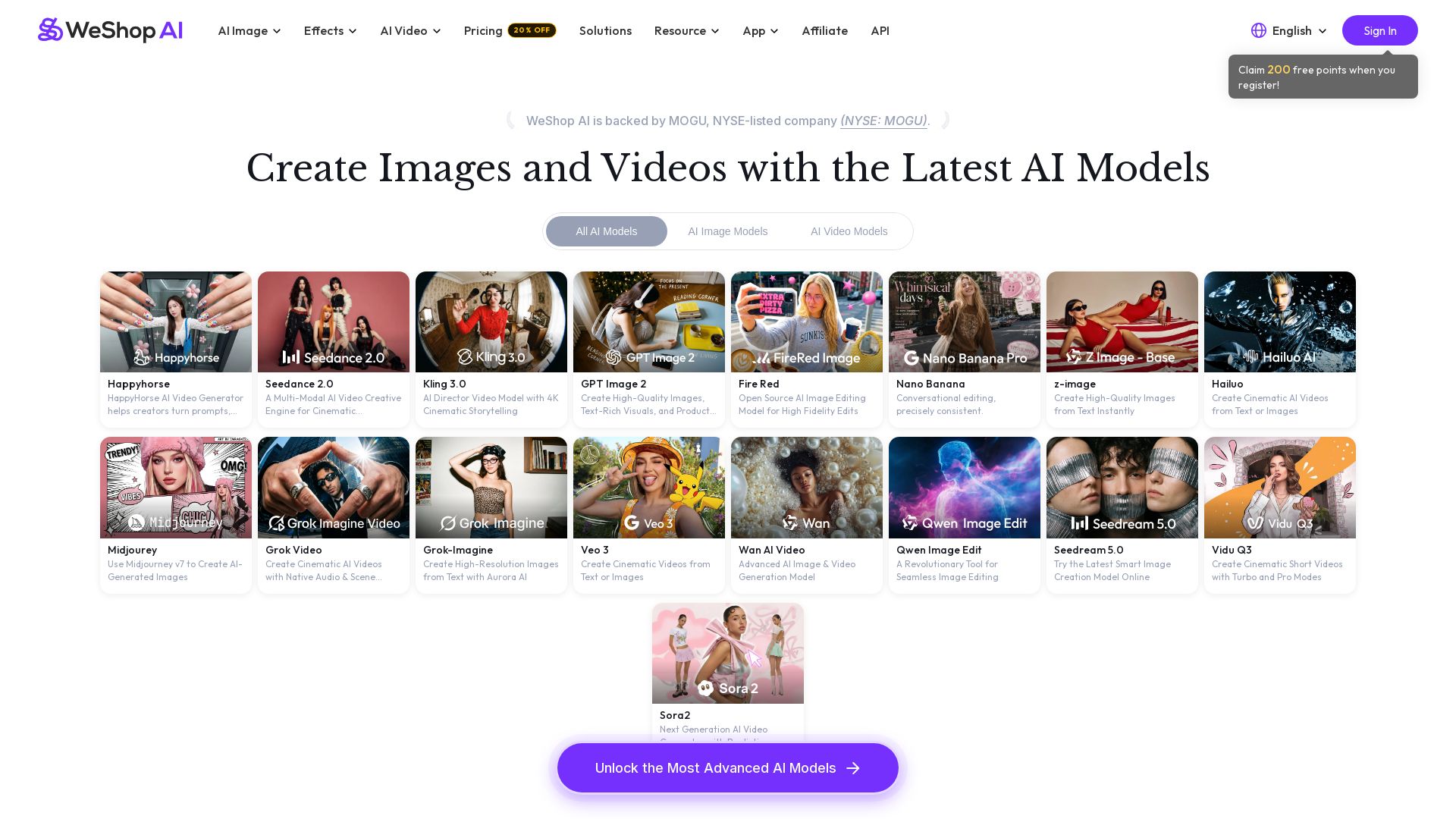
WeShop AI
Generate high-quality AI images and videos using top models like Midjourney, Kling, and Seedance. Try virtual try-on, AI fashion models, and more. Trusted by 3M+ users. Start with 200 free points!


Motiff AI
Generate production-ready UI from text, wireframes, or screenshots with Motiff AI. Choose preset styles, export to React/HTML. Fast, consistent design.

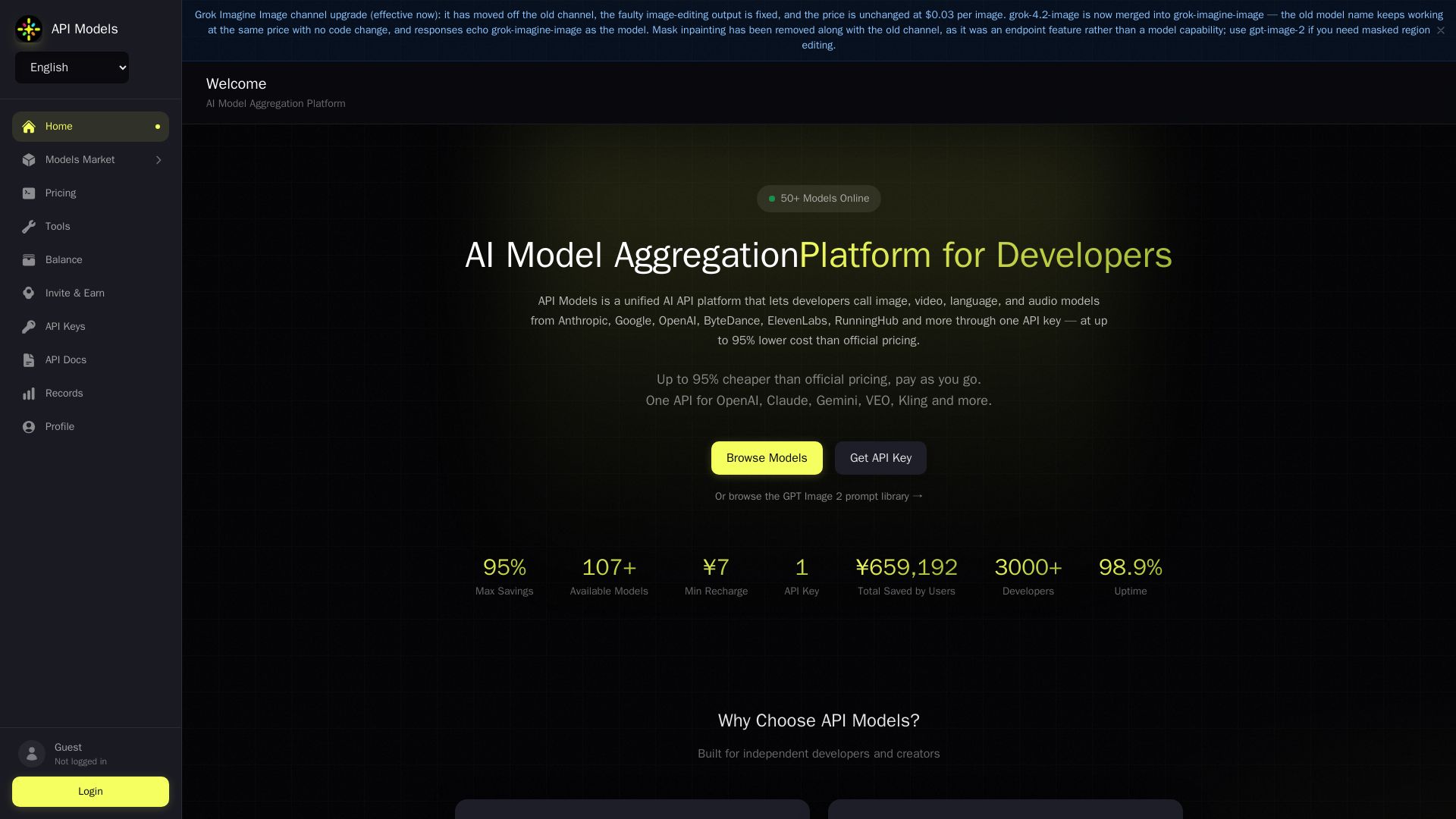
API Models
Access 50+ AI models (GPT, Claude, Gemini, Grok, etc.) via one API key. Up to 95% cheaper than official pricing. Pay as you go.

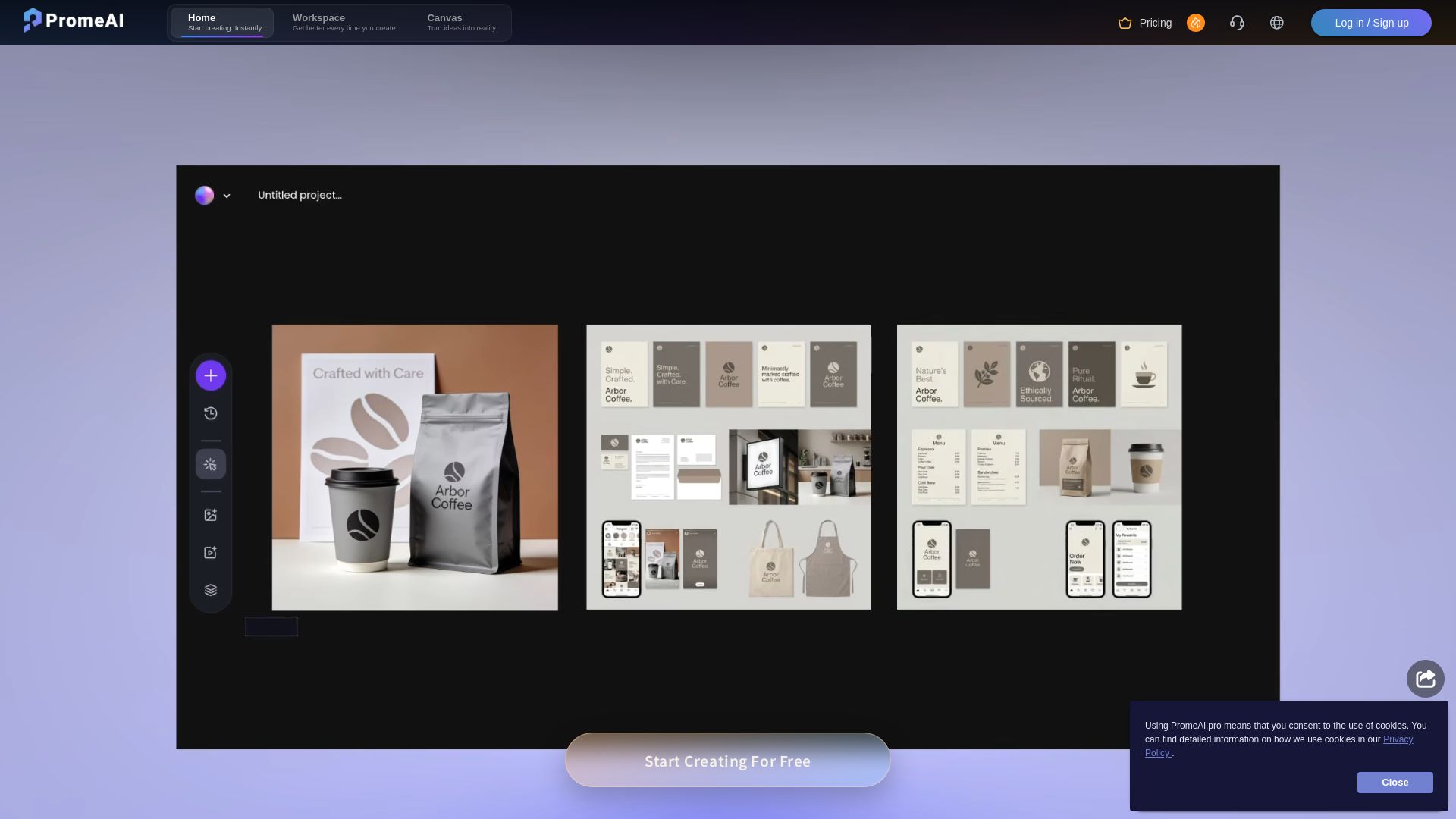
PromeAI
Transform sketches into realistic renders with PromeAI. 42+ AI tools for architecture, interior design, and more. Trusted by 2M+ users.


Figma
Figma is the intelligent, AI-native canvas for designing, prototyping, and building products together. Trusted by 95% of Fortune 500. Explore design and dev tools.


Superdesign
Create stunning designs with AI. Iterate quickly using natural language. Export production-ready code. Browse design prompts and styles.

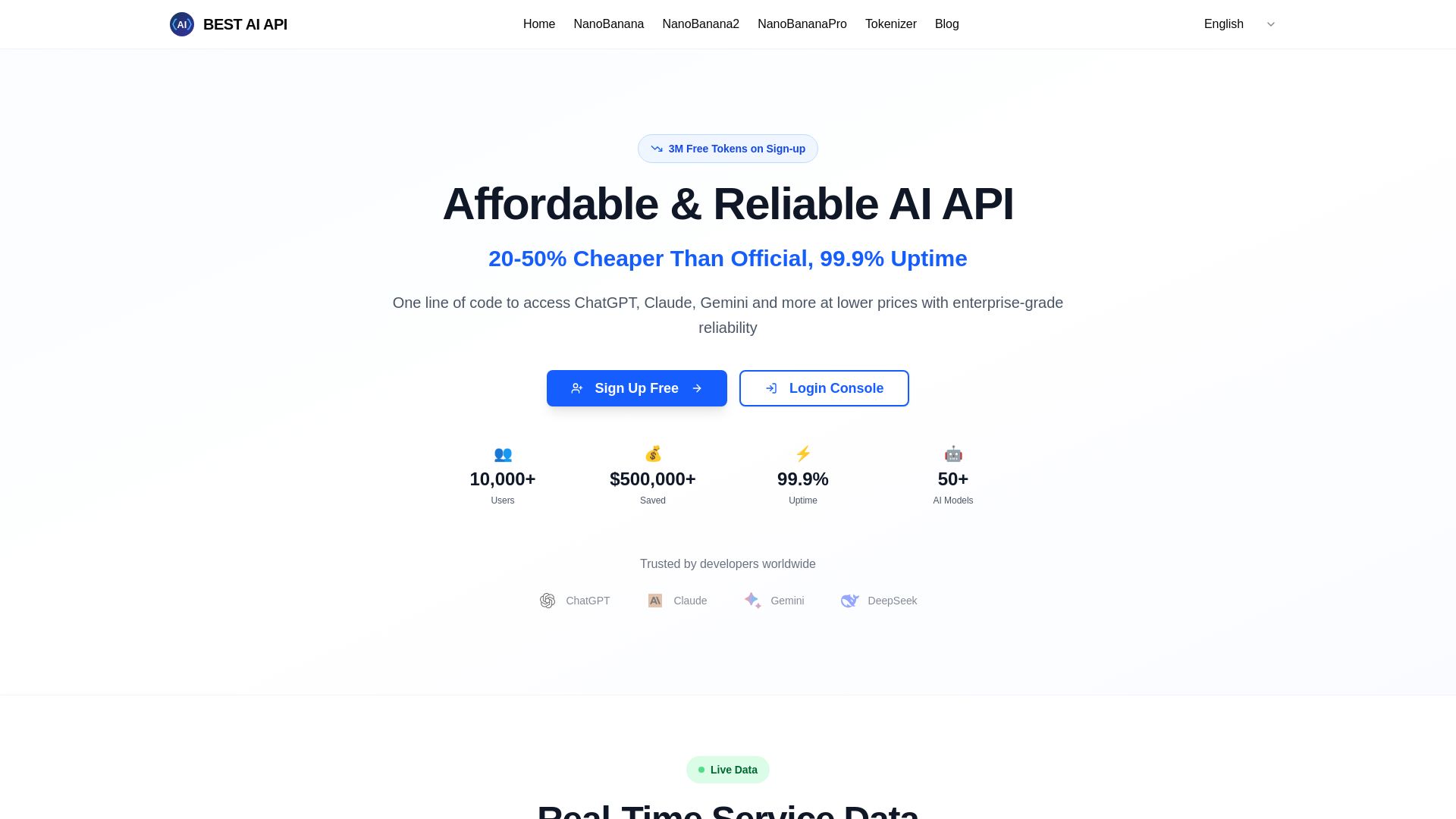
Best AI API
Affordable AI API with 99.9% uptime, 50+ models, 3M free tokens. Pay-as-you-go, OpenAI compatible. Start saving now!


Adobe
Create stunning designs, edit PDFs with AI, generate images with Firefly, and more. Save big on Creative Cloud for students & businesses. Try free.

ℹ️ Curation Disclosure: The overview and features of Connect to Claude were synthesized using AI and fact-checked by our curation team to ensure accuracy.
