
Synthesia
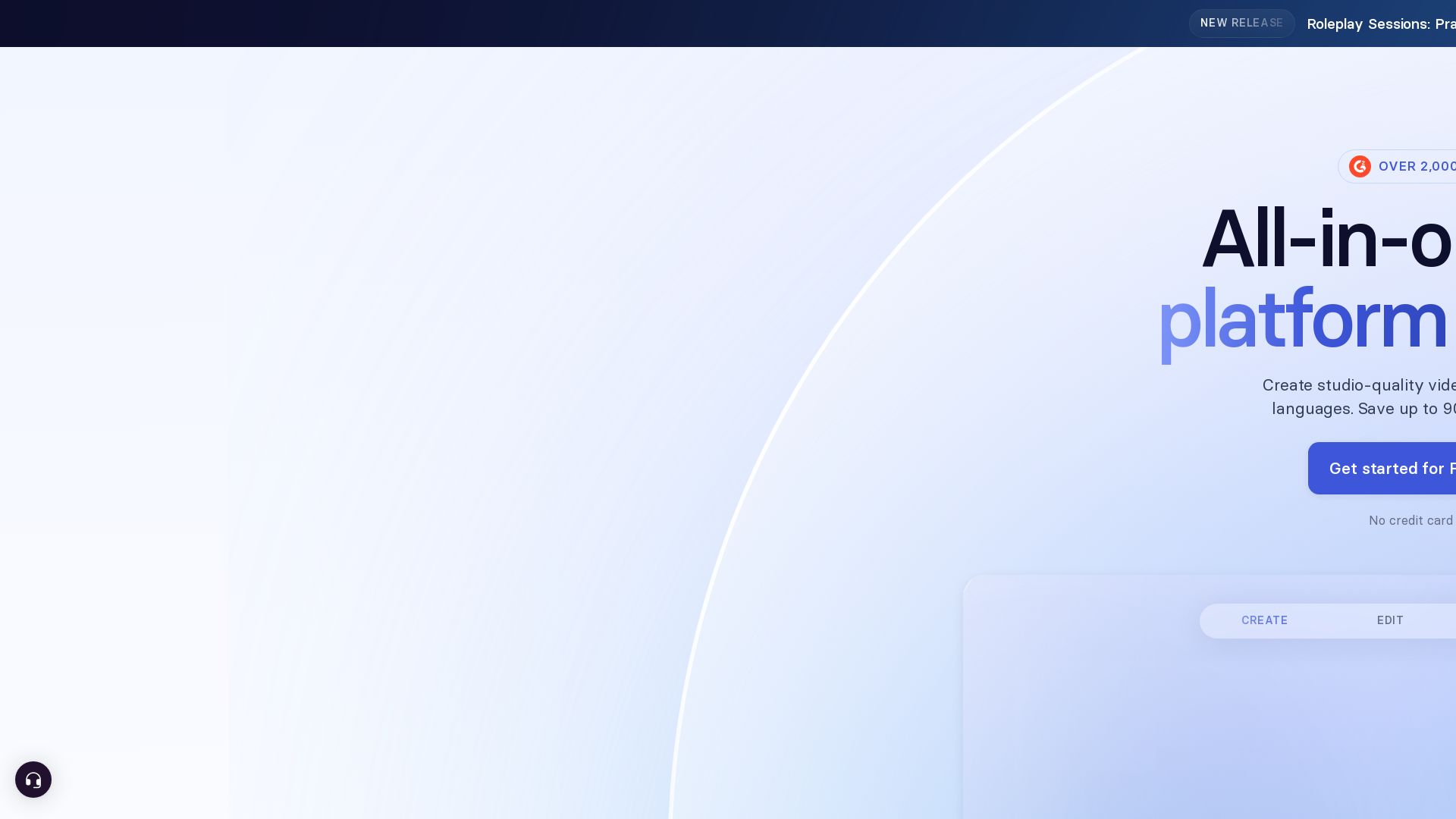
Create studio-quality AI videos with avatars & voiceovers in 160+ languages. Save 90% time & cost. Trusted by 90% of Fortune 100.

Editor's Verdict
Key Takeaways
- Expressive AI Avatars
- 1-Click Translation
- AI Video Assistant
- Voice Cloning
In-Depth Review: What is Synthesia?
Synthesia is the leading AI video platform for businesses, enabling anyone to create professional videos without mics, cameras, or actors. Over 2,000 five-star reviews on G2. Features include AI avatars, one-click translation, screen recording, SCORM export, and team collaboration. Trusted by 90% of Fortune 100 companies. Get started free.
Core Features
Expressive AI Avatars
Create realistic AI avatars that gesture like professional speakers and speak 160+ languages fluently.
1-Click Translation
Automatically translate your video into 80+ languages with perfect lip-sync and natural voice.
AI Video Assistant
Transform any document, PDF, website link, or idea into a polished AI video instantly.
Voice Cloning
Record your own voice and create a digital copy that can narrate videos in multiple languages.
AI Screen Recorder
Record polished screen videos with automatic transcript removal of pauses and mistakes.
Live Collaboration
Collaborate with your team in real-time, comment, review, and edit videos together in one place.
Pricing
Basic
- 10 minutes of video per month
- 9 stock AI avatars
- 25 AI-generated video assets
- 160+ languages & voices
Starter
- 120 minutes of video or AI Dubbing per year
- 125+ Synthesia AI Avatars
- 3 Personal Avatars
- Remove Synthesia logo
- AI Dubbing (70+ languages)
- Video downloads
- AI Video Assistant
- 1 editor & 3 guests
- Chat/email support
Creator
- 360 minutes of video or AI Dubbing per year
- 180+ Synthesia AI Avatars
- 5 Personal Avatars
- AI Dubbing (70+ languages)
- Branded video pages
- API access
- Multiple avatars per scene
- Interactive videos
- 1 editor & 5 guests
- Priority chat/email support
Enterprise
- Unlimited video minutes
- 240+ stock AI Avatars
- Unlimited Personal Avatars
- 1-Click Translations into 80+ languages
- AI Dubbing (140+ languages)
- SAML/SSO
- Live team collaboration
- Brand Kits
- SCORM export
- Dedicated Customer Success Manager
- Tailored onboarding and implementation
Pros and Cons
Pros
- Saves up to 90% time and costCreate professional videos in minutes without equipment, actors, or studios, drastically reducing production time and budget.
- Easy to use90% of users publish their first video without a tutorial; intuitive interface and AI guidance make it accessible to everyone.
- Multilingual supportSupports 160+ languages and voices with one-click translation, allowing global reach without additional production.
- Enterprise-grade securitySOC 2 Type II, GDPR, ISO 42001 certified, with SAML/SSO, ensuring data safety and compliance for large organizations.
- Real-time collaborationTeams can work together on videos simultaneously, comment, review, and edit, streamlining the workflow.
Cons
- Limited free planThe free Basic plan only includes 10 minutes of video per month and just 9 stock avatars, which may be insufficient for heavy users.
- No one-time payment optionAll plans are subscription-based (monthly or yearly), which may not suit users who prefer a perpetual license.
- Unused minutes do not roll overIf you don't use your full video minute allocation in a billing period, the unused time is lost.
- Some features are enterprise-onlyAdvanced features like unlimited personal avatars, AI dubbing for 140+ languages, and dedicated support are only available on Enterprise plans.
- Dubbing quality may varyWhile AI dubbing is impressive, it may not capture nuanced emotions or accents perfectly in all languages.
Use Cases & Recommended Professions
Learning & Development Manager→ View Toolkit
Quickly create and update training videos for employees across multiple languages, reducing production time from weeks to hours.
Sales Enablement Lead→ View Toolkit
Produce consistent sales training and product demo videos that can be easily localized for global teams.
Marketing Manager→ View Toolkit
Generate on-brand explainer videos, social media content, and product updates without the need for video production crews.
Internal Communications Specialist→ View Toolkit
Deliver company announcements and policy updates in an engaging video format that employees can watch anytime.
Instructional Designer→ View Toolkit
Create interactive and SCORM-compliant e-learning videos that can be seamlessly integrated into any LMS.
Customer Support Manager→ View Toolkit
Develop helpful tutorial and troubleshooting videos that reduce support tickets and improve customer self-service.
Frequently Asked Questions
Alternative AI Tools
View Detailed Comparison →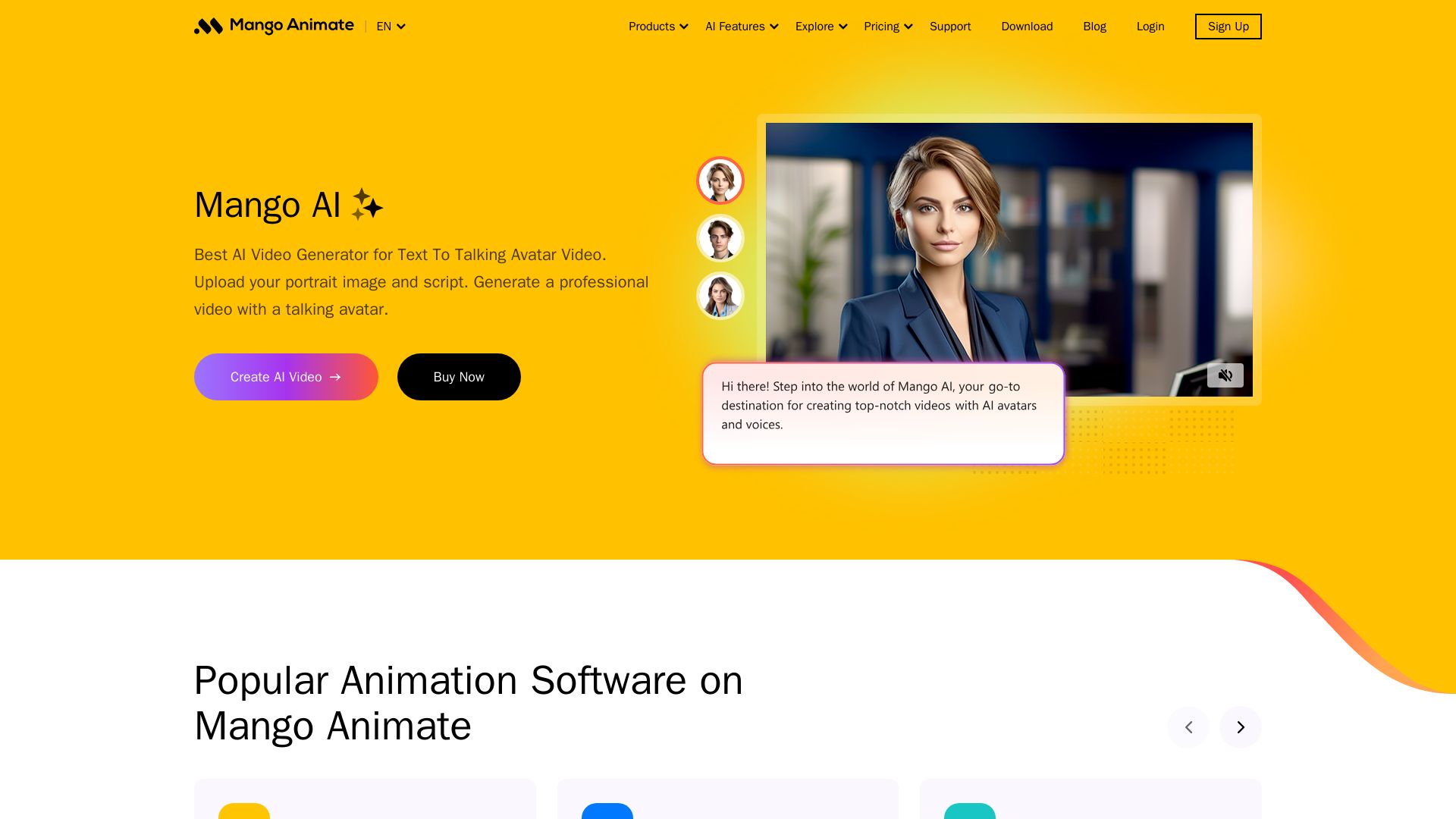
Mango AI
Create professional AI talking avatar videos from text and portrait. Perfect for business, education, personal use. Easy, fast, and affordable.


Flow AI Video Generator
Create stunning 4K AI videos with Flow AI Video. Text-to-video, image-to-video, multi-shot storytelling. Get 50% OFF now!

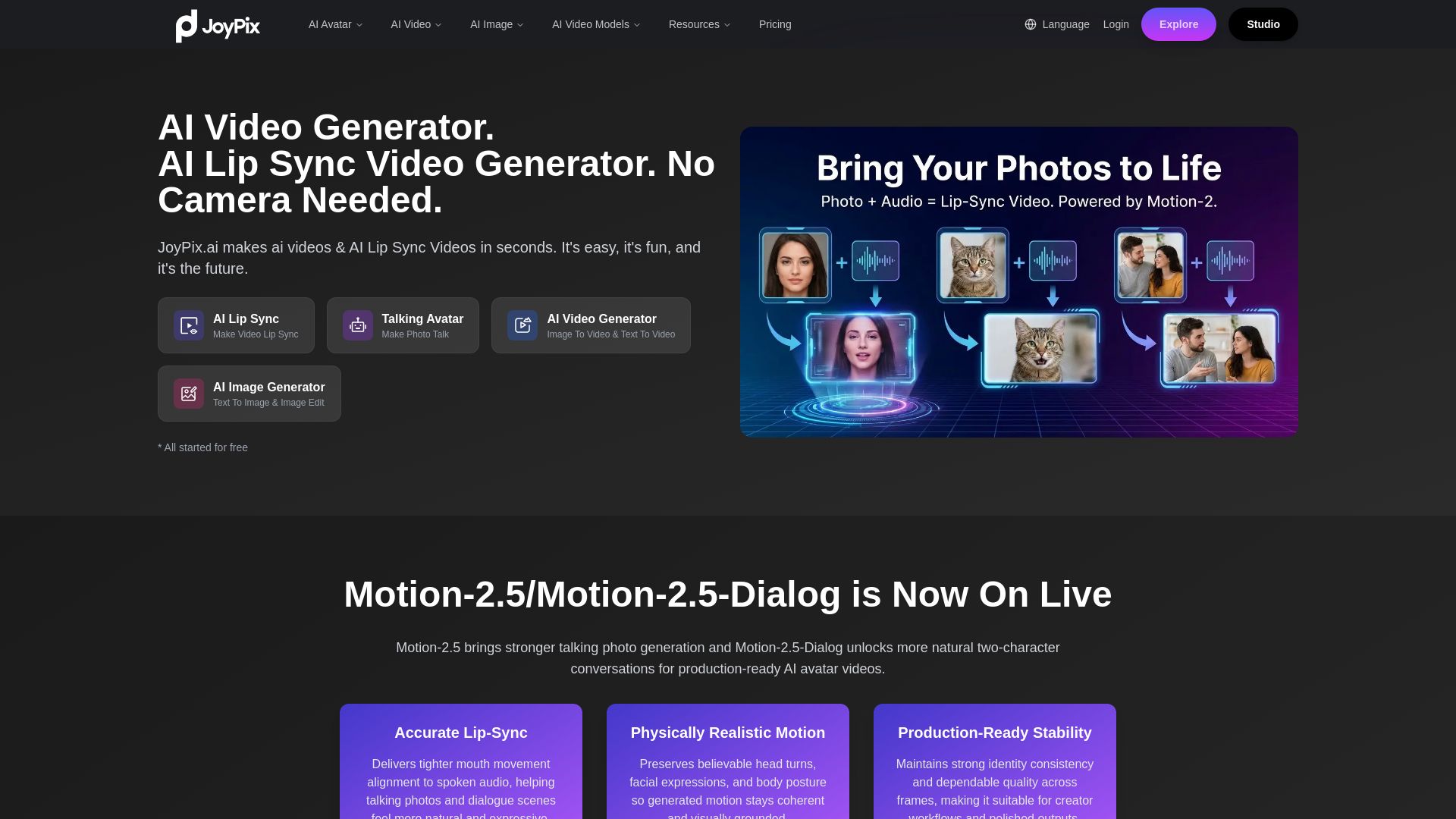
JoyPix
Create realistic AI lip-sync videos and talking avatars from photos. Free voice cloning, 40+ languages, and multiple video models. Try for free!

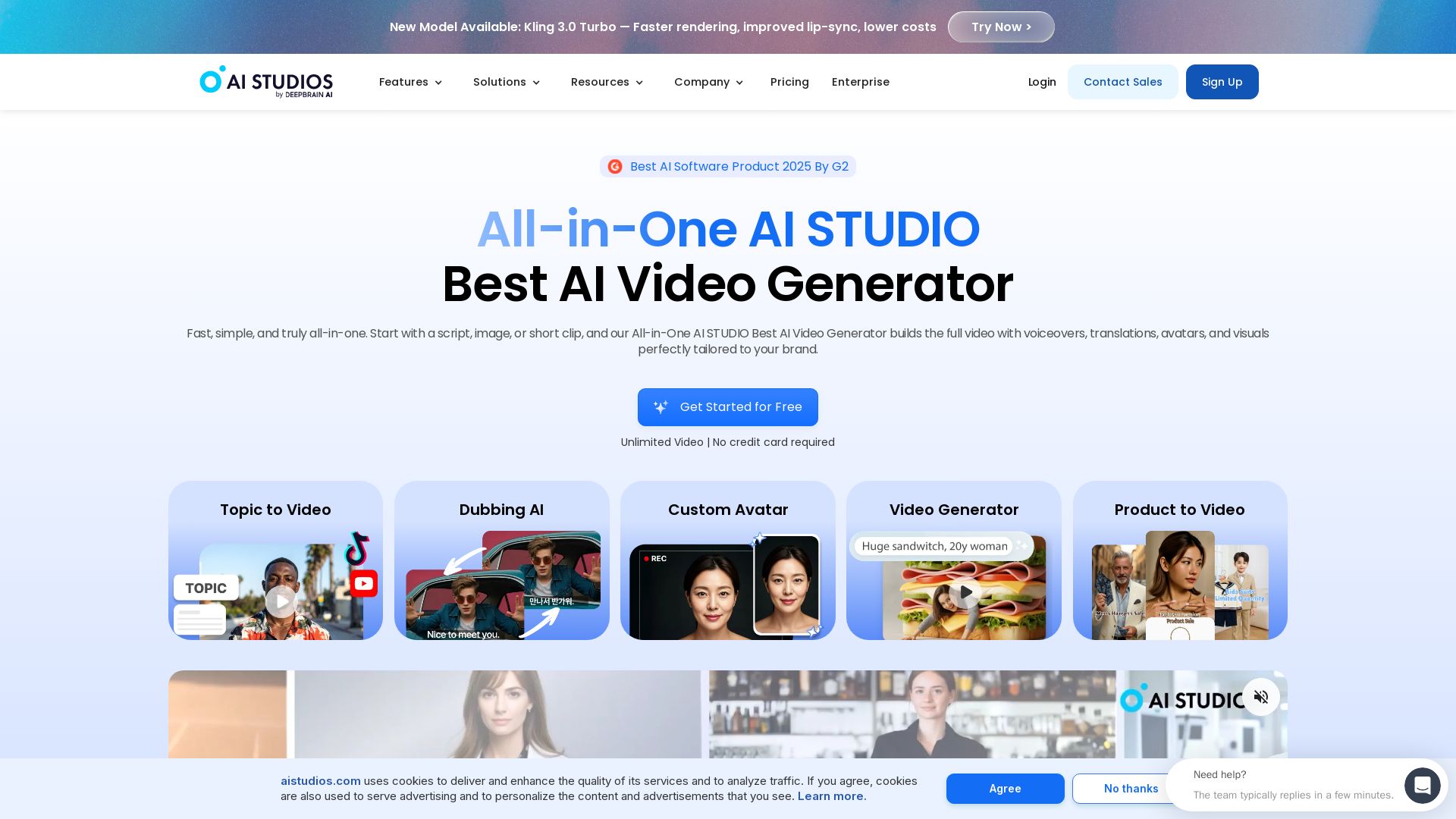
AI STUDIO
Create professional AI videos in minutes with 2000+ avatars, 150+ languages, and lifelike lip-sync. Free plan available. Trusted by 2M+ users.


AI Video - AI Video Generator
Create animated videos from text or images with AI. Drag-and-drop editing, lip-sync, HD export. No skills needed. Download free!

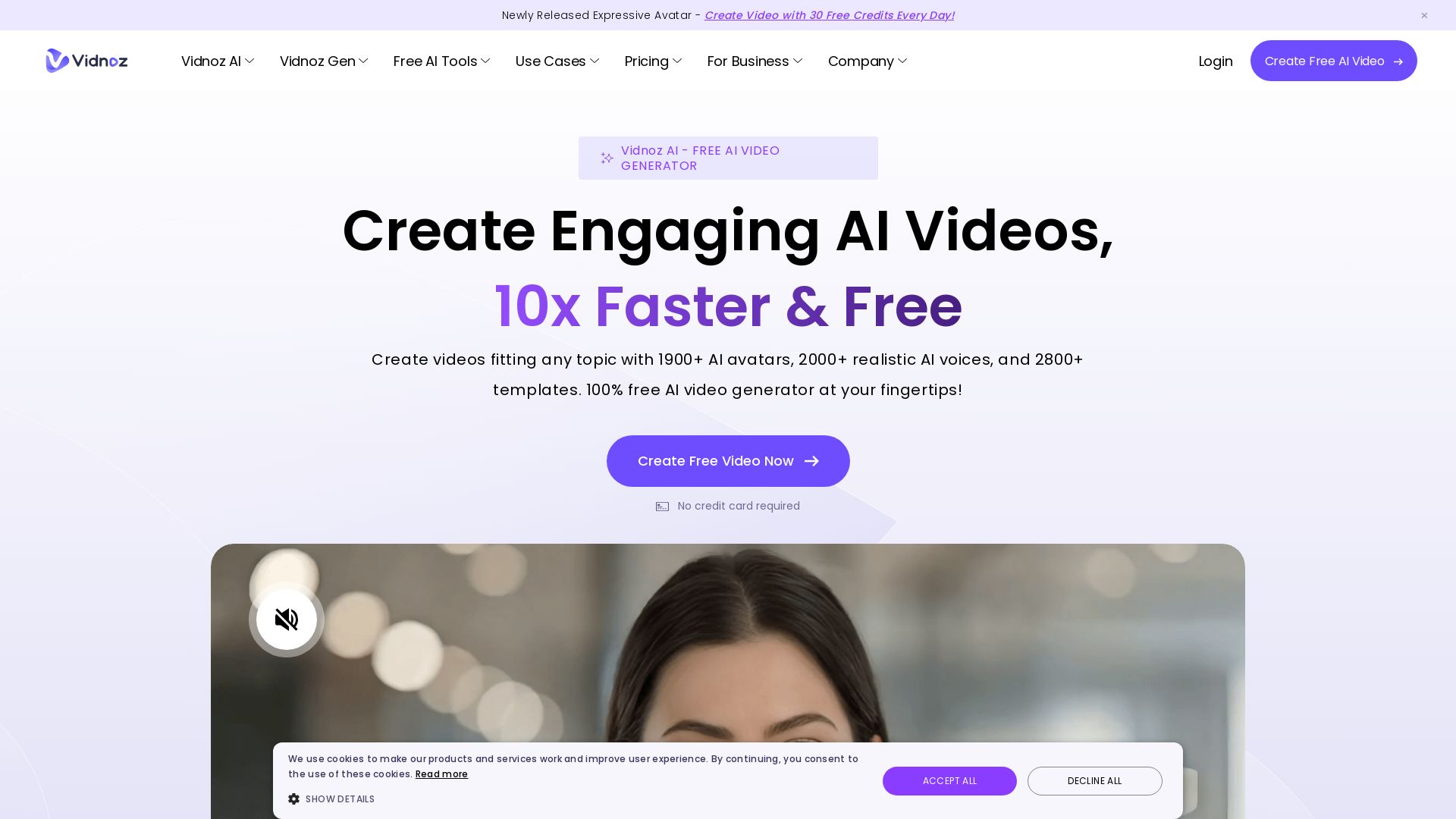
Vidnoz AI
Create free AI videos with Vidnoz AI. 1900+ avatars, 2000+ voices, 2800+ templates. 30 free credits daily. Ideal for marketing, training, and more.

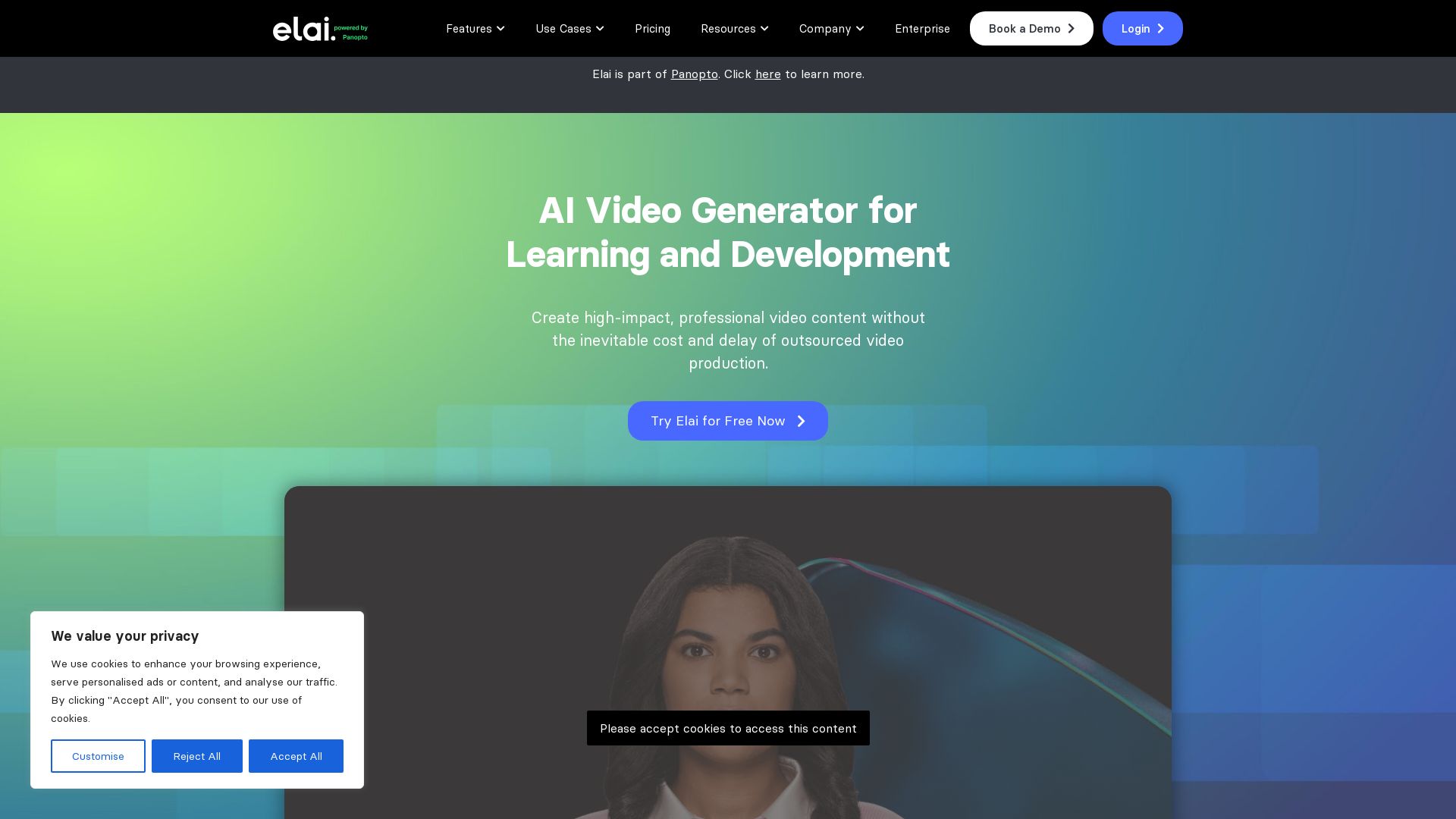
Elai
Create high-quality AI videos in minutes with realistic avatars, voice cloning, and multi-language support. Perfect for L&D teams.

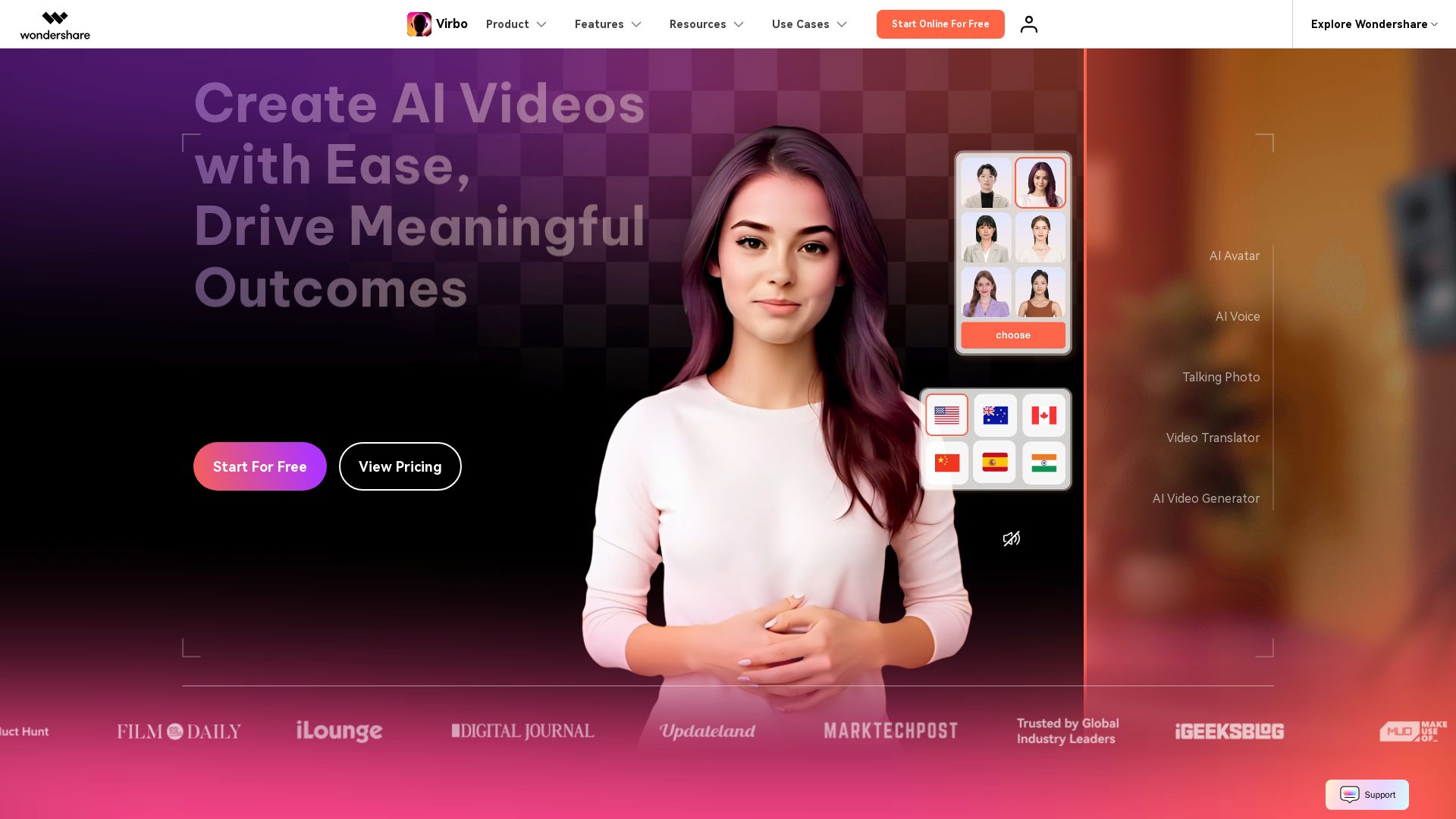
Wondershare Virbo
Create stunning AI videos with 350+ avatars, 400+ voices, and 80+ languages. Effortlessly produce professional content for marketing, education, and more.

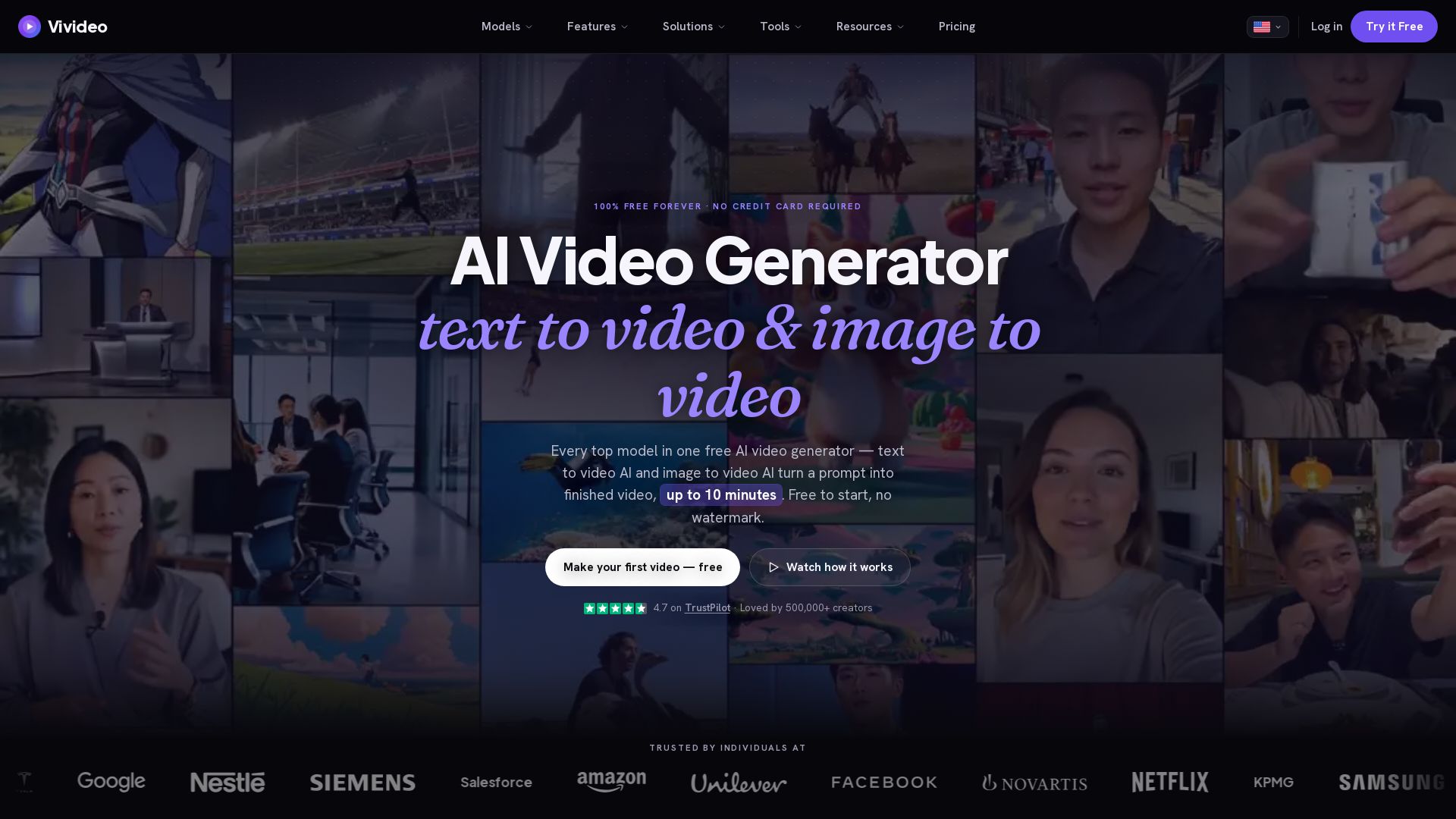
Vivideo
Create stunning AI videos from text or images. 30+ top models, 10 min length, no watermark. Free forever, no credit card needed.

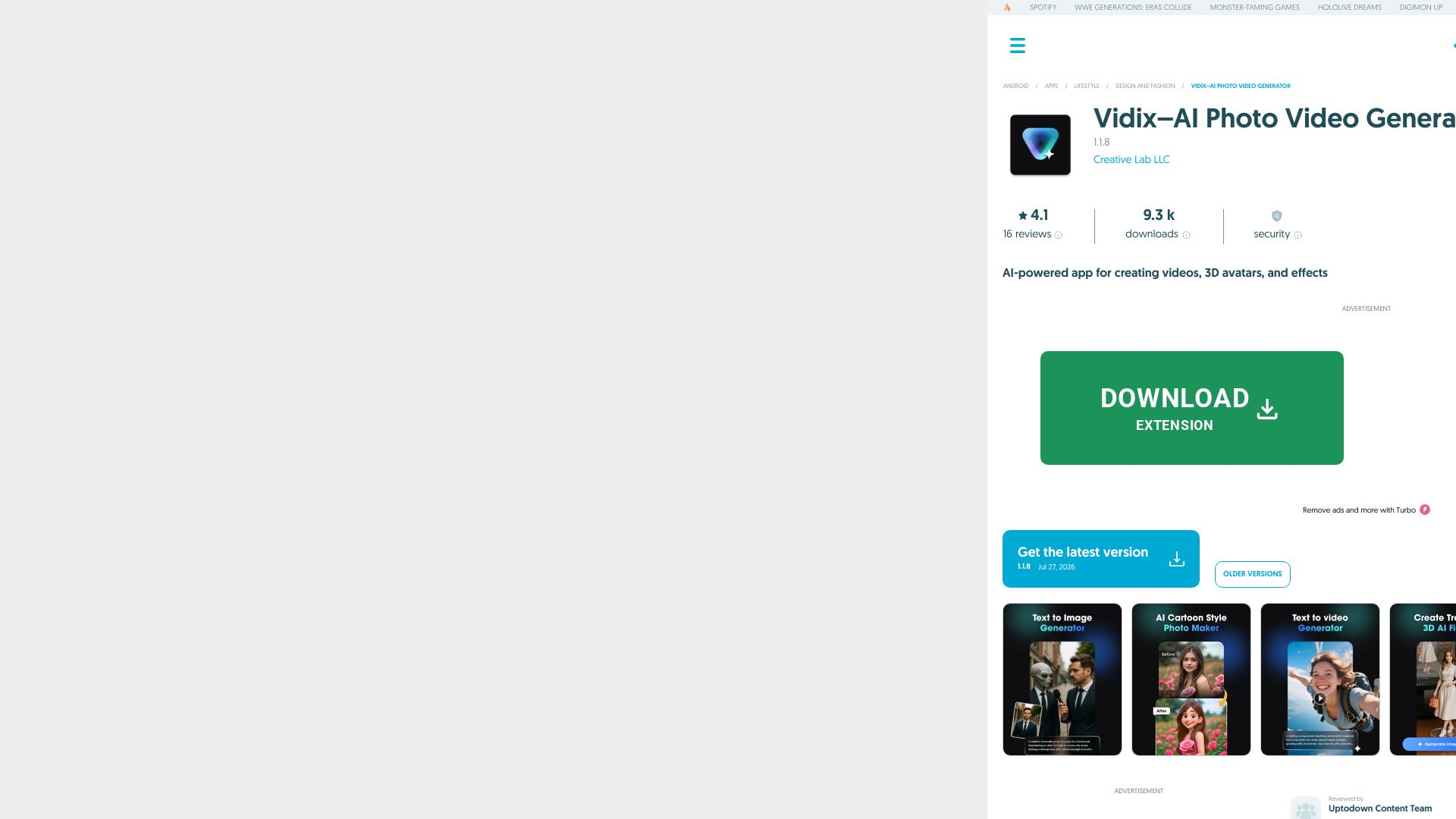
Vidix–AI Photo Video Generator
Transform photos into AI videos, 3D avatars, and cinematic effects. Free AI-powered app for creative content. Download now!

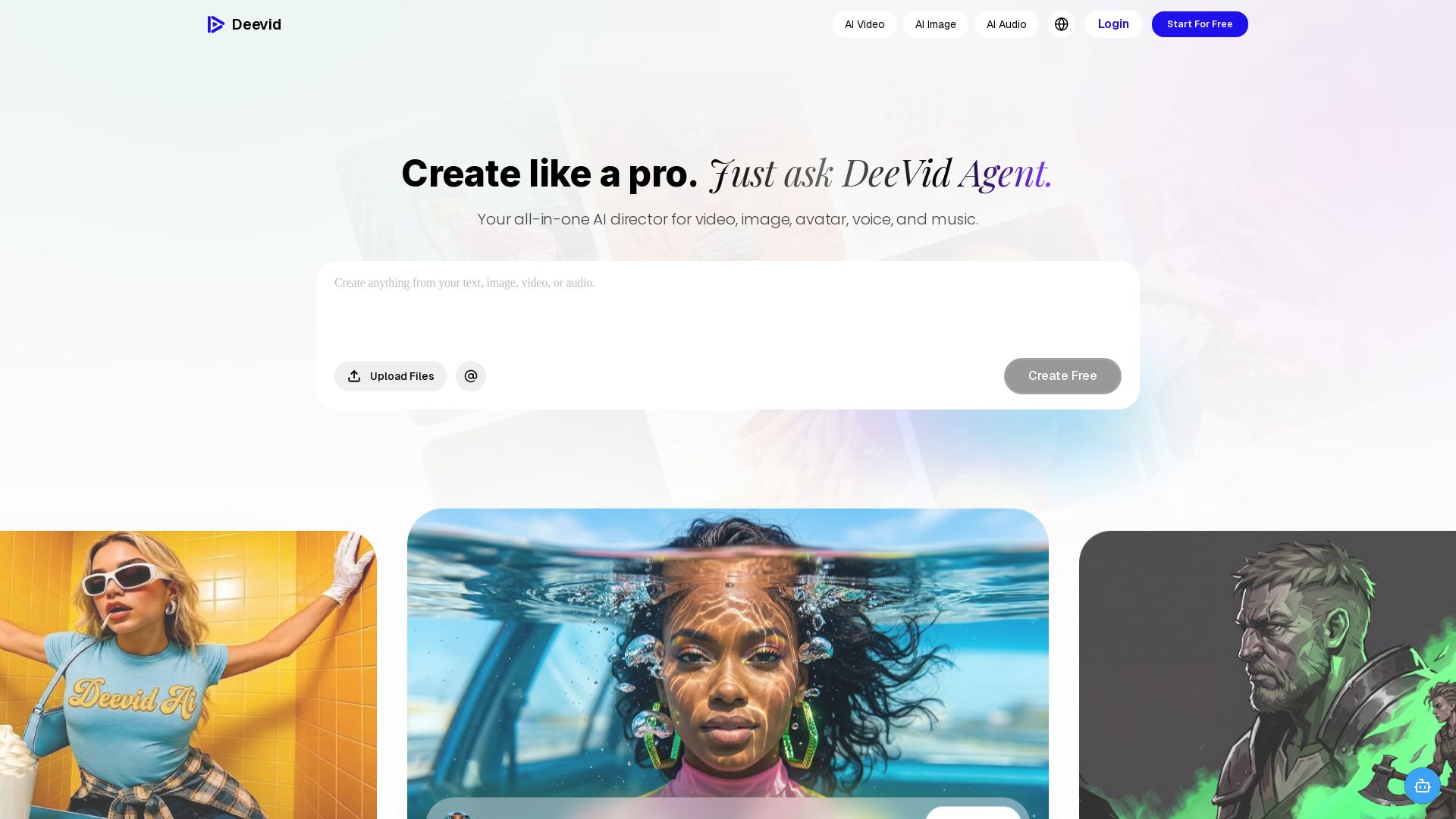
DeeVid AI
Create professional videos, images, avatars, and music with one AI. Text to video, image to video, AI ads, and more. Trusted by 30M+ creators.


Gen AI Video Generator
Create stunning AI videos and images with 90+ models including Google VEO 3, Sora 2, Seedance 2.0. Text-to-video, image-to-video, photo editing on iOS.

ℹ️ Curation Disclosure: The overview and features of Synthesia were synthesized using AI and fact-checked by our curation team to ensure accuracy.