
Syncfusion
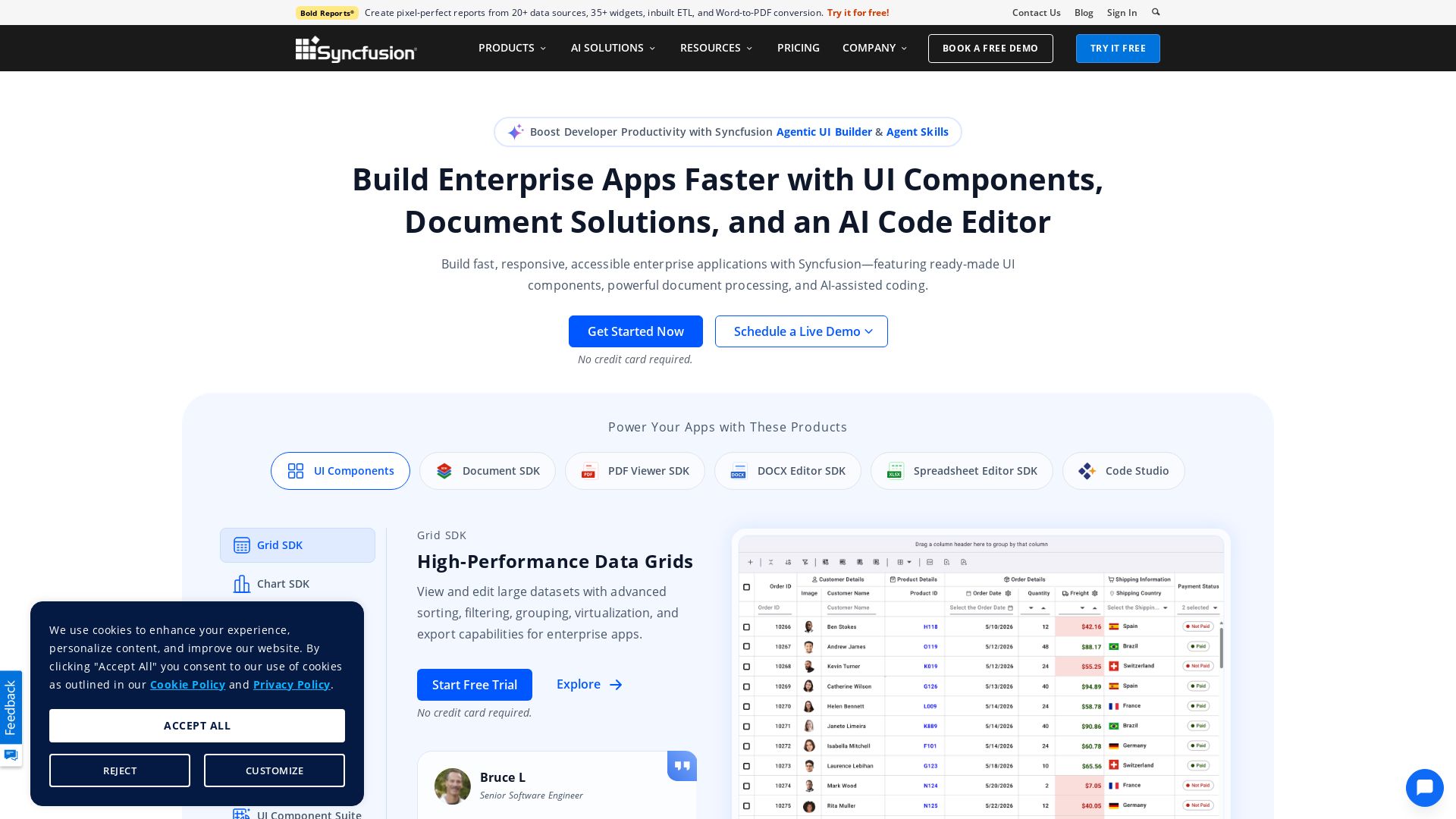
Build fast, responsive enterprise apps with Syncfusion's UI controls, document processing, and AI-assisted coding. Trusted by 1M+ developers.


Editor's Verdict
Key Takeaways
- AI-Powered Components
- Agentic UI Builder
- Agent Skills
- UI Component Suite
In-Depth Review: What is Syncfusion?
Syncfusion Essential Studio offers a comprehensive suite of over 1,700 UI components, document processing SDKs (PDF, Word, Excel), and AI-powered tools like Agentic UI Builder and Code Studio. It supports cross-platform development for .NET and JavaScript frameworks. With 1M+ developers, 41K+ enterprises, and 25+ years of innovation, Syncfusion accelerates enterprise app development with high-performance grids, charts, and AI integration. Trusted for quality, security (SOC 2 certified), and responsive support.
Core Features
AI-Powered Components
Build intelligent app experiences faster with Syncfusion AI-ready UI components including AI AssistView, DataGrid, Scheduler, Charts, and more.
Agentic UI Builder
Generate production-ready business screens, dashboards, forms, and workflows from prompts using Syncfusion components and editable source code.
Agent Skills
Guide AI coding assistants with component-aware instructions for accurate UI generation, configuration, and API integration.
UI Component Suite
1,600+ UI components for Blazor, React, Angular, Vue, JavaScript, .NET MAUI, WinForms, WPF, and more with built-in accessibility and theming.
Cross-Platform Development
Deliver consistent user experiences across web, desktop, and mobile devices without extra effort.
Document SDK
Create, edit, extract, convert, and process PDF, Word, Excel, and PowerPoint documents programmatically.
Enterprise-Grade Quality
Count on excellent performance, accessibility, localization, and security at every level.
Pricing
Community License
- Unlimited access to all 1,600+ components in Essential Studio
- Access to demos, training, video tutorials, docs, and KB articles
- Unlimited license for startups with <$1M annual revenue and ≤10 employees
- Support via public forums, feedback page, and support tickets
UI Component Suite
- 1,600+ UI components for major frameworks
- Built-in accessibility, theming, and enterprise-grade performance
- Priority-based SLA support with unlimited ticket creation
- Billed monthly or annually with minimum 1-year subscription
Standalone UI SDKs (Grid, Chart, Scheduler, etc.)
- Individual SDKs for advanced UI experiences
- Grid SDK for high-performance data display and editing
- Chart SDK for interactive data visualization
- Scheduler SDK for calendar and booking experiences
- Gantt SDK for project planning and task tracking
Pros and Cons
Pros
- Comprehensive Component LibraryOver 1,600 UI components covering all major frameworks, reducing development time and effort.
- Excellent Support and Documentation24/7 HelpBot, responsive expert engineers, and extensive documentation ensure quick problem resolution.
- AI-Integrated DevelopmentAI-powered components, Agentic UI Builder, and AI coding assistants accelerate application creation.
- Cross-Platform ConsistencyDeliver uniform experiences across web, desktop, and mobile with a single codebase.
- Trusted by EnterprisesBacked by 1M+ developers, 41K+ enterprises, and strong industry recognition for quality and reliability.
Cons
- Pricing for Larger TeamsCustom pricing can be expensive for larger enterprises and may require annual commitments.
- Community License RestrictionsFree version only available to companies with <$1M revenue, ≤10 employees, and ≤5 developers.
- Learning Curve for Extensive FeaturesWith a vast suite of controls, new users may face a steep learning curve to fully utilize all features.
- Overkill for Small ProjectsThe comprehensive suite may be excessive for simple applications, leading to unnecessary complexity.
- Limited Customization in Some ControlsWhile highly configurable, some advanced customizations may require deep understanding of the framework.
Use Cases & Recommended Professions
Software Developer→ View Toolkit
Needs ready-made UI components and document SDKs to build enterprise applications faster across multiple frameworks.
Frontend Engineer→ View Toolkit
Requires high-performance grids, charts, and rich text editors to create interactive user interfaces.
Backend Developer→ View Toolkit
Leverages document processing SDKs for generating and manipulating PDFs, Word, and Excel files programmatically.
UI/UX Designer→ View Toolkit
Uses professionally crafted components and themes to ensure visually stunning and accessible applications.
Data Analyst→ View Toolkit
Benefits from Bold BI for creating stunning dashboards and visualizing data with 35+ widgets and 150+ data sources.
IT Manager→ View Toolkit
Needs enterprise-grade, secure, and compliant tools for team development and application deployment.
Frequently Asked Questions
Alternative AI Tools
View Detailed Comparison →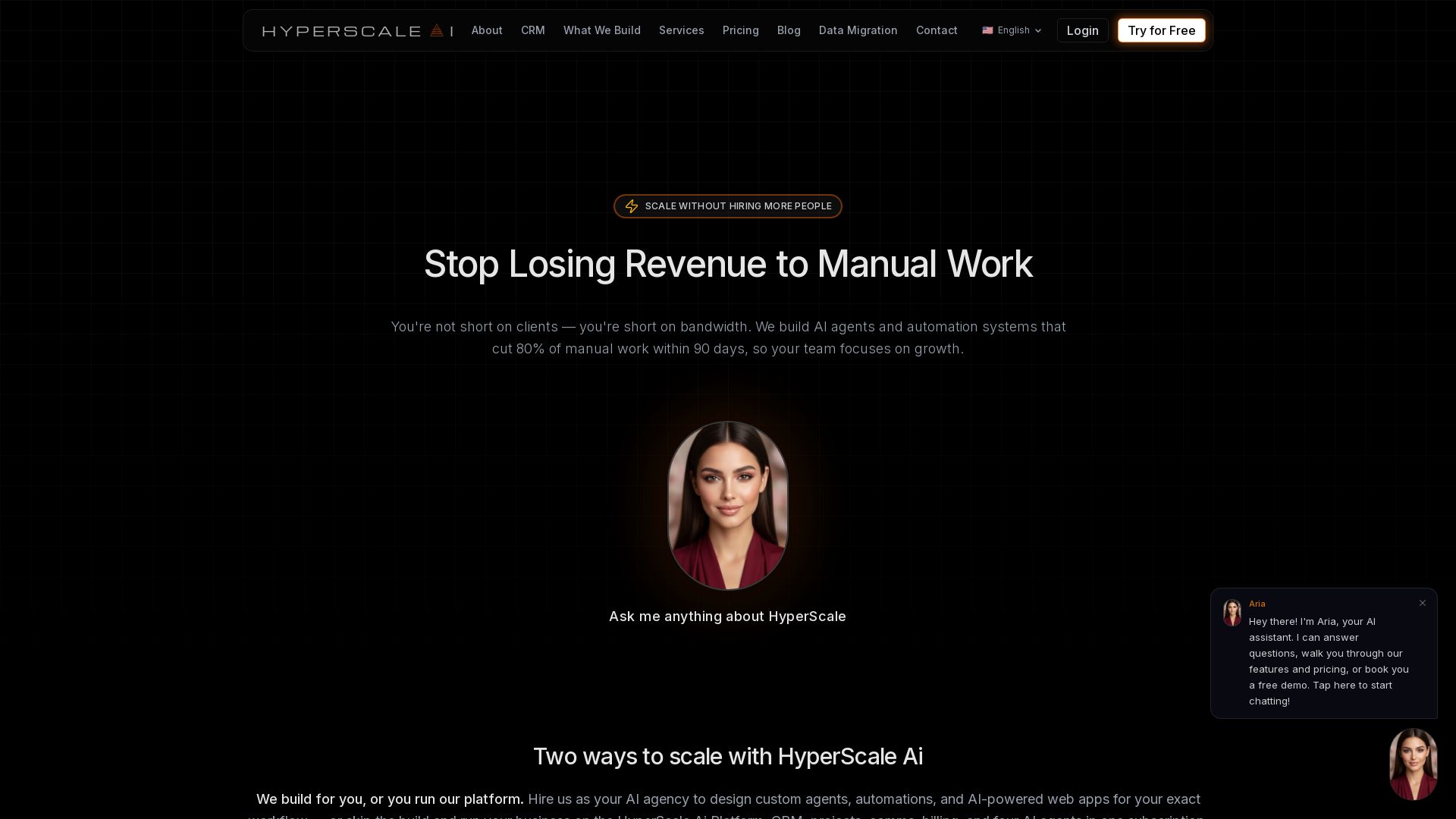
HyperScale Ai
Replace 8+ tools with one AI-native platform: CRM, projects, chat, billing, and 4 AI agents. Or hire us to build custom AI agents and automation. Scale without hiring.


Motiff AI
Generate production-ready UI from text, wireframes, or screenshots with Motiff AI. Choose preset styles, export to React/HTML. Fast, consistent design.


Figma
Figma is the intelligent, AI-native canvas for designing, prototyping, and building products together. Trusted by 95% of Fortune 500. Explore design and dev tools.


Superdesign
Create stunning designs with AI. Iterate quickly using natural language. Export production-ready code. Browse design prompts and styles.


Scuti AI
We specialize in generative AI, AI-OCR, RAG, and offshore development. Combining Vietnam's speed with Japan's quality to automate tasks and boost business.

AI Hero
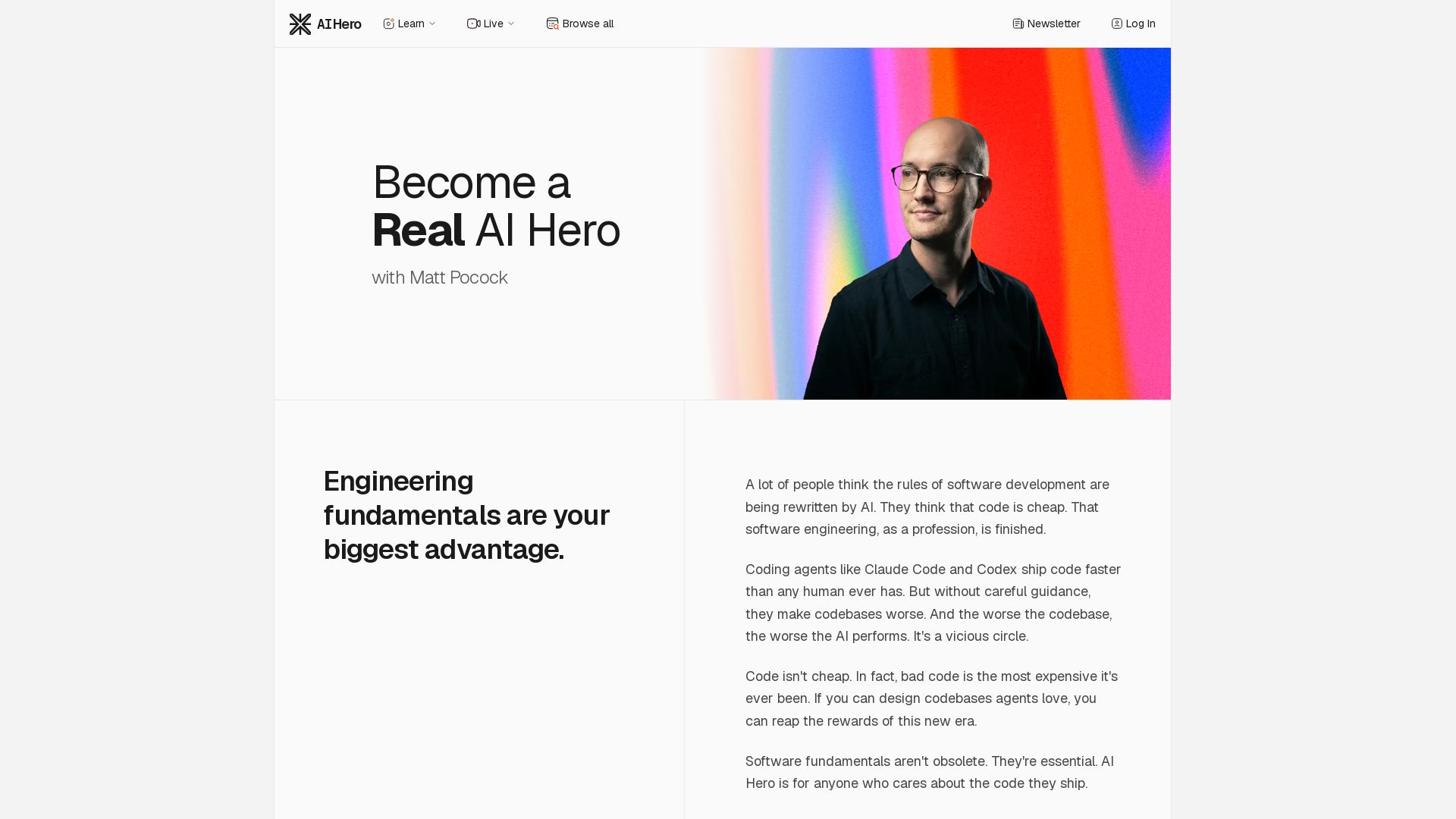
Master AI-assisted coding with proven engineering fundamentals. Learn to make codebases agents love, control AI output quality, and build real skills. Join 70k+ developers.


Figma Console MCP
Connect AI to Figma for design extraction, token sync, and component creation. Turn your design system into a programmable API.


Making AI think and act: my approach to the Hugging Face AI ...
Experienced AI engineer specializing in medical imaging and LLM-powered agents. Built globally deployed radiology AI at AZmed. Now building AI agents at Matrix One.


AI SDK AGENTS
The toolkit for AI engineers. Install, copy, or export 125 AI SDK patterns for agents, tool calling, human-in-the-loop, and generative UI. Full source code, own your stack.

AI Elements Vue
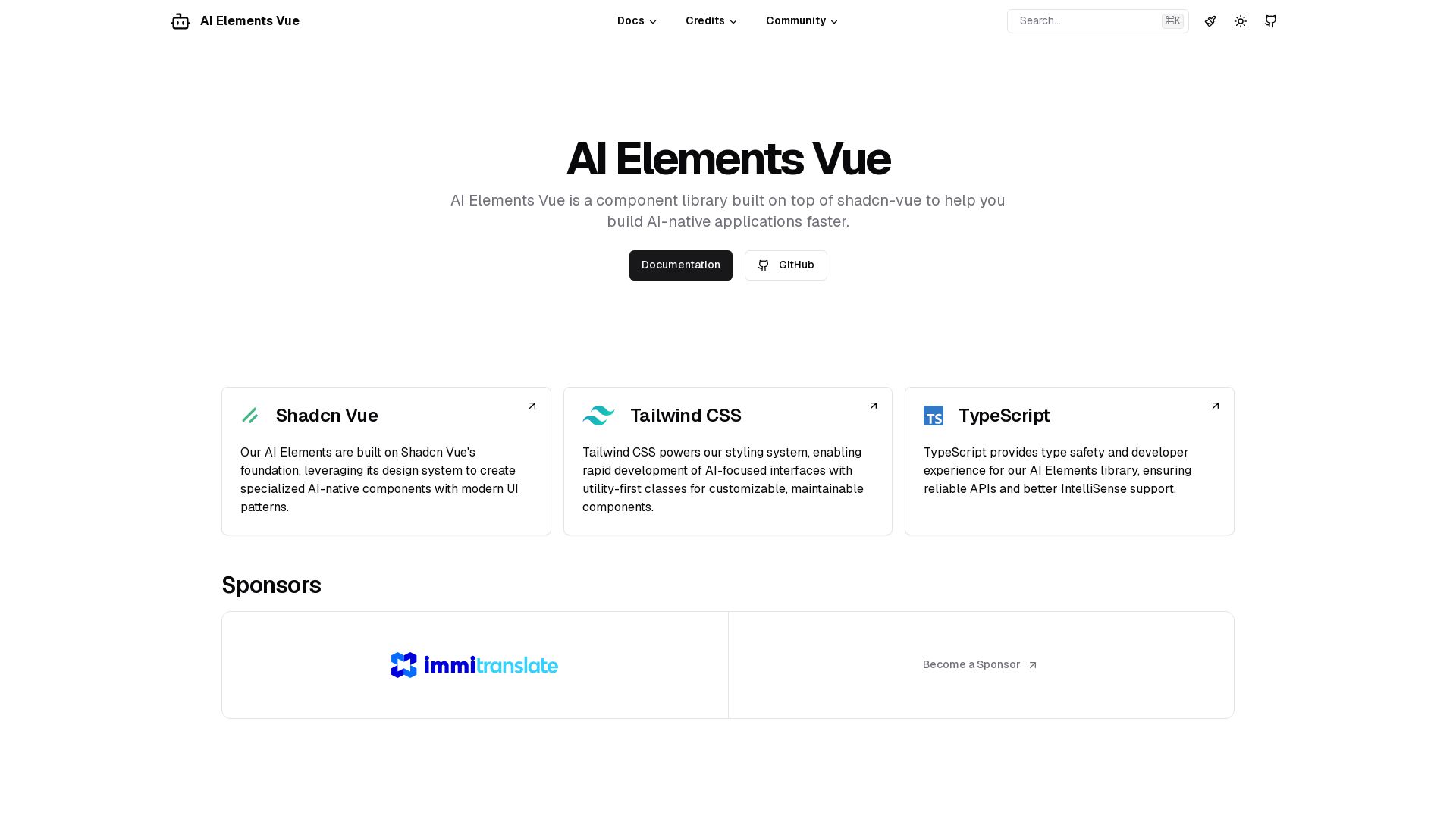
Build AI-native apps faster with AI Elements Vue: a component library on shadcn-vue with Tailwind CSS & TypeScript. Pre-built AI components.


Komposo
Turn product ideas into real, editable designs with AI. Generate, edit, and export UIs using plain language. Trusted by 100k+ users. Start for free.

Toloka
High-quality training data for AI agents, LLMs, and coding assistants. Trusted by leading AI teams. 90+ domains, expert network.

ℹ️ Curation Disclosure: The overview and features of Syncfusion were synthesized using AI and fact-checked by our curation team to ensure accuracy.
