
Read AI
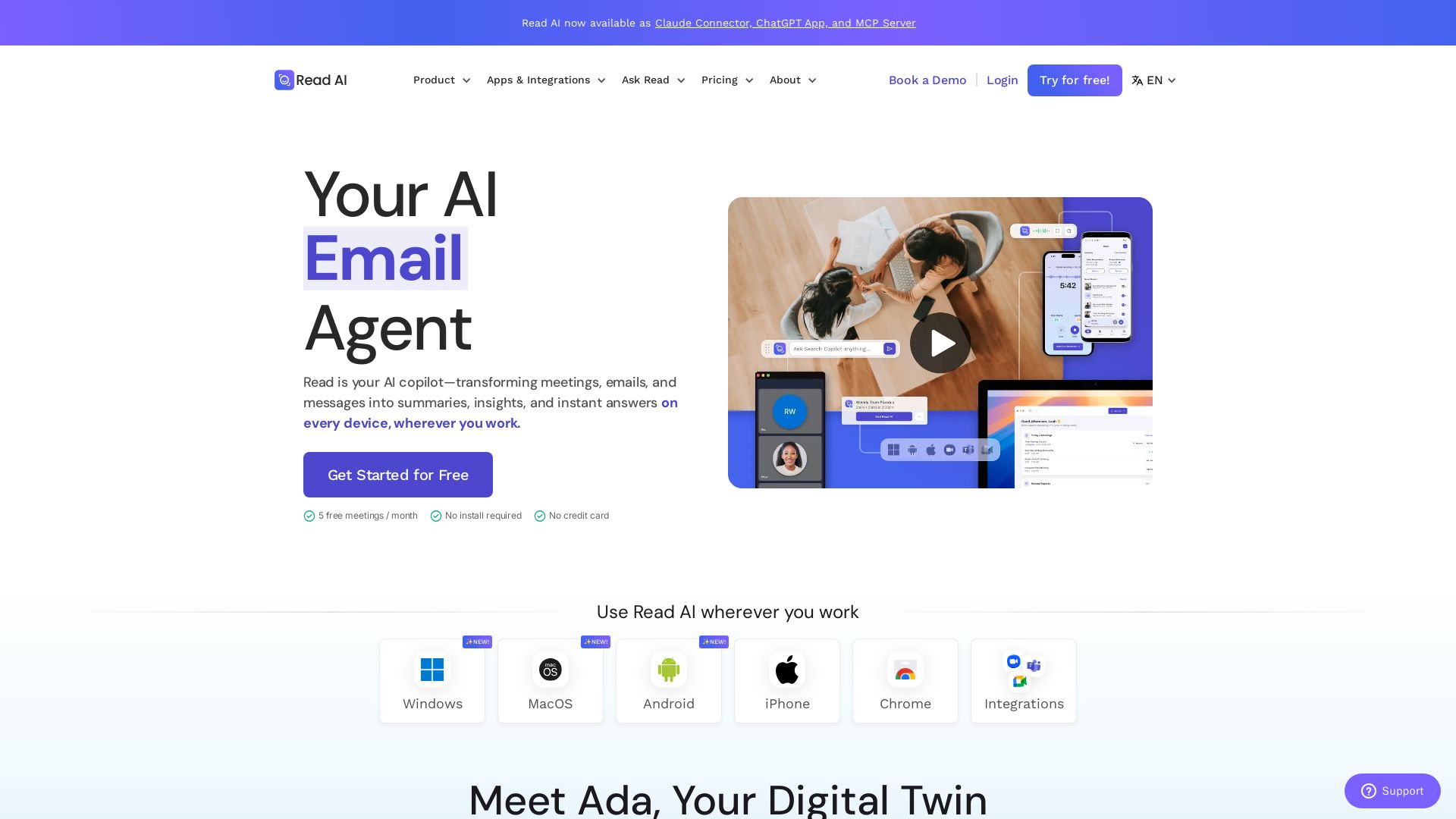
Transform meetings, emails, and messages into summaries, insights, and instant answers. Works across Zoom, Teams, Google Meet, and more. Free to start.


Editor's Verdict
Key Takeaways
- Meeting Assistant
- Ask Read
- Email Summaries
- Integrations
In-Depth Review: What is Read AI?
Read AI is a comprehensive AI assistant that acts as your copilot across all communication channels. It automatically captures, summarizes, and extracts action items from meetings (Zoom, Google Meet, Teams), emails (Gmail, Outlook), and messages. With features like Ask Read for instant answers across your data, Ada your digital twin for personalized task management, and integrations with popular tools, Read AI helps you save hours each week. It supports 20+ languages, is SOC 2 and HIPAA compliant, and offers a free tier with 5 meetings per month. Available on Windows, Mac, iOS, Android, and as a Chrome extension or MCP server.
Core Features
Meeting Assistant
AI copilot that joins meetings, records, and delivers recaps with summaries, action items, and highlights.
Ask Read
AI-powered search to find answers across meetings, emails, messages, and documents with citations.
Email Summaries
Concise summaries of key email conversations to save time.
Integrations
Works with Zoom, Google Meet, Teams, Outlook, Slack, and many more tools for seamless syncing.
Speaker Coach
Personalized feedback on meeting participation and speaking patterns.
Real-Time Meeting Notes
Live notes and metrics during meetings to capture key points instantly.
Playback & Video Highlights
Audio and video playback with highlights for easy review.
File Uploads
Upload meeting audio or video recordings for transcription and analysis.
Multi-Language Support
Supports 20+ languages for transcription and summaries.
Privacy & Security
SOC 2 Type 2 certified, GDPR and HIPAA compliant, with no training on your data by default.
Pricing
Free
- 5 meeting transcripts per month
- Unlimited enterprise search
- Best-in-class summaries for meetings, email, and messaging
- Personalized meeting coach
- Basic integrations
- Topic Readouts
- 20+ languages supported
- Windows, MacOS, Android, and iOS apps
Pro
- Unlimited meeting transcripts
- 100 file upload credits per month
- Premium integrations (Notion, Salesforce, HubSpot, Jira, Confluence, Zapier, webhooks)
- Unlimited meeting reports
- Unlimited storage
- Workspace access
- Priority report processing
Enterprise
- Audio & video playback
- Video highlights
- 200 file upload credits per month
- Premium support
- Unlimited meeting reports
- Unlimited storage
- Workspace access
Enterprise+
- HIPAA compliance
- SAML & SCIM
- Domain capture
- Custom data retention policy
- 300 file upload credits per month
- Workspace onboarding
- Unlimited meeting reports
- Unlimited storage
- Workspace access
Pros and Cons
Pros
- Works Across All PlatformsIntegrates with Zoom, Google Meet, Teams, Outlook, Slack, and more, delivering consistent insights everywhere you work.
- Secure and PrivateSOC 2 Type 2 certified, GDPR and HIPAA compliant, and does not train on your data by default.
- Multi-Language SupportSupports over 20 languages for transcription and summaries, catering to global teams.
- Automated Summaries & InsightsGenerates concise recaps, action items, and highlights from meetings, emails, and messages, saving hours weekly.
- Data-Driven InsightsAI identifies key topics and details, providing context and citations from your conversations.
Cons
- Free Plan LimitsFree plan only includes 5 meeting transcripts per month, which may be insufficient for heavy users.
- No Video Playback in Basic PlansAudio and video playback features are only available on Enterprise and higher plans.
- Annual Billing Required for DiscountDiscounted pricing requires annual billing, which may not suit users preferring monthly payments.
- Enterprise Minimum LicensesEnterprise and Enterprise+ plans require at least 5 licenses, limiting small teams.
- No Admin-Only LicensesWorkspace managers must purchase a full license for themselves, even if they don't use Read personally.
Use Cases & Recommended Professions
C-Level Executive→ View Toolkit
Needs to stay informed across many meetings and emails without spending time on notes; Read provides summaries and insights instantly.
Project Manager→ View Toolkit
Manages multiple teams and needs to track action items and decisions from meetings, messages, and emails efficiently.
Sales Representative→ View Toolkit
Relies on meeting recaps and CRM integrations to follow up on leads and opportunities without missing details.
Software Engineer→ View Toolkit
Attends technical meetings and wants automatic transcription and search to retrieve discussed code or architectural decisions.
Journalist/Podcaster→ View Toolkit
Records interviews and needs accurate transcription and highlights for content creation and research.
Team Lead→ View Toolkit
Oversees distributed team communication and uses Ask Read to quickly find information across conversations and documents.
Frequently Asked Questions
Alternative AI Tools
View Detailed Comparison →
PrometAI
Generate investor-ready business plans in minutes with PrometAI's AI. Trusted by 100,000+ founders. Start for free, no guesswork.


mymeet.ai
AI that joins your calls, provides accurate transcripts, summaries, and action items. Integrates with video platforms, CRM, and calendars. Free tier available. Trusted by teams. Get structured reports with AI templates.


Figr
Ship better UX faster. Figr builds a living understanding of your product, maps flows, finds edge cases, and generates high-fidelity prototypes from your actual design system.

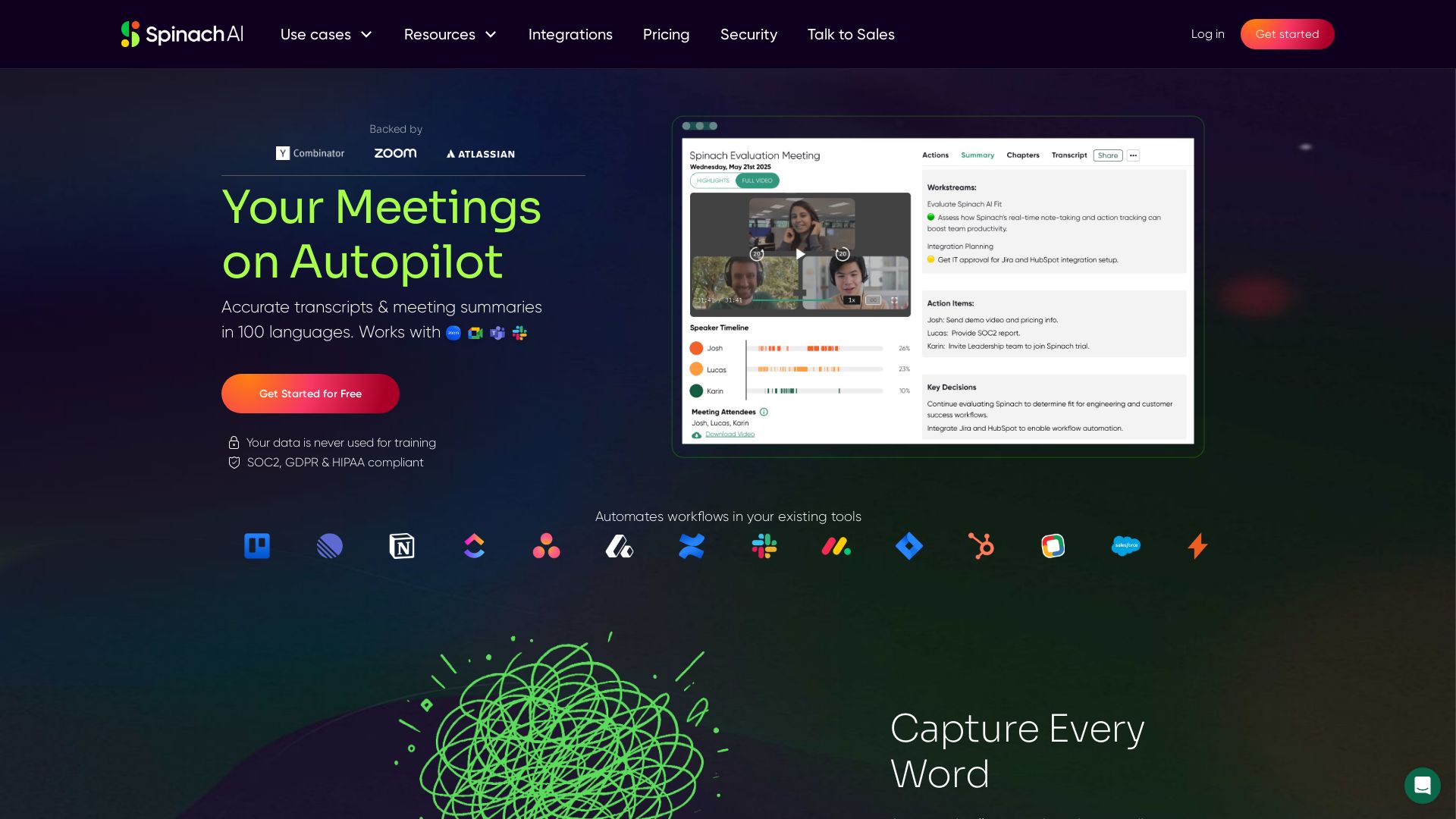
Spinach AI
Accurate transcripts & meeting summaries in 100 languages. Automate workflows and never miss an action item. Secure & compliant.

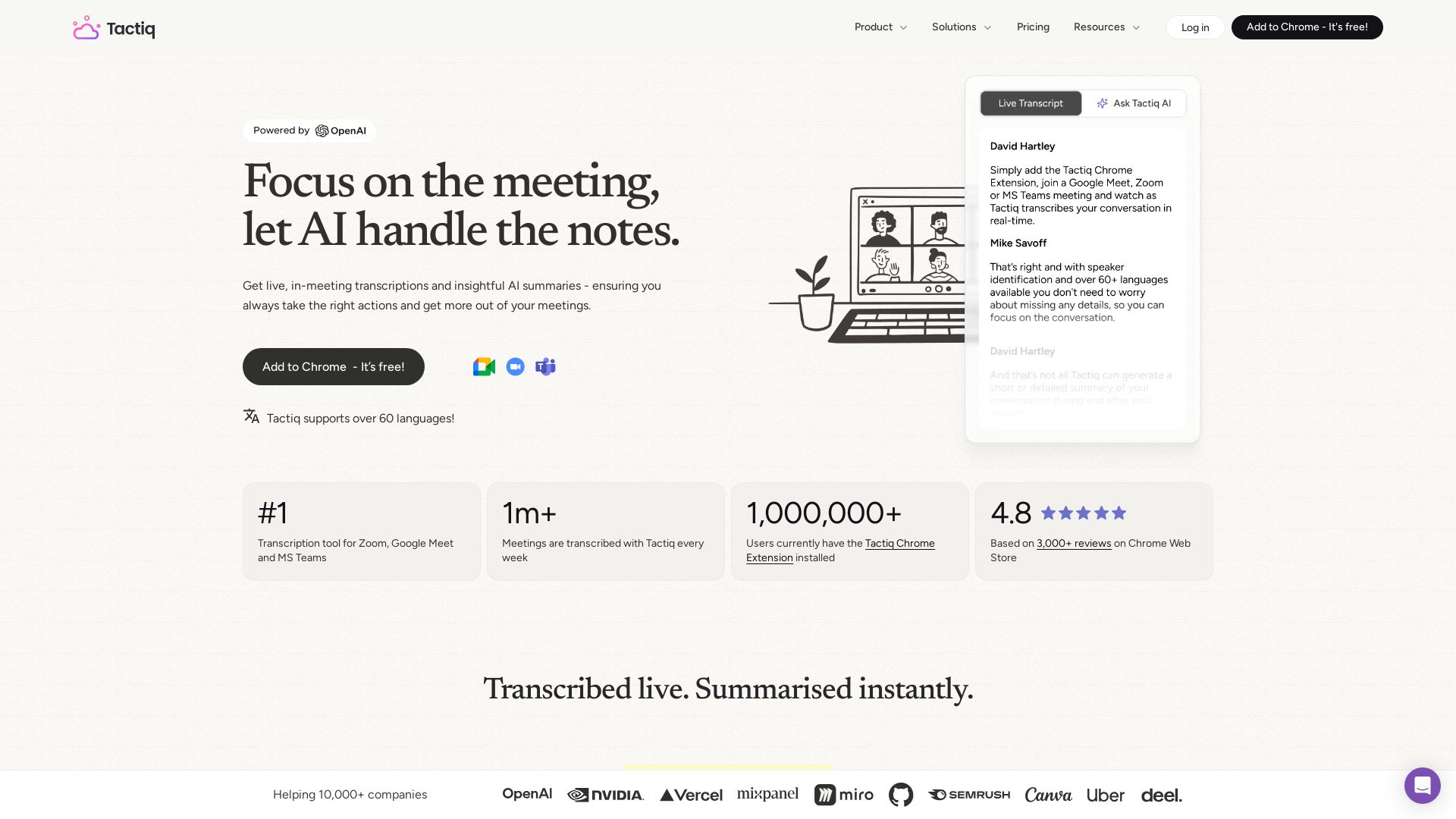
Tactiq
Get live transcriptions, AI summaries, and action items from meetings. No bot joins. Supports 60+ languages. Trusted by 1M+ users.

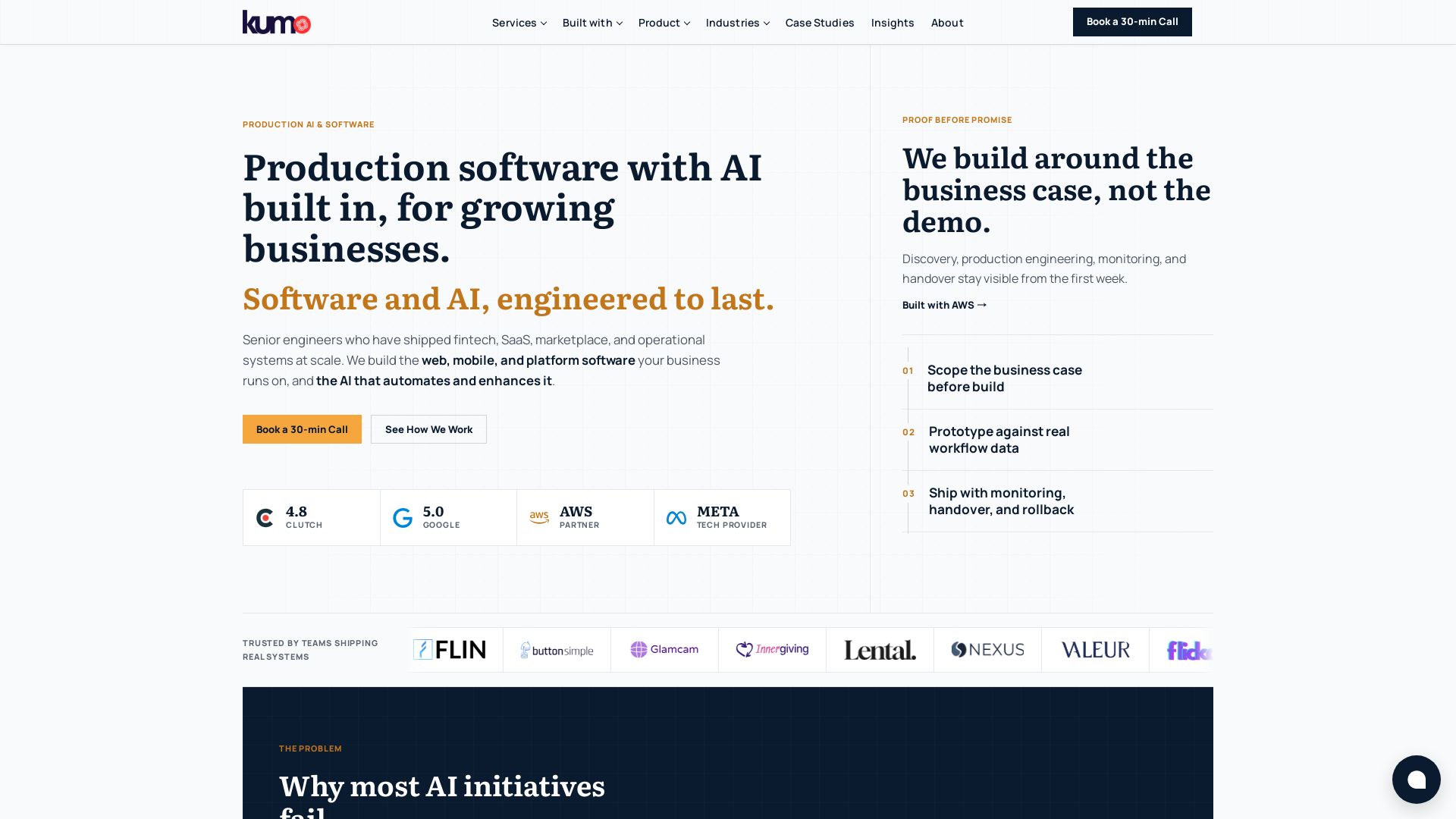
KUMO
Senior engineers build AI-powered software that lasts. Trusted by teams shipping real systems. Book a 30-min call to start building.


AIGenerator
Plan, launch, and grow your business with AI. Generate business plans, ads, and content in minutes. Free to start.

Meeting Notes
In-depth reviews of the best AI note takers, scheduling tools, and productivity apps. Tested and ranked for professionals. Updated for 2026.



Proactor AI
Proactor offers real-time transcription, note-taking, and proactive advice for meetings, sales calls, lectures, and interviews. Boost your productivity today.

Leiga
Supercharge team productivity with AI-driven planning, tracking, and collaboration. Chat-based reports, automated workflows, and risk warnings. Free forever.

BizPlanr
Create a professional business plan in minutes with our free AI-powered generator. Used by 1000+ users. Get your free draft now!

ℹ️ Curation Disclosure: The overview and features of Read AI were synthesized using AI and fact-checked by our curation team to ensure accuracy.