
Meeting Notes
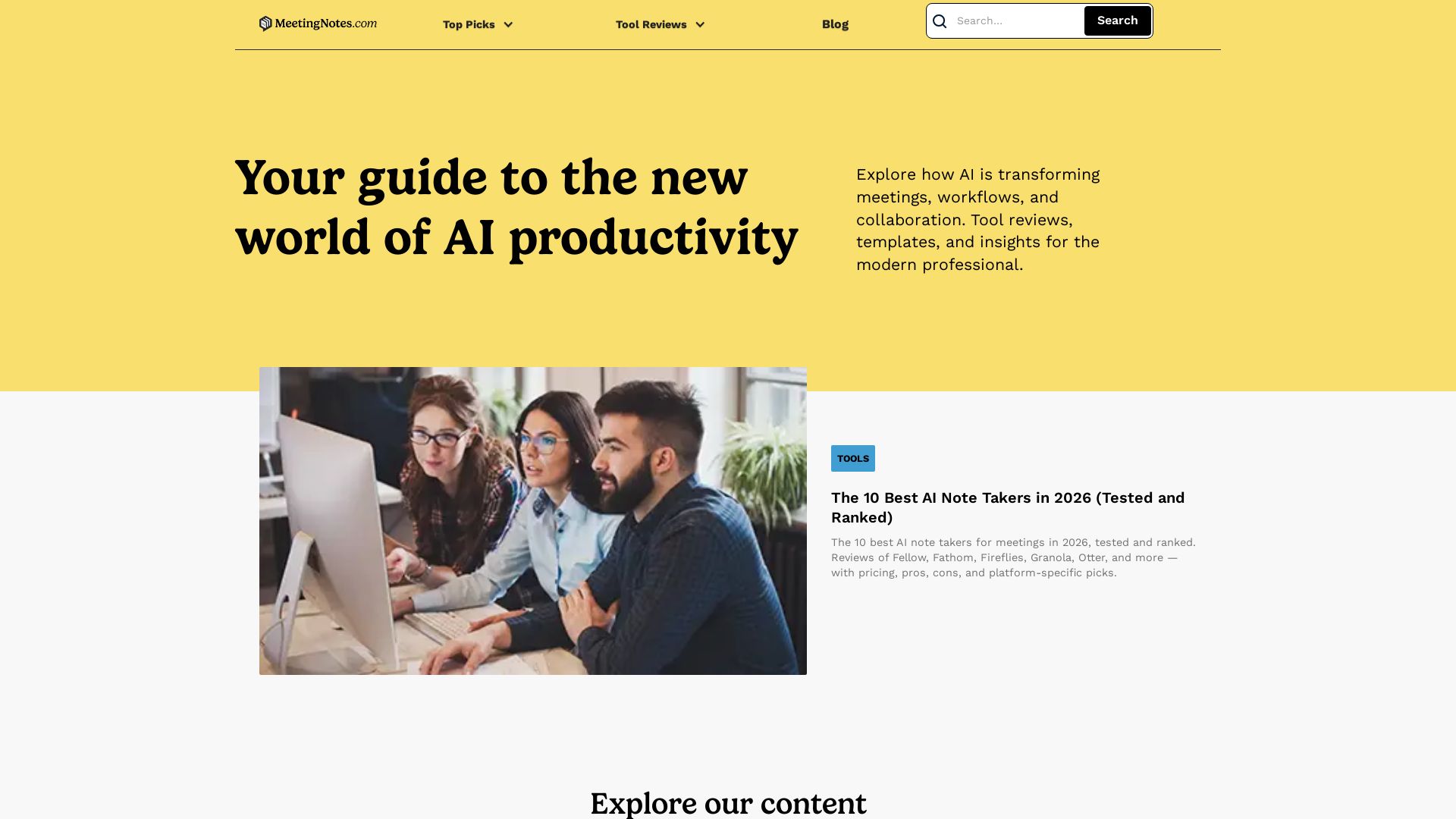
In-depth reviews of the best AI note takers, scheduling tools, and productivity apps. Tested and ranked for professionals. Updated for 2026.
Editor's Verdict
Key Takeaways
- AI Meeting Recording & Transcription
- Botless Recording
- Collaborative Note-Taking
- AI-Powered Action Items
In-Depth Review: What is Meeting Notes?
MeetingNotes.com is your trusted guide to AI productivity tools for the modern professional. We provide hands-on reviews, comparisons, and rankings of the best AI meeting note takers, scheduling apps, CRMs, and infrastructure tools. Our content covers compliance, integrations, and privacy to help you choose the right tools. Whether you're in finance, healthcare, or startups, our expert analyses and templates will boost your team's efficiency.
Core Features
AI Meeting Recording & Transcription
Record, transcribe, and summarize meetings across Zoom, Google Meet, and Microsoft Teams with high accuracy and speaker identification.
Botless Recording
Capture meetings without a visible bot joining, offering privacy-conscious recording with manual disclosure options.
Collaborative Note-Taking
Real-time team editing in shared meeting agendas and notes with commenting, action items, and task assignment.
AI-Powered Action Items
Automatically extract action items with due dates, assign to team members, and integrate with project management tools.
Advanced Security & Compliance
Enterprise-grade security with SOC 2, HIPAA, GDPR certifications, data encryption, and a strict policy of never using customer data to train AI models.
Ask Fellow AI Chatbot
Ask natural language questions across all meetings to catch up on missed calls, get answers, and generate follow-up emails.
Integrations with CRM & PM Tools
Native integrations with Salesforce, HubSpot, Slack, Teams, Asana, Monday.com, Jira, Notion, and API/MCP server for custom workflows.
Pre-Built & Customizable Templates
Over 500 agenda and AI note templates for various meeting types, fully customizable to match team workflows.
Pricing
Pro
- Unlimited meeting recordings and transcripts
- AI summaries and action items
- Calendar integration (Google, Office 365)
- Collaborative meeting agendas
- Slack and Teams integrations
- Bot and botless recording
- Access to Ask Fellow AI chatbot
- Data retention controls
Enterprise
- All Pro features
- Advanced security and compliance (SOC 2, HIPAA, GDPR)
- Custom data retention policies
- Admin controls and audit logs
- Dedicated support and onboarding
- Custom integrations and API access
- Single sign-on (SSO)
Pros and Cons
Pros
- Best-in-Class SecurityFellow never uses customer data to train AI models and offers granular admin controls, data retention policies, and compliance certifications like SOC 2 and HIPAA.
- Seamless CollaborationPre-meeting agenda collaboration, real-time note-taking, and automated action item assignment keep teams aligned and accountable.
- Strong IntegrationsNative integrations with major CRM (Salesforce, HubSpot), PM tools (Asana, Jira, Linear), and communication platforms (Slack, Teams) reduce context switching.
- Intuitive OnboardingSign-up process includes setup questions and guided onboarding, and the app works out-of-the-box with calendar sync, making first use frictionless.
- Cross-Meeting ContextIncomplete action items and talking points carry over between recurring meetings, and the Ask Fellow chatbot provides insights across your entire meeting history.
Cons
- Clunky Data ExportExporting transcripts is hidden in a different menu than AI notes, causing friction and requiring users to discover the process on their own.
- Botless Disclosure GapBotless recordings lack automated participant disclosure, creating liability for client calls and regulated industries.
- AI Action Item QualityAI-generated action items sometimes miss genuine tasks or produce false positives, requiring manual editing to ensure accuracy.
- Template UsabilityDespite having 500+ templates, they are clunky to find and apply, leading many users to stick with generic defaults.
- Limited Zapier TriggersMany Zapier automations require manual triggering rather than smart, event-based execution, reducing true workflow automation.
Use Cases & Recommended Professions
Sales Manager→ View Toolkit
Need to track customer interactions, extract action items from sales calls, and sync meeting insights directly into CRM like Salesforce or HubSpot.
Product Manager→ View Toolkit
Require structured meeting notes, action item tracking, and integration with project management tools like Jira or Asana to keep product development aligned.
Engineering Lead→ View Toolkit
Benefit from technical meeting transcripts, code review discussions, and automated action items that integrate with Linear or GitHub.
Healthcare Administrator→ View Toolkit
Need HIPAA-compliant meeting recording and transcription for clinical and administrative meetings, with strict data privacy controls.
Remote Team Facilitator→ View Toolkit
Coordinate async teams across time zones with collaborative agendas, meeting summaries, and AI-powered catch-up features.
Executive Assistant→ View Toolkit
Manage meeting prep, take notes, assign tasks, and ensure follow-ups are completed using Fellow’s templates and automation.
Frequently Asked Questions
Alternative AI Tools
View Detailed Comparison →
PrometAI
Generate investor-ready business plans in minutes with PrometAI's AI. Trusted by 100,000+ founders. Start for free, no guesswork.


Figr
Ship better UX faster. Figr builds a living understanding of your product, maps flows, finds edge cases, and generates high-fidelity prototypes from your actual design system.


AIGenerator
Plan, launch, and grow your business with AI. Generate business plans, ads, and content in minutes. Free to start.

BizPlanr
Create a professional business plan in minutes with our free AI-powered generator. Used by 1000+ users. Get your free draft now!

KUMO
Senior engineers build AI-powered software that lasts. Trusted by teams shipping real systems. Book a 30-min call to start building.

Cloudairy
Create flowcharts, mind maps, cloud architectures & more with AI. All-in-one workspace for diagrams, docs, and project planning. Trusted by 50,000+ professionals.


mymeet.ai
AI that joins your calls, provides accurate transcripts, summaries, and action items. Integrates with video platforms, CRM, and calendars. Free tier available. Trusted by teams. Get structured reports with AI templates.




ProductCrafters
Get a free 2-week trial sprint for your AI product. Working prototype in 30 days, production-ready in 90. No contract, no credit card. Test your dev team risk-free.

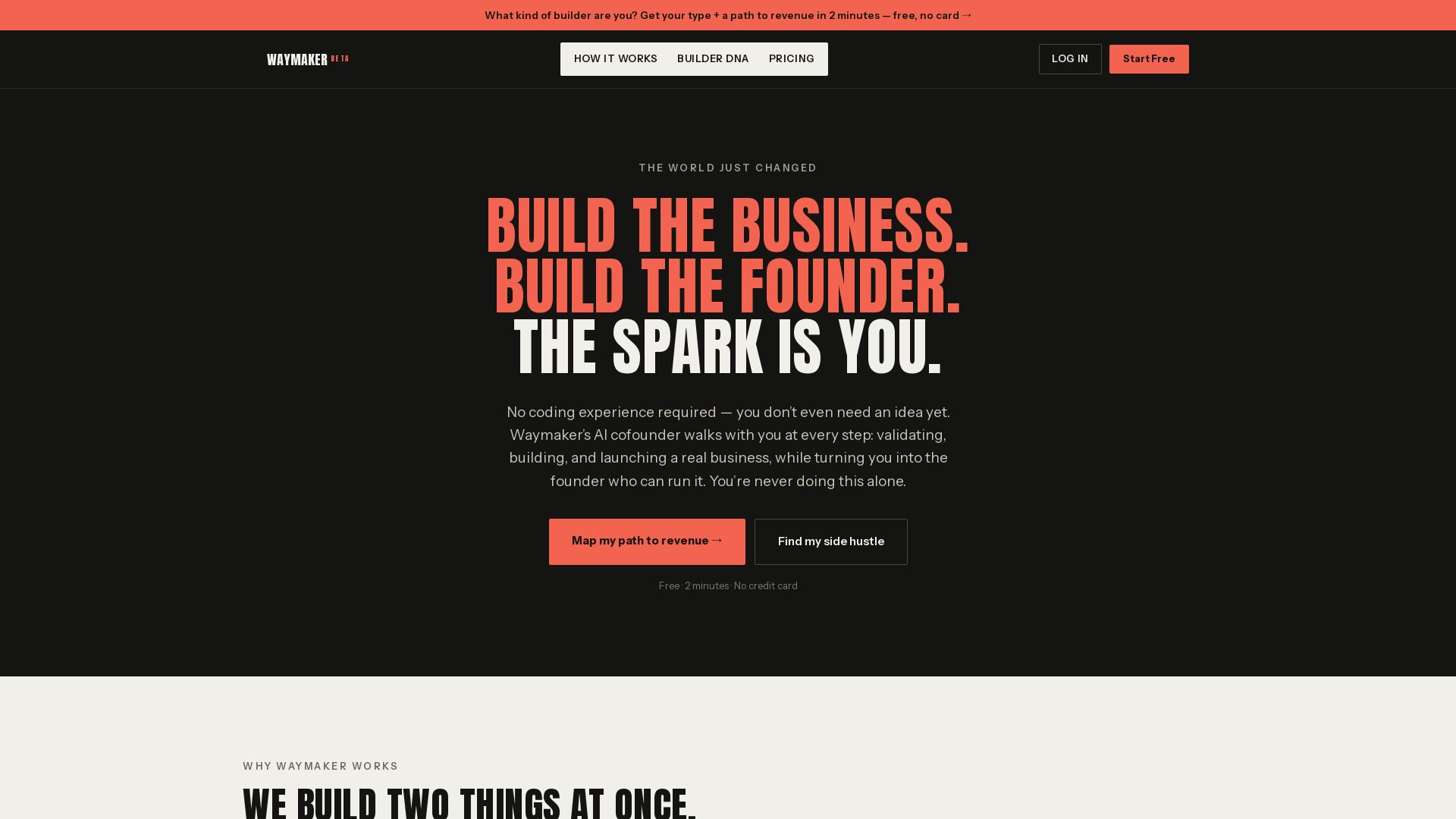
Waymaker AI
Free 2-minute assessment. Discover your Builder DNA and get a personalized path to revenue. No coding or idea needed. Start your side hustle today.

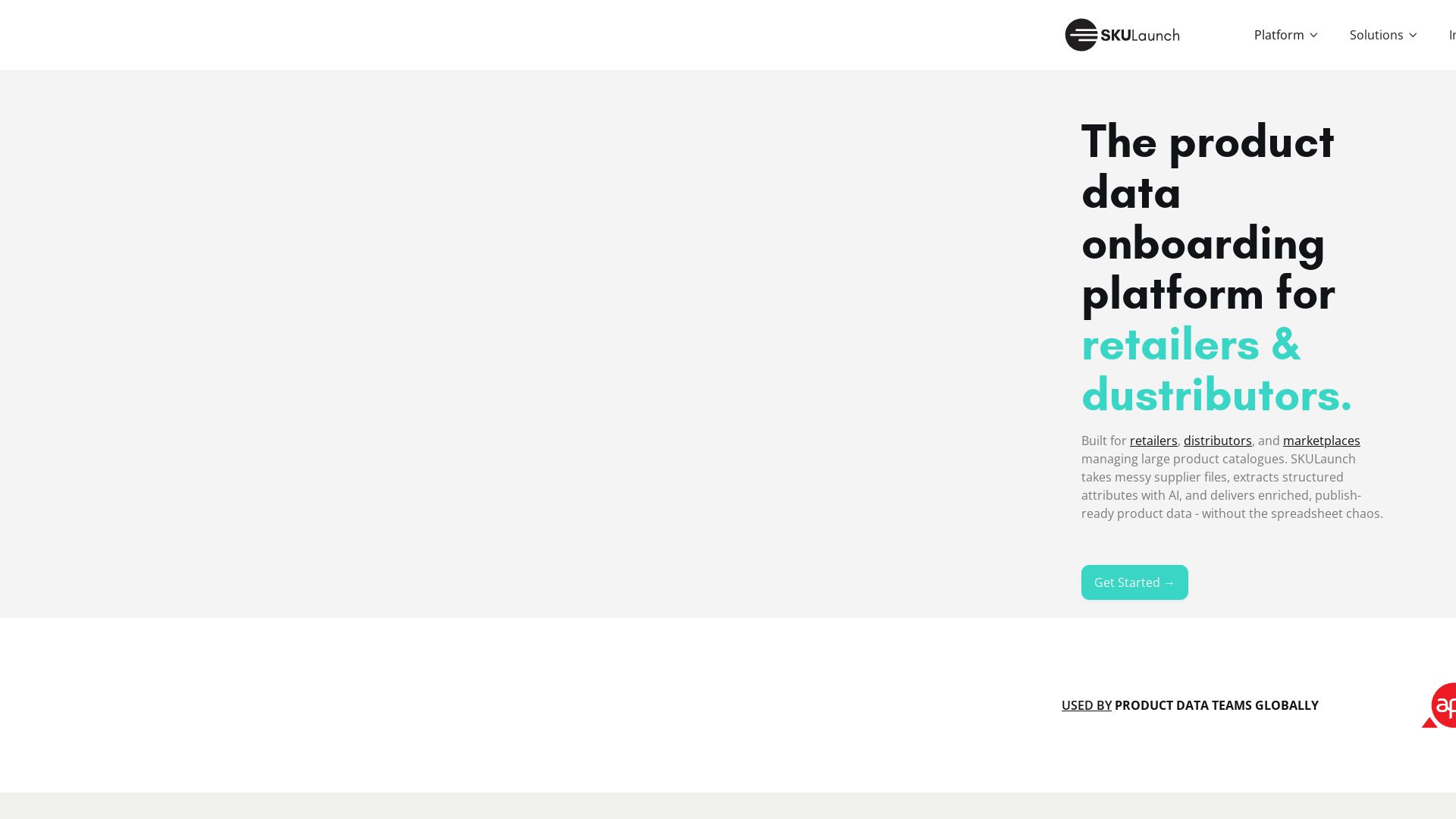
SKULaunch
Automate supplier data onboarding, AI extracts attributes, enrich product catalogs, and publish ready data. From messy files to filterable search.

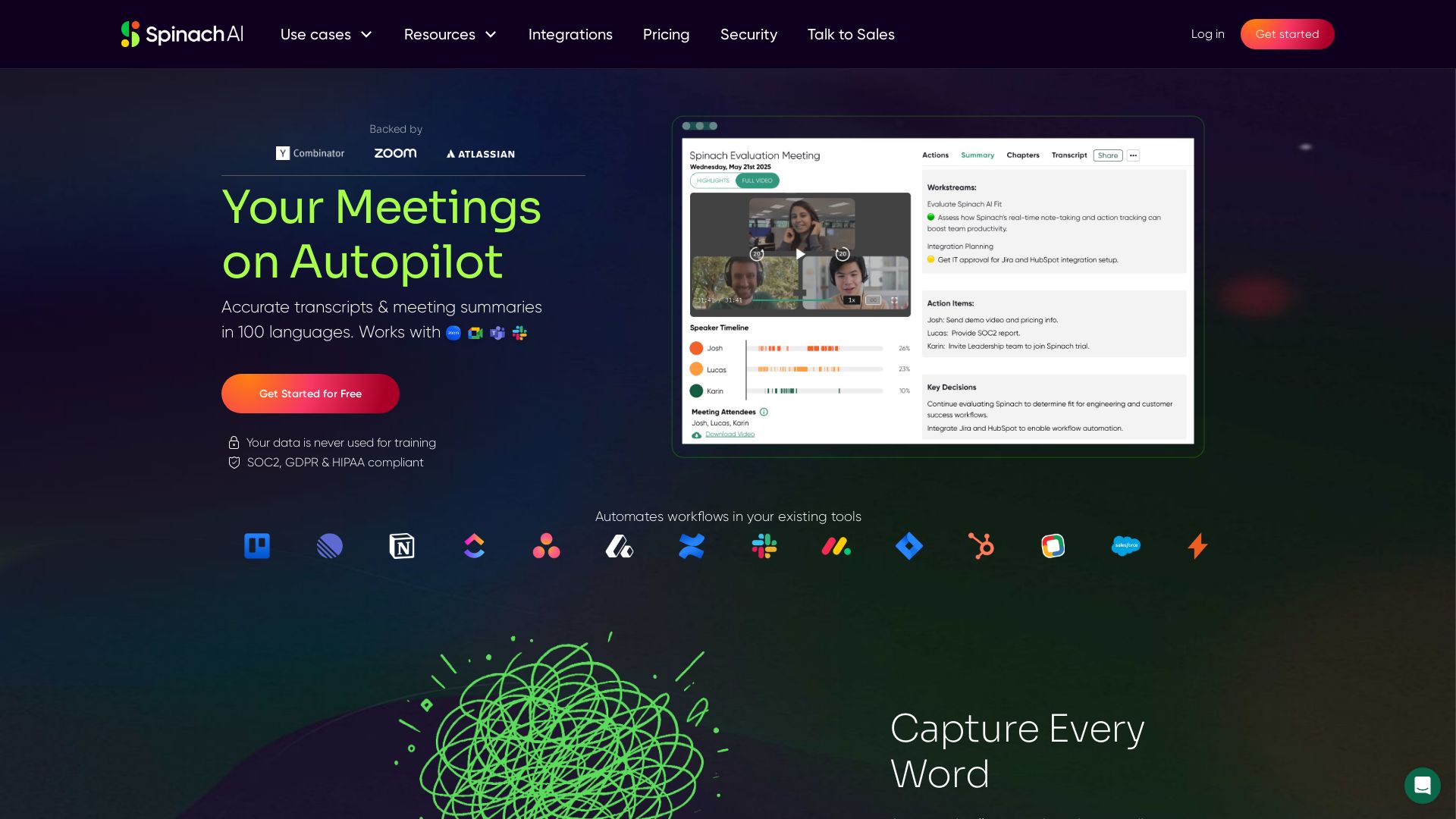
Spinach AI
Accurate transcripts & meeting summaries in 100 languages. Automate workflows and never miss an action item. Secure & compliant.

ℹ️ Curation Disclosure: The overview and features of Meeting Notes were synthesized using AI and fact-checked by our curation team to ensure accuracy.
