
Pieces
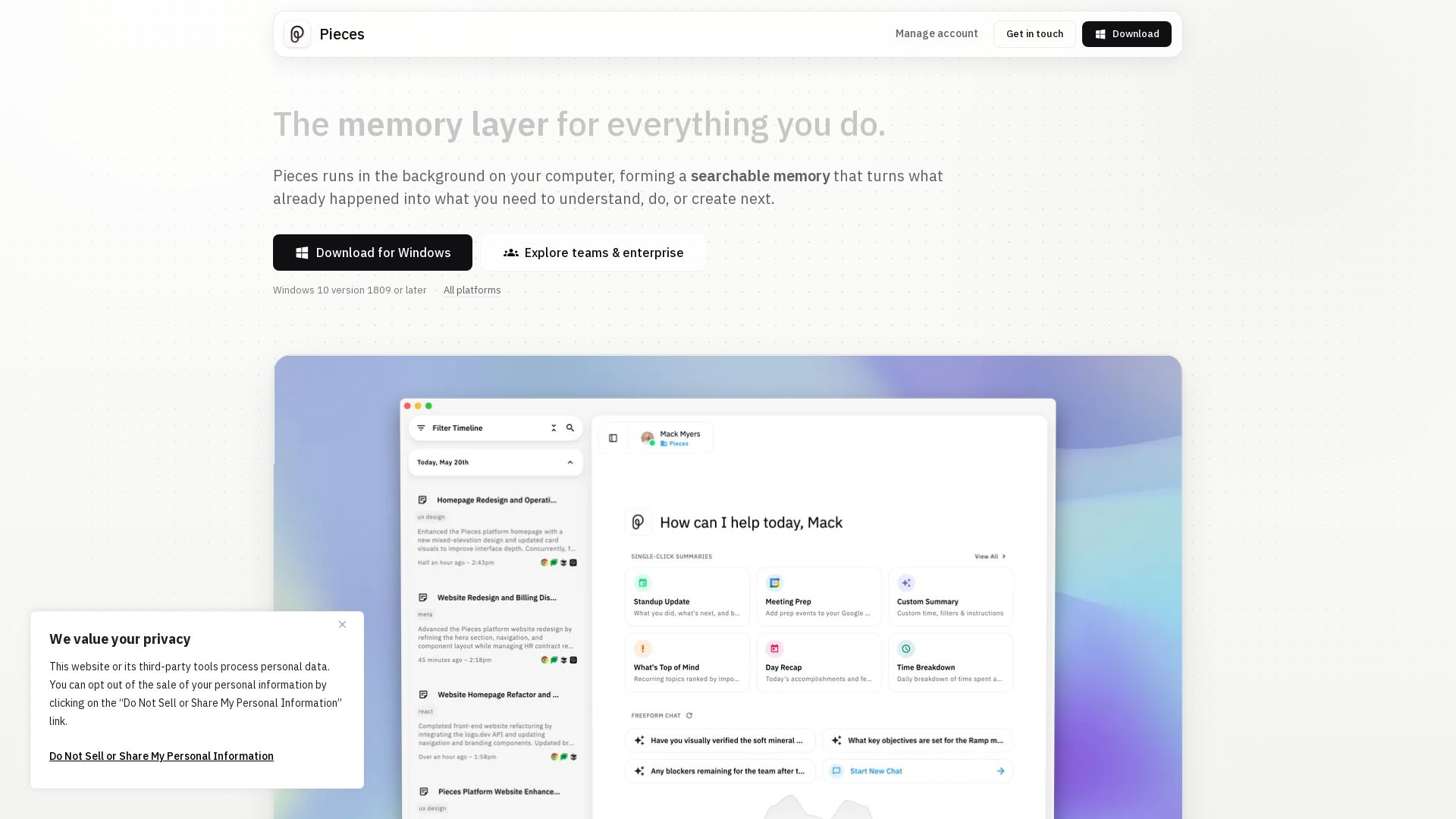
Pieces runs in the background, capturing your screen, clipboard, and apps to create a private, searchable memory. Find anything instantly.
Editor's Verdict
Key Takeaways
- Living Timeline
- AI-Powered Search & Summaries
- Cross-App Memory
- On-Device Privacy
In-Depth Review: What is Pieces?
Pieces is a desktop app that automatically captures everything you do on your computer—screenshots, clipboard, and app activity—every 2 seconds. It forms a private, on-device searchable timeline you can query by time, topic, or source. Key features include: opt-in audio capture for meetings, integration with 30+ apps (Gmail, Slack, VS Code, ChatGPT, etc.), AI-generated summaries and recaps, and a MCP server for use with Claude and other agents. For teams, it offers shared memory and org-wide policies. Download free for Windows.
Core Features
Living Timeline
Automatically captures all activity chronologically, allowing you to search, filter, and revisit any moment from research, chats, emails, notes, and meetings.
AI-Powered Search & Summaries
Ask anything about past work; scope prompts by time, source, or topic to instantly find or curate information, and generate standup updates, briefs, and recaps from real context.
Cross-App Memory
Pieces forms memories every 2 seconds from apps you already use, including Gmail, Slack, Chrome, VS Code, Zoom, and more, creating a unified searchable memory layer.
On-Device Privacy
All memories are saved locally by default, with controls to pause capture, disable specific apps/websites, and delete data from specific times, apps, or capture methods.
MCP Server Integration
Carries full history into MCP-ready AI assistants like Claude, Cursor, and Codex, enabling context-aware AI interactions across tools.
Team Collaboration
Individual context becomes shared knowledge when teams adopt Pieces, with enterprise controls like bring-your-own API keys and org-wide capture policies.
Pricing
Free (Individual)
- Full memory capture from apps
- On-device storage
- AI-powered search and summaries
- Basic privacy controls
Enterprise
- All Free features
- Org-wide capture policies
- Bring-your-own API keys
- Compliance enforcement
- Shared team memory
- Dedicated support
Pros and Cons
Pros
- On-Device PrivacyMemories are stored locally, giving users full control over their data with options to pause, delete, and scope capture.
- Cross-Application ContextCaptures activity from dozens of apps across work and productivity tools, creating a unified searchable memory layer.
- AI-Generated SummariesInstantly produce standup updates, meeting prep, and daily recaps from real context, saving hours of manual retracing.
- Flexible Capture ControlsUsers can disable capture for specific apps, websites, or capture methods (vision, clipboard, audio), and pause at any time.
- Team CollaborationIndividual memories can become shared team knowledge with enterprise features, improving handoffs and collective context.
Cons
- Resource ConsumptionRunning continuously in the background may impact system performance on older machines, especially with heavy app usage.
- Privacy Concerns Despite On-DeviceCapturing all activity may feel invasive; users must trust that no data leaves the device without their consent.
- Limited Platform SupportCurrently requires Windows 10 or later (with mention of Safari suggesting Mac support may be limited or forthcoming).
- Learning CurveSetting up capture preferences and understanding the full feature set may require initial time investment.
- Dependence on Supported AppsEffectiveness relies on using the listed apps; less coverage for niche or less common tools.
Use Cases & Recommended Professions
Software Engineer→ View Toolkit
Needs to quickly revisit code research, debugging sessions, and technical decisions scattered across IDEs, browsers, and chats.
Product Manager→ View Toolkit
Requires a unified view of meetings, emails, design reviews, and notes to prepare standups and track decisions.
Researcher→ View Toolkit
Benefits from automatically compiled research trails, summaries, and the ability to resume deep dives without losing context.
Writer→ View Toolkit
Can capture drafts, source material, and feedback across tools, then generate summaries or consolidate notes easily.
Designer→ View Toolkit
Needs to recall design rationale, review comments from Figma, and revisit research across meetings and emails.
Customer Success Manager→ View Toolkit
Tracks customer conversations, meeting takeaways, and account context across Slack, email, and CRM-like sources.
Frequently Asked Questions
Alternative AI Tools
View Detailed Comparison →
Figr
Ship better UX faster. Figr builds a living understanding of your product, maps flows, finds edge cases, and generates high-fidelity prototypes from your actual design system.

Basic Memory
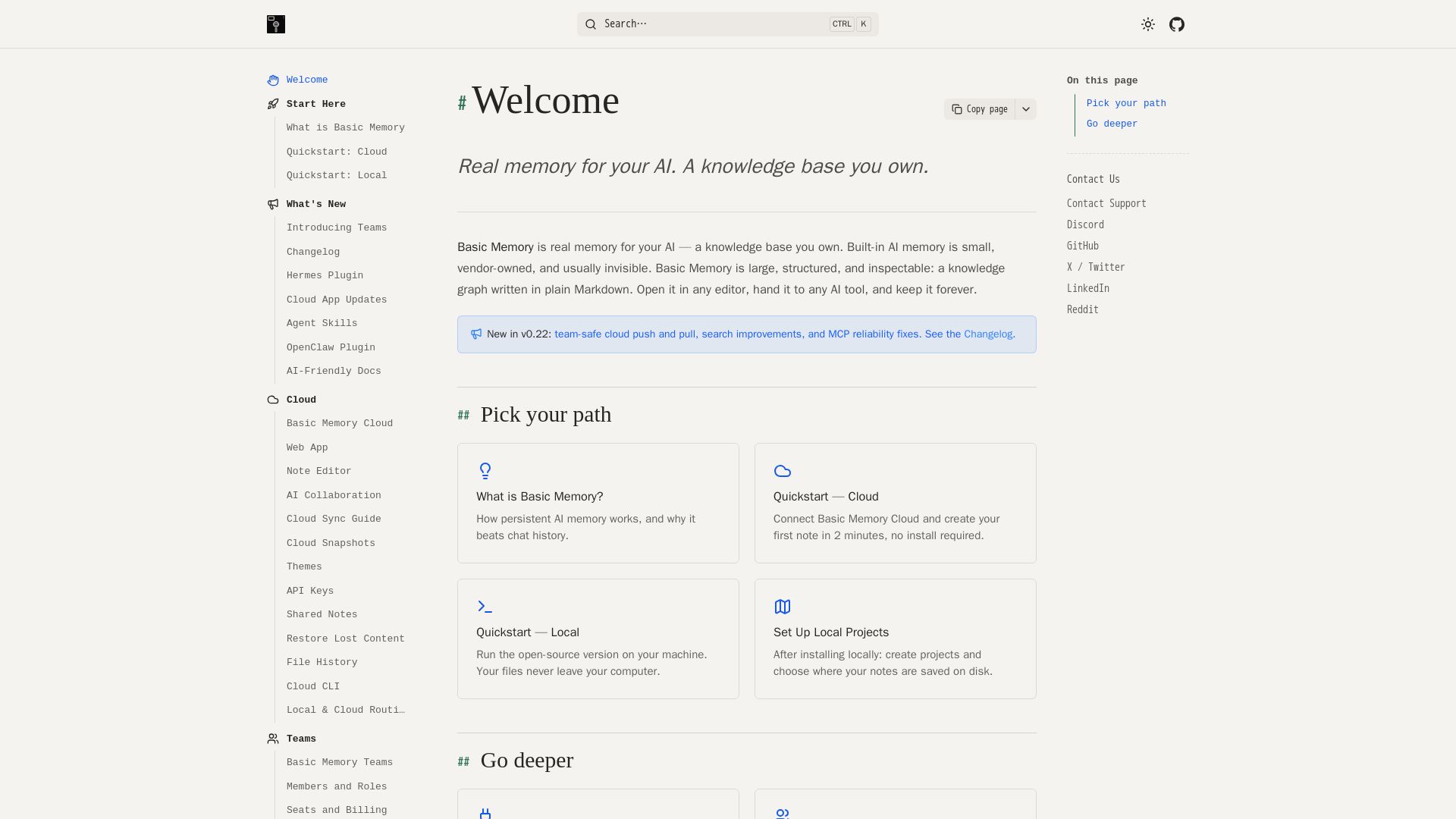
Persistent, structured, and inspectable AI memory in Markdown. Open source, works with Claude, ChatGPT, and more. Own your knowledge graph.


Making AI think and act: my approach to the Hugging Face AI ...
Experienced AI engineer specializing in medical imaging and LLM-powered agents. Built globally deployed radiology AI at AZmed. Now building AI agents at Matrix One.


Motiff AI
Generate production-ready UI from text, wireframes, or screenshots with Motiff AI. Choose preset styles, export to React/HTML. Fast, consistent design.


Superdesign
Create stunning designs with AI. Iterate quickly using natural language. Export production-ready code. Browse design prompts and styles.


Scuti AI
We specialize in generative AI, AI-OCR, RAG, and offshore development. Combining Vietnam's speed with Japan's quality to automate tasks and boost business.


SF AI Labs
End-to-end AI services from strategy to launch. Proven delivery framework, expert network in San Francisco. Maximize ROI with custom AI solutions for modern companies.


Figma
Figma is the intelligent, AI-native canvas for designing, prototyping, and building products together. Trusted by 95% of Fortune 500. Explore design and dev tools.


Cequence AI Gateway
Safely connect AI agents to business apps with enterprise-grade security, OAuth 2.1, and MCP. Unlock agentic AI productivity.

Leanware
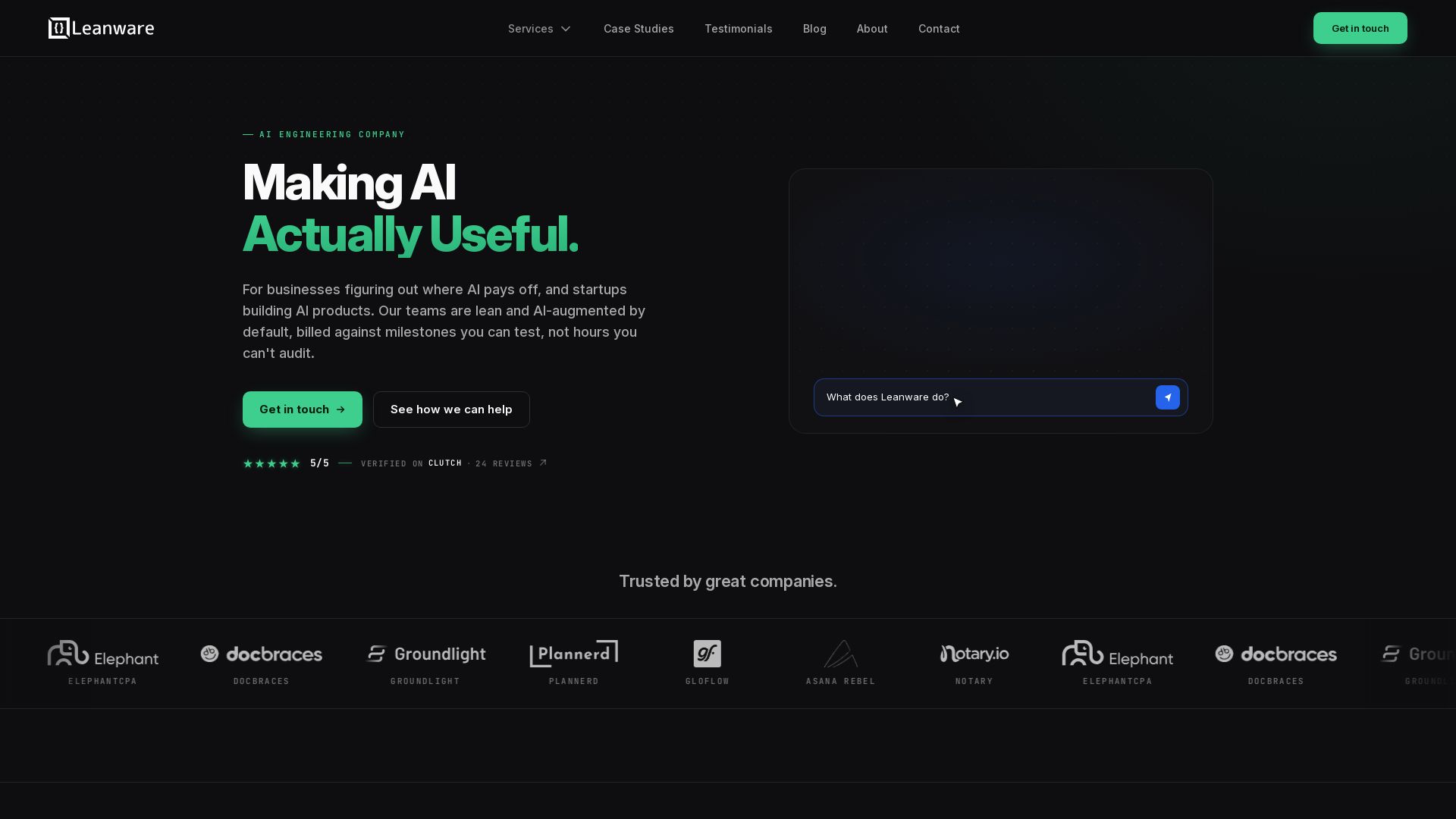
We build custom AI agents, ship AI products, and assess AI ROI. Milestone-billed, lean teams, no handoffs. Trusted by startups and businesses.


HIX AI
HIX AI is an AI agent workspace that lets you research, create slides, videos, images, and more with one tool. Boost productivity with deep research and automated content creation.

Genspark
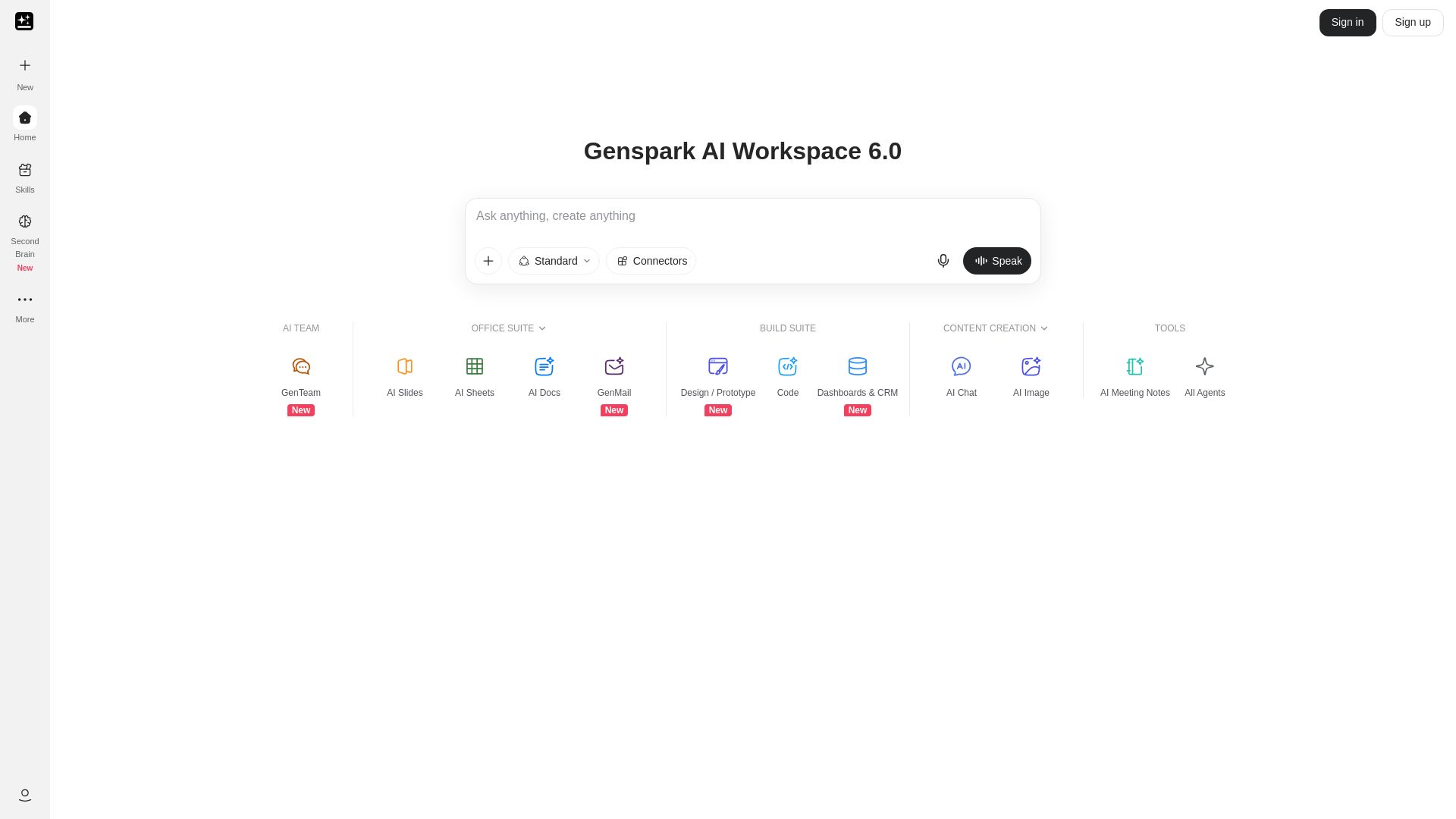
Unlock hundreds of AI tools for writing, design, video, business, and more. Your ultimate workspace for creativity and productivity.

ℹ️ Curation Disclosure: The overview and features of Pieces were synthesized using AI and fact-checked by our curation team to ensure accuracy.
