Krea
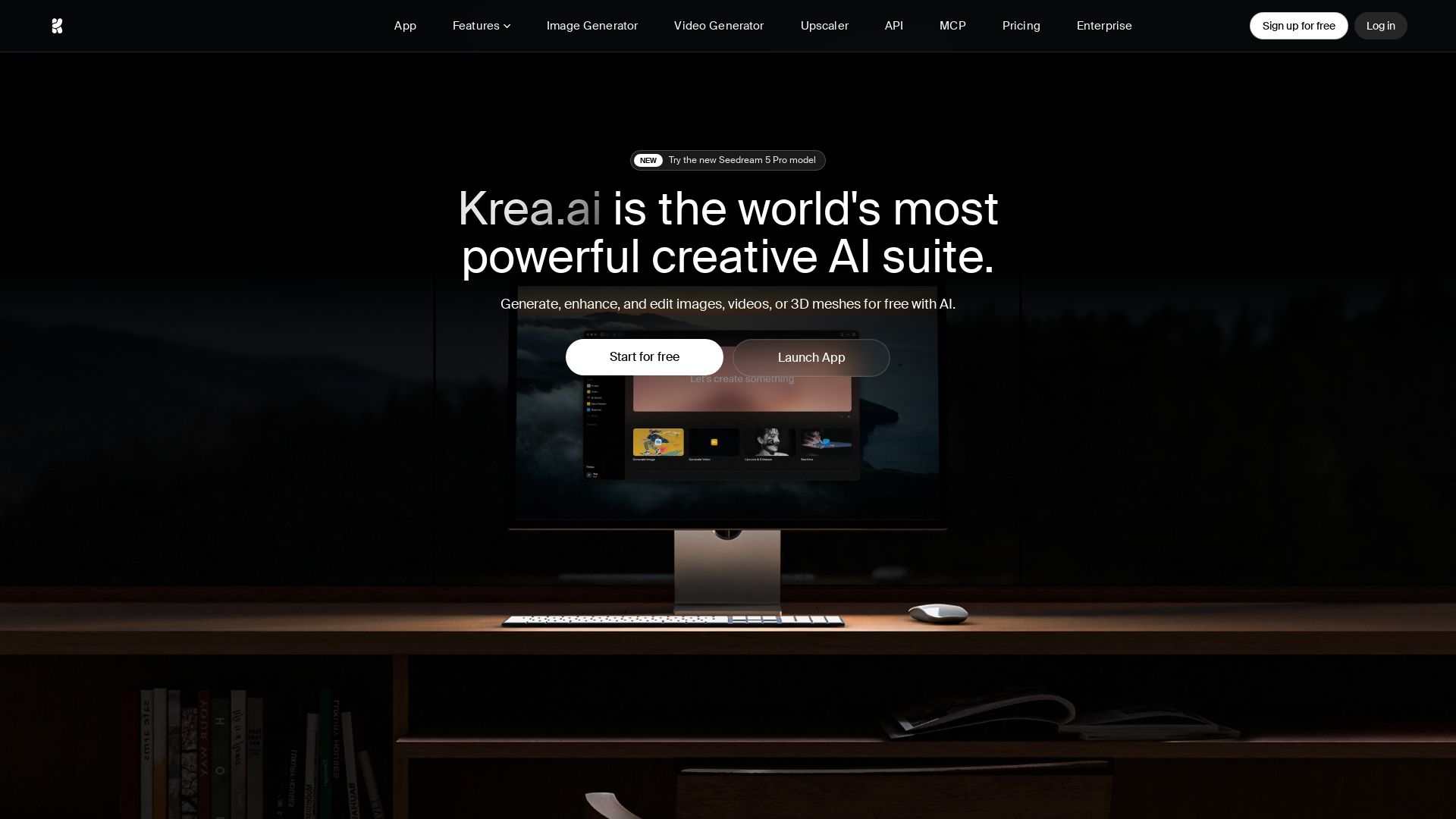
Generate stunning AI images, videos, and 3D meshes for free. Krea offers 1000+ styles, 64+ models, realtime rendering, upscaling, and fine-tuning. Trusted by 30M+ users.

Editor's Verdict
Key Takeaways
- AI Image Generation
- AI Video Generation
- AI 3D Generation
- AI Image Enhancements
In-Depth Review: What is Krea?
Krea is the world's most powerful creative AI suite, enabling anyone to generate, enhance, and edit images, videos, and 3D objects with ease. With industry-leading inference speed, upscaling up to 22K, and over 64 models including Krea 2, Veo 3.1, and Flux, it serves millions of creatives, enterprises, and everyday users. Features include realtime rendering, LoRA fine-tuning, video generation, and a minimalist UI. Start for free with daily credits.
Core Features
AI Image Generation
Generate images from text descriptions with over 1000 styles and 20+ models. Supports native 4K output and real-time generation as fast as 3 seconds for a 1024px image.
AI Video Generation
Access top video models like Veo 3, Sora, Kling, Hailuo, and Runway. Generate videos from text, animate images, or enhance existing footage with an intuitive interface.
AI 3D Generation
Create 3D objects from text or images. Supports text-to-3D and image-to-3D workflows for rapid prototyping and design.
AI Image Enhancements
Upscale images up to 22K resolution using models like Topaz. Also includes background removal and a generative image editor for adding/removing objects or changing lighting.
AI Video Enhancements
Enhance videos with frame interpolation (up to 120fps), video styles transfer, and upscaling up to 8K. Ideal for restoring old footage or creating slow-motion effects.
Real-time Rendering
Market-leading real-time image and video generation. Turn primitives into photorealistic images in under 50ms with full frame consistency for video.
Generative Editing
Edit images with 10+ AI models including Nano Banana, Flux Kontext, and Qwen. Merge images, change expressions, or adjust lighting through a simple interface.
LoRA Fine-tuning
Train custom models on your own data. Upload a few images of a face, product, or style to generate consistent outputs on demand.
Krea 2 Model
Krea's proprietary foundation model focused on aesthetic diversity and style control. Available for open-source use and directly in the app.
Krea Nodes
Visual workflow builder connecting models, prompts, and processing steps. Automate complex pipelines without coding.
App Builder
Turn node workflows into reusable apps that can be run or shared. Enable team collaboration and brand consistency.
Nodes Agent
AI assistant that builds and modifies node workflows using natural language. Reduces the learning curve for automation.
Pricing
Free
- 100 compute units per day
- Access to Krea 2
- Full access to real-time models
- Limited access to image, video, 3D, and lipsync models
- Limited image upscaling (up to 2K)
- Limited LoRA training
- No commercial license
- 1 image concurrency
- 0 video concurrency
- 50 images per LoRA
Basic
- 5,000 compute units per month
- Commercial license
- Full access to image, 3D, and lipsync models
- Selected video models
- LoRA fine-tuning with up to 50 images
- Image upscaling up to 22K
- Krea Nodes, App Builder, Nodes Agent
- Early access to new features
- Bulk discounts on compute unit packs
- Unlimited relaxed generations (in-house models)
- 4 image concurrency
- 2 video concurrency
Pro
- 20,000 compute units per month
- All features from Basic
- All video models (Veo3, Sora, Kling, etc.)
- 8 image concurrency
- 4 video concurrency
Max
- 60,000 compute units per month (with options up to 100k)
- All features from Pro
- Unlimited image and video concurrency
- 2000 images per LoRA
- Unlimited relaxed generations
Business
- 80,000 compute units per month (scalable to 1.5M)
- Up to 50 seats included
- Business Terms of Service
- Share private Node Apps with team
- Custom user roles and permissions
- Fine-grained model access controls
- SAML SSO
- Priority support with SLA
- Per-member spend limits
- Commercial license
- Unlimited relaxed generations
- Unlimited image and video concurrency
- 2000 images per LoRA
Enterprise
- Custom compute units
- All Business features
- Custom Terms of Service
- Priority support with SLA
- Dedicated account management
- Audit logs
- Indemnification
- Custom images per LoRA
Pros and Cons
Pros
- Industry-leading inference speedGenerate 1024px Flux images at FP16 in just 3 seconds, among the fastest in the industry.
- Bleeding-edge modelsAccess 64+ models including Krea 2, Veo 3.1, Ideogram, and Runway on release day.
- Intuitive, minimal UIDesigned for both pros and beginners with no tutorials required, reducing the learning curve.
- Comprehensive creative suiteCovers image, video, 3D, editing, upscaling, and fine-tuning in one subscription.
- Trusted by millionsOver 30 million users from 191 countries, including top brands like Lego, Samsung, and Nike.
Cons
- Free tier very limitedOnly 100 compute units per day, which may restrict heavy usage and require a paid plan.
- Complex pricing structureMultiple tiers with compute units and add-ons can be confusing, especially for new users.
- No price transparency for paid plansBasic, Pro, and Max plans do not display monthly prices on the website, requiring contact.
- Compute unit consumption variesDifferent models and features consume units at different rates, making cost estimation difficult.
- Some features locked behind higher tiersFull video model access and high concurrency require Pro or above, limiting lower-tier users.
Use Cases & Recommended Professions
Graphic Designer→ View Toolkit
Quickly generate images with custom styles and upscale them for print or digital use, streamlining design workflows.
Video Editor→ View Toolkit
Generate AI videos, animate stills, and upscale footage to 8K, saving time on complex edits.
3D Artist→ View Toolkit
Create 3D objects from text or images for prototyping, game assets, or architectural visualization.
Marketing Manager→ View Toolkit
Produce high-quality visuals and videos for campaigns, ads, and social media with consistent branding using LoRA fine-tuning.
Architect→ View Toolkit
Upscale 3D renders to photorealistic quality and generate architectural concepts quickly for presentations.
Content Creator→ View Toolkit
Generate engaging images and videos for social media platforms, leveraging real-time generation and style transfer trends.
Frequently Asked Questions
Alternative AI Tools
View Detailed Comparison →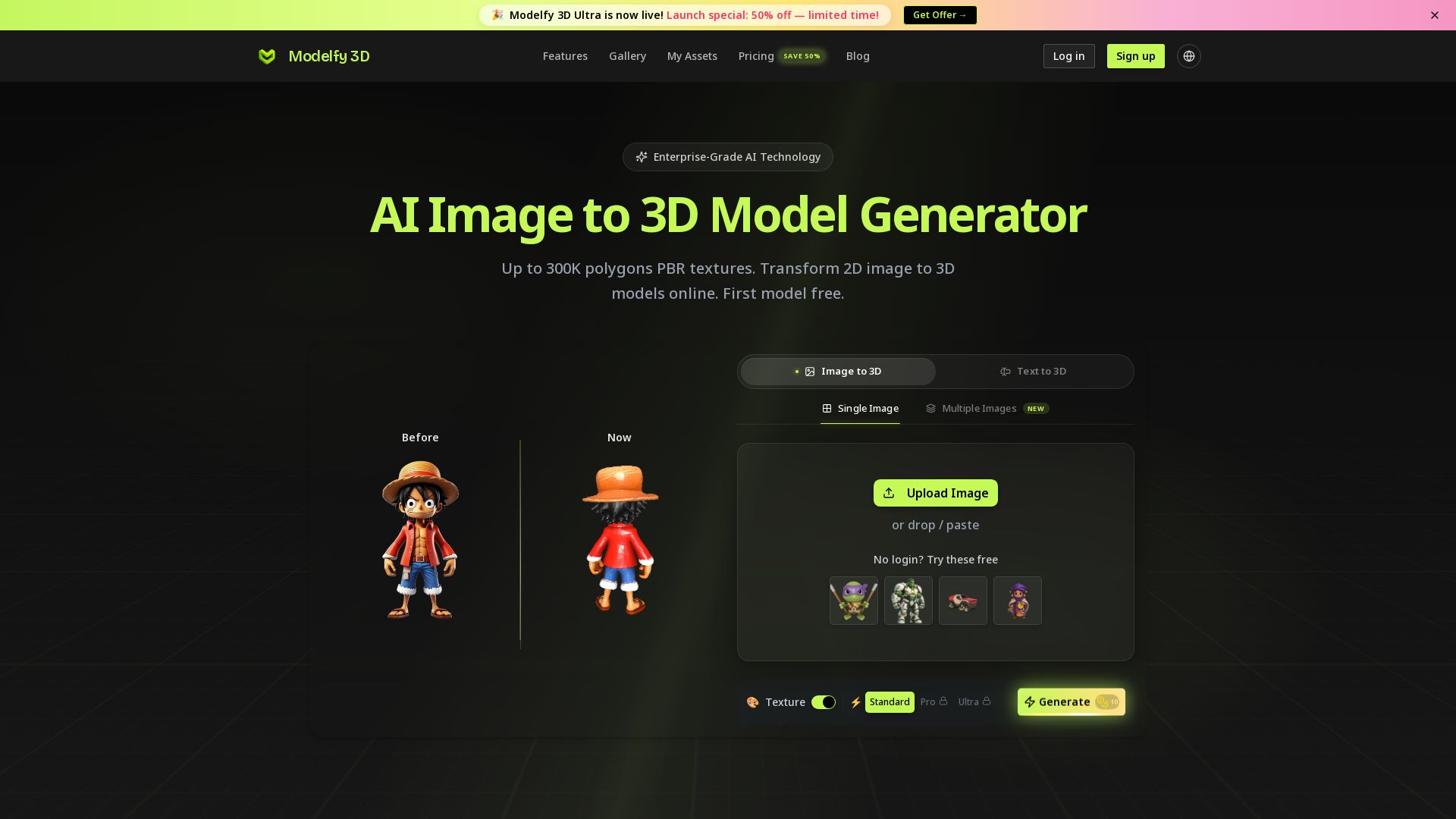
Modelfy 3D
Convert 2D images to 3D models with AI. Up to 300K polygons, PBR textures, GLB/OBJ/STL export. Free first model. Try Modelfy 3D now.

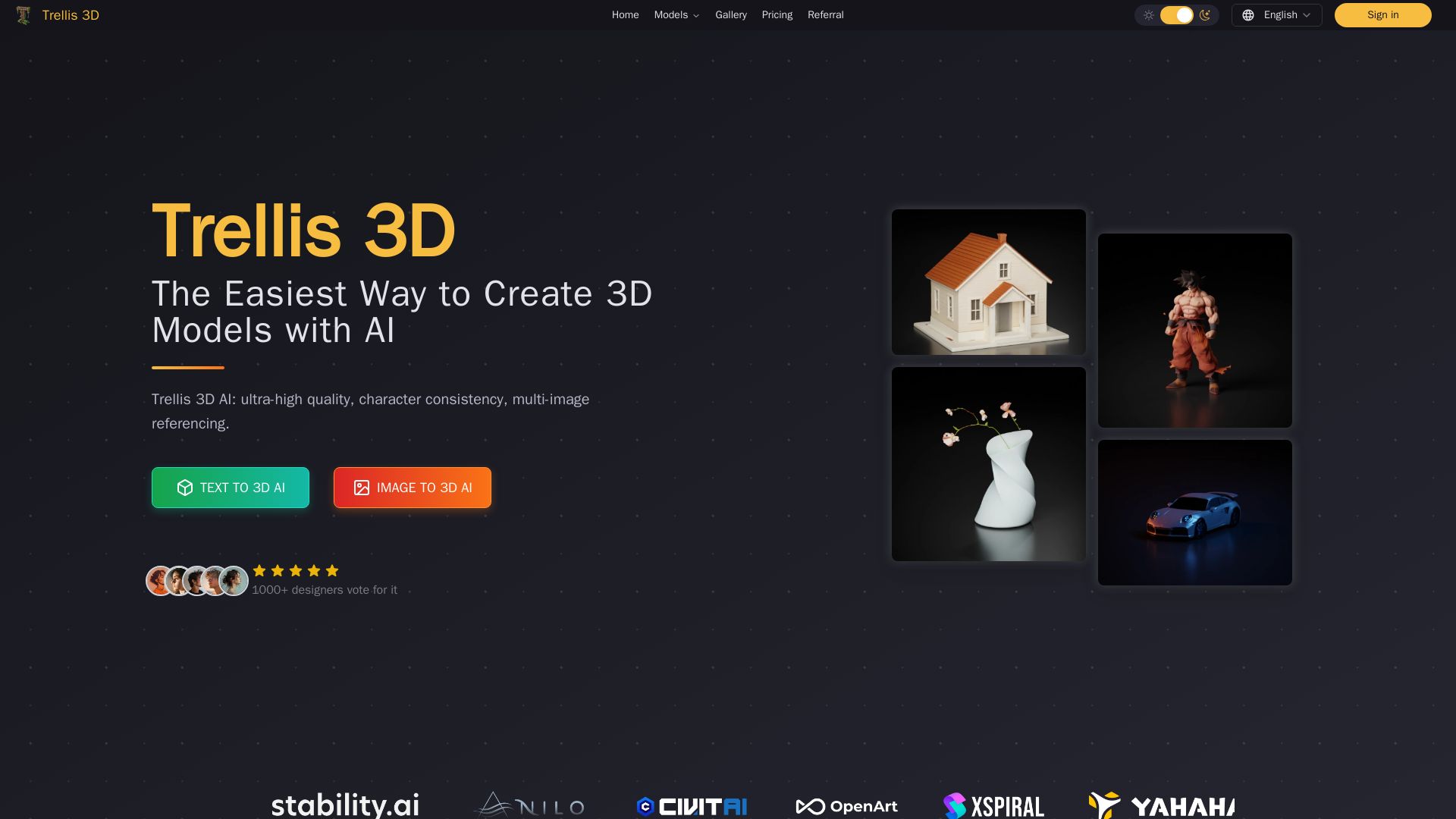
Trellis 3D AI
Create stunning 3D models from text or images using Trellis 3D AI. Ultra-high quality, multi-format output, and easy editing. Try it free!

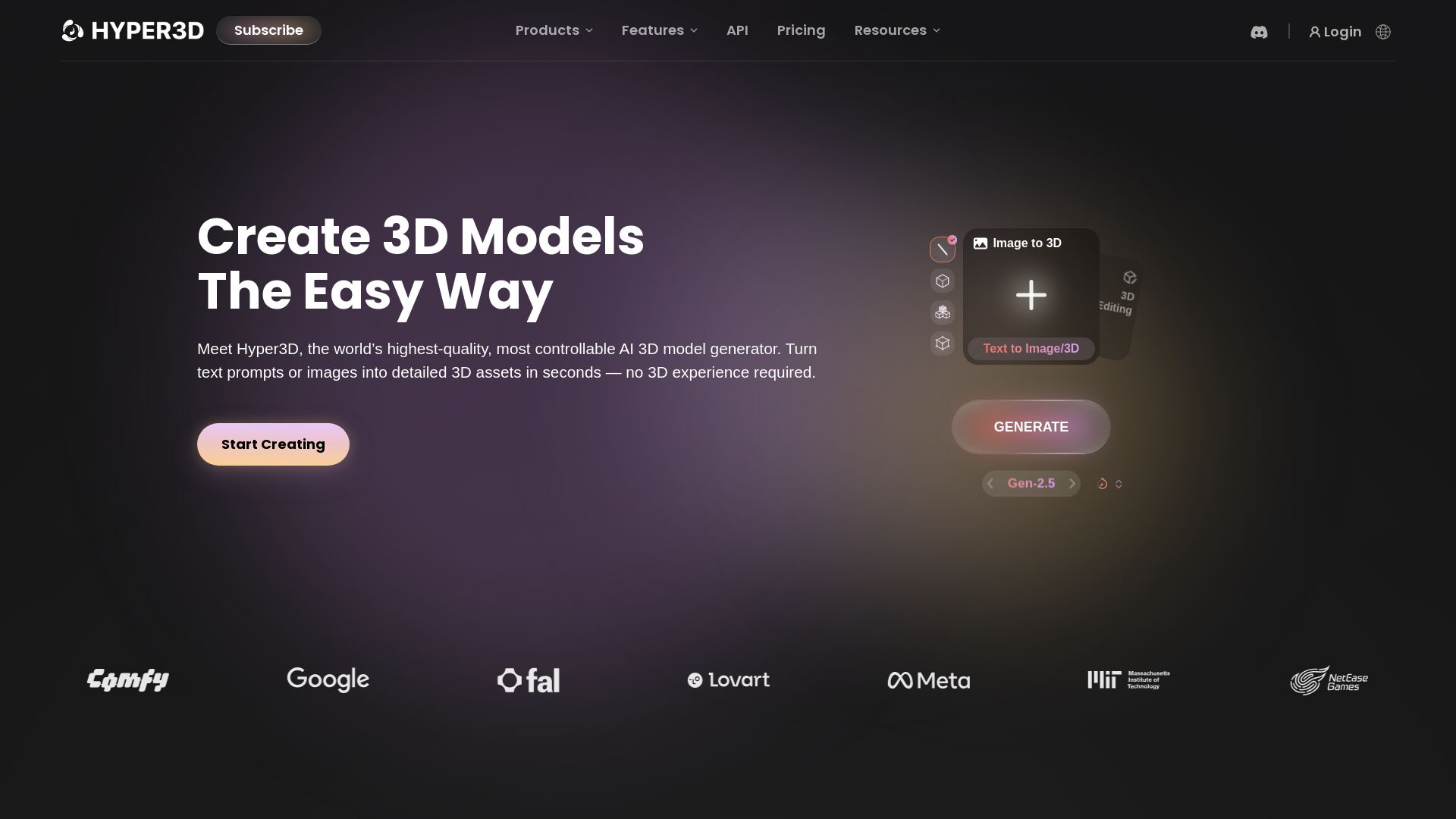
Hyper3D Rodin
Turn text or images into high-quality 3D models in seconds. No experience needed. Free trial available. Start creating now!


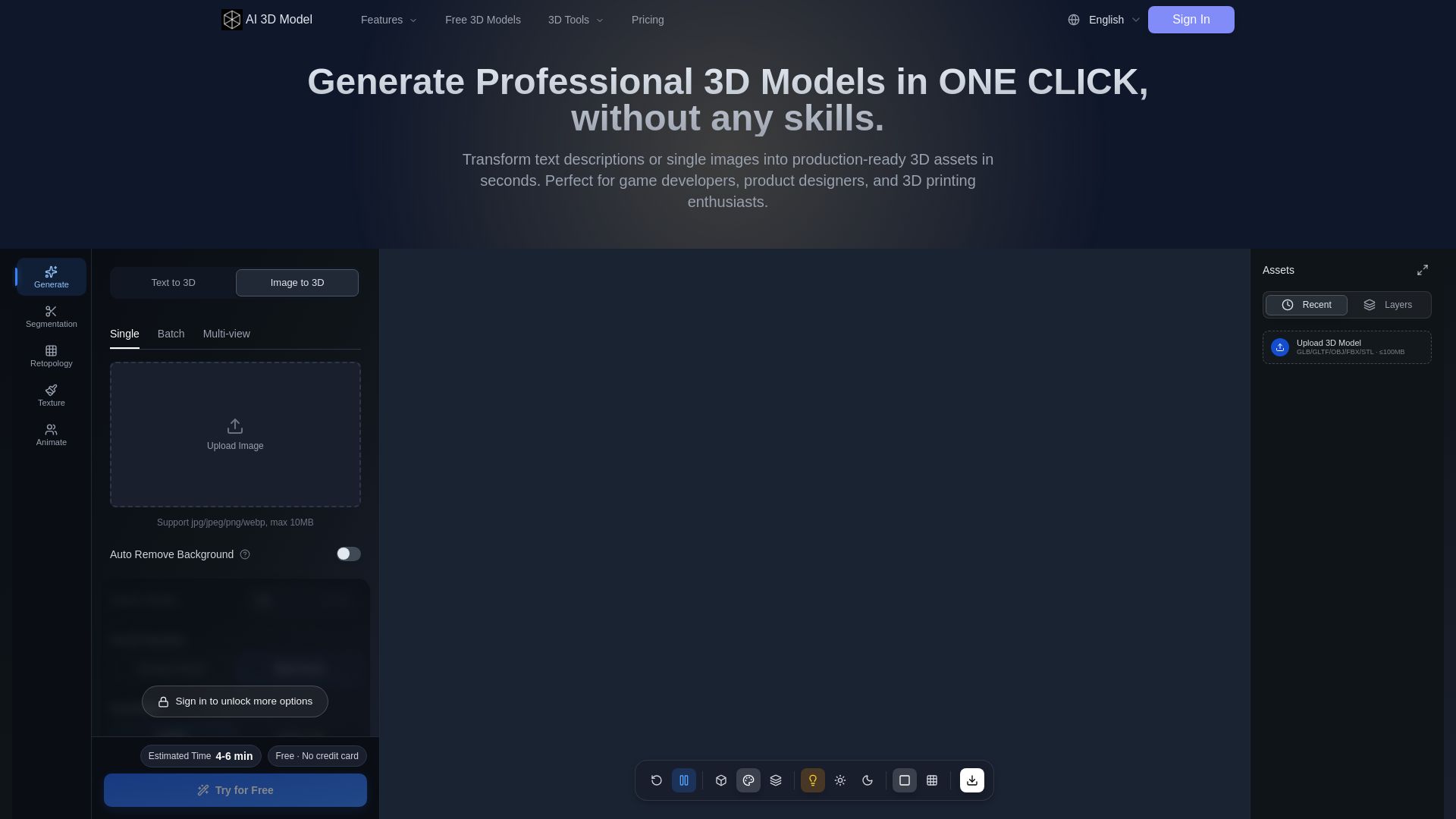
AI 3D Model Generator
Turn text or images into production-ready 3D models in seconds. Perfect for games, product design, 3D printing. No skills needed. Try free!

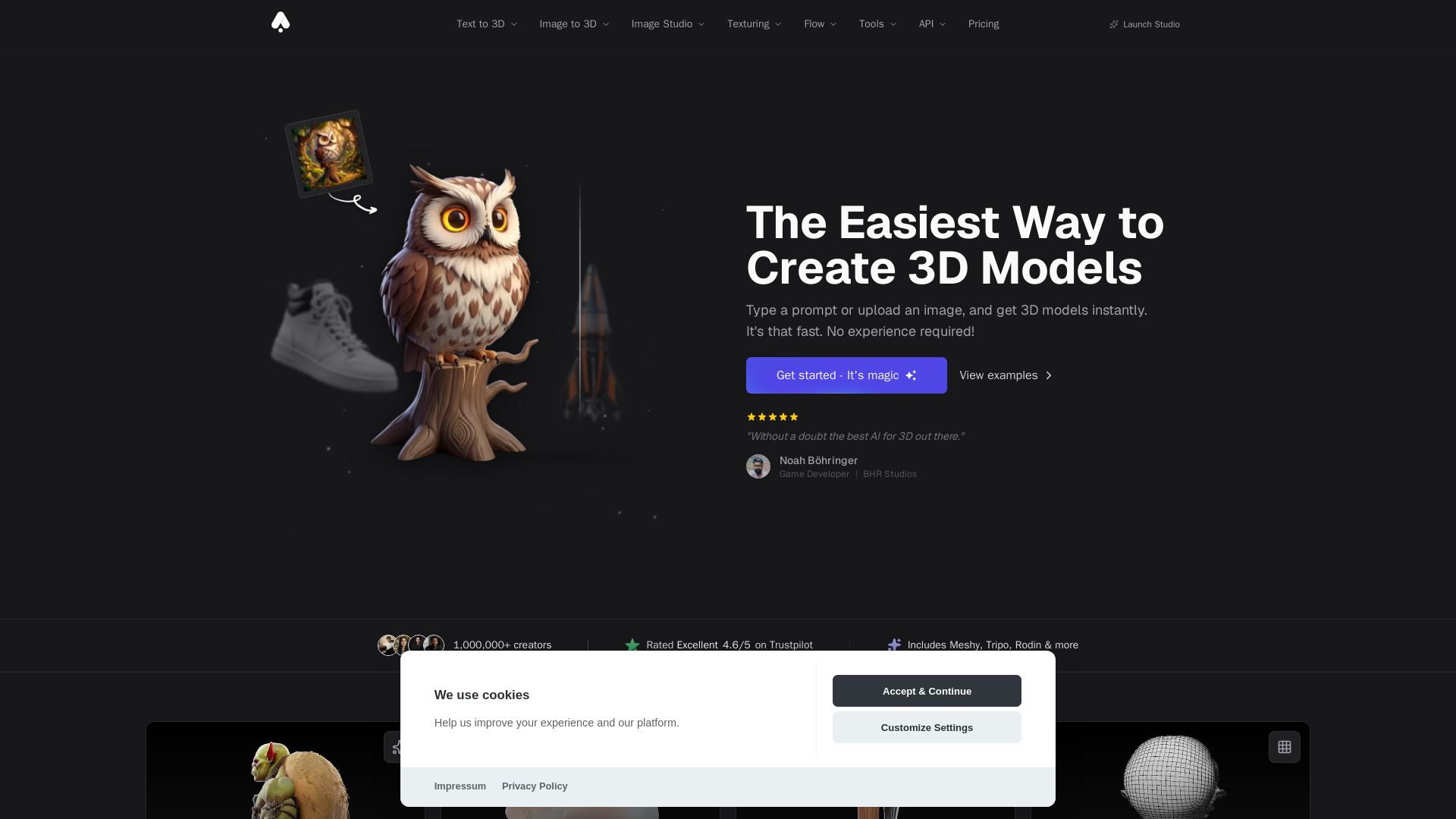
3D AI Studio
Create stunning 3D models instantly from text or images with AI. No experience required. Export to GLB, FBX, STL & more. Used by 1M+ creators.

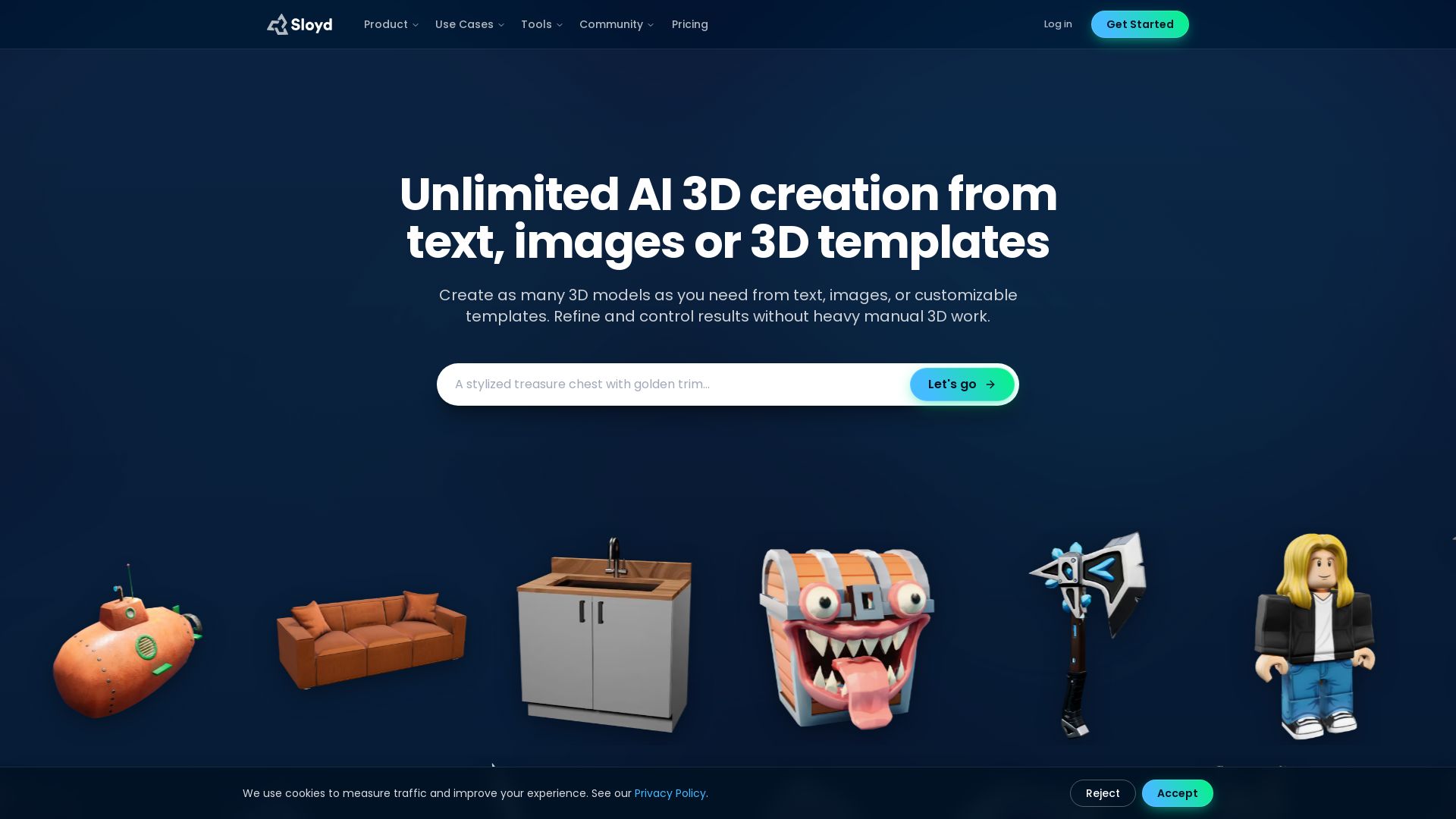

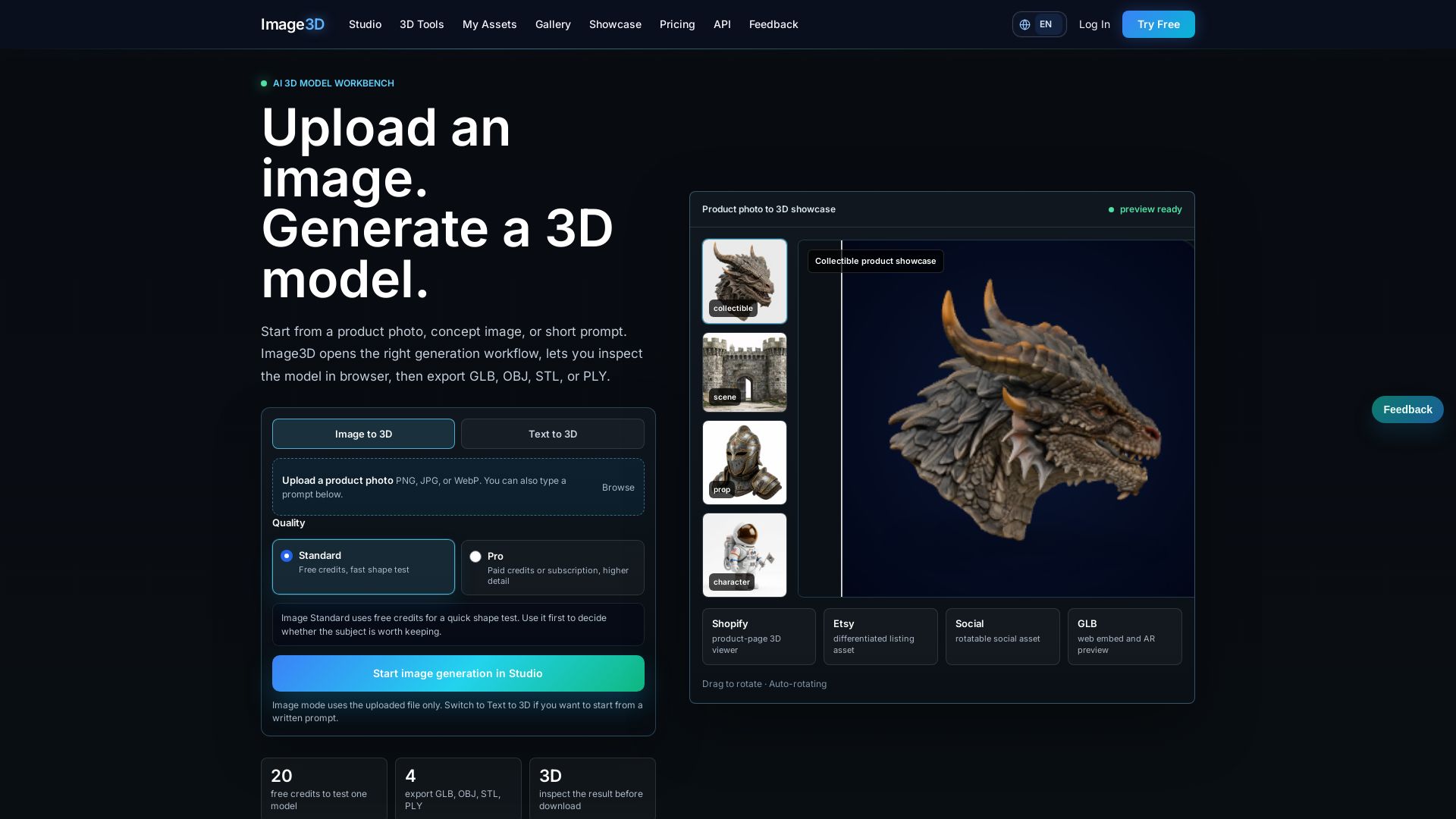
Image3D
Convert images or text to 3D models instantly in your browser. Export GLB, OBJ, STL, PLY. Free credits to try. Pro quality available.

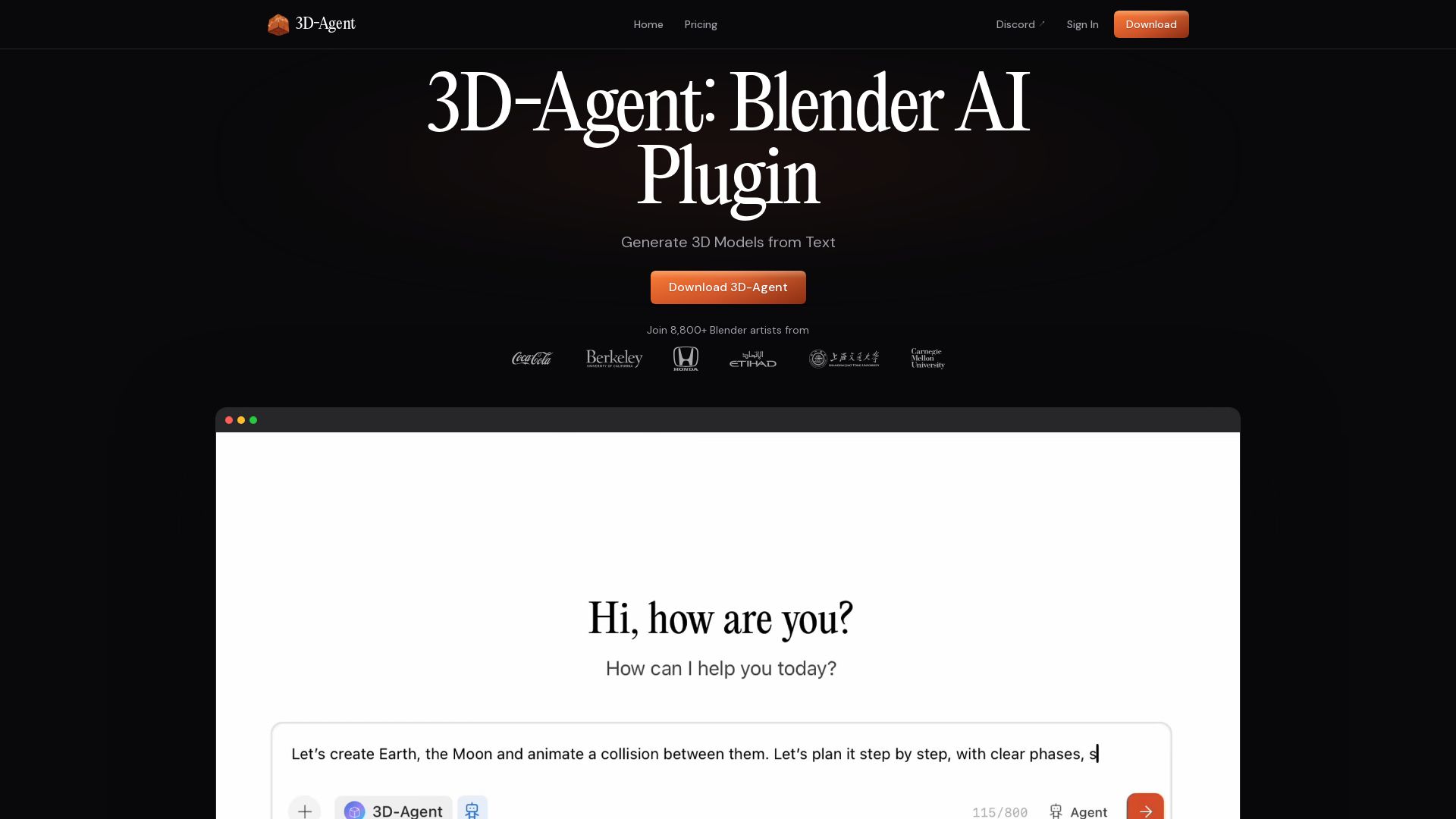

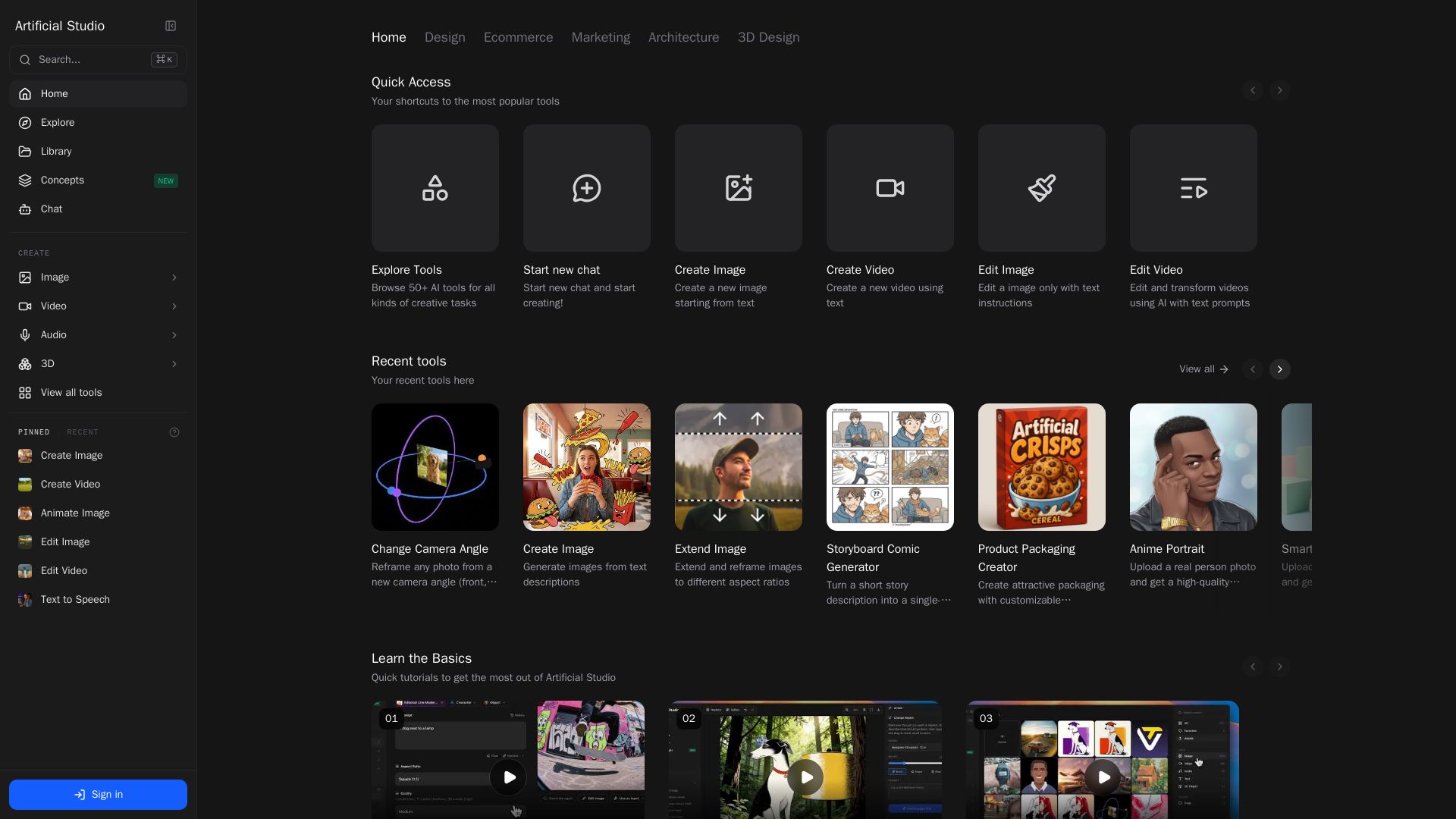
Artificial Studio
Generate images, edit videos, create music, and design 3D models with AI. Explore 50+ tools for marketing, architecture, and more. Start creating today!



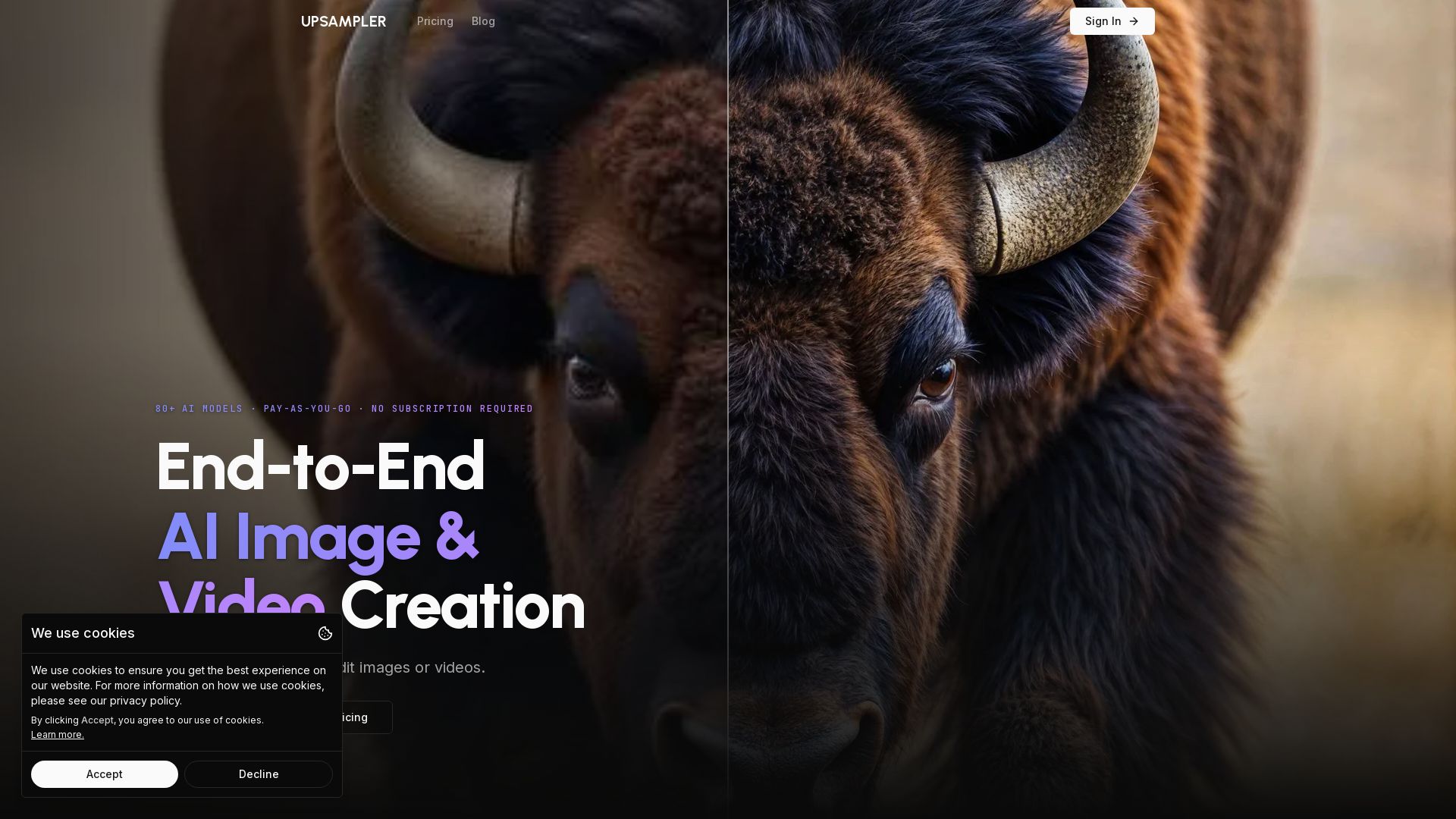
Upsampler
Upsampler: The all-in-one AI platform for generating, upscaling, and editing images and videos. Access 80+ models, pay per use, no subscription. Create stunning visuals easily.

ℹ️ Curation Disclosure: The overview and features of Krea were synthesized using AI and fact-checked by our curation team to ensure accuracy.
