
Graphite
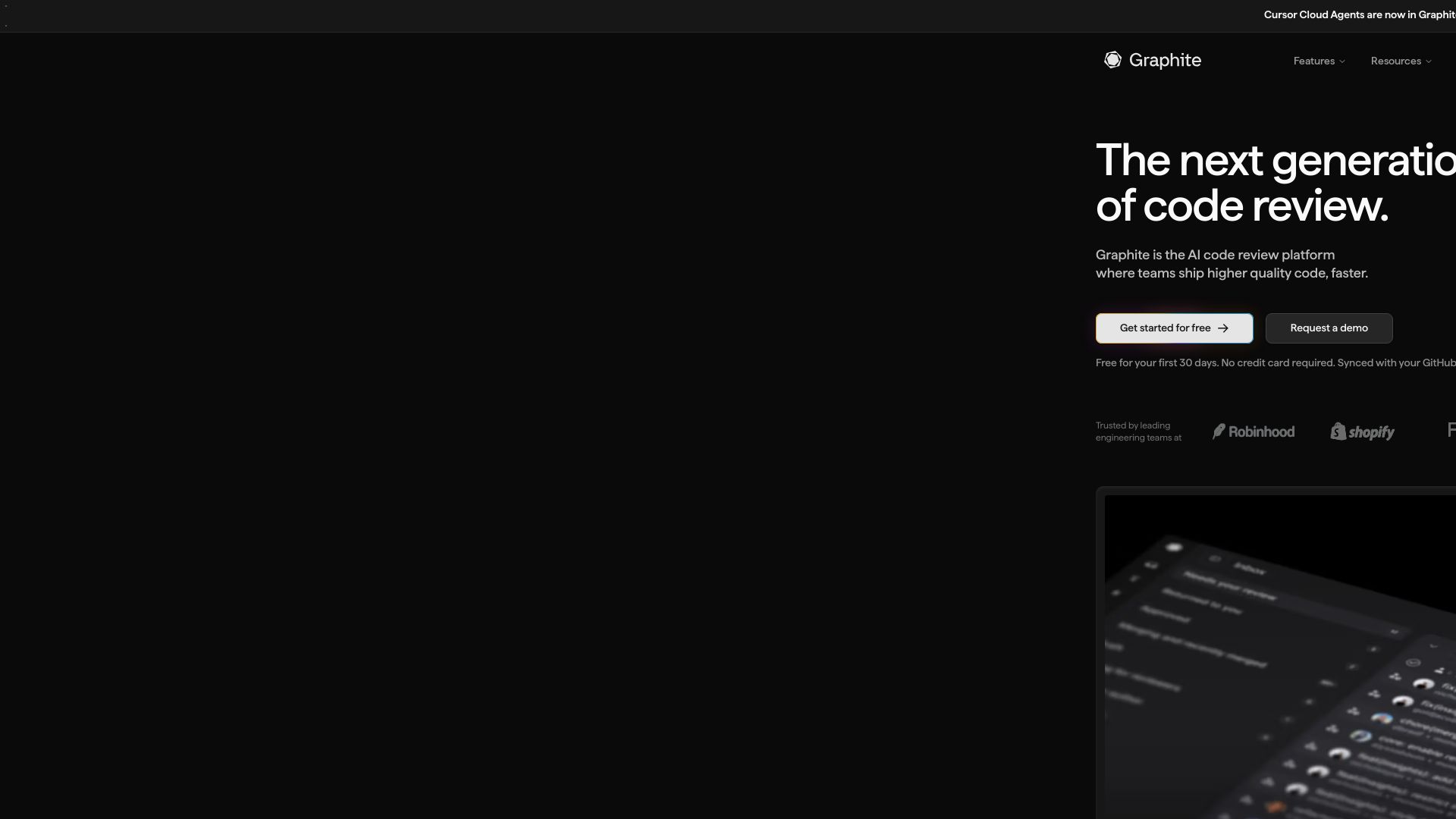
Graphite accelerates code reviews with AI, stacked PRs, and a modern PR page. Catch bugs, merge without conflicts, and ship faster.
Editor's Verdict
Key Takeaways
- Stacked PRs
- AI Code Review
- Graphite Chat
- Merge Queue
In-Depth Review: What is Graphite?
Graphite is the next-generation AI code review platform. It offers stacked PRs to break large changes into smaller ones, AI-powered reviews that catch critical bugs and suggest fixes, a merge queue to avoid conflicts, and an integrated chat for resolving CI failures. Teams using Graphite ship code up to 3x faster with smaller PRs and faster review cycles.
Core Features
Stacked PRs
Break larger PRs into smaller, sequenced changes to accelerate reviews and keep teams moving without waiting on feedback.
AI Code Review
Get high signal AI reviews on every PR to catch critical bugs and suggested fixes before merge.
Graphite Chat
Collaborative AI reviewer that provides instant context on code changes, fixes CI failures, and improves PRs directly from the PR page.
Merge Queue
Stack-aware merge queue that lands PRs in order and keeps branches green, eliminating merge conflicts and delays.
PR Inbox
Unified inbox to stay on top of every PR and review request with customizable filters and keyboard shortcuts.
Insights and Reports
Real-time developer metrics to track trends, identify bottlenecks, and enhance productivity.
Graphite CLI
Streamline Git commands and seamlessly stack pull requests from the terminal with intuitive commands like gt create, gt submit, and gt sync.
Automations
Automate workflows such as reviewer assignment, CI optimization, and merge queue management.
Slack Notifications
Actionable Slack notifications to keep teams informed without leaving their communication tool.
Pricing
Hobby
- Personal account repos support
- Inbox and in-app notifications
- CLI for stacked PRs and simplified git commands
- MCP
- VSCode extension
- Limited access to Graphite Chat
- Limited AI Reviews
Starter
- Everything in Hobby tier
- All GitHub Organization repos supported
- Slack notifications
- Team insights
Team
- Everything in Starter tier
- Unlimited access to Graphite Chat
- Unlimited AI Reviews
- AI Review customizations
- Automations
- Merge Queue
Enterprise
- Everything in Team tier
- Advanced Merge Queue settings
- Custom analytics
- ACLs
- SAML
- Audit log (SIEM)
- GHES support
- Premium support and SLAs
- Custom MSA
- Custom payments
- Private uploads
Pros and Cons
Pros
- Stacked PRs Improve FlowBreak down large PRs into smaller, independent changes that can be reviewed and merged faster, reducing wait times.
- AI-Powered Review AssistanceGraphite Chat provides instant, context-aware feedback and suggested fixes, helping catch bugs early and freeing up human reviewers.
- Unified WorkflowCLI, PR page, inbox, and merge queue all integrated into one seamless workflow, reducing context switching.
- Merge Queue Keeps Main GreenAutomated merge queue ensures branches are merged in order and CI stays green, eliminating conflicts and broken builds.
- Actionable InsightsReal-time metrics and historical trends help teams identify bottlenecks and improve productivity.
Cons
- Limited Free TierThe Hobby plan has limited AI reviews and Chat access, which may not be sufficient for active teams.
- Dependency on GitHubGraphite is tightly integrated with GitHub; teams using other Git hosts may not be able to use it.
- Learning Curve for StackingNew users may need time to understand and adopt stacked PR workflows effectively.
- Pricing Scales with Team SizeFor larger teams, the per-user cost can add up, especially if advanced features are needed.
- AI Review Quality VariesAI suggestions may not always be accurate or relevant, requiring human oversight.
Use Cases & Recommended Professions
Software Engineer→ View Toolkit
Need to create and manage pull requests efficiently, get fast feedback, and keep code quality high while shipping features quickly.
Engineering Manager→ View Toolkit
Requires visibility into team productivity and bottlenecks, and tools to streamline code review and merge processes.
Tech Lead→ View Toolkit
Oversees code quality and review standards, benefits from AI review assistance and stacking to manage complex changes.
DevOps Engineer→ View Toolkit
Focuses on CI/CD pipelines and merge queue reliability, needs tools that minimize conflicts and keep builds green.
QA Engineer→ View Toolkit
Involved in reviewing code changes and ensuring quality, benefits from AI catching bugs early and efficient review workflows.
Product Manager→ View Toolkit
Wants to understand developer velocity and ensure features ship on time, uses insights from Graphite to track progress.
Frequently Asked Questions
Alternative AI Tools
View Detailed Comparison →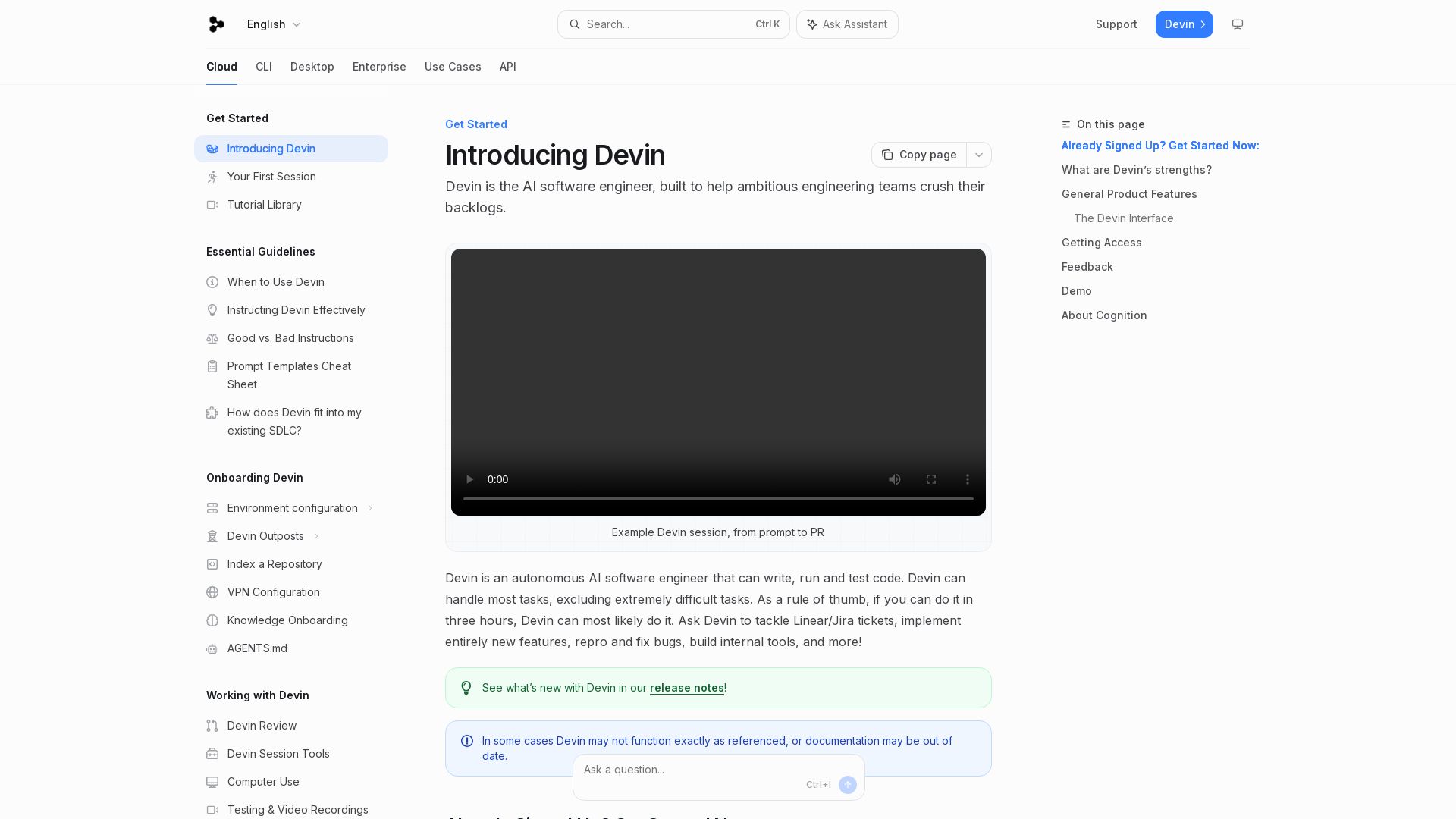
Devin
Devin is an autonomous AI software engineer that writes, runs, and tests code. Automate coding tasks, fix bugs, and crush backlogs.

Git AutoReview
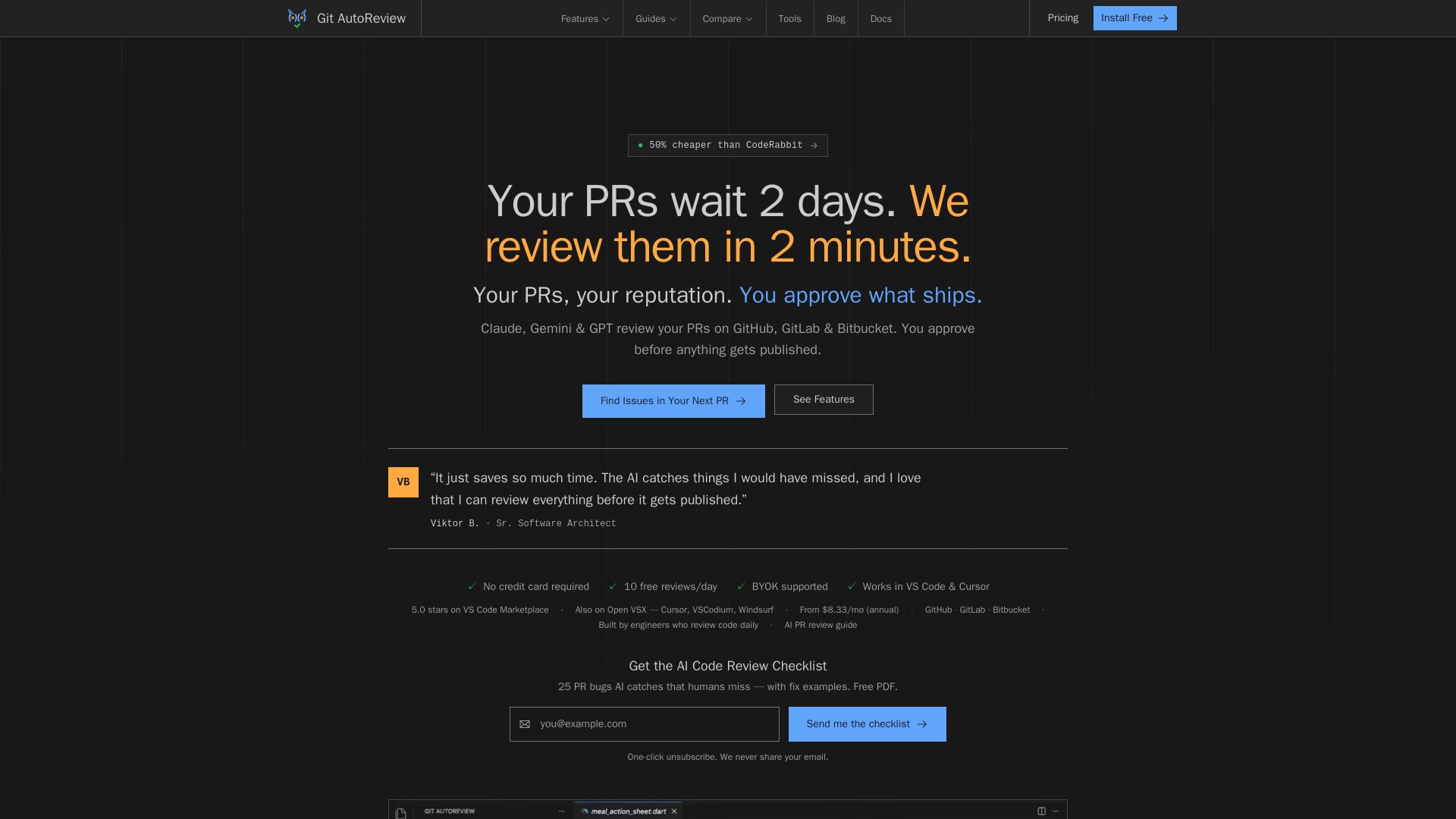
AI code review for GitHub, GitLab & Bitbucket. Reviews in 2 minutes, not 2 days. You approve before publishing. BYOK, private. 10 free reviews/day.

CodeRabbit
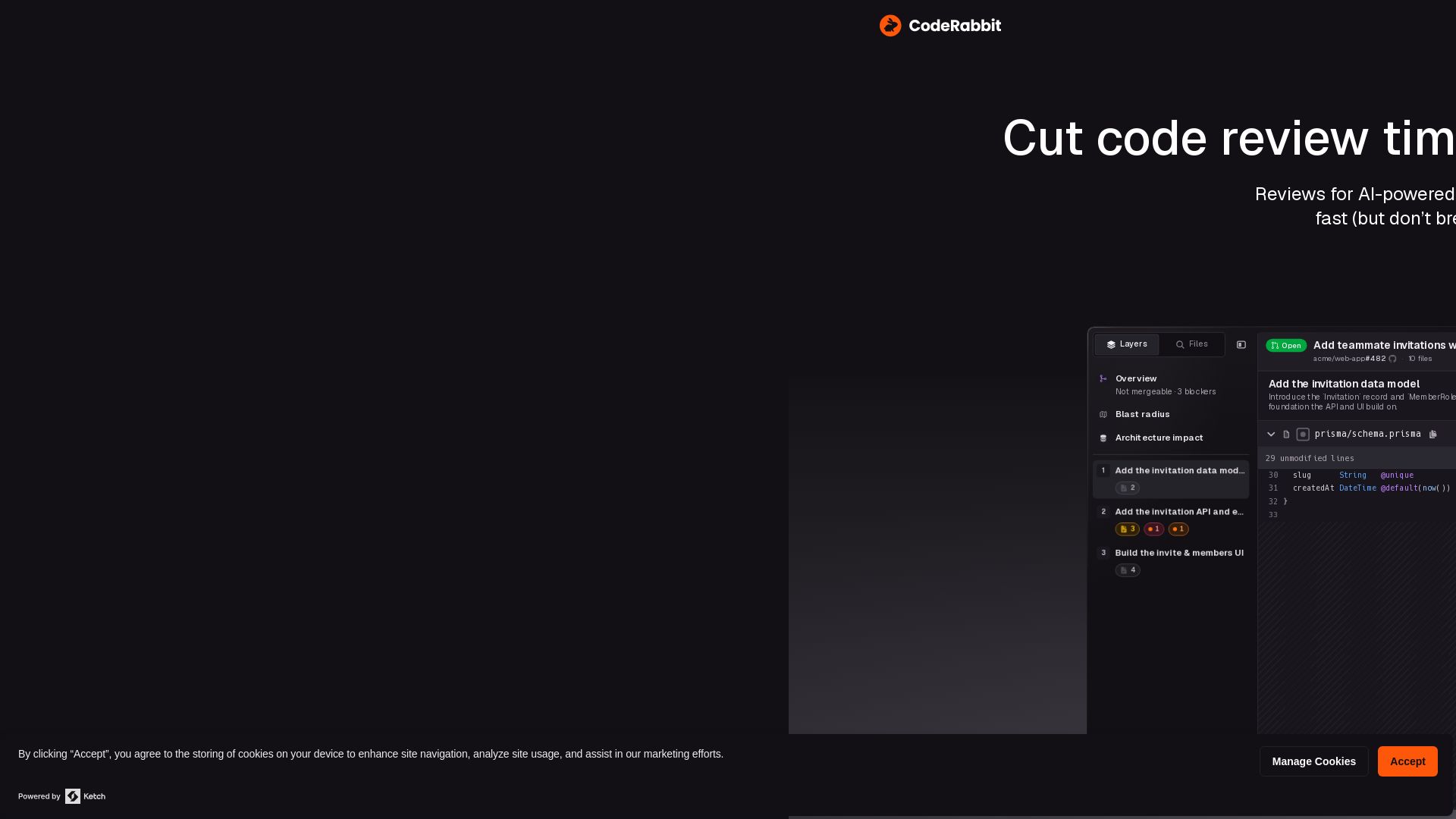
Cut code review time and bugs in half instantly. The AI code review tool trusted by NVIDIA, that learns from your feedback. Try free.

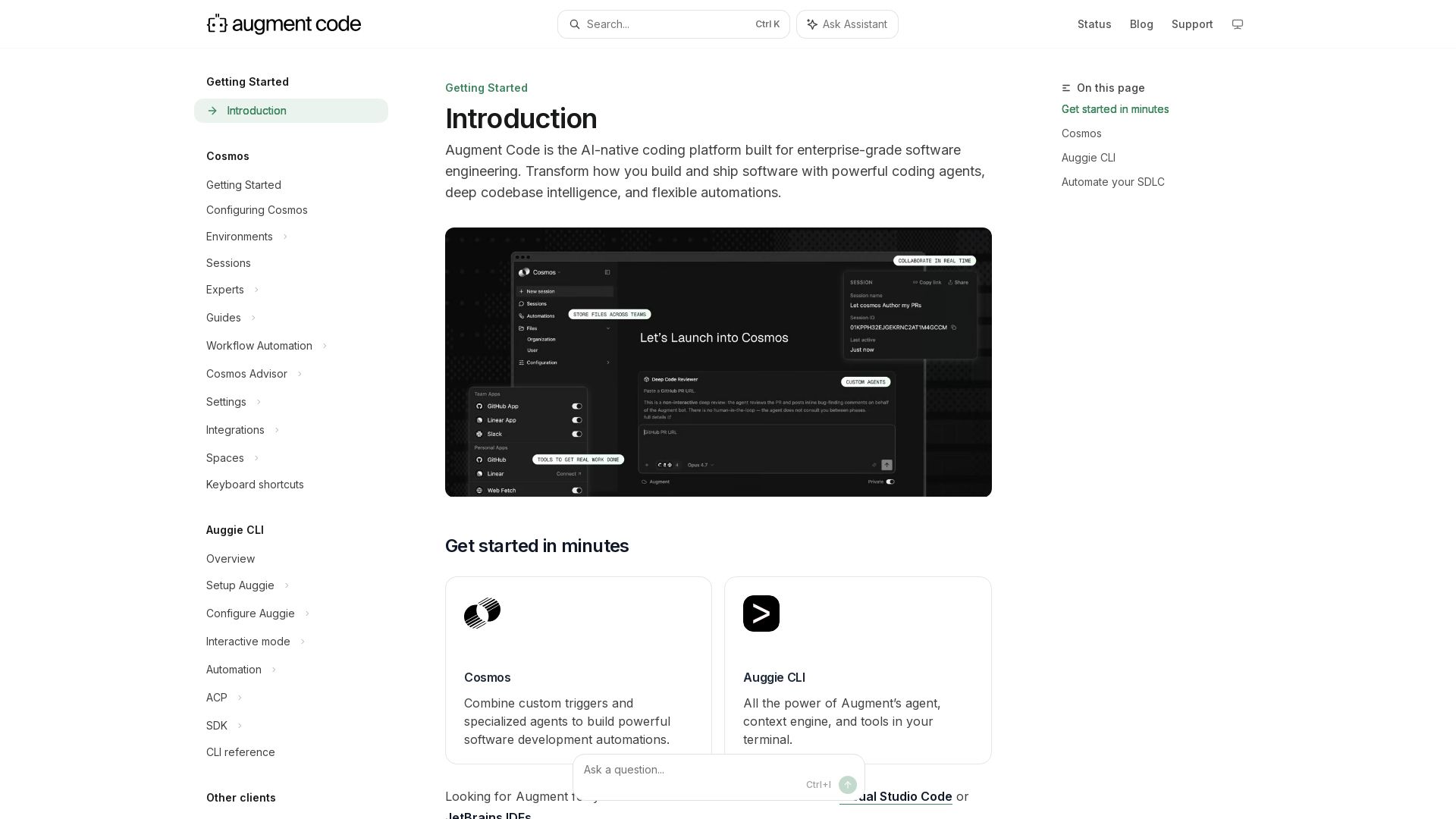
Augment
Build and ship software faster with Augment Code's AI agents, deep codebase intelligence, and automations. Get started with Cosmos, Auggie CLI, and IDE integrations.

Qodo
Qodo empowers engineering teams to standardize code quality and review at AI speed. Context-aware reviews, enforceable rules, and cross-repo insights.

Greptile
AI code review that learns your codebase. Catch bugs, style issues, and security vulnerabilities with full context. Trusted by 9,000+ teams.


Continue
Create, share, and use custom AI code agents with Continue. Features agent, chat, edit modes, and autocomplete for VS Code and JetBrains.


OpenCode
OpenCode is a free, open-source AI coding assistant supporting multiple providers (OpenAI, Anthropic, local models) with CLI/TUI, custom tools, and privacy-centric local execution.

Tabby
Self-hosted, secure AI coding assistant with code completion, answer engine, and inline chat. Private and flexible.

CodeGPT
Bring your own API key for transparent, unlimited AI coding. Supports Claude, Gemini, OpenAI. Privacy-first, no middlemen. Trusted by 2M+ developers.
Claude Code
Build, debug, and ship faster with Claude Code. Works in terminal, VS Code, JetBrains, Slack, and more. AI-powered codebase understanding and multi-file editing.

Sonar
Sonar's AC/DC framework provides zero-trust code verification for AI agents. Guide, verify, solve. Trusted by 7M+ developers, 75% Fortune 100.

ℹ️ Curation Disclosure: The overview and features of Graphite were synthesized using AI and fact-checked by our curation team to ensure accuracy.
