
GitBook
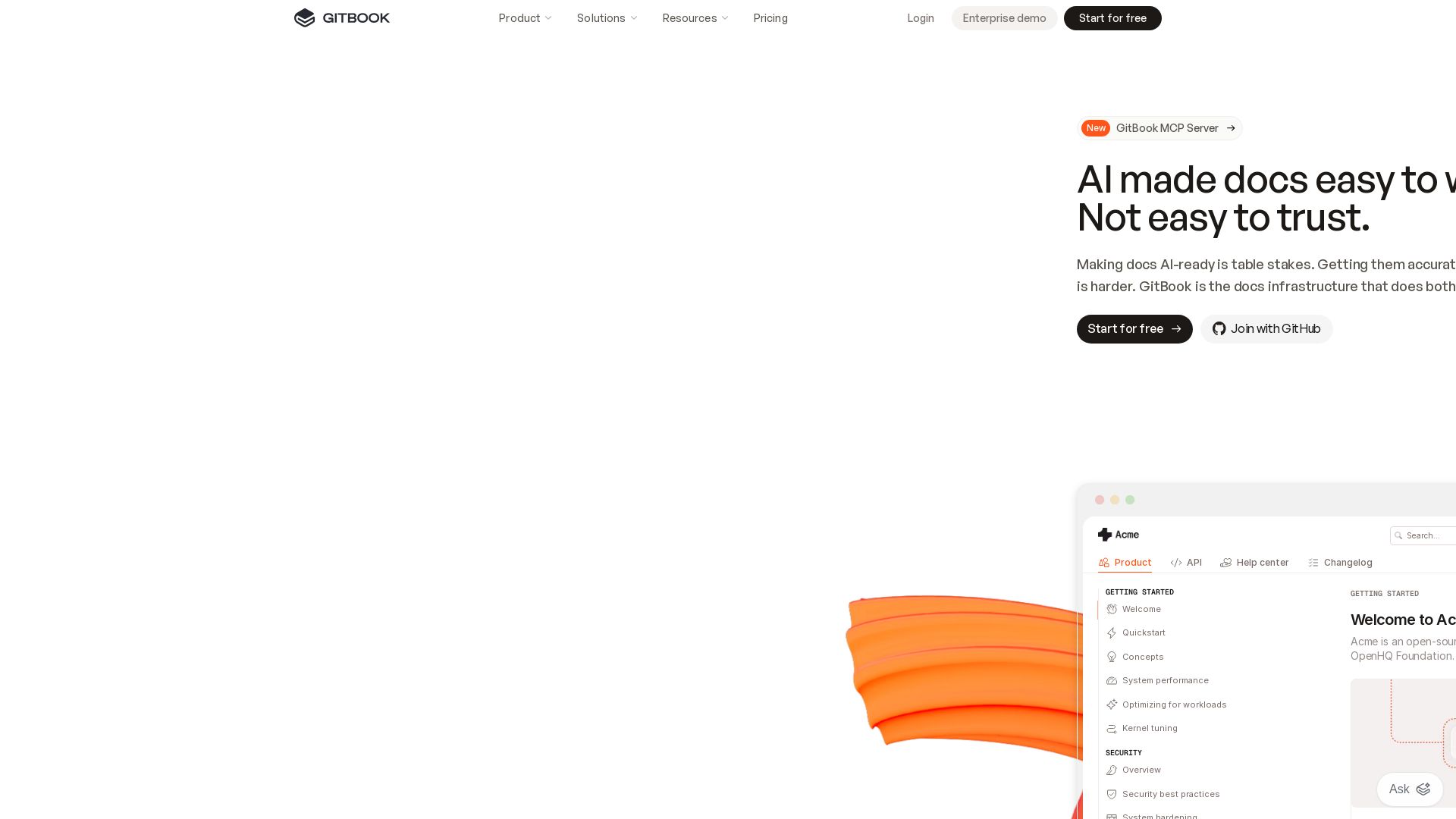
Create live docs with AI, sync with Git, and detect stale content. Trusted by enterprises for reliable, AI-ready documentation.
Editor's Verdict
Key Takeaways
- AI-Powered Documentation
- Proactive Stale Content Detection
- AI Assistant
- AI Insights
In-Depth Review: What is GitBook?
GitBook is a documentation platform that combines AI-driven creation with rigorous accuracy checks. It offers Git Sync for collaborative editing, an AI Assistant for instant answers, and AI Insights to track content drift. Designed for teams that need secure, scalable, and trustworthy docs that work for both humans and agents.
Core Features
AI-Powered Documentation
GitBook uses AI to make writing docs easy and ensures accuracy, providing AI-ready infrastructure.
Proactive Stale Content Detection
Automatically scans docs to find content that no longer matches the product and flags it for review.
AI Assistant
Users can ask questions directly to the docs through an AI-powered assistant for personalized support.
AI Insights
Tracks where users get stuck and highlights which content to fix first, both for humans and agents.
Git Sync
Sync your repository and collaborate on docs like code with branching, reviewing, and merging.
Access Control
Tiered roles and permissions to control who can view and edit content, including auth-protected pages.
Security & Compliance
SOC 2, ISO 27001, GDPR compliant with SAML-based SSO for enterprise security.
GitBook MCP Server
Programmatic integration via MCP to manage docs, structures, and content programmatically.
Custom Components & Extensions
Built-in extensions and custom components to tailor documentation to specific needs.
White-Glove Migration
Personalized support for migration, including training and custom integrations.
Pricing
Free
- Basic documentation site
- AI Assistant limited usage
- Community support
Enterprise
- All features including AI Insights
- Advanced access control
- SAML SSO
- White-glove migration
- Priority support
- Custom integrations
Pros and Cons
Pros
- AI-Driven AccuracyProactive detection of stale content ensures documentation stays up-to-date and reliable.
- Developer-FriendlyGit Sync and collaboration features allow teams to manage docs like code with version control.
- Enterprise SecuritySOC 2, ISO 27001, GDPR compliance with SAML SSO and auth-protected content.
- User InsightsAI Insights track where users get stuck, helping prioritize fixes and improve docs.
- Integration CapabilitiesGitBook MCP Server allows programmatic control, enabling custom workflows and integrations.
Cons
- Learning CurveSome users may find the AI features and MCP setup complex initially.
- Limited Free TierThe free plan restricts advanced features like AI Insights and custom components.
- Enterprise FocusPricing and features are heavily tailored for larger organizations, small teams might need more affordable options.
- Dependency on GitStrong emphasis on Git Sync might not suit non-developer teams unfamiliar with version control.
Use Cases & Recommended Professions
Technical Writer→ View Toolkit
Needs accurate, up-to-date documentation with AI-assisted writing and stale content detection.
Software Engineer→ View Toolkit
Integrates docs with code repos using Git Sync and requires programmatic control via MCP.
Product Manager→ View Toolkit
Relies on AI Insights to understand user behavior and improve documentation quality.
Developer Experience (DevEx) Engineer→ View Toolkit
Ensures developer docs are reliable and AI-ready, leveraging MCP for automation.
Open Source Maintainer→ View Toolkit
Manages community documentation with Git Sync and access controls.
Customer Support Specialist→ View Toolkit
Uses AI Assistant to provide quick answers from the knowledge base.
Frequently Asked Questions
Alternative AI Tools
View Detailed Comparison →
Figr
Ship better UX faster. Figr builds a living understanding of your product, maps flows, finds edge cases, and generates high-fidelity prototypes from your actual design system.

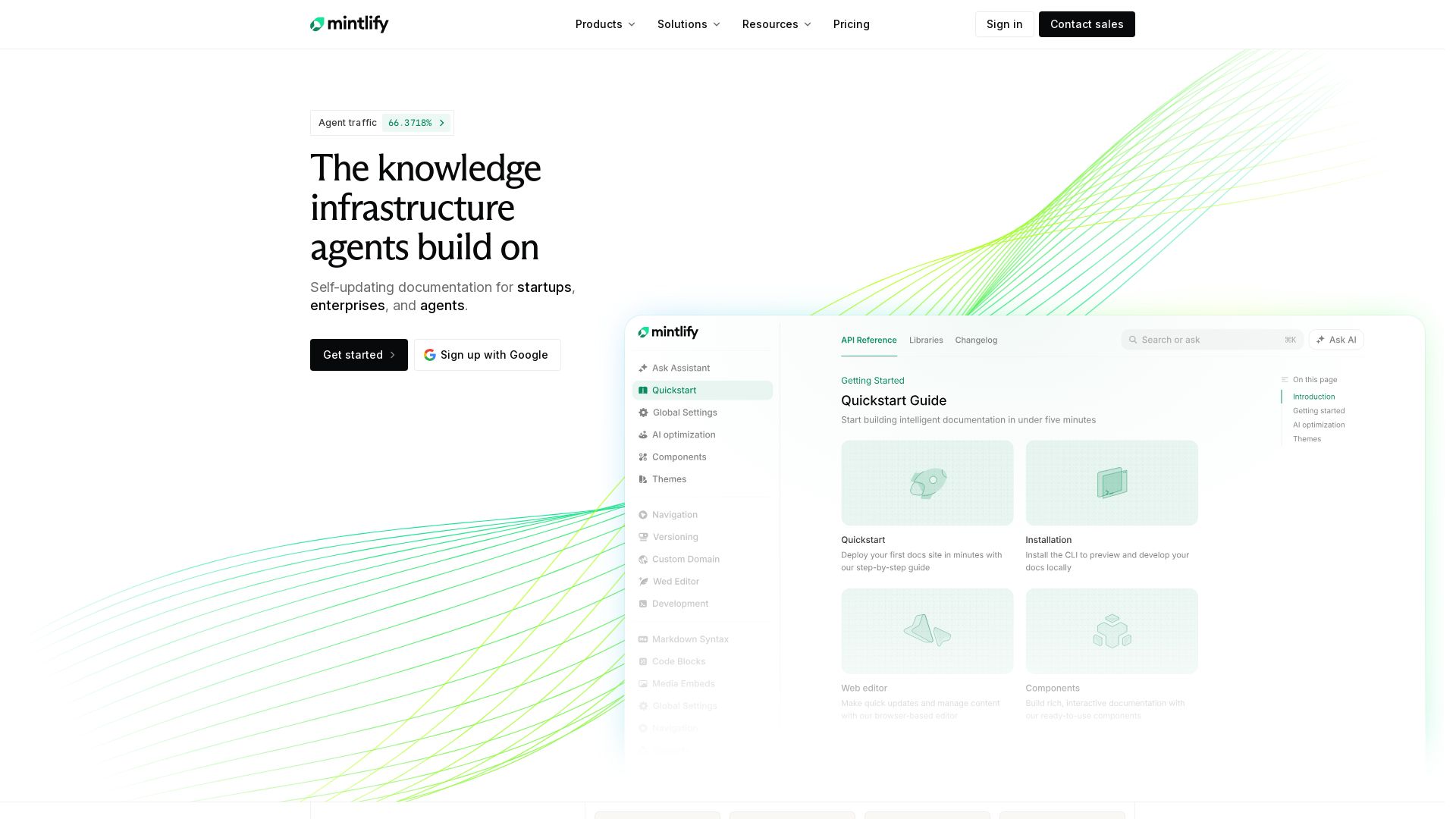
Mintlify
Mintlify is the knowledge platform built for agents. Create self-updating documentation, connect your tools, and scale with enterprise-grade reliability. Trusted by Coinbase, HubSpot, and more.


Nutrient
Run your highest-stakes document workflows on a platform that delivers replayable output, clear exceptions, and full audit trails. Trusted by Red Bull, IBM, and more.

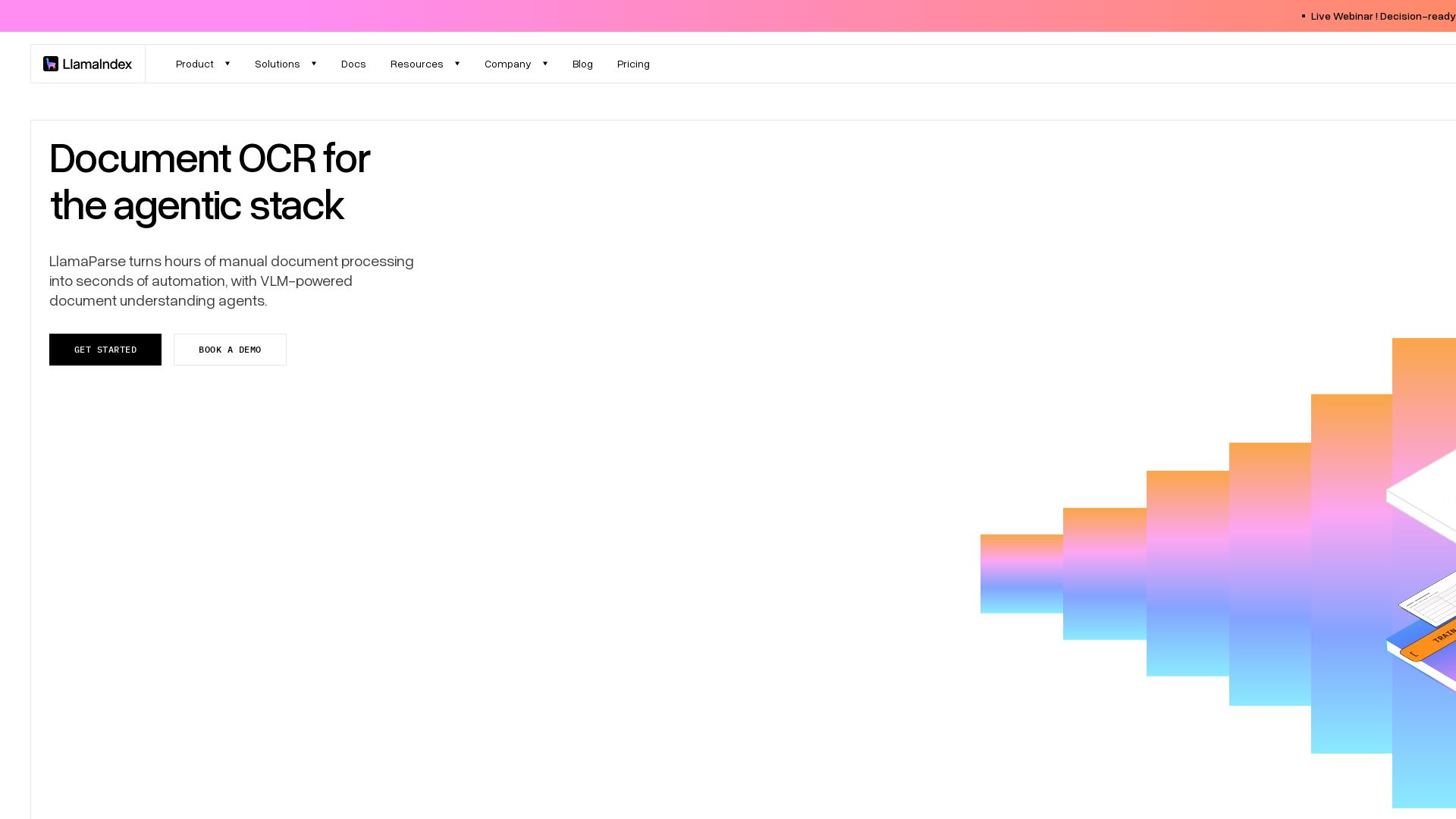
LlamaIndex
Transform complex documents into structured data with LlamaParse. Parse PDFs, tables, charts & handwriting at scale. Free plan available. Try now!

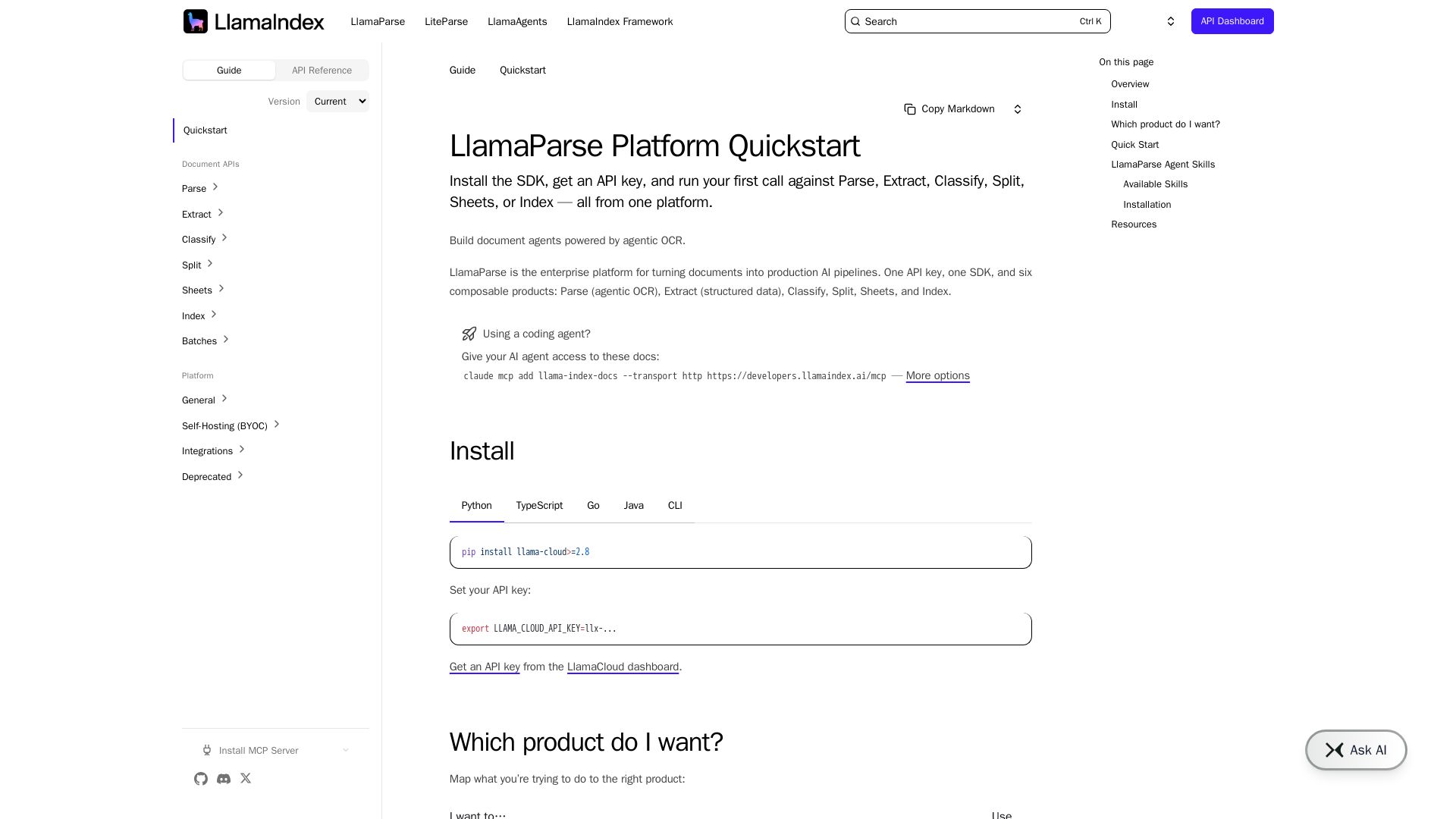
LlamaParse Platform
Turn PDFs, scans, and images into clean, LLM-ready text with agentic OCR. Parse, extract, classify, split, and index documents using one API.


ProductCrafters
Get a free 2-week trial sprint for your AI product. Working prototype in 30 days, production-ready in 90. No contract, no credit card. Test your dev team risk-free.

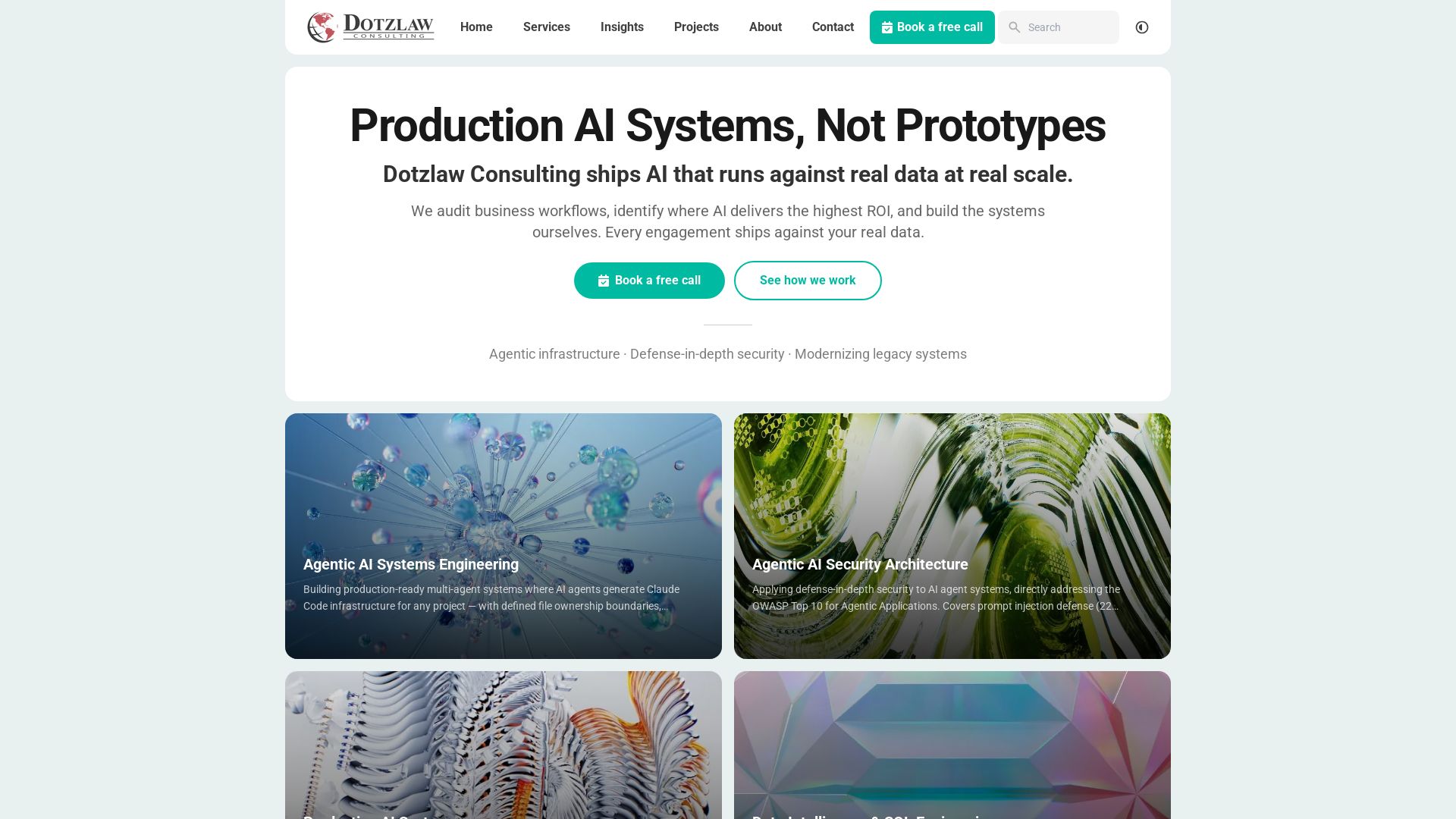
Dotzlaw Consulting
We build production-ready AI systems, multi-agent workflows, and secure architectures. Real data, real scale. Expert SQL & data intelligence.

Axify
Get clear visibility into AI usage, cost, and impact across your engineering teams. Flat fee, no per-seat pricing. Start free trial.

SKULaunch
Automate supplier data onboarding, AI extracts attributes, enrich product catalogs, and publish ready data. From messy files to filterable search.

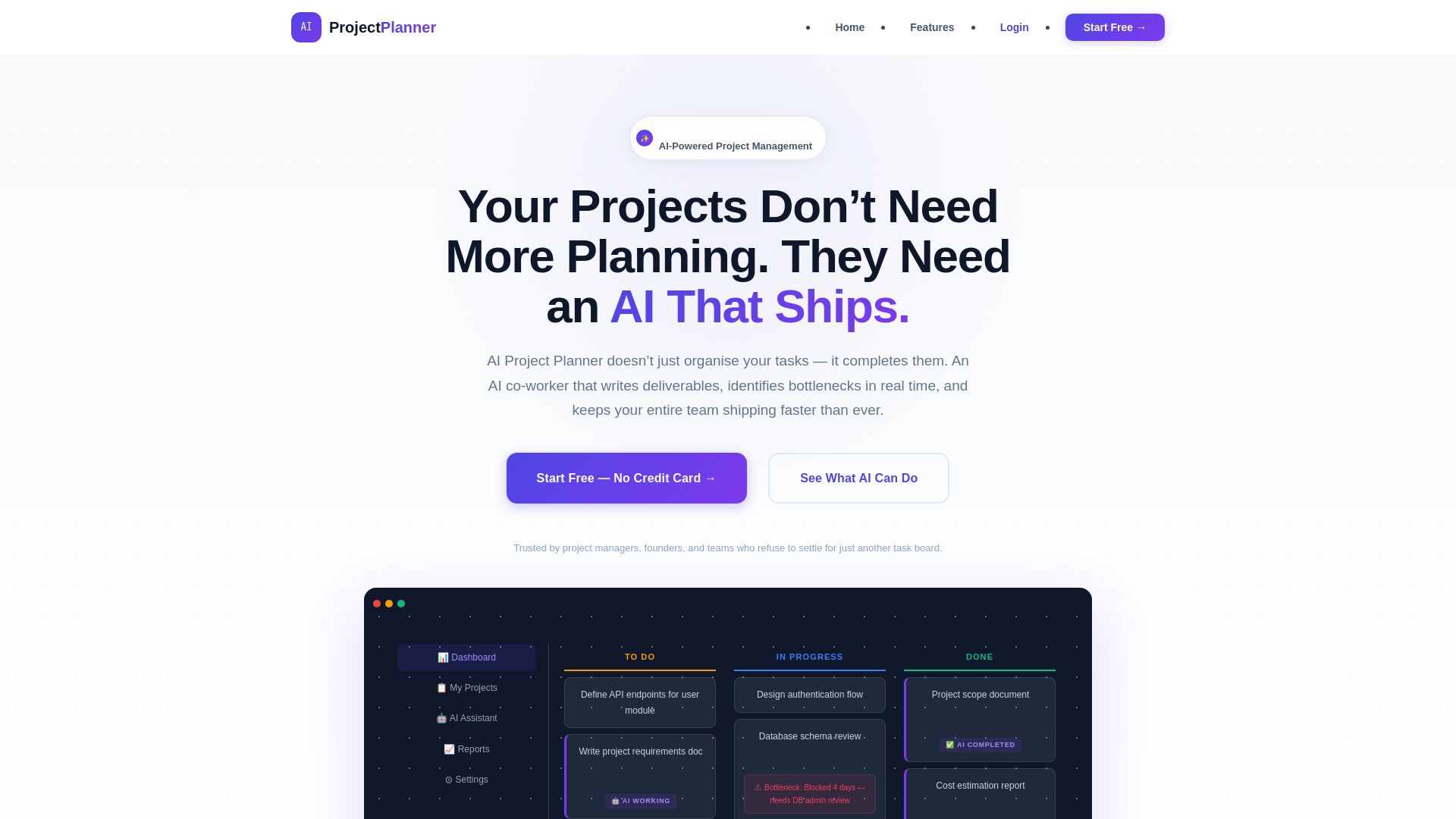
Project Planner
Stop managing tasks. Let AI write documents, estimate costs, detect bottlenecks, and accelerate delivery. Start free.

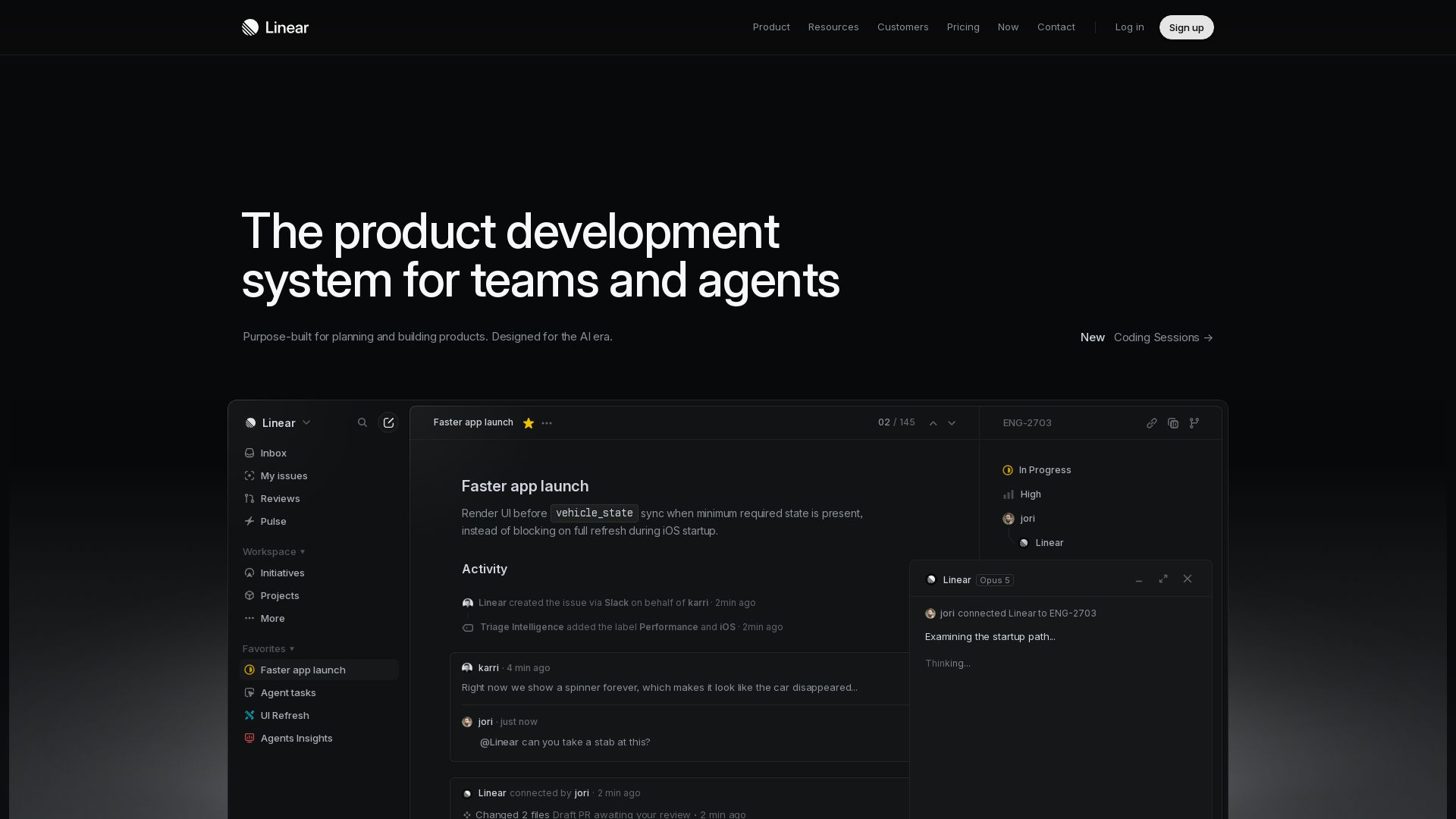
Linear
Purpose-built for modern teams with AI workflows. Plan, build, and ship faster with agents. Trusted by OpenAI, Ramp, and 37,000+ teams.

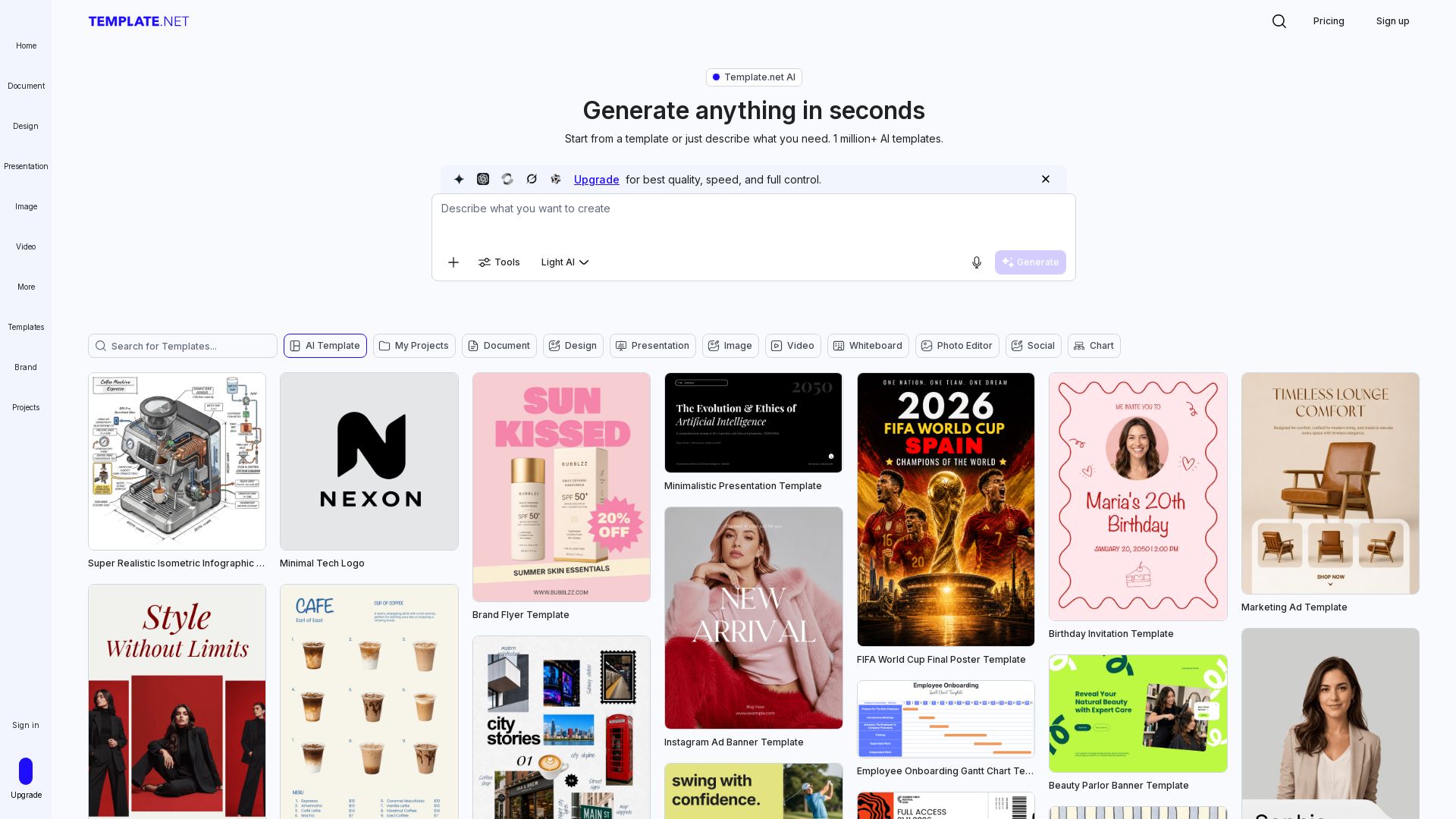
Template.net
Generate production-ready editable templates with AI. Documents, presentations, designs & more. Instantly brand & export to PPTX, DOCX, PDF. Free to start.

ℹ️ Curation Disclosure: The overview and features of GitBook were synthesized using AI and fact-checked by our curation team to ensure accuracy.
