
AgentOps
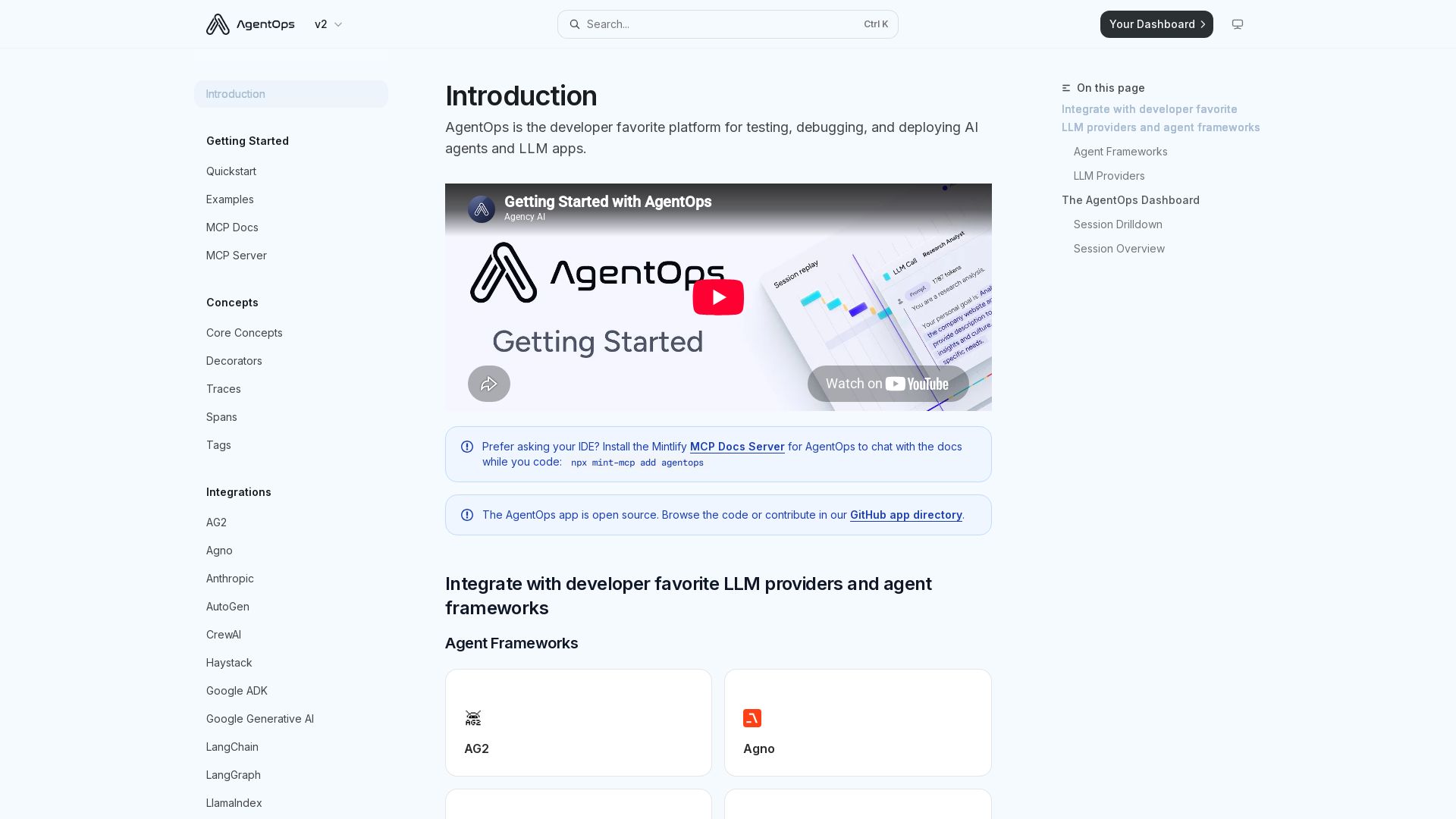
The developer favorite platform for testing, debugging, and deploying AI agents and LLM apps. Two lines of code for full observability.

Editor's Verdict
Key Takeaways
- Auto Instrumentation
- Dashboard Visualization
- Tracing Decorators
- Integrations with Frameworks
In-Depth Review: What is AgentOps?
AgentOps is an open-source platform designed for testing, debugging, and deploying AI agents and LLM applications. With just two lines of code, it automatically instruments your code to track traces, LLM calls, tools, and errors. The AgentOps Dashboard provides session drilldowns, waterfall visualizations, and detailed analytics, supporting popular frameworks like LangChain, AutoGen, CrewAI, and providers like OpenAI, Anthropic, and Google. Ideal for developers seeking rapid debugging and performance monitoring.
Core Features
Auto Instrumentation
Automatically tracks LLM calls, agent actions, and errors with just two lines of code.
Dashboard Visualization
Visualize sessions, drill down into details, and analyze agent behavior in a user-friendly dashboard.
Tracing Decorators
Use @trace decorator for custom traces with tags and names for precise control.
Integrations with Frameworks
Supports popular agent frameworks like LangChain, CrewAI, AutoGen, Haystack, and more.
LLM Provider Support
Compatible with major LLM providers including OpenAI, Anthropic, Google Generative AI, and others.
Session Drilldown and Overview
Detailed session waterfall view and meta-analysis overview for debugging and monitoring.
Pros and Cons
Pros
- Simple SetupGet started with just two lines of code, no complex configuration needed.
- Automatic TrackingAutomatically logs LLM calls, agent actions, and errors without manual instrumentation.
- Comprehensive DashboardVisualize sessions with drill-down, waterfall views, and overall analytics.
- Wide Integration SupportWorks with many agent frameworks and LLM providers, making it versatile.
- Open SourceThe app is open source, allowing contributions and transparency.
Cons
Use Cases & Recommended Professions
Software Engineer→ View Toolkit
Needs to debug and monitor AI agent behavior in production and development.
AI Engineer→ View Toolkit
Requires observability tools to test and deploy LLM-powered applications.
Data Scientist→ View Toolkit
Uses LLMs and agents for data analysis and needs to track model performance.
Machine Learning Engineer→ View Toolkit
Integrates agents into pipelines and needs monitoring and debugging.
DevOps Engineer→ View Toolkit
Manages deployment of AI apps and requires infrastructure monitoring for agents.
Researcher→ View Toolkit
Studies agent behaviors and needs detailed traces for analysis.
Frequently Asked Questions
Alternative AI Tools
View Detailed Comparison →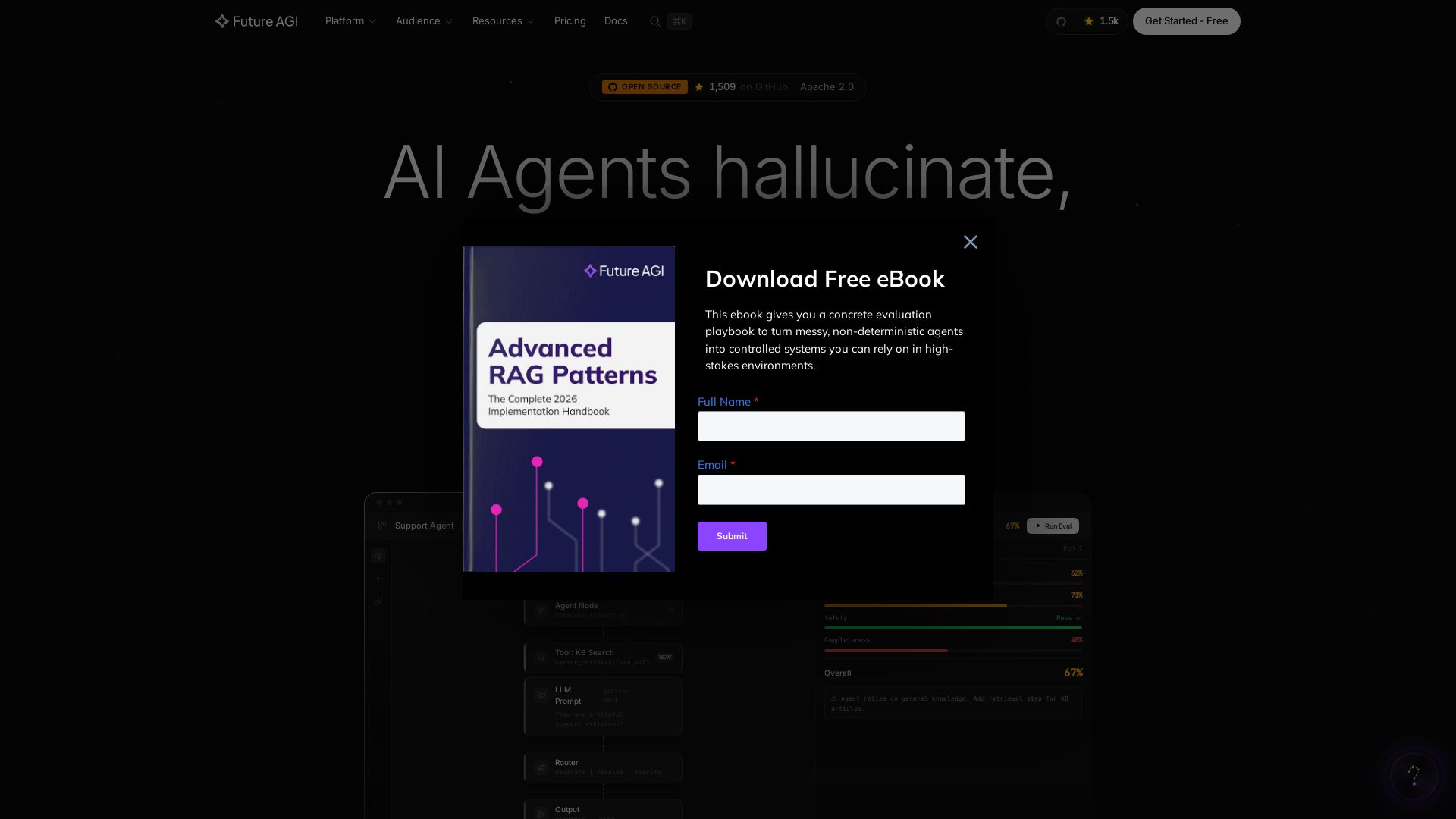
Future AGI
Catch AI hallucinations, evaluate accuracy, and deploy guardrails. Open-source platform to simulate, test, and monitor AI agents in production.

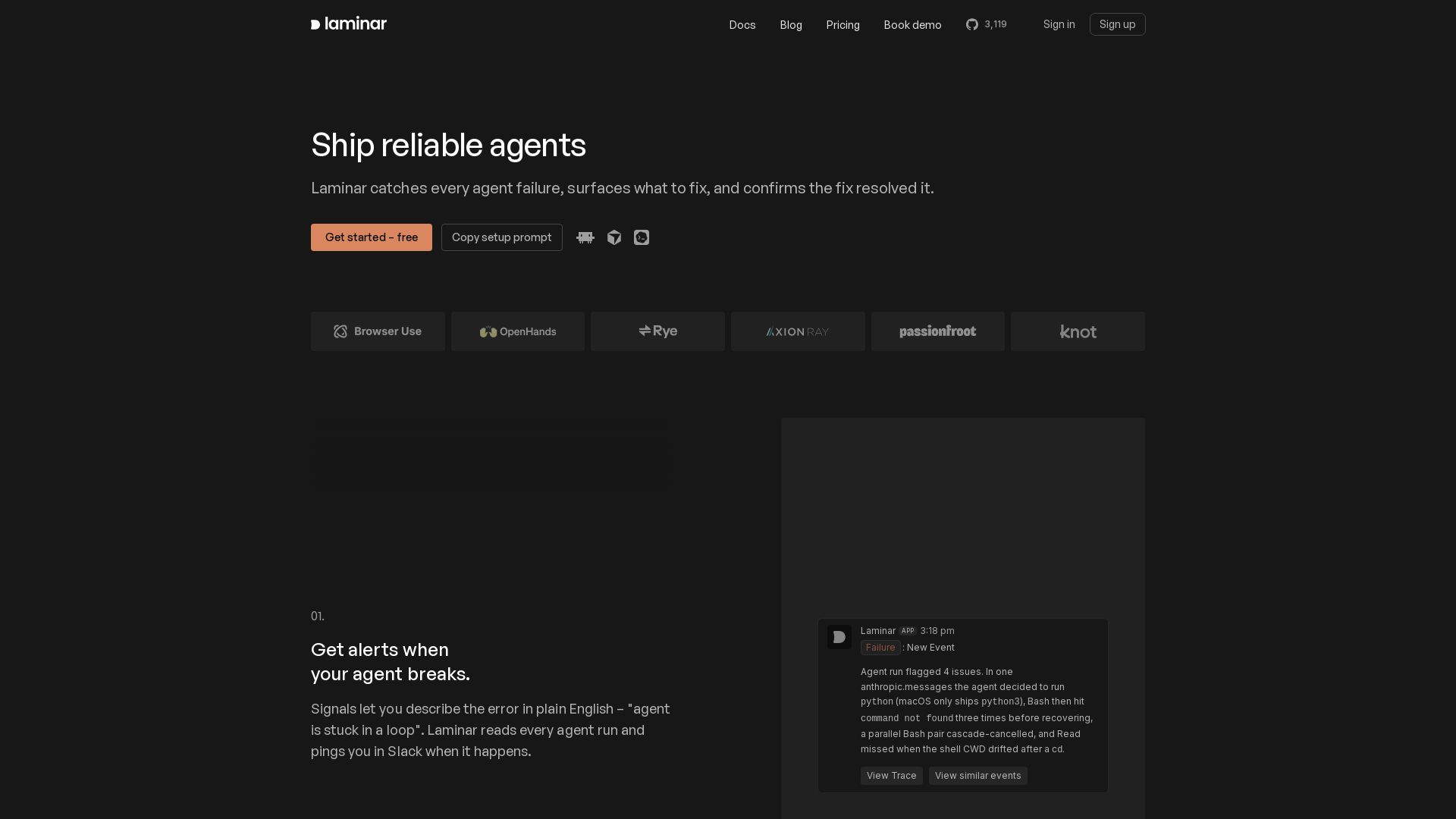
Laminar
Catch every agent failure, understand why in seconds, and prevent regressions with Laminar's trace viewer, signal clusters, and evals. Free to start.

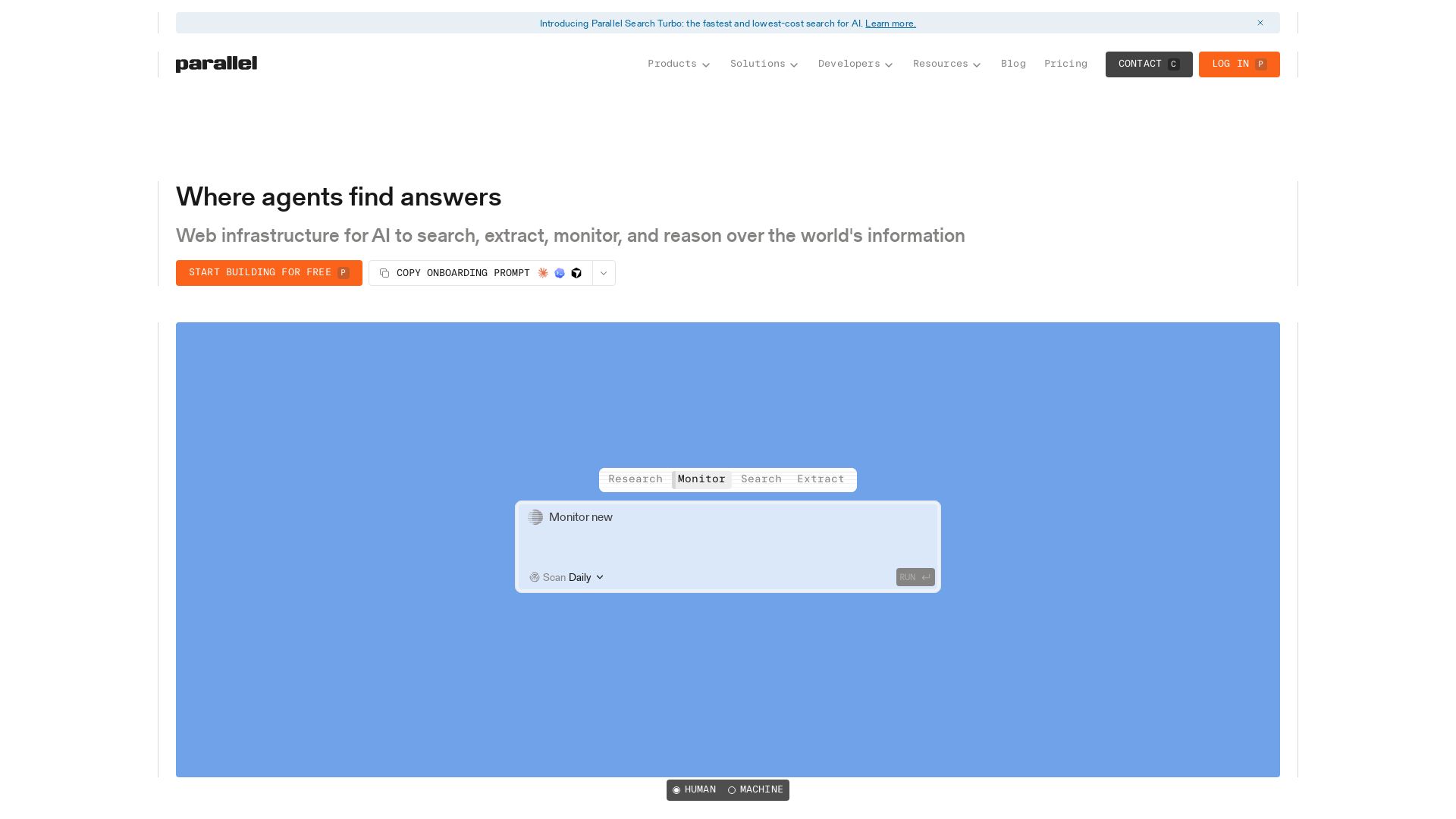
Parallel
Parallel gives AI agents real-time web search, extraction, monitoring, and deep research with cited outputs. Built for production, trusted by enterprises.

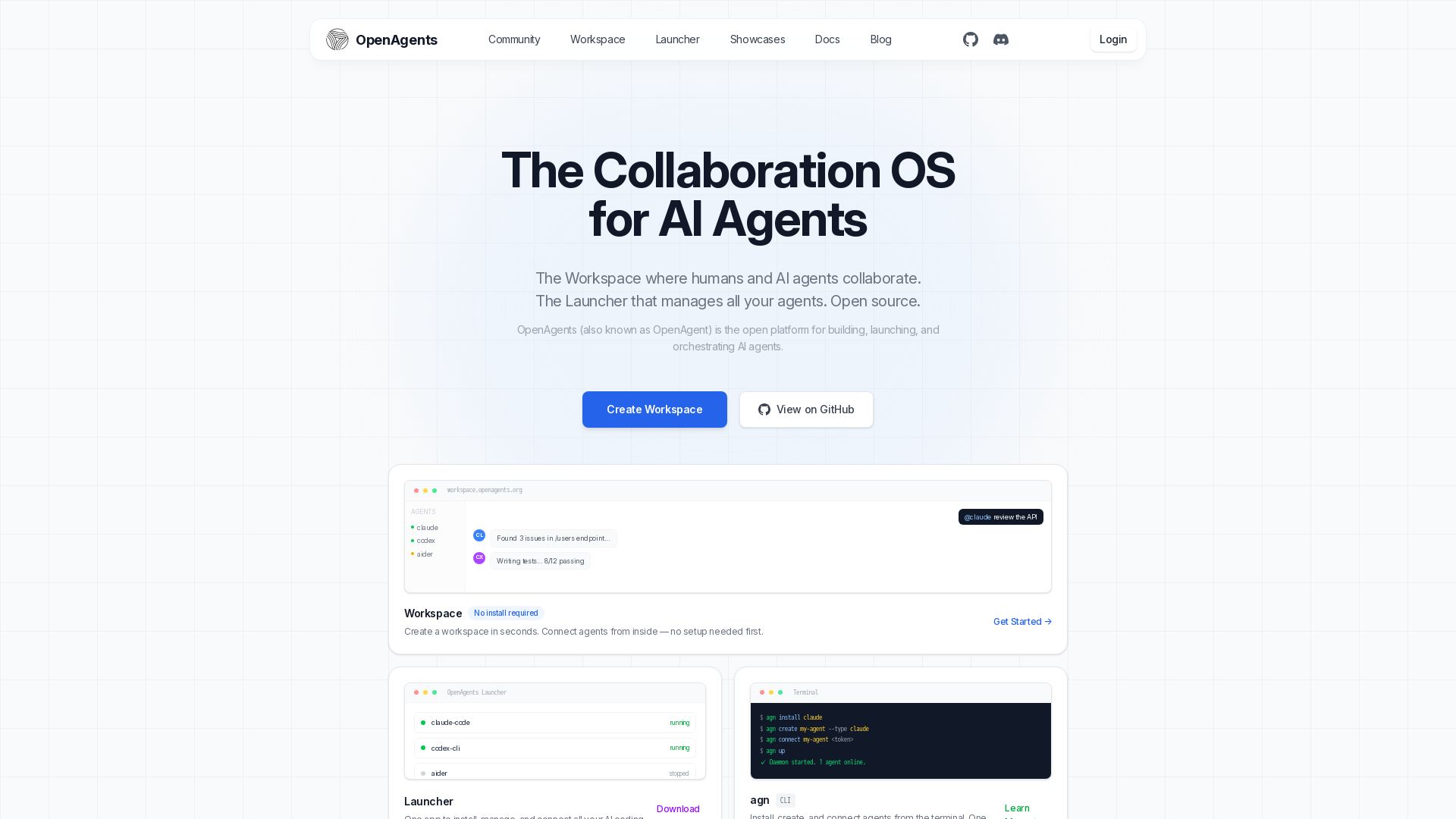
OpenAgents
Open-source AI agent platform: Collaborate with agents in a shared workspace. Manage Claude, Codex, Aider & more with the Launcher. Free, MIT license.

LLUMO AI
Debug, simulate, and fix AI system failures before they impact customers. Eval360™ evaluates agentic AI workflows at atomic level. 30% higher accuracy, 20x faster debugging, 10x cheaper evaluation.

Langfuse
Trace, evaluate, and improve AI agents with one open platform. Use production data to optimize cost, latency, and quality.

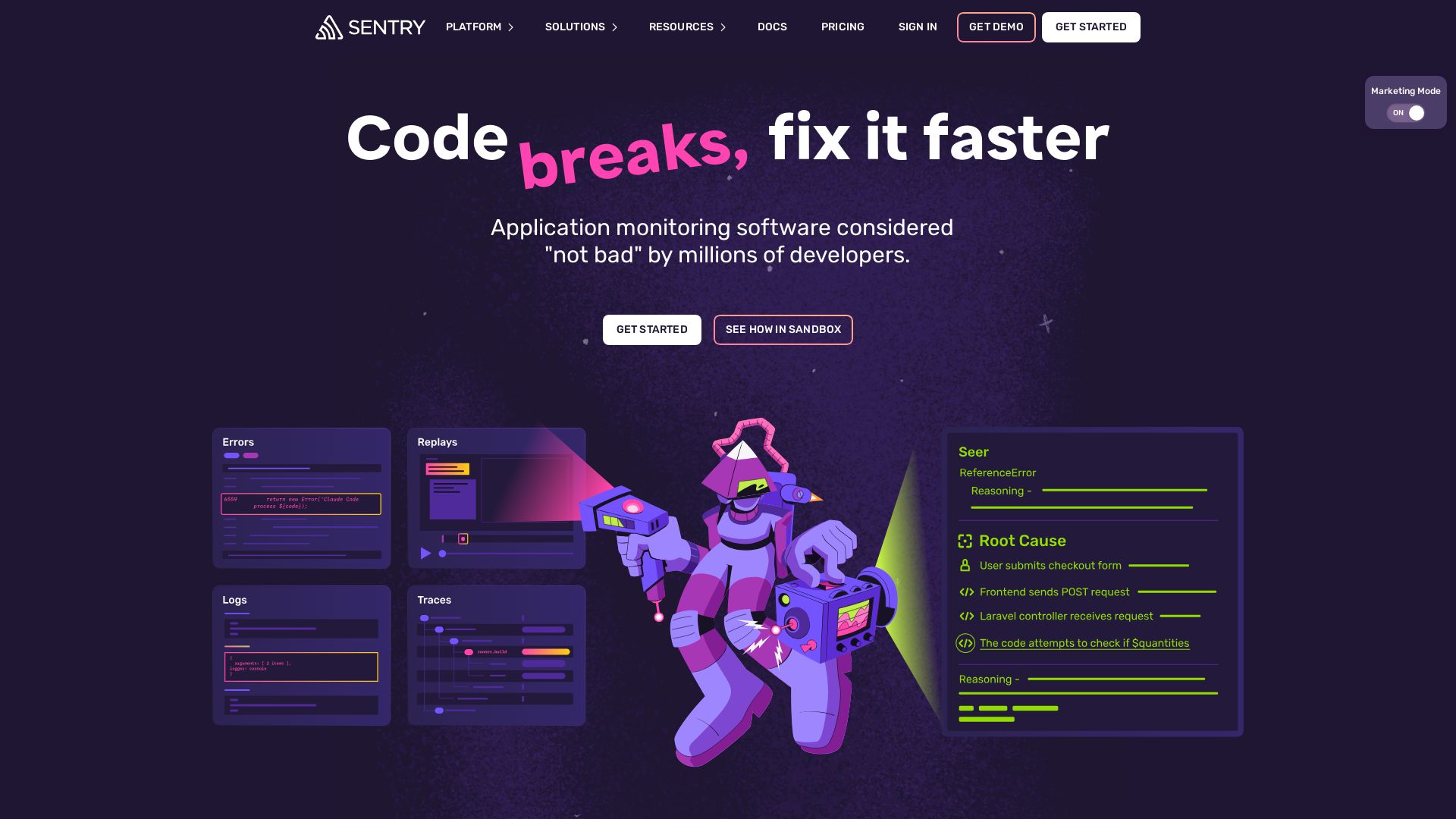
Sentry
Fix code faster with Sentry's AI-powered debugging, error monitoring, and tracing. Get started in 5 lines. Loved by millions.

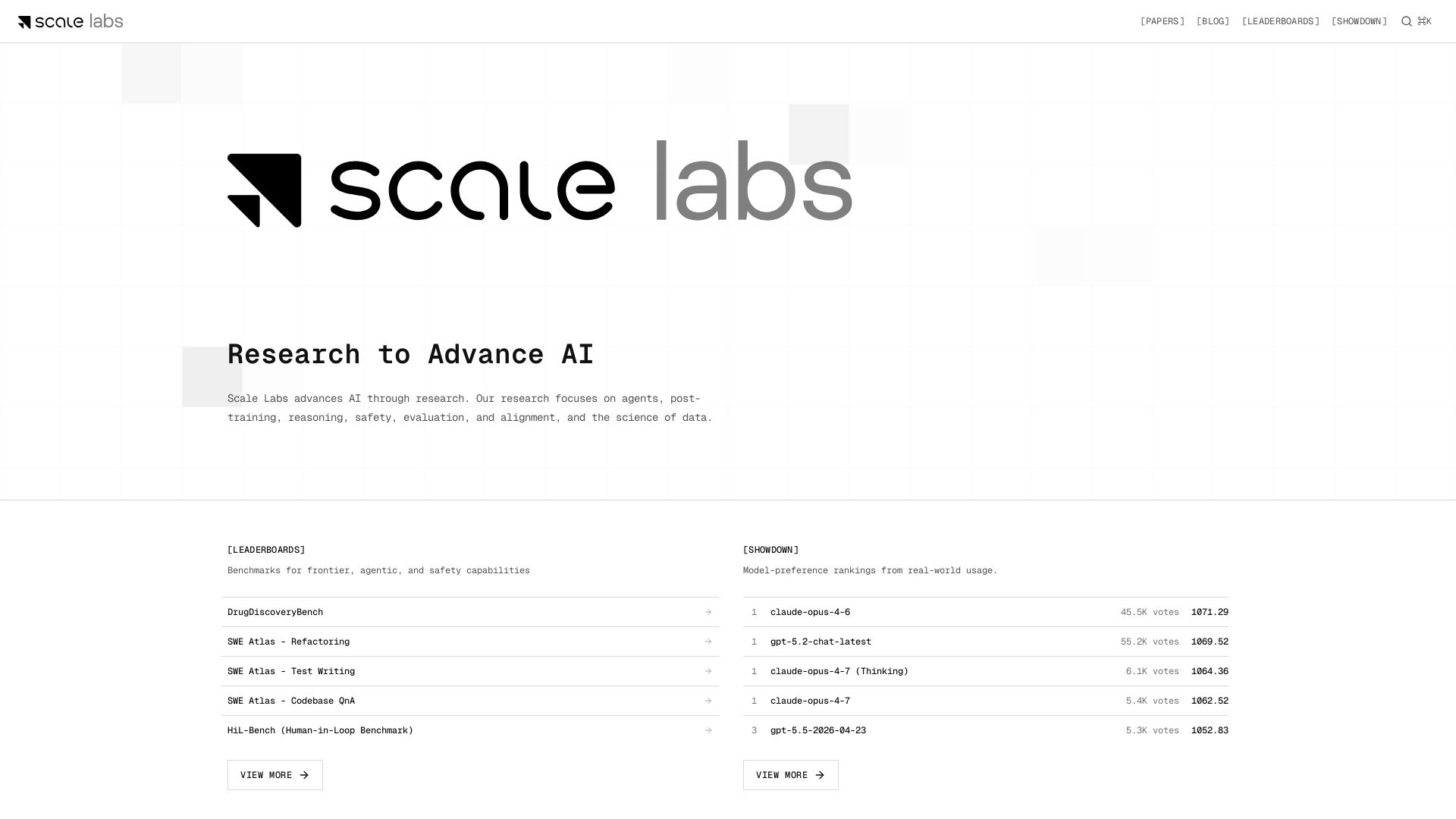
Scale Labs
Your hub for cutting-edge AI research on agents, safety, and evaluation. Explore leaderboards, model showdown rankings, and insightful blogs.

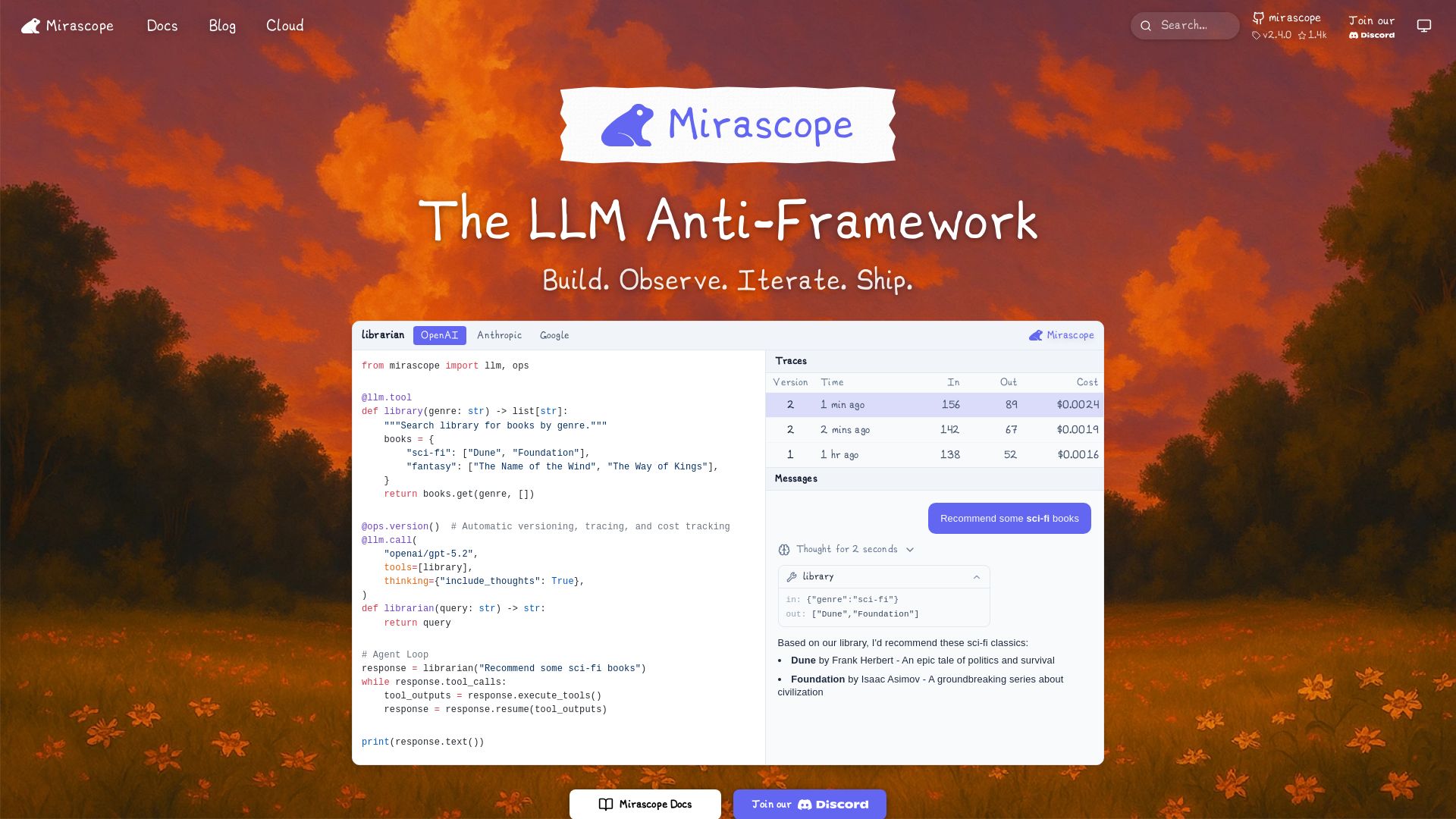
Mirascope
Build, observe, and iterate LLM applications with automatic versioning, tracing, and cost tracking. Supports OpenAI, Anthropic, Google, and more.

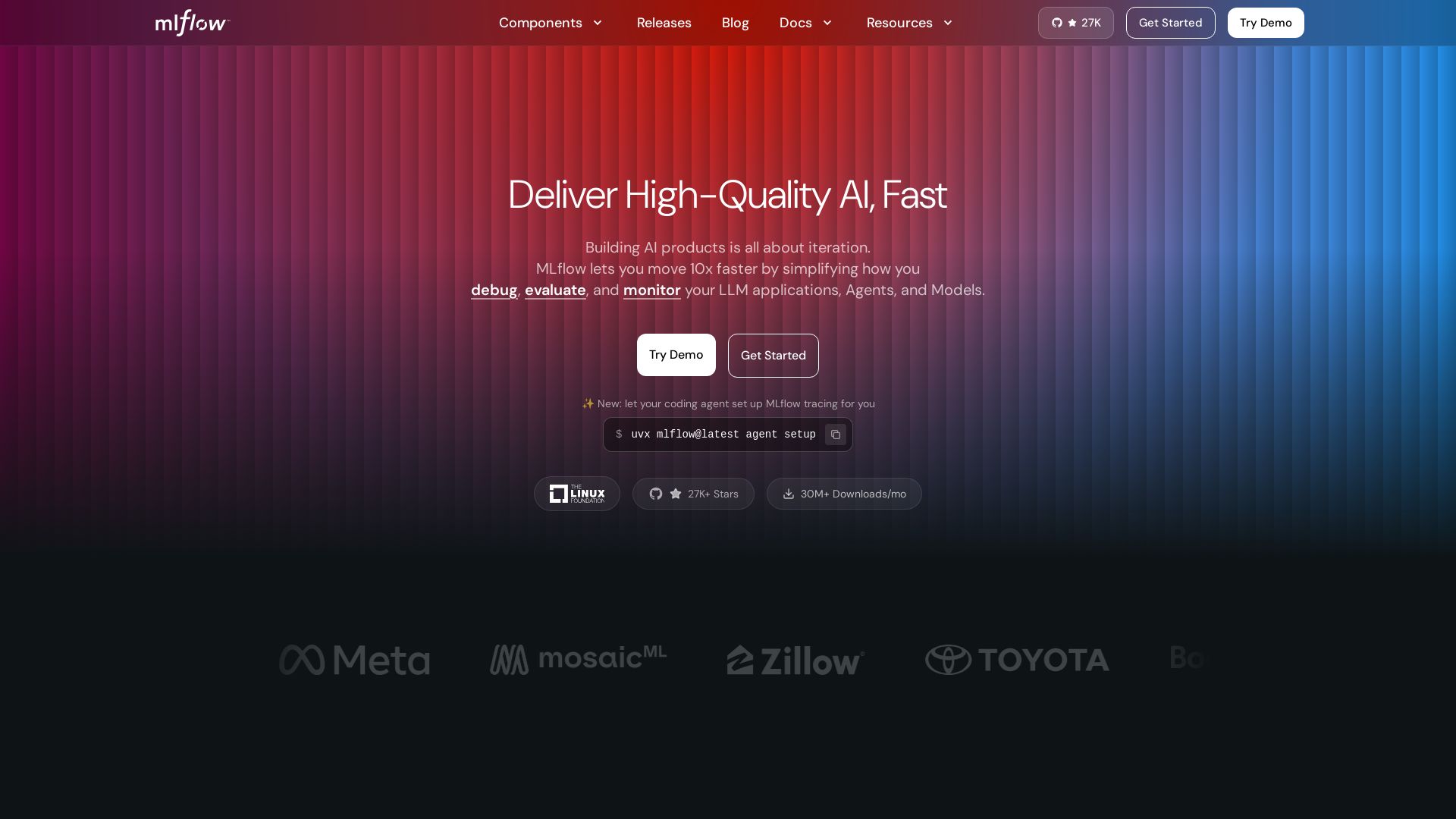
MLflow
Build, debug, evaluate, and monitor AI agents & LLMs with MLflow. Open-source, 27K+ stars, 30M+ downloads/mo. Try it free.

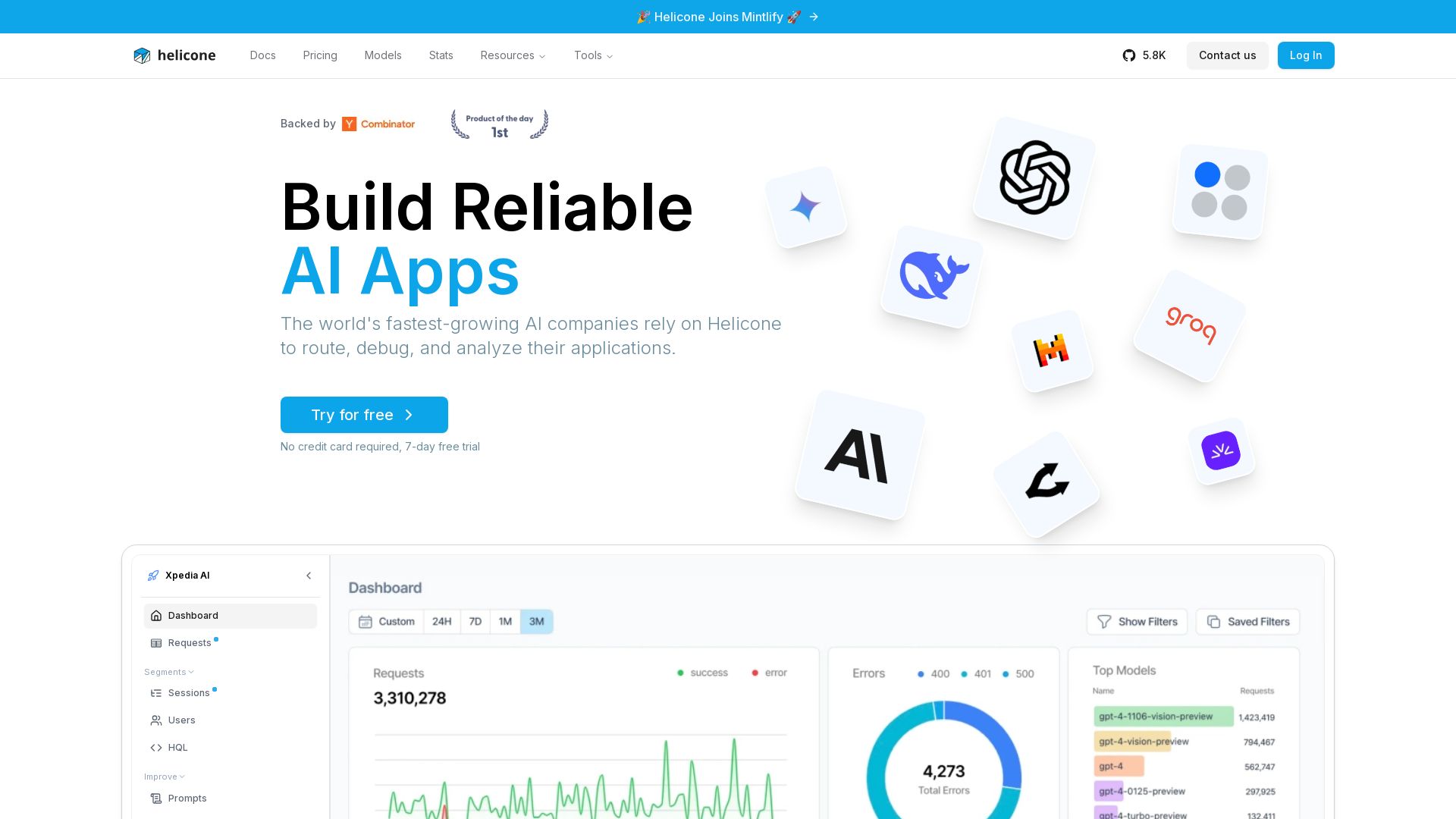
Helicone
Helicone helps AI companies route, debug, and analyze their applications. Trusted by the fastest-growing AI companies. Free trial. Integrates with OpenAI, Anthropic, Azure, and more.

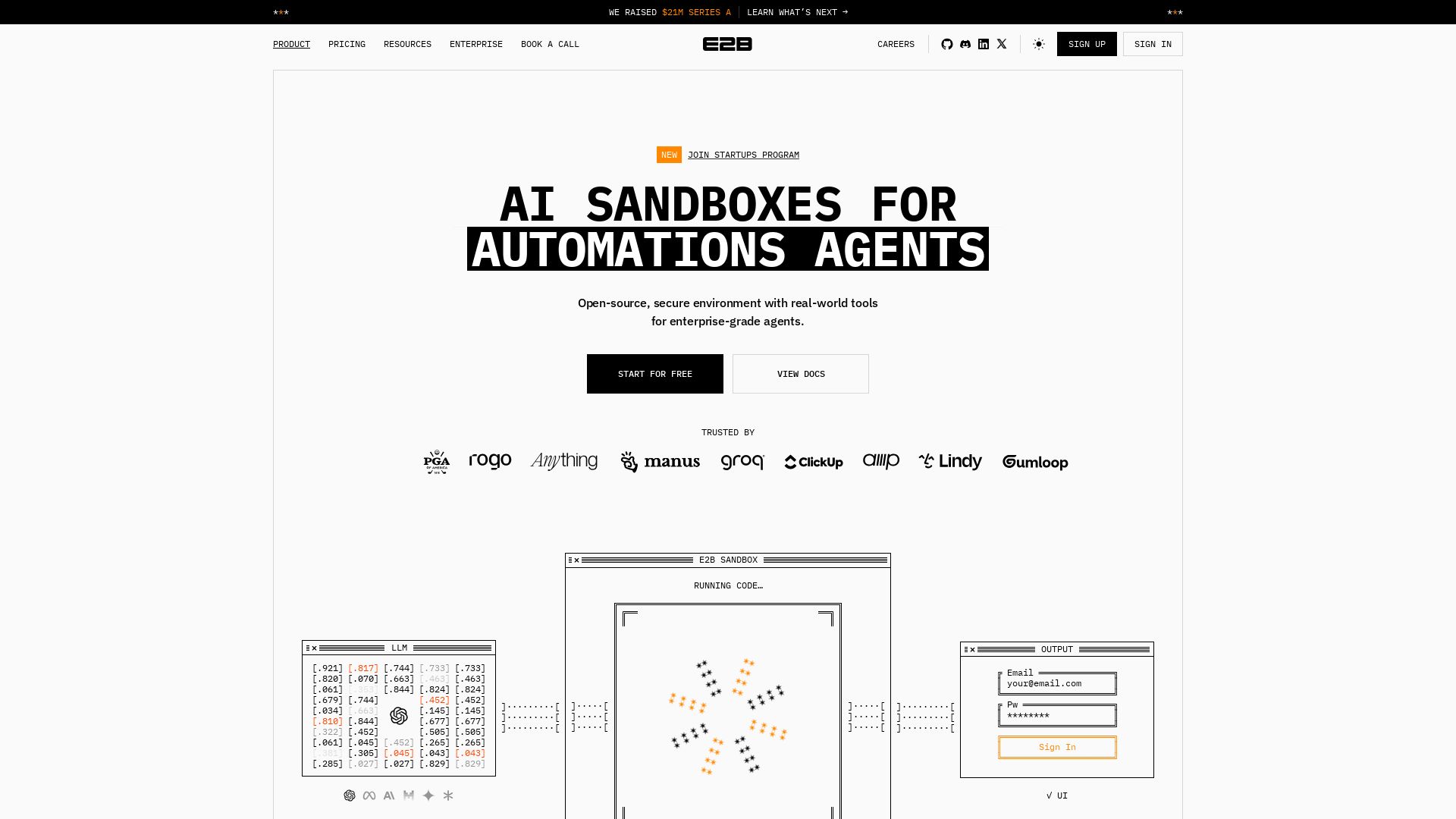
E2B
Open-source, secure sandbox for AI agents. Run code, analyze data, and deploy agents with enterprise-grade isolation. Trusted by Fortune 100.

ℹ️ Curation Disclosure: The overview and features of AgentOps were synthesized using AI and fact-checked by our curation team to ensure accuracy.