
LLUMO AI
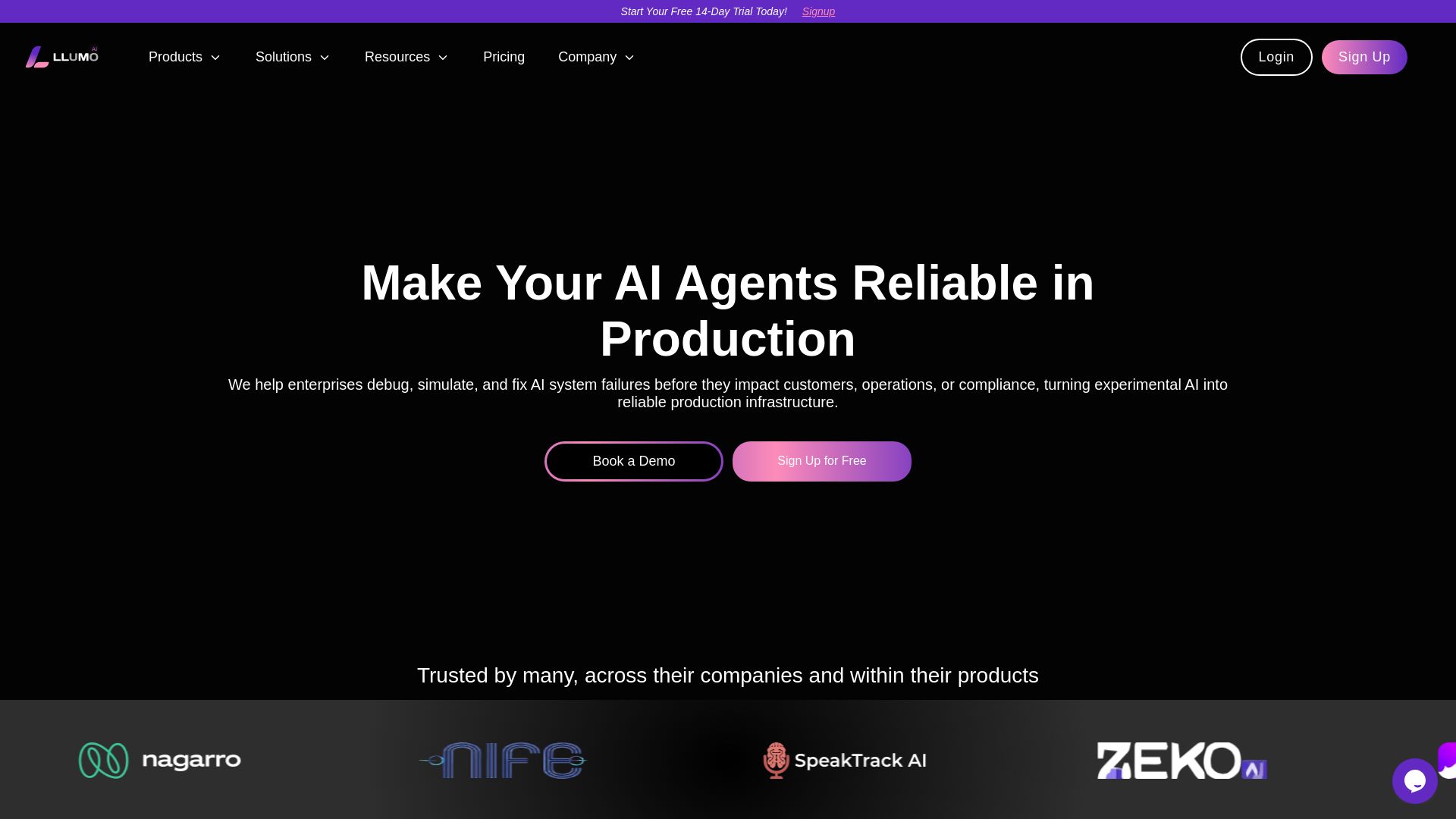
Debug, simulate, and fix AI system failures before they impact customers. Eval360™ evaluates agentic AI workflows at atomic level. 30% higher accuracy, 20x faster debugging, 10x cheaper evaluation.


Editor's Verdict
Key Takeaways
- Full Agent Trace
- Root Cause Analysis
- Simulation & Validation
- Fast Custom Eval Creation
In-Depth Review: What is LLUMO AI?
LLUMO AI is a production reliability platform for AI agents. It enables enterprises to debug, simulate, and fix failures in agentic workflows before they reach production. Powered by Eval360™, a purpose-built SLM trained on 2M+ real-world behaviors, it offers atomic-level evaluation, root cause analysis, and simulation. Key features include full agent traces, actionable RCA, custom evaluation creation, and real-time monitoring. LLUMO AI helps teams achieve higher evaluation accuracy, faster debugging, and lower costs, ensuring reliable AI in production.
Core Features
Full Agent Trace
Trace input to output across reasoning, retrieval, tool calls, latency, and costs to understand agent decisions.
Root Cause Analysis
Actionable RCA insights surface root causes, list exact issues, recommend fixes, and guide what to change first.
Simulation & Validation
Test fixes in a safe environment before production, run agent workflows with changes, and confirm improvements.
Fast Custom Eval Creation
Create custom evaluations using ready-made templates and scoring presets, then simulate changes early.
Multi-Option Evaluation Playground
Try multiple prompt, model, or agent variations on one screen and get instant scores across multiple evals.
Real-Time Eval Insights & Alerts
Visualize evaluation scores, reliability trends, and regressions with dashboards, Slack alerts, and downloadable reports.
Unified Observe Dashboard
Monitor end-to-end agent and LLM pipeline in an easy-to-understand view, spotting failures and bottlenecks.
Continuous Reliability Loop
Monitor production systems to catch drift early, validate improvements, and maintain stable, scalable AI over time.
Pricing
Starter
- Users: 1
- Logs: 10,000 runs / month
- Eval360™ SLM: 0 runs / month
- Structured Logging
- Debug Lens
- Custom Evals
- Observe Dashboard
Pro
- Everything in Starter
- Users: Unlimited
- Logs: 25,000 runs / month
- Eval360™ SLM: 5,000 runs / month (additional $6 per 1,000 runs)
- Eval360™ SLM
- Real-time Reliability control
- Debugger Insights
- Simulation
Enterprise
- Everything in Pro
- Users: Unlimited
- Logs: Unlimited
- Eval360™ SLM: Unlimited
- Role-based access control (RBAC)
- Single Sign-On (SSO)
- On-premise Eval 360 SLM
- Dedicated account manager
- Security + compliance
- SLA + Priority support
Pros and Cons
Pros
- Higher Evaluation AccuracyEval360™ is trained on 2M+ real-world agent behaviors, accurately pinpointing agent failures and reasons.
- Faster DebuggingEval360™ evaluates entire workflows at one place, eliminating guesswork and manual replay, achieving 20x faster debugging.
- Cheaper EvaluationReplaces expensive LLM evaluators with a purpose-built low-cost engine, providing 10x cheaper evaluation with full observability.
- Easy IntegrationSDK hooks in quickly (under 30 minutes) and logs every agent run automatically, catching failures before they cascade.
- Continuous ImprovementReal-time insights, dashboards, and alerts enable proactive monitoring and continuous reliability loop.
Cons
- Limited Free TierStarter plan includes only 10,000 logs per month and no Eval360 SLM runs, which may be insufficient for heavy usage.
- Dependency on Eval360 SLMThe core evaluation relies on a proprietary SLM, which may not cover all custom edge cases.
- Learning CurveNew users may need time to understand the full feature set and integrate into existing workflows.
- Pro Plan Overage CostsExceeding the 5,000 Eval360 SLM runs incurs additional costs at $6 per 1,000 runs, which can add up.
- Enterprise Contact RequiredAdvanced features like RBAC, SSO, and unlimited usage require contacting sales, no self-serve option.
Use Cases & Recommended Professions
AI Engineer→ View Toolkit
Needs to debug and evaluate agentic workflows, ensure reliability, and catch failures before production.
CTO→ View Toolkit
Oversees AI infrastructure, requires visibility into system behavior, cost optimization, and compliance.
Product Manager→ View Toolkit
Responsible for AI product quality, wants to iterate quickly, test variations, and launch with confidence.
Data Scientist→ View Toolkit
Builds and tunes LLM-based applications, needs structured evaluation and root cause analysis.
NLP Scientist→ View Toolkit
Focuses on model performance, hallucination reduction, and prompt engineering, benefits from detailed debug traces.
Head of Operations→ View Toolkit
Manages complex pipelines, needs to reduce hallucinations, speed up inference, and maintain stability.
Frequently Asked Questions
Alternative AI Tools
View Detailed Comparison →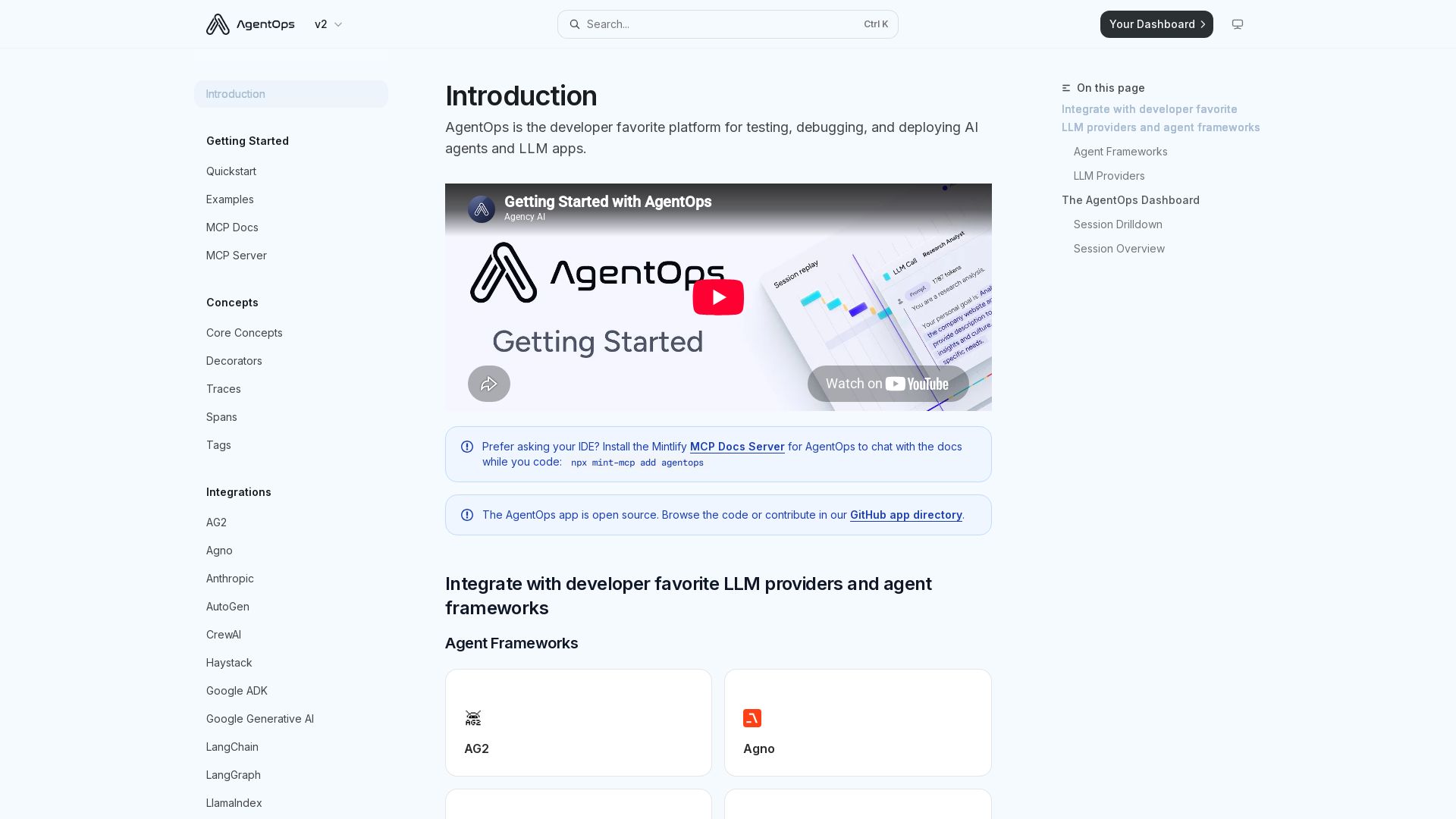
AgentOps
The developer favorite platform for testing, debugging, and deploying AI agents and LLM apps. Two lines of code for full observability.

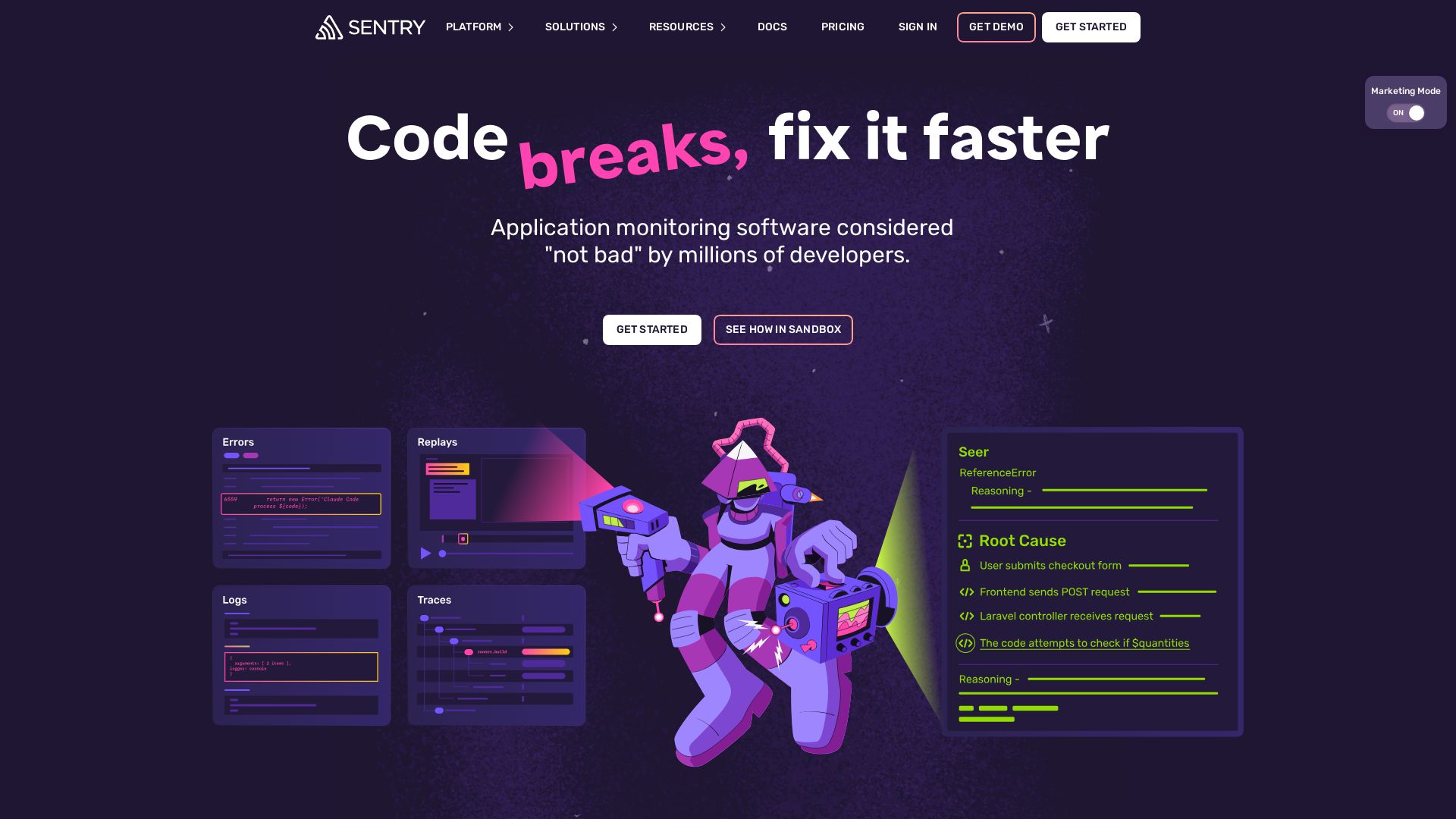
Sentry
Fix code faster with Sentry's AI-powered debugging, error monitoring, and tracing. Get started in 5 lines. Loved by millions.

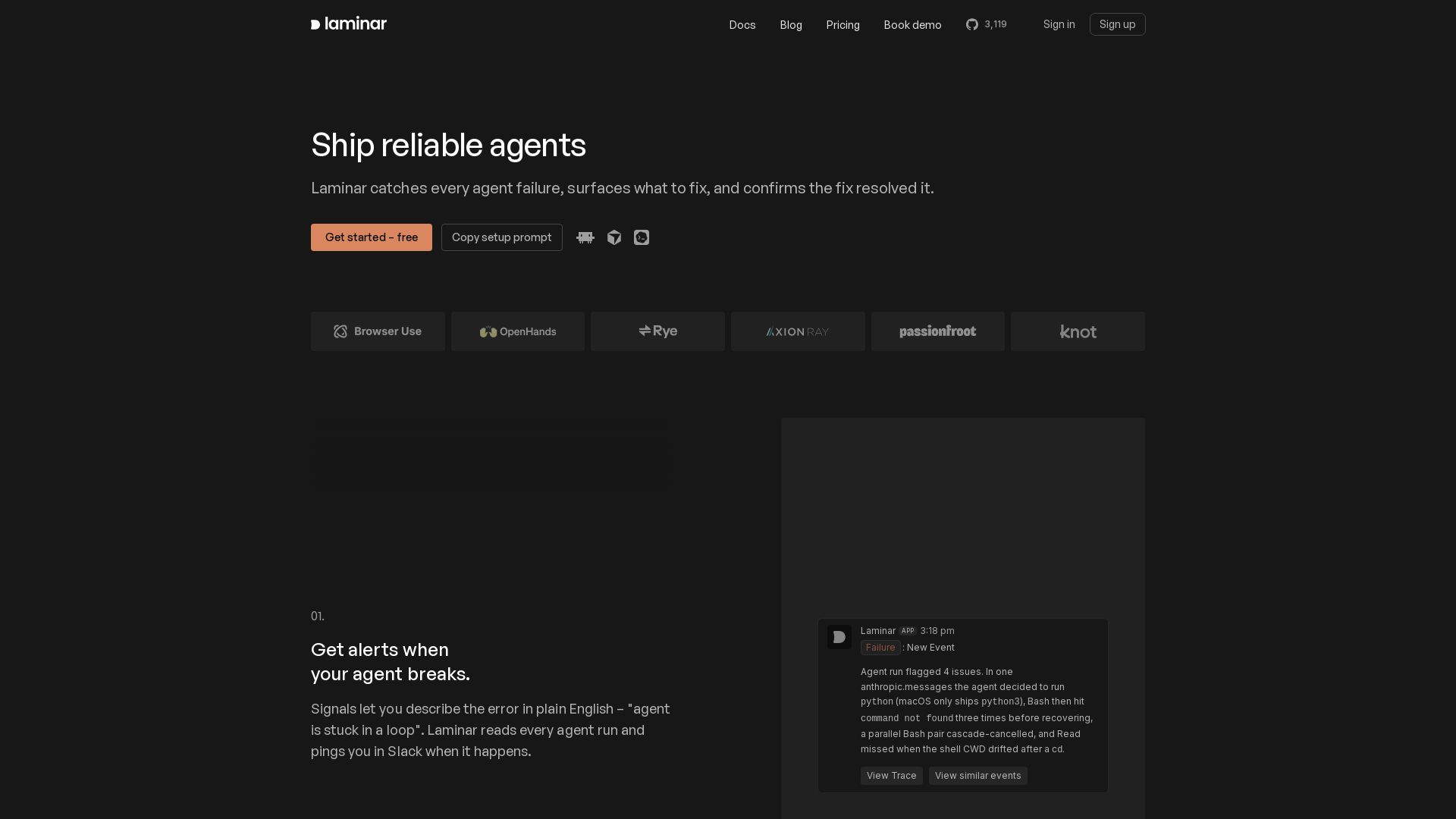
Laminar
Catch every agent failure, understand why in seconds, and prevent regressions with Laminar's trace viewer, signal clusters, and evals. Free to start.

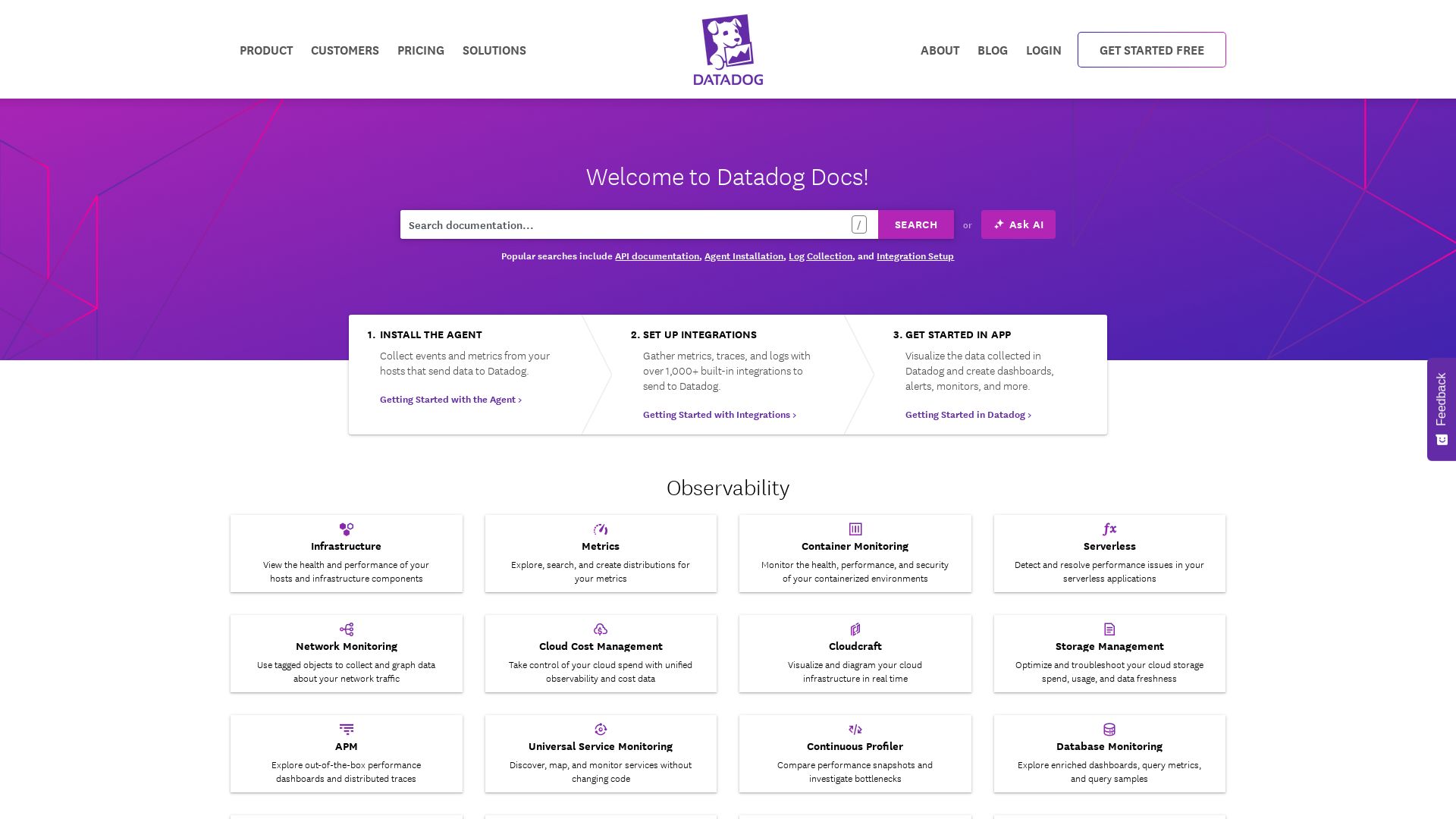
Datadog
Explore Datadog docs for infrastructure, APM, logs, security, digital experience, and AI observability. Get started with integrations and agents.

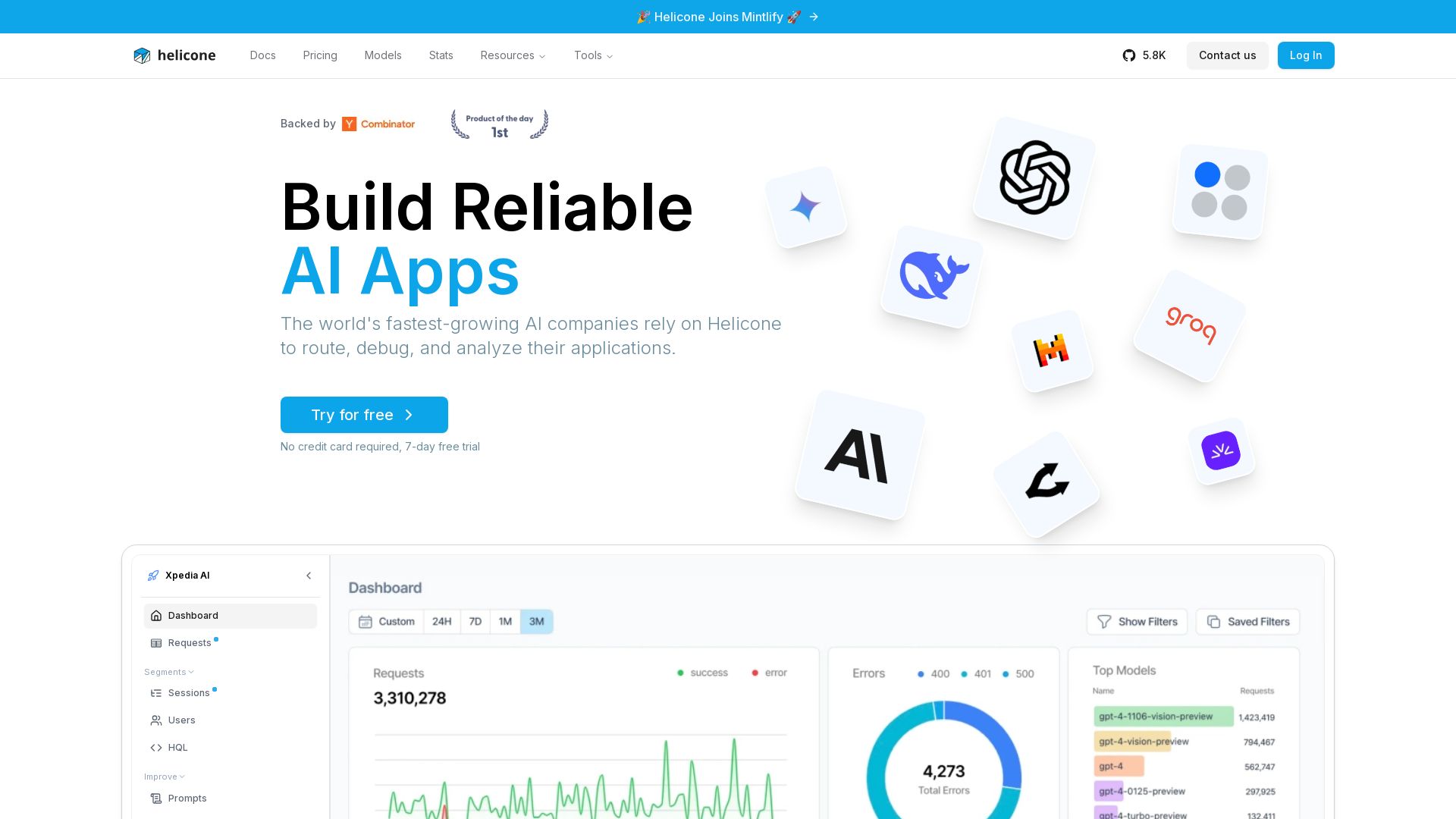
Helicone
Helicone helps AI companies route, debug, and analyze their applications. Trusted by the fastest-growing AI companies. Free trial. Integrates with OpenAI, Anthropic, Azure, and more.

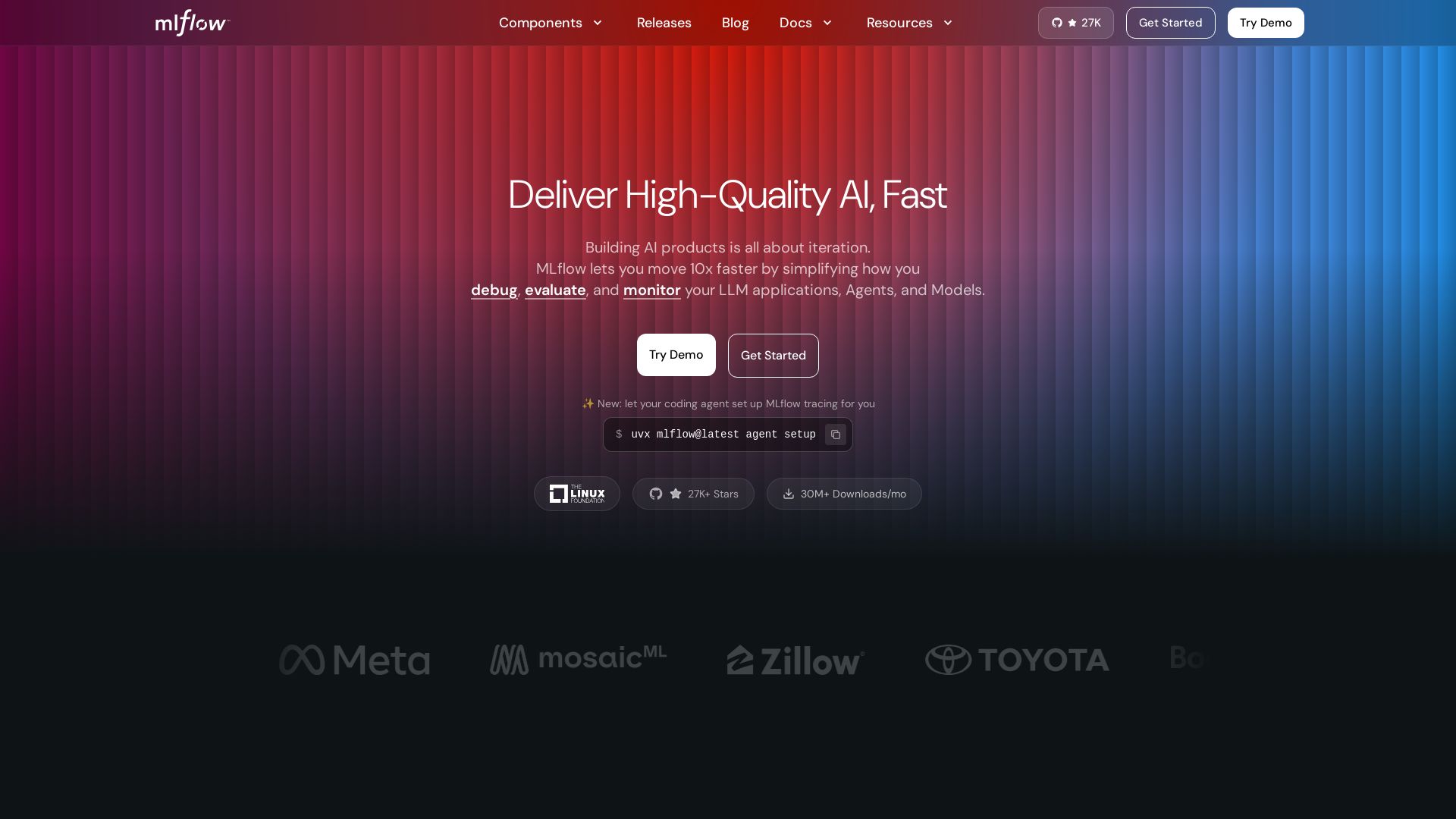
MLflow
Build, debug, evaluate, and monitor AI agents & LLMs with MLflow. Open-source, 27K+ stars, 30M+ downloads/mo. Try it free.

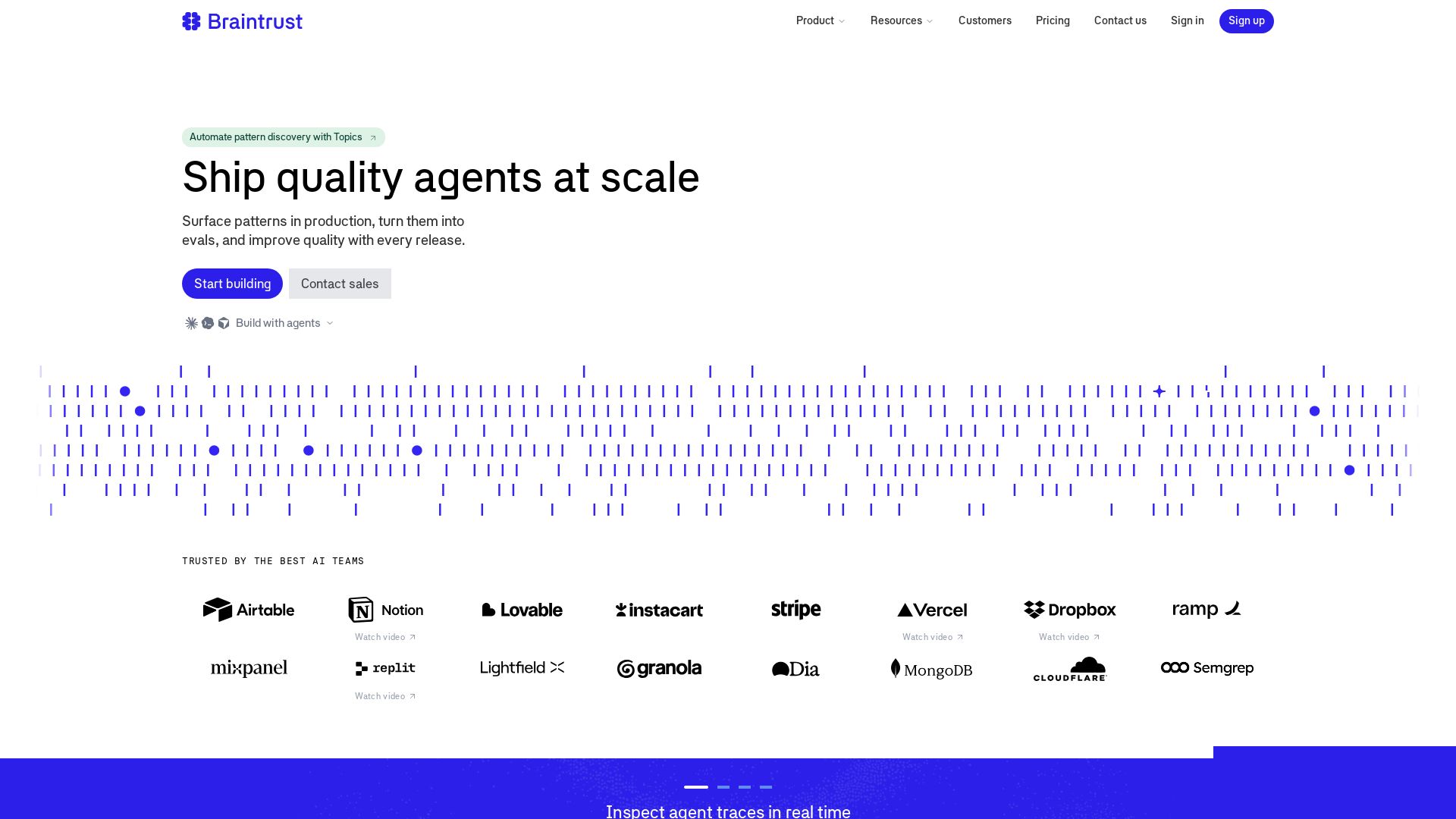
Braintrust
Trace, evaluate, and discover patterns in AI agents. Ship quality agents at scale with real-time observability, evals, and automatic pattern discovery.


Maxim
Simulate, evaluate, and observe AI agents 5x faster. End-to-end platform for prompt engineering, agent testing, and real-time monitoring.

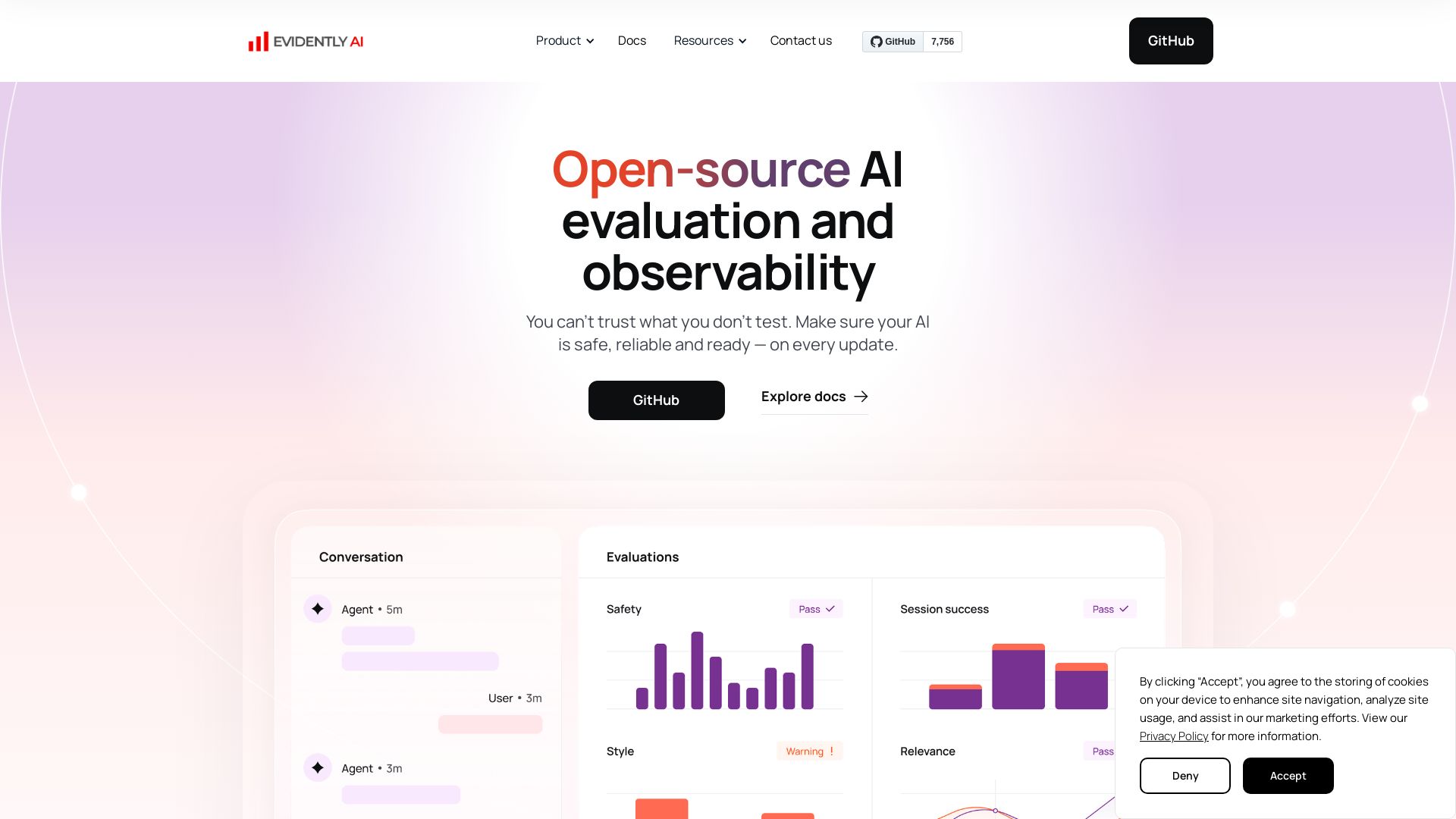
Evidently AI
Evaluate, test, and monitor LLMs, RAG, AI agents, and ML models. Open-source framework to ensure AI safety, reliability, and performance.

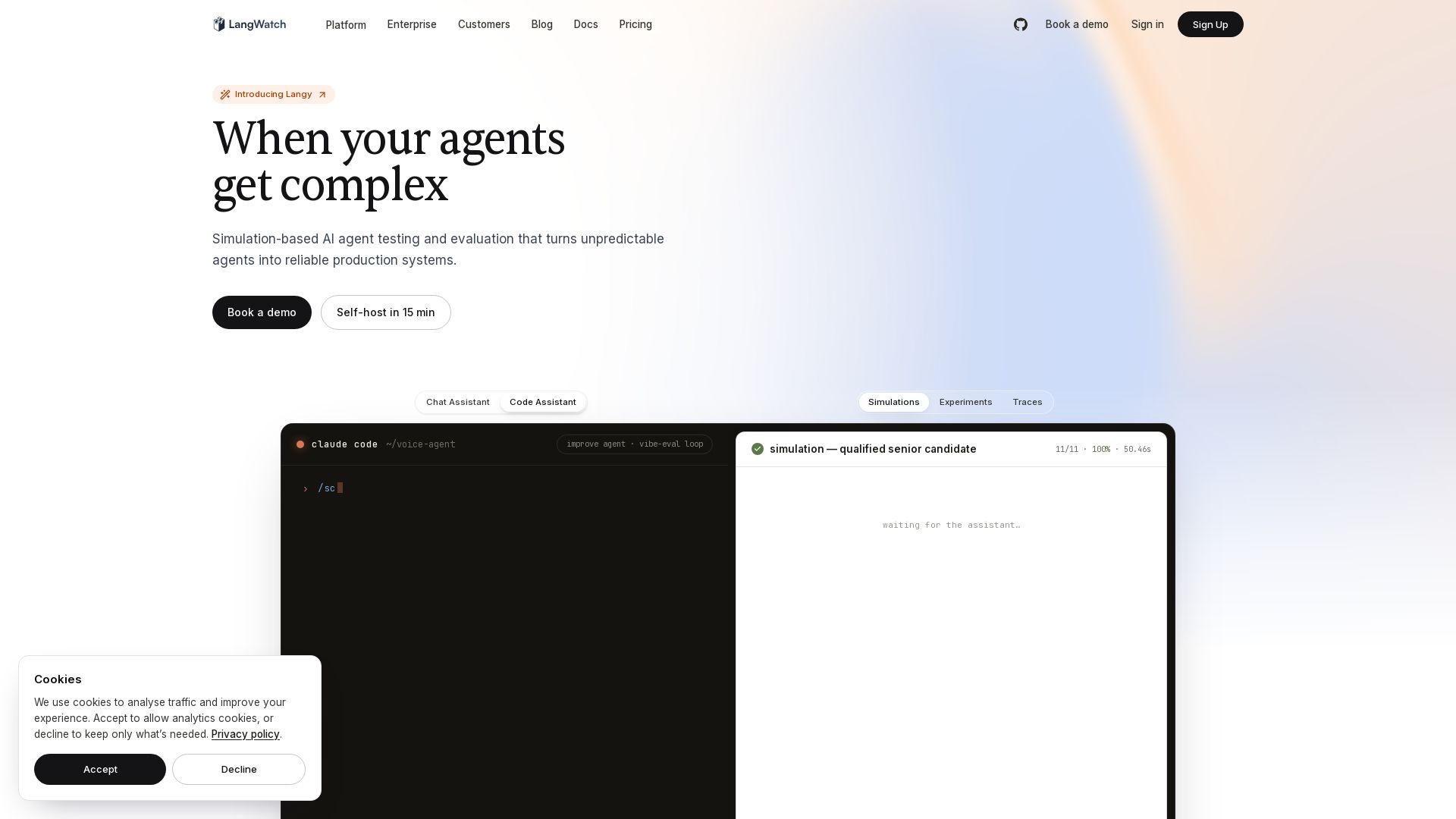
LangWatch
Simulation-based testing and evaluation for AI agents. Turn unpredictable agents into reliable production systems with continuous testing.

Future AGI
Catch AI hallucinations, evaluate accuracy, and deploy guardrails. Open-source platform to simulate, test, and monitor AI agents in production.

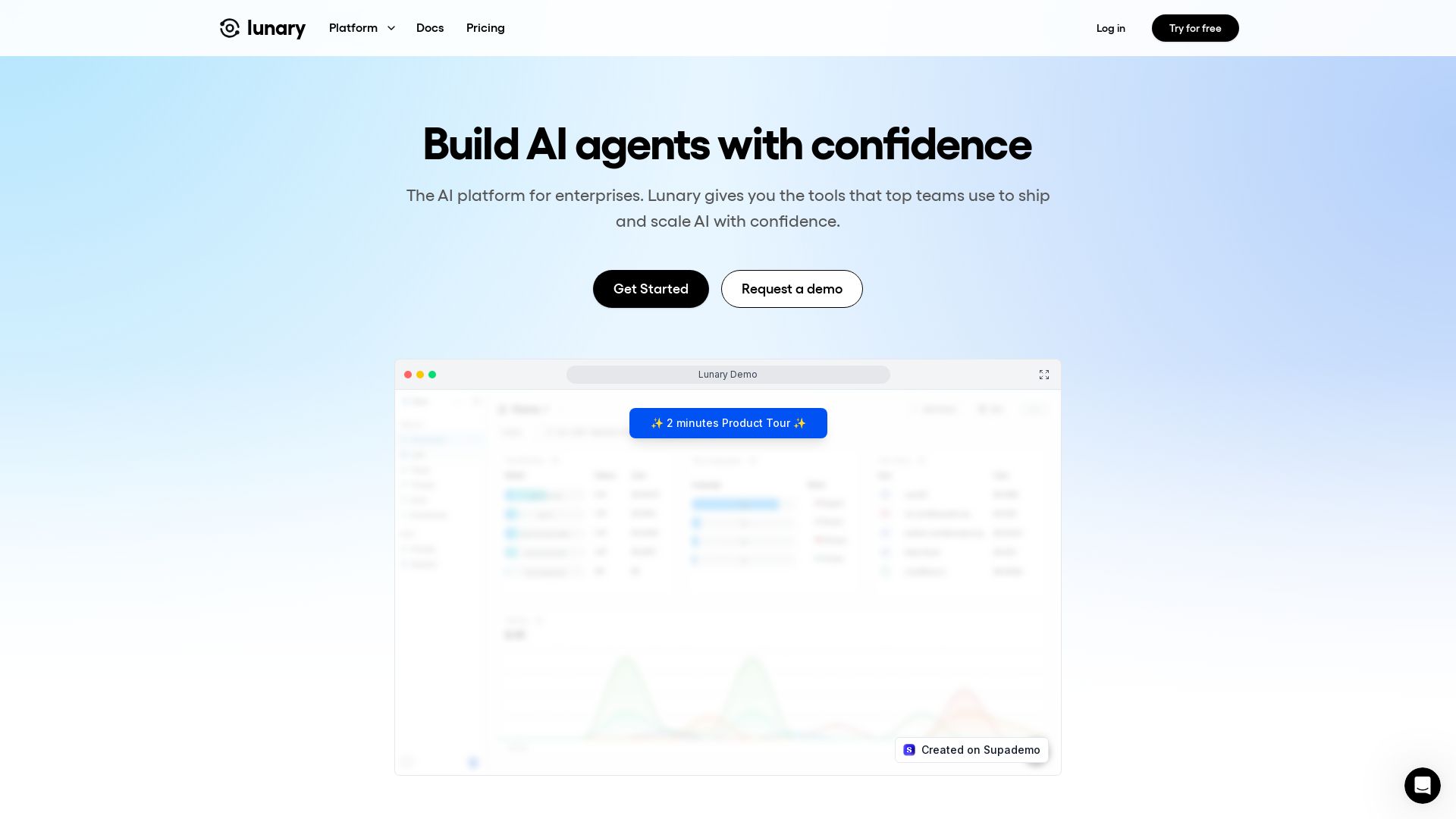
Lunary
Lunary is the AI platform for enterprises to ship and scale AI with confidence. Monitor, analyze, and improve LLM performance, costs, and user interactions.

ℹ️ Curation Disclosure: The overview and features of LLUMO AI were synthesized using AI and fact-checked by our curation team to ensure accuracy.