
Laminar
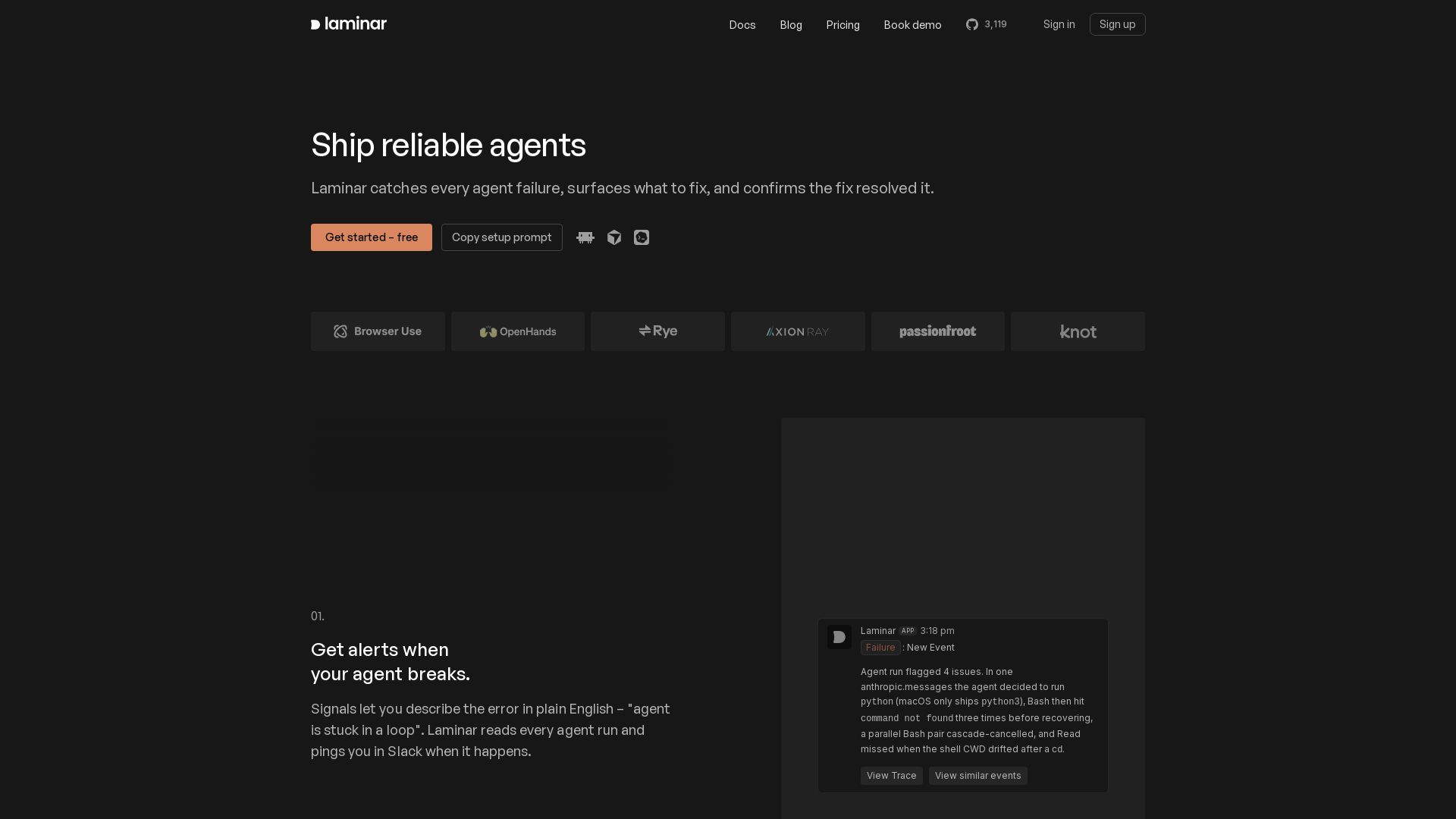
Catch every agent failure, understand why in seconds, and prevent regressions with Laminar's trace viewer, signal clusters, and evals. Free to start.
Editor's Verdict
Key Takeaways
- Signals
- Trace Viewer
- Event Clusters
- Agent Debugger
In-Depth Review: What is Laminar?
Laminar is a comprehensive observability and debugging platform for AI agents. It monitors every agent run, alerts you to failures in real-time, and provides an intuitive trace view with LLM reasoning, tool calls, and sub-agents. Automatically clusters similar issues, tracks recurrence, and confirms fixes. Integrates with Claude SDK, OpenAI SDK, LangChain, and more. Features include auto-fix via CLI/MCP, evals, custom dashboards, full SQL querying, and browser recording. Open source, self-hostable, HIPAA/SOC2 compliant.
Core Features
Signals
Describe agent failures in plain English and get real-time alerts when they occur, so you can fix issues proactively.
Trace Viewer
Clear, navigable transcript showing input, LLM reasoning, tool calls, and sub-agents, plus chat-with-trace for deep investigation.
Event Clusters
Automatically group repeated failures into named clusters, track them over time, and get resolved/reopened notifications.
Agent Debugger
Use CLI and MCP to let coding agents iterate on agent fixes: run agent, read trace, fix, and re-run with cached state.
Evals
Turn error clusters into evaluation datasets to catch regressions after changes and iterate with confidence.
Integrations
Two-line setup with Vercel AI SDK, Anthropic, OpenAI, LangChain, Mastra, Pydantic AI, and many others.
Custom Dashboards & SQL
Build dashboards with custom SQL queries over all trace and signal data, plus raw SQL access via MCP or CLI.
Self-Hosting & Enterprise
Open-source with Docker Compose or Helm chart; HIPAA and SOC 2 compliant; PII redaction; managed self-hosting option.
Pricing
Free
- 1 GB data included
- $5 in Signals included
- 7 day retention
- 1 project
- 1 seat
- Community support (Discord)
Starter
- 3 GB data included, then $2/GB
- $15 in Signals included, then $0.5/1M input tokens, $3/1M output tokens
- 30 day retention
- Unlimited projects
- Unlimited seats
- Email support
Pro
- 10 GB data included, then $1.50/GB
- $50 in Signals included, then $0.4/1M input tokens, $2.5/1M output tokens
- 6 month retention
- Unlimited projects
- Unlimited seats
- Slack support
Enterprise
- Custom data and signals limits
- On-premise deployment
- Unlimited projects and seats
- Dedicated support
- Priority support
- Managed upgrades and operations (optional)
Pros and Cons
Pros
- Comprehensive ObservabilityProvides detailed trace views, chat-with-trace, and plain-English alerts for agent failures, making debugging fast.
- Cost Effective20x more efficient storage by deduplicating content; Signals cost a fraction of agent token usage due to compression.
- Flexible DeploymentOpen-source with self-hosting options (Docker Compose, Helm) and a fully managed cloud; enterprise-ready with compliance.
- Rich IntegrationsSupports major agent SDKs and LLM providers out of the box, reducing setup friction.
- Proactive Issue ResolutionSignals and event clusters automatically detect recurring issues and track resolution status, saving manual effort.
Cons
- Free Tier LimitationsFree plan has only 1 GB data, 7-day retention, and 1 seat, which may be restrictive for larger projects.
- Signals Require LicenseSignals, event clusters, and Slack/email alerts are only available in paid plans or with an enterprise license on self-hosted Helm.
- AI Features Need LLM KeyOn self-hosted deployments, AI features like chat-with-trace and Signals require configuring an external LLM provider key.
- Learning Curve for Advanced FeaturesCustom dashboards, SQL editor, and agent debugger CLI may require technical expertise to fully utilize.
- No Yearly Billing OptionPricing only displays monthly plans; no annual discount mentioned, which may be a con for budget-conscious teams.
Use Cases & Recommended Professions
AI Engineer / Agent Developer→ View Toolkit
Build and iterate on reliable AI agents; need to quickly diagnose failures and validate fixes.
Software Engineer (LLM Apps)→ View Toolkit
Develop applications using LLMs and need observability to understand agent behavior and improve reliability.
DevOps / MLOps Engineer→ View Toolkit
Manage agent infrastructure and require monitoring, alerting, and cost-effective trace storage.
Product Manager (AI features)→ View Toolkit
Oversee AI agent features and need insights into failure patterns and performance to prioritize improvements.
QA Engineer (AI Systems)→ View Toolkit
Test agent behavior and evaluate regressions; evals and dataset labeling help ensure quality.
Founder / CTO (AI startup)→ View Toolkit
Ship agent-based products quickly with reliable debugging and scalable observability for production.
Frequently Asked Questions
Alternative AI Tools
View Detailed Comparison →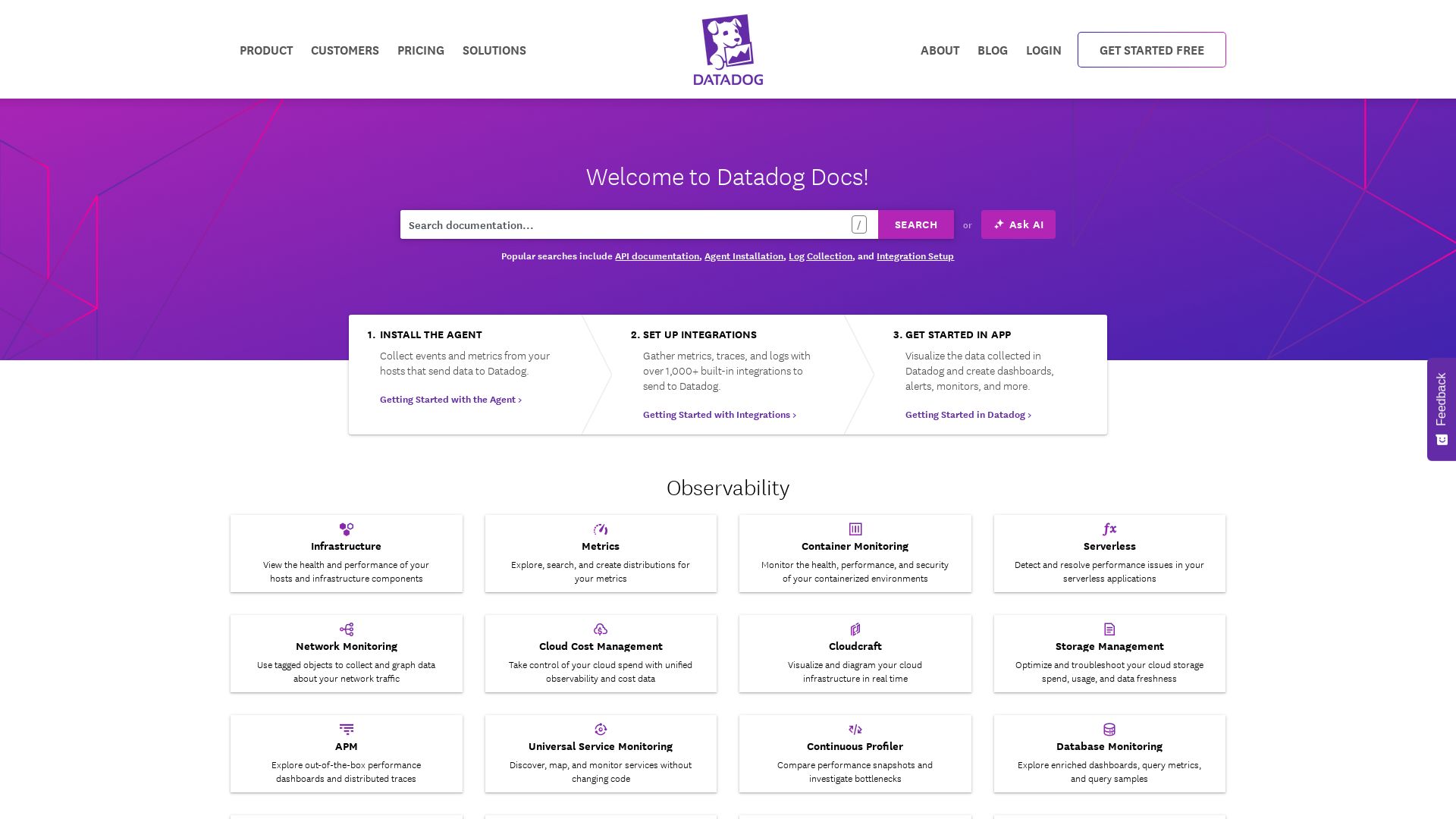
Datadog
Explore Datadog docs for infrastructure, APM, logs, security, digital experience, and AI observability. Get started with integrations and agents.

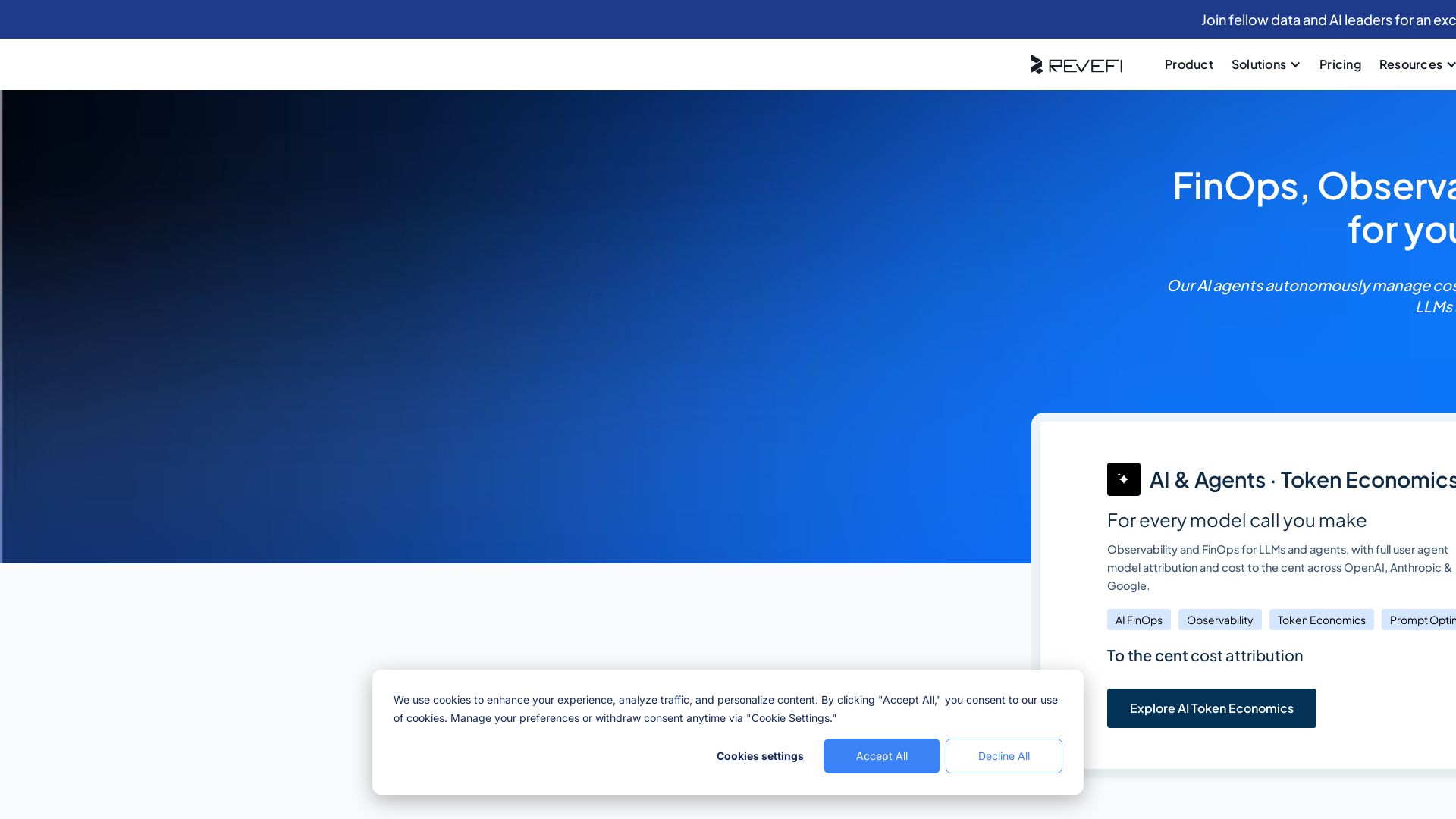
Revefi
Autonomous AI agents optimize cost, performance, and quality across Snowflake, Databricks, BigQuery & LLMs. Reduce data costs by 30-70% in minutes.

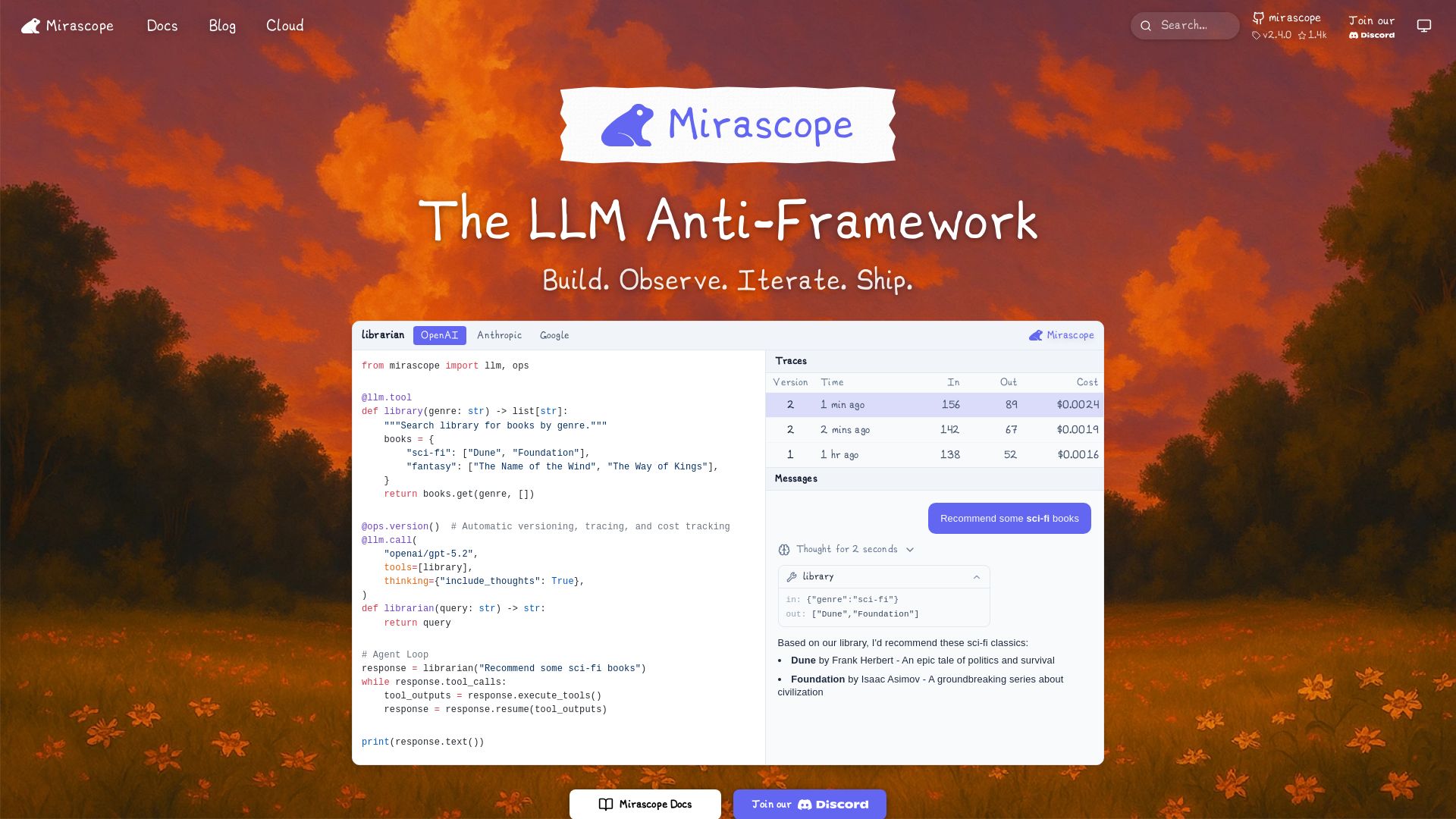
Mirascope
Build, observe, and iterate LLM applications with automatic versioning, tracing, and cost tracking. Supports OpenAI, Anthropic, Google, and more.

OpenObserve
OpenObserve unifies logs, metrics, traces, and RUM in one open source platform. Up to 140x lower cost than Elasticsearch. OpenTelemetry native. Try free.

Comet
Log, detect, and fix AI agent errors with Opik. Open-source LLM observability and evaluation. Automatically surface errors, get code fixes, validate performance. Trusted by 150k+ developers.

Braintrust
Trace, evaluate, and discover patterns in AI agents. Ship quality agents at scale with real-time observability, evals, and automatic pattern discovery.

Grafana
Unify metrics, logs, traces & profiles. Cut costs with Adaptive Telemetry. Built-in AI helps you troubleshoot faster. Trusted by Fortune 500. Get started free.

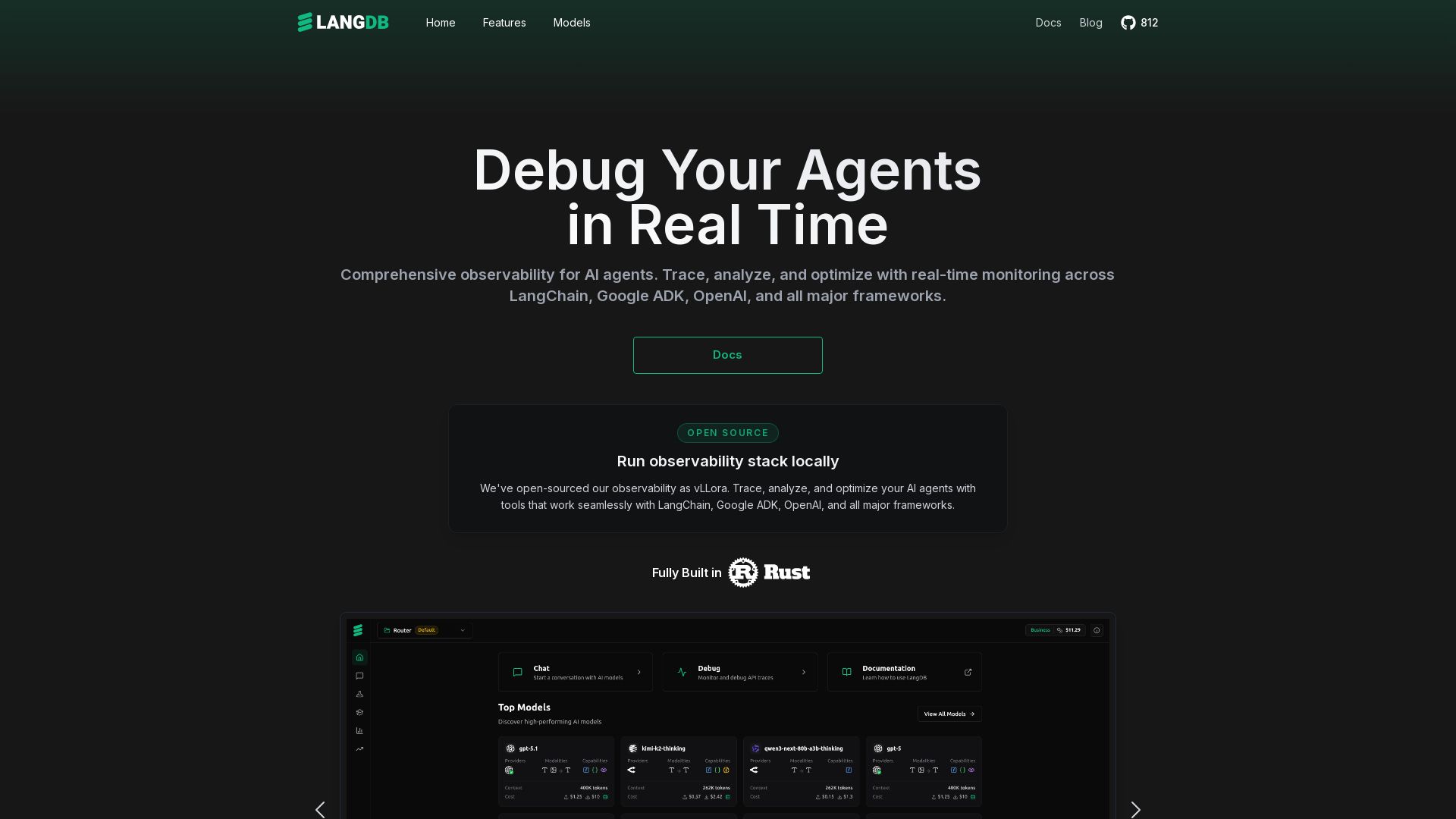
LangDB
Comprehensive observability for AI agents. Trace, analyze, and optimize with real-time monitoring across all major LLM frameworks. Unified API for 250+ models.

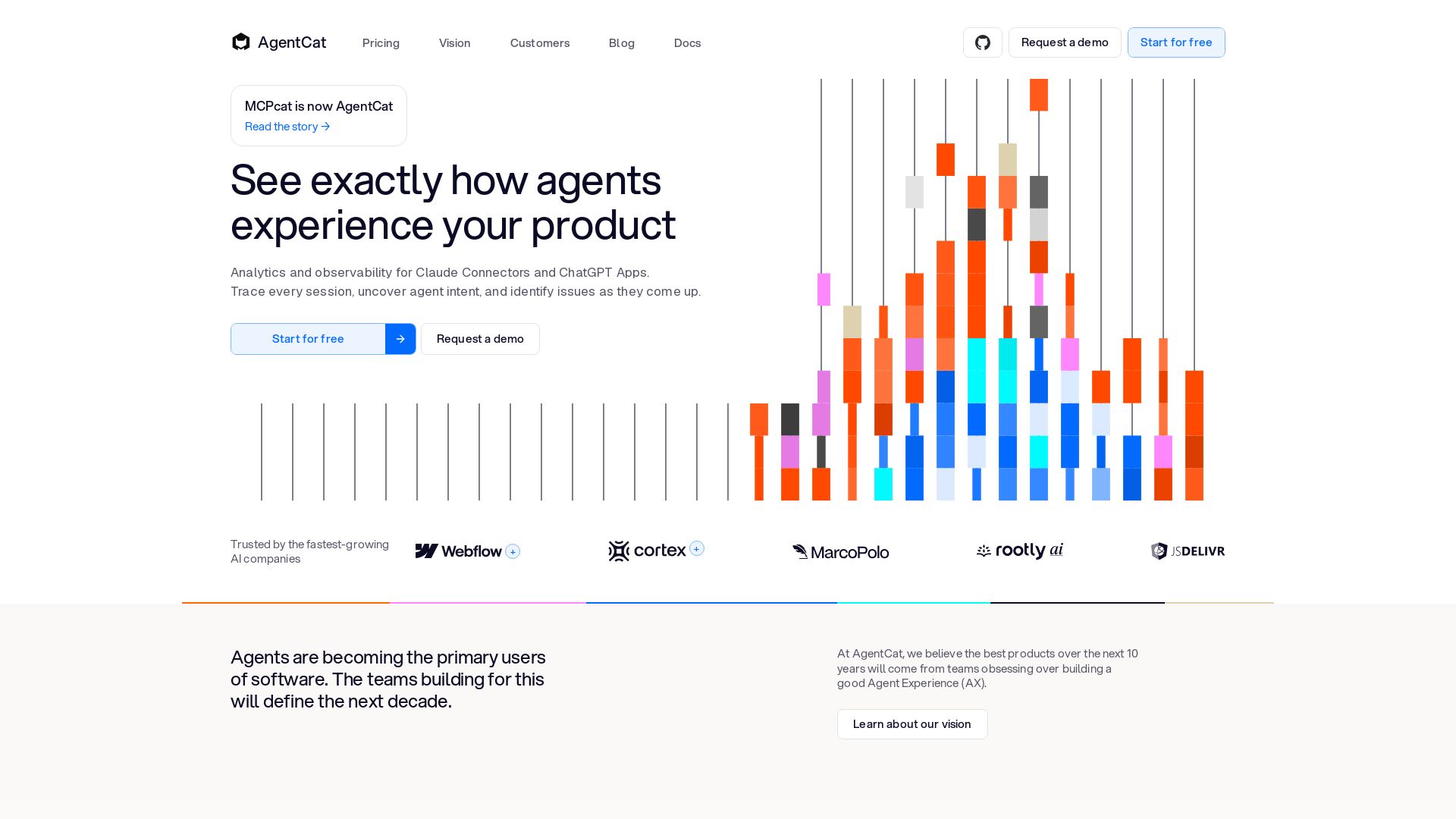
AgentCat
See exactly how agents experience your product. Replay every session, detect issues, and understand agent intent with AgentCat's analytics and observability platform.

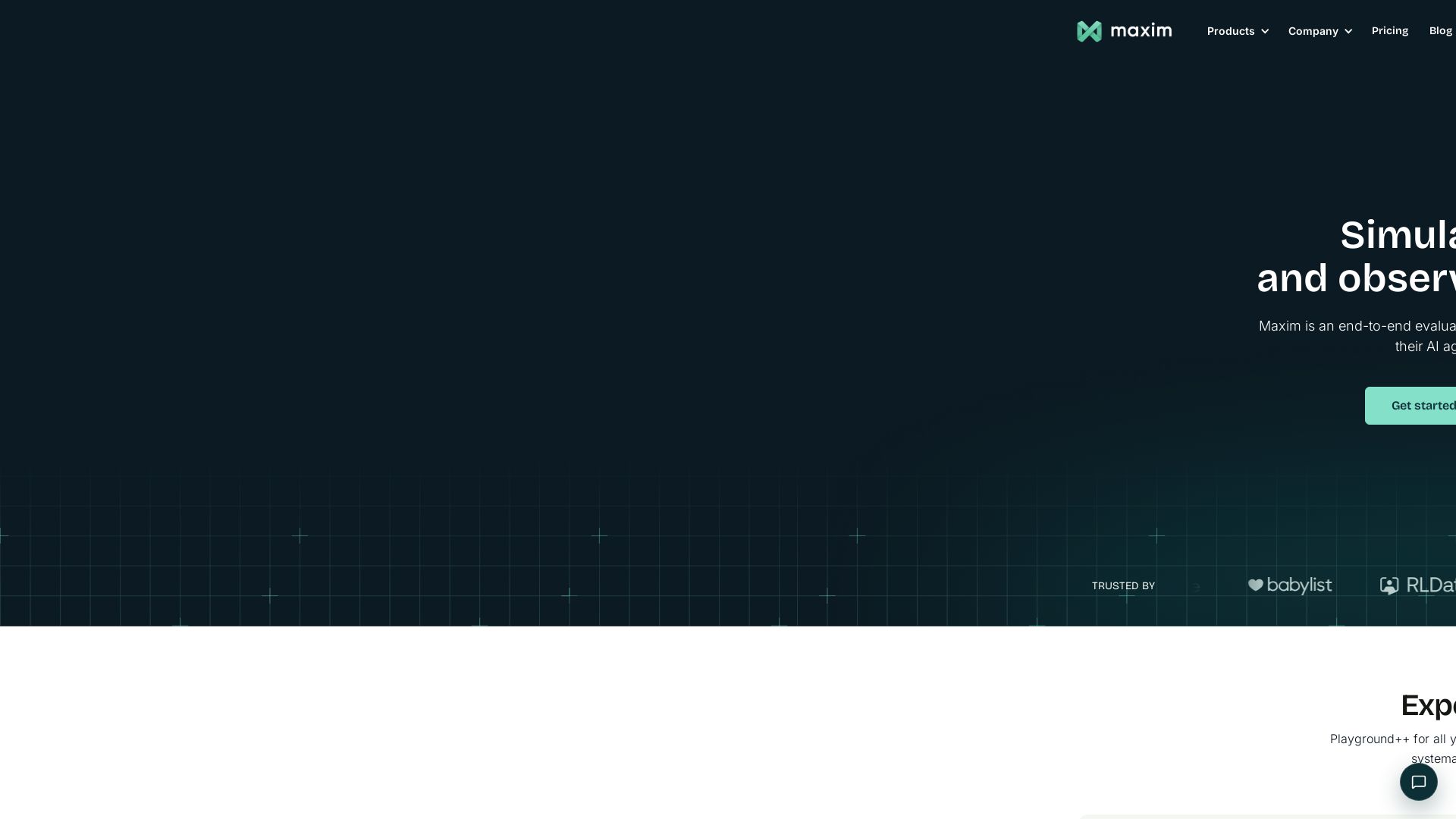
Maxim
Simulate, evaluate, and observe AI agents 5x faster. End-to-end platform for prompt engineering, agent testing, and real-time monitoring.

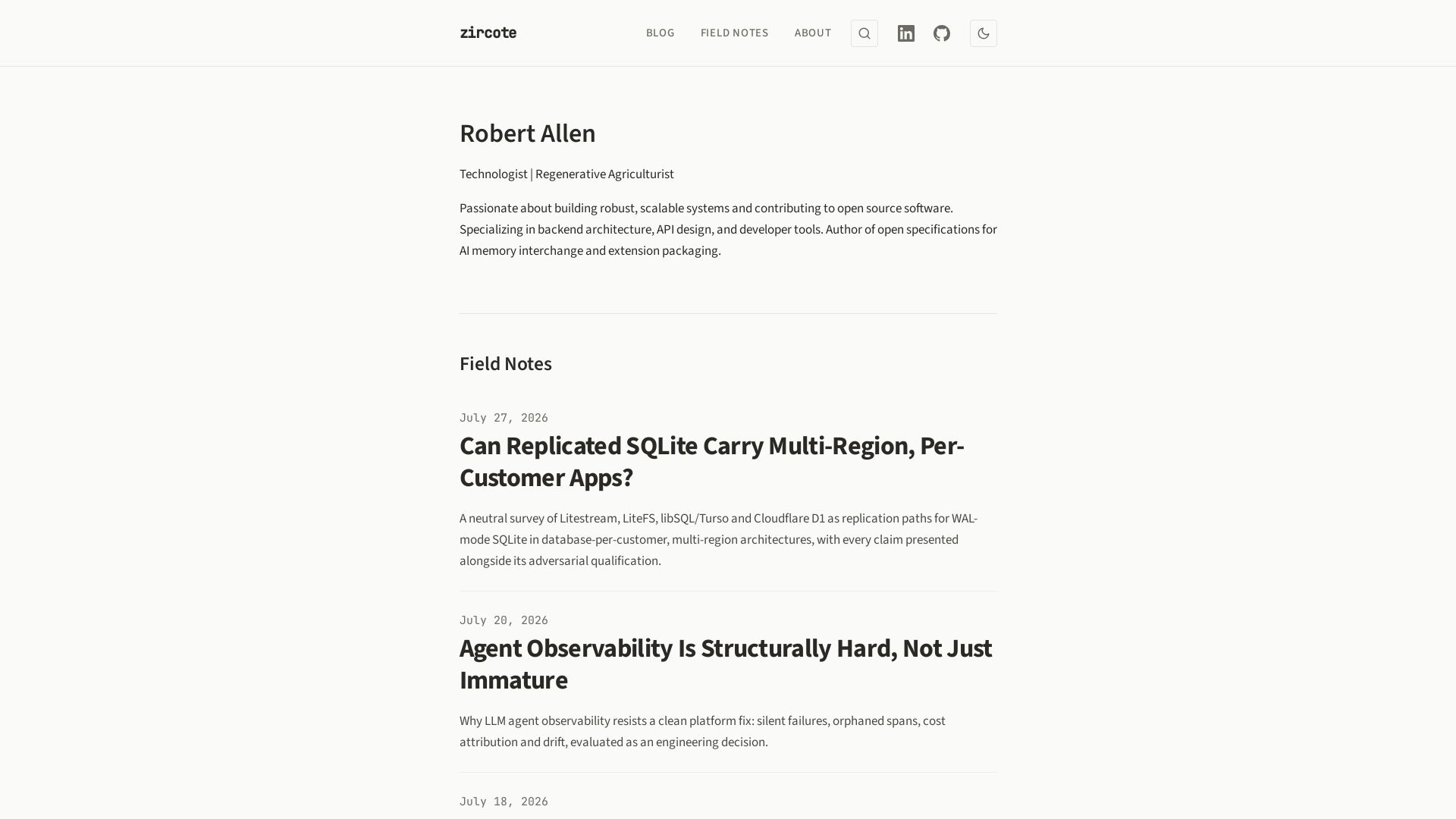
zircote
Explore insights on backend architecture, AI development, observability, and regenerative agriculture by technologist Robert Allen.

Monte Carlo
The agent trust platform that unifies data and agent observability for production AI systems. Trusted by 400+ enterprises.

ℹ️ Curation Disclosure: The overview and features of Laminar were synthesized using AI and fact-checked by our curation team to ensure accuracy.
