
CrePal
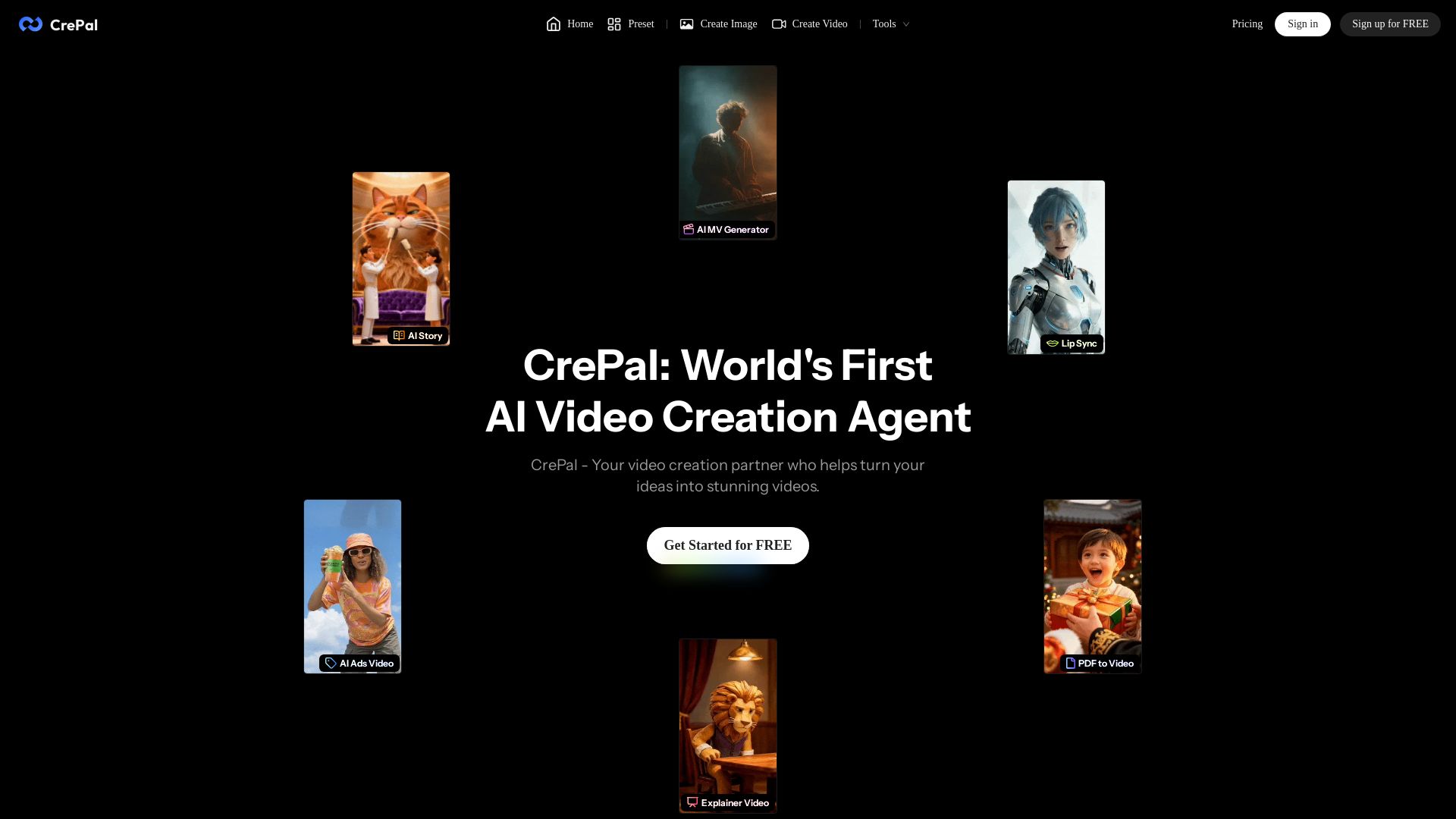
CrePal is the world's first AI video creation agent that unifies cutting-edge models to turn your ideas into stunning videos effortlessly. Chat, preview, and export HD.
Editor's Verdict
Key Takeaways
- AI Story Mode
- Director Mode
- Real-time Preview
- Voice Control
In-Depth Review: What is CrePal?
CrePal is an AI Director Agent that automates video creation from script to export. It integrates multiple AI models (Google Veo, Pika, Runway, etc.) to generate consistent, multi-scene videos with characters, subtitles, voiceover, and music. Users can create via chat or voice commands, preview in real-time, and use mini apps like AI Story, MV Generator, Lip Sync, Ads Video, and PDF to Video. Ideal for creators, marketers, and teams who want high-quality videos without editing skills.
Core Features
AI Story Mode
Automatically handles the entire creation process from script to video for beginner creators.
Director Mode
Provides fine-grained control over every detail for professional creators, enabling end-to-end video creation through natural language.
Real-time Preview
Preview the AI Director writing scripts, generating images, and producing videos in real-time, with ability to give feedback anytime.
Voice Control
Use natural language to direct the Agent to edit the video.
HD Export
Export HD video files with subtitles, voiceover, and background music.
AI Talking Avatar
Create AI talking-avatar videos by providing lines or topics, perfect for product or service promotion.
PDF to Video
Transform any PDF file into a stunning AI video, suitable for reports, pitch decks, or storytelling presentations.
Ad Remix
Upload a product image and a reference video; CrePal replicates the style to generate a high-end commercial.
Unified AI Models
Unifies cutting-edge AI models across planning, imaging, and video generation, intelligently choosing the most suitable models for each project.
Pricing
Free
- Access to AI Story Mode
- Limited generations
Monthly
- Director Mode
- Higher generation limits
- Add-on credits available
Yearly
- Same as Monthly
- Discounted rate
Team
- Scale team productivity
- Team management features
Pros and Cons
Pros
- End-to-End Video CreationCrePal handles script, scene planning, generation, soundtrack, and editing in one place.
- Multi-Model OrchestrationCombines multiple AI models for planning, imaging, and video, ensuring best results.
- Character & Style ConsistencyMaintains consistent characters, faces, outfits, and visual style throughout the video.
- Easy to UseChat-based interface allows beginners to create videos with simple prompts.
- Time-SavingAutomates tedious processes, slashing production time from hours to minutes.
Cons
- Internet RequiredCrePal is a cloud-based tool and requires a stable internet connection to function.
- Learning Curve for Advanced FeaturesWhile basic mode is simple, mastering Director Mode may require some learning.
Use Cases & Recommended Professions
Small Business Owner→ View Toolkit
Create product videos and ads quickly without hiring a video editor.
Social Media Influencer→ View Toolkit
Generate engaging, consistent video content for platforms like TikTok, YouTube, and Instagram.
Marketing Manager→ View Toolkit
Produce campaign videos with subtitles across languages, reducing production time and improving click-throughs.
Independent Filmmaker→ View Toolkit
Edit raw footage into polished videos with mood-based instructions, saving time and budget.
Motion Graphics Artist→ View Toolkit
Iterate quickly on video edits using conversational prompts instead of timeline reworks.
Software Engineer / AI Enthusiast→ View Toolkit
Prototype video features with technical transparency, queuing tasks, and control over generation parameters.
Frequently Asked Questions
Alternative AI Tools
View Detailed Comparison →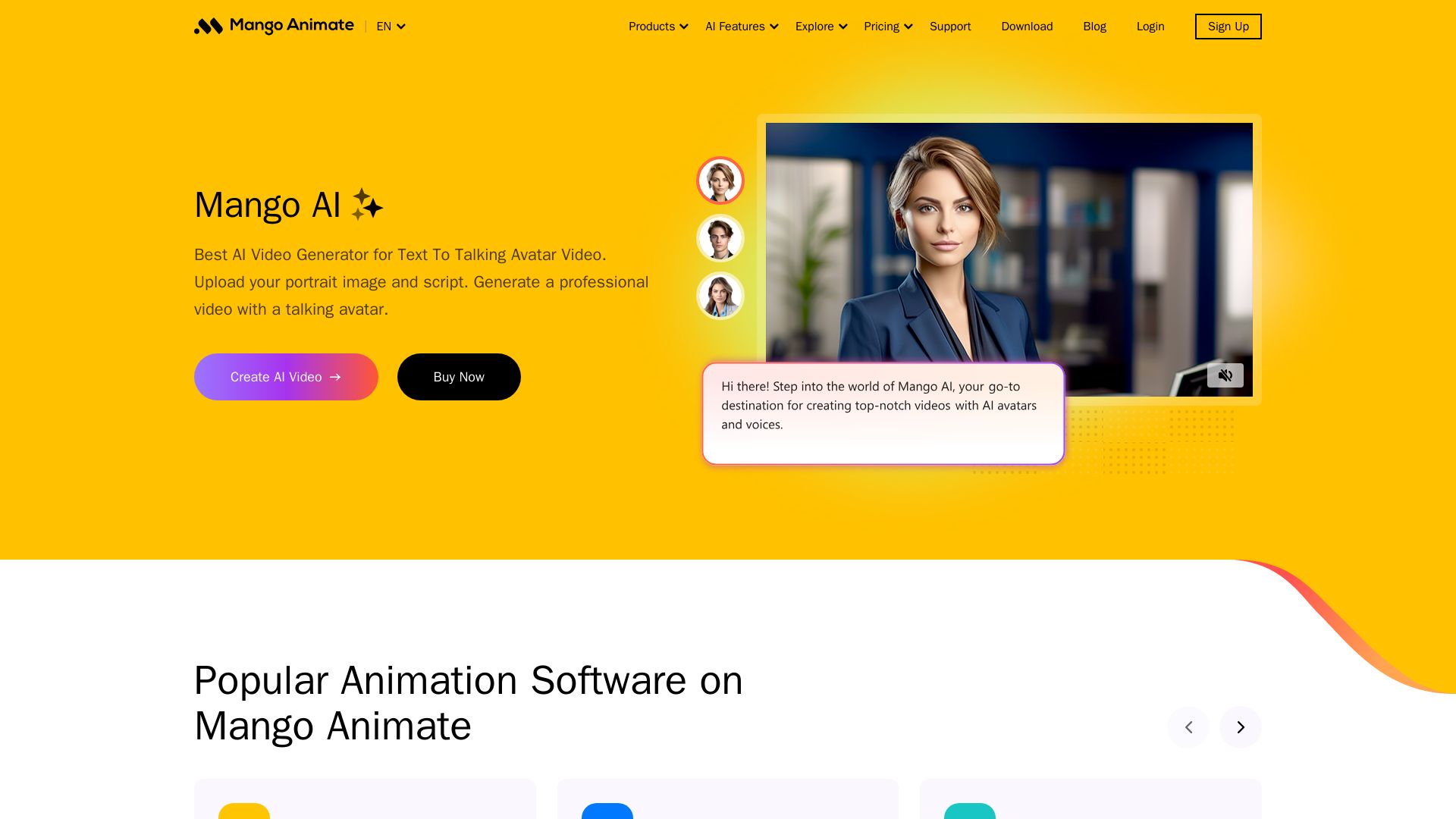
Mango AI
Create professional AI talking avatar videos from text and portrait. Perfect for business, education, personal use. Easy, fast, and affordable.

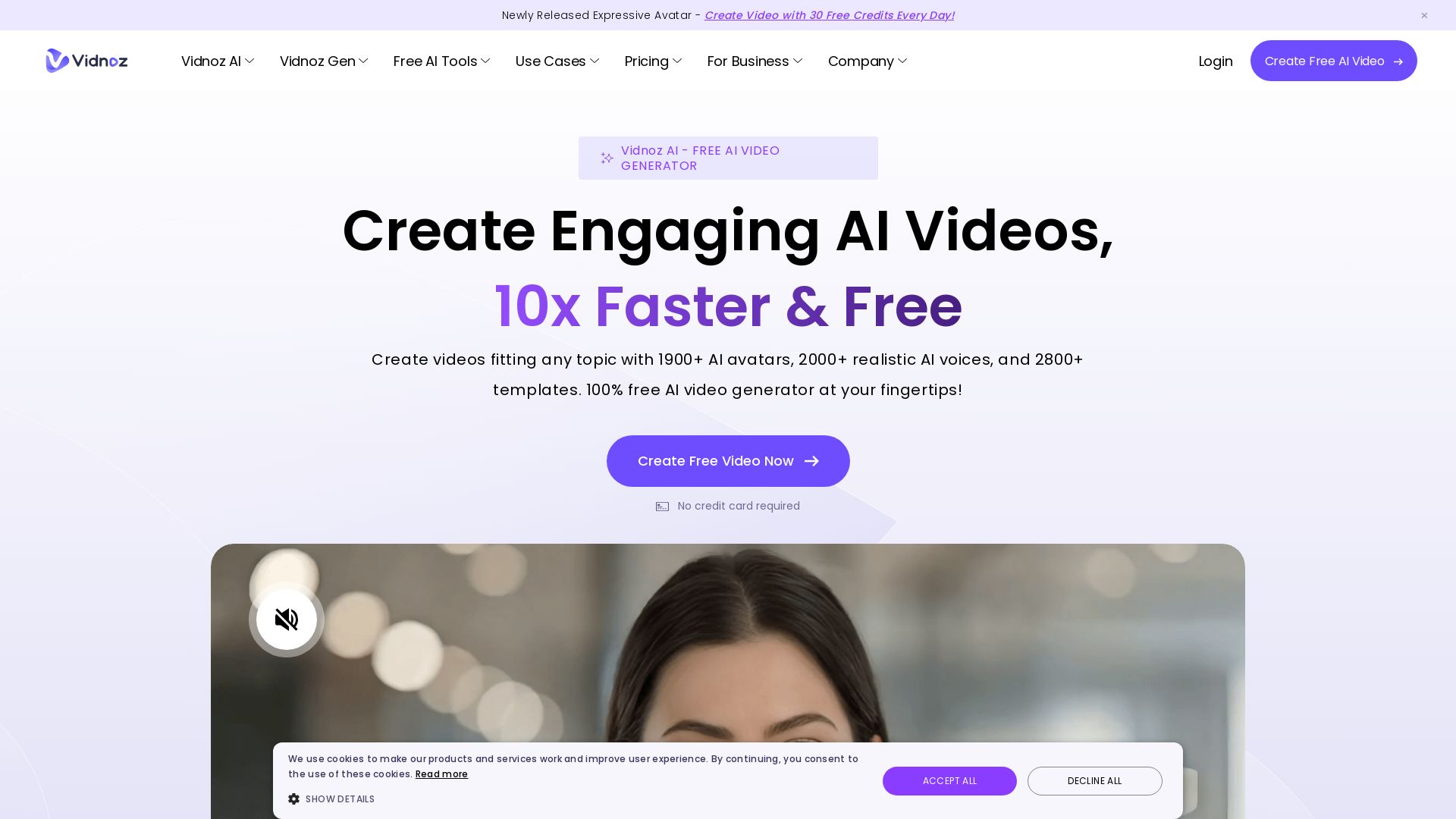
Vidnoz AI
Create free AI videos with Vidnoz AI. 1900+ avatars, 2000+ voices, 2800+ templates. 30 free credits daily. Ideal for marketing, training, and more.

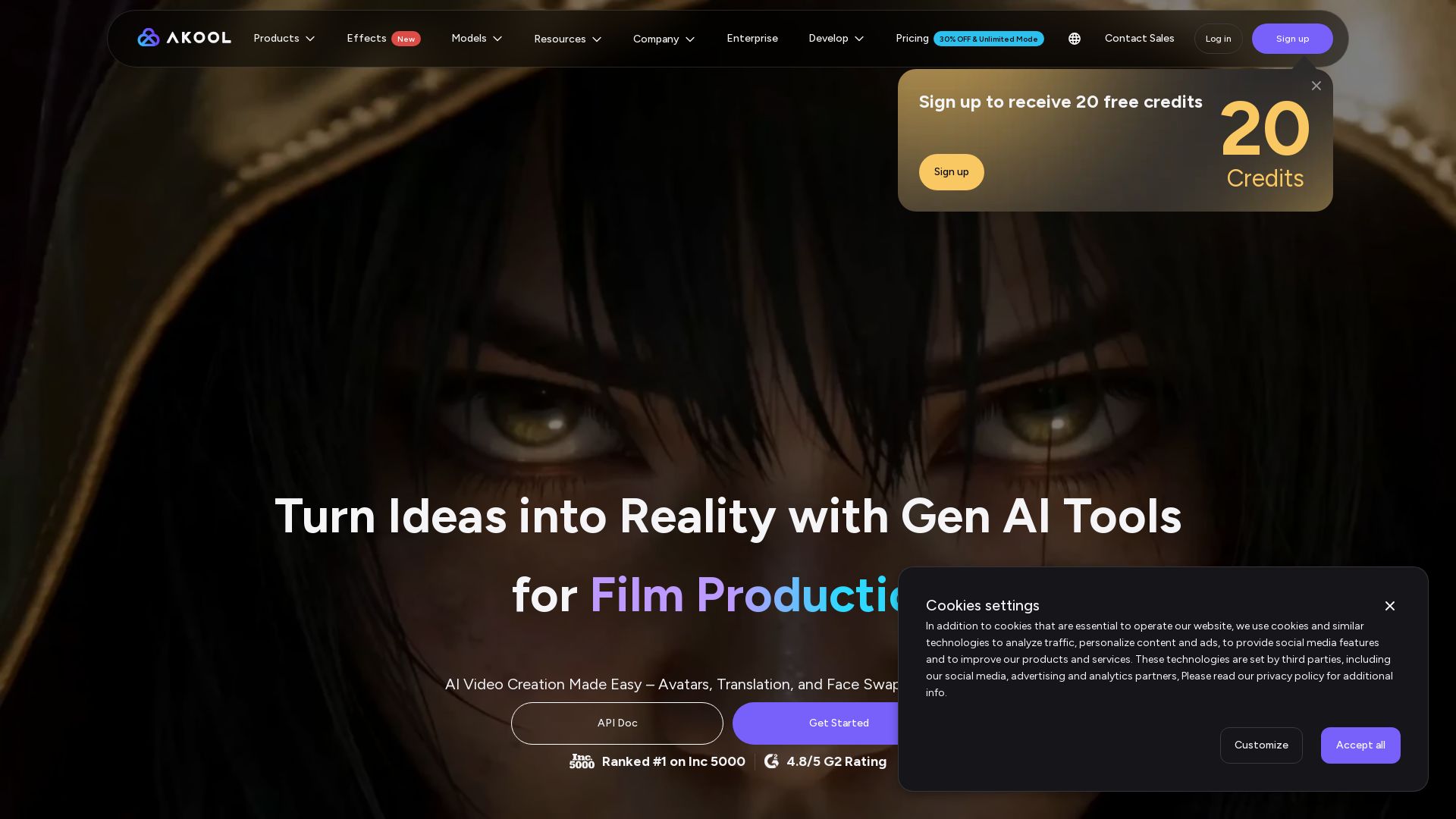
AKOOL
Create stunning AI videos, avatars, and face swaps instantly. Trusted by 73K+ companies. 4K rendering, video translation, and more. Try free.

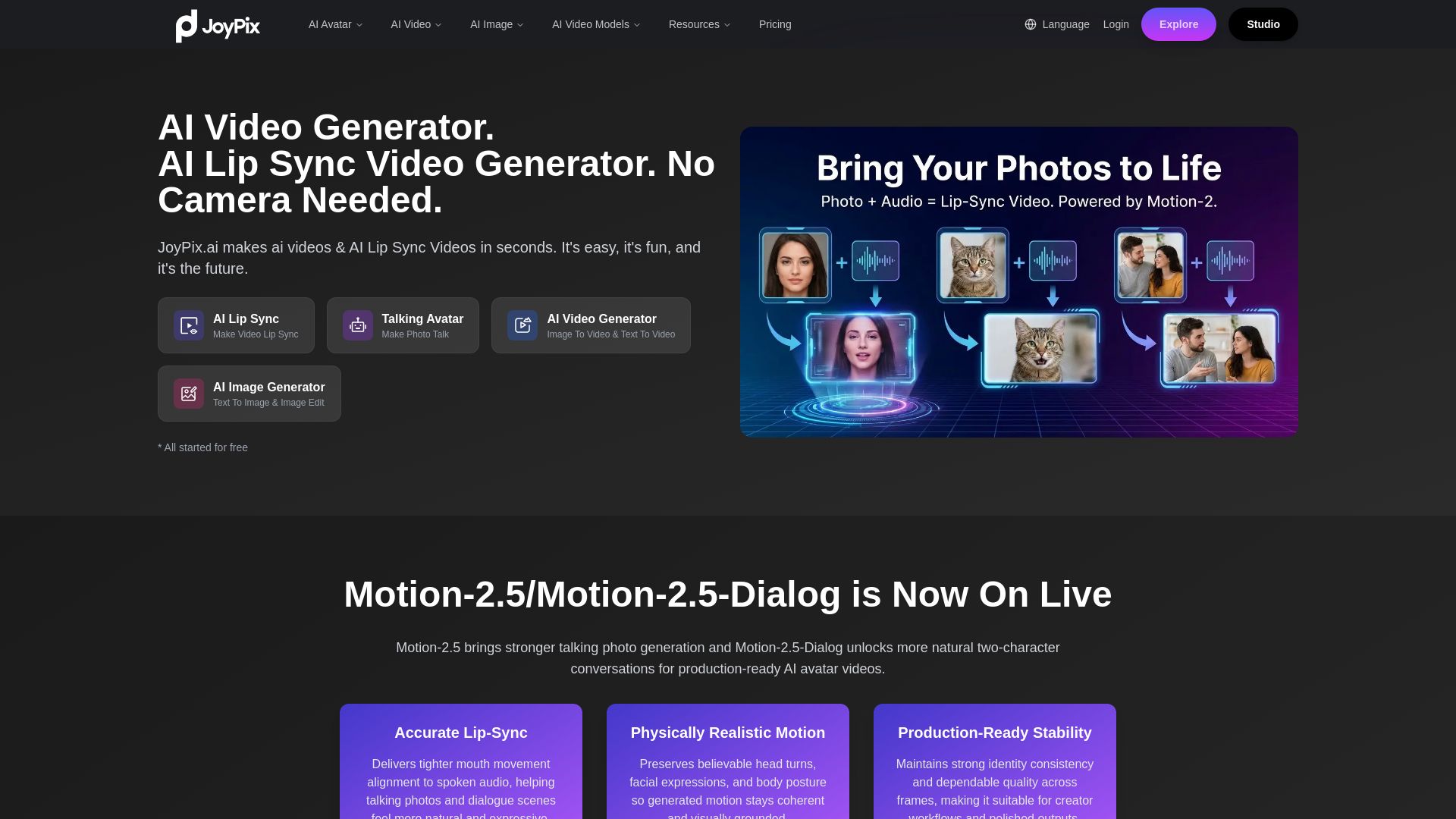
JoyPix
Create realistic AI lip-sync videos and talking avatars from photos. Free voice cloning, 40+ languages, and multiple video models. Try for free!

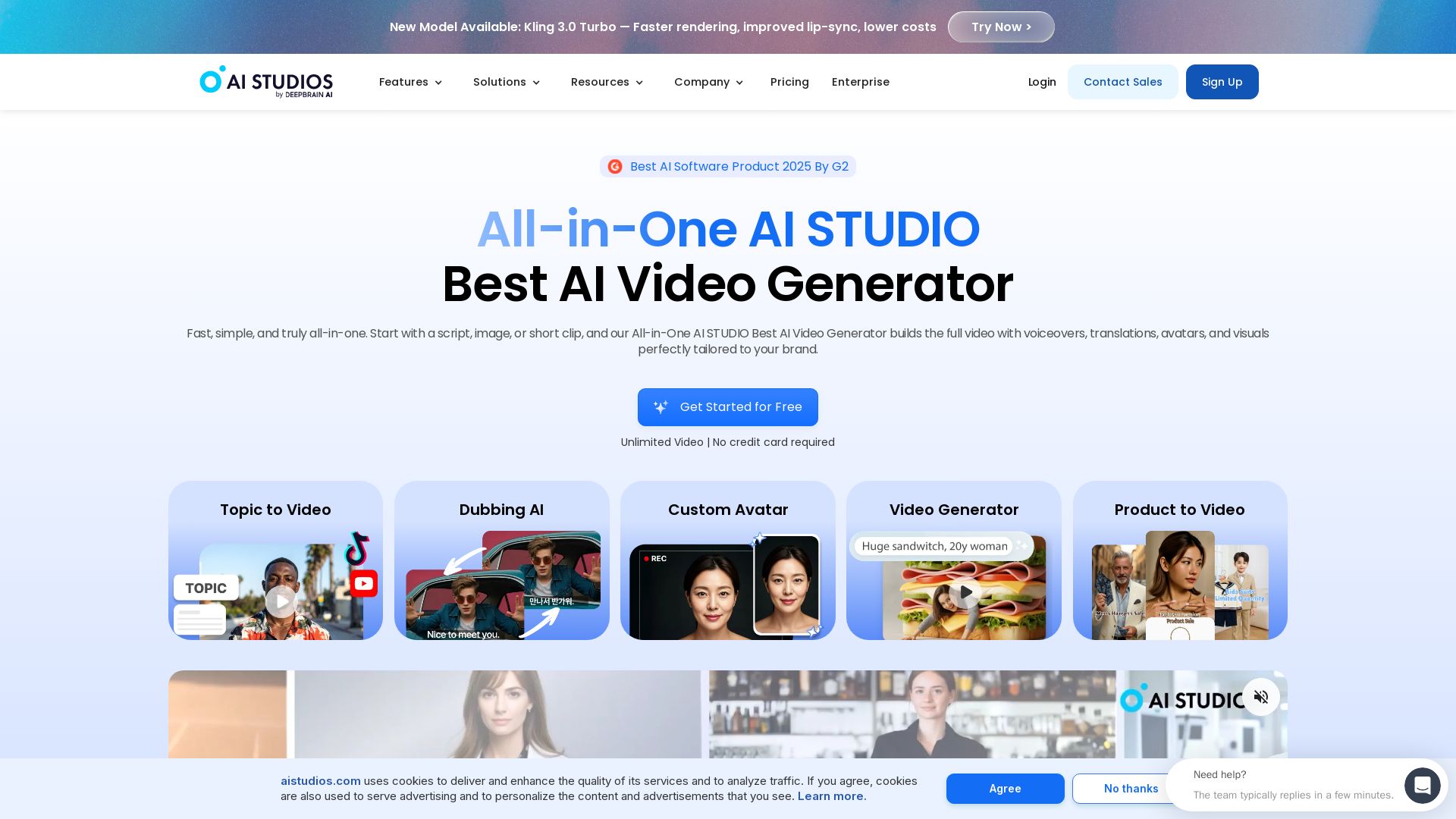
AI STUDIO
Create professional AI videos in minutes with 2000+ avatars, 150+ languages, and lifelike lip-sync. Free plan available. Trusted by 2M+ users.

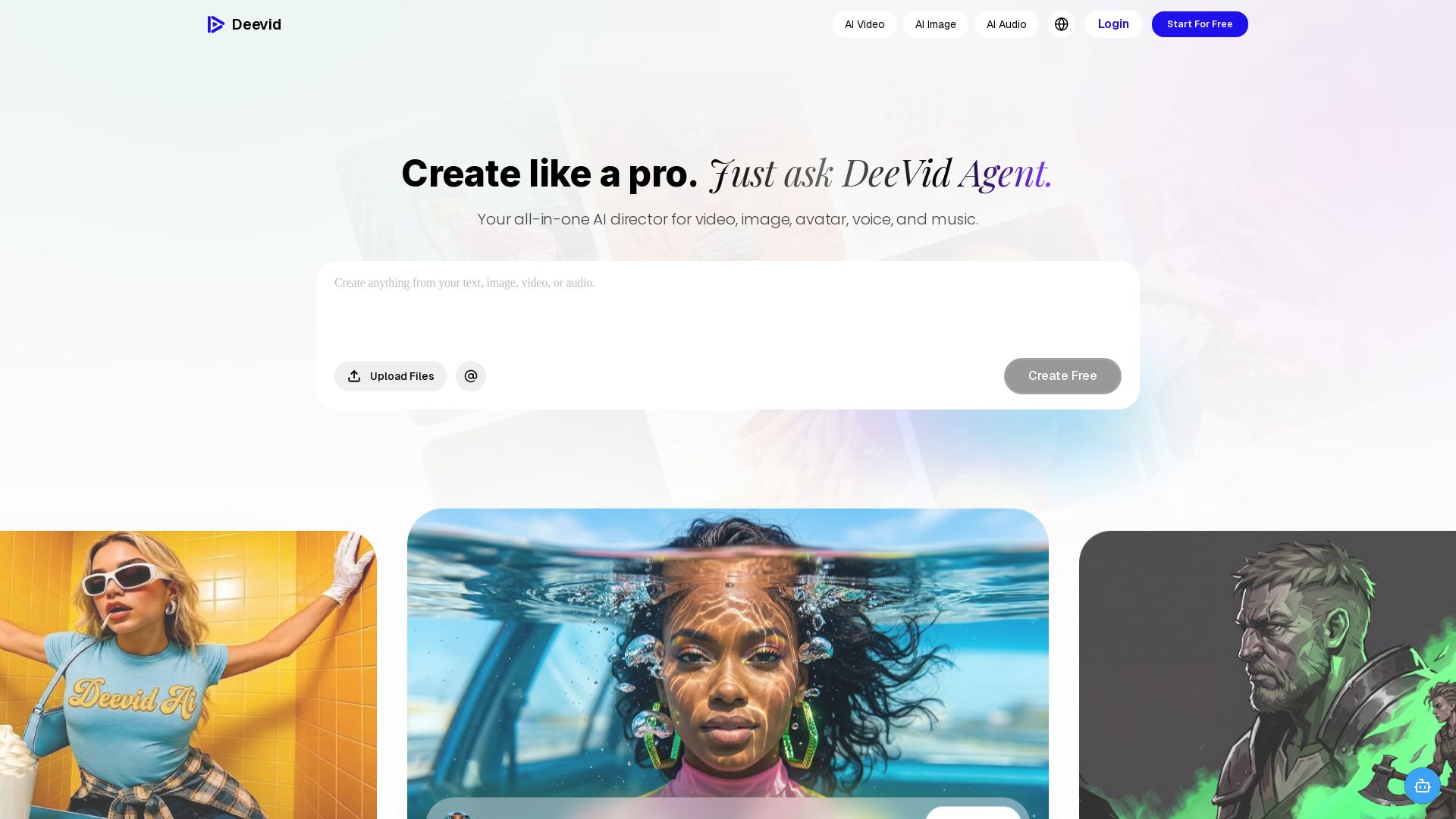
DeeVid AI
Create professional videos, images, avatars, and music with one AI. Text to video, image to video, AI ads, and more. Trusted by 30M+ creators.


Flow AI Video Generator
Create stunning 4K AI videos with Flow AI Video. Text-to-video, image-to-video, multi-shot storytelling. Get 50% OFF now!

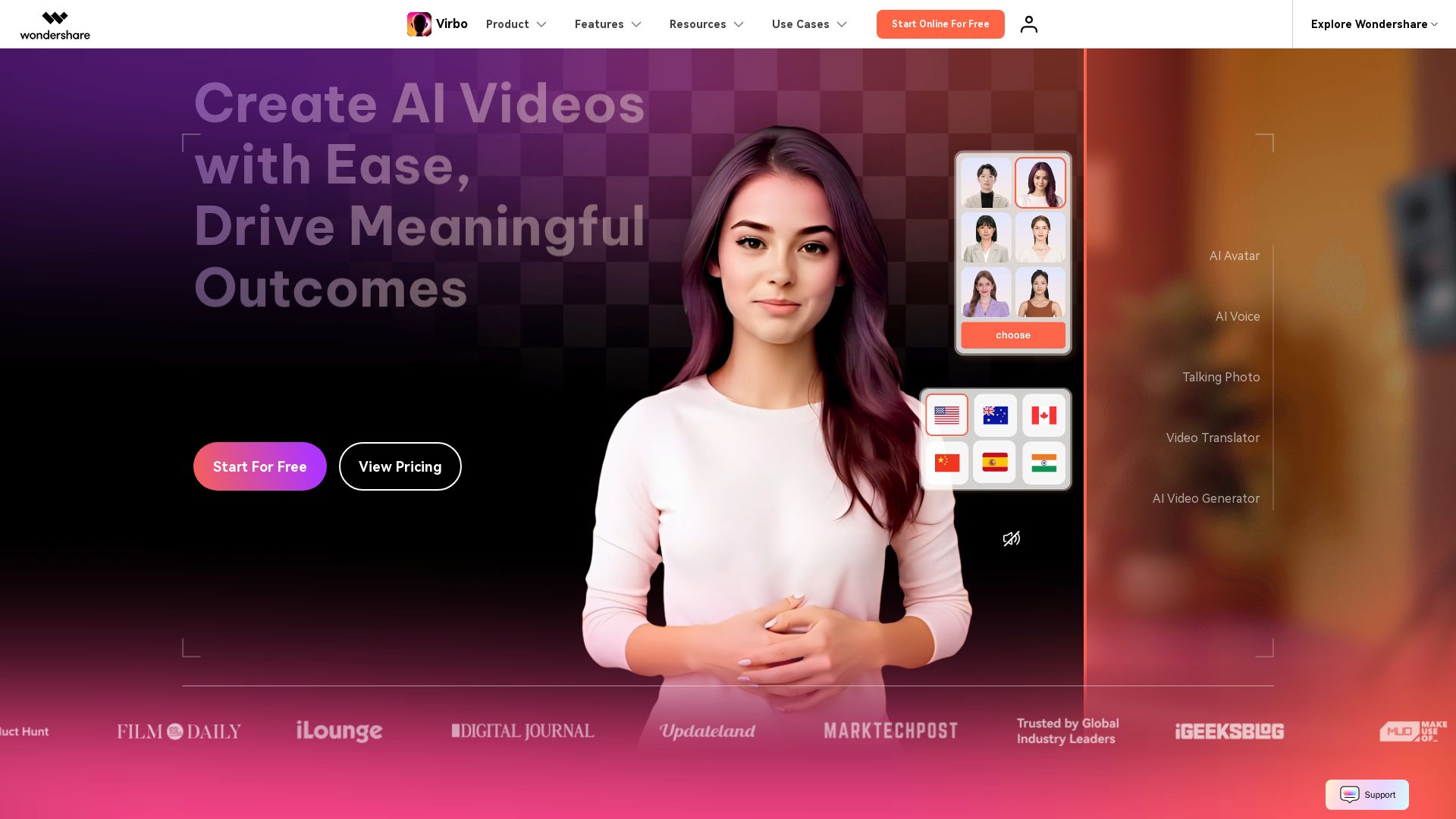
Wondershare Virbo
Create stunning AI videos with 350+ avatars, 400+ voices, and 80+ languages. Effortlessly produce professional content for marketing, education, and more.

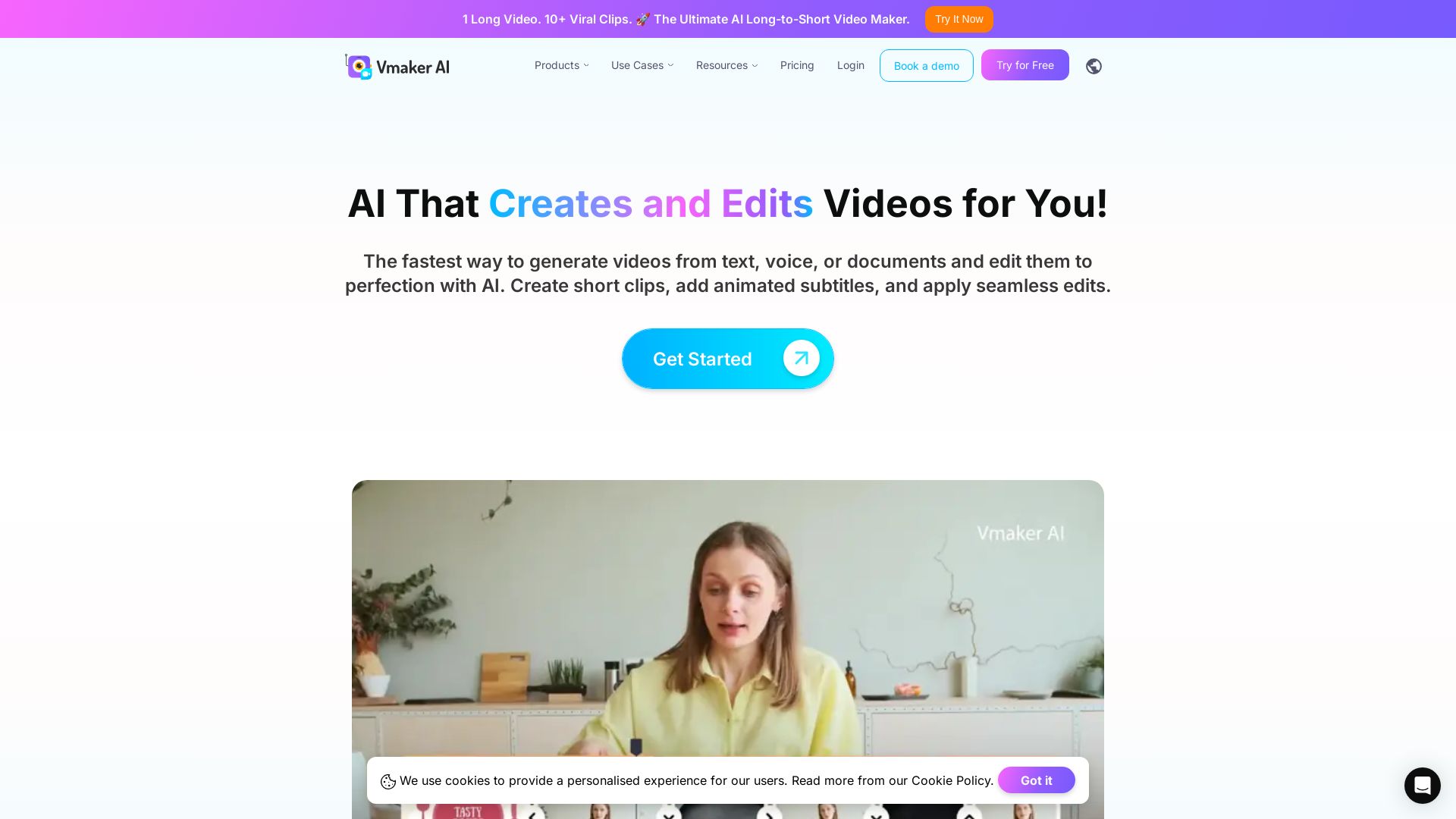
Vmaker AI
AI video editor & long-to-short clip maker. Convert text, audio, or documents to video. Auto subtitles, screen recording. Used by 2M+ creators.


Vidix–AI Photo Video Generator
Transform photos into AI videos, 3D avatars, and cinematic effects. Free AI-powered app for creative content. Download now!

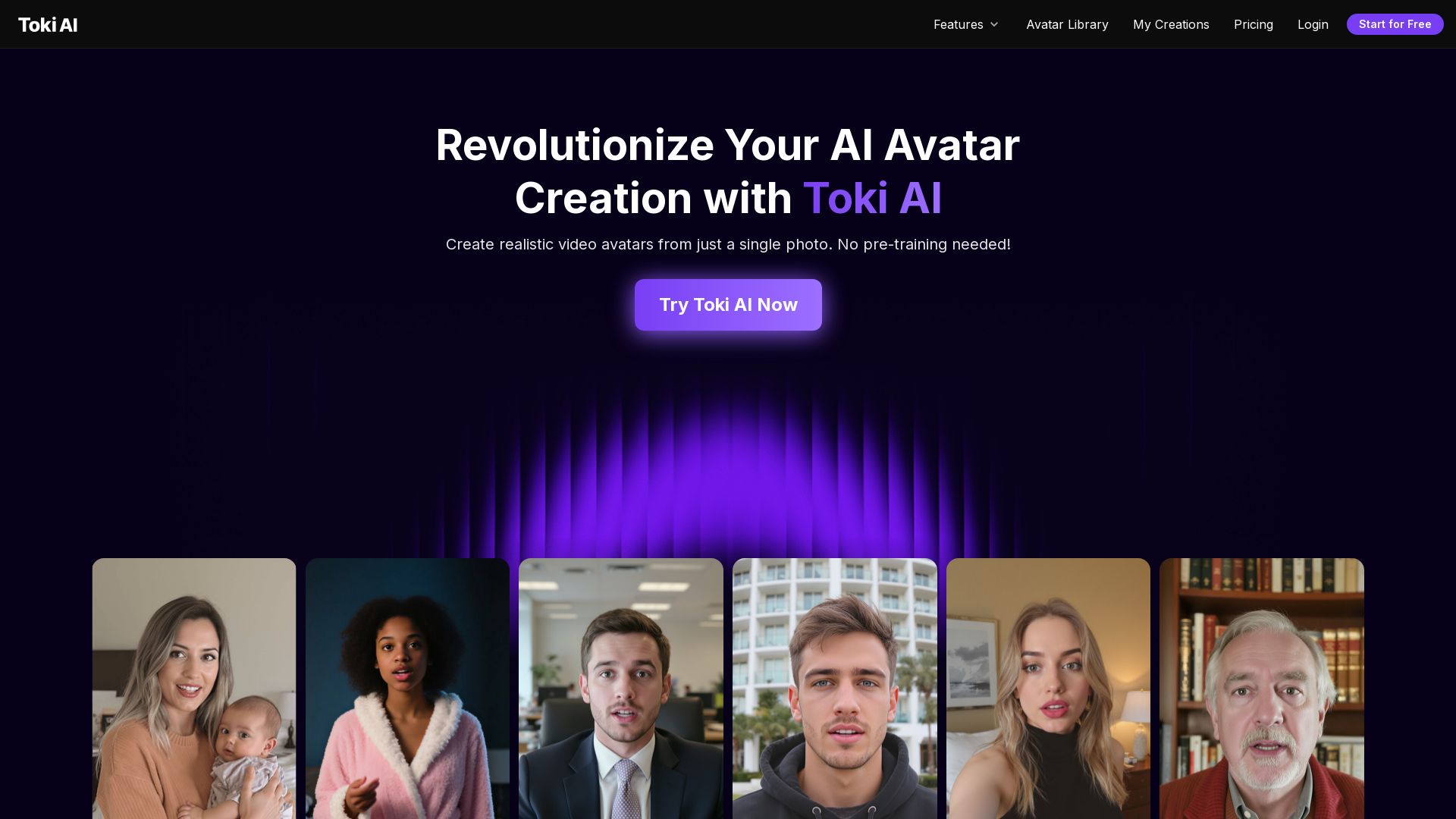
Toki AI
Transform any photo into lifelike talking avatar videos in minutes. No pre-training needed. Perfect for marketing, social media, and more. Try free!

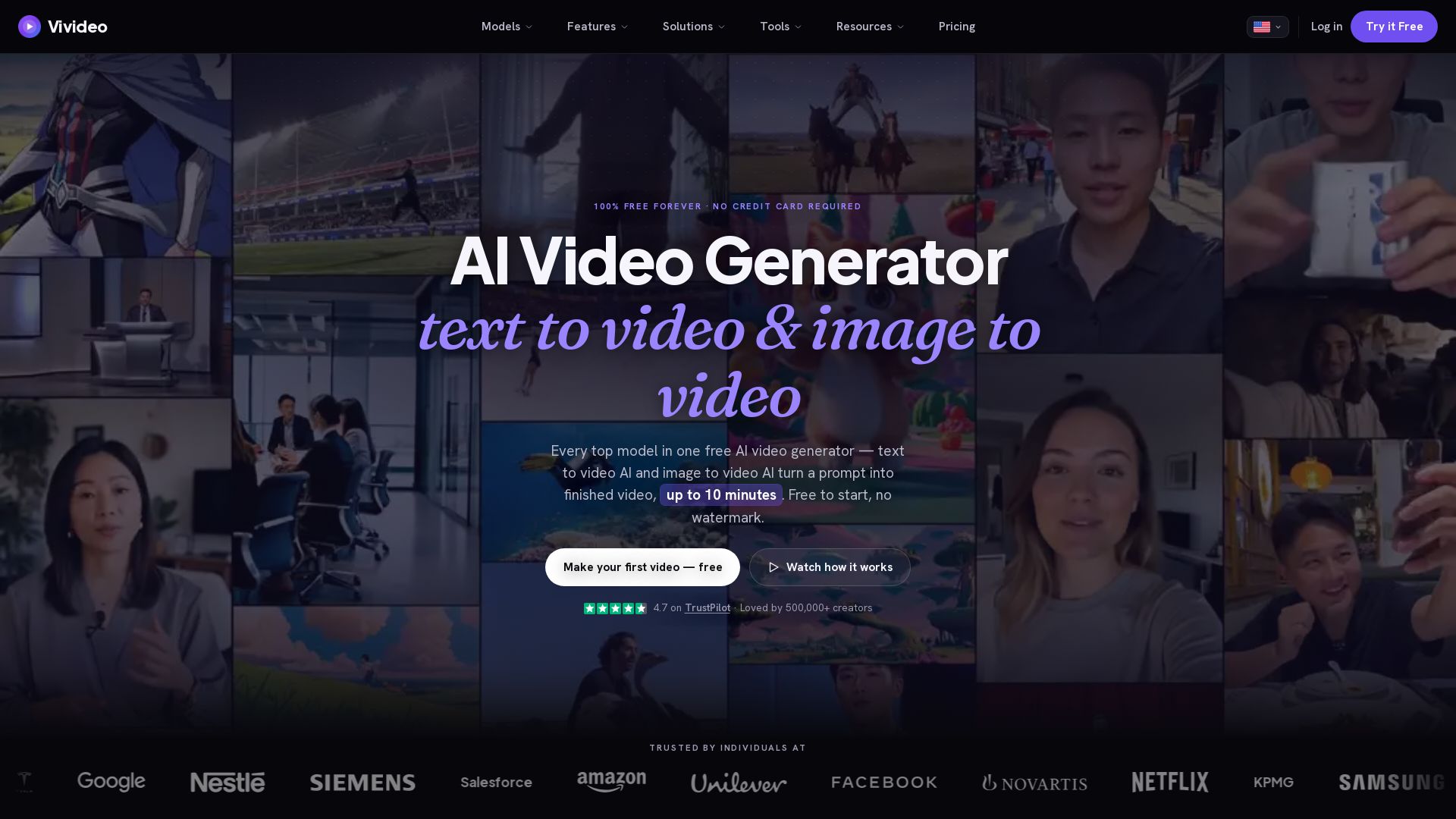
Vivideo
Create stunning AI videos from text or images. 30+ top models, 10 min length, no watermark. Free forever, no credit card needed.

ℹ️ Curation Disclosure: The overview and features of CrePal were synthesized using AI and fact-checked by our curation team to ensure accuracy.
