
CoCalc
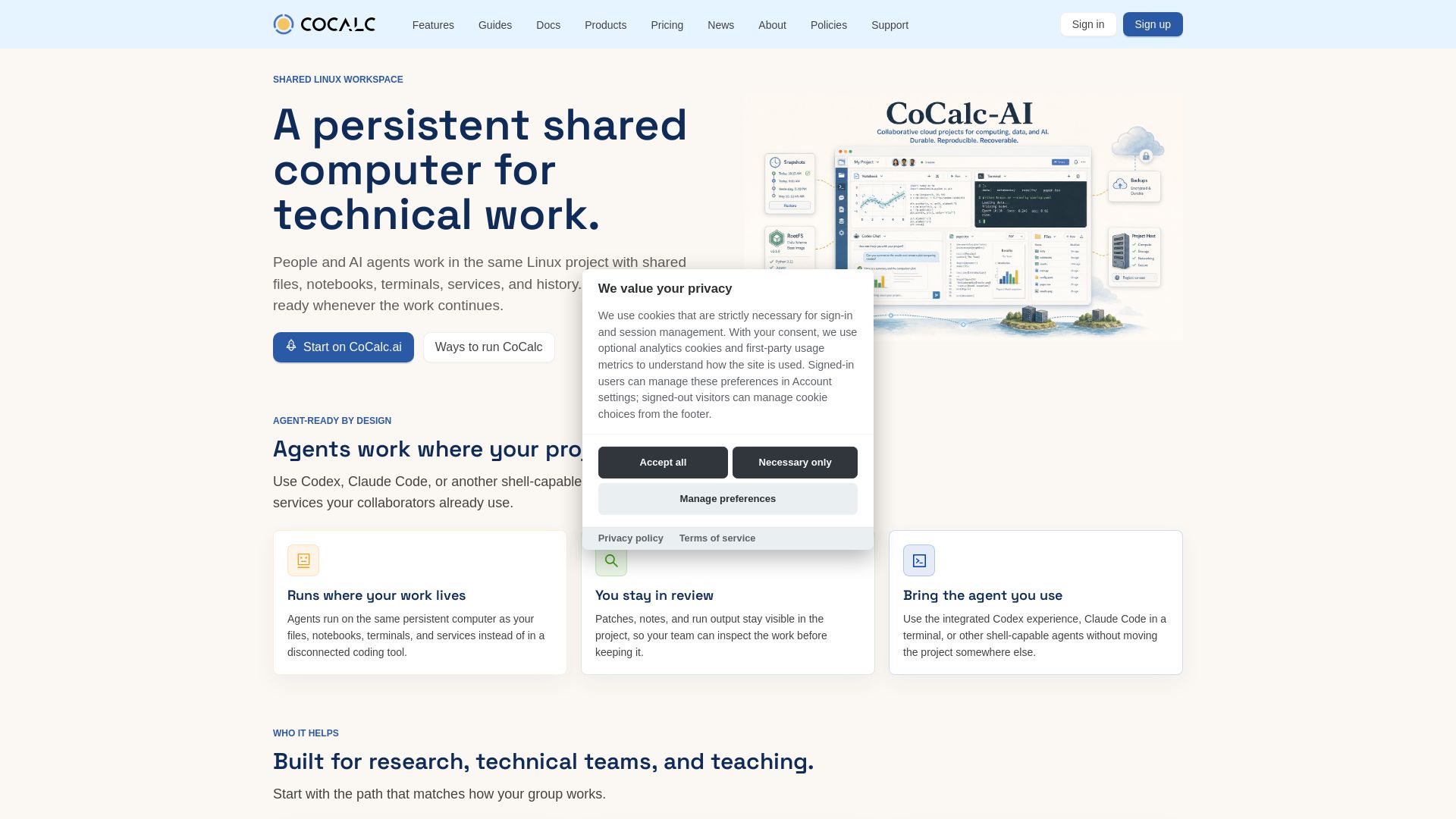
A persistent, shared Linux computer for technical teams and AI agents. Run notebooks, terminals, services, and collaborate in one project.
Editor's Verdict
Key Takeaways
- Persistent Shared Workspace
- Agent-Ready Design
- Jupyter Notebooks
- LaTeX Editor
In-Depth Review: What is CoCalc?
CoCalc provides a persistent, shared Linux environment where researchers, engineers, and educators collaborate with AI agents. It integrates Jupyter notebooks, LaTeX editing, terminals, and code assistance in one project. Teams can review changes, recover history, and choose deployment options from hosted to enterprise.
Core Features
Persistent Shared Workspace
A persistent Linux environment where people and AI agents collaborate with shared files, notebooks, terminals, and history.
Agent-Ready Design
AI agents like Codex and Claude Code run directly in the project, sharing files and context with human collaborators.
Jupyter Notebooks
Run standard Jupyter notebooks with live collaboration, synchronized output, and integrated terminals.
LaTeX Editor
Write papers with live editing and build output alongside source files.
Linux Terminal
Full Linux terminal for commands, scripts, services, and package installation.
Codex Agent Chat
Chat with Codex to modify files, notebooks, and terminals, with human review of changes.
Teaching Tools
Distribute assignments, grade, and provide live help in shared course projects.
Whiteboard
Collaborative canvas for sketching ideas, formulas, and notebook-backed explanations.
Pricing
CoCalc.ai
- Managed hosted workspace
- Persistent shared projects
- Agent-ready environment
- All core workflows
CoCalc Plus
- Local runtime for self-directed work
- Evaluation of CoCalc features
- Limited to local usage
CoCalc Star
- One shared CoCalc instance on a single Ubuntu VM
- Cloud or local deployment
- Full feature set
CoCalc Launchpad
- Lightweight private deployment
- For pilots, labs, workshops, small teams
- Customer-operated
CoCalc Rocket
- Enterprise private-cloud deployment
- For institutions with broad requirements
- Governance and support included
Pros and Cons
Pros
- Persistent Shared EnvironmentAll work, including AI agent activities, stays in the same project with history and recovery, enabling seamless collaboration.
- AI Agent IntegrationAgents like Codex and Claude Code operate directly in the project, sharing context with human users.
- Comprehensive WorkflowsSupports notebooks, documents, terminals, teaching, whiteboards, and more in one place.
- Flexible Deployment OptionsOffers hosted, local, single-VM, and enterprise private-cloud options to match different needs.
- Review and RecoveryTimeTravel, snapshots, and backups help teams review changes and recover from mistakes.
Cons
- Requires Internet for Hosted VersionThe hosted CoCalc.ai plan depends on internet connectivity for full functionality.
- Learning Curve for New UsersThe extensive feature set may require time to learn for teams unfamiliar with Linux or collaborative environments.
- Limited Free TierOnly the local CoCalc Plus is free; other plans require payment or contact for pricing.
- Dependency on Agent IntegrationAgent-ready features are still evolving and may not cover all use cases.
- Complexity for Simple TasksFor users who only need basic computation, the platform might be overkill.
Use Cases & Recommended Professions
Research Scientist→ View Toolkit
Needs a persistent shared environment to collaborate on experiments, code, and papers with team members and AI assistants.
Data Engineer→ View Toolkit
Requires a Linux workspace with shared files, notebooks, and terminals to build and maintain data pipelines.
IT Administrator→ View Toolkit
Manages deployments and needs customer-operated options to ensure data stays within controlled infrastructure.
Instructor→ View Toolkit
Teaches technical courses and needs assignment distribution, grading, and live help in reproducible environments.
AI/ML Engineer→ View Toolkit
Works with AI agents that need direct access to project files and services for coding and experimentation.
Software Developer→ View Toolkit
Wants a persistent environment with version history and collaboration features for coding and debugging.
Frequently Asked Questions
Alternative AI Tools
View Detailed Comparison →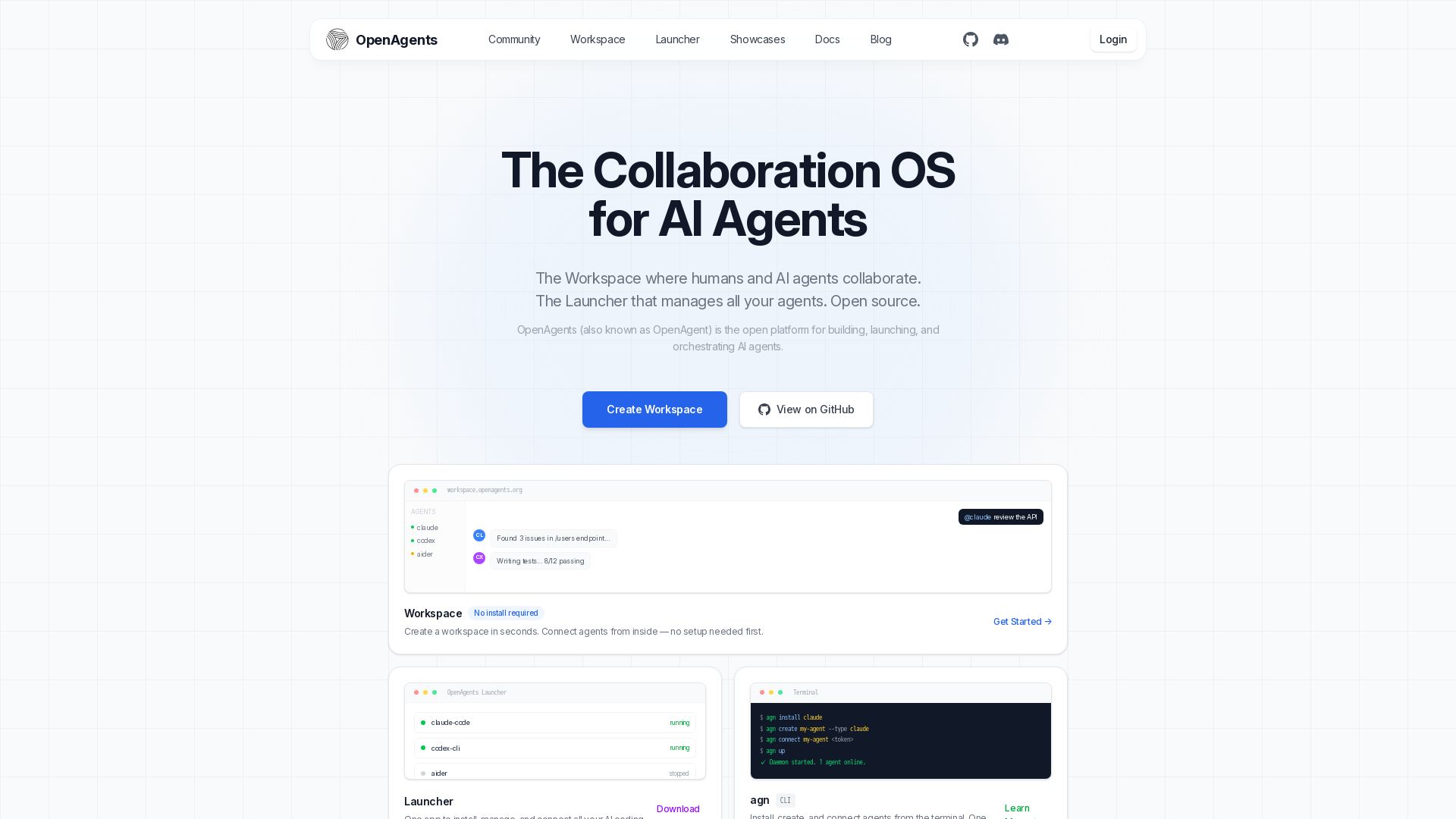
OpenAgents
Open-source AI agent platform: Collaborate with agents in a shared workspace. Manage Claude, Codex, Aider & more with the Launcher. Free, MIT license.


Figr
Ship better UX faster. Figr builds a living understanding of your product, maps flows, finds edge cases, and generates high-fidelity prototypes from your actual design system.

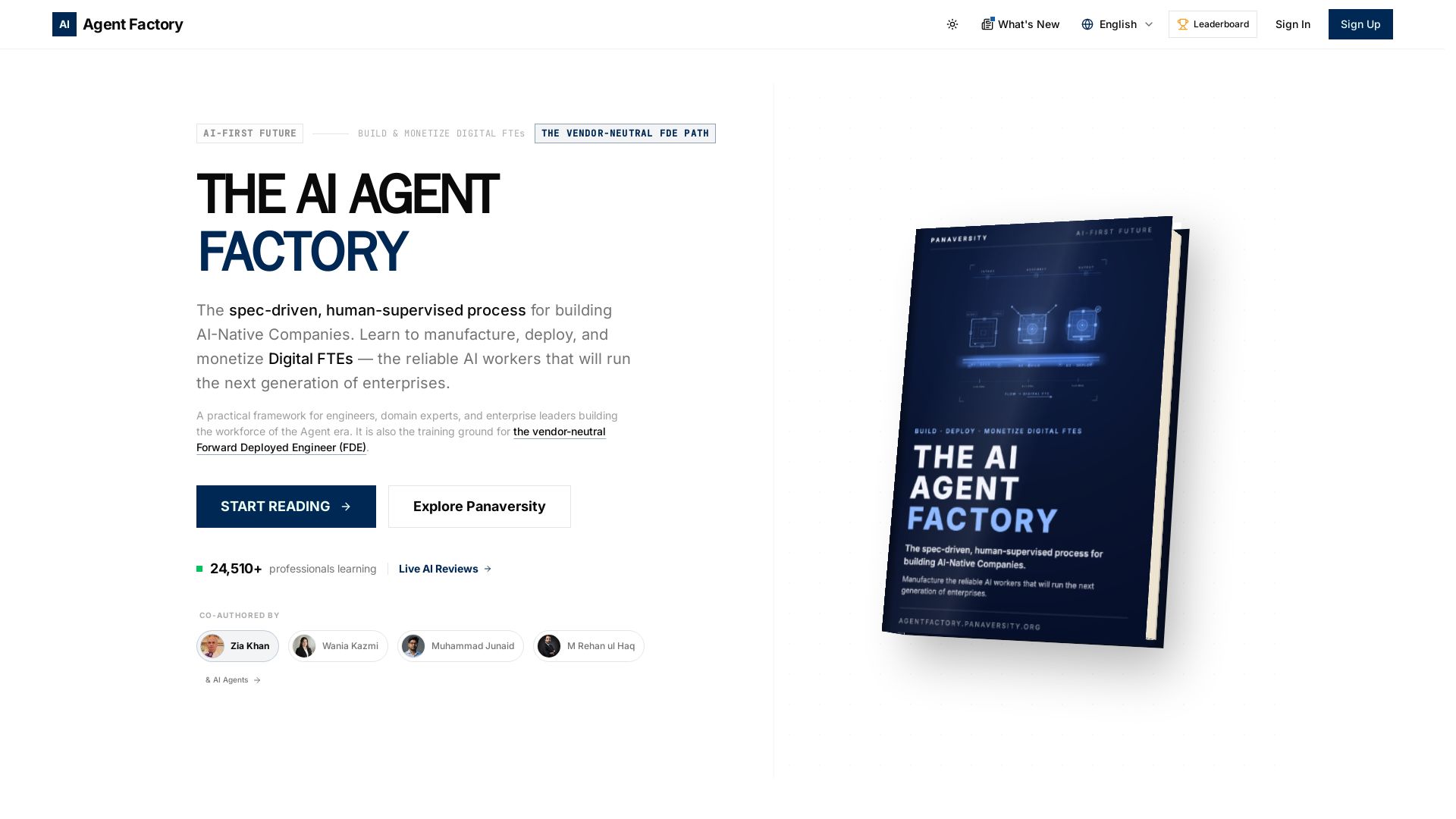
AI Agent Factory
Learn to manufacture, deploy, and monetize AI workers that work 24/7. Spec-driven framework for engineers and domain experts.

AG2
Build production-ready AI agents in minutes with AG2. Simple syntax, built-in patterns, human-AI collaboration. Open-source multi-agent framework.


CrewAI
Design, orchestrate, and deploy multi-agent systems with guardrails, memory, and observability. Production-ready from day one.

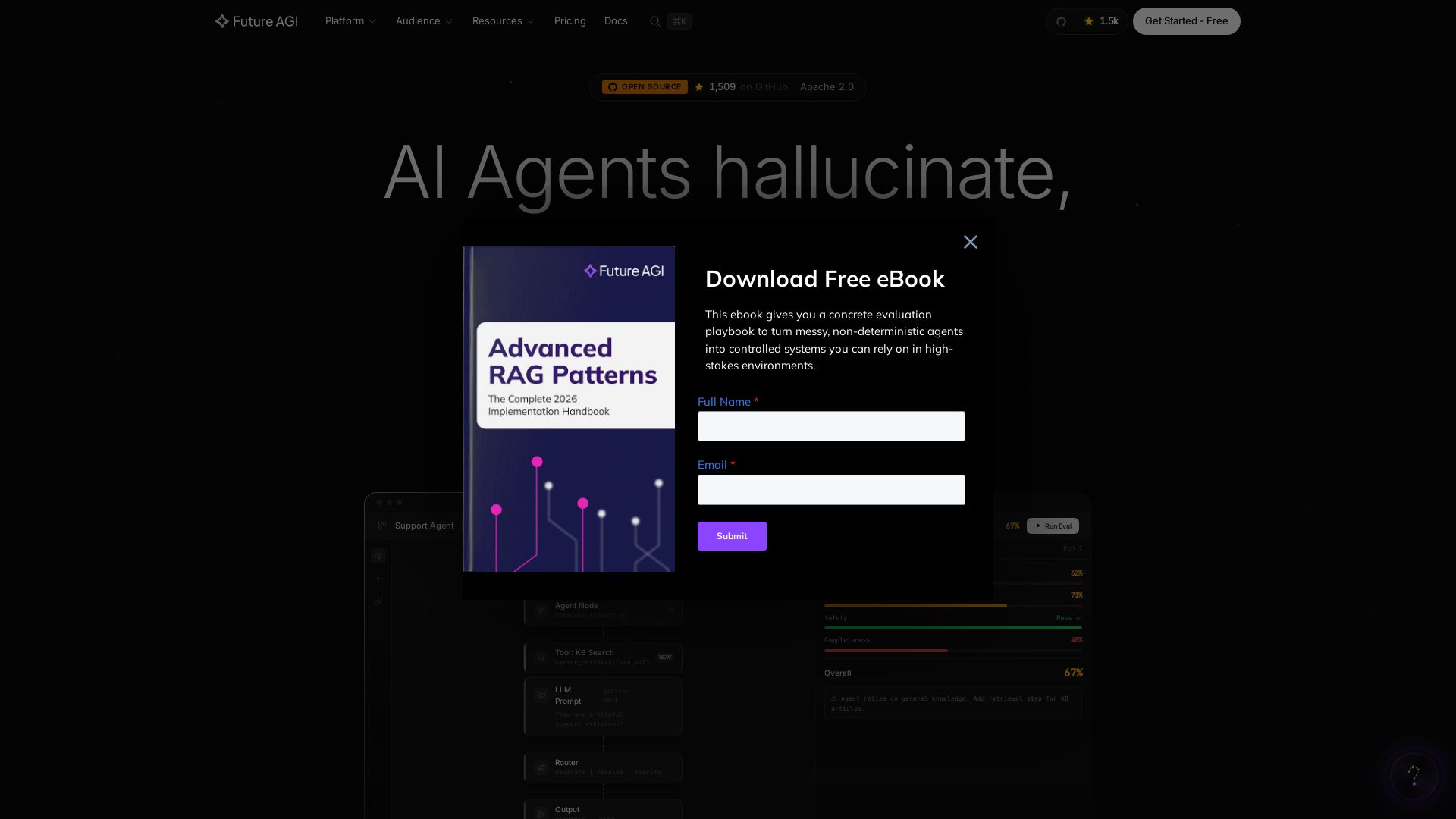
Future AGI
Catch AI hallucinations, evaluate accuracy, and deploy guardrails. Open-source platform to simulate, test, and monitor AI agents in production.

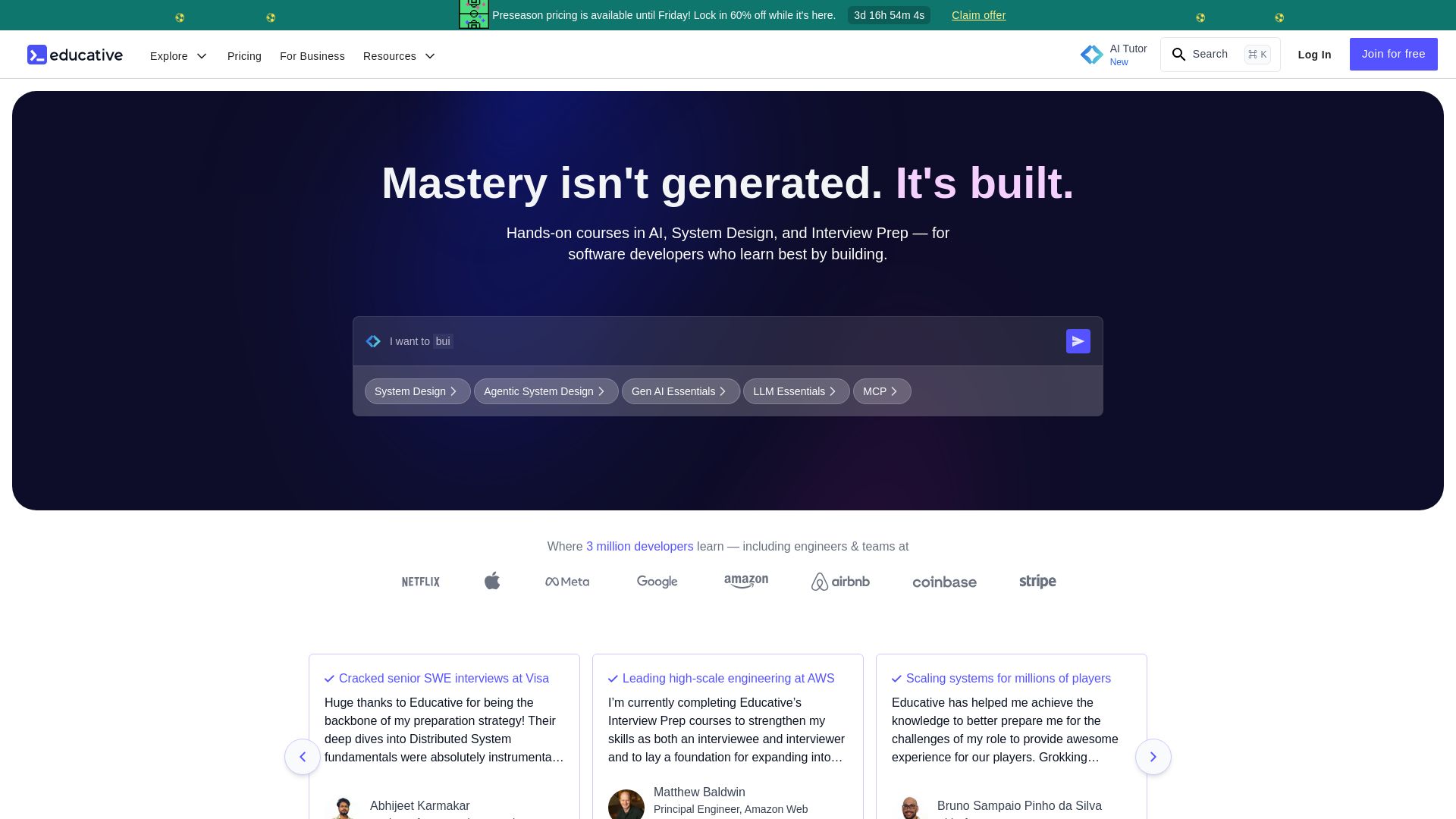
Educative
Master AI, system design, and coding interviews with interactive, text-based courses. Learn by building with real-time AI feedback. Trusted by 3M+ developers.

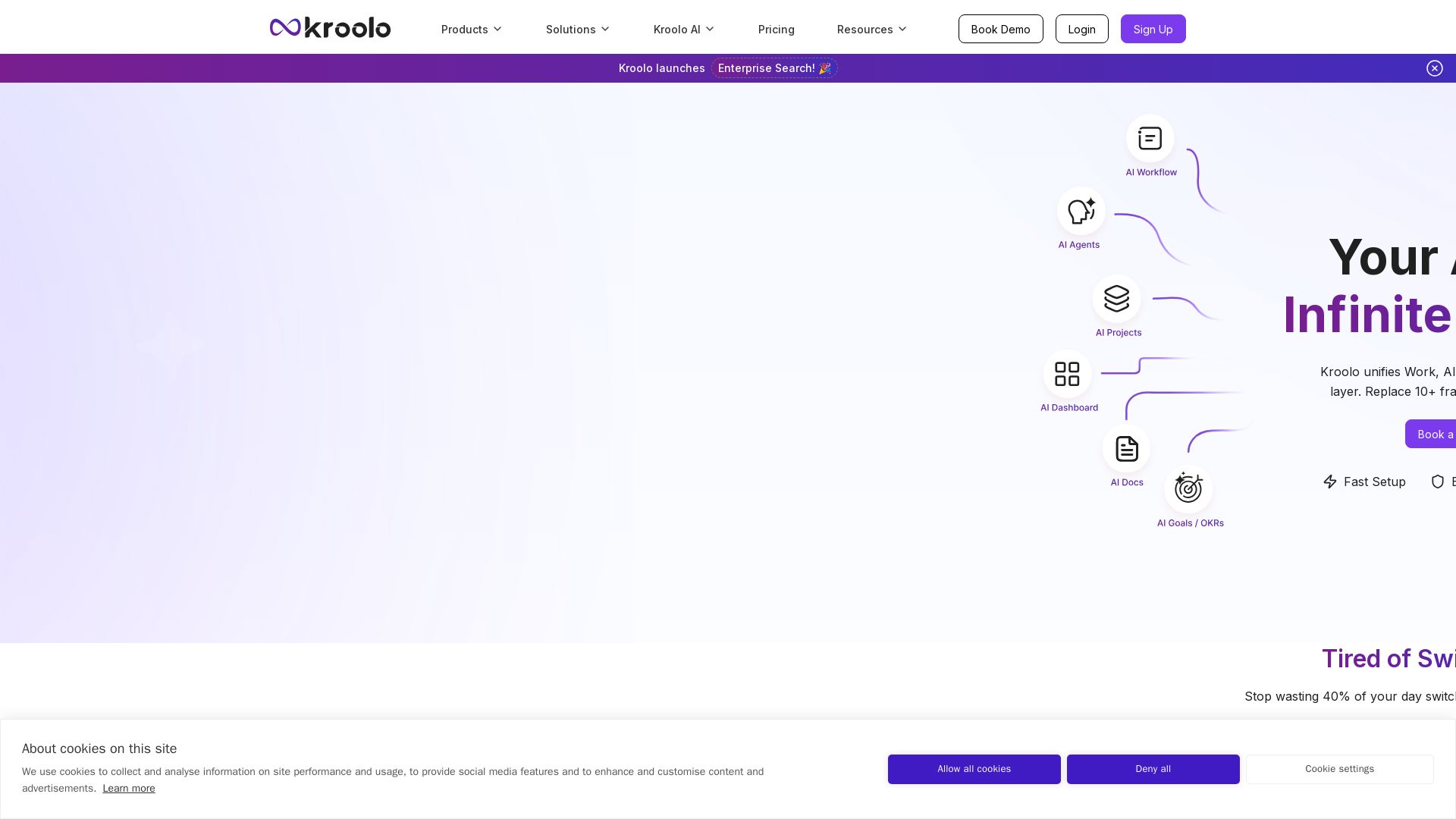
Kroolo
Replace 10+ fragmented apps with one AI-native platform. Kroolo unifies work, AI agents, and enterprise search to boost productivity up to 70%.

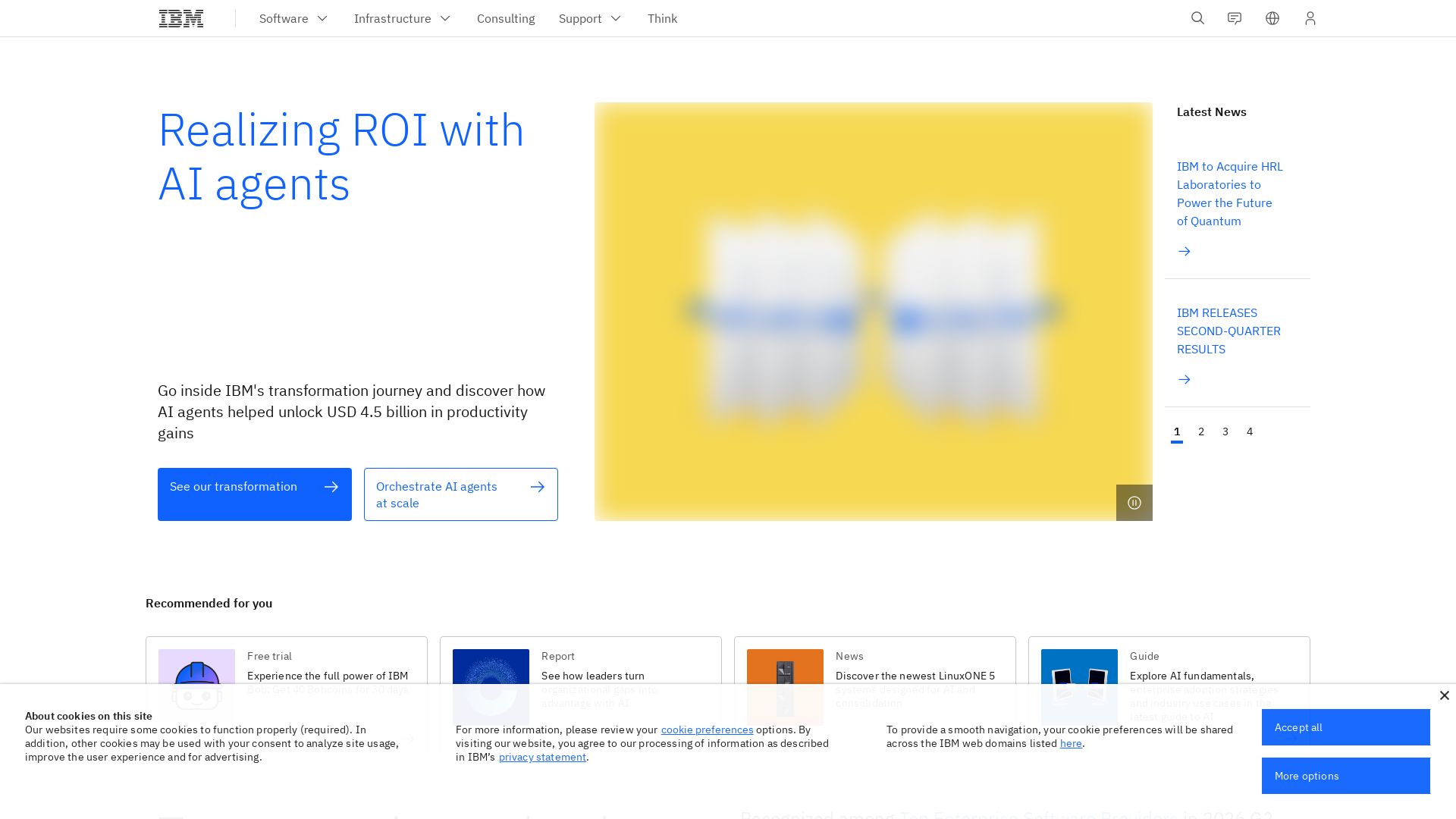
IBM
Discover how IBM's AI agents transformed operations, delivering $4.5 billion in productivity. Explore IBM Bob, watsonx Orchestrate, and more.


Cequence AI Gateway
Safely connect AI agents to business apps with enterprise-grade security, OAuth 2.1, and MCP. Unlock agentic AI productivity.


StackOne
Connect AI agents to 450+ enterprise apps with secure, token-optimized integrations. Deploy in minutes.

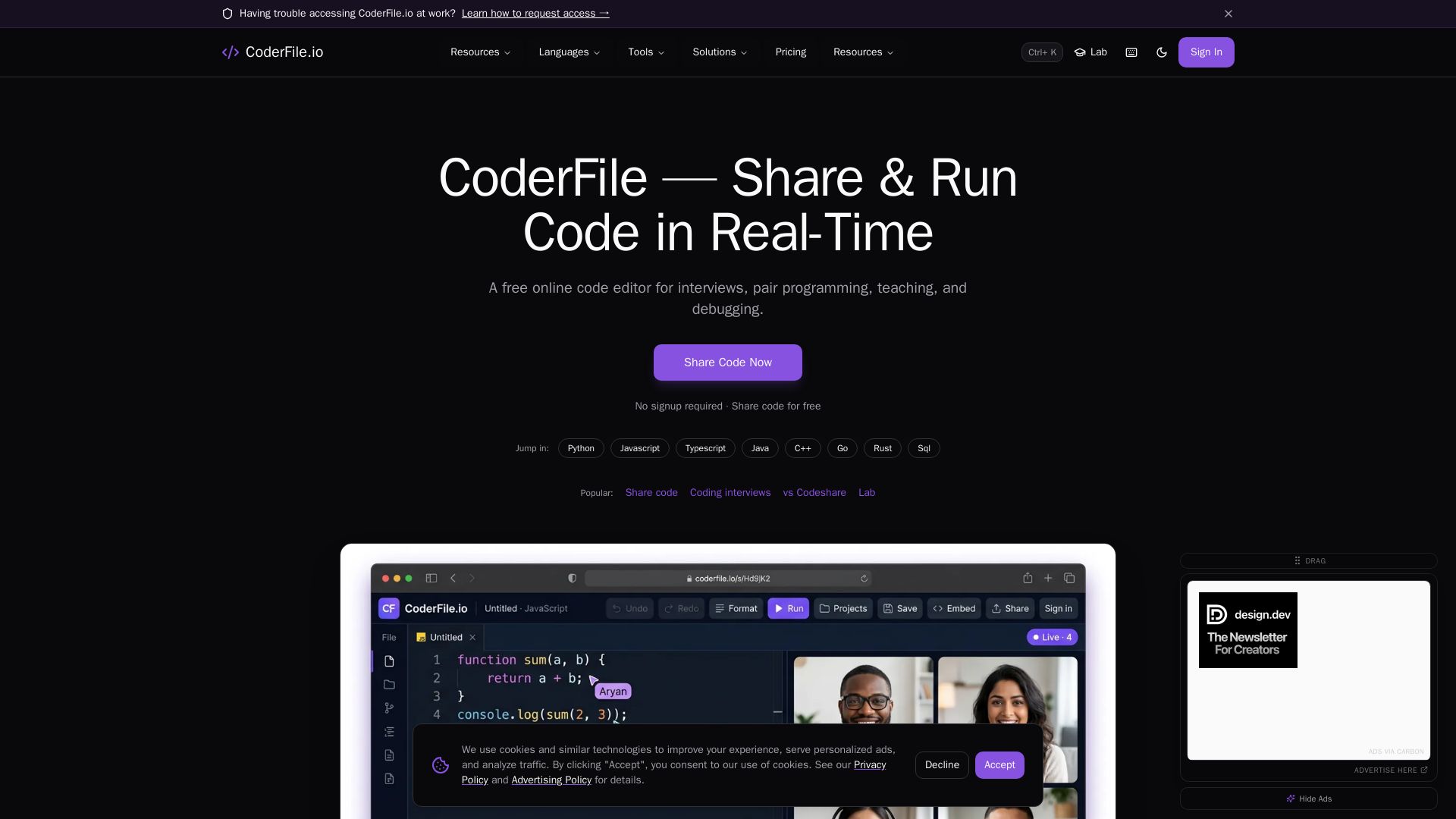
CoderFile
Free online code editor for live pair programming, technical interviews, teaching, and debugging with 120+ languages, AI assistance, and video calls.

ℹ️ Curation Disclosure: The overview and features of CoCalc were synthesized using AI and fact-checked by our curation team to ensure accuracy.
