Chat3D
Revolutionize your 3D workflow with Chat3D's AI tools for baking, texturing, validation, modeling, and more. Also offers 3D asset outsourcing.

Editor's Verdict
Key Takeaways
- Normal Maps & Baking
- Texturing
- Validation
- Data & References
In-Depth Review: What is Chat3D?
Chat3D is a tech startup revolutionizing 3D production with machine learning. Our suite of AI-powered tools—from normal map baking to texturing and validation—streamlines every stage of the pipeline. Plus, our outsourcing arm, Overnight Studio, delivers high-quality 3D assets at unbeatable costs. Explore how we can supercharge your studio's workflow.
Core Features
Normal Maps & Baking
An internal tool that prepares meshes for baking, validates cage settings, and ensures consistent normal map outputs across 3D assets.
Texturing
Machine learning systems enable artists to explore texture variations from a prompt or visual reference, making it easier to test styles or re-stylize existing assets.
Validation
Automated validation systems to check asset compliance with technical norms and production guidelines, enabling fast in-context checks.
Data & References
Custom tools to support pre-production stages, helping teams explore multiple POV and structure early visual directions before moving into 3D production.
Blocking
Unique technology designed to help artists quickly establish volumes, proportions, and composition while staying aligned with production constraints.
Modeling
Dedicated modeling tool or plugin integrated directly into artists’ 3D software, designed around each studio’s specific needs.
Sculpting
Custom sculpting utilities that help prepare high-resolution sculpts for downstream steps, reducing manual cleanup before retopology.
Retopology
Retopology interface providing tailored tools and presets that allow artists to retopologize faster while strictly following internal topology rules.
UV Unwrapping
Studio-specific UV tools that automate repetitive layout tasks, apply texel density rules, and ensure compatibility with the studio’s guidelines.
Pricing
Enterprise
- Custom integration
- All ML-powered features
- Dedicated support
Pros and Cons
Pros
- Advanced Machine Learning IntegrationStreamlines 3D production with AI-driven tools for texturing, validation, and more, saving significant time for artists.
- Comprehensive Pipeline CoverageFrom pre-production to final asset delivery, Chat3D offers tools for every stage including blocking, modeling, sculpting, retopology, and UV unwrapping.
- Customizable for StudiosTools and plugins can be tailored to fit each studio’s specific technical norms and production guidelines.
- Automated ValidationReduces manual checks by automatically verifying asset compliance, ensuring consistency and reducing errors.
- Supports Creative ExplorationEnables artists to quickly iterate on styles and visual directions using prompts or references, fostering creativity.
Cons
- Limited Pricing TransparencyNo publicly listed pricing; requires contacting sales, which may be a barrier for small studios or freelancers.
- Dependency on Studio IntegrationEffectiveness relies on proper integration with existing studio pipelines, which may require additional setup time.
- Potential Learning CurveML-powered tools and new workflows might require training for artists accustomed to traditional methods.
- Not a Standalone SolutionDesigned as an augment to existing 3D software, not a full replacement, so users still need other tools.
- Focus on Production StudiosPrimarily aimed at larger production environments; may be less suited for individual artists or very small teams.
Use Cases & Recommended Professions
3D Modeler→ View Toolkit
Needs efficient modeling tools and automation for repetitive tasks to meet tight production deadlines.
Texture Artist→ View Toolkit
Benefits from ML-driven texture variation and re-styling to quickly explore and finalize surface appearances.
Technical Artist→ View Toolkit
Requires robust validation and pipeline integration tools to ensure asset consistency and compliance.
Game Developer→ View Toolkit
Leverages automated baking, retopology, and UV unwrapping to streamline asset creation for interactive experiences.
Animation Studio Lead→ View Toolkit
Needs to oversee production pipelines and ensure teams adhere to standards; validation and blocking tools help maintain quality.
Freelance 3D Artist→ View Toolkit
Could use the texturing and reference tools to quickly deliver high-quality assets, but may face pricing barriers.
Frequently Asked Questions
Alternative AI Tools
View Detailed Comparison →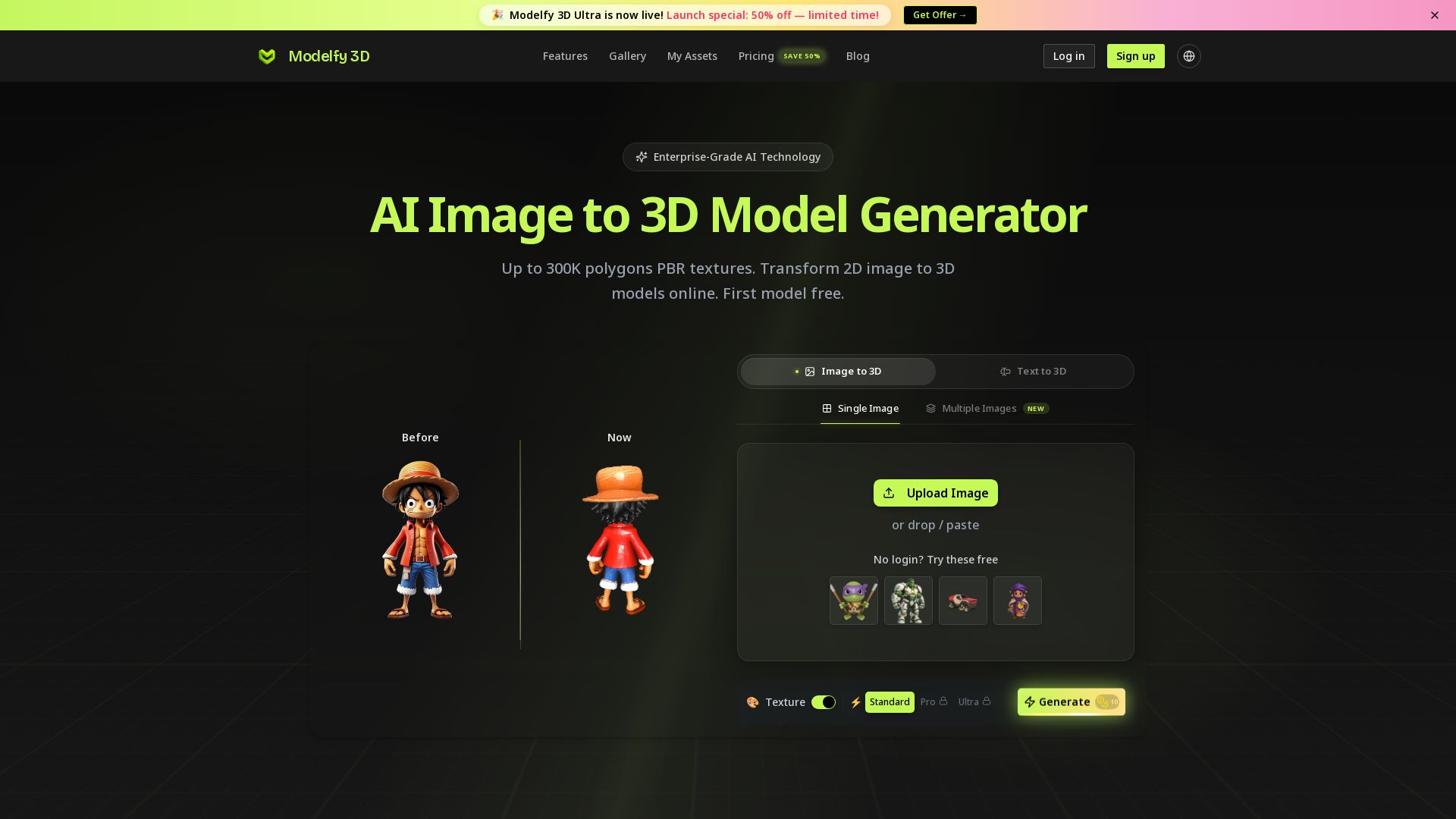
Modelfy 3D
Convert 2D images to 3D models with AI. Up to 300K polygons, PBR textures, GLB/OBJ/STL export. Free first model. Try Modelfy 3D now.

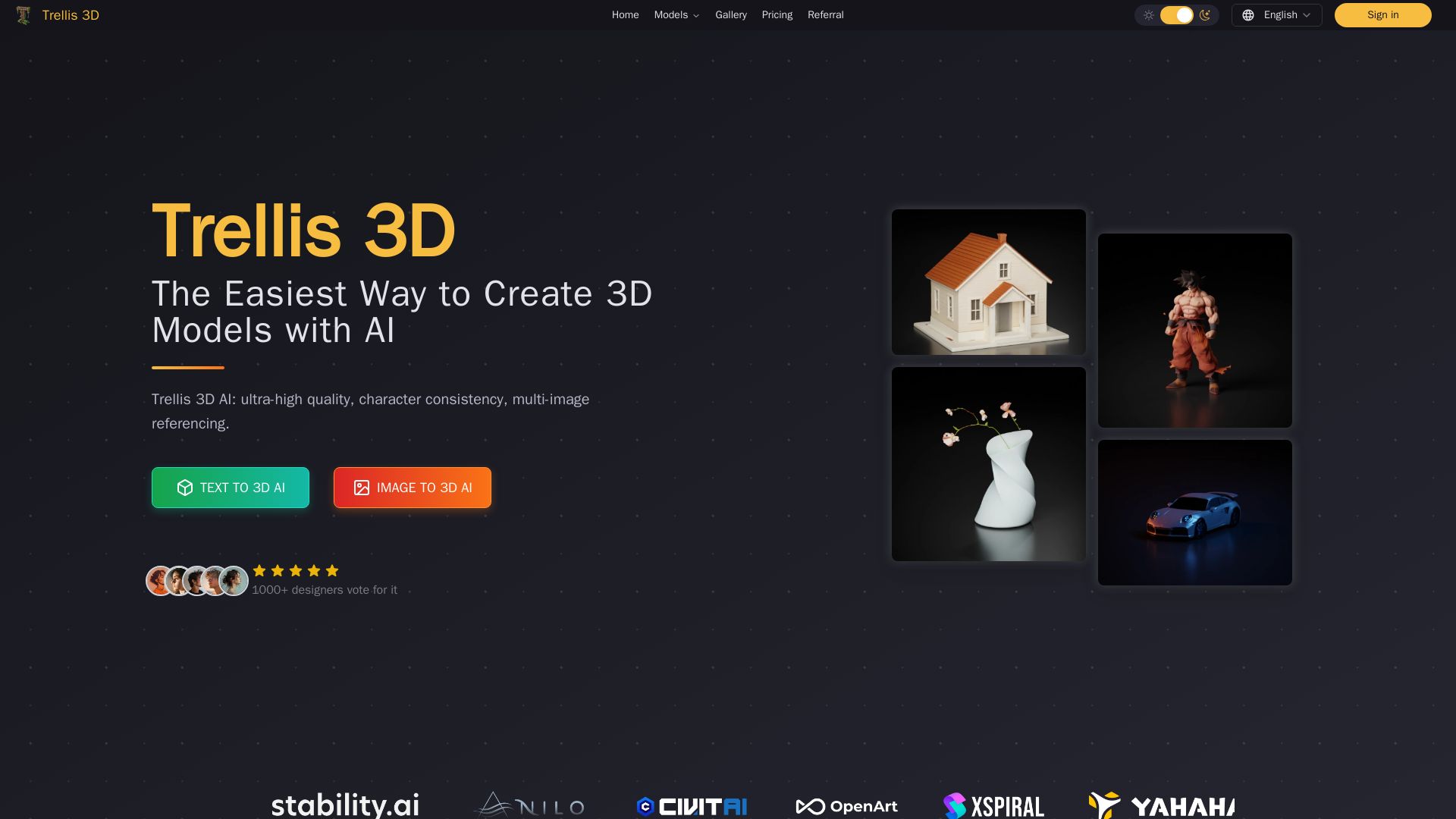
Trellis 3D AI
Create stunning 3D models from text or images using Trellis 3D AI. Ultra-high quality, multi-format output, and easy editing. Try it free!

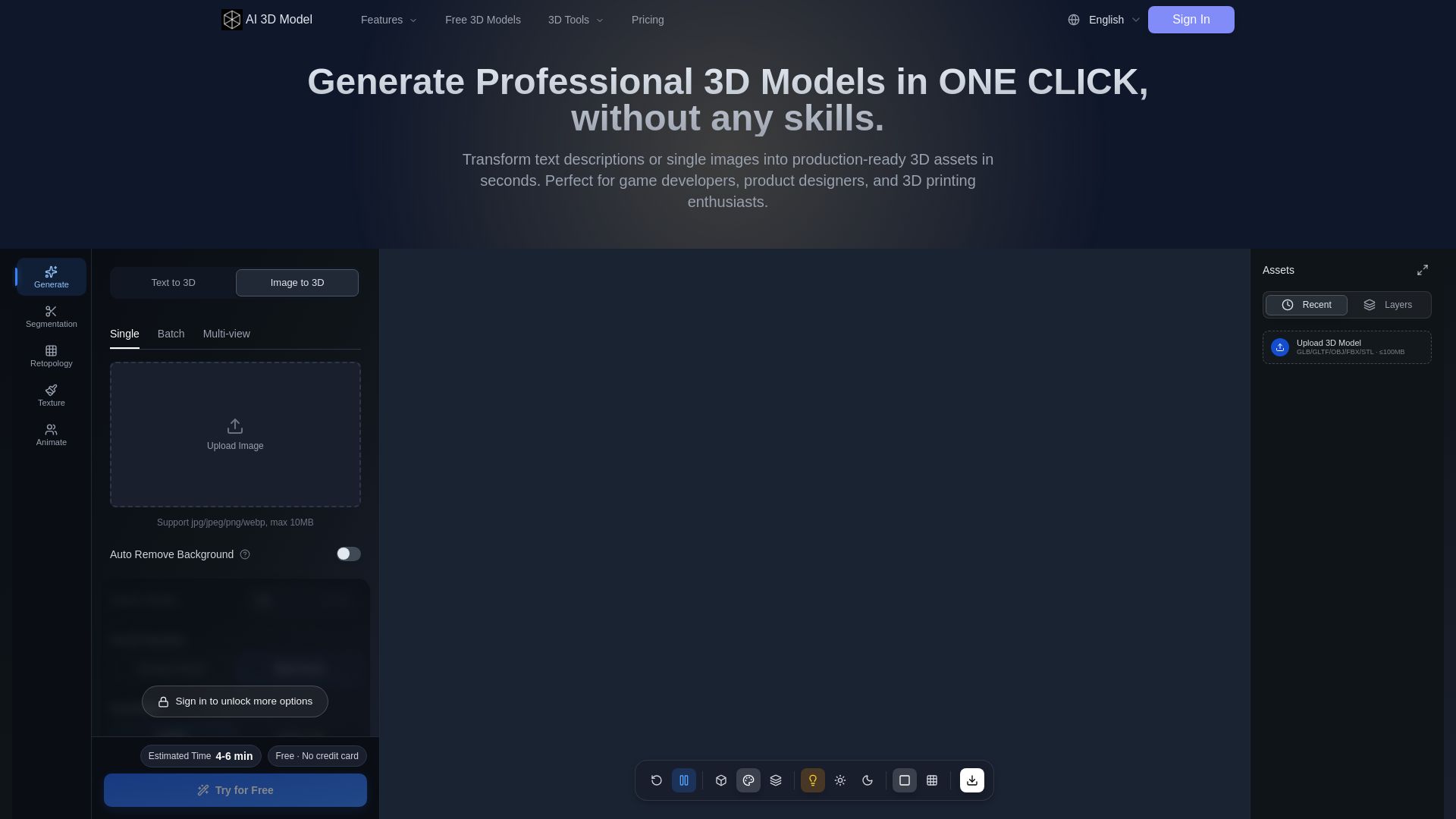
AI 3D Model Generator
Turn text or images into production-ready 3D models in seconds. Perfect for games, product design, 3D printing. No skills needed. Try free!





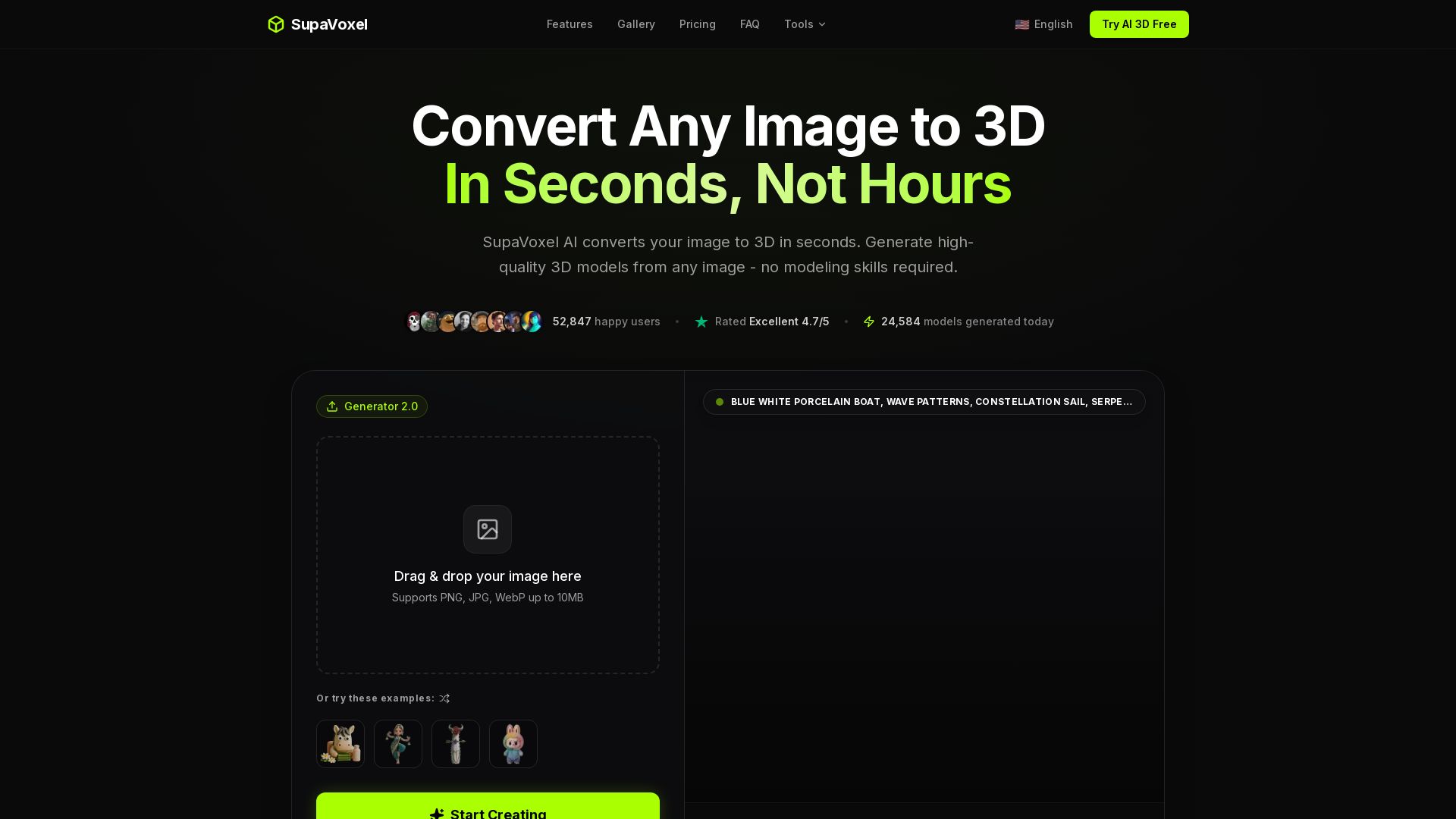

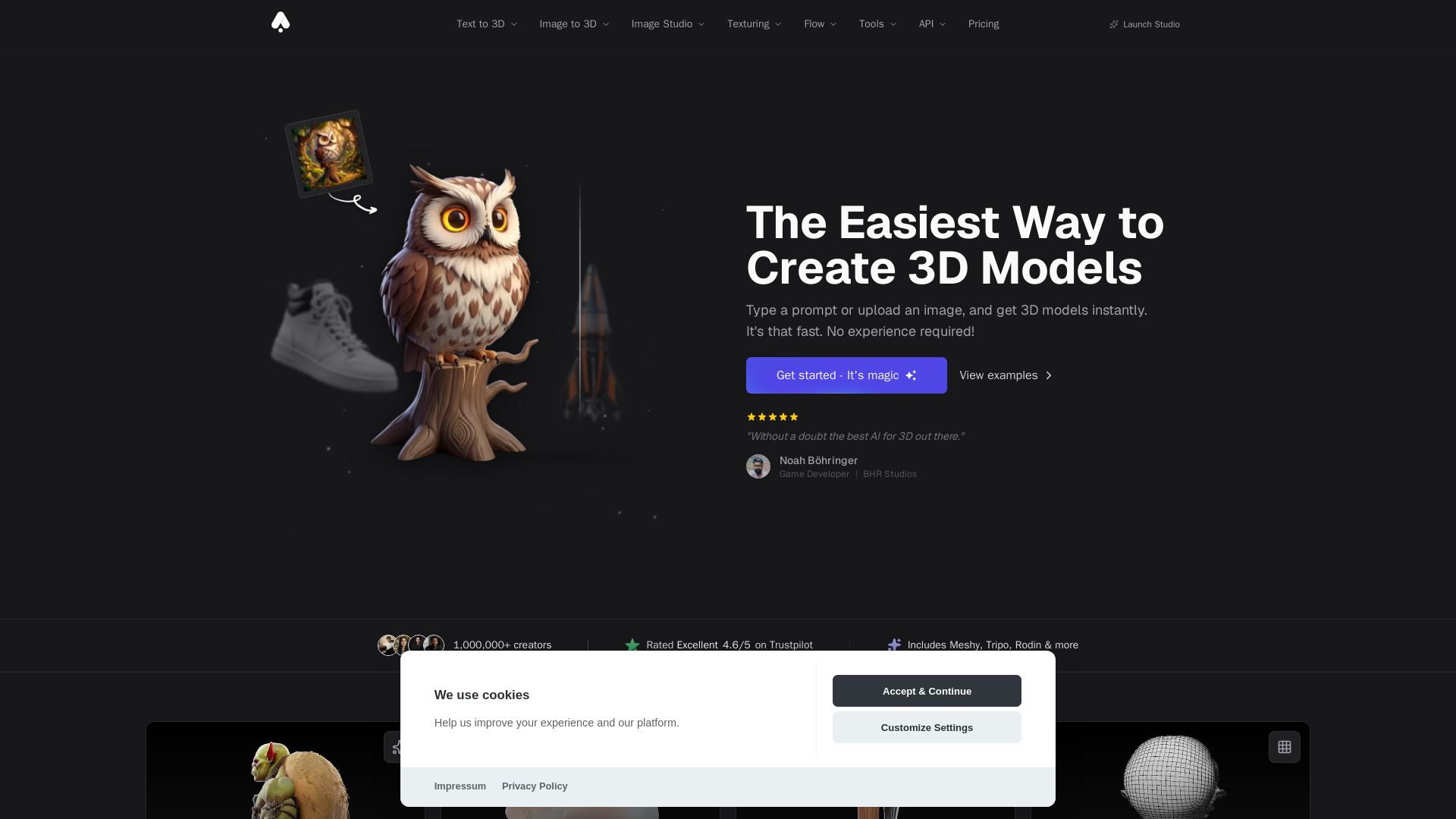
3D AI Studio
Create stunning 3D models instantly from text or images with AI. No experience required. Export to GLB, FBX, STL & more. Used by 1M+ creators.

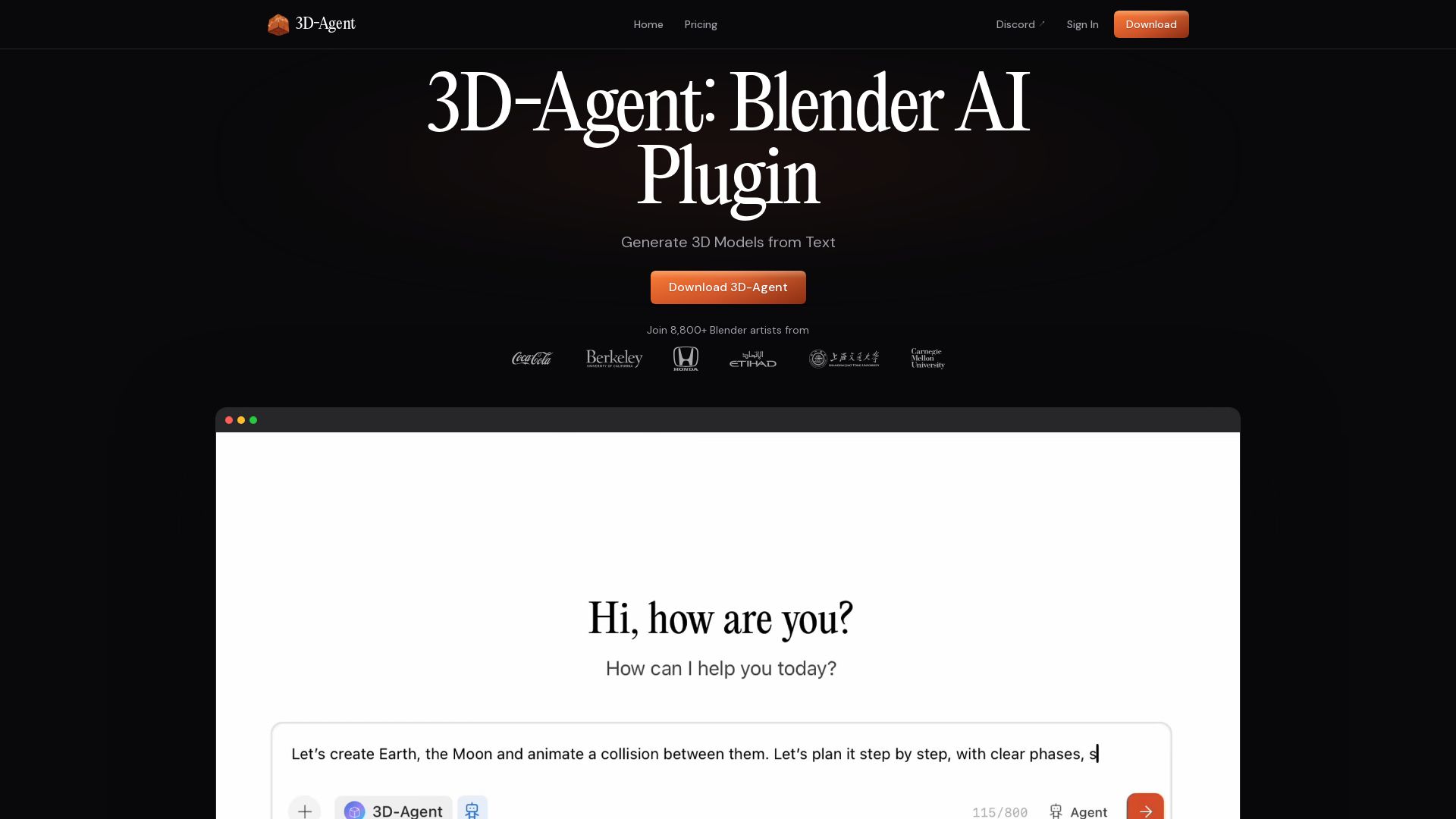

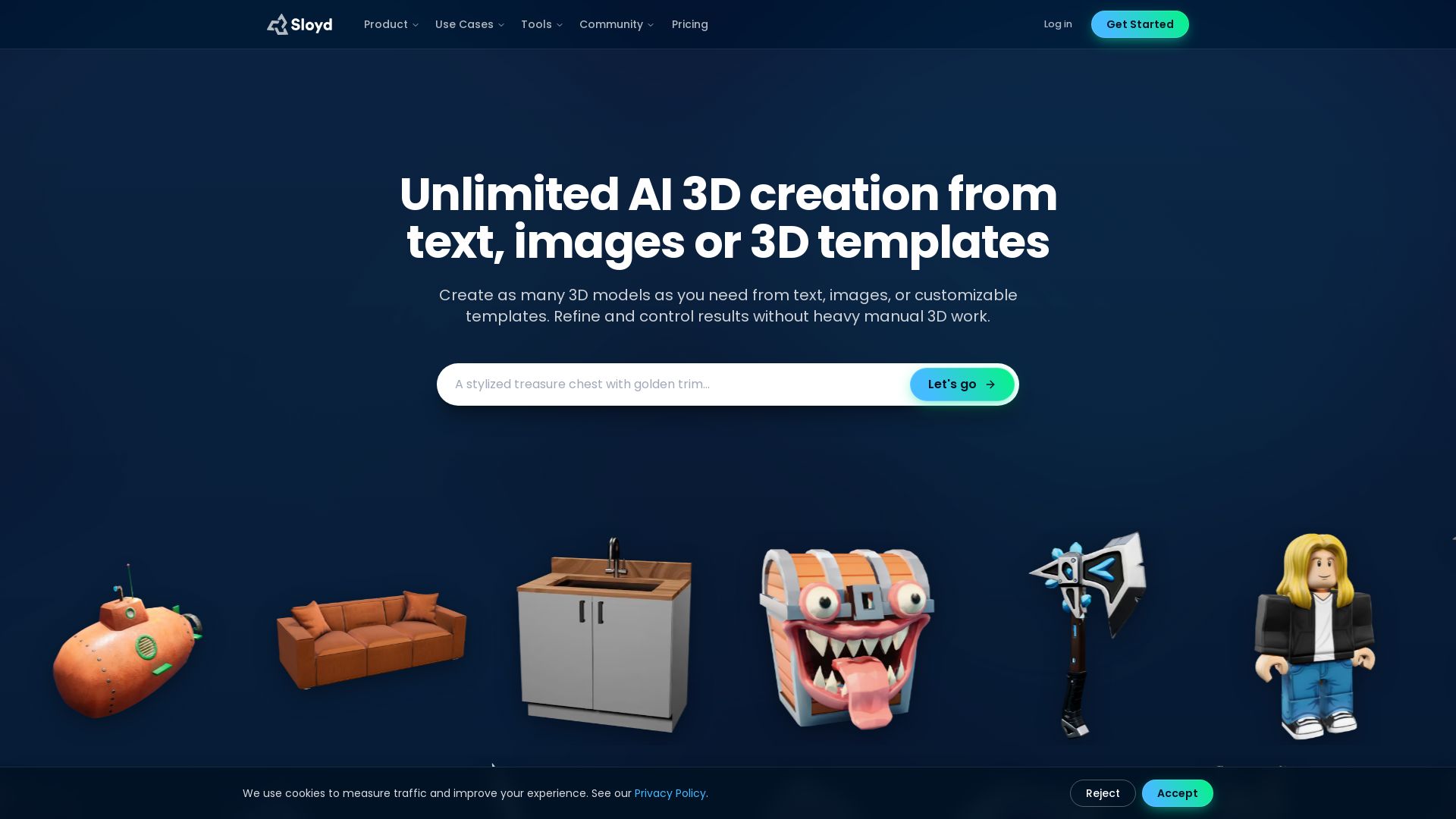

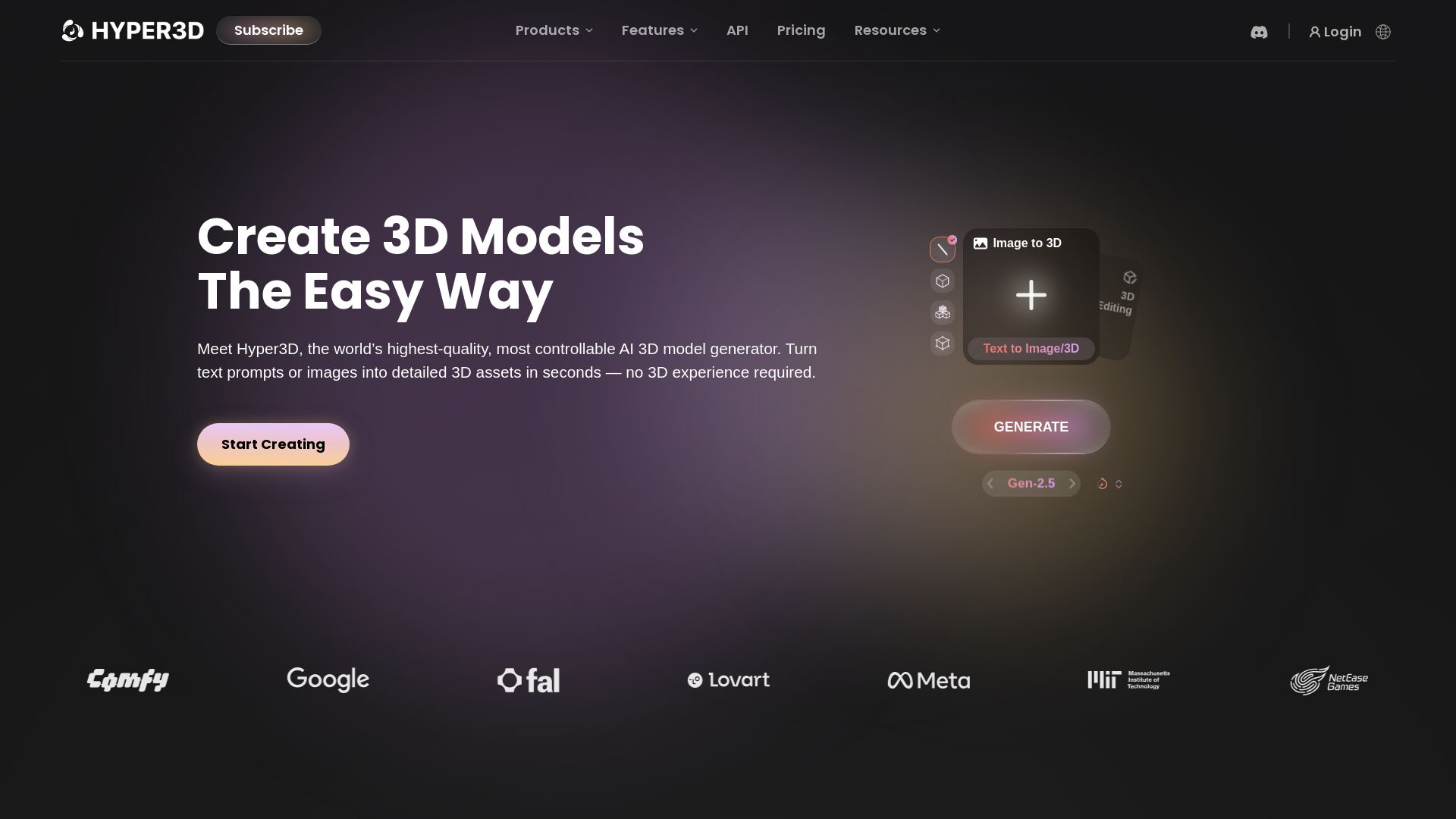
Hyper3D Rodin
Turn text or images into high-quality 3D models in seconds. No experience needed. Free trial available. Start creating now!


ℹ️ Curation Disclosure: The overview and features of Chat3D were synthesized using AI and fact-checked by our curation team to ensure accuracy.
