
Workalizer
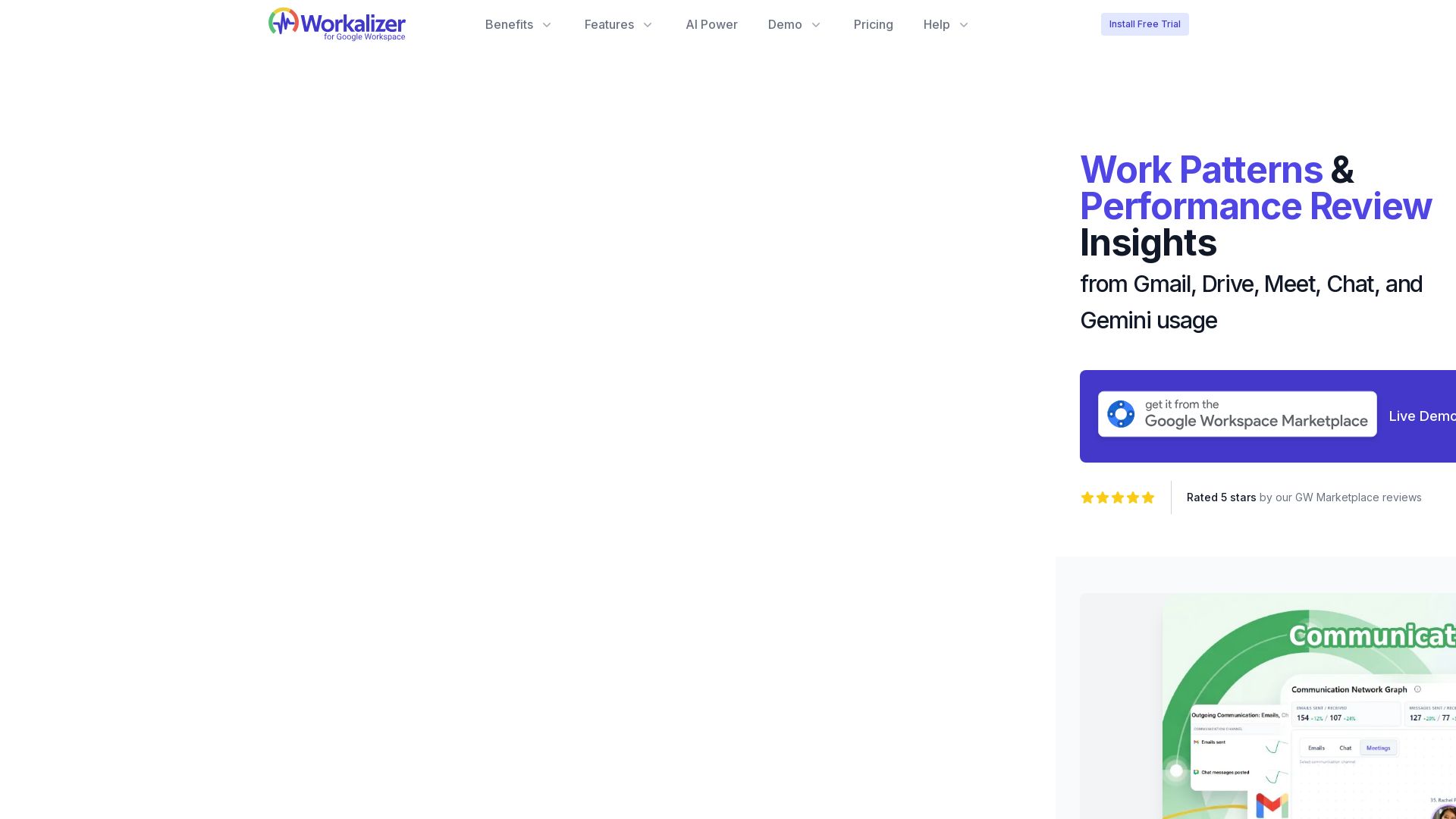
Understand how work happens across Gmail, Drive, Meet & more. Detect burnout, improve team effectiveness with data-driven performance reviews.


Editor's Verdict
Key Takeaways
- Work Patterns & Performance Review Insights
- Communication Network Diagram
- Employee Activity Timeline
- Google Meet Analytics
In-Depth Review: What is Workalizer?
Workalizer transforms your existing Google Workspace activity data into clear, actionable insights. See collaboration patterns, meeting load, document activity, and tool adoption across your organization. Gain objective input for performance reviews, detect burnout and engagement risks early, and improve team and manager effectiveness. No sensitive content access required; easy to install and secure. Perfect for managers, HR, IT, and executives looking to turn Workspace data into strategic advantage.
Core Features
Work Patterns & Performance Review Insights
Visualize how work happens across Gmail, Drive, Meet, Chat, and Gemini for data-driven performance reviews.
Communication Network Diagram
See how teams connect and collaborate with an interactive diagram of communication flows.
Employee Activity Timeline
Daily workflow patterns across Workspace apps, showing activity levels and focus time.
Google Meet Analytics
Participant timelines, meeting summaries, and duration metrics to understand meeting loads.
Document Activity Timeline & Alerts
Heatmaps and day-by-day interaction detail for Drive, plus configurable alerts for shares, edits, and downloads.
Burnout, Isolation & Engagement Detection
Early warnings for signs of burnout, isolation, or disengagement based on usage patterns.
Data-Driven Team & Manager Effectiveness
Unique visibility into how managers and teams operate, enabling targeted improvements.
Pricing
SaaS Edition
- 30-Day Free Trial
- Unlimited Users
- Performance Review Insights
- Work Patterns
- Communication Diagram
- User Reports: Summary, Timeline
- Apps Reports: Gmail, Drive, Meet, Chat
- Up to 100 Custom Docs Alert per User
- Sync Interval: 30 minutes
- Advanced AI Insights
Private Cloud Edition
- Unlimited Users
- Performance Review Insights
- Work Patterns
- Communication Diagram
- User Reports: Summary, Timeline
- Apps Reports: Gmail, Drive, Meet, Gemini, Chat
- Up to 100 Custom Docs Alert per User
- Sync Interval: 30 minutes
- Advanced AI Insights
- Dedicated Support
- Run in Your VPC
Pros and Cons
Pros
- Easy Installation and Zero MaintenanceInstall from Google Workspace Marketplace in a few clicks; no manual data entry or ongoing maintenance required.
- Safe and SecureNo access to sensitive content; uses only usage and audit logs. Listed on CSA STAR Registry Level 1.
- Objective Performance Review DataProvides data-driven inputs for fairer reviews, reducing bias and guesswork.
- Early Detection of Burnout and IsolationUnique visibility into engagement risks, allowing proactive interventions.
- Strategic Use of Existing Workspace DataTransforms already-available Google Workspace activity into actionable intelligence.
Cons
- Requires Google Workspace Admin PermissionInstallation and data access require admin approval, which may slow adoption.
- Limited to Google Workspace EcosystemOnly analyzes data from Gmail, Drive, Meet, Chat, and Gemini; no integration with other tools.
- Pricing May Be High for Small TeamsPer-user pricing might be costly for very small organizations or startups.
- Free Trial Is Time-LimitedOnly 30-day free trial, which may not be enough for full evaluation in larger orgs.
- Relies Solely on Usage LogsInsights are based on metadata and audit logs only; does not capture qualitative aspects like content quality.
Use Cases & Recommended Professions
Team Manager→ View Toolkit
Gain insights into team performance, identify issues, and make data-driven decisions to improve efficiency.
HR Manager→ View Toolkit
Track employee activity, identify areas for improvement, and receive personalized insights to boost productivity.
CEO/CFO/COO/CTO→ View Toolkit
Get an organization-wide view of activity, identify trends, and optimize resource allocation and performance.
Employee→ View Toolkit
Track their own activity, identify areas for improvement, and receive personalized insights to boost productivity.
IT Admin / Data Security Officer→ View Toolkit
Monitor app usage and ensure security compliance with granular visibility into Workspace activity.
Project Manager→ View Toolkit
Track collaboration patterns and workload distribution across cross-departmental teams.
Frequently Asked Questions
Alternative AI Tools
View Detailed Comparison →
PrometAI
Generate investor-ready business plans in minutes with PrometAI's AI. Trusted by 100,000+ founders. Start for free, no guesswork.


Figr
Ship better UX faster. Figr builds a living understanding of your product, maps flows, finds edge cases, and generates high-fidelity prototypes from your actual design system.

TeamDay.ai
Hire an AI marketing and product team that works autonomously. Build your website, grow traffic, and increase sales with weekly loops and human oversight. Start free.


AIGenerator
Plan, launch, and grow your business with AI. Generate business plans, ads, and content in minutes. Free to start.

Leiga
Supercharge team productivity with AI-driven planning, tracking, and collaboration. Chat-based reports, automated workflows, and risk warnings. Free forever.

Sintra
Hire AI employees to automate social media, SEO, customer support, sales, and more. Get a 24/7 digital workforce that scales with your business. No extra headcount needed.

MangoApps
Unify communication, workflows, HR, and AI in one intelligent platform. Trusted by 2M+ users. 98% retention. HITRUST & SOC 2 certified.



KUMO
Senior engineers build AI-powered software that lasts. Trusted by teams shipping real systems. Book a 30-min call to start building.

Kroolo
Replace 10+ fragmented apps with one AI-native platform. Kroolo unifies work, AI agents, and enterprise search to boost productivity up to 70%.

BizPlanr
Create a professional business plan in minutes with our free AI-powered generator. Used by 1000+ users. Get your free draft now!

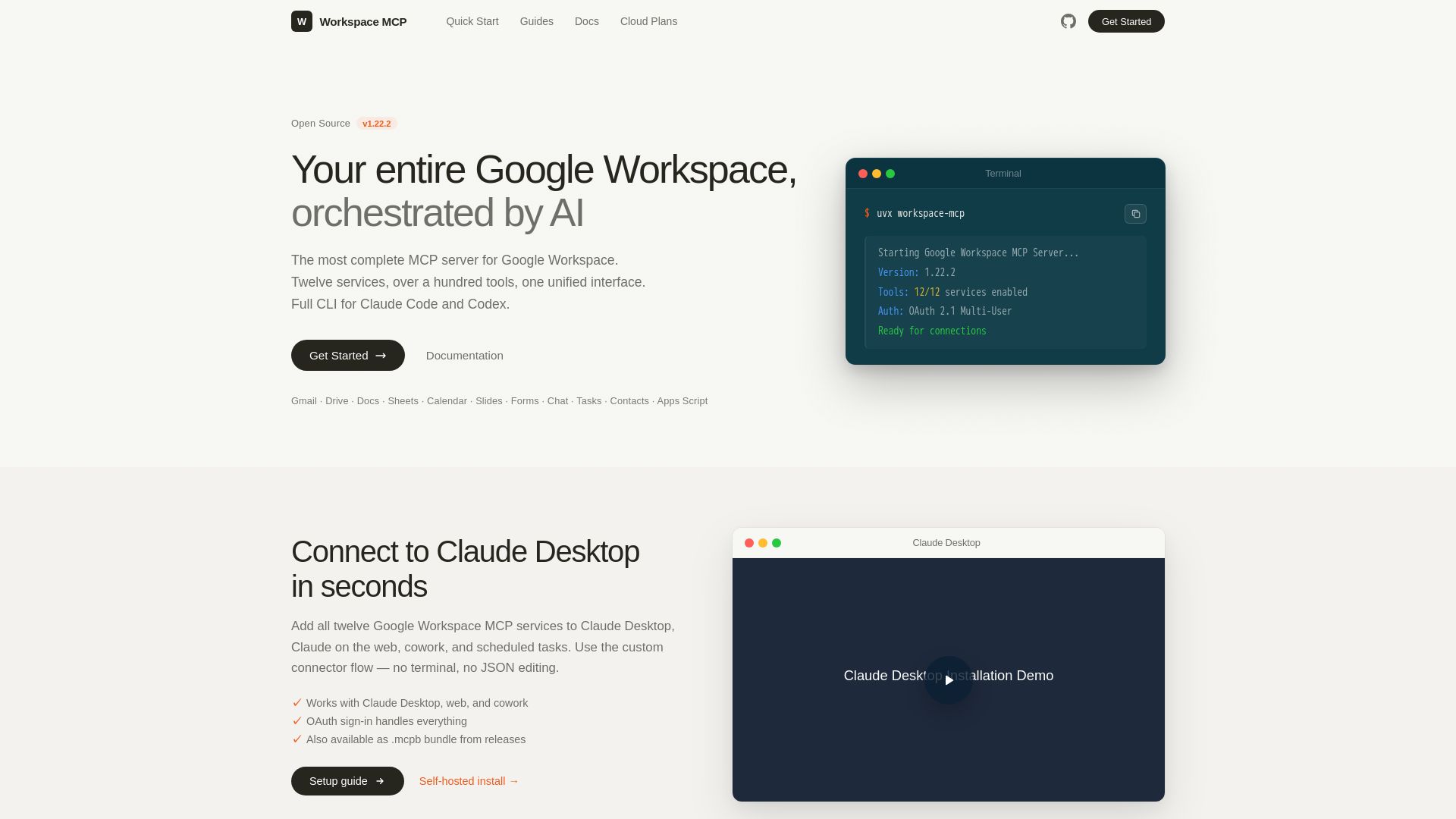
Google Workspace MCP Server
The most complete MCP server for Google Workspace. Connect AI to Gmail, Drive, Docs, Calendar, and more. Open source, OAuth 2.1, 100+ tools.
ℹ️ Curation Disclosure: The overview and features of Workalizer were synthesized using AI and fact-checked by our curation team to ensure accuracy.