
Veo 3.1
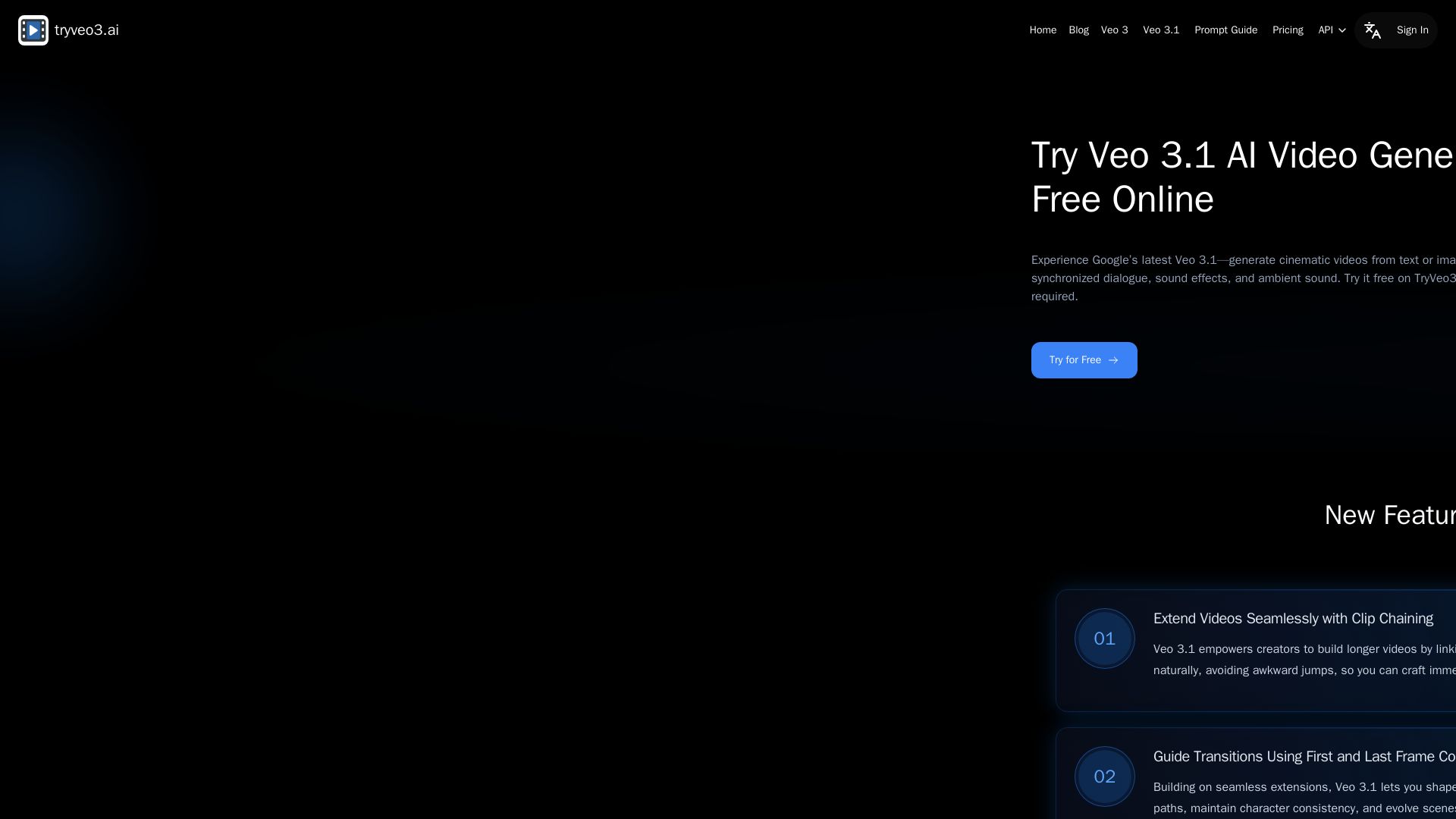
Generate cinematic videos from text or images with Google Veo 3.1. Free online, no login. Lip-synced dialogue, smooth extensions, and high-quality output.
Editor's Verdict
Key Takeaways
- Clip Chaining
- First and Last Frame Control
- Up to Three Reference Images
- Synchronized Audio & Video
In-Depth Review: What is Veo 3.1?
TryVeo3.ai offers free access to Google's latest Veo 3.1 AI video generator. Create stunning videos from text prompts or images with perfectly synchronized audio, including dialogue and sound effects. Features include seamless clip chaining, first and last frame control, and up to three reference images for style guidance. No sign-up required—start creating instantly. Ideal for content creators, filmmakers, marketers, and anyone needing high-quality video production without technical skills.
Core Features
Clip Chaining
Seamlessly extend videos by linking existing clips through smooth scene extensions, keeping the story flowing naturally.
First and Last Frame Control
Shape video evolution with precise first and last frame inputs to direct camera paths, maintain character consistency, and evolve scenes effortlessly.
Up to Three Reference Images
Use up to three reference images to steer visual style and elements, ensuring clips align with your vision.
Synchronized Audio & Video
Bring scenes to life with lip-synced dialogue and ambient sound, ensuring every frame sounds as real as it looks.
Text and Image to Video
Use text prompts or images to turn input into smooth, cinematic motion with ease.
High-Quality Video Output
Delivers sharp full HD video with advanced rendering, synced audio, and natural motion.
Realistic Motion Simulation
Handles movement with precision and fluidity, from facial expressions to camera pans.
Smart Scene Understanding
Complex environments, lighting, and angles are interpreted accurately for lifelike results.
Instant Access, No Sign-Up Needed
Start generating videos immediately on TryVeo3.ai without account, login, or installation.
Fast Prototyping
Ideal for testing creative ideas quickly with speed and ease.
Seamless Workflow with Flow AI
Export results directly to Flow AI for post-editing, refinement, or integration into larger production pipelines.
Commercial Use Rights
Paid plans allow commercial use of generated videos for marketing, branding, advertising, and more.
Pricing
Free
- Limited credits (not specified)
- Image to Video & Text to Video
- Google Veo 3 Fast Support
- Watermarked videos
- No commercial use
- Max 8 second videos
- Slower generation during peak
Basic
- 100 Credits/month
- Image to Video & Text to Video
- Google Veo 3 Fast Support
- Google Veo 3 Quality Support
- Accurate lip sync
- Auto speech & Auto sound
- 60+ AI video effects
- 720P video resolution
- Max 8 second videos
- Up to 2 concurrent jobs
- Private generation
- Watermark-free downloads
- Commercial use rights
- Unlimited storage
- Priority Generation
- Ad-free
- Standard support
Pro
- 1000 Credits/month
- Image to Video & Text to Video
- Google Veo 3 Fast Support
- Google Veo 3 Quality Support
- Accurate lip sync
- Auto speech & Auto sound
- 60+ AI video effects
- 1080P video resolution
- Max 8 second videos
- Up to 4 concurrent jobs
- Private generation
- Watermark-free downloads
- Commercial use rights
- Unlimited storage
- Priority Generation
- Ad-free
- Priority support
Ultra
- 3000 Credits/month
- Image to Video & Text to Video
- Google Veo 3 Fast Support
- Google Veo 3 Quality Support
- Accurate lip sync
- Auto speech & Auto sound
- 60+ AI video effects
- 1080P video resolution
- Max 8 second videos
- Up to 6 concurrent jobs
- Private generation
- Watermark-free downloads
- Commercial use rights
- Unlimited storage
- Priority Generation
- Ad-free
- Premium support
Pros and Cons
Pros
- No Sign-Up Required for Free UseInstantly generate videos without creating an account or logging in, lowering the barrier to entry.
- High-Quality Cinematic OutputGenerates sharp full HD videos with synchronized audio, realistic motion, and smart scene understanding.
- Fast Generation and PrototypingQuick video creation ideal for testing creative ideas or producing content rapidly.
- Advanced Audio SyncAccurate lip-sync, auto speech, and ambient sound bring videos to life with professional audio.
- Commercial Use on Paid PlansVideos generated under subscription can be used for marketing, advertising, and other business purposes.
Cons
- Max Video Length Limited to 8 SecondsAll plans limit video duration to 8 seconds, which may be too short for some use cases.
- Free Plan Has Watermarks and No Commercial RightsFree videos include watermarks and cannot be used commercially, limiting their utility for business.
- Slow Generation on Free Plan During PeakHigh demand can cause longer wait times for free users, affecting workflow efficiency.
- No Monthly Billing Option DisplayedOnly yearly billing is shown for paid plans, which may not suit those preferring monthly payments.
- Limited Resolution on Basic PlanBasic plan only supports 720P resolution, while higher resolutions require more expensive plans.
Use Cases & Recommended Professions
Content Creator / YouTuber→ View Toolkit
Generate cinematic video content quickly for YouTube or social media platforms without extensive editing skills.
Filmmaker / Cinematographer→ View Toolkit
Visualize storyboards, test shots, or produce short films with lower costs and faster turnaround using AI video generation.
Digital Marketer / Advertiser→ View Toolkit
Create attention-grabbing ads and branded content efficiently across channels with professional-quality results.
Small Business Owner / Entrepreneur→ View Toolkit
Produce explainer videos, product showcases, or promo clips without needing a full production team.
Social Media Creator→ View Toolkit
Quickly produce short-form video content that looks professional and engages audiences on social platforms.
Online Instructor / Educator→ View Toolkit
Explain complex topics with motion visuals to keep students engaged and improve learning outcomes.
Frequently Asked Questions
Alternative AI Tools
View Detailed Comparison →
AI Video - AI Video Generator
Create animated videos from text or images with AI. Drag-and-drop editing, lip-sync, HD export. No skills needed. Download free!

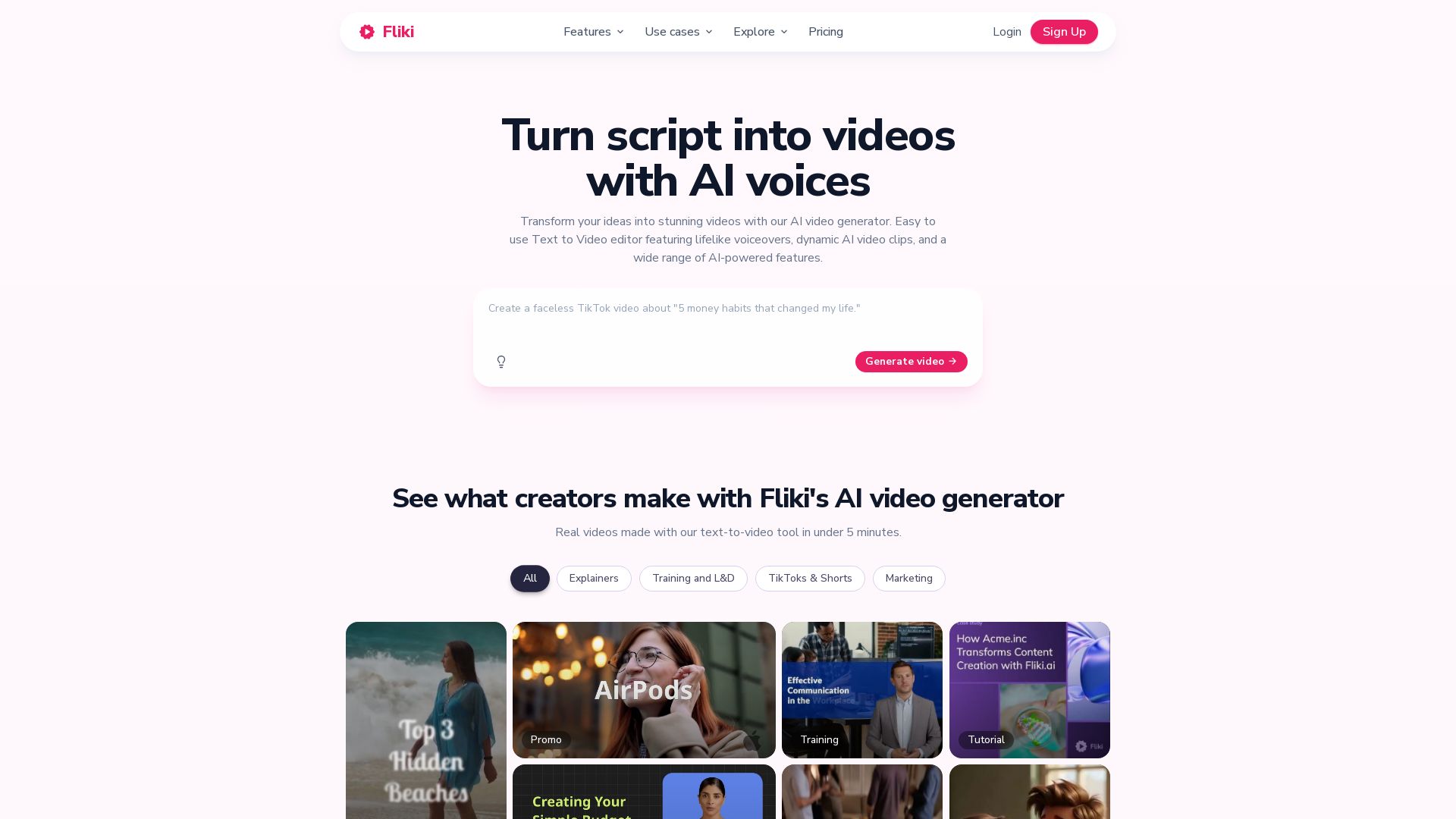
Fliki
Create stunning videos from text in minutes. AI voices, visuals, music, and captions. Trusted by 12M+ creators. Free to start.


Flow AI Video Generator
Create stunning 4K AI videos with Flow AI Video. Text-to-video, image-to-video, multi-shot storytelling. Get 50% OFF now!

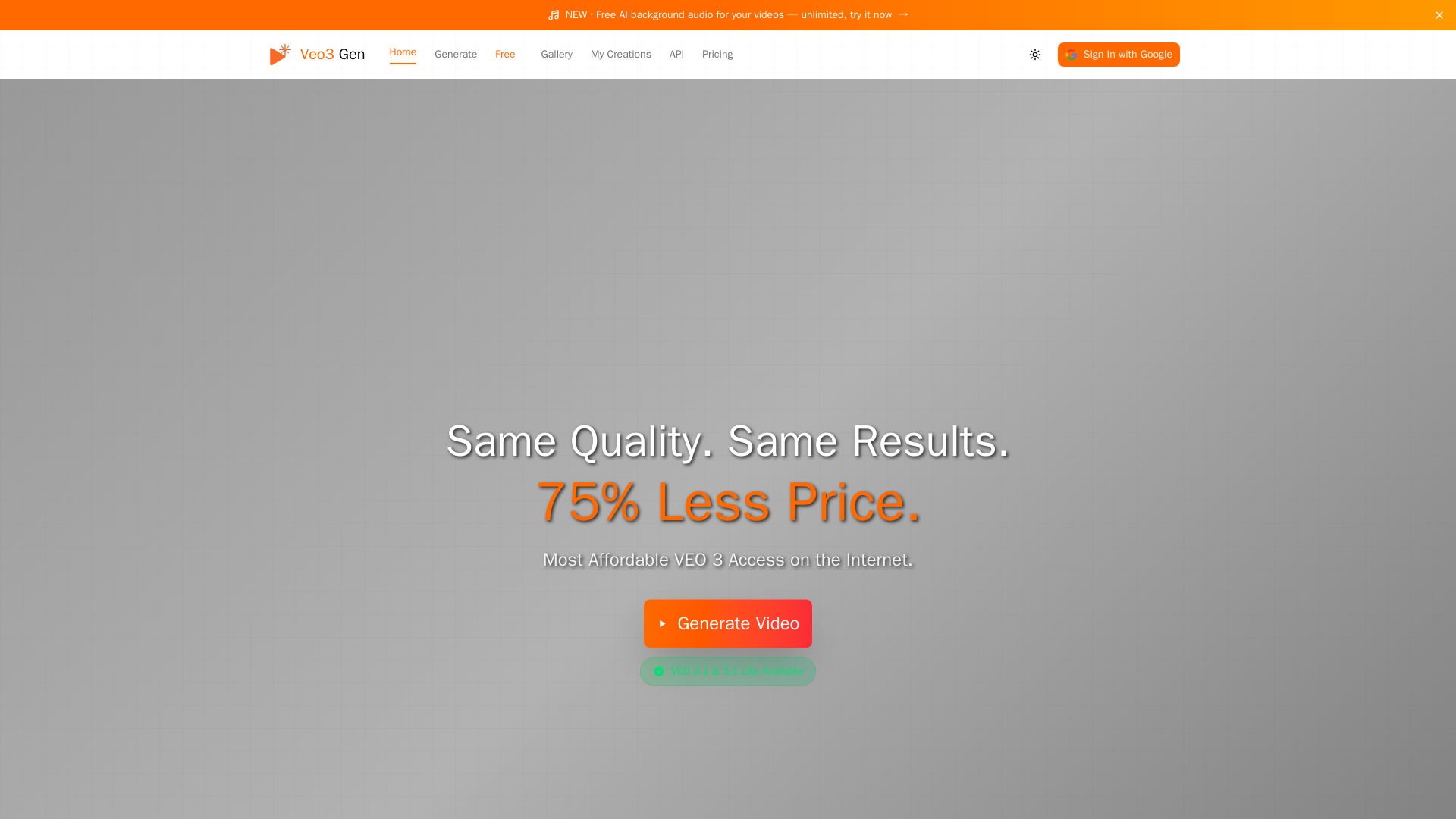
VEO3 Gen
Create stunning AI videos with synchronized audio at 75% less cost than Google VEO. VEO3 Fast from $0.08/sec. Try it free!

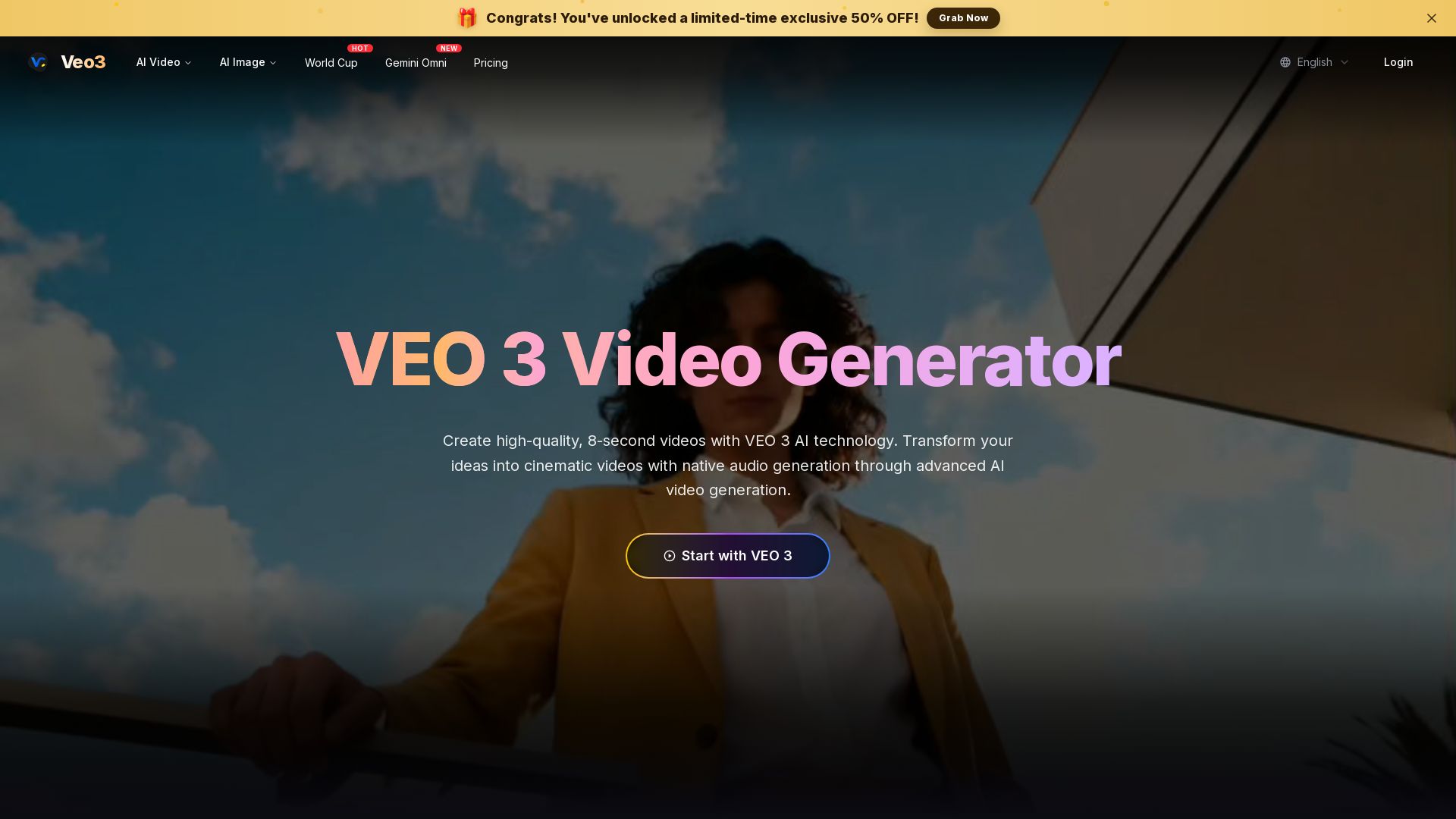
Veo 3
Create stunning 8-second AI videos with native audio. Powered by Google Veo 3.1. Text-to-video, image-to-video, cinematic quality. Start free.

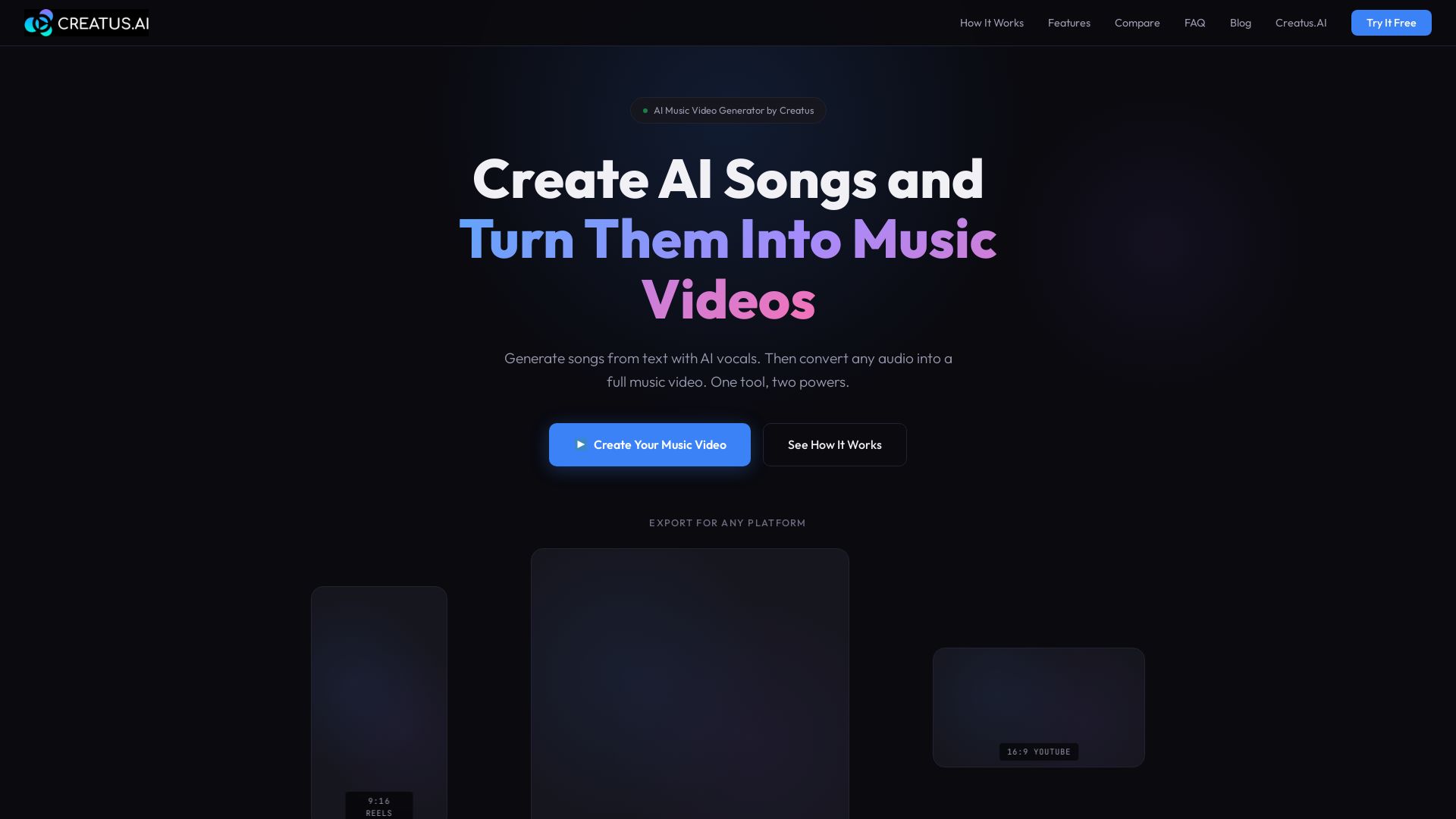
Free Plans to Pro Tiers - AI Music Video Generator Pricing
Turn text into songs with AI vocals, then convert audio into music videos. One tool for AI music and video generation. Try free.

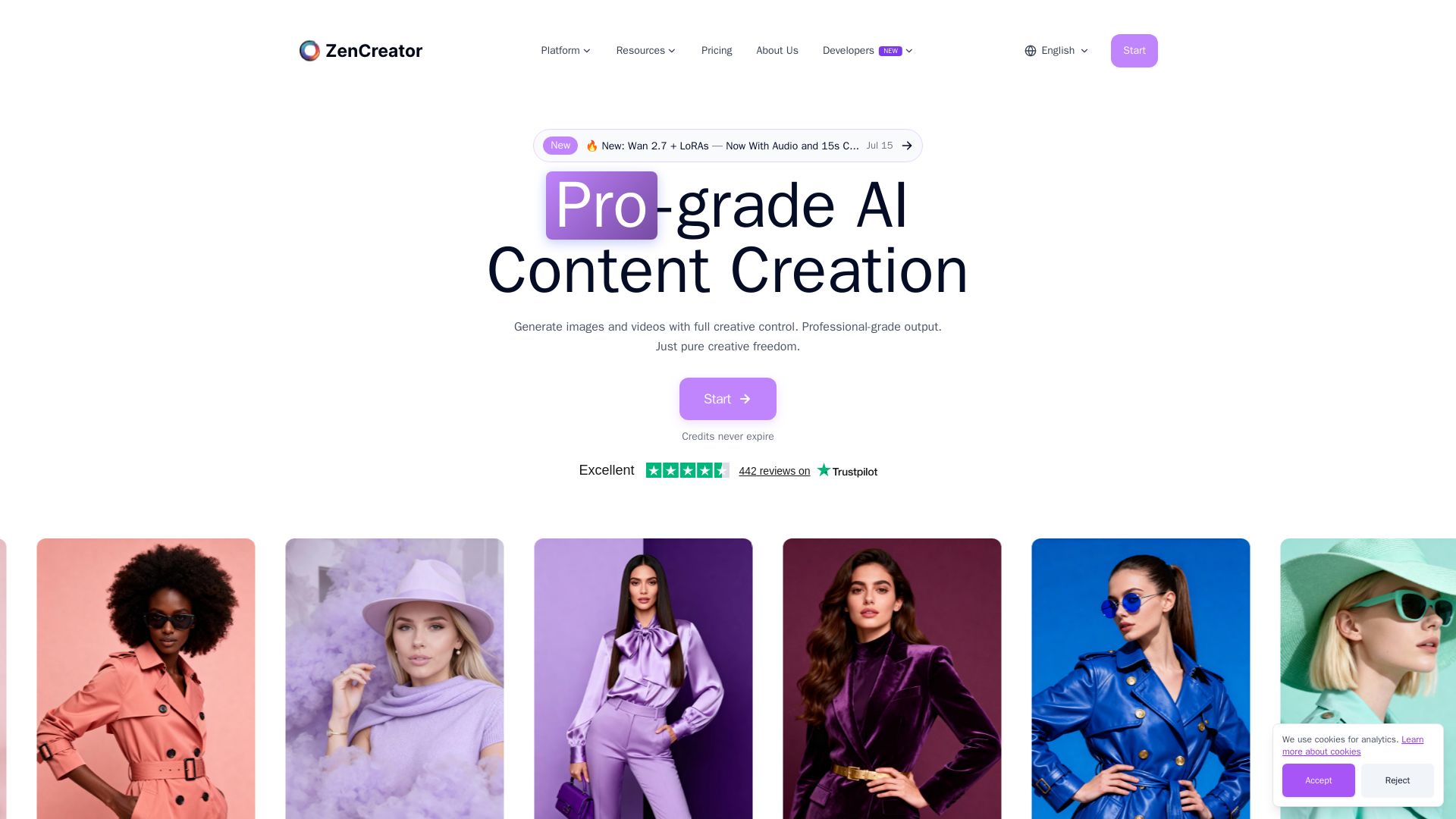
ZenCreator
Generate professional AI images and videos with complete creative control. No filters, 4K quality, face swap, video generation, and more. Start for free.

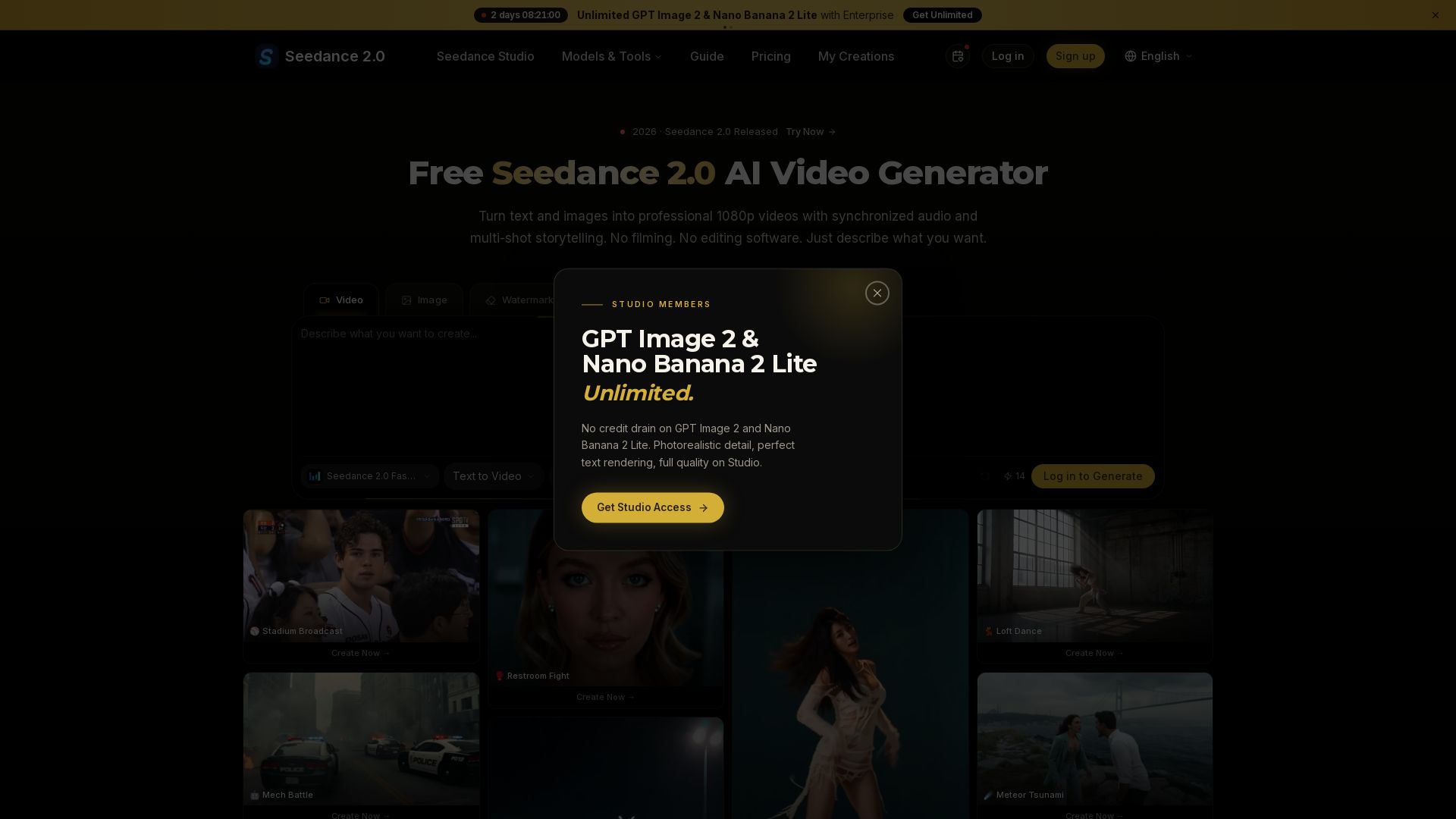
Seedance 2.0
Turn text and images into professional 1080p videos with synchronized audio and multi-shot storytelling. Free to start.

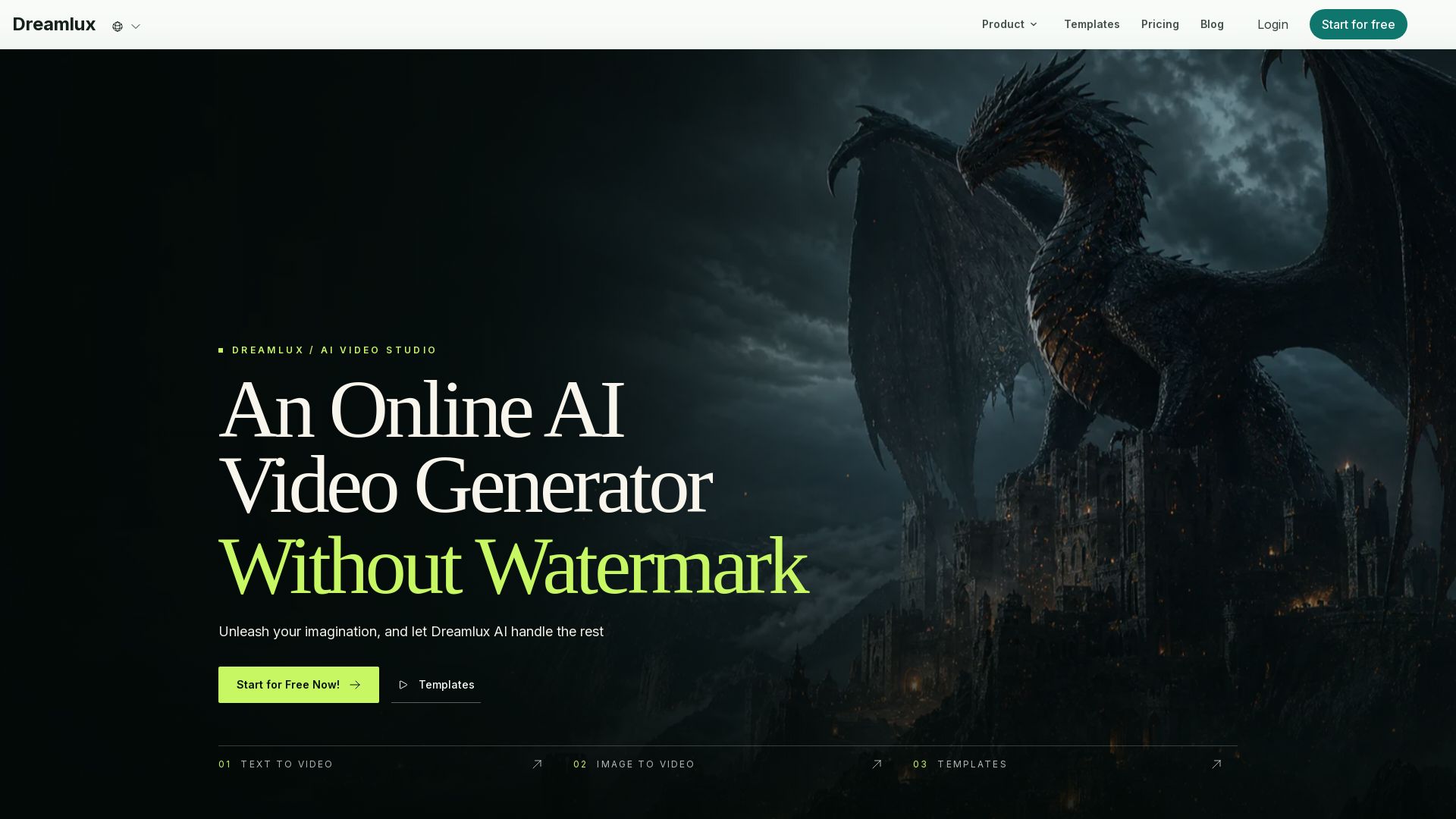
Dreamlux
Unleash imagination with Dreamlux AI. Turn text or images into high-quality videos in minutes. No watermark, easy to use, free to start.

Hailuo AI MiniMax
Create stunning videos from text prompts or images with Hailuo AI MiniMax. Free, fast, and no login needed. High-quality AI video generation.


Mango AI
Create professional AI talking avatar videos from text and portrait. Perfect for business, education, personal use. Easy, fast, and affordable.

Steve AI
Turn ideas into captivating AI videos. No editing skills needed. Try free AI video maker with text, prompt, and multi-voice support.

ℹ️ Curation Disclosure: The overview and features of Veo 3.1 were synthesized using AI and fact-checked by our curation team to ensure accuracy.
