
TextForge
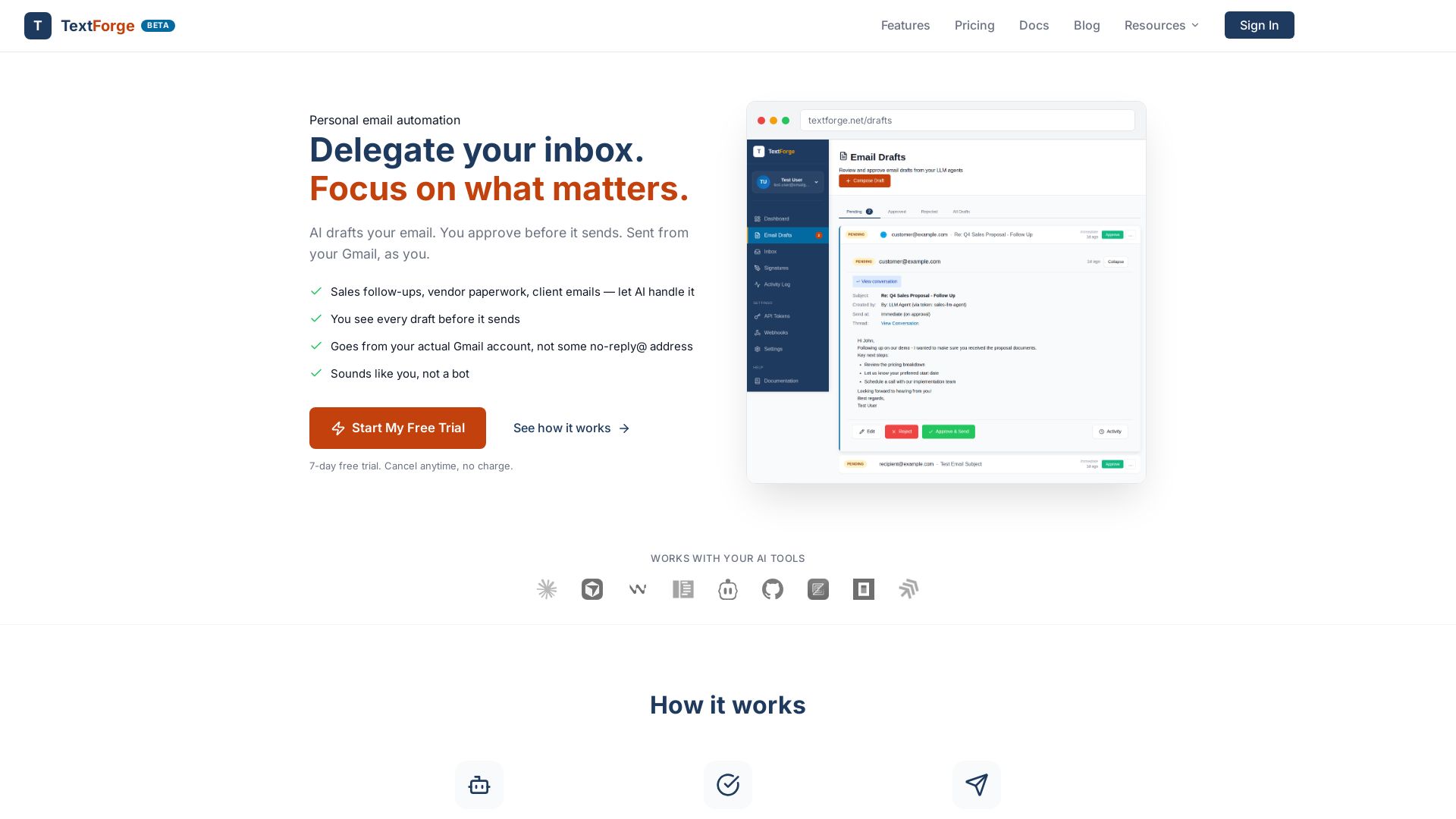
Delegate your inbox to AI. Review drafts, approve, and send from your Gmail. Save hours weekly with safe, secure email automation.
Editor's Verdict
Key Takeaways
- Email Automation with AI Drafting
- Human-in-the-Loop Approval
- Gmail Integration
- CRM and Tool Integration
In-Depth Review: What is TextForge?
TextForge is a personal email automation tool that integrates with your Gmail. AI drafts emails based on your threads and CRM, you review and approve each one before it sends from your real Gmail account. It uses a pass-through architecture for security, never storing your email content. Save 3+ hours per week on sales follow-ups, vendor paperwork, client replies, and more. 7-day free trial, no credit card required.
Core Features
Email Automation with AI Drafting
AI reads your email threads and CRM, then drafts emails for you to review and approve before sending.
Human-in-the-Loop Approval
Every draft lands in your queue; you can edit, reject, or approve before it sends. Notifications via Slack, Discord, or webhook.
Gmail Integration
Emails send from your real Gmail account with your signature. Replies go back to your inbox for AI pickup.
CRM and Tool Integration
Works with CRM like Pipedrive to automate sales follow-ups and vendor communications.
Pass-Through Architecture
Email content is fetched from Gmail on-demand and never stored on TextForge servers, ensuring privacy.
Security and Audit
OAuth with minimal scopes, scoped API tokens per agent, and full audit trail of all actions. Passed Google CASA Tier 2 Security Assessment.
Webhook Notifications
Get pinged via Slack, Discord, or custom webhooks when drafts are ready for review.
MCP and API Access
Full MCP (Model Context Protocol) and API access for custom integrations and AI agent control.
Pricing
Solo
- 20 drafts per day
- 2 webhooks (Slack, Discord, or custom)
- 30-day inbox sync
- 1 Gmail account
- Full MCP and API access
- Reply tracking and audit log
Solo Annual
- 20 drafts per day
- 2 webhooks (Slack, Discord, or custom)
- 30-day inbox sync
- 1 Gmail account
- Full MCP and API access
- Reply tracking and audit log
Pro
- Unlimited drafts
- 10 webhooks
- Full inbox history (all time)
- Selective folder/label sync
- 1 Gmail account
- Full MCP and API access
- Reply tracking and audit log
Pro Annual
- Unlimited drafts
- 10 webhooks
- Full inbox history (all time)
- Selective folder/label sync
- 1 Gmail account
- Full MCP and API access
- Reply tracking and audit log
Pros and Cons
Pros
- Time SavingsAI handles drafting emails, saving hours per week. Users report 3+ hours saved and 20% increase in sales.
- Security and PrivacyPass-through architecture means emails are never stored on servers. OAuth with minimal scopes and scoped API tokens provide strong security.
- Human OversightEvery email must be approved before sending, preventing mistakes and unauthorized communications.
- Seamless Gmail IntegrationEmails send from your real Gmail account with your signature, so recipients see it as from you, not a bot.
- Versatile Use CasesWorks for sales follow-ups, vendor negotiations, customer support, recruiting, and more.
Cons
- Single Gmail Account LimitBoth plans support only one Gmail account, which may be limiting for users with multiple accounts.
- Draft Limits on Solo PlanSolo plan restricts to 20 drafts per day, which may not be enough for high-volume users.
- Not for Bulk Cold EmailingThe service is designed for personal email automation and not intended for mass cold email campaigns.
- Dependence on AI QualityThe effectiveness relies on the AI model's ability to understand context and write appropriately, which may vary.
- Requires Learning CurveUsers need to set up integrations and configure workflows, which may take initial time.
Use Cases & Recommended Professions
Sales representative→ View Toolkit
Automates follow-ups, drafts reminders for open deals, and integrates with CRM to increase conversions.
Recruiter→ View Toolkit
Personalizes outreach emails to candidates based on their backgrounds, saving time on repetitive messaging.
Small business owner→ View Toolkit
Manages vendor communications, client check-ins, and paperwork without getting bogged down in email.
Customer support specialist→ View Toolkit
Drafts replies to customer inquiries with complete thread context, speeding up response times.
Freelancer/consultant→ View Toolkit
Handles client emails, proposals, and follow-ups while focusing on billable work.
AI agent developer→ View Toolkit
Uses TextForge to give AI agents safe email access with human approval, enabling agentic workflows.
Frequently Asked Questions
Alternative AI Tools
View Detailed Comparison →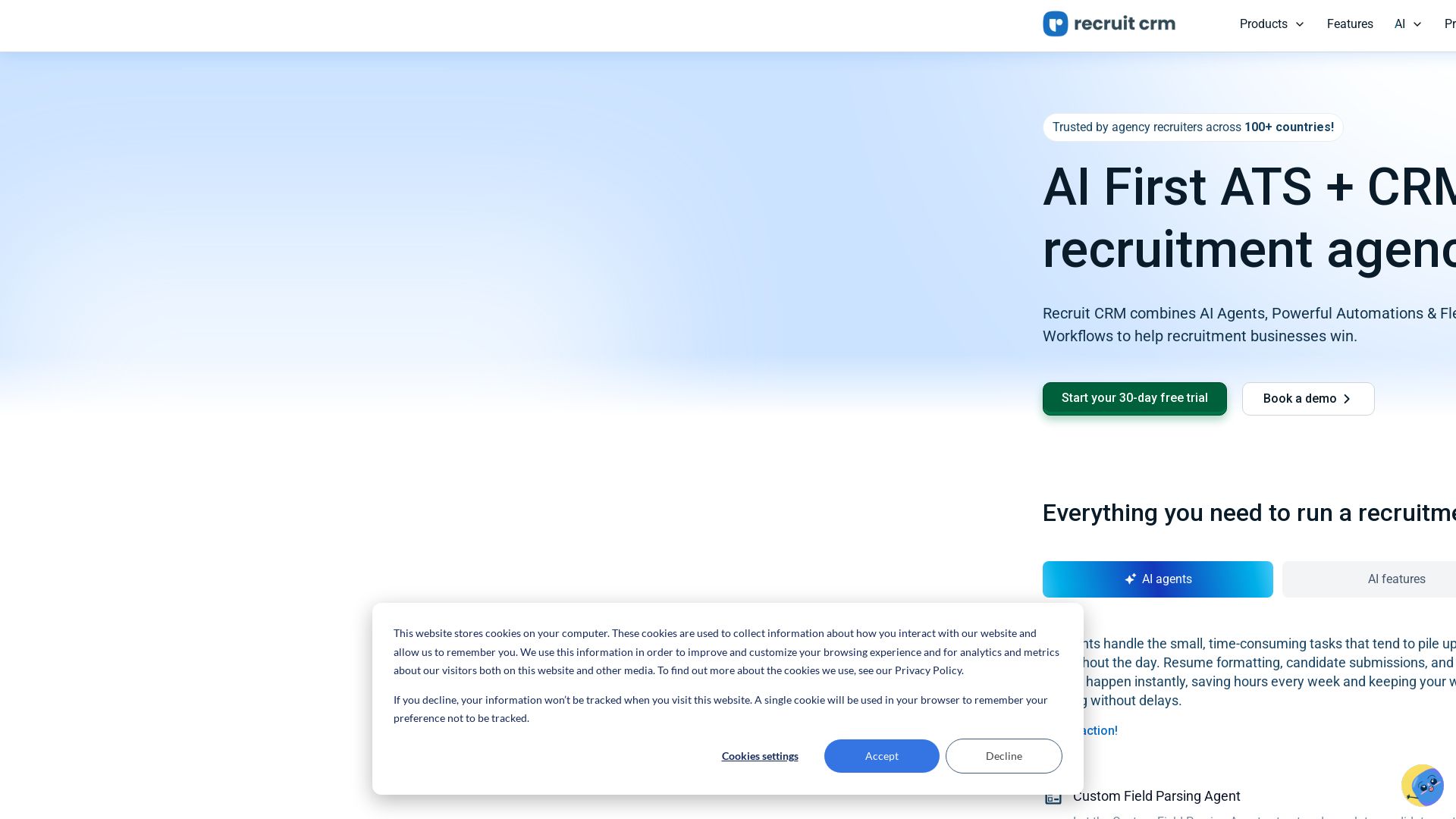
Recruit CRM
Automate hiring with AI agents, resume parsing, and smart matching. Trusted by 30K+ recruiters worldwide. Start your free trial today!


Figr
Ship better UX faster. Figr builds a living understanding of your product, maps flows, finds edge cases, and generates high-fidelity prototypes from your actual design system.

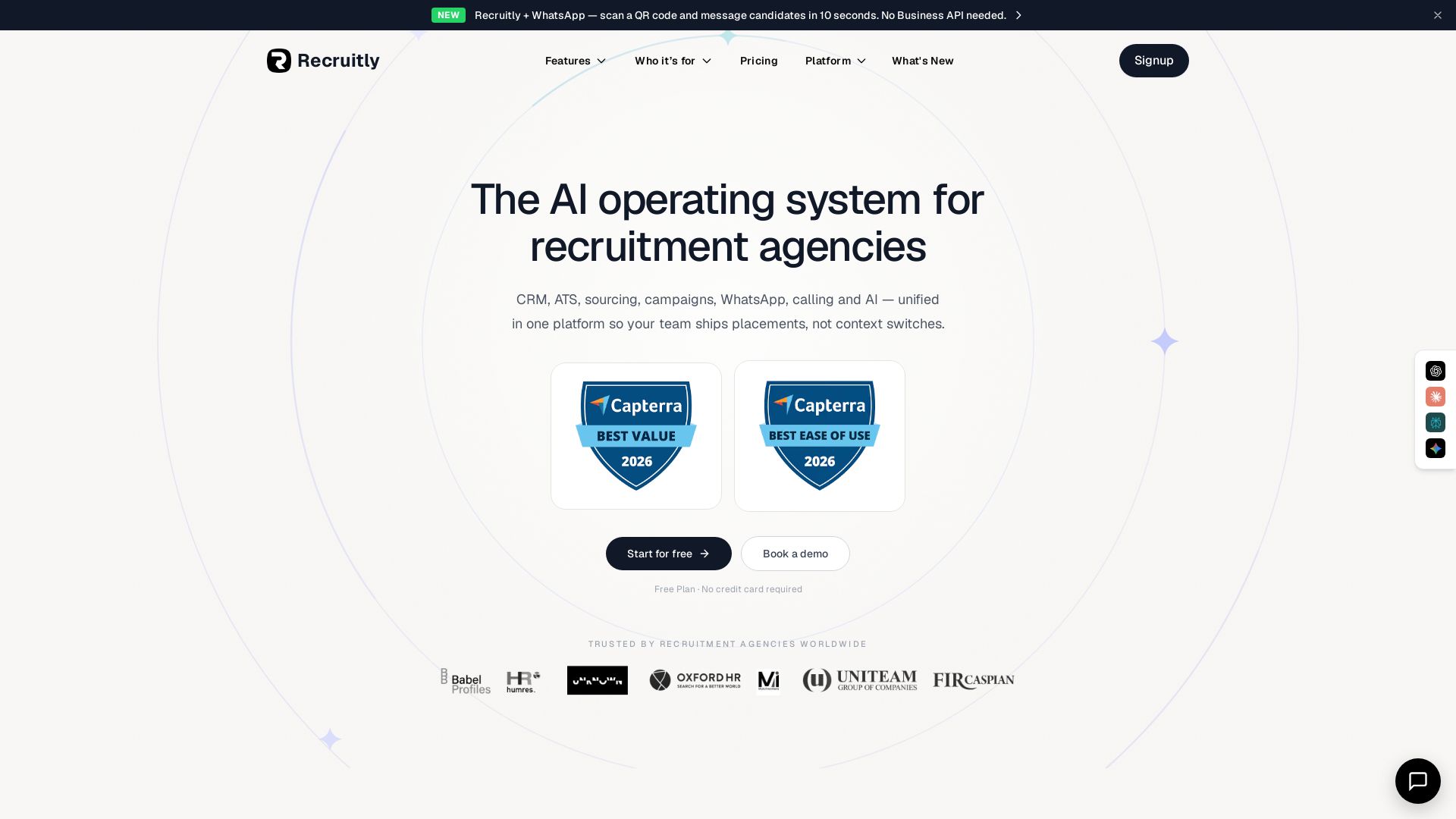
Recruitly
Unify CRM, ATS, sourcing, WhatsApp, calling & AI in one platform. From $25/user/mo. Free plan available.


CoRecruit
CoRecruit automates interview notes, ATS updates, and candidate submittals for recruitment firms. Save 8 hours of admin per recruiter per week. Trusted by 1000+ firms.


tldv
Automatically record, transcribe, and summarize meetings. Get AI-powered insights, sales coaching, and CRM integrations. Free forever. 2M+ users.

WizCommerce
Modernize wholesale sales and operations with AI. Manage rep-led, online, EDI, and marketplace sales in one platform. Automate tasks, boost revenue, and save hours. Book a demo.


Rep AI
Boost conversion rates, reduce support tickets, and unify sales & support across all channels with the #1 commerce-trained AI agent.

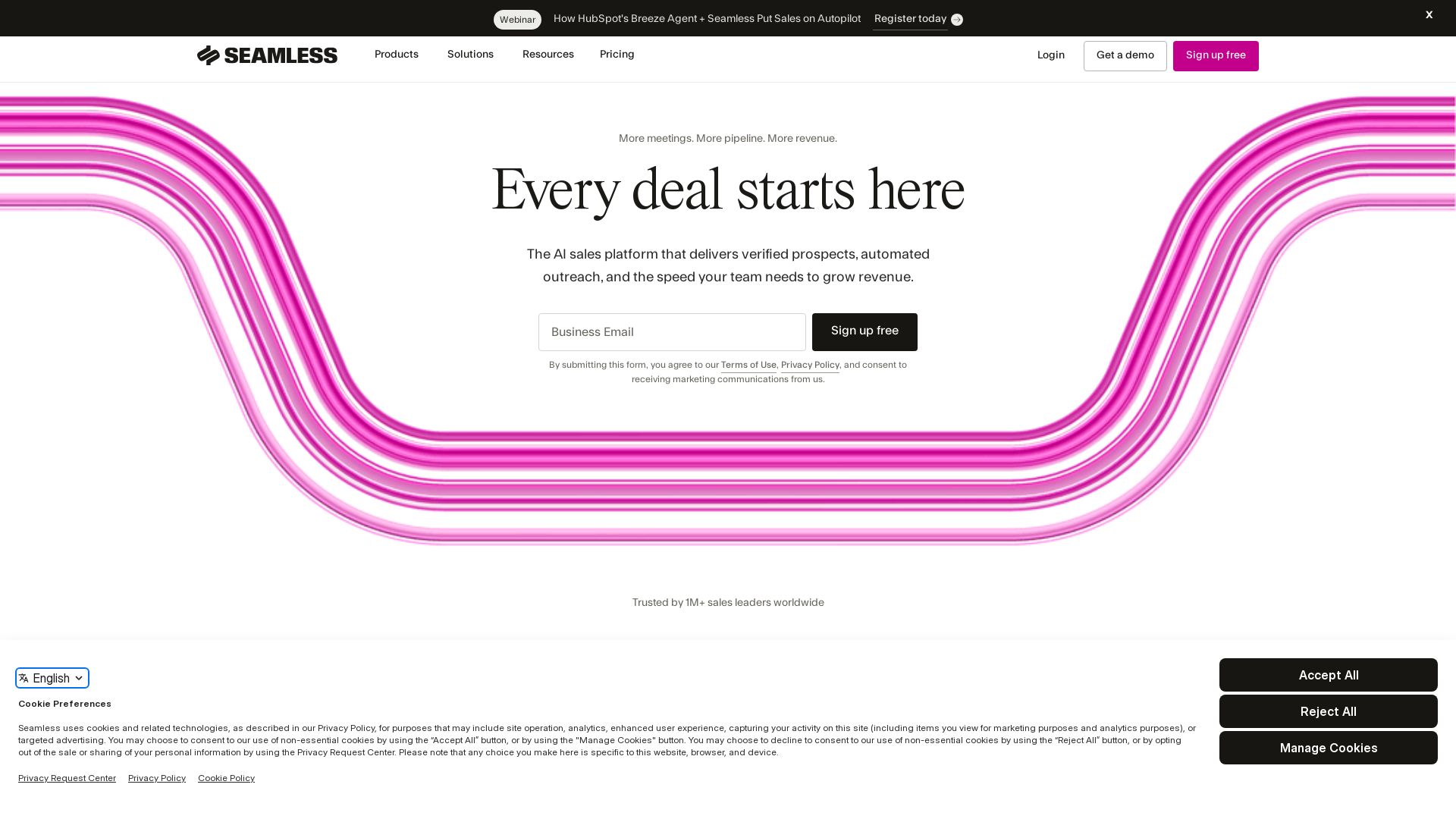
Seamless.AI
Turn data into deals with AI-powered prospecting, outreach, and automation. Trusted by 1M+ sales leaders. Get verified leads and book more meetings.


ChatBot
Train an AI agent on your website in minutes. Answer questions, recommend products, and close sales 24/7. Free 14-day trial, no credit card.

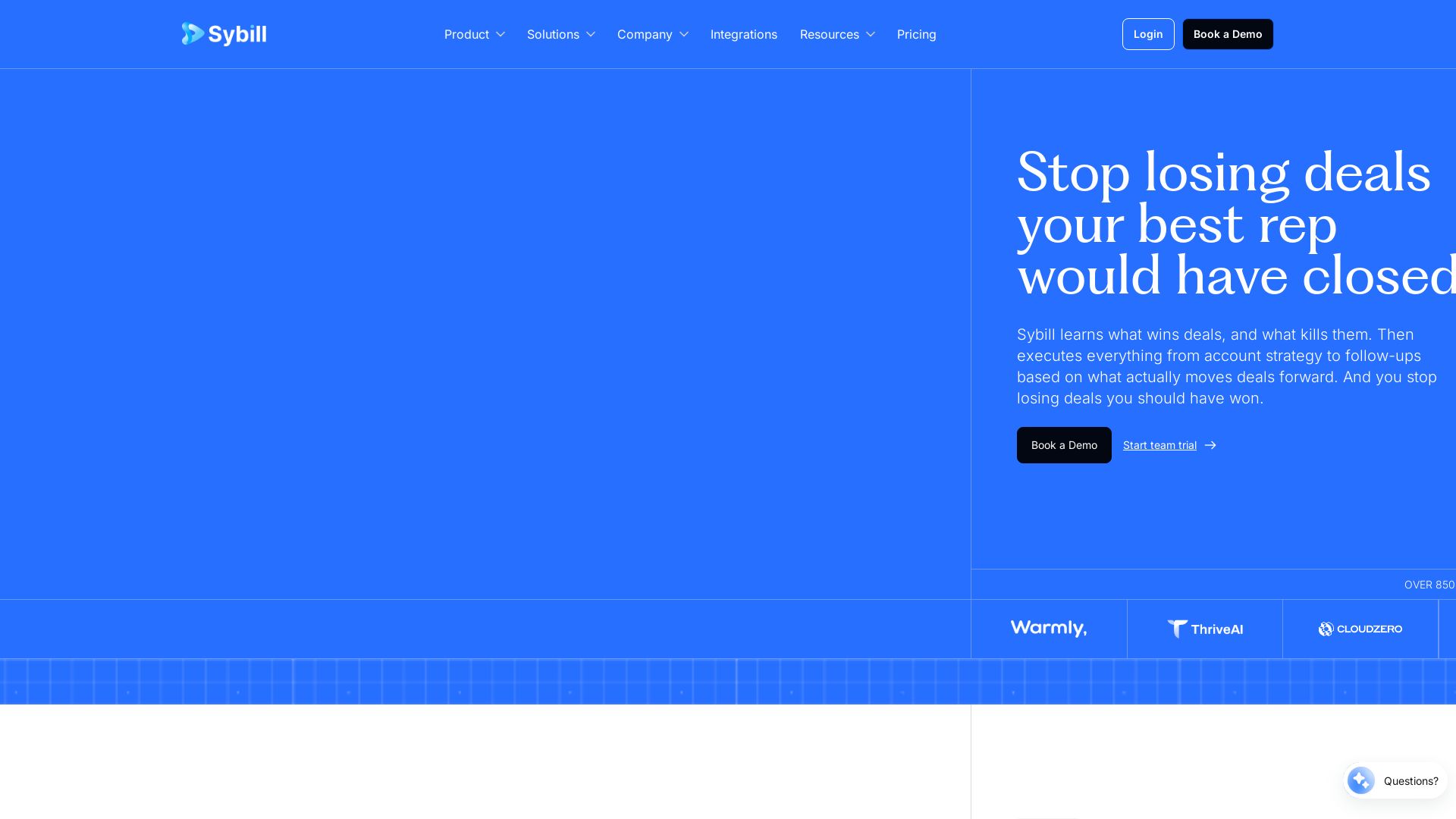
Sybill
Stop losing deals. Sybill learns what wins, saves reps 10+ hours/week, and boosts win rates by 10%. Try it free.

ℹ️ Curation Disclosure: The overview and features of TextForge were synthesized using AI and fact-checked by our curation team to ensure accuracy.
