
remio
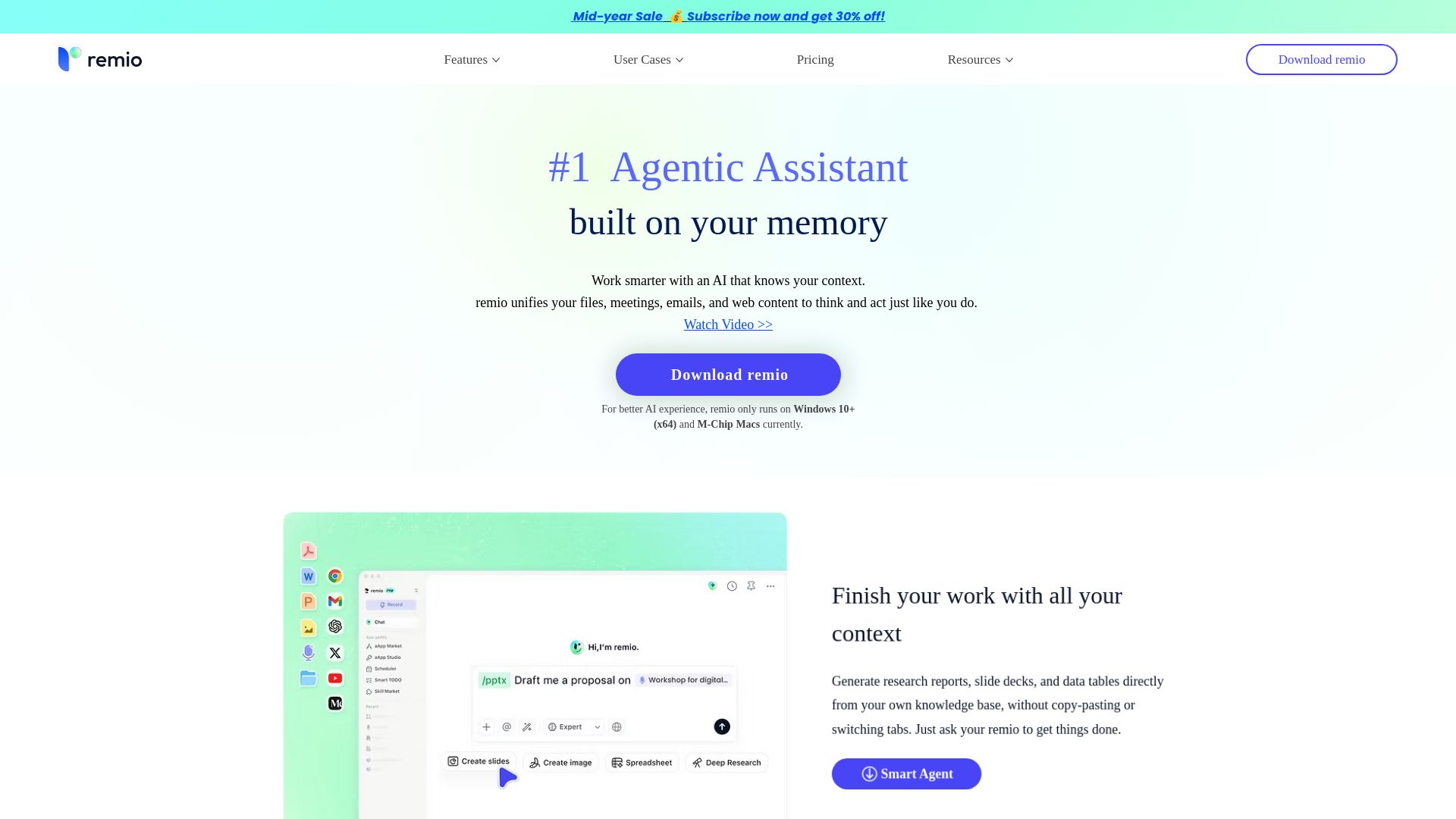
remio captures files, meetings, emails, and web content to build a personal knowledge base. Ask questions, get answers, and work smarter with context-aware AI.

Editor's Verdict
Key Takeaways
- Agentic Assistant
- Automatic Info Capture
- Unlimited Local Recording & Transcription
- Browse to Save
In-Depth Review: What is remio?
remio is a local-first AI assistant that continuously captures and organizes your digital life—files, meetings, emails, and browsing—into a unified knowledge base. It runs silently in the background, enabling you to ask questions, generate reports, and automate tasks without manual effort. Unlike generic chatbots, remio understands your unique context and works securely on your device, saving you hours weekly. Ideal for professionals, educators, and anyone seeking a smarter way to manage information.
Core Features
Agentic Assistant
An AI that knows your context and can generate research reports, slide decks, and data tables directly from your own knowledge base without copy-pasting.
Automatic Info Capture
Captures webpages, files, meetings, emails, messages, and notes automatically in the background, organizing them into a single knowledge base.
Unlimited Local Recording & Transcription
Records and transcribes meetings locally with no limits, turning every discussion into searchable knowledge.
Browse to Save
Saves the web pages you read as you browse, enabling later search and recall based on your reading history.
Second Brain & Personal Growth Tracking
Acts as an encyclopedia of your thinking, offering periodic recaps and helping you connect dots over time.
aApp Marketplace
A marketplace for agentic apps that integrate with your personal knowledge to automate daily tasks.
AI Presentation & Office File Creation
Creates and manages Office files like PPTX and Excel reports directly from your knowledge base.
Local Data Control & Privacy
All data is processed locally, ensuring privacy and security. Supports BYOK for enterprise.
Pricing
Free
- 500 AI credits/mo
- Unlimited Webpage Capture
- Unlimited Local File Parsing
- Slack, Gmail & Outlook Integration
- Markdown, Highlights & Comments
- Basic Search & Reference
- Mobile App
- Sync 2 Devices (upcoming)
Pro
- All Free features
- 10,000 AI credits/mo
- All Premium LLMs Included
- Nano Banana 2 Image Gen
- AI Meeting Assistant
- System Voice Dictation
- Enterprise Privacy & BYOK
- Base URL Connection
- Full Device Sync (upcoming)
Plus
- All Free features
- 40,000 AI credits/mo
- All Premium LLMs Included
- Nano Banana 2 Image Gen
- AI Meeting Assistant
- System Voice Dictation
- Enterprise Privacy & BYOK
- Base URL Connection
- Full Device Sync (upcoming)
Max
- All Free features
- 150,000 AI credits/mo
- All Premium LLMs Included
- Nano Banana 2 Image Gen
- AI Meeting Assistant
- System Voice Dictation
- Enterprise Privacy & BYOK
- Base URL Connection
- Full Device Sync (upcoming)
Pros and Cons
Pros
- Local-First PrivacyAll your data is processed locally, ensuring maximum privacy and security. No external servers needed.
- Automatic Knowledge CaptureSeamlessly captures files, meetings, emails, web pages, and more without manual effort, building a comprehensive knowledge base.
- AI-Powered ProductivityGenerates reports, slide decks, and data tables directly from your context, saving hours of manual work.
- Unlimited Free RecordingRecord and transcribe meetings endlessly with no extra cost, turning all conversations into searchable knowledge.
- Integrations and ExtensibilityIntegrates with Slack, Gmail, Outlook, WeChat, and more. Offers an aApp marketplace for custom workflows.
Cons
- Limited OS SupportCurrently only runs on Windows 10+ (x64) and M-Chip Macs, excluding many users on older systems or non-Mac ARM devices.
- Credit-Based Usage LimitsEven the paid plans have credit caps (e.g., 10,000 credits/mo for Pro), which might be insufficient for heavy users.
- Features Still in DevelopmentCross-device sync and some integrations (e.g., Apple Notes sync, calendar sync) are marked as upcoming or in progress.
- No Linux SupportLinux users are not supported, limiting the tool's reach among developers and server environments.
- Learning Curve for SetupWhile designed to be automatic, initial setup and connecting all sources may require some configuration and understanding.
Use Cases & Recommended Professions
Educator & Researcher→ View Toolkit
Saves time by synthesizing materials from diverse sources like YouTube lectures and academic PDFs, generating literature reviews and discussion questions.
Product Manager→ View Toolkit
Automatically captures competitive analysis and user research, reducing planning time and enabling focus on strategy.
Software Engineer→ View Toolkit
Maintains a local knowledge base of code snippets, documentation, and meeting notes with strict privacy for sensitive projects.
Industry Consultant→ View Toolkit
Automates capture of intensive research from browsing and meetings, eliminating manual note-taking and link saving.
Startup Founder→ View Toolkit
Acts as a decision-making partner by surfacing valuable insights from scattered data, aligning with fast-paced goals.
Student→ View Toolkit
Helps organize lecture notes, recordings, and web resources into a searchable second brain for efficient study.
Frequently Asked Questions
Alternative AI Tools
View Detailed Comparison →
HIX AI
HIX AI is an AI agent workspace that lets you research, create slides, videos, images, and more with one tool. Boost productivity with deep research and automated content creation.


Figr
Ship better UX faster. Figr builds a living understanding of your product, maps flows, finds edge cases, and generates high-fidelity prototypes from your actual design system.

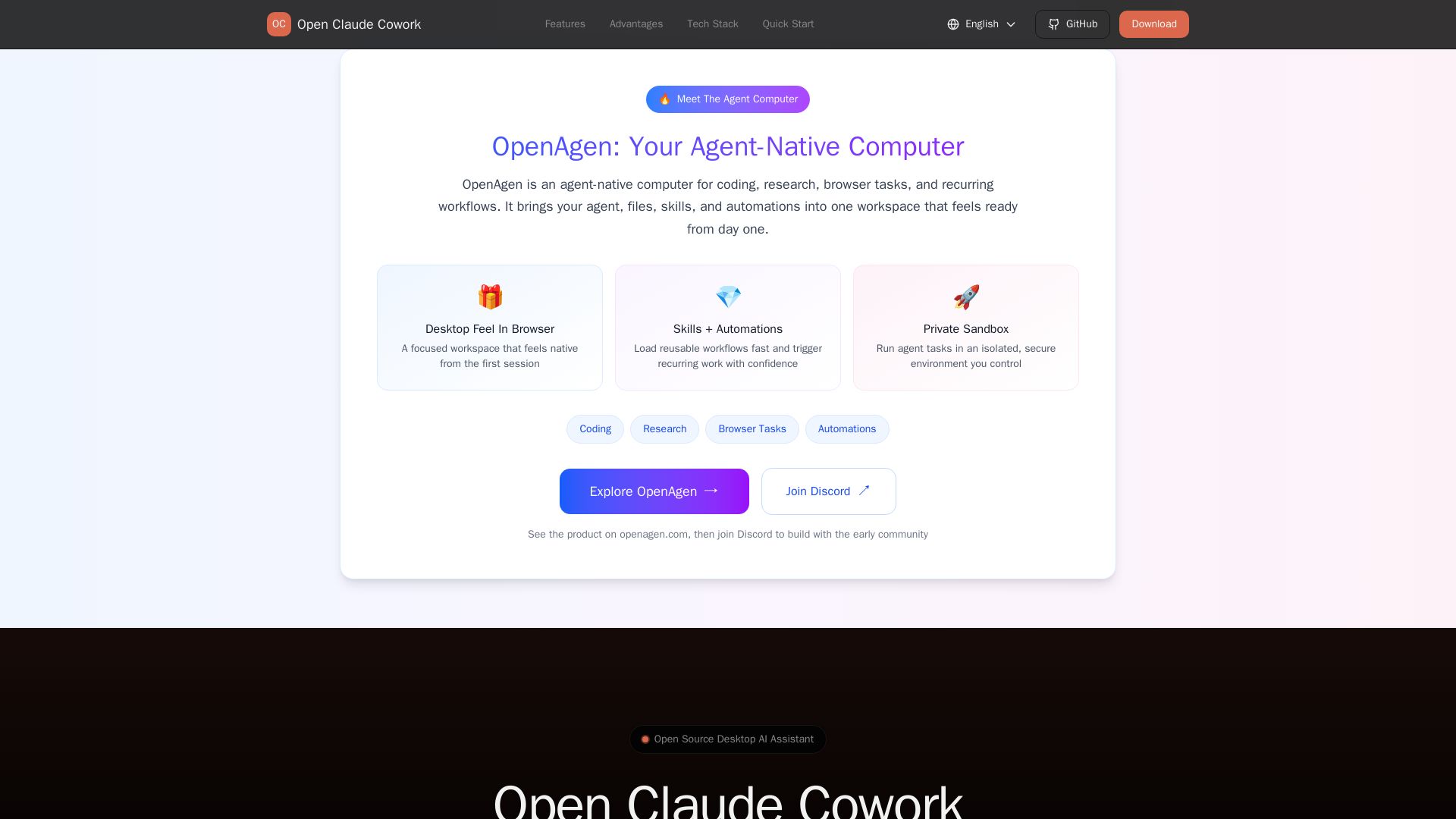
Open Claude Cowork
Bring Claude Code to desktop with visual AI collaboration. Open source assistant for coding, research, browser tasks. Supports Chinese LLMs, session management, and tool control.

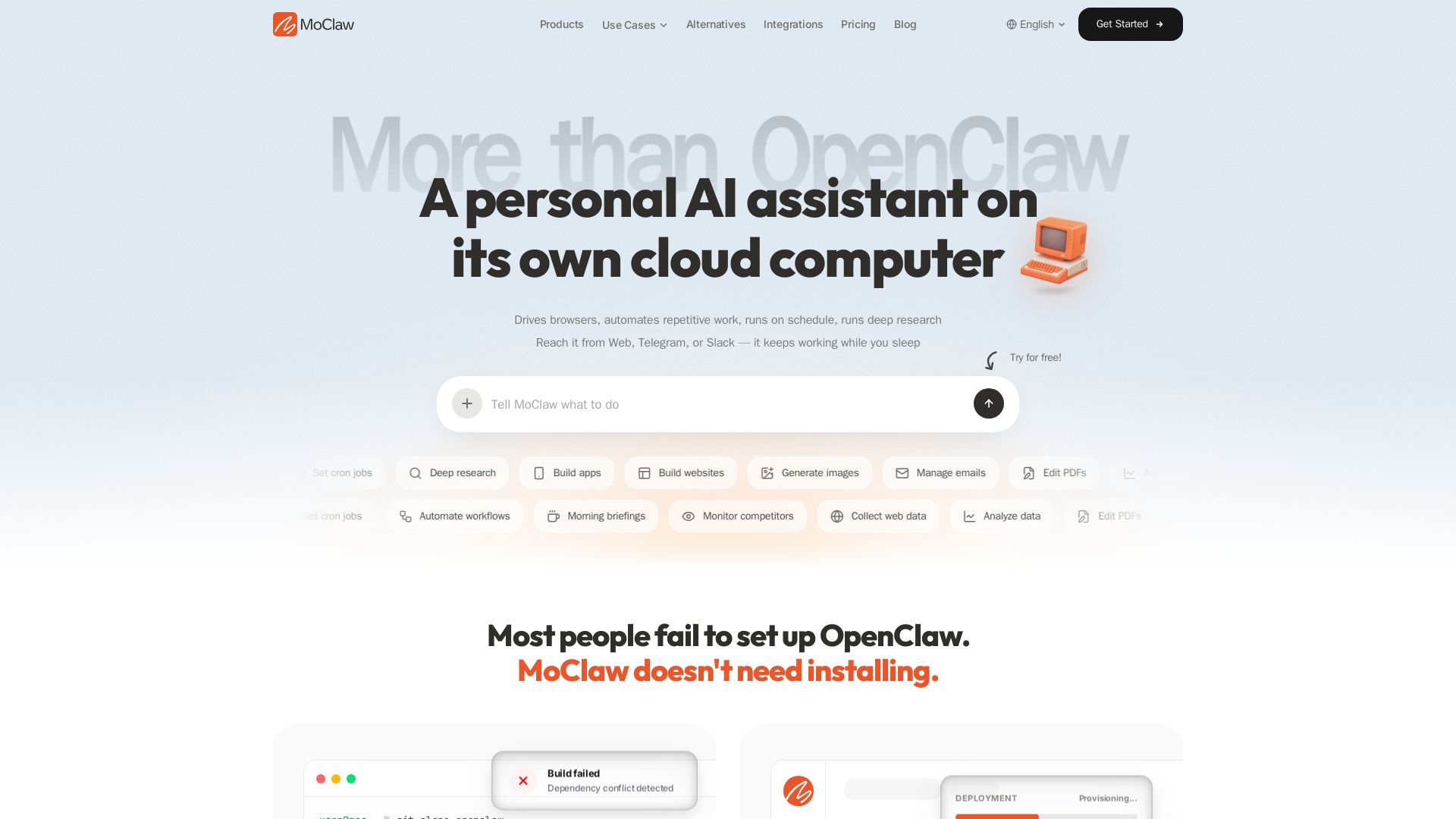
MoClaw
Automate tasks, research, and workflows with MoClaw's always-on AI computer. No setup, no crashes. Deep research, browser control, scheduling. Try free.

Chat Smith
Unlock powerful AI tools for image creation, deep research, web search, writing, and work. Sign in for unlimited chats and history.

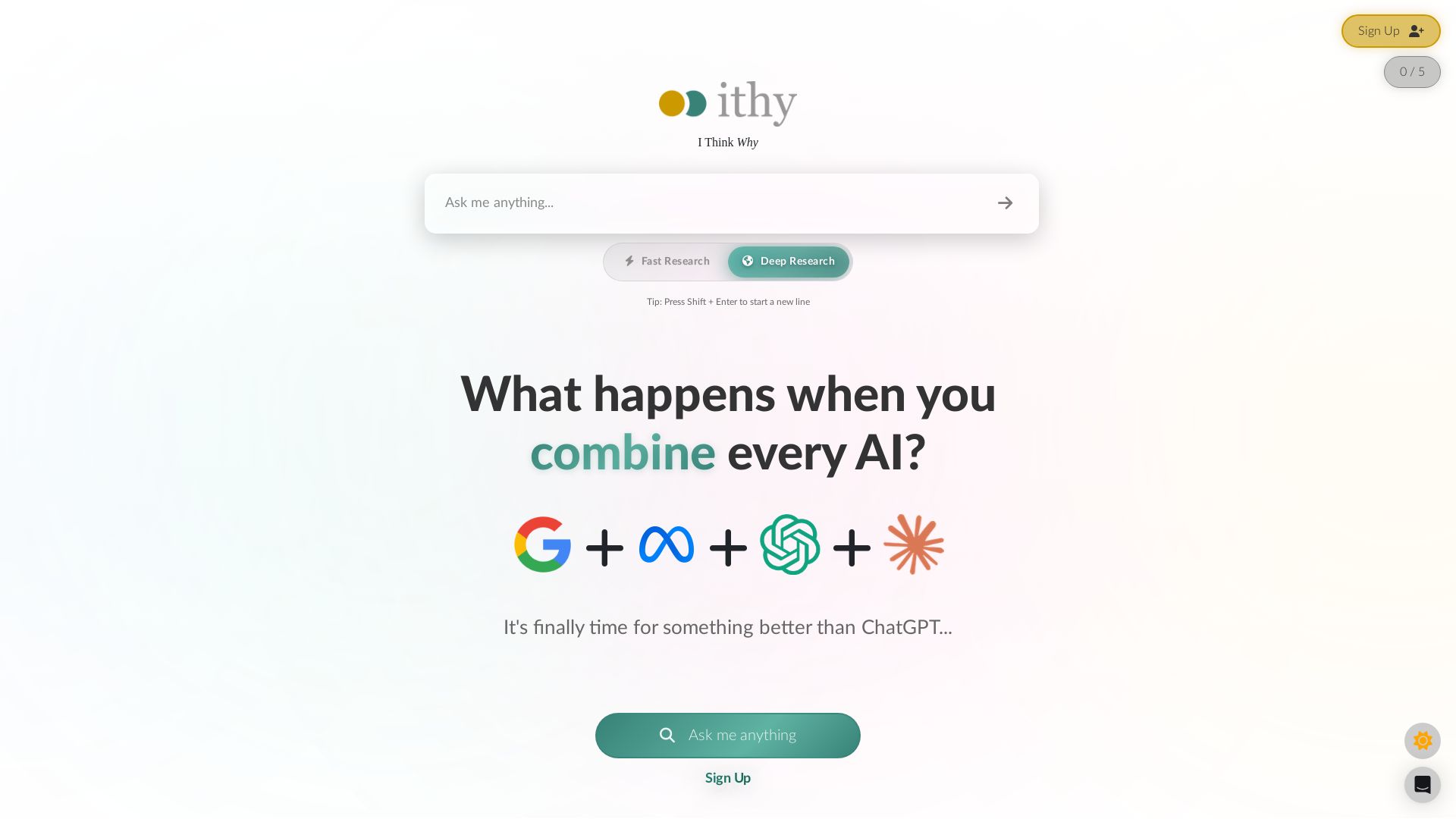
Ithy
Ithy aggregates top AIs (ChatGPT, Gemini, Perplexity) for 1-minute deep research. Interactive articles, rewards, #1 GPQA score. Try free.


Cassandra Research
Australia's leading AI-powered tax and legal research platform. Instant analysis of ITAA 1997, ATO rulings, and case law for professionals.

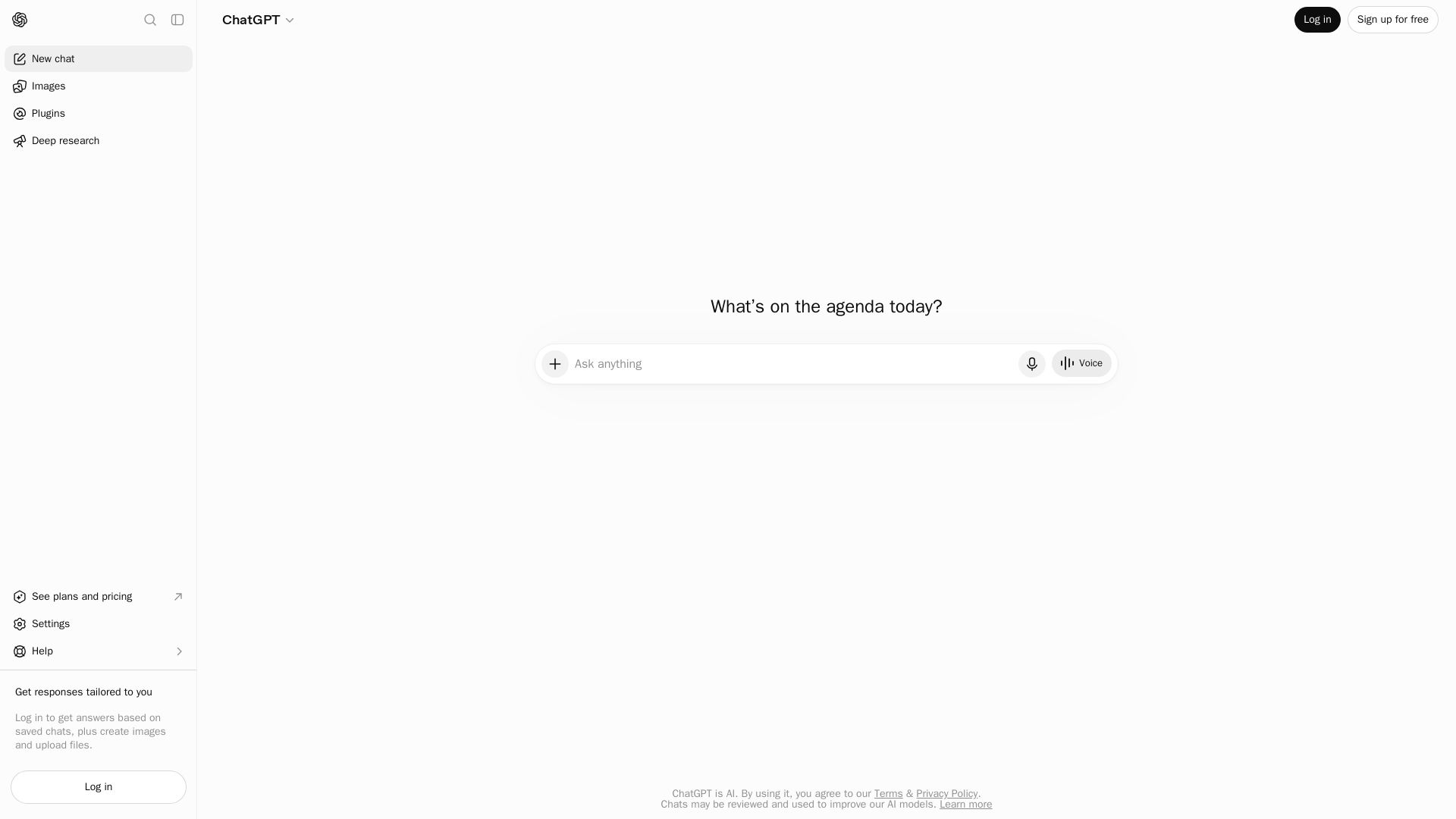
ChatGPT
ChatGPT is an AI assistant that lets you chat, generate images, do deep research, and more. Sign up for free.

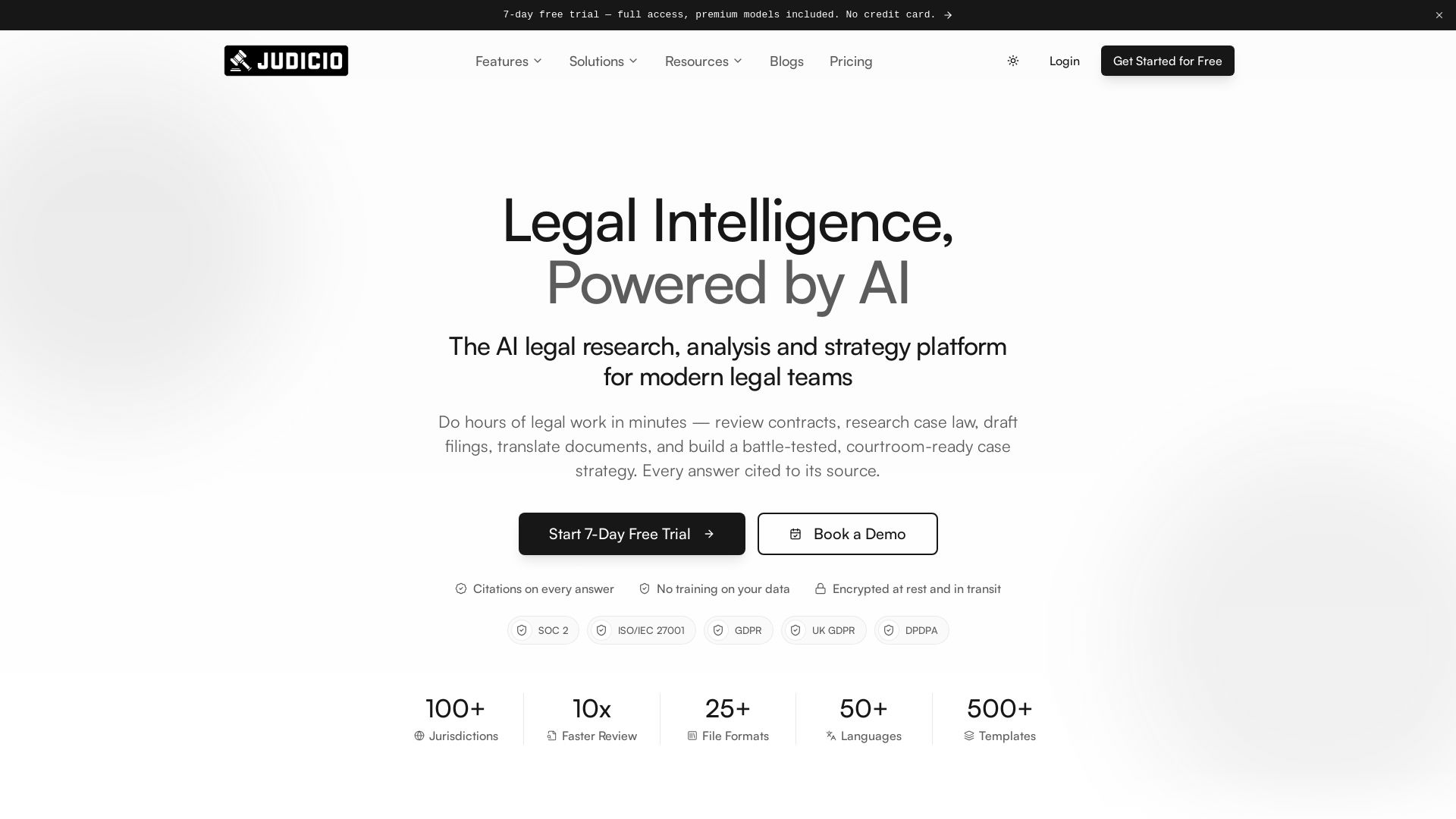
Judicio
AI-powered legal research and document analysis for modern legal teams. Review contracts, research case law, draft filings, and more — every answer cited.

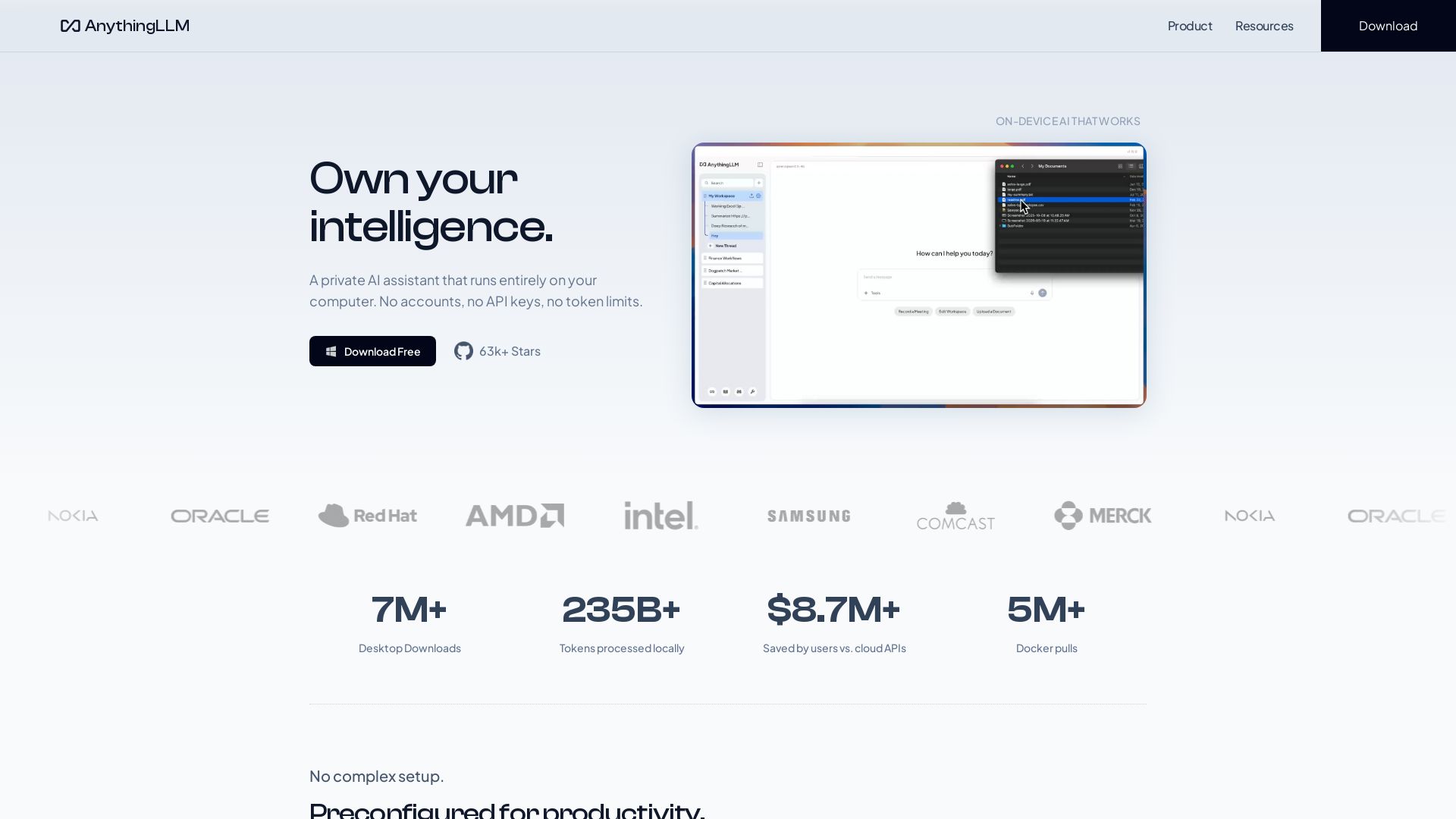
AnythingLLM
Free, open-source private AI assistant. Runs locally on your computer. No cloud, no accounts. Includes document knowledge, meeting assistant, and more.

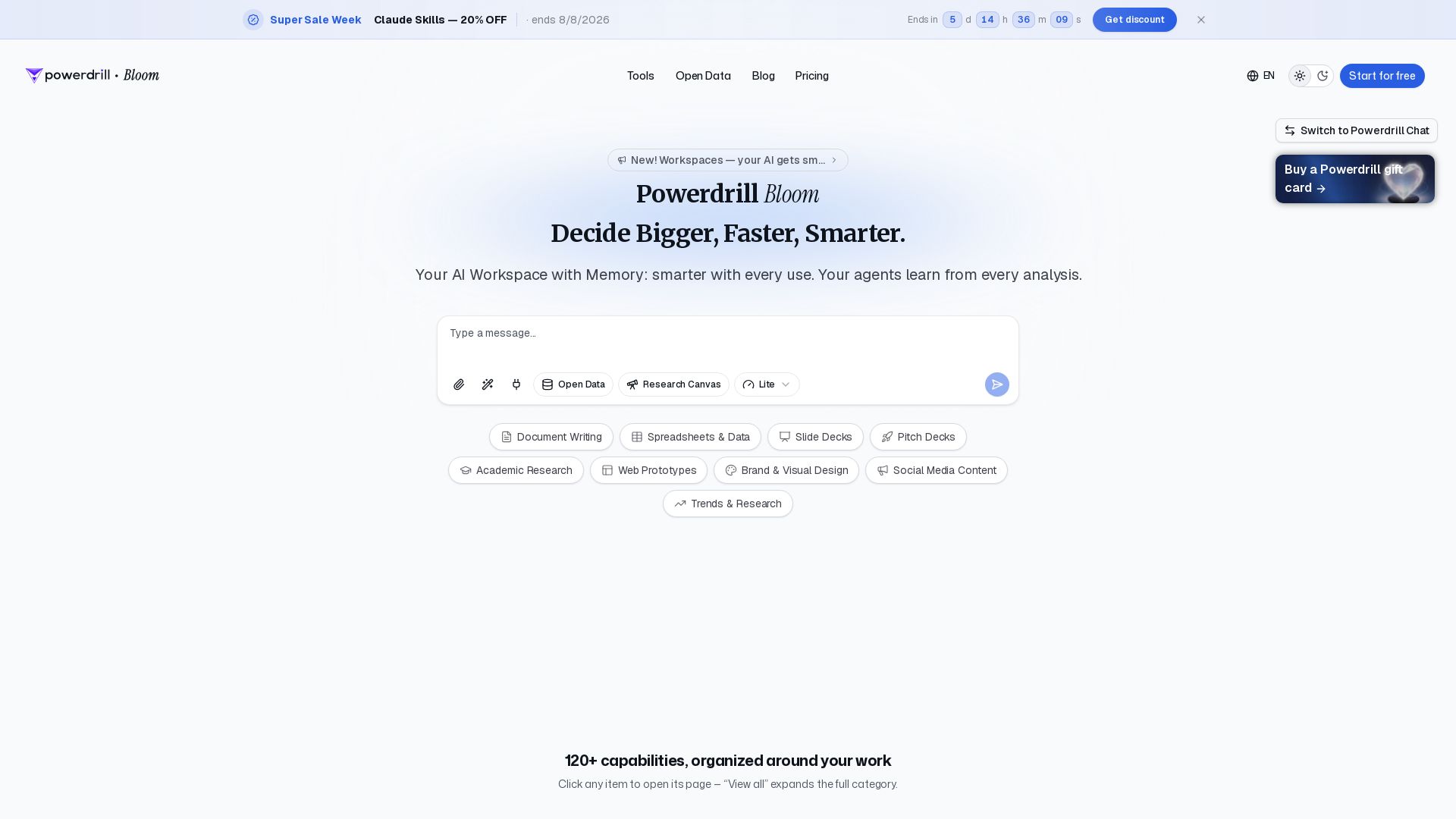
Powerdrill Bloom
Powerdrill Bloom: AI workspace with memory for data analysis, docs, research & more. Smarter with every use. Start free.


ℹ️ Curation Disclosure: The overview and features of remio were synthesized using AI and fact-checked by our curation team to ensure accuracy.
