
Instructor
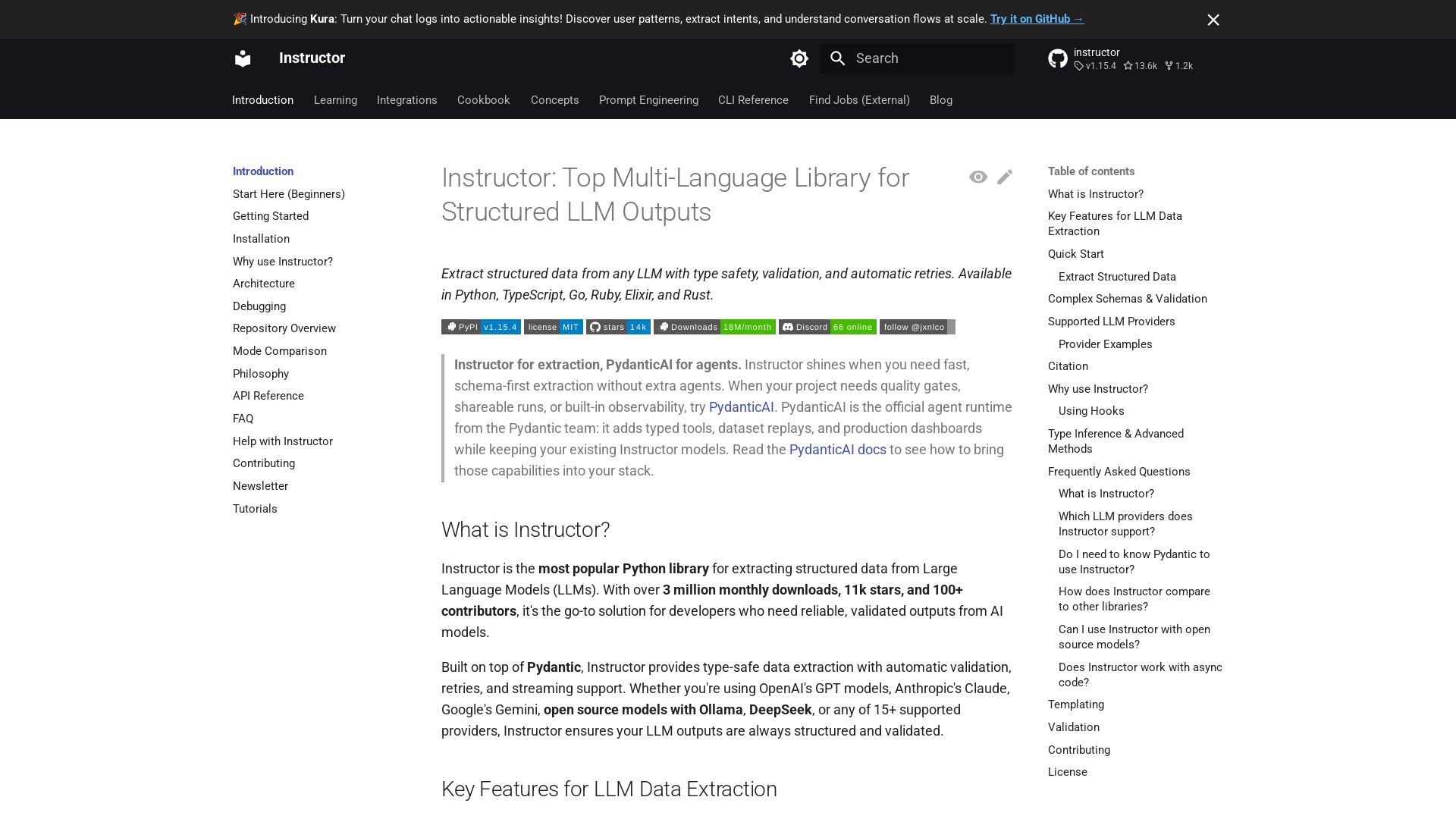
Extract structured data from any LLM with type safety, validation, and auto-retries. Supports Python, TypeScript, Go, and more.

Editor's Verdict
Key Takeaways
- Structured Outputs
- Automatic Retries
- Data Validation
- Streaming Support
In-Depth Review: What is Instructor?
Instructor is the most popular Python library for extracting structured, validated data from Large Language Models (LLMs). Built on Pydantic, it provides automatic retries, streaming support, and seamless integration with 15+ providers including OpenAI, Anthropic, Google, and Ollama. Available in multiple languages, Instructor ensures reliable, type-safe outputs for production applications.
Core Features
Structured Outputs
Define Pydantic models to specify exactly what data you want from your LLM.
Automatic Retries
Built-in retry logic when validation fails, eliminating manual error handling.
Data Validation
Leverage Pydantic's powerful validation to ensure response quality.
Streaming Support
Real-time processing of partial responses and lists.
Multi-Provider
Works with OpenAI, Anthropic, Google, Mistral, Cohere, Ollama, DeepSeek, and 15+ LLM providers.
Type Safety
Full IDE support with proper type inference and autocompletion.
Open Source Support
Run any open source model locally with Ollama, llama-cpp-python, or vLLM.
Pricing
Free
- All features
- Unlimited usage
- Open source (MIT license)
Pros and Cons
Pros
- Simple API with Full Prompt ControlStraightforward API that gives complete ownership and control over prompts.
- Multi-Language SupportAvailable in Python, TypeScript, Go, Ruby, Elixir, and Rust.
- Automatic Reasking and ValidationAutomatically reasks the model when validation fails, ensuring high-quality outputs.
- Streaming SupportStream partial results and iterables with ease for real-time processing.
- Powered by Type HintsLeverage Pydantic for schema validation, prompting control, less code, and IDE integration.
Cons
- Limited to Structured ExtractionNot a full agent framework; additional libraries like PydanticAI are recommended for agent-based workflows.
Use Cases & Recommended Professions
Software Engineer→ View Toolkit
To extract structured data from LLMs reliably in production systems.
Data Scientist→ View Toolkit
To validate and structure LLM outputs for data analysis pipelines.
AI Engineer→ View Toolkit
To integrate LLMs into applications with type-safe structured outputs.
Backend Developer→ View Toolkit
To build APIs that require validated JSON from LLM responses.
Research Scientist→ View Toolkit
To extract structured information from large text corpora using LLMs.
Product Manager→ View Toolkit
To understand LLM capabilities and design features that leverage structured data extraction.
Frequently Asked Questions
Alternative AI Tools
View Detailed Comparison →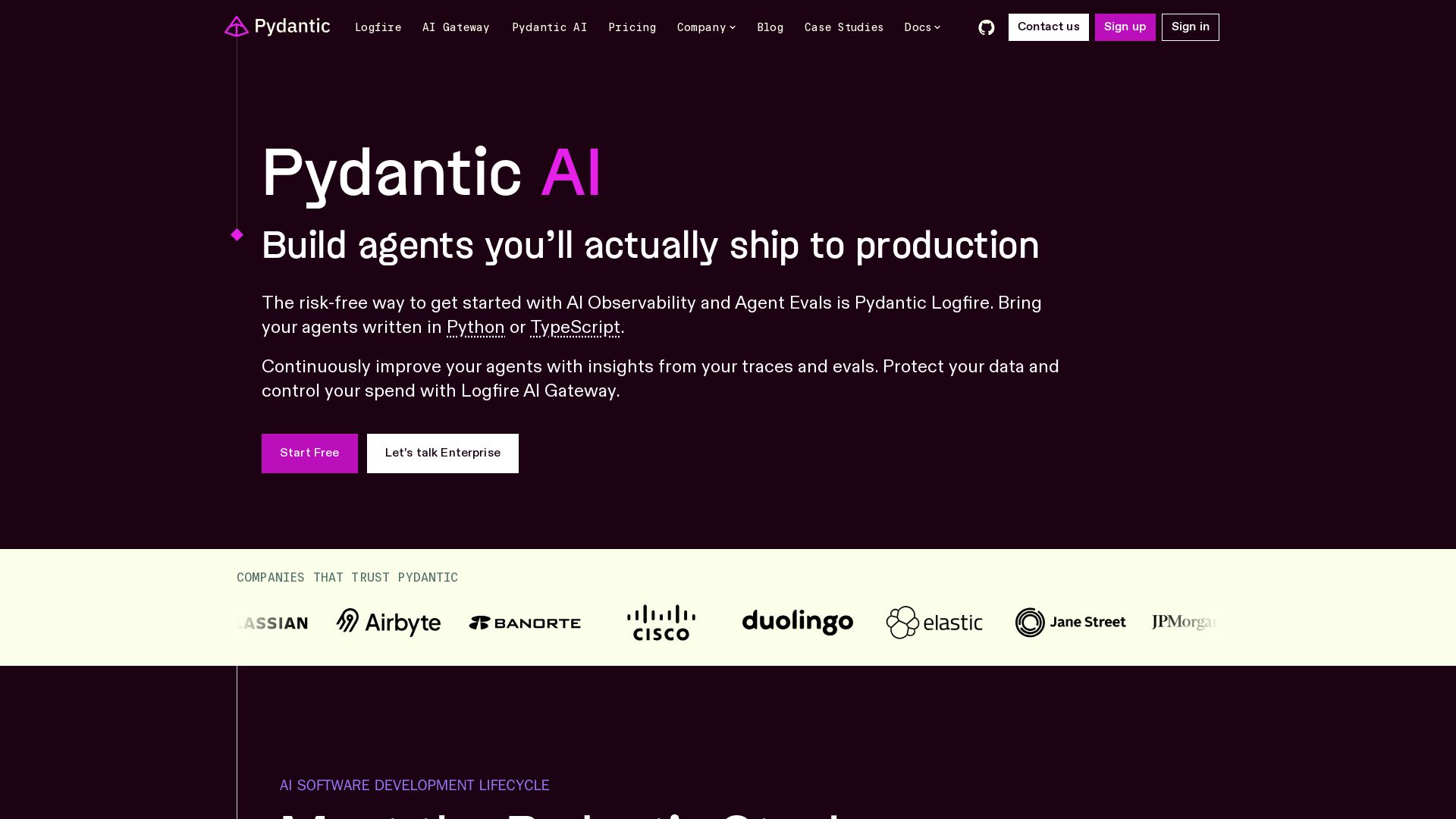
Pydantic
Build, iterate, and deploy type-safe AI apps with Pydantic Validation, AI, Logfire, and Evals. Open source, developer-first.

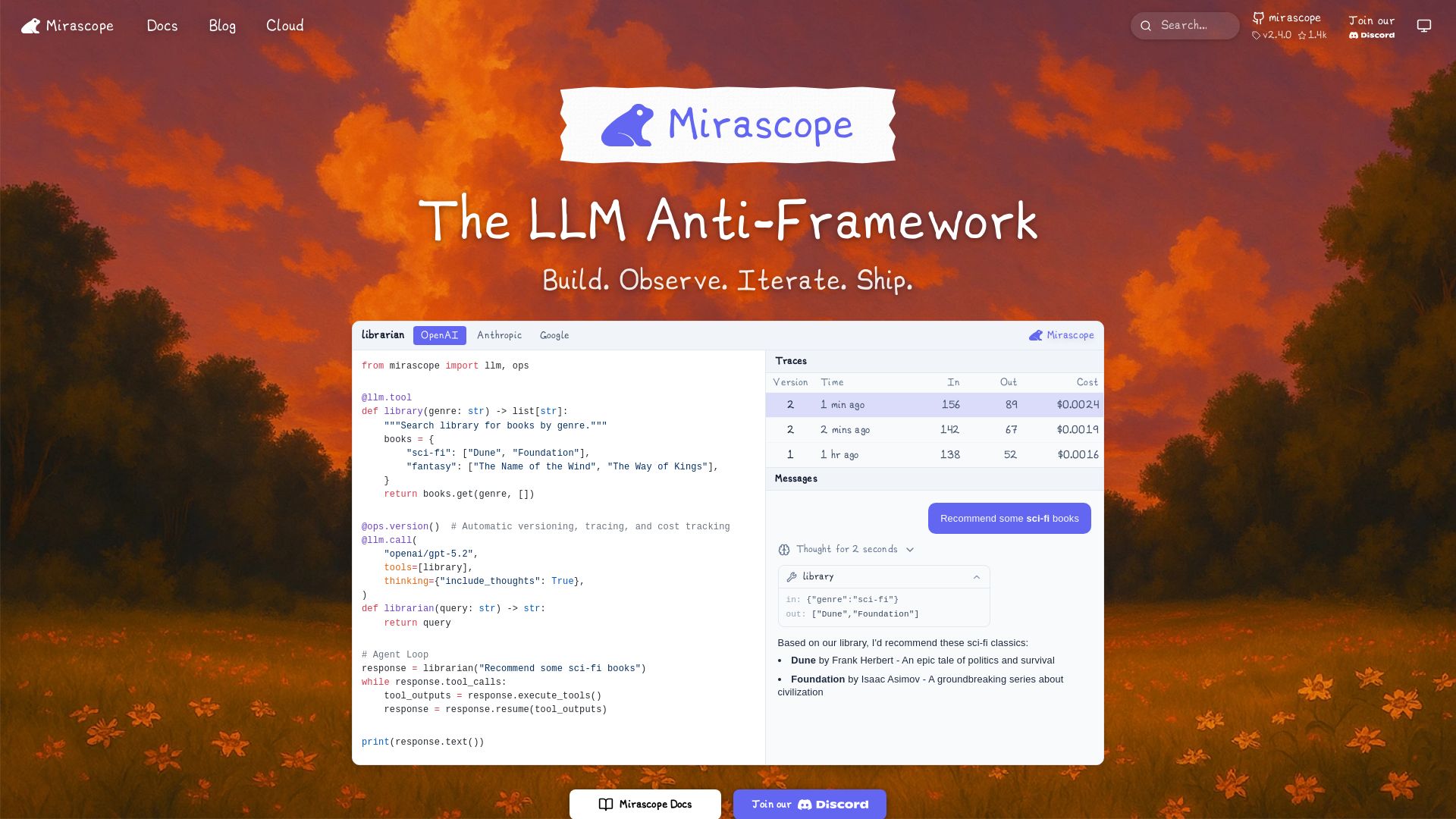
Mirascope
Build, observe, and iterate LLM applications with automatic versioning, tracing, and cost tracking. Supports OpenAI, Anthropic, Google, and more.

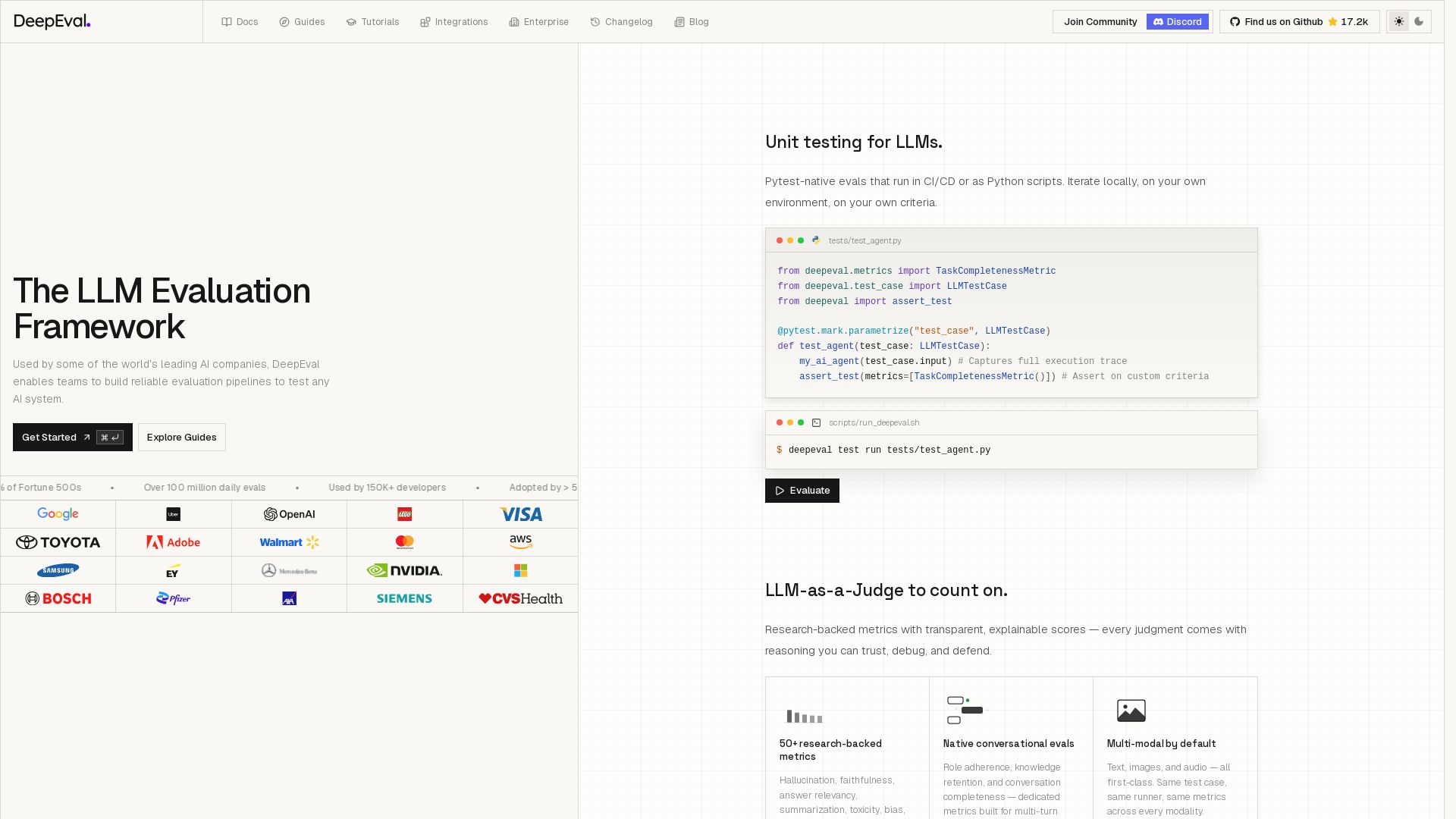
DeepEval
Open-source LLM evaluation framework with 50+ metrics, unit testing, CI/CD support, and synthetic data generation. Trusted by 150K+ developers and 50% of Fortune 500s.

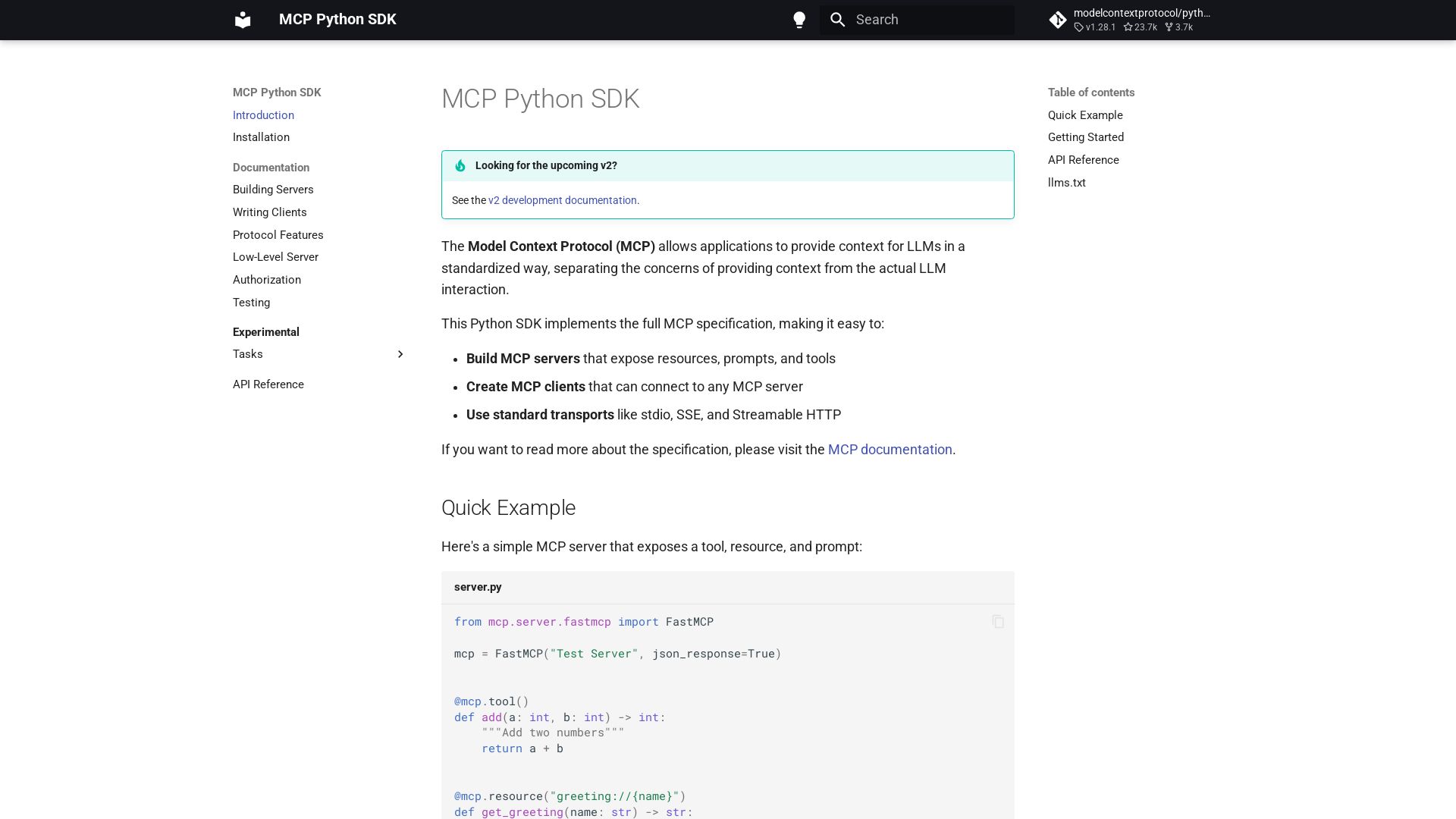
MCP Python SDK
Python SDK for Model Context Protocol. Easily build servers and clients exposing tools, resources, and prompts.

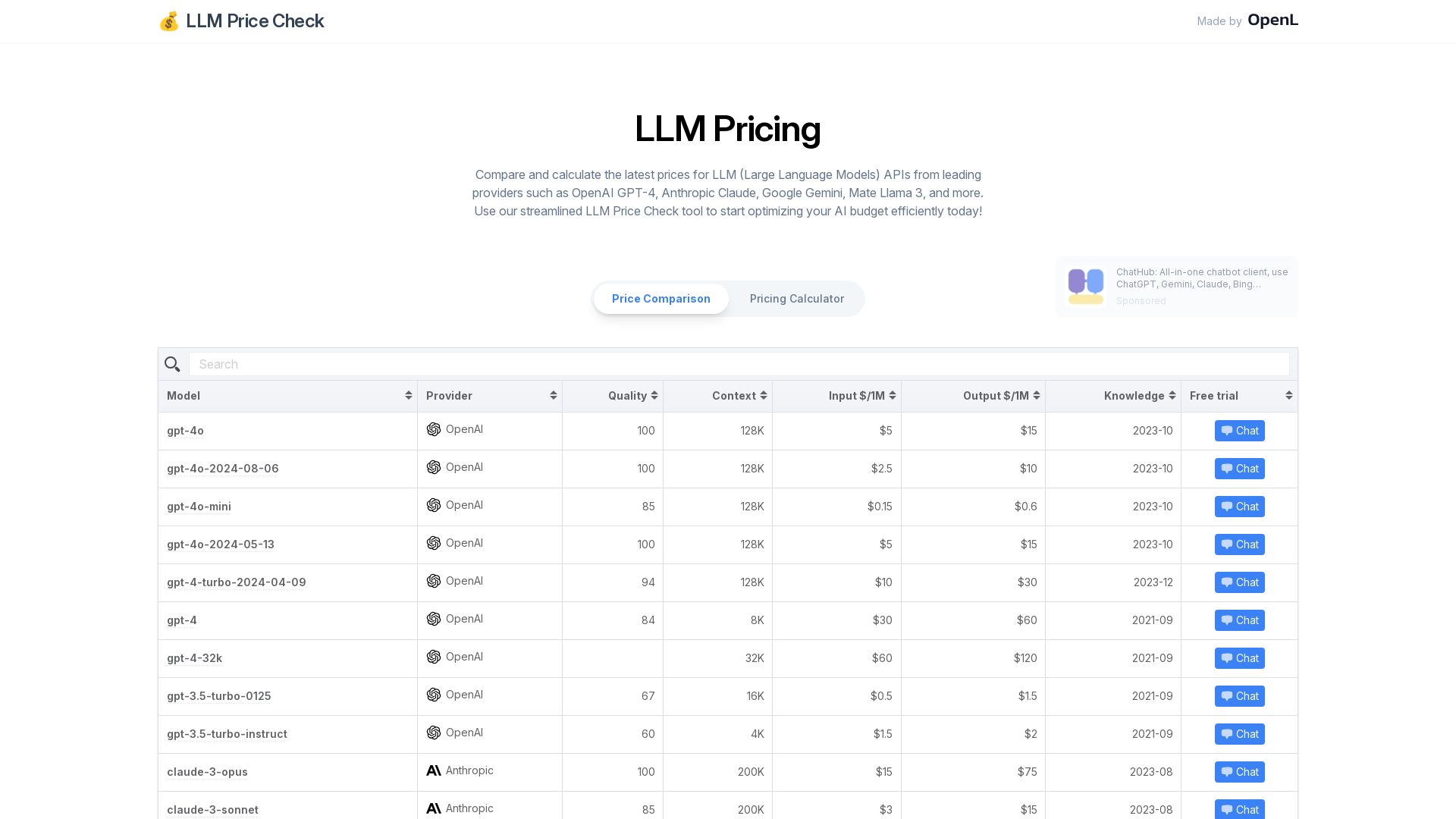
LLM Price Check
Instantly compare prices for leading LLM APIs including OpenAI GPT-4, Anthropic Claude, Google Gemini, and more. Optimize your AI budget with our free pricing calculator.

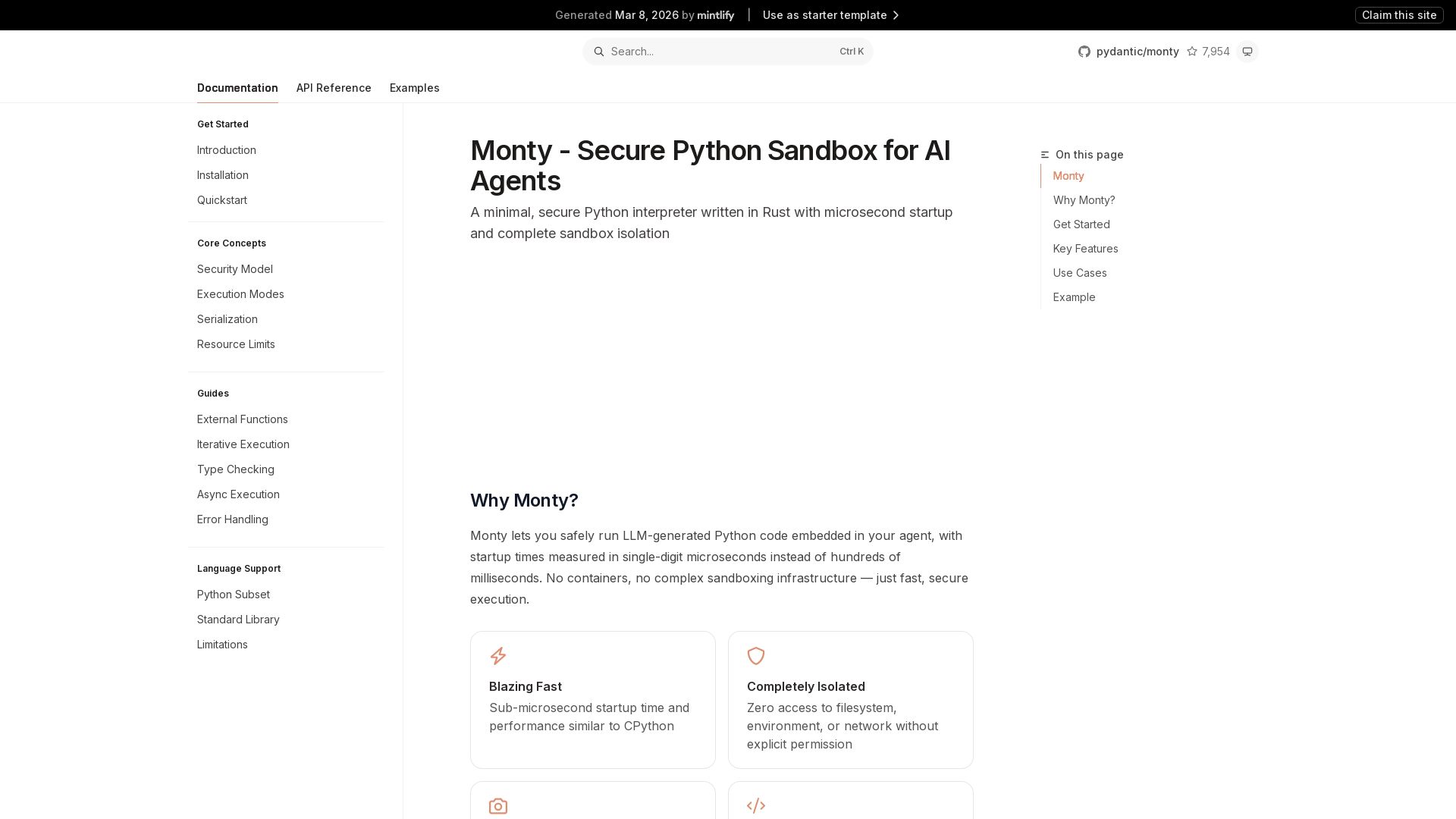
Monty
Run LLM-generated Python code securely with Monty's microsecond startup, complete isolation, and snapshot/resume. Ideal for AI agents.

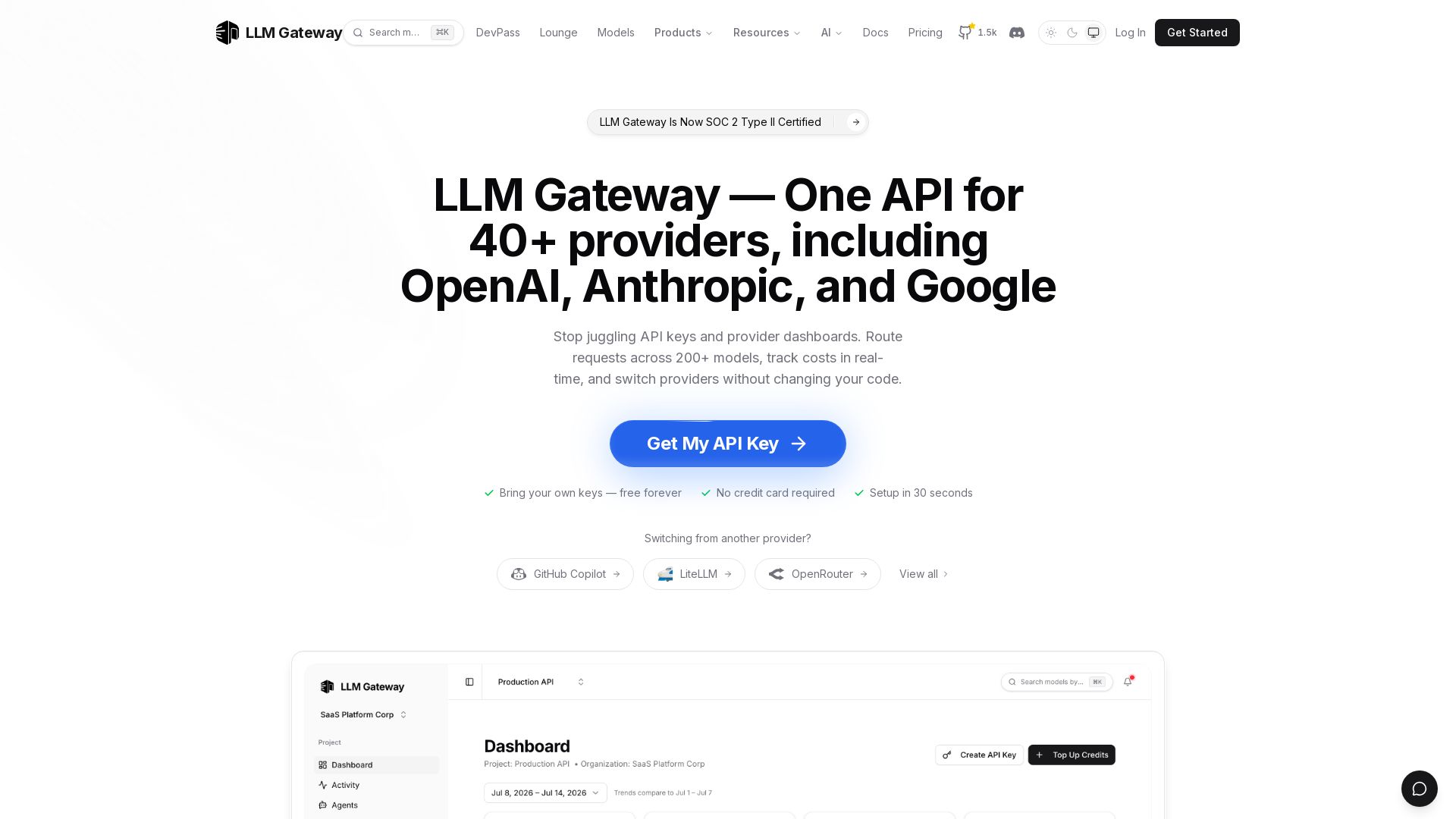
LLM Gateway
One API for 40+ LLM providers (OpenAI, Anthropic, Google). Switch models, track costs, auto-failover. Bring your own keys, free forever.

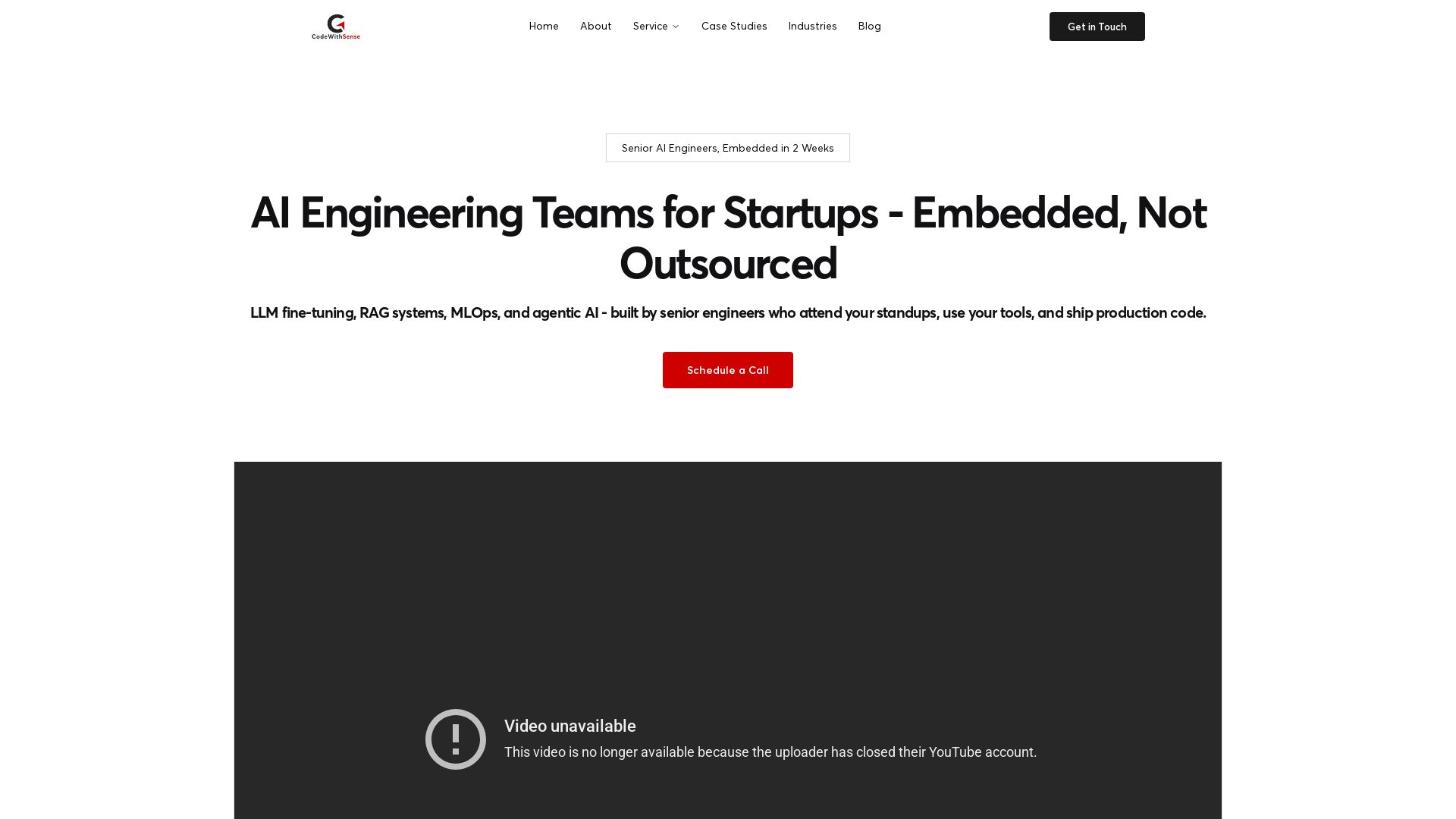
CodeWithSense
Embedded senior AI engineering teams for startups. LLM fine-tuning, RAG, MLOps, agentic AI. Ship production code in weeks, not months.

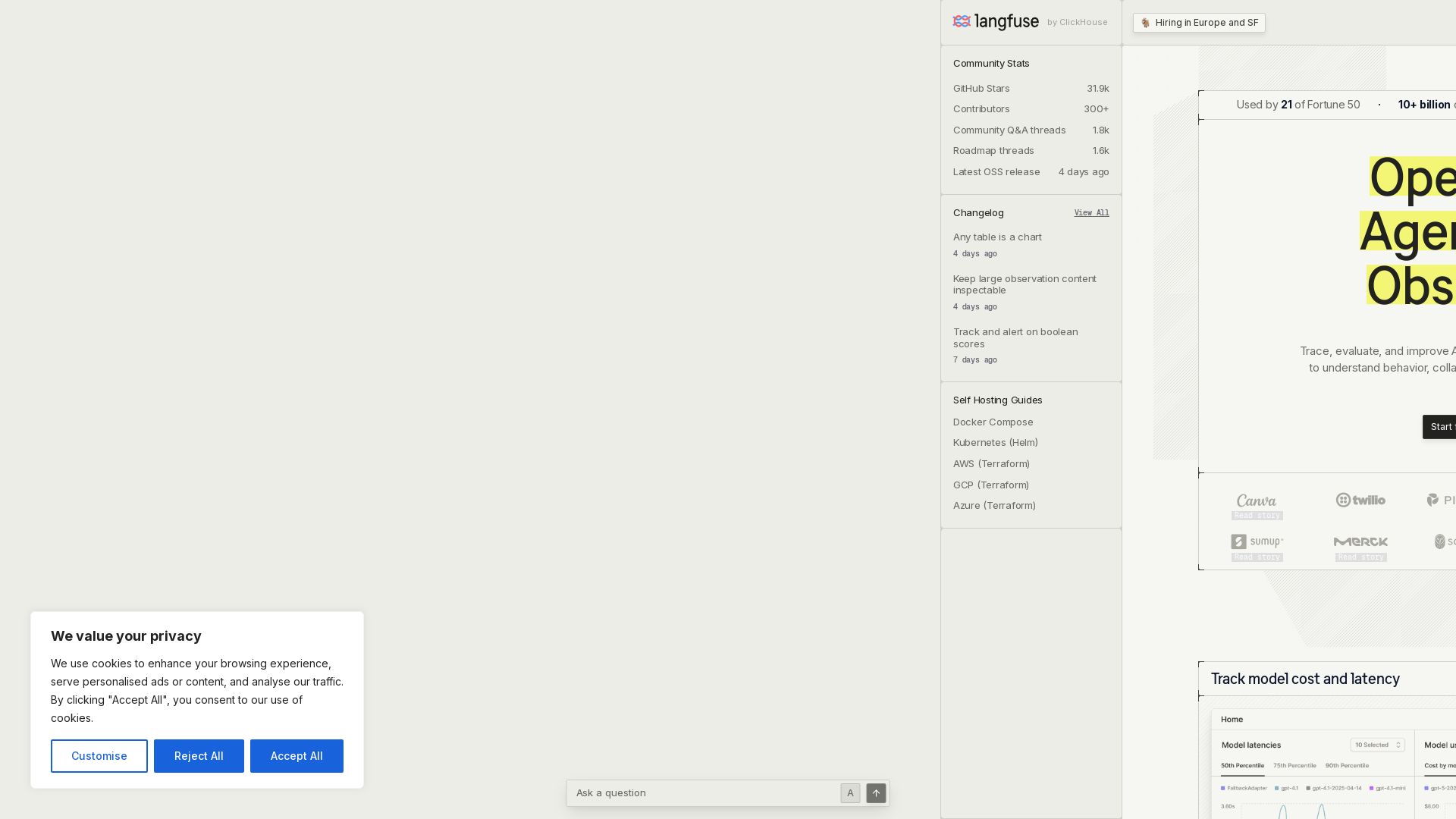
Langfuse
Trace, evaluate, and improve AI agents with one open platform. Use production data to optimize cost, latency, and quality.

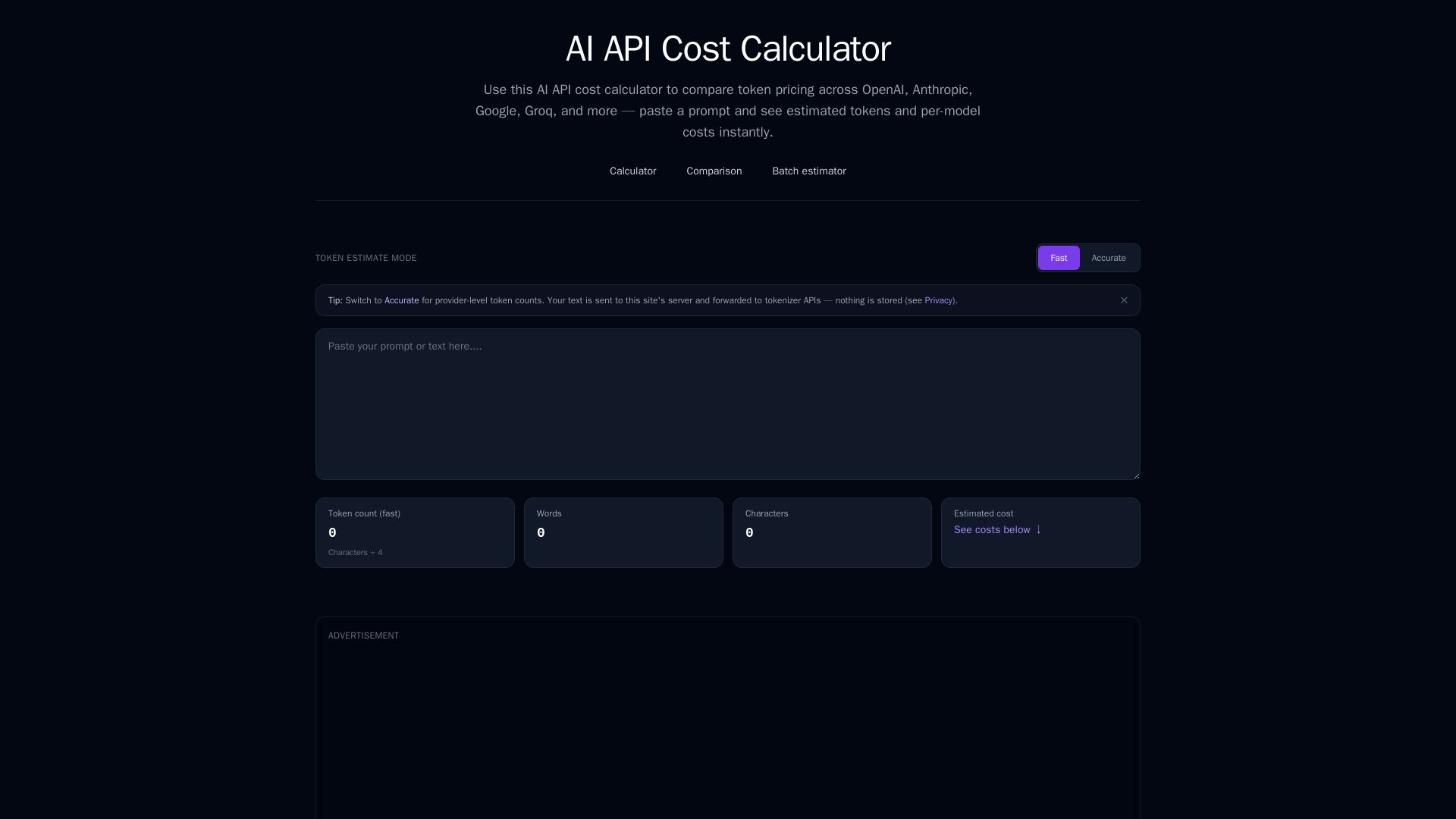
AI API Cost Calculator
Instantly estimate tokens and compare costs across OpenAI, Anthropic, Google, Groq, and more. Free AI API cost calculator with batch estimator.

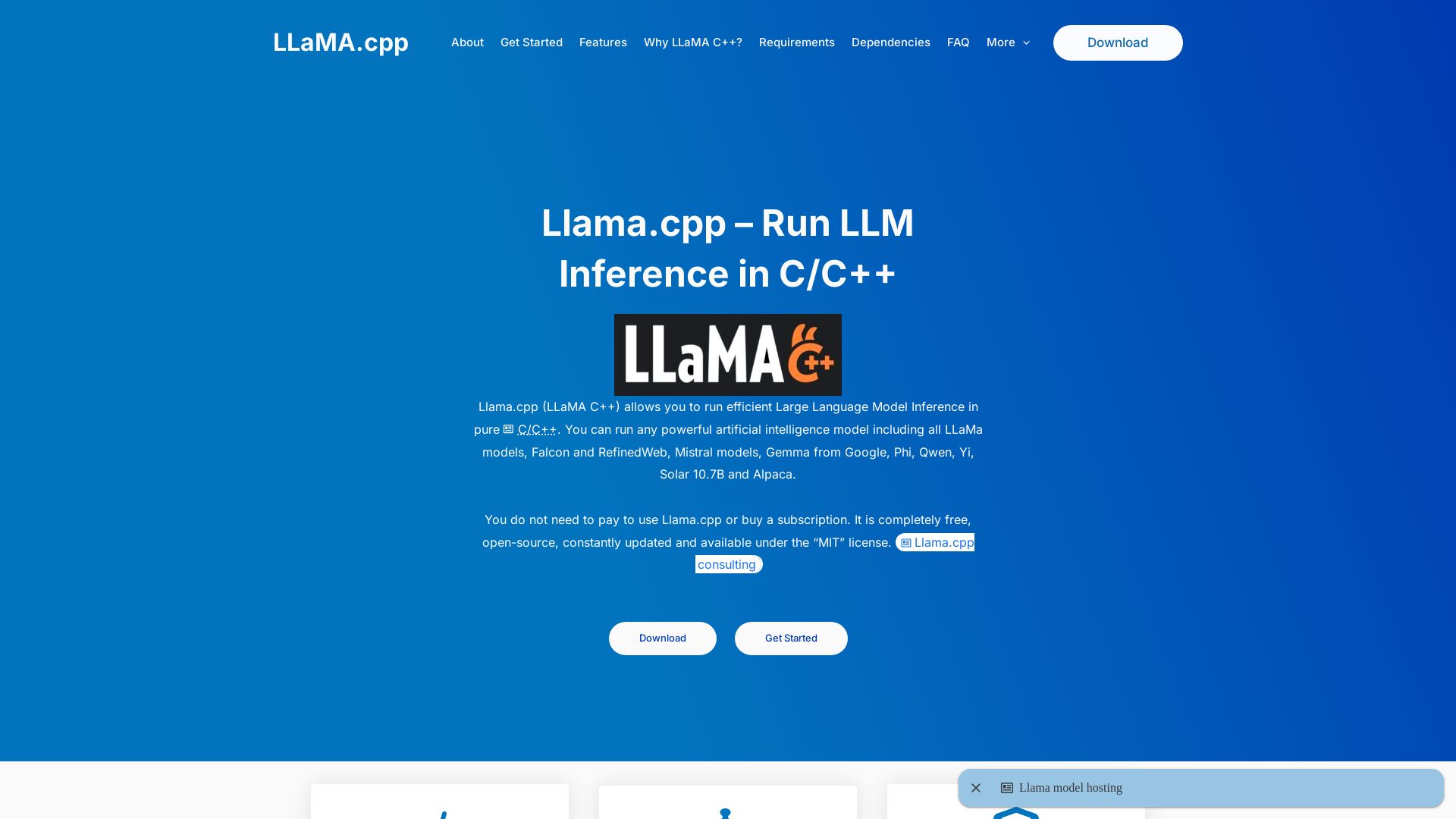
llama.cpp
Efficiently run large language models locally with llama.cpp. Free, open-source, MIT licensed. Supports quantization, GPU acceleration, and multiple models. No Python needed.

LangChain
Explore comprehensive API reference for LangChain ecosystem: LangChain, LangGraph, Deep Agents, LangSmith, and integrations. Python & TypeScript.

ℹ️ Curation Disclosure: The overview and features of Instructor were synthesized using AI and fact-checked by our curation team to ensure accuracy.