
llama.cpp
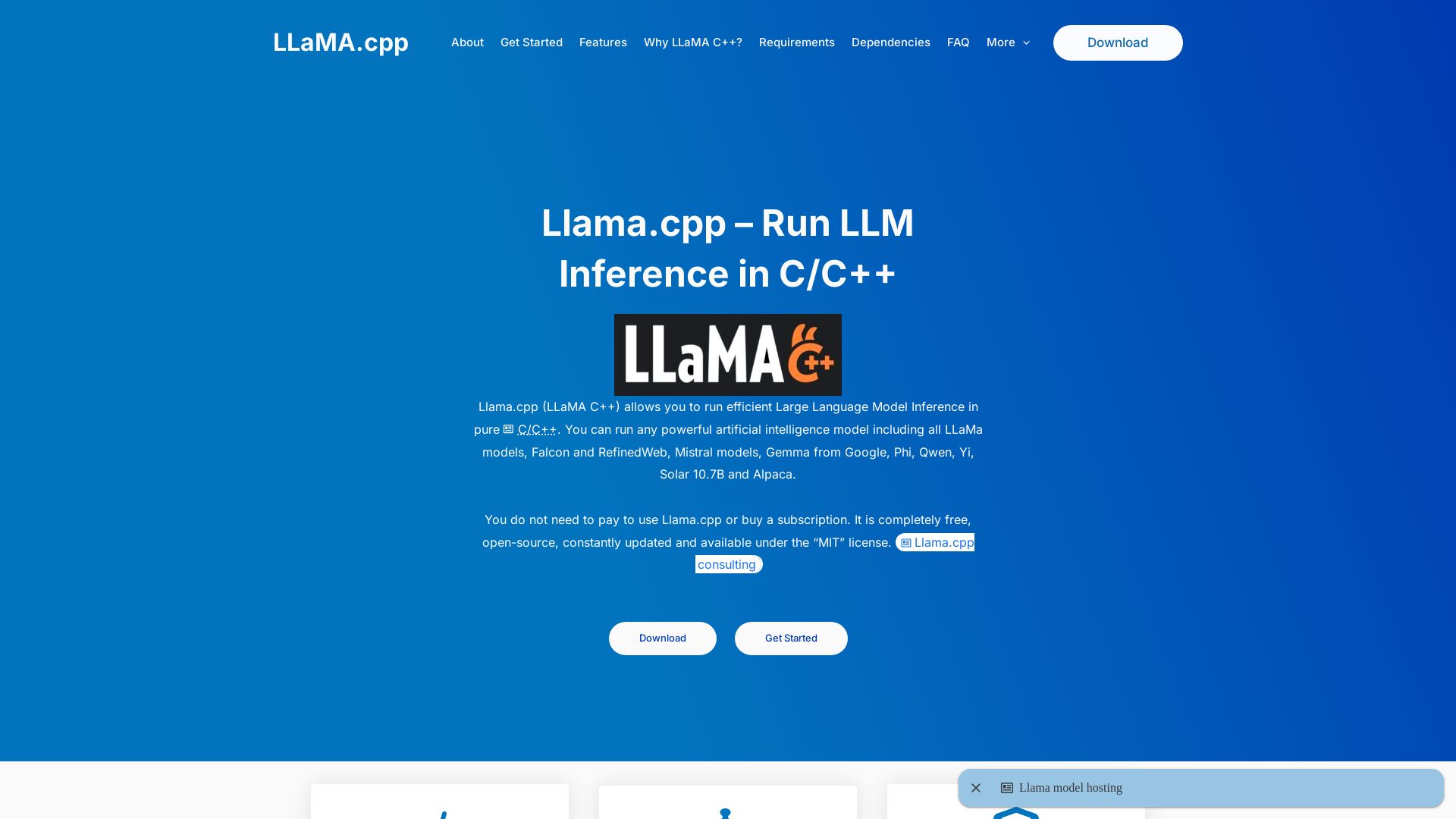
Efficiently run large language models locally with llama.cpp. Free, open-source, MIT licensed. Supports quantization, GPU acceleration, and multiple models. No Python needed.
Editor's Verdict
Key Takeaways
- Built in C/C++
- Hardware Acceleration
- Quantization Support
- OpenAI Compatible API
In-Depth Review: What is llama.cpp?
Llama.cpp is an unofficial informational website about the llama.cpp project, a high-performance C/C++ inference engine for running LLMs on consumer hardware. It covers features like quantization, hardware acceleration, OpenAI-compatible API, and privacy. The site aims to help users understand and get started with llama.cpp.
Core Features
Built in C/C++
Pure C/C++ implementation with no external dependencies, no Python runtime, and a single binary that runs anywhere from high-end servers to Raspberry Pi.
Hardware Acceleration
Supports Metal (Apple M1-M4), CUDA (Nvidia), ROCm (AMD), AVX/AVX2/AVX512 (Intel/AMD CPUs), and Vulkan/OpenCL for optimal performance.
Quantization Support
Advanced k-quants system (2-bit to 8-bit) with block-wise quantization to reduce memory footprint (e.g., 7B model from 14GB to 4GB) while preserving quality.
OpenAI Compatible API
Built-in HTTP server implementing OpenAI's API endpoints (/v1/completions, /v1/chat/completions, /v1/embeddings) for drop-in replacement.
Multiple Interfaces
CLI for direct control, interactive chat mode for conversations, and HTTP/REST server for integration with any language or tool.
Multi-Model Architecture Support
Supports LLaMA, Falcon, Mistral, Gemma, Phi, Qwen, Yi, Solar, Alpaca, and more; new architectures added regularly.
Privacy Focused
Runs entirely locally with no data sent to external servers, enabling secure processing of confidential documents.
Memory Friendly
Memory mapping loads models directly from disk, and KV cache quantization cuts memory usage by up to 50% during generation.
Advanced Sampling
Fine-grained controls including temperature (0.1-1.0), top-p nucleus sampling, top-k selection, and repeat penalty for tailored output.
Pricing
Free
- Full access to all features
- Open-source MIT license
- No subscription required
- Constant updates from community
Pros and Cons
Pros
- Open-Source & FreeMIT licensed, completely free to use, modify, and distribute with active community support.
- High PerformanceAssembly-level optimizations, SIMD instructions, and hardware acceleration provide top-tier inference speed on CPU and GPU.
- Privacy & ControlRuns locally with full data sovereignty; no data leaves your hardware. Fine-grained control over inference parameters.
- Minimal DependenciesPure C/C++ with zero external dependencies, no Python runtime required, easy to build and deploy.
- Broad Model SupportSupports multiple model architectures and quantization levels, allowing experimentation with various LLMs.
Cons
- No Official GUIPrimarily command-line and API-based; no built-in graphical interface for non-technical users.
- Learning CurveRequires familiarity with command-line tools, model formats, and quantization concepts.
- Limited Fine-Tuning SupportPrimarily designed for inference; fine-tuning capabilities are not as robust as Python-based frameworks.
- Model Conversion NeededModels must be in GGUF format, requiring conversion from PyTorch or SafeTensors, which may be complex for beginners.
- Documentation Could ImproveWhile the community is active, official documentation is sparse and some features require reading source code or forums.
Use Cases & Recommended Professions
Software Engineer→ View Toolkit
Integrate local LLM inference into applications using the OpenAI-compatible API or C++ library, avoiding cloud costs and latency.
Data Scientist→ View Toolkit
Run large language models on local hardware for experimentation, prototyping, and privacy-sensitive data analysis.
AI Researcher→ View Toolkit
Test and compare different model architectures and quantization techniques without relying on cloud infrastructure.
Privacy Officer→ View Toolkit
Ensure confidential data (medical, legal, financial) stays on-premises while leveraging LLM capabilities for document processing.
Hobbyist Maker→ View Toolkit
Deploy LLMs on low-power devices like Raspberry Pi for personal AI projects, chatbots, or automation.
Student→ View Toolkit
Learn about LLM inference, quantization, and optimization with a free, open-source tool that runs on any laptop.
Frequently Asked Questions
Alternative AI Tools
View Detailed Comparison →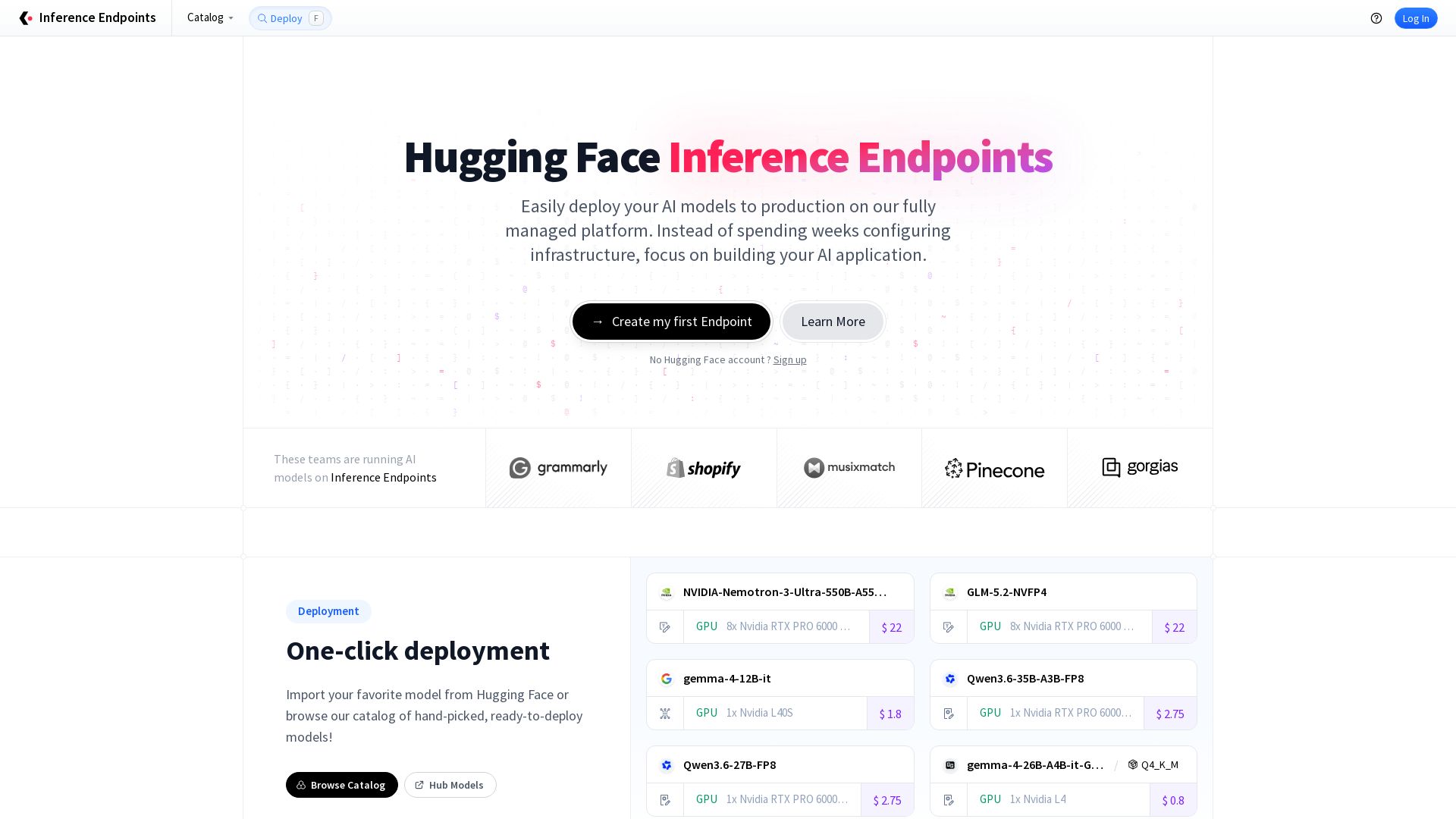
Inference Endpoints
Deploy AI models to production with one click. Fully managed, autoscaling, built-in observability. Powered by top open-source engines. Start free.

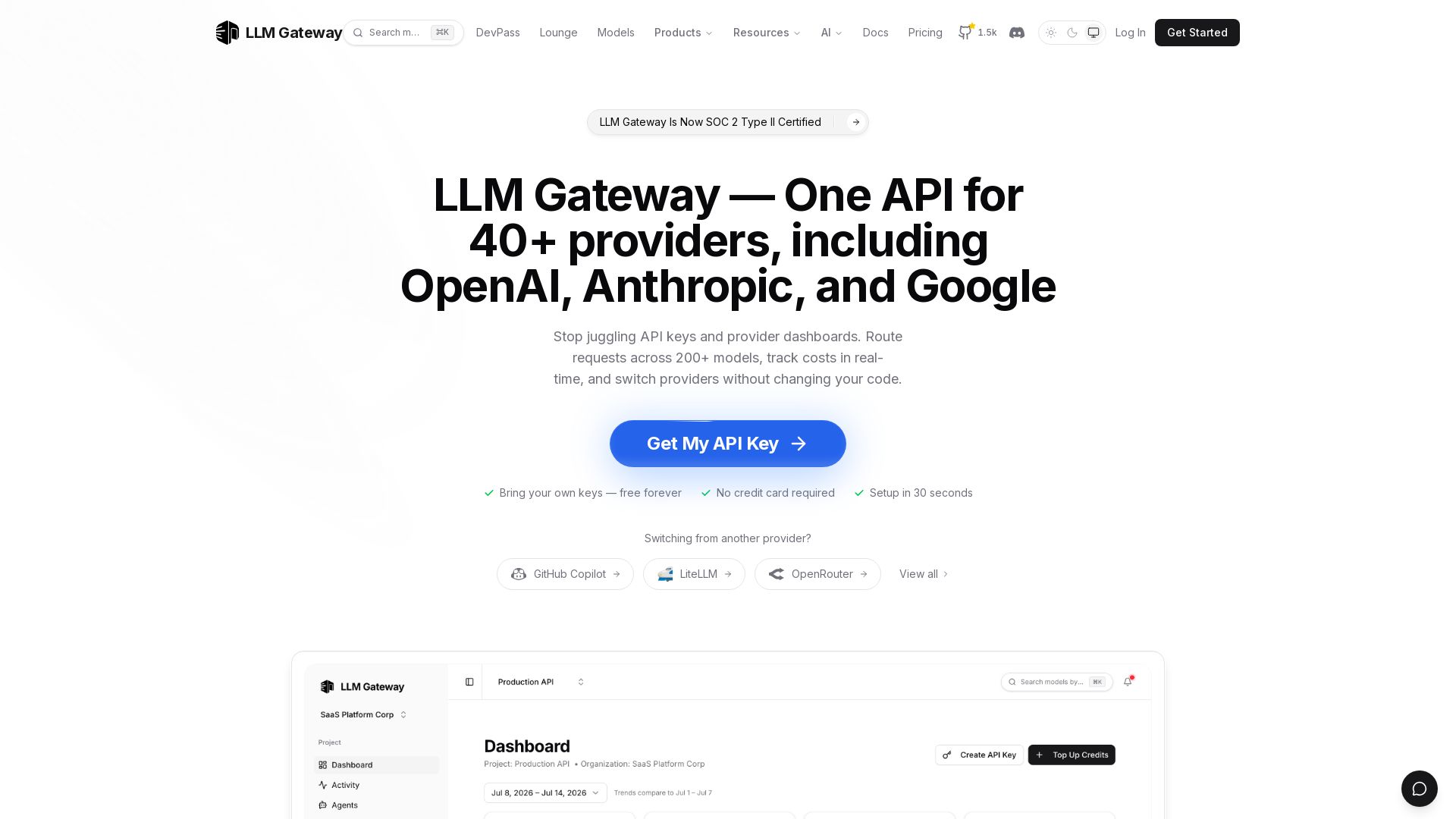
LLM Gateway
One API for 40+ LLM providers (OpenAI, Anthropic, Google). Switch models, track costs, auto-failover. Bring your own keys, free forever.

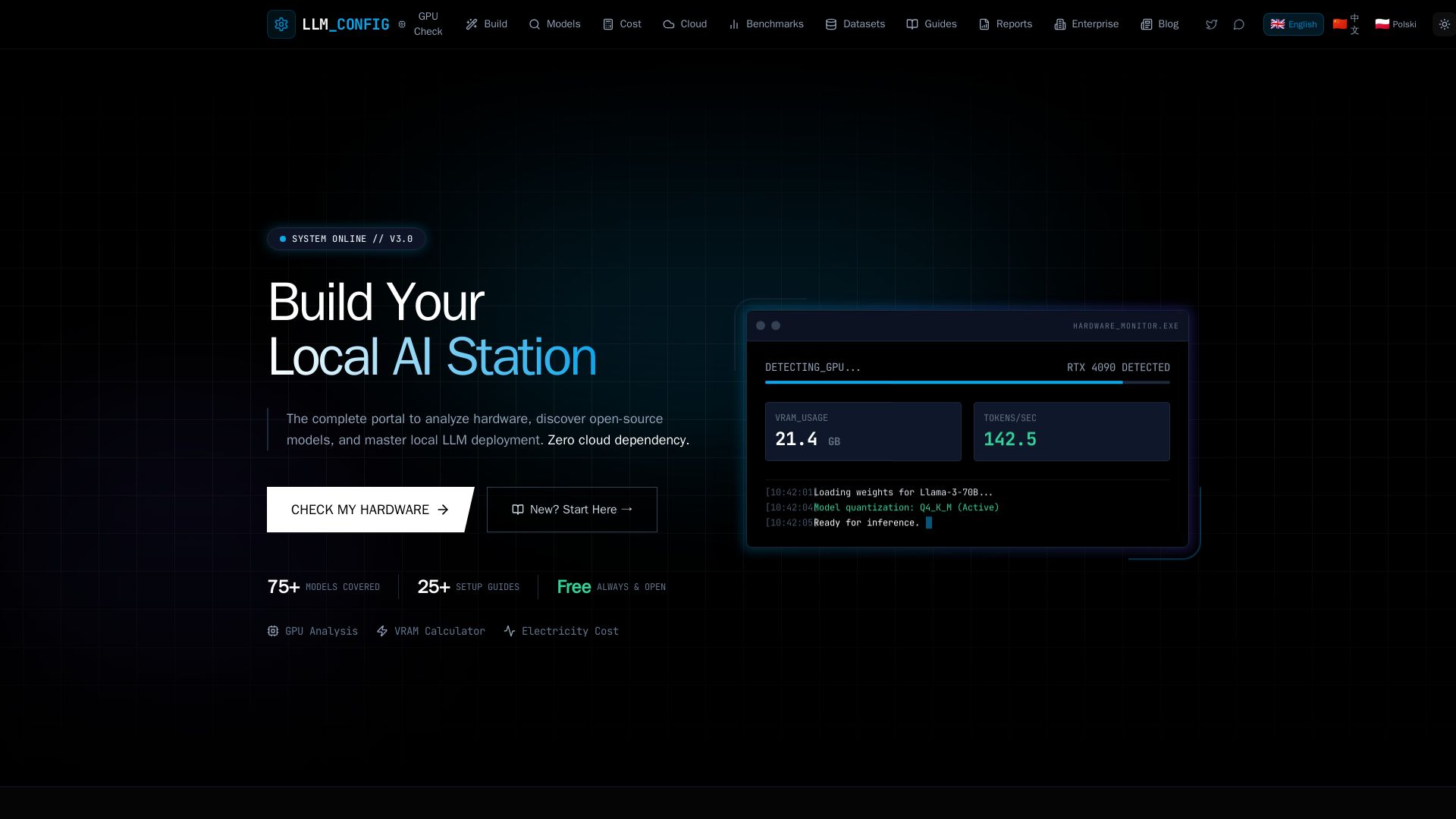
LLM Configurator
Free portal to analyze hardware, discover open-source LLMs, and master local deployment. GPU checker, VRAM calculator, cost comparison, 75+ models, and guides.

Arsturn
Build a custom GPT chatbot without coding. Train with your data, embed on website, boost engagement and lead generation. Free plan available.

Atlas Cloud
Unified API for 400+ AI models including Seedream, Seedance, Grok, Gemini. Pay-as-you-go, enterprise-grade, OpenAI-compatible. Start free.

Inference.net
Deploy, monitor, and fine-tune frontier AI models with 99.99% uptime. Switch from OpenAI to optimized open-source models. Start free.

DeepInfra
Scale AI inference with low pay-as-you-go pricing, zero data retention, and SOC 2/ISO 27001 compliance. 100+ models for text, speech, image, and GPU rental.

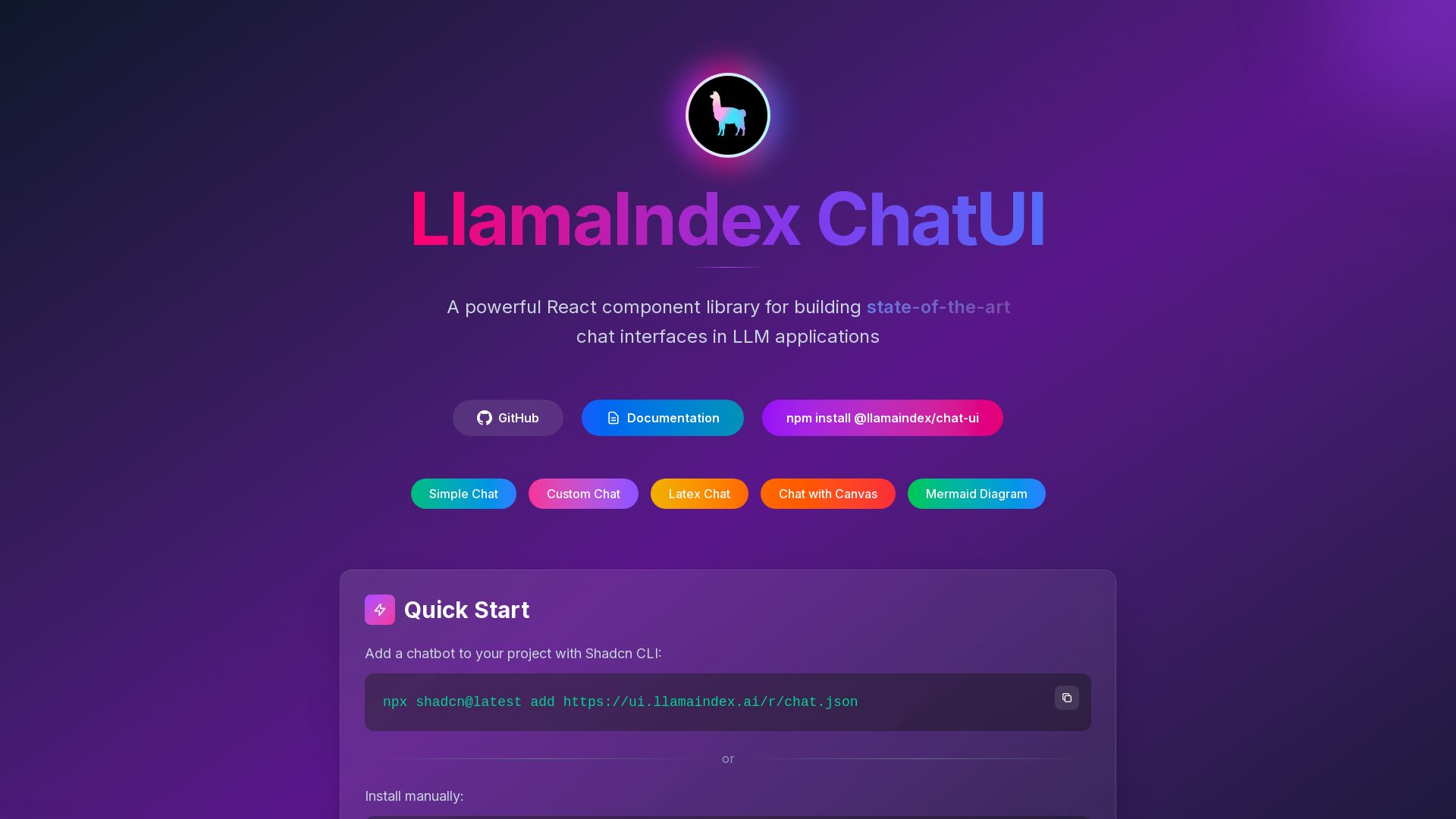
LlamaIndex
A powerful React component library for building state-of-the-art chat interfaces in LLM applications. Easy integration with Shadcn CLI or npm.


Groq
Groq delivers blazing-fast AI inference at unbeatable cost using purpose-built LPU chips. Trusted by McLaren F1, it offers OpenAI-compatible API for seamless integration. Try GroqCloud today.

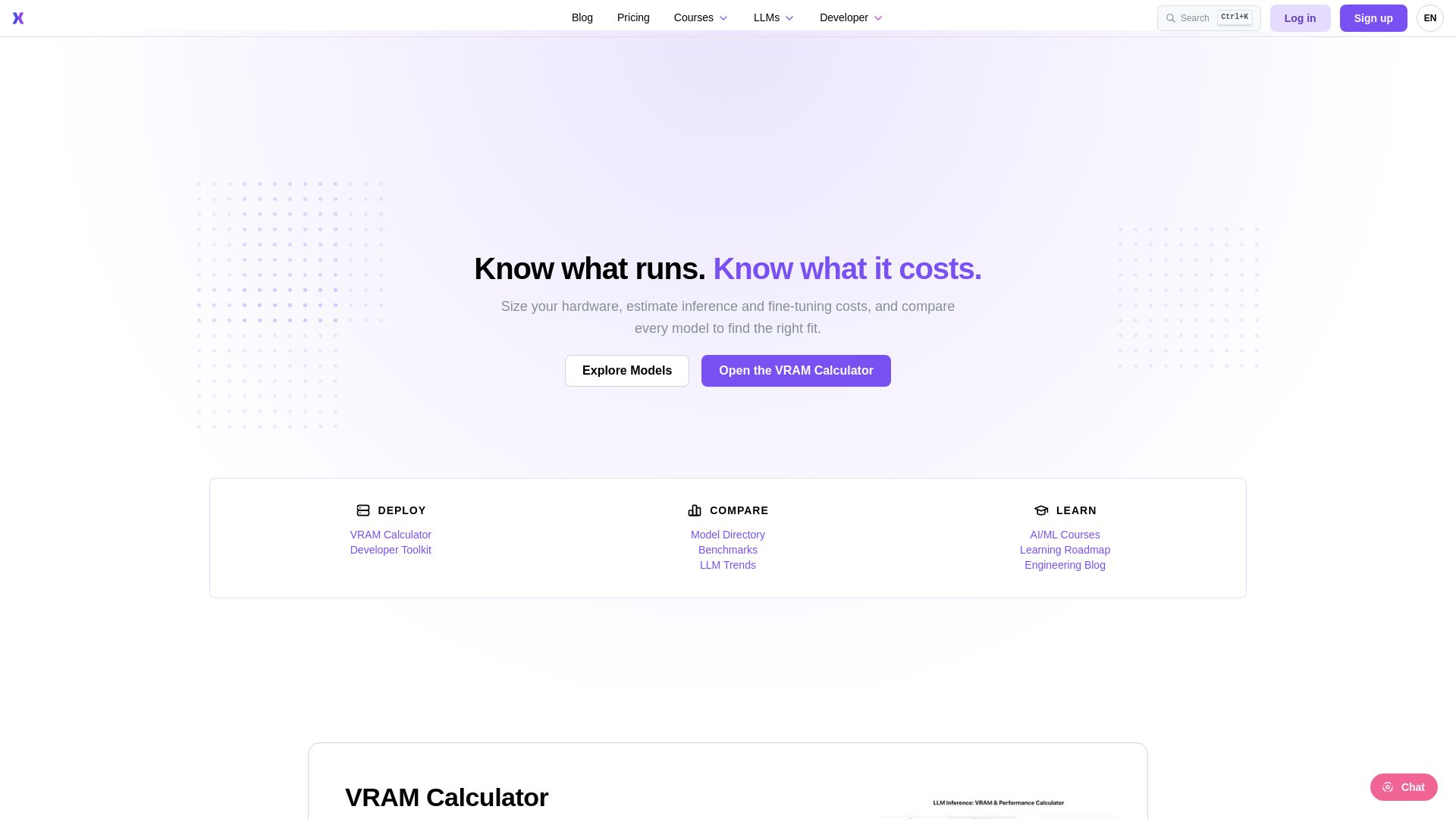
ApX
Estimate VRAM for LLM inference/fine-tuning, compare model performance rankings, and take AI/ML courses. Trusted by engineers worldwide.

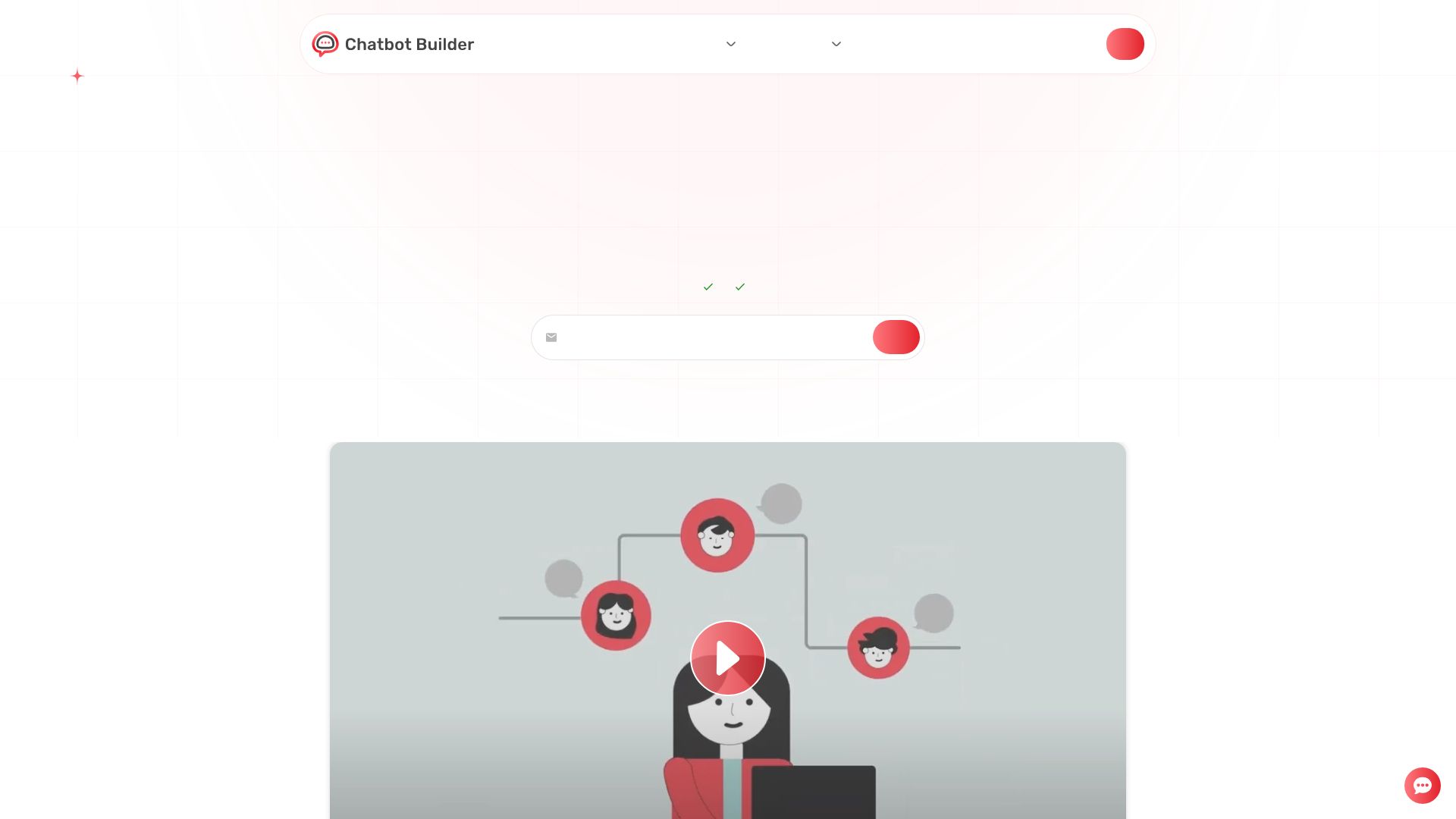
Chatbot Builder
Build an AI chatbot in minutes without coding. 24/7 customer support, sales automation, and seamless integrations. Start your free 14-day trial today!

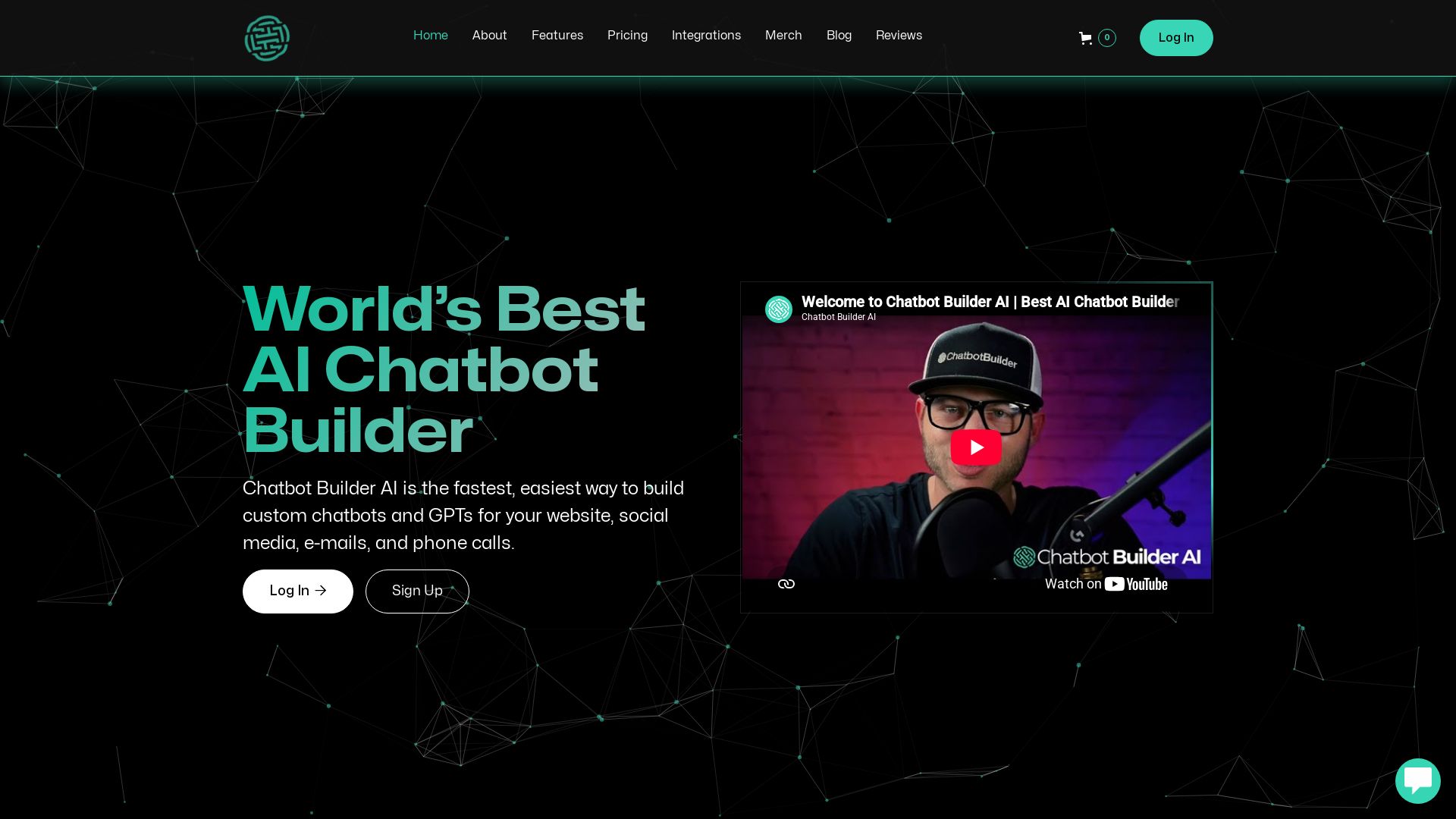
ChatBotBuilderai
Create powerful AI chatbots and GPTs for your business. Integrate with 1000+ apps, support multi-channel, and automate customer service. 14-day free trial. No credit card required.

ℹ️ Curation Disclosure: The overview and features of llama.cpp were synthesized using AI and fact-checked by our curation team to ensure accuracy.
