
ApX
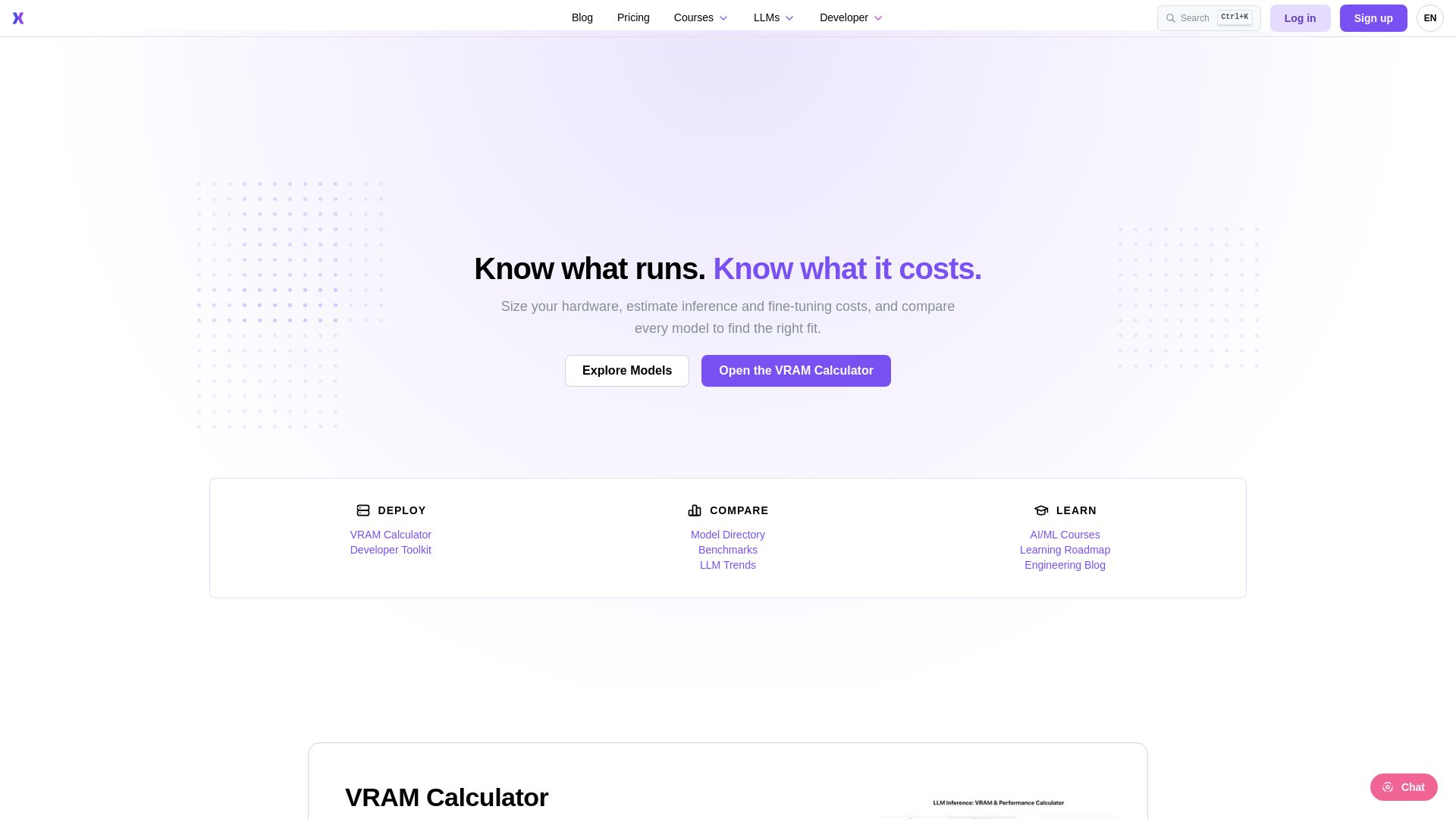
Estimate VRAM for LLM inference/fine-tuning, compare model performance rankings, and take AI/ML courses. Trusted by engineers worldwide.
Editor's Verdict
Key Takeaways
- VRAM Calculator
- Model Directory and Benchmarks
- LLM Trends
- AI/ML Courses
In-Depth Review: What is ApX?
ApX ML provides a comprehensive toolkit for machine learning engineers and researchers. Use the VRAM Calculator to determine hardware requirements for inference and fine-tuning across major models and quantizations. Explore the Model Directory with performance rankings and benchmarks to find the right model for your needs. Access a growing library of AI/ML courses, from Python fundamentals to building large language models. Stay updated with insightful articles on AI trends, deployment, and optimization. Join a global community of ML professionals and optimize your workflows today.
Core Features
VRAM Calculator
Estimate VRAM for inference and fine-tuning across major models and quantizations, then see what it costs to rent or buy the GPU.
Model Directory and Benchmarks
Compare models by performance rankings, VRAM requirements, and other benchmarks to find the right fit.
LLM Trends
Stay updated with the latest trends and insights in large language models.
AI/ML Courses
Access a library of courses ranging from Python fundamentals to advanced LLM building and quantization.
Engineering Blog
Read articles and insights on AI adoption, model deployment, and best practices.
Developer Toolkit
Use the calculator API and programmatic access for integrating into workflows (Pro plans).
Pricing
Basic
- Standard VRAM calculator
- Public hardware library
- Ad-supported experience
Pro
- Unlimited saved hardware configurations & profiles
- Concurrent user & batch size modeling
- Calculator API & programmatic access
- Exportable fine-tuning & inference cost reports
- Ad-free experience
Pro+
- Everything in the Pro plan
- Calculator API & programmatic access with higher limits
Pros and Cons
Pros
- Free Tier AvailableBasic plan is free forever, allowing users to explore VRAM calculations without any cost.
- Comprehensive ToolsetOffers VRAM calculator, model directory, benchmarks, and educational courses all in one place.
- Production-Ready Pro PlansPro and Pro+ plans provide API access, advanced modeling, and ad-free experience for professional use.
- Educational ContentIncludes courses from beginner to advanced levels, helping users build skills in AI/ML.
- Trusted by ProfessionalsUsed by ML engineers and researchers worldwide, indicating reliability and accuracy.
Cons
- Limited Free Tier FeaturesBasic plan lacks advanced features like concurrent modeling, API access, and exportable reports.
- Ad-Supported Free ExperienceFree plan includes advertisements, which may be distracting for some users.
- No Yearly Billing DiscountOnly monthly billing is shown; no discount for annual commitments is mentioned.
- One-Time Pass Not DetailedThe pricing page mentions a one-time pass but provides no details or pricing, causing confusion.
- Pro+ May Be Overkill for IndividualsHigher API limits in Pro+ may not be necessary for solo developers, making Pro sufficient.
Use Cases & Recommended Professions
Machine Learning Engineer→ View Toolkit
Needs to size hardware and estimate costs for deploying LLMs in production.
Data Scientist→ View Toolkit
Requires benchmarking and comparing models to choose the best fit for data tasks.
AI Researcher→ View Toolkit
Uses VRAM calculator and model directory for experiments and fine-tuning.
Software Engineer→ View Toolkit
Integrates LLMs into applications and needs to estimate infrastructure costs.
Student→ View Toolkit
Enrolls in courses to learn LLM building and deployment.
AI Enthusiast / Hobbyist→ View Toolkit
Runs local LLMs at home and needs VRAM guidance to choose appropriate hardware.
Frequently Asked Questions
Alternative AI Tools
View Detailed Comparison →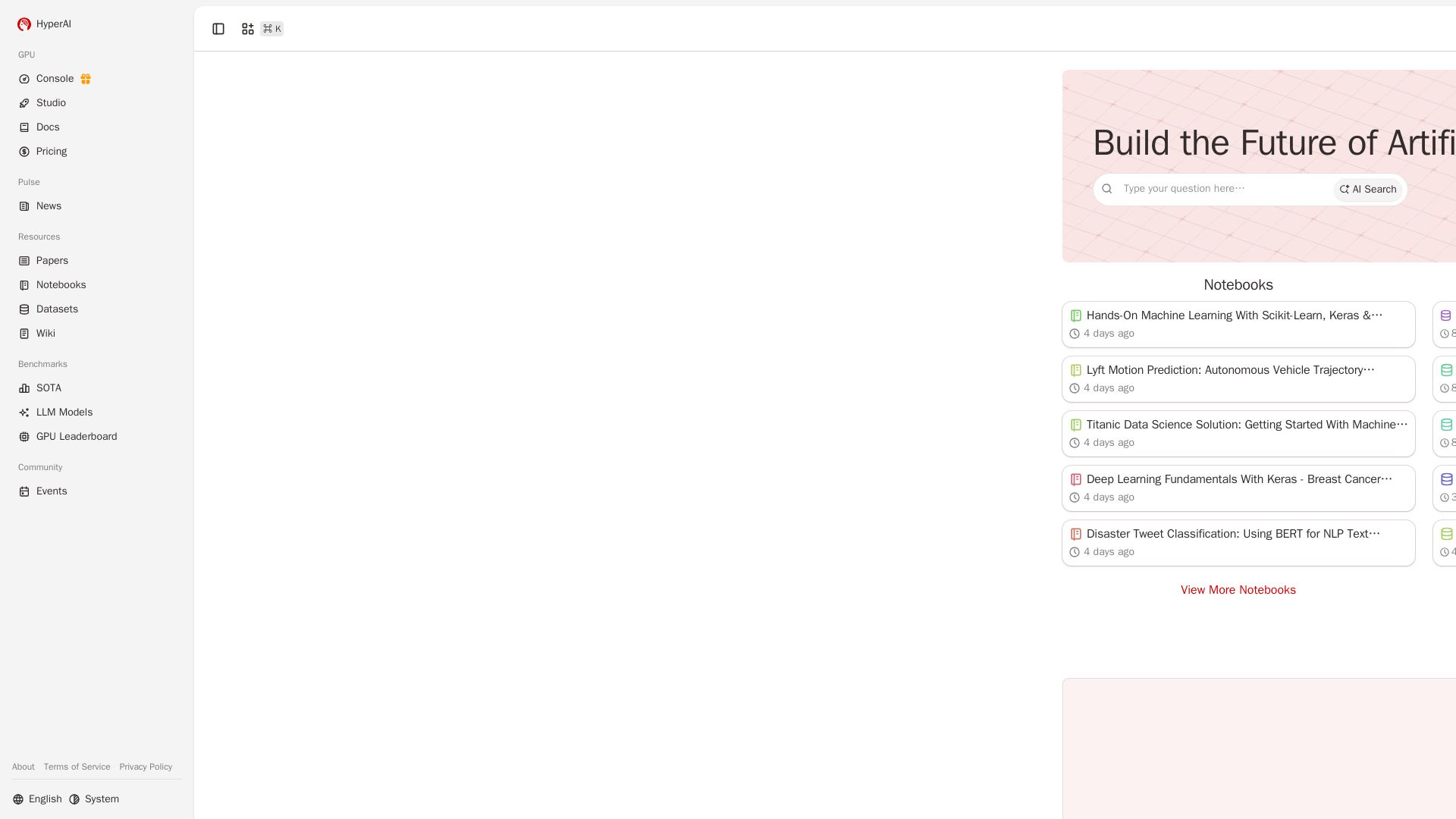
HyperAI
Accelerate AI development with free co-coding, top GPUs, cutting-edge papers, and hands-on tutorials. Start building today.

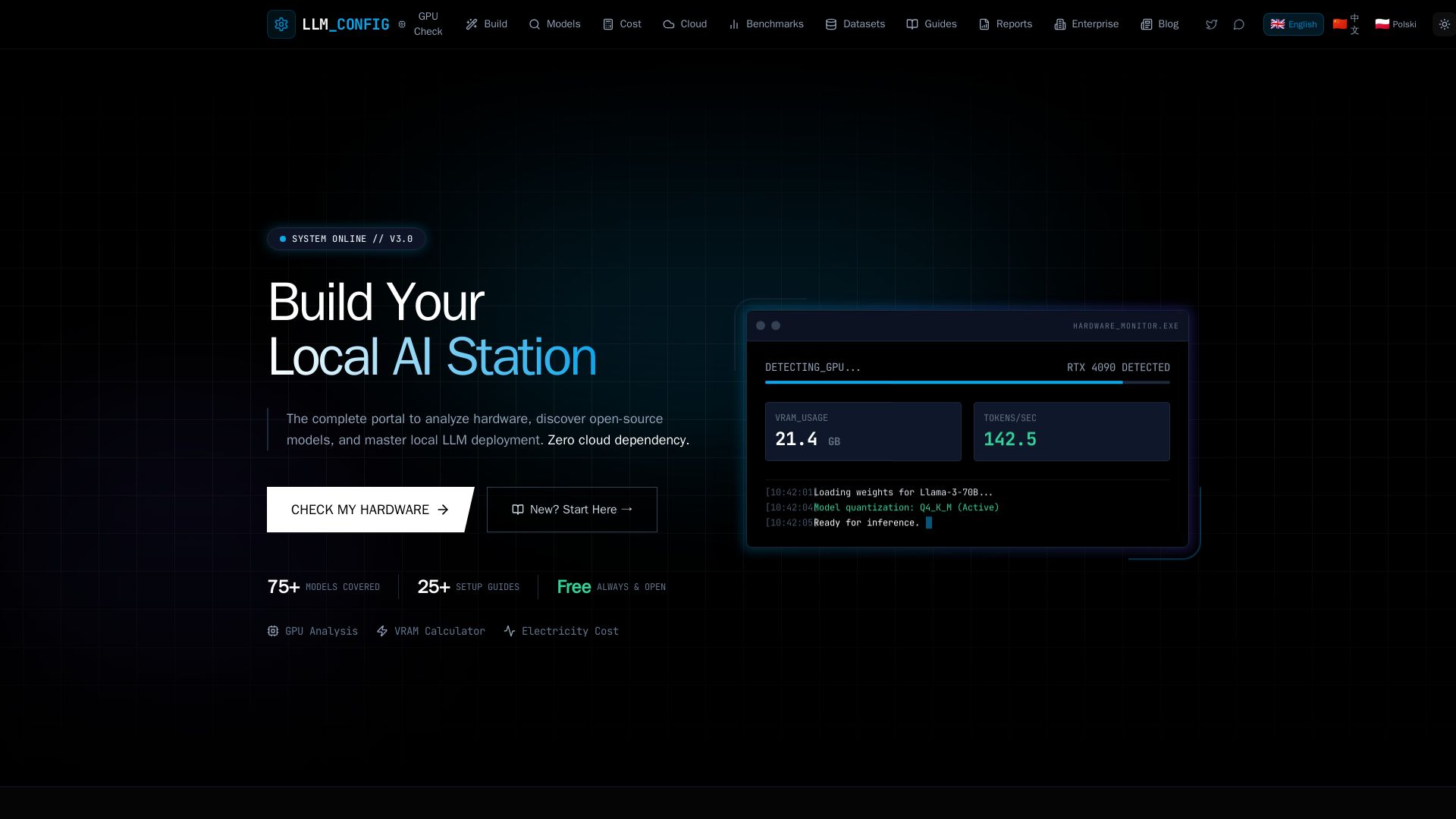
LLM Configurator
Free portal to analyze hardware, discover open-source LLMs, and master local deployment. GPU checker, VRAM calculator, cost comparison, 75+ models, and guides.
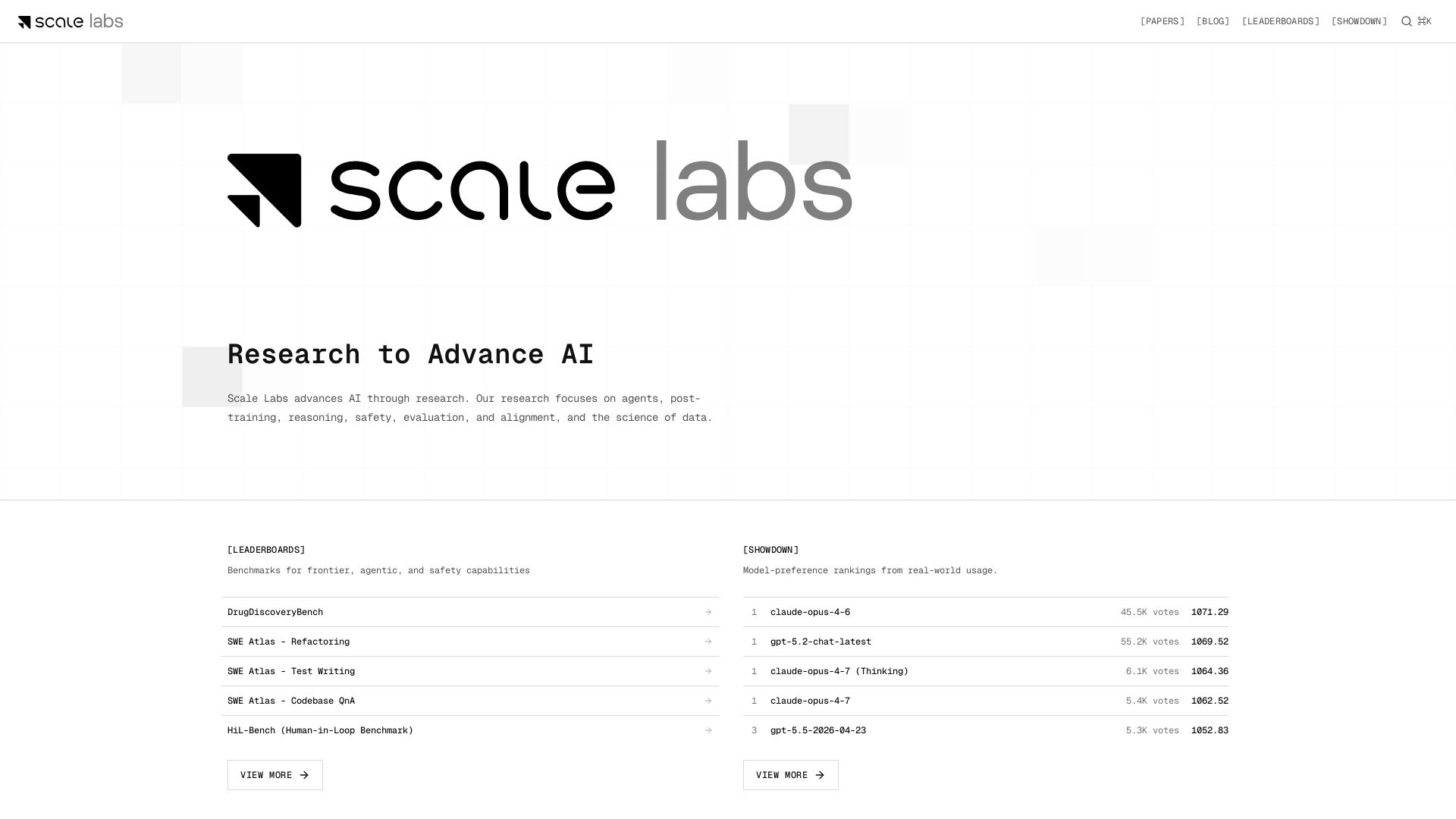
Scale Labs
Your hub for cutting-edge AI research on agents, safety, and evaluation. Explore leaderboards, model showdown rankings, and insightful blogs.

Deep Kondah
In-depth technical blog on AI, LLMs, cybersecurity, eBPF, and software engineering. Stay informed and ahead.

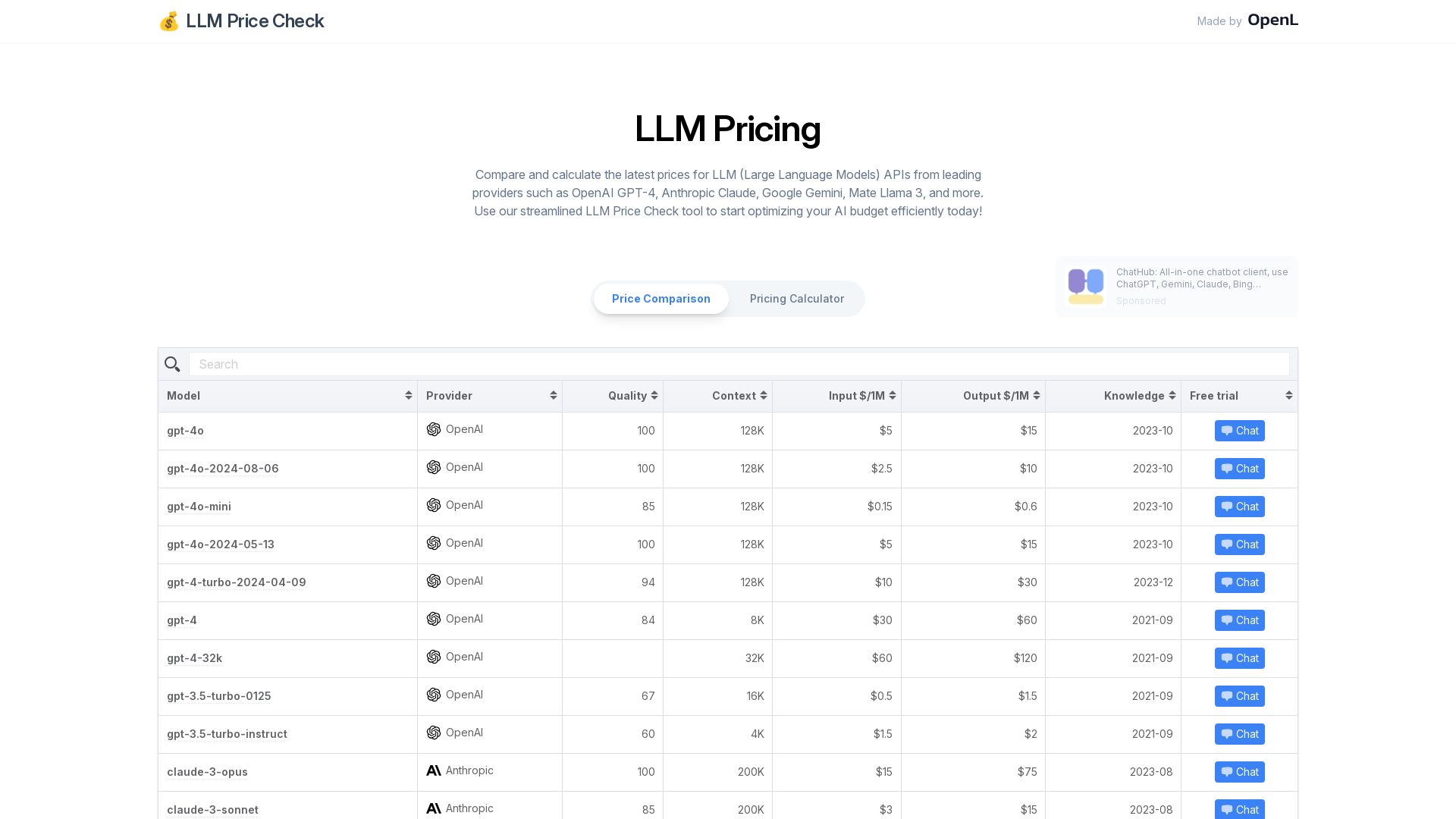
LLM Price Check
Instantly compare prices for leading LLM APIs including OpenAI GPT-4, Anthropic Claude, Google Gemini, and more. Optimize your AI budget with our free pricing calculator.

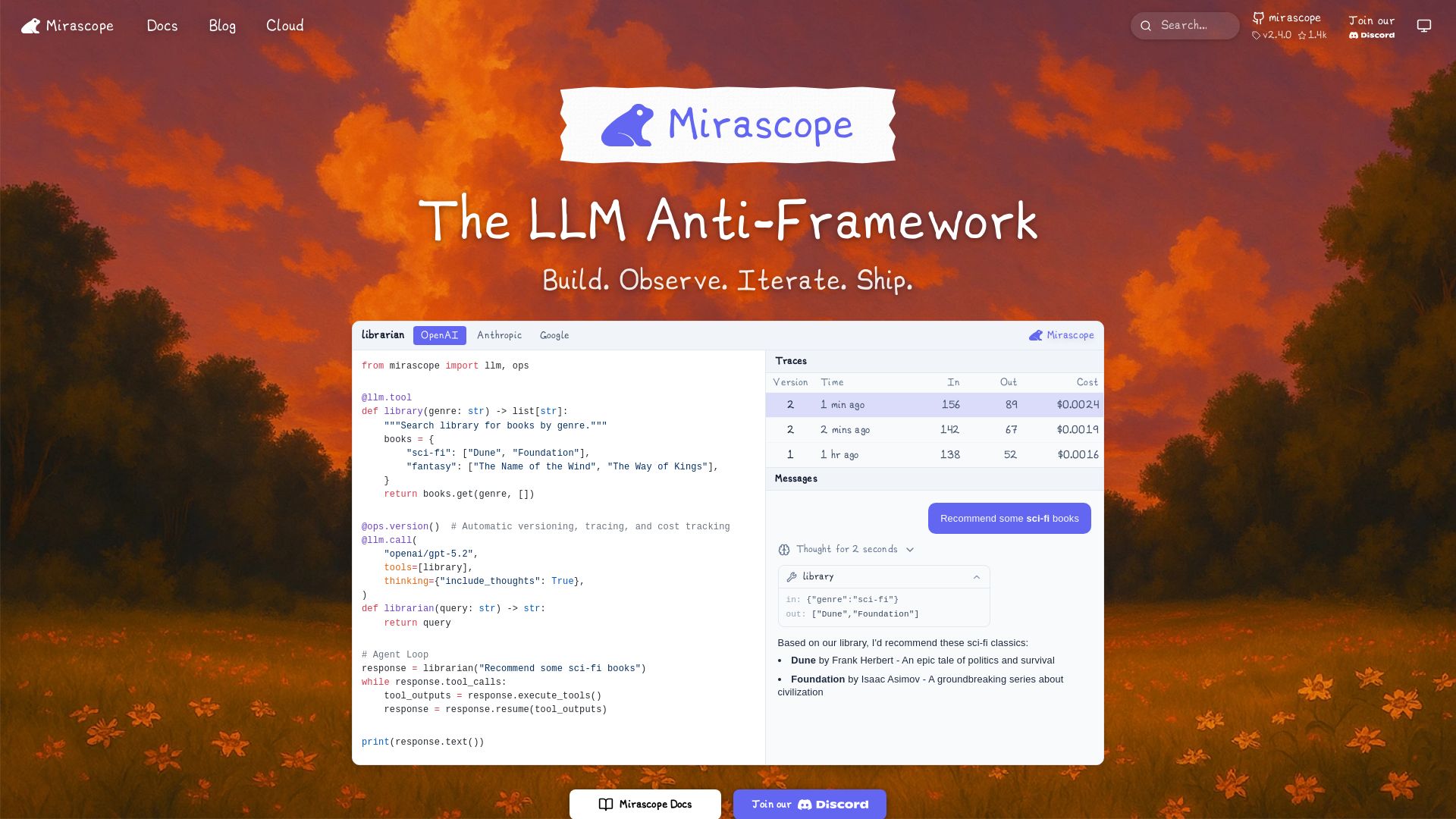
Mirascope
Build, observe, and iterate LLM applications with automatic versioning, tracing, and cost tracking. Supports OpenAI, Anthropic, Google, and more.

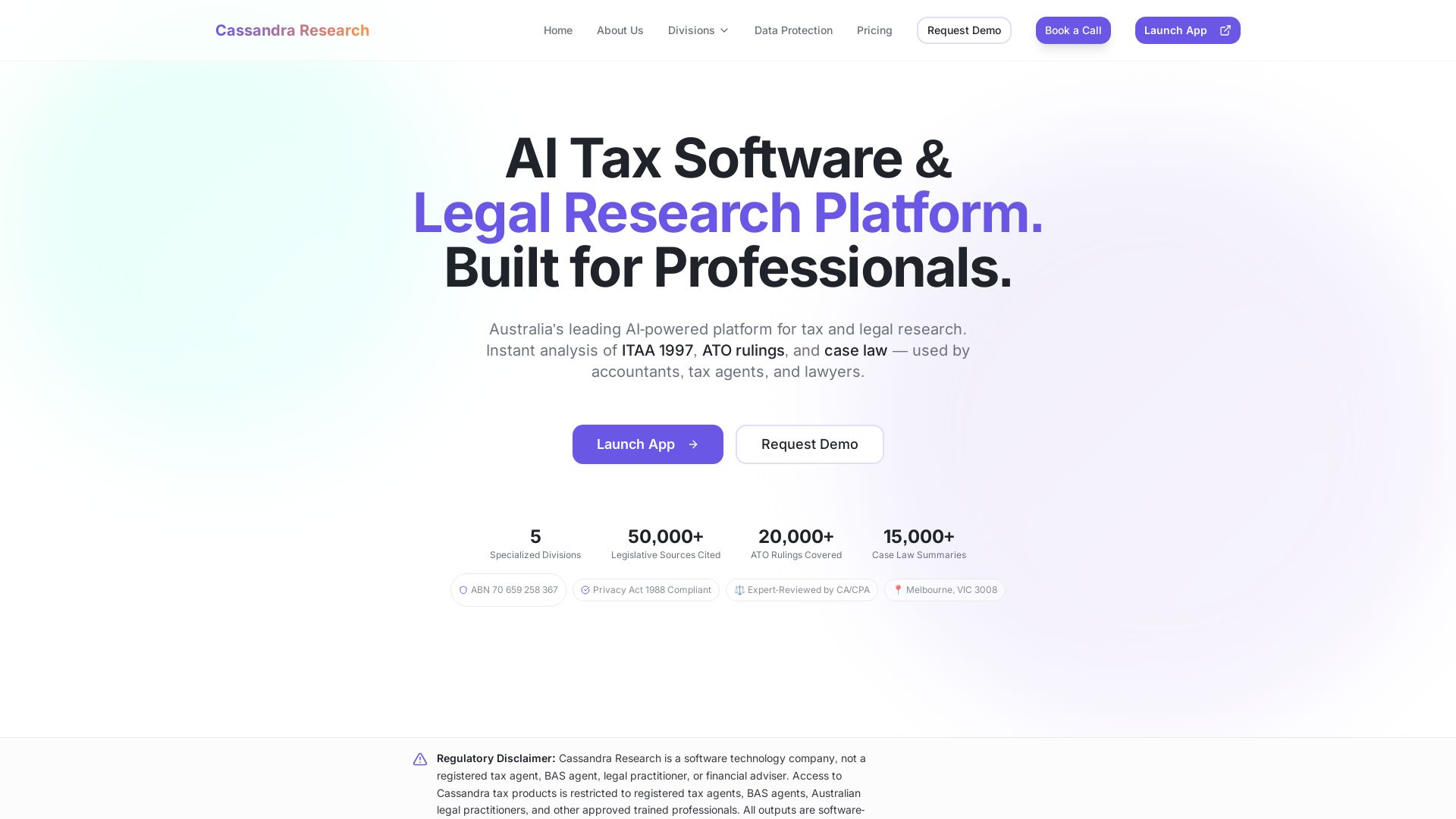
Cassandra Research
Australia's leading AI-powered tax and legal research platform. Instant analysis of ITAA 1997, ATO rulings, and case law for professionals.

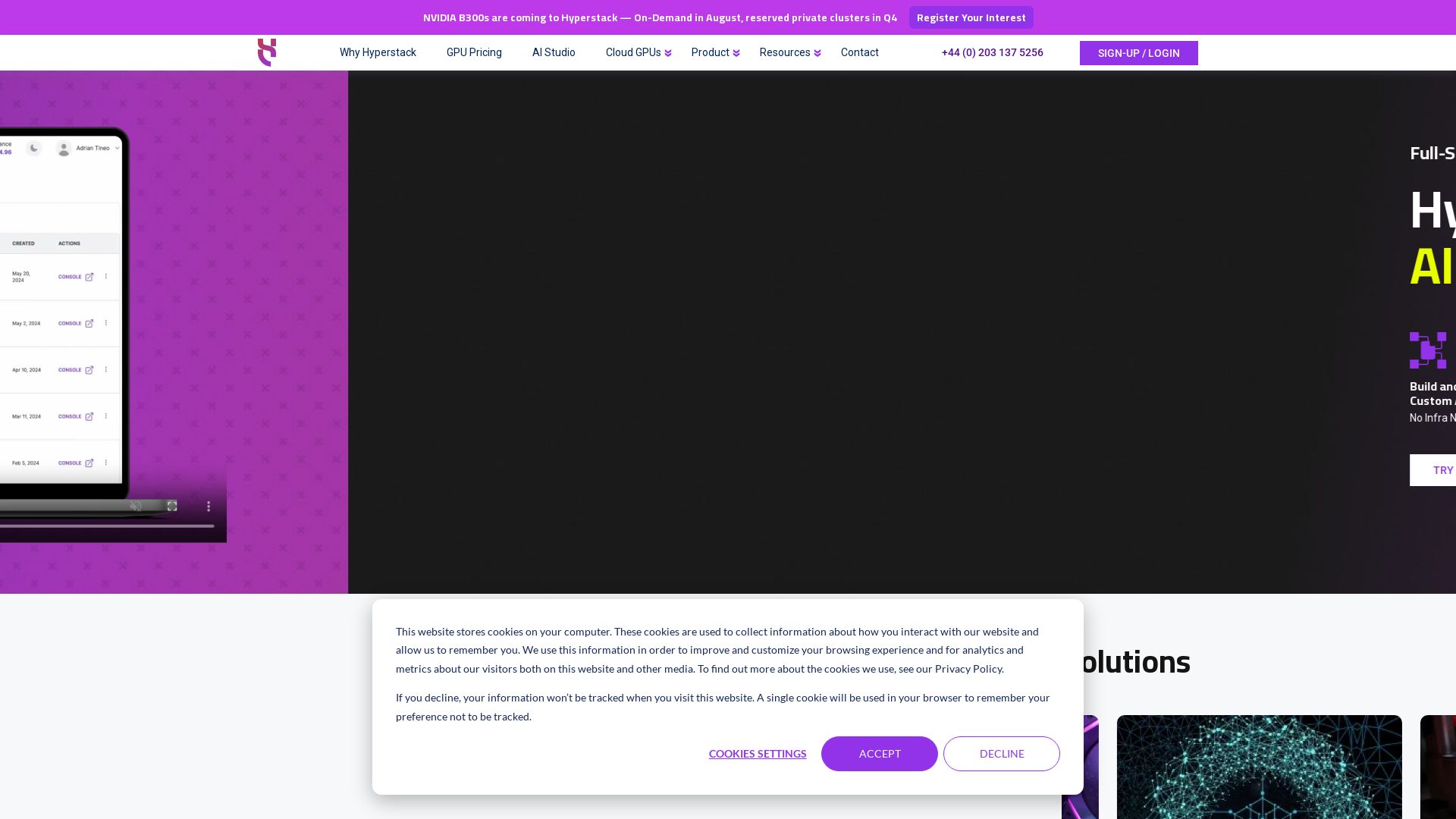
Hyperstack
Deploy GPU-powered AI/ML workloads in minutes. Access NVIDIA H100, A100, L40 GPUs with per-minute billing. Green cloud, low latency, 75% cost savings.

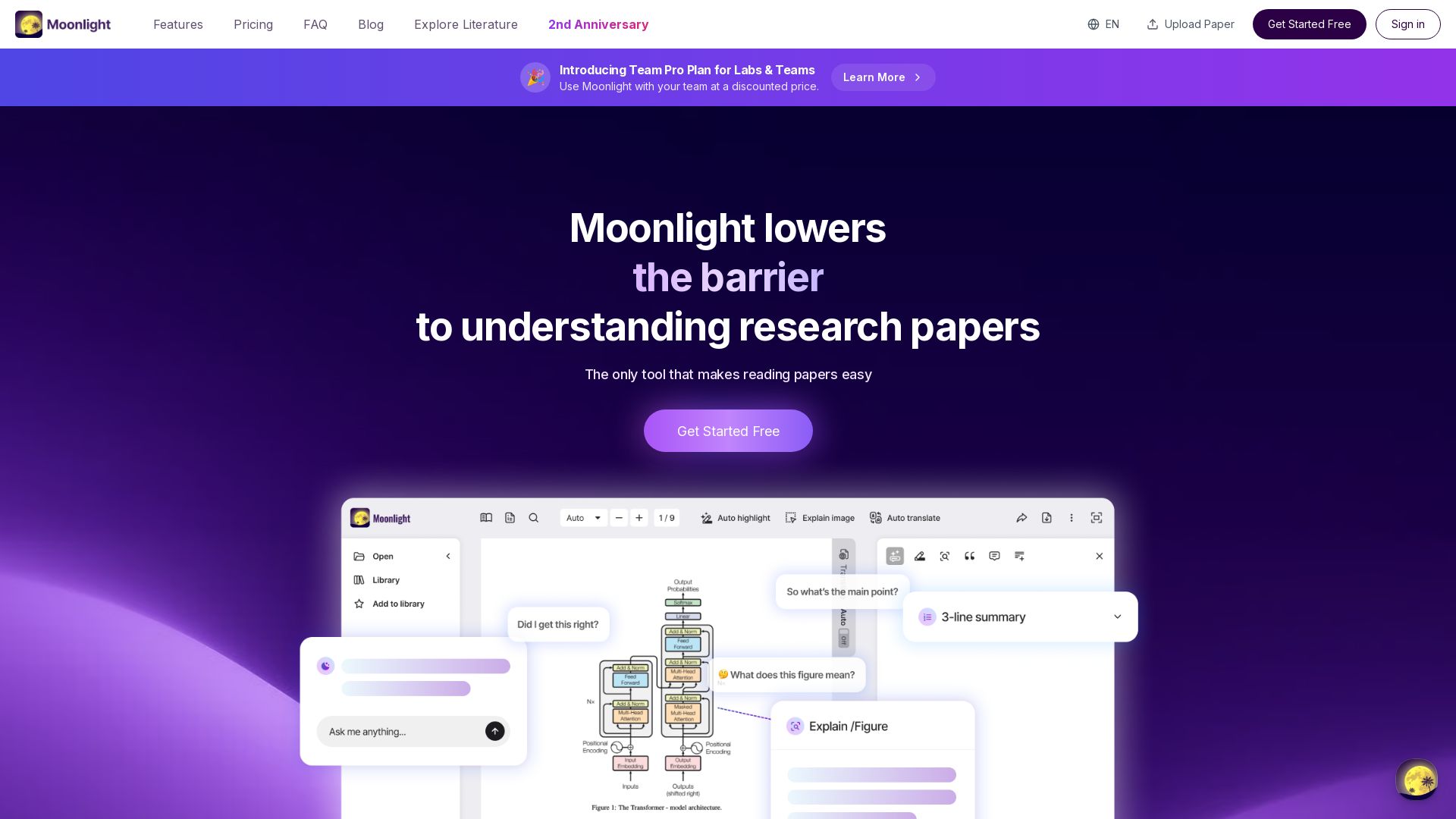

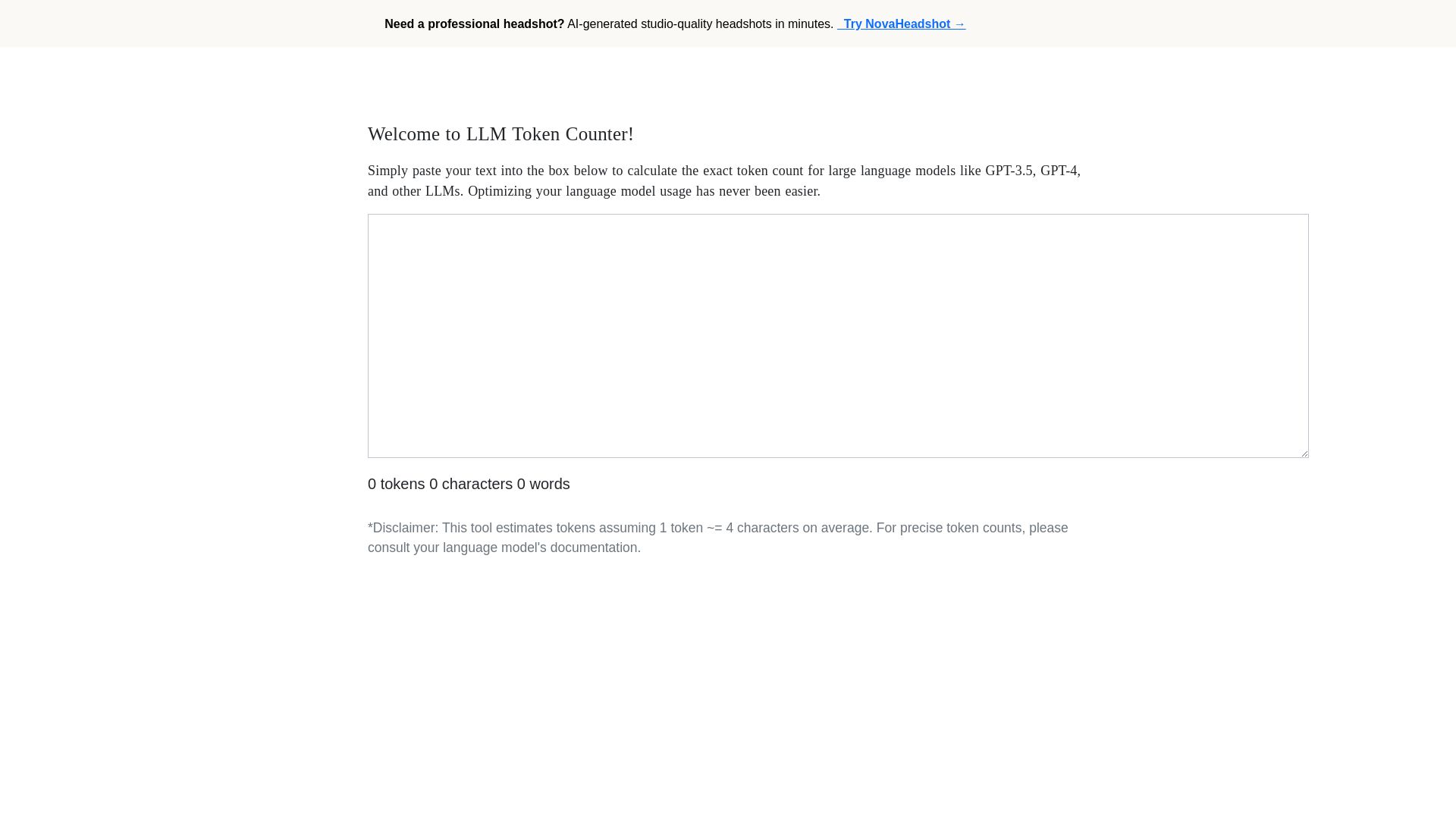
LLM Token Counter
Calculate exact token count for GPT-3.5, GPT-4, and other LLMs instantly. Optimize your language model usage with our free online token counter.
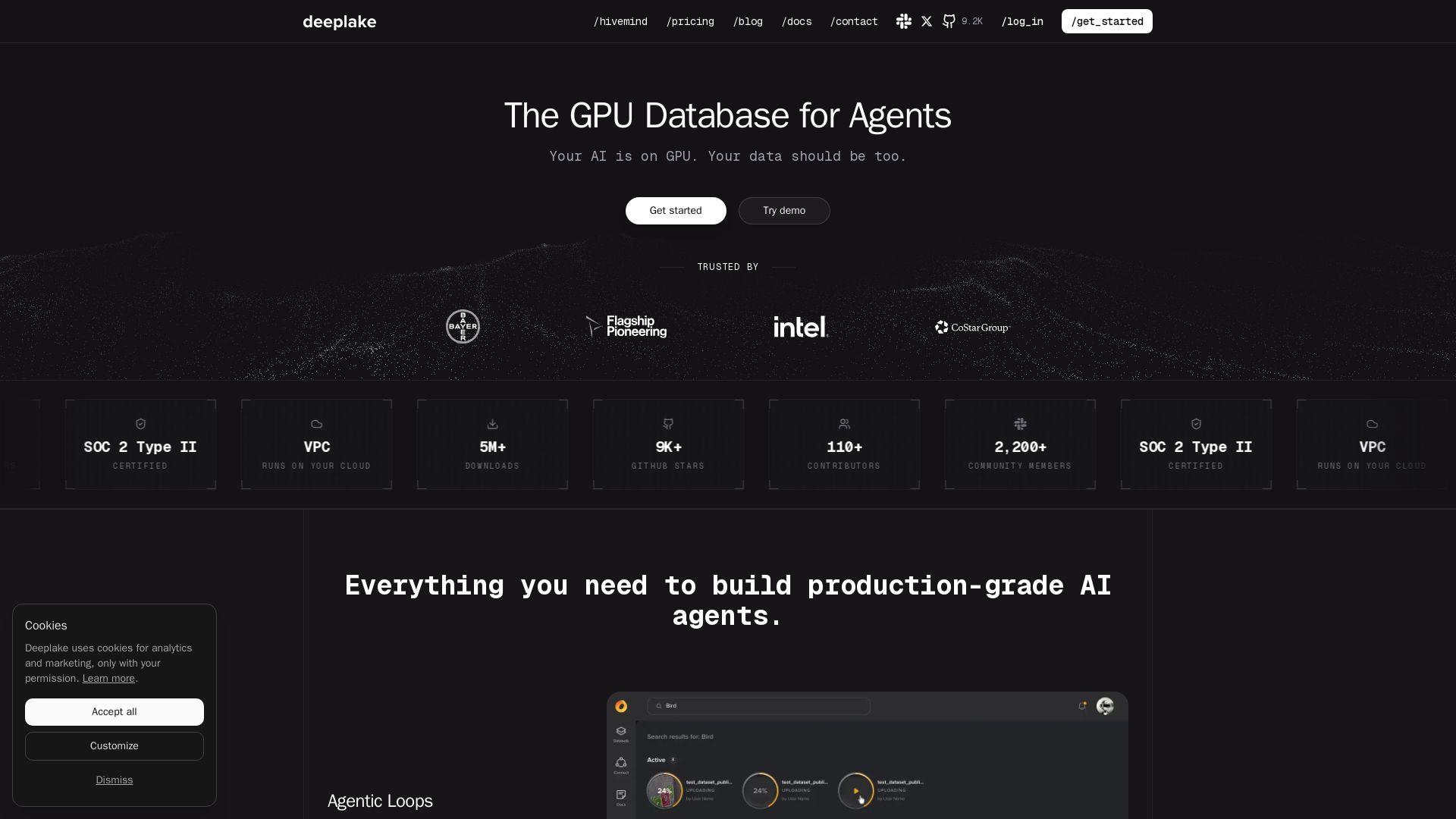
Deeplake
Deeplake is the first GPU-native database for AI agents. 3x faster queries, 8x lower cost. Familiar SQL, unlimited scalability.

llama.cpp
Efficiently run large language models locally with llama.cpp. Free, open-source, MIT licensed. Supports quantization, GPU acceleration, and multiple models. No Python needed.

ℹ️ Curation Disclosure: The overview and features of ApX were synthesized using AI and fact-checked by our curation team to ensure accuracy.
