
Hyperstack
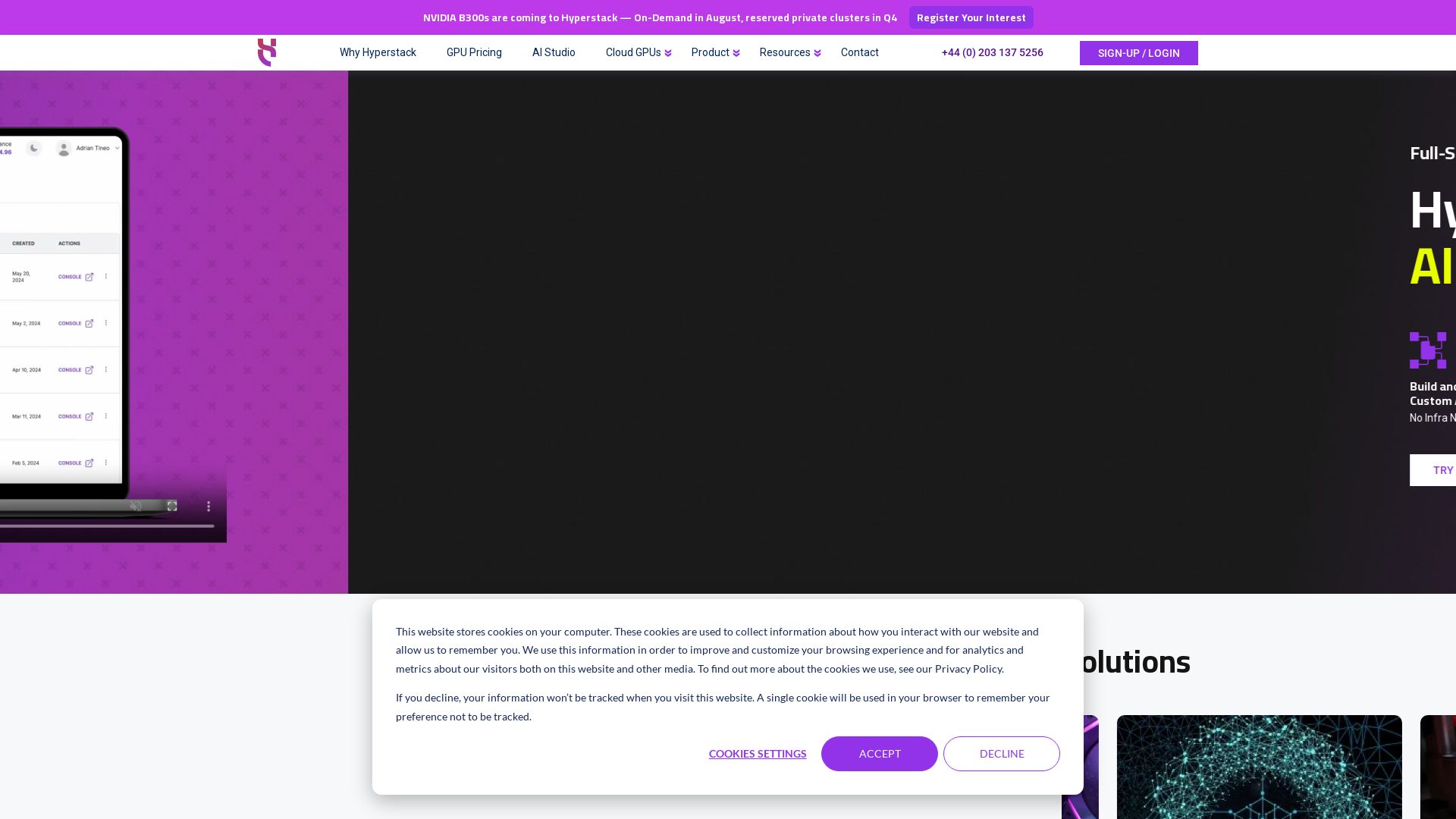
Deploy GPU-powered AI/ML workloads in minutes. Access NVIDIA H100, A100, L40 GPUs with per-minute billing. Green cloud, low latency, 75% cost savings.

Editor's Verdict
Key Takeaways
- Full-Stack AI Production
- AI Studio
- On-Demand GPU Instances
- Reservation Pricing
In-Depth Review: What is Hyperstack?
Hyperstack provides instant, on-demand GPU cloud infrastructure for AI, machine learning, and high-performance computing. With a wide range of NVIDIA GPUs including H100, A100, L40, and RTX series, deploy VMs in seconds and pay per minute. Features ultra-fast networking and storage, managed Kubernetes, 100% renewable energy, and enterprise-grade security. Ideal for startups and enterprises seeking cost-effective, scalable GPU computing without the complexity of legacy providers.
Core Features
Full-Stack AI Production
Hyperstack provides a complete platform to build, train, deploy, and monitor custom AI models without managing infrastructure.
AI Studio
An integrated environment to fine-tune and launch AI models with ease, accessible via token-based or fine-tuning pricing.
On-Demand GPU Instances
Deploy GPU-powered virtual machines in minutes with flexible, per-minute billing for a wide range of NVIDIA GPUs.
Reservation Pricing
Reserve GPU instances at discounted rates for predictable workloads, starting from $0.11/hour for NVIDIA A4000.
Spot VM
Access spare GPU capacity at lower prices for fault-tolerant and flexible workloads.
Managed Kubernetes
Automate deployment, scaling, and management of containerized applications with a free master node.
Green Cloud
100% of infrastructure is powered by renewable energy, ensuring sustainable AI and HPC operations.
Ultra-Fast Networking & Storage
Low-latency networking and high-speed storage (SSDs) designed to handle demanding workloads, 75% more cost-effective than legacy providers.
Enterprise-Grade Features
Includes one-click deployment, custom SKUs, role-based access control, resource callbacks, and a first-class API.
Virtual Workstations
Create high-performance virtual workspaces accessible from anywhere, enabling remote collaboration and demanding applications.
Object Storage
Scalable and durable object storage for data lakes, backups, and content delivery.
LLM Inference Toolkit
Optimized toolkit for deploying large language models with low latency and high throughput.
Pricing
On-Demand GPU
- Per-minute billing
- Wide GPU selection (NVIDIA A4000 to B300)
- Up to 31 pCPUs per GPU
- Up to 256 GB RAM per GPU
- Access to data centers in Europe and North America
Reservation Pricing
- Guaranteed capacity
- Discounted hourly rate
- Ideal for predictable workloads
- Available for most GPU models
Spot VM
- Deeply discounted spare capacity
- Best for fault-tolerant and flexible workloads
- Pay-per-minute
AI Studio - Token Based
- Access to models like Llama 3.3 70B, Mistral Small 3, etc.
- No infrastructure management
- Pay per token
AI Studio - Fine-Tuning
- Fine-tune custom models
- Per-minute billing
- Integrated training environment
Pros and Cons
Pros
- Cost-EffectiveUp to 75% cheaper than legacy public cloud providers like AWS and Azure, with transparent per-minute billing and no hidden fees.
- Fast DeploymentDeploy GPU virtual machines in seconds with one-click setup and pre-configured SKUs, reducing time-to-market.
- Excellent API & UIWell-designed console and first-class API allow programmatic management of VMs, OS images, and environments.
- Wide GPU SelectionOffers a range of NVIDIA GPUs from A4000 to B300, including H100, H200, and RTX Pro, suitable for diverse workloads.
- Green and SustainableAll data centers are 100% powered by renewable energy, appealing to environmentally conscious organizations.
Cons
- Limited Data Center RegionsOnly available in Europe and North America, which may cause latency issues for users in other regions.
- No Free TierNo permanent free tier, though AI Studio offers token-based pricing. Users must pay from the start.
- Complex Pricing ModelMultiple pricing options (on-demand, reservation, spot, token, fine-tuning) may overwhelm new users.
- Lack of Integrated AI ToolsWhile AI Studio exists, it's limited compared to full-fledged ML platforms; users may need to integrate external tools.
- Customer Support HoursSupport team may not be 24/7; response times could vary outside business hours.
Use Cases & Recommended Professions
Machine Learning Engineer→ View Toolkit
Need on-demand GPU instances to train and deploy models at scale without worrying about hardware procurement or cost overruns.
Data Scientist→ View Toolkit
Benefit from fast, cost-effective GPU cloud for data analysis, model training, and experimentation with minimal setup.
DevOps Engineer→ View Toolkit
Leverage the API and Kubernetes integration to automate infrastructure, manage resources, and ensure high availability.
Game Developer→ View Toolkit
Use rendering and virtual workstation capabilities for real-time graphics, game development, and collaborative workflows.
Research Scientist→ View Toolkit
Access cutting-edge GPUs (e.g., H100, B300) for simulations, computational research, and deep learning breakthroughs.
Architect / Designer→ View Toolkit
Utilize virtual workstations and visualization tools for 3D modeling, architectural design, and immersive simulations.
Frequently Asked Questions
Alternative AI Tools
View Detailed Comparison →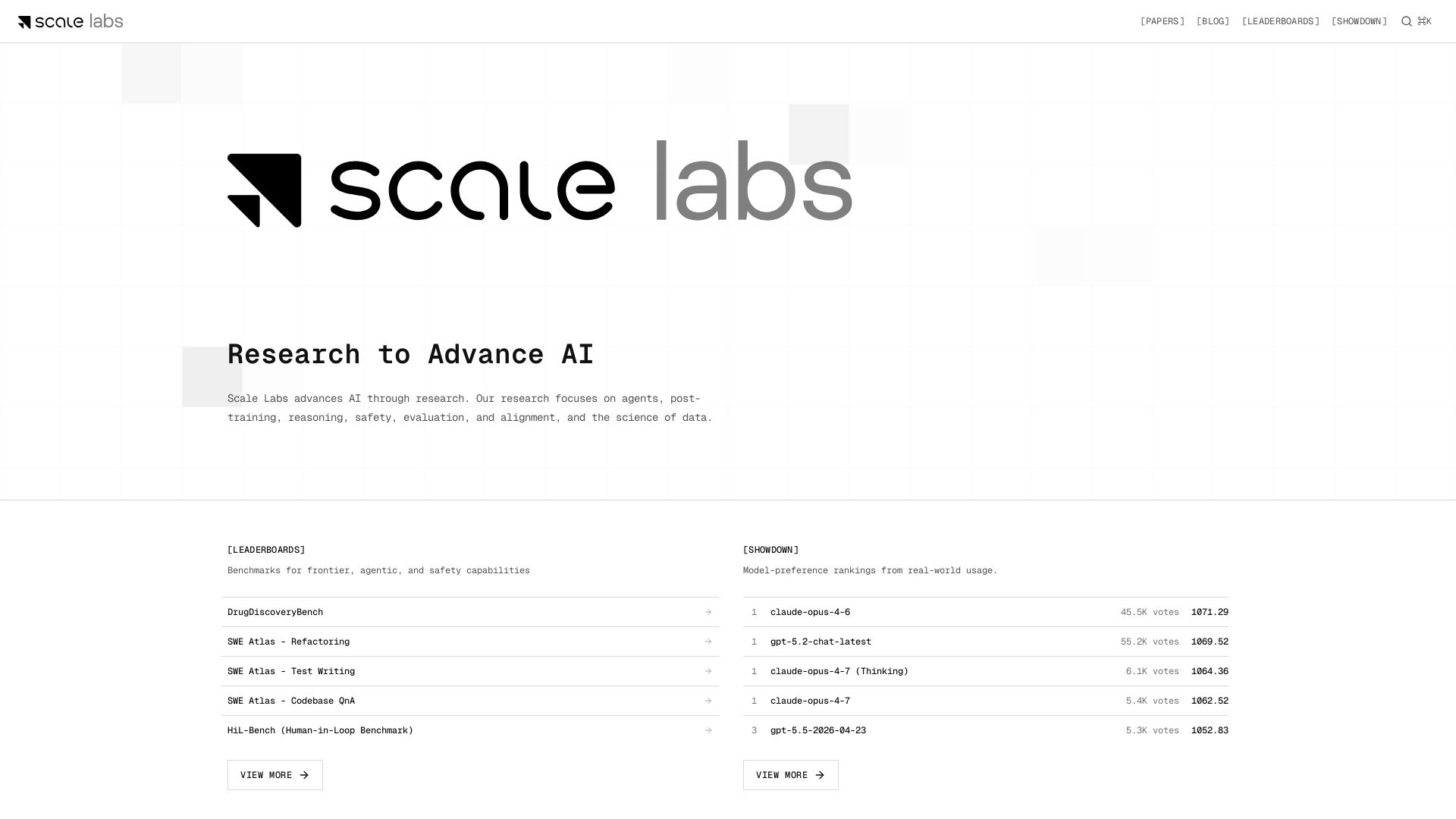
Scale Labs
Your hub for cutting-edge AI research on agents, safety, and evaluation. Explore leaderboards, model showdown rankings, and insightful blogs.

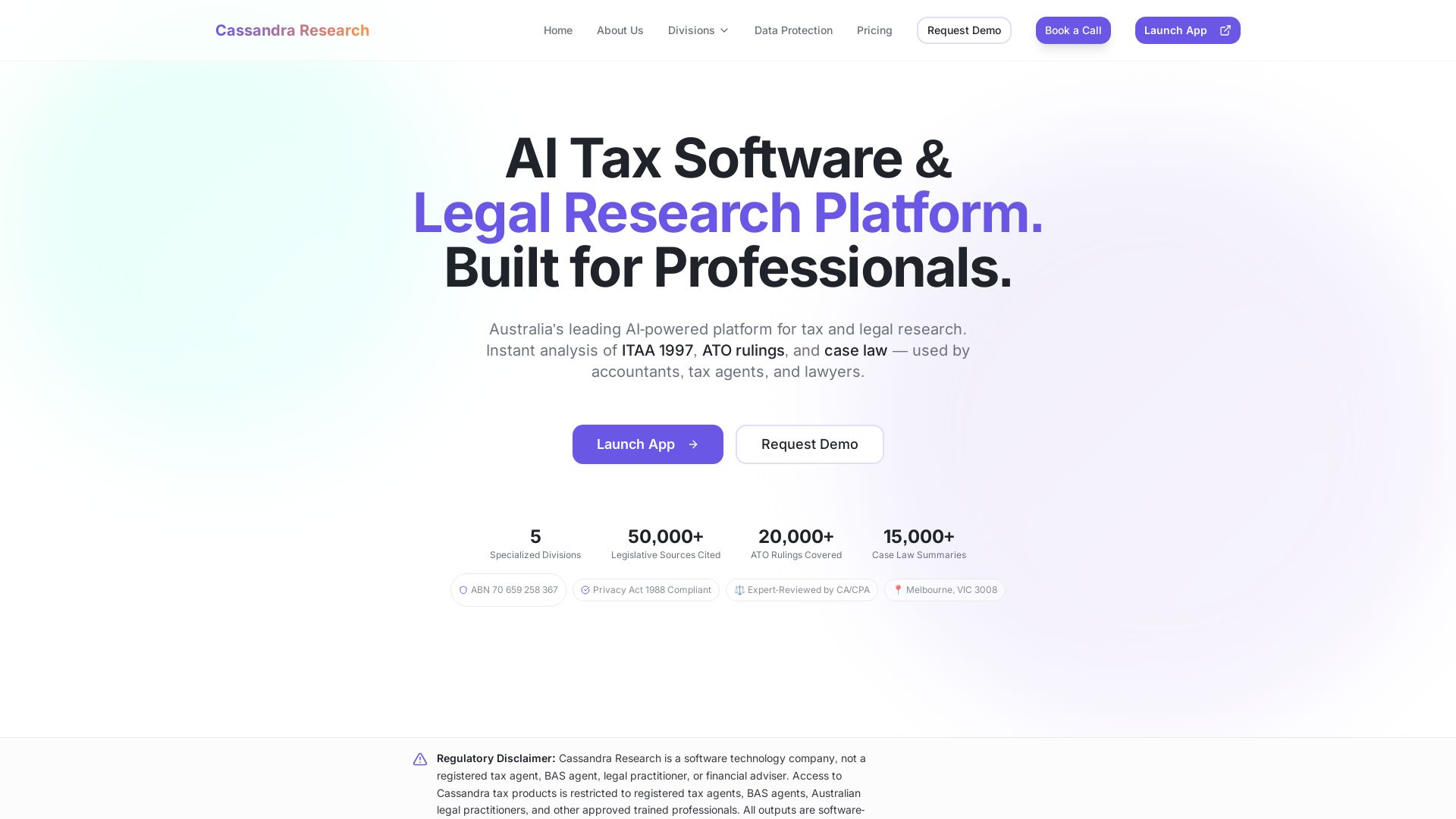
Cassandra Research
Australia's leading AI-powered tax and legal research platform. Instant analysis of ITAA 1997, ATO rulings, and case law for professionals.


IBM demonstrates extreme scale with a 100B vector ...
IBM Research invents the future of computing with quantum supercomputing, AI, and hybrid cloud. Explore breakthroughs, open-source tools like Qiskit and Granite models, and more.

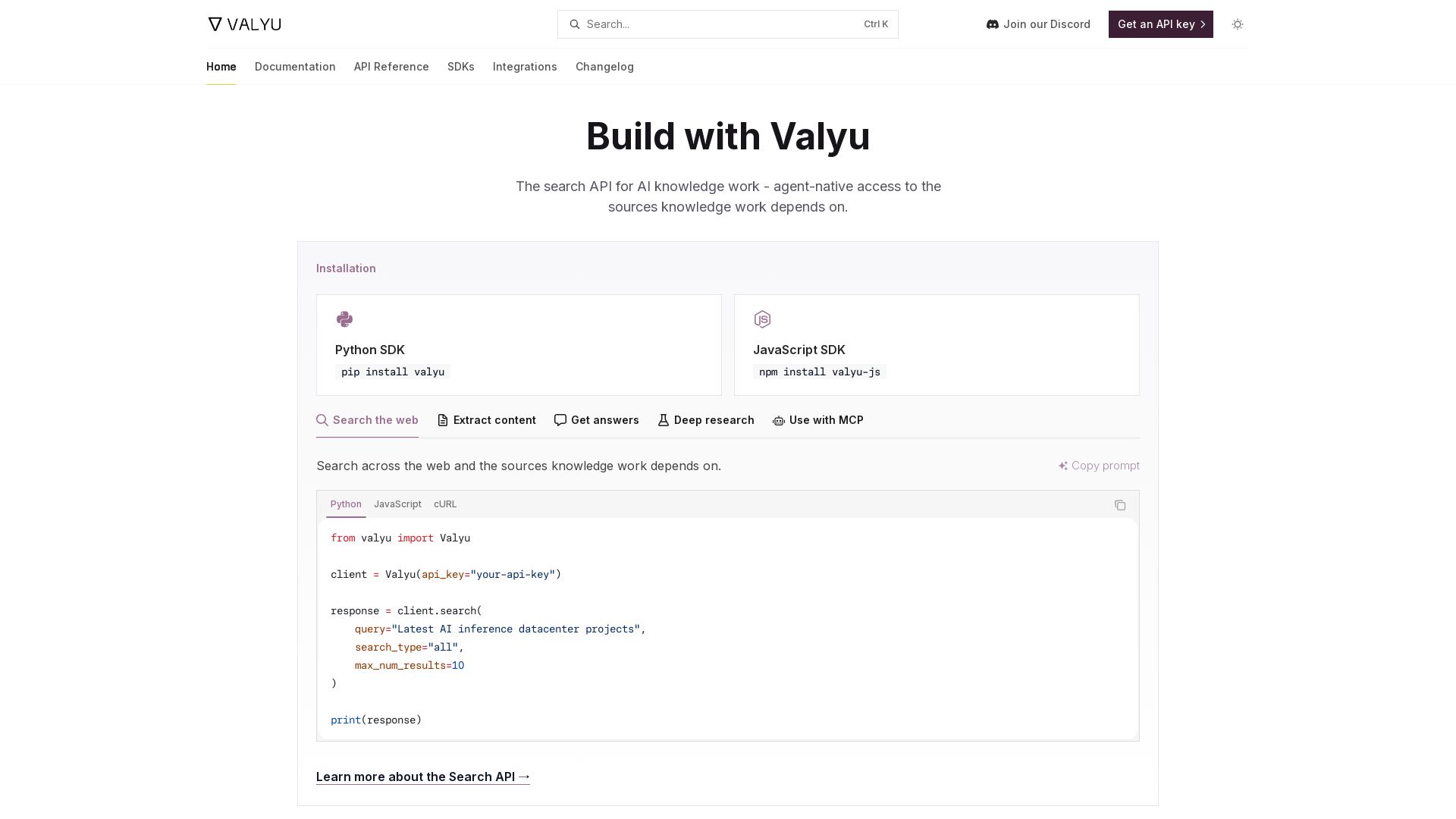
Valyu
Valyu's agent-native search API for AI knowledge work. Search web, extract content, get answers, deep research. Python/JS SDKs.

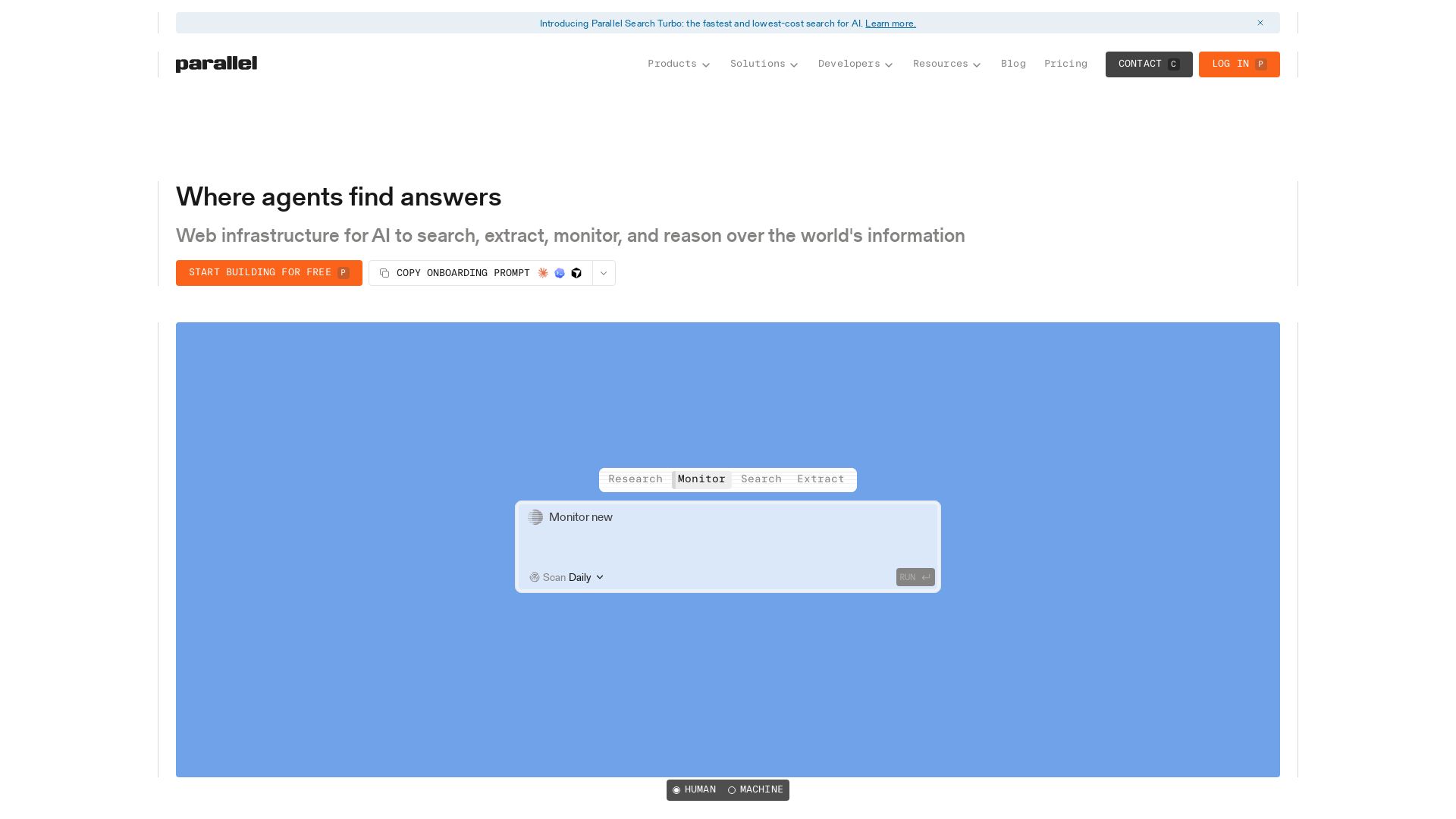
Parallel
Parallel gives AI agents real-time web search, extraction, monitoring, and deep research with cited outputs. Built for production, trusted by enterprises.

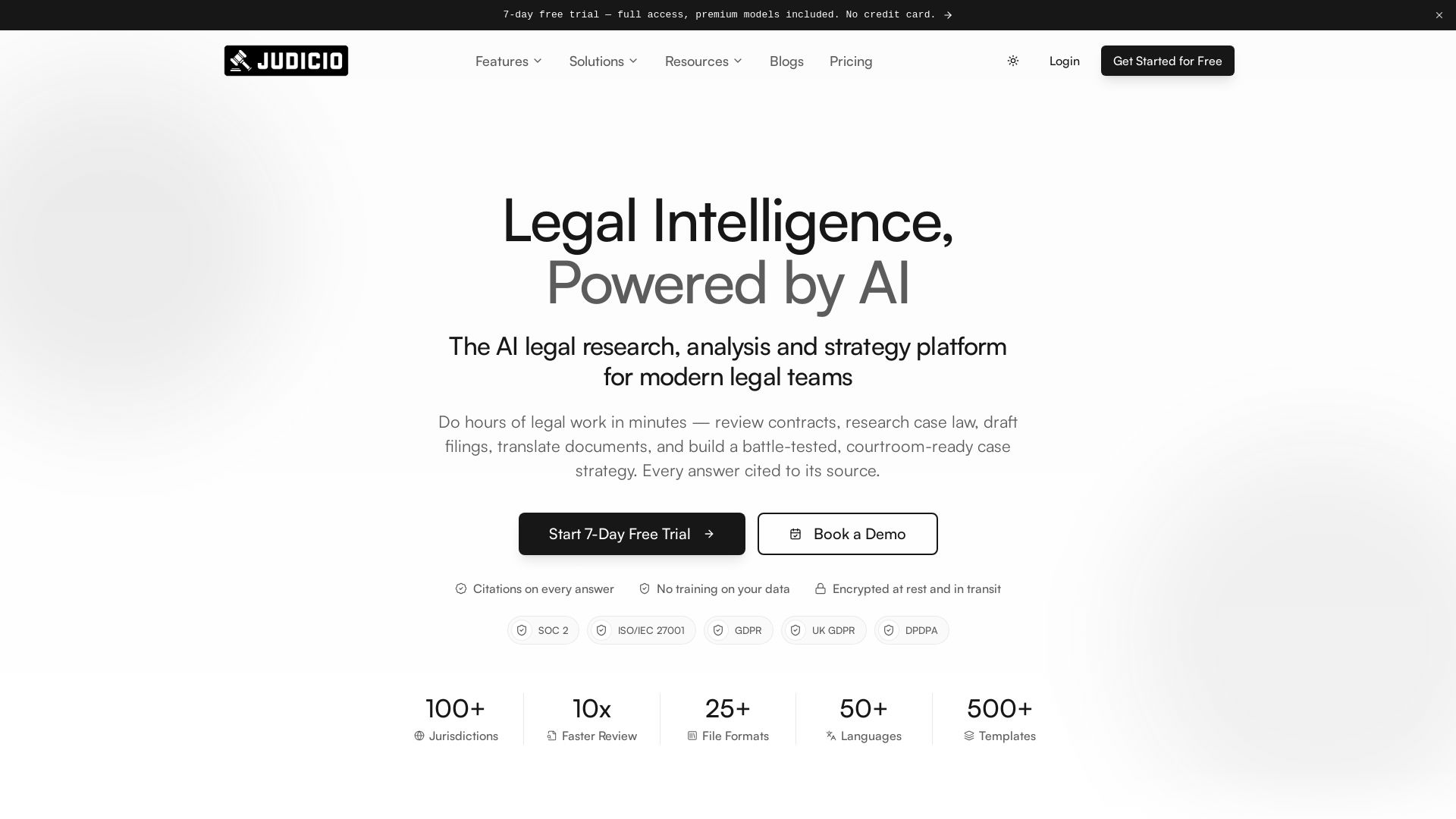
Judicio
AI-powered legal research and document analysis for modern legal teams. Review contracts, research case law, draft filings, and more — every answer cited.

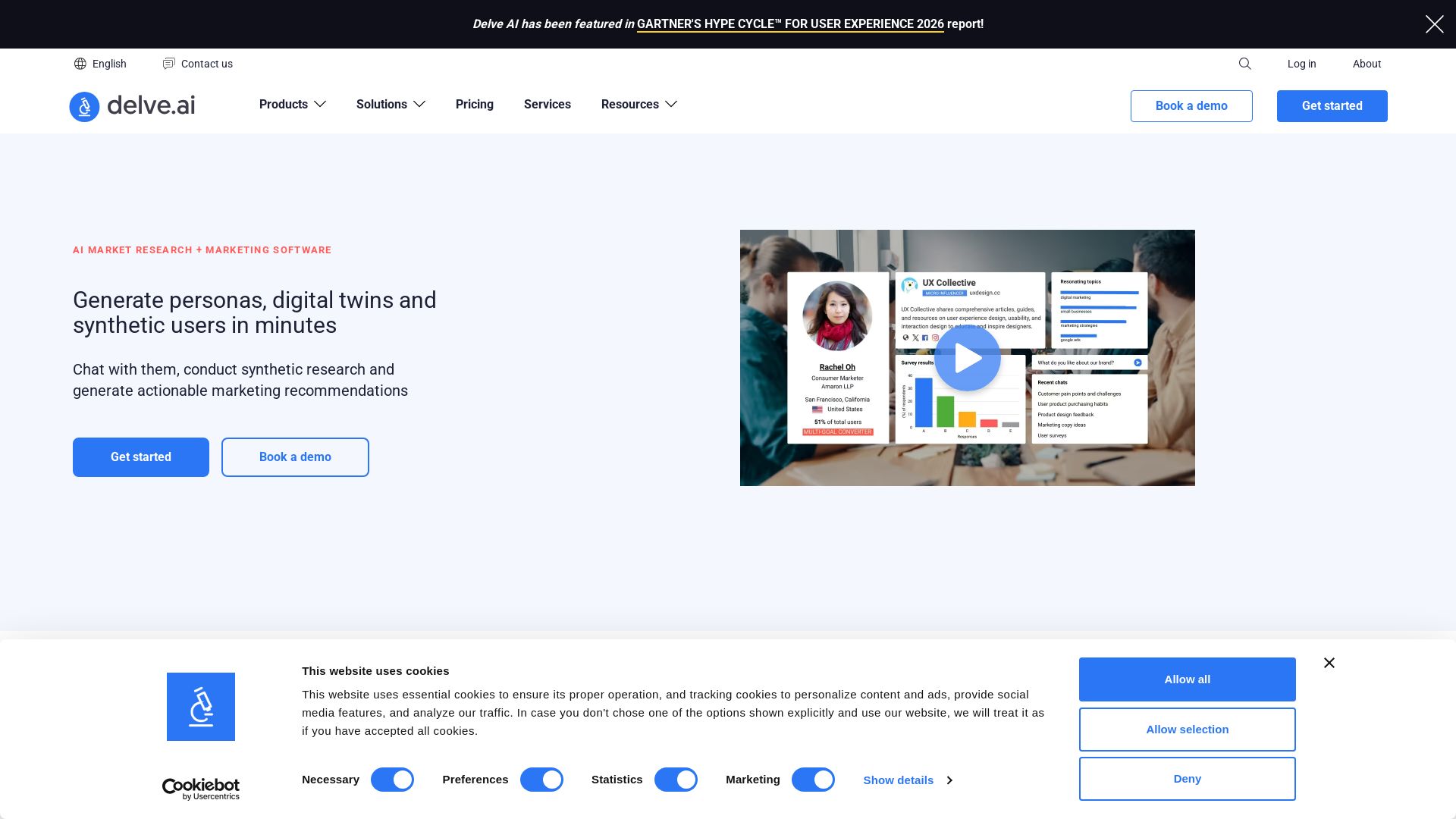
Delve AI
Create AI-driven customer personas, digital twins, and synthetic users for market research. Generate actionable insights in minutes.

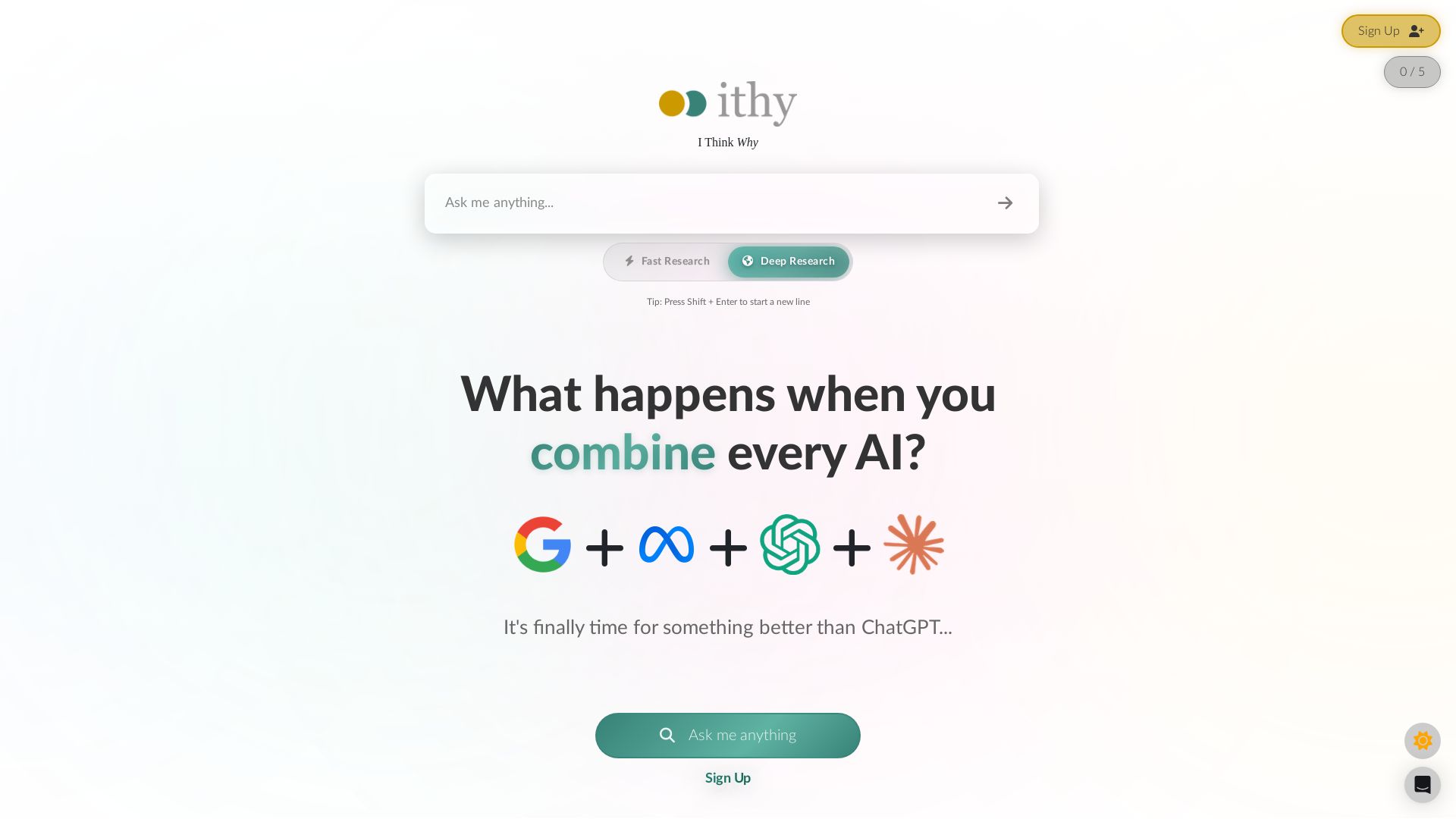
Ithy
Ithy aggregates top AIs (ChatGPT, Gemini, Perplexity) for 1-minute deep research. Interactive articles, rewards, #1 GPQA score. Try free.

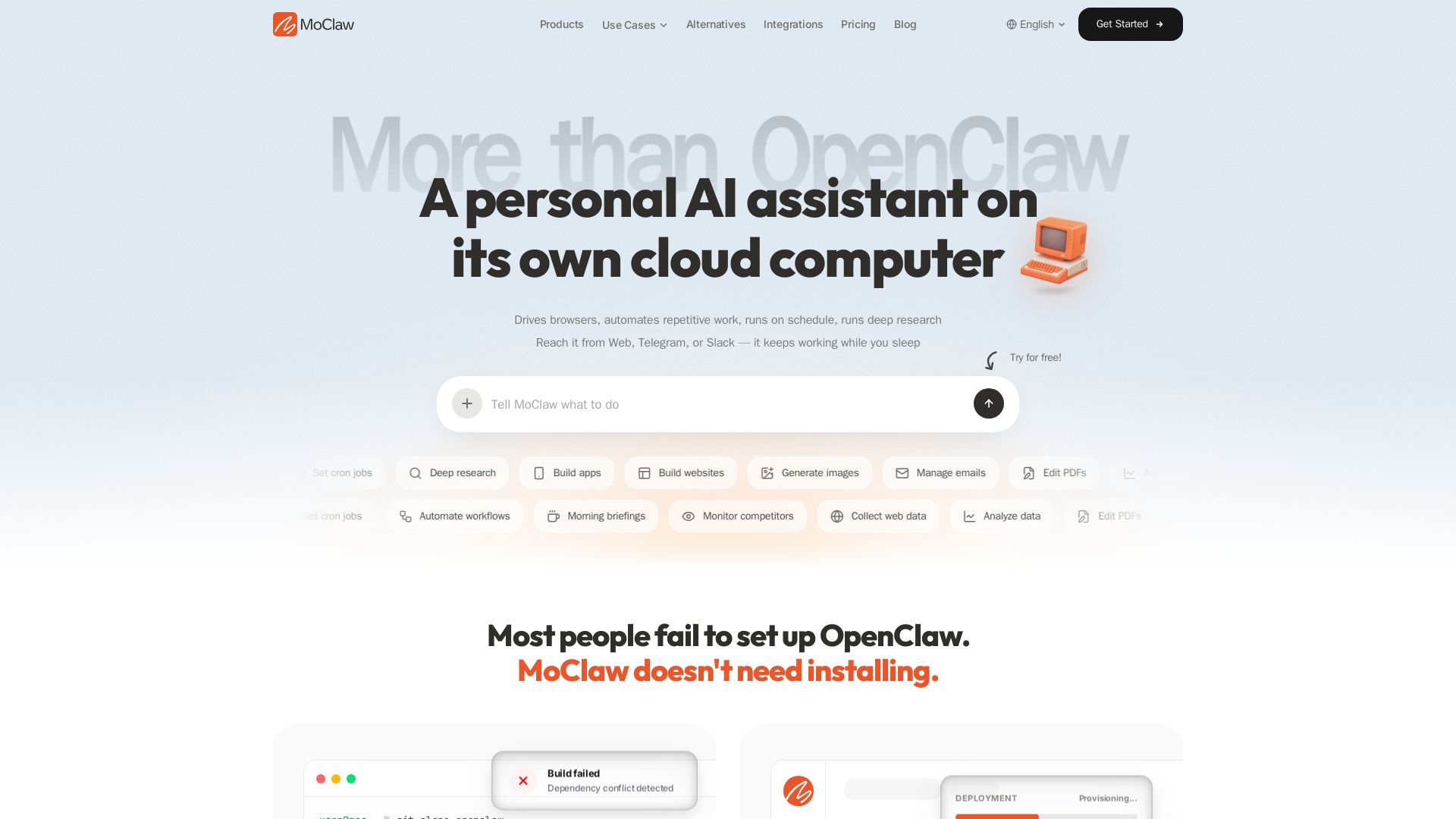
MoClaw
Automate tasks, research, and workflows with MoClaw's always-on AI computer. No setup, no crashes. Deep research, browser control, scheduling. Try free.


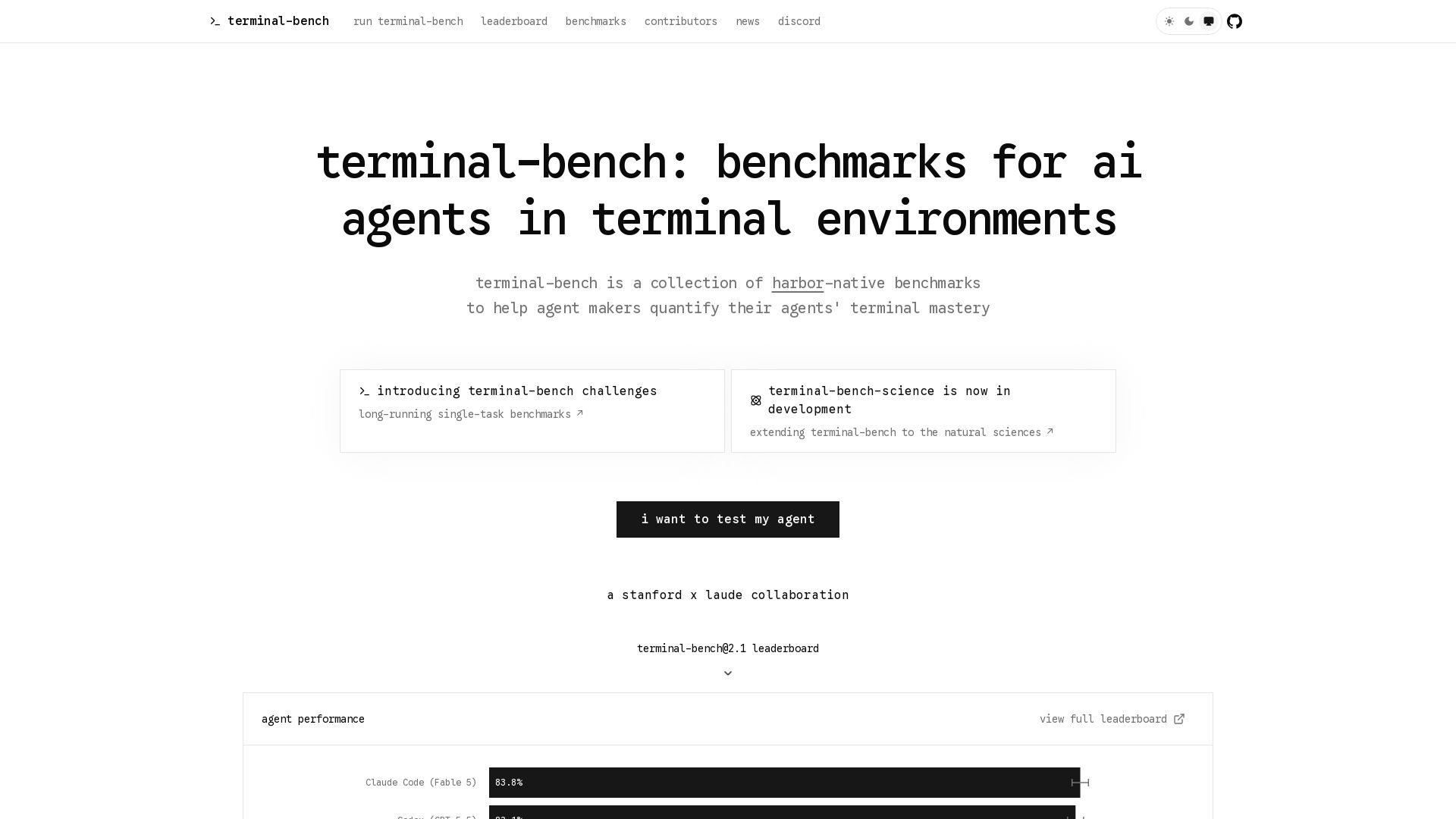
Terminal-Bench
Measure your AI agent's terminal skills with open-source benchmarks. Leaderboard, tasks, and challenges for coding, security, data science, and more.


HIX AI
HIX AI is an AI agent workspace that lets you research, create slides, videos, images, and more with one tool. Boost productivity with deep research and automated content creation.

ℹ️ Curation Disclosure: The overview and features of Hyperstack were synthesized using AI and fact-checked by our curation team to ensure accuracy.