
Otter
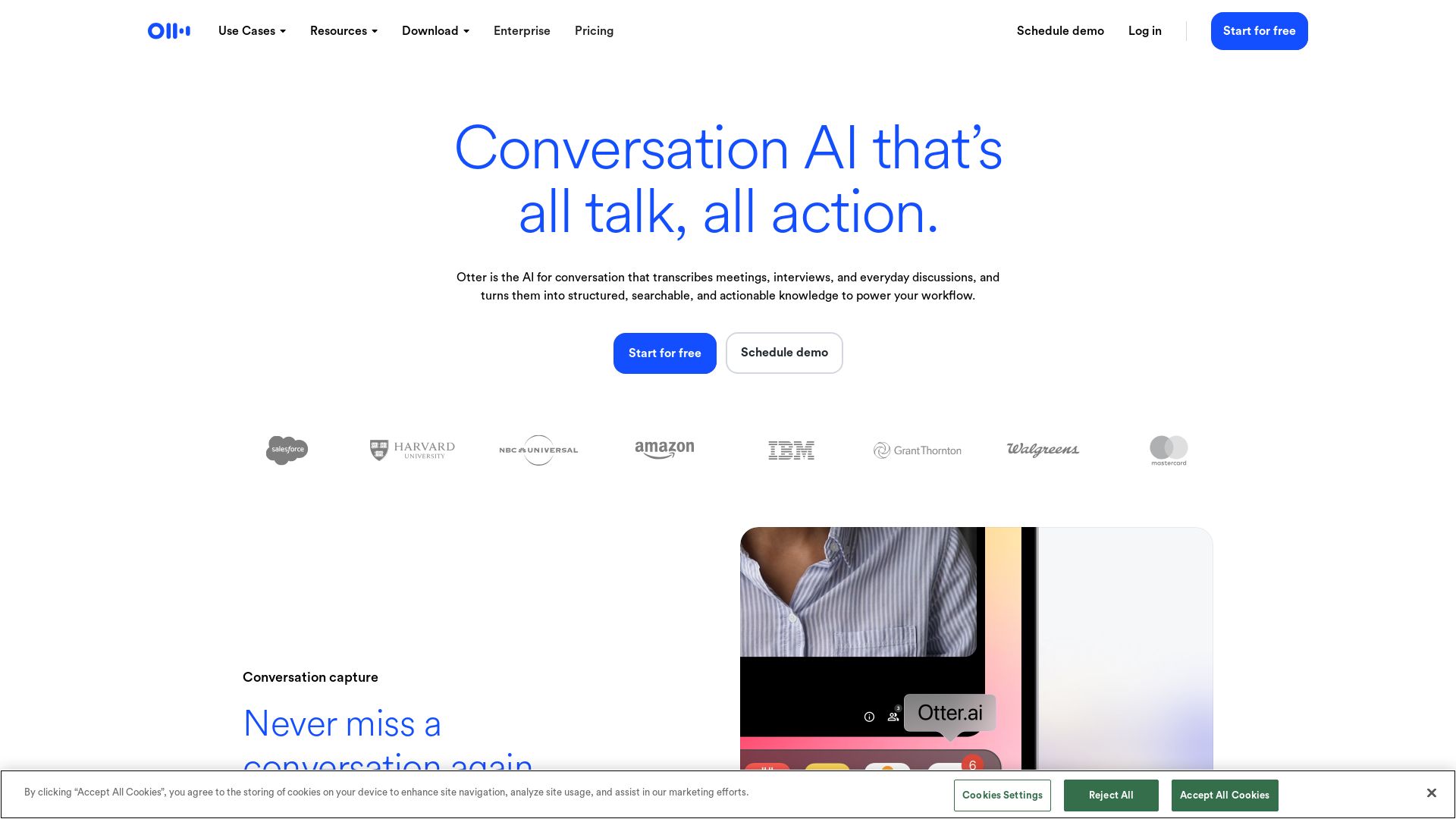
Otter transcribes meetings in real-time, generates summaries, and captures action items. Turn conversations into searchable knowledge. Save 4+ hours/week.

Editor's Verdict
Key Takeaways
- AI Notetaker & Conversational Knowledge Engine
- Live Transcription
- Automated Summaries
- Action Item Automation
In-Depth Review: What is Otter?
Otter.ai is your AI-powered meeting assistant that automatically joins, transcribes, and summarizes conversations from Zoom, Google Meet, Microsoft Teams, and more. It transforms meetings into searchable knowledge with speaker recognition, live transcription in multiple languages, and automated action items. Otter also offers an AI Chat to answer questions from your meetings, integrates with CRM tools like Salesforce and HubSpot, and provides dedicated features for sales, education, media, recruiting, and SDR use cases. Trusted by teams at Aiden Technologies and Voziq.ai, Otter helps users save over four hours per week.
Core Features
AI Notetaker & Conversational Knowledge Engine
Transcribes every meeting and turns it into searchable knowledge that powers your workflow.
Live Transcription
Real-time transcription in multiple languages with speaker recognition.
Automated Summaries
Instant summaries with decisions, action items, and insights.
Action Item Automation
Clear next steps automatically captured and assigned from every meeting.
Otter AI Chat
Search across meetings and connected apps to instantly answer questions and create follow-ups.
Channels
Organize conversations by team, project, or topic for collaboration.
CRM Integration
Push sales insights to Salesforce, HubSpot, and other CRMs automatically.
Desktop & Mobile Apps
Record meetings bot-free from Mac, Windows, iOS, Android, or Chrome.
MCP Server
Integrate with AI chat tools like ChatGPT and Claude for deeper analysis.
Enterprise Security
SSO, SCIM, HIPAA compliance, and data governance controls.
Pricing
Basic
- Zoom, MS Teams, and Google Meet
- AI Chat within and across meetings
- AI meeting workflows
- 3 lifetime audio/video file imports
- Live transcription
- Speaker identification
- Audio recording playback
- Multi-language support
- iOS and Android apps
- 300 monthly transcription minutes
- Otter MCP server
Pro
- Everything in Basic
- 1200 in-app recording minutes
- Advanced AI workflows
- 10 monthly audio/video file imports
- Up to 90 mins/meeting
- Advanced meeting templates
- Unlimited storage
- Team vocabulary & taggable speakers
- Advanced search, export & playback
- Salesforce, HubSpot, Zapier integrations
Business
- Everything in Pro
- Unlimited meetings + in-app recordings
- Custom AI workflows
- Unlimited audio/video file imports
- Up to 4 hours/meeting
- Enhanced admin features: activity logs, usage analytics, and more
- Join 3 concurrent meetings
- Prioritized support
Enterprise
- Everything in Business
- Unlimited custom AI workflows
- Otter Sales Notetaker
- Custom integrations (CRM, dialers)
- SSO, SCIM, Domain Capture
- Enterprise-grade security & controls
- HIPAA compliance (add-on)
- Otter API & Webhooks
- Video replay for Zoom and Google Meet
- AI Chat with Gmail, Google Drive, Notion, Jira (coming soon)
- Customer Success Program
Pros and Cons
Pros
- Time SavingsUsers report saving over 4 hours per week by automating transcription and summaries.
- Accurate TranscriptionHigh accuracy with speaker identification and multi-language support.
- Seamless IntegrationsConnects with Zoom, Salesforce, Slack, Google Workspace, and many more.
- AI-Powered InsightsOtter AI Chat searches across meetings and apps to provide instant answers and create content.
- Automated WorkflowsAutomatically capture action items, push insights to CRM, and share summaries via Channels.
Cons
- Free Tier LimitationsBasic plan has limited minutes (300/month) and only 3 file imports lifetime.
- Cost for Advanced FeaturesPro and Business plans require subscription fees, which may be high for small teams.
- Language Support Still LimitedWhile multi-language, the main transcription languages are only English, Spanish, French, German, Japanese, and Chinese.
- Requires Internet ConnectionReal-time transcription and AI features rely on cloud processing, requiring stable internet.
- Learning Curve for Full FeaturesAdvanced features like custom workflows and integrations may require initial setup time.
Use Cases & Recommended Professions
Sales Representative→ View Toolkit
Capture sales call notes, get live coaching, automate follow-ups, and push insights to CRM.
Educator→ View Toolkit
Automatically capture lectures and discussions into searchable notes and summaries for students.
Journalist / Media Professional→ View Toolkit
Transcribe interviews and production meetings into searchable transcripts and key quotes.
Recruiter→ View Toolkit
Get real-time help during interviews and turn conversations into structured candidate insights.
SDR (Sales Development Representative)→ View Toolkit
Use SDR Agent to handle live demos and book meetings automatically from website visitors.
Project Manager→ View Toolkit
Keep projects moving by automatically sending key takeaways and action items from meetings to tools like Jira and Asana.
Frequently Asked Questions
Alternative AI Tools
View Detailed Comparison →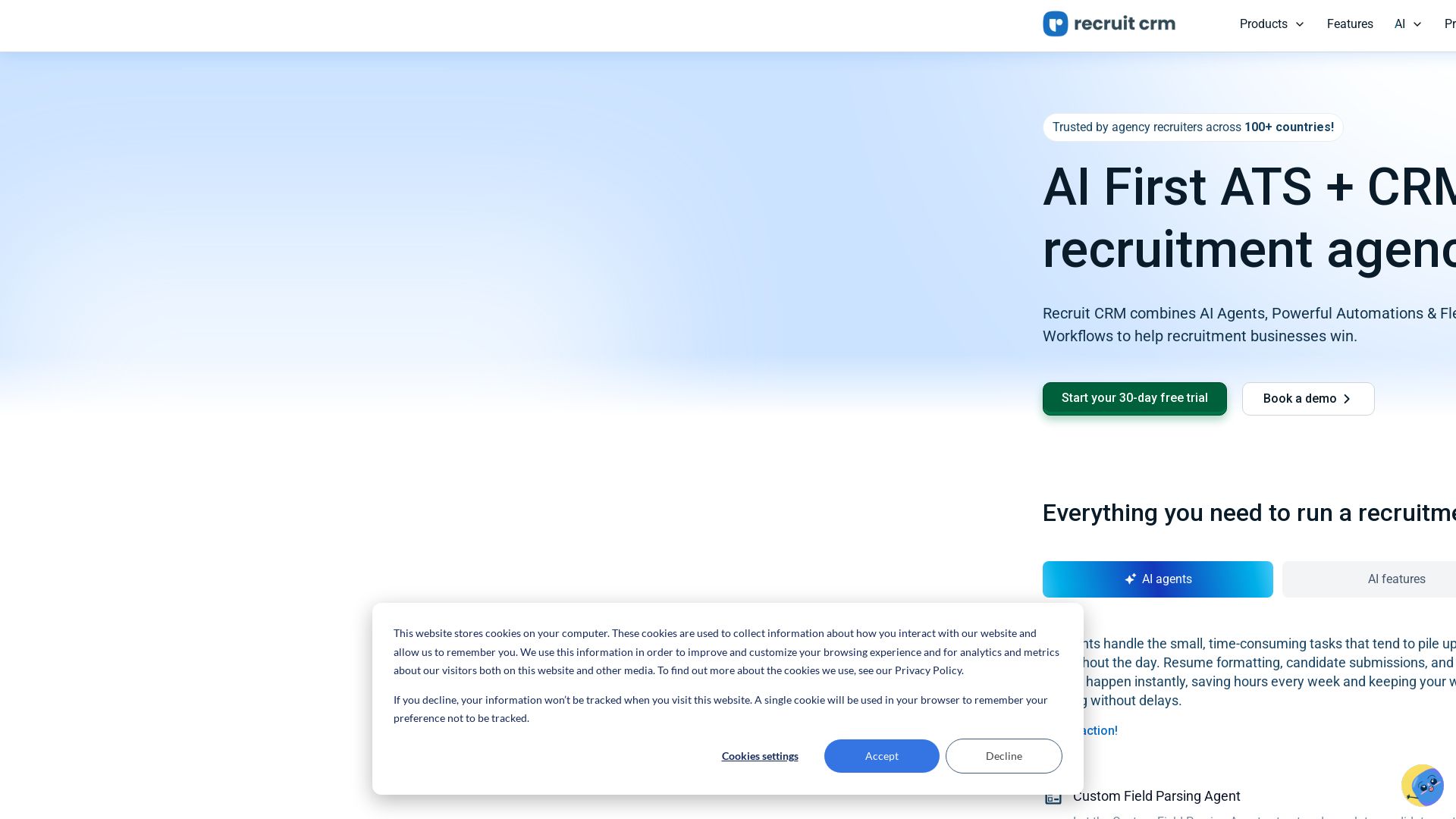
Recruit CRM
Automate hiring with AI agents, resume parsing, and smart matching. Trusted by 30K+ recruiters worldwide. Start your free trial today!


Figr
Ship better UX faster. Figr builds a living understanding of your product, maps flows, finds edge cases, and generates high-fidelity prototypes from your actual design system.

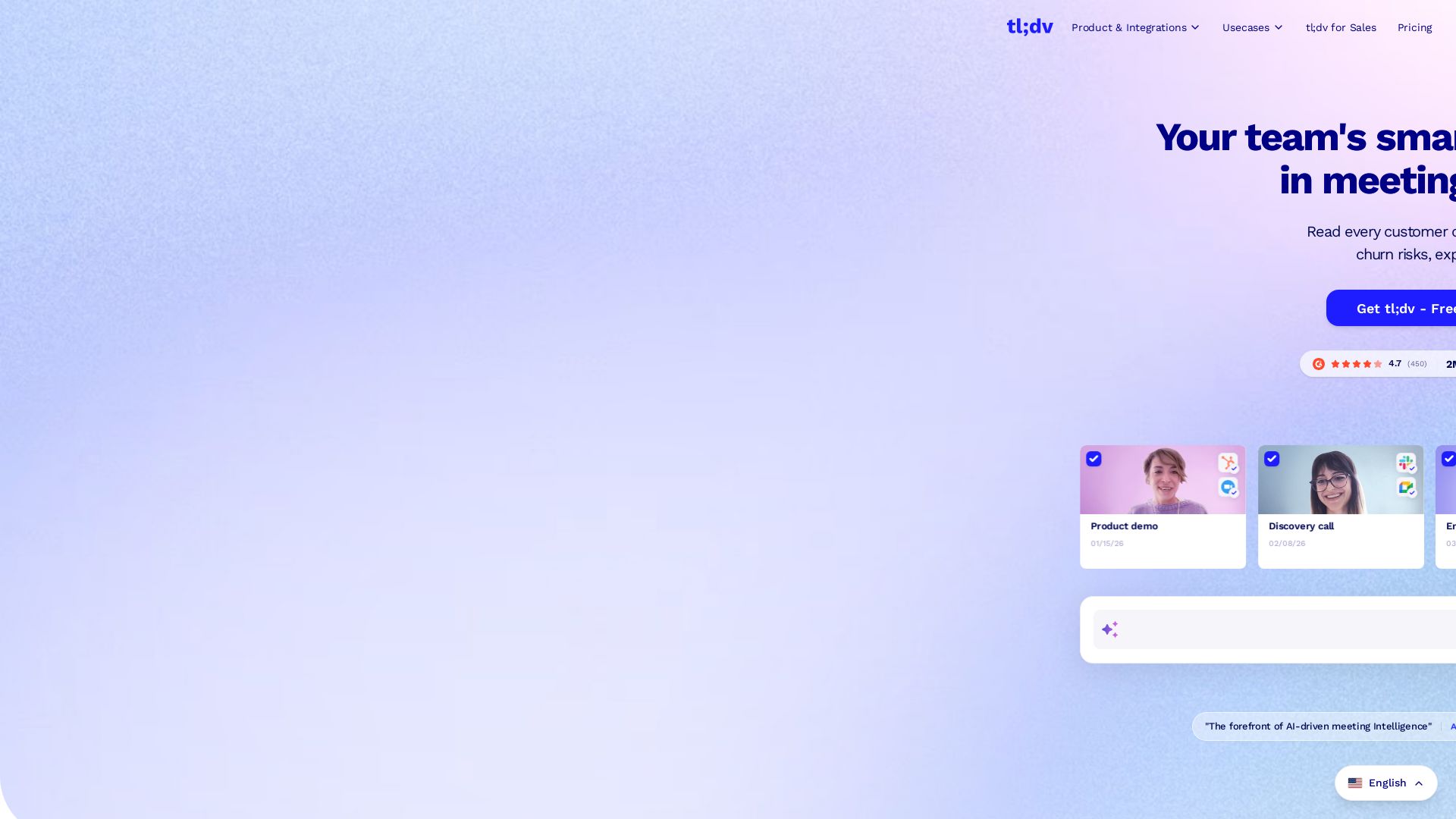
tldv
Automatically record, transcribe, and summarize meetings. Get AI-powered insights, sales coaching, and CRM integrations. Free forever. 2M+ users.

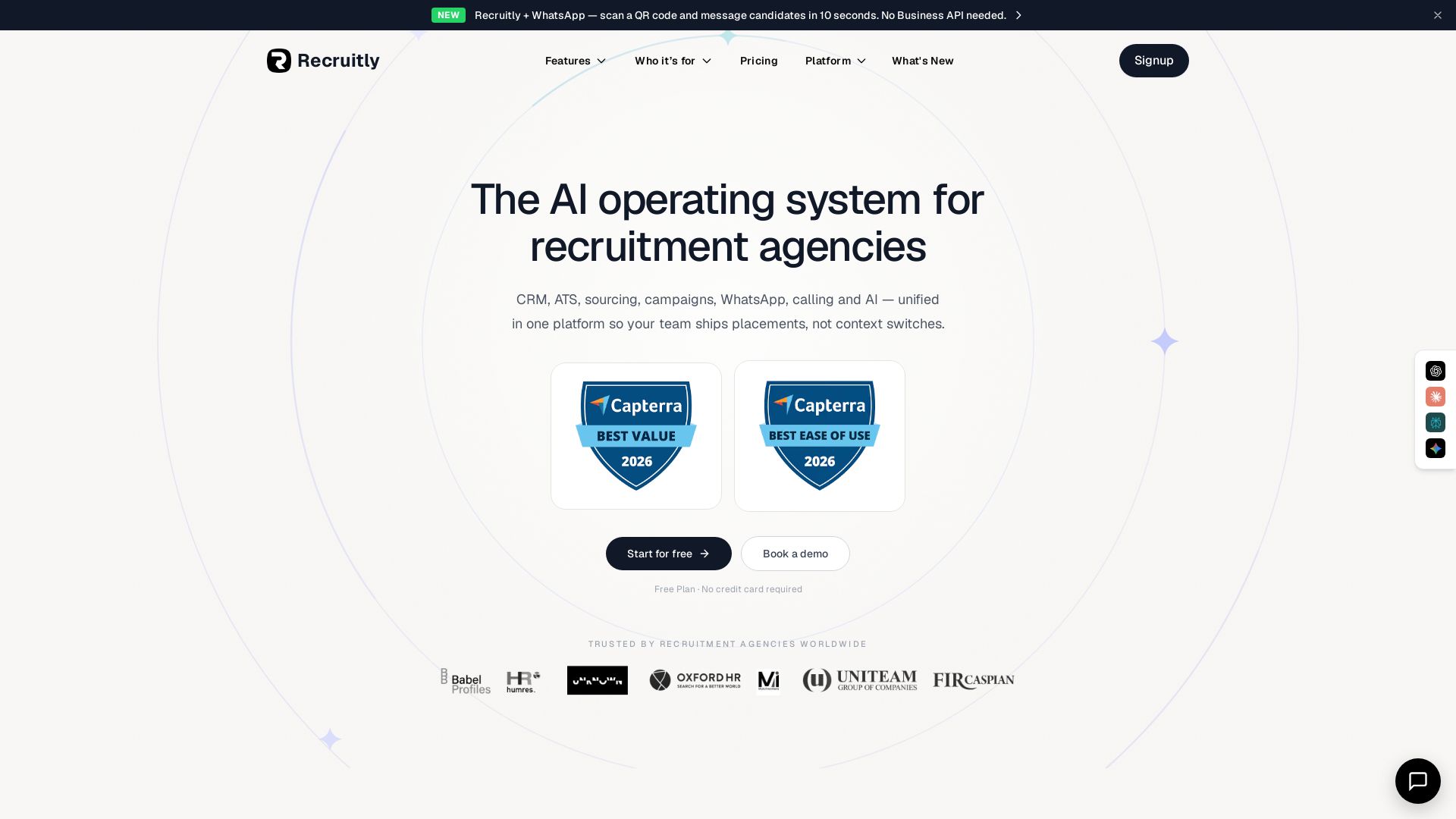
Recruitly
Unify CRM, ATS, sourcing, WhatsApp, calling & AI in one platform. From $25/user/mo. Free plan available.


CoRecruit
CoRecruit automates interview notes, ATS updates, and candidate submittals for recruitment firms. Save 8 hours of admin per recruiter per week. Trusted by 1000+ firms.

WizCommerce
Modernize wholesale sales and operations with AI. Manage rep-led, online, EDI, and marketplace sales in one platform. Automate tasks, boost revenue, and save hours. Book a demo.

Rep AI
Boost conversion rates, reduce support tickets, and unify sales & support across all channels with the #1 commerce-trained AI agent.

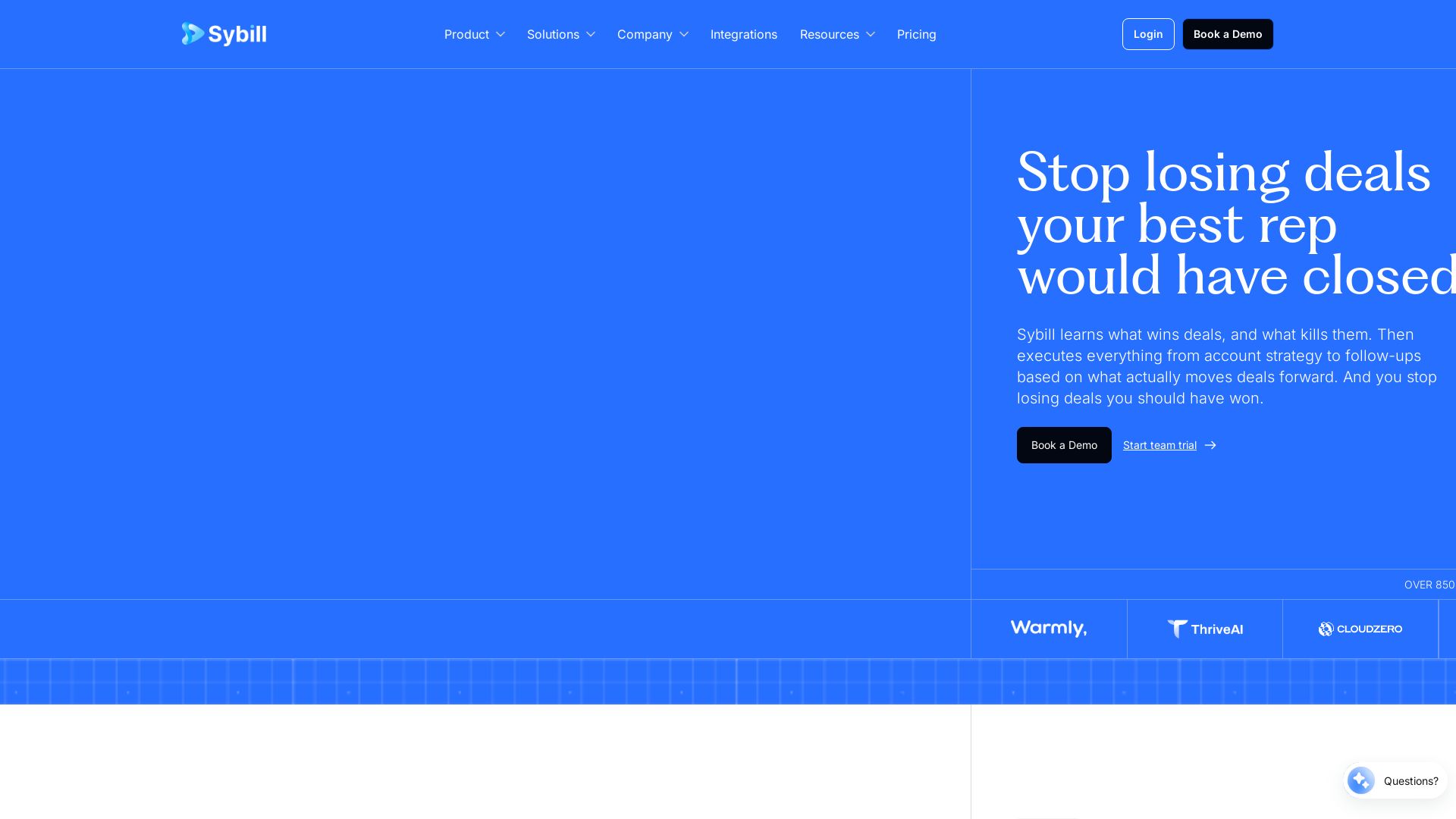
Sybill
Stop losing deals. Sybill learns what wins, saves reps 10+ hours/week, and boosts win rates by 10%. Try it free.



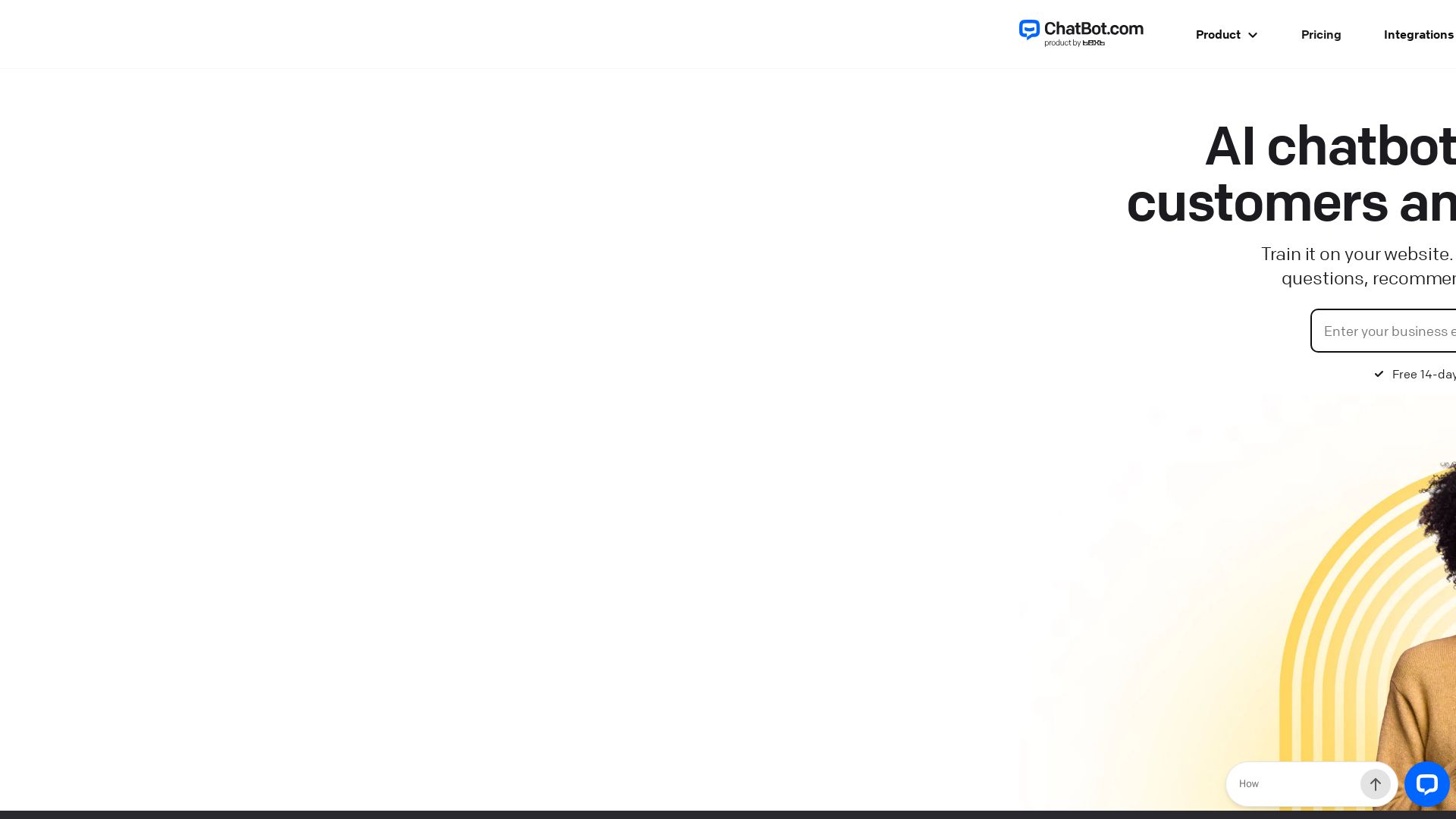
ChatBot
Train an AI agent on your website in minutes. Answer questions, recommend products, and close sales 24/7. Free 14-day trial, no credit card.

ℹ️ Curation Disclosure: The overview and features of Otter were synthesized using AI and fact-checked by our curation team to ensure accuracy.