
OpenWork

Free desktop app to use 50+ LLMs with your own keys. Share workflows with your team. Open source, local, no cloud required.
Editor's Verdict
Key Takeaways
- Multi-LLM Support
- Local Privacy
- Team Sharing
- Browser Automation
In-Depth Review: What is OpenWork?
OpenWork is the open-source desktop app that lets you work with AI agents using any of 50+ LLMs from any provider. Bring your own API keys for privacy and control. Collaborate with your team by sharing skills, MCP servers, and plugins with a single link. Automate browser tasks, data analysis, and more—all locally on your machine. Free for individuals, with team plans available.
Core Features
Multi-LLM Support
Use 50+ LLMs from any provider (OpenAI, Anthropic, Google, local) with your own API keys.
Local Privacy
Files stay on your machine; prompts go directly to your chosen LLM provider. No cloud by default.
Team Sharing
Package skills, MCPs, plugins, and configs into one link. Teammates import everything in one click.
Browser Automation
Turn plain-language requests into browser actions like liking tweets and extracting data.
Data Analysis
Perform data analysis tasks using AI agents directly on your local files.
Outreach Creation
Create outreach content and automate social media tasks with AI.
Agent Integration
Works with Claude Code, Cursor, Codex, ChatGPT, and any MCP-compatible agent.
Skills & MCPs
Create and share reusable skills, MCP servers, and commands with your team.
Pricing
Solo
- Open source desktop app
- macOS and Linux downloads
- Bring your own keys
- Free forever
Team starter
- First 5 seats free
- API access
- Extension Marketplace
- Bring your own LLM keys, distributed to your team
Enterprise
- Everything in Team starter
- SSO / SAML and SCIM provisioning
- Bring your own inference — self-hosted or private models
- Desktop policies and version controls
- Managed deployment, self-hosted or hosted
- Custom skill development and MCP consulting
- Enterprise rollout support and custom commercial terms
Pros and Cons
Pros
- Open Source & FreeThe desktop app is fully open source and free to use, with no hidden costs for solo users.
- Local PrivacyFiles remain on your machine; no cloud storage required unless you opt in.
- Multi-Provider FlexibilityWorks with 50+ LLMs, so you're not locked into a single vendor.
- Seamless Team SharingShare entire setups (skills, MCPs, configs) via one link; teammates import with one click.
- Agent CompatibilityCompatible with popular agents like Claude Code, Cursor, Codex, and ChatGPT.
Cons
- Requires Own API KeysUsers must bring their own LLM API keys, which adds setup overhead and potential costs.
- Enterprise Pricing Not TransparentEnterprise plan requires contacting sales; no publicly listed price.
- Limited to DesktopThe free version is desktop-only; cloud and enterprise features require paid plans.
- No Native Windows Support MentionedThe pricing page lists macOS and Linux downloads but not Windows; potential limitation.
- Team Plan Costs for Extra SeatsAfter the first 5 free seats, the Team plan costs $10/seat/month, which could add up.
Use Cases & Recommended Professions
Software Engineer→ View Toolkit
Automate coding tasks, integrate AI agents, and share development workflows with the team.
Data Analyst→ View Toolkit
Perform local data analysis using AI, automate data extraction from web sources.
Sales Representative→ View Toolkit
Automate social media outreach, like and gather leads from Twitter threads.
Marketing Manager→ View Toolkit
Create and run AI-driven marketing campaigns, generate content, and analyze engagement.
AI Researcher→ View Toolkit
Experiment with multiple LLMs locally, prototype AI agents, and share skills with peers.
Customer Success Manager→ View Toolkit
Use AI to draft follow-ups, summarize calls, and manage customer interactions efficiently.
Frequently Asked Questions
Alternative AI Tools
View Detailed Comparison →
Zapier
Connect AI to 9,000+ apps. Build AI agents, chatbots, and workflows without code. Trusted by Fortune 500. Start free.


Figr
Ship better UX faster. Figr builds a living understanding of your product, maps flows, finds edge cases, and generates high-fidelity prototypes from your actual design system.

Automation Anywhere
Automate mission-critical processes with agentic AI. Trusted by global leaders. Boost efficiency, ensure compliance. Request a demo.

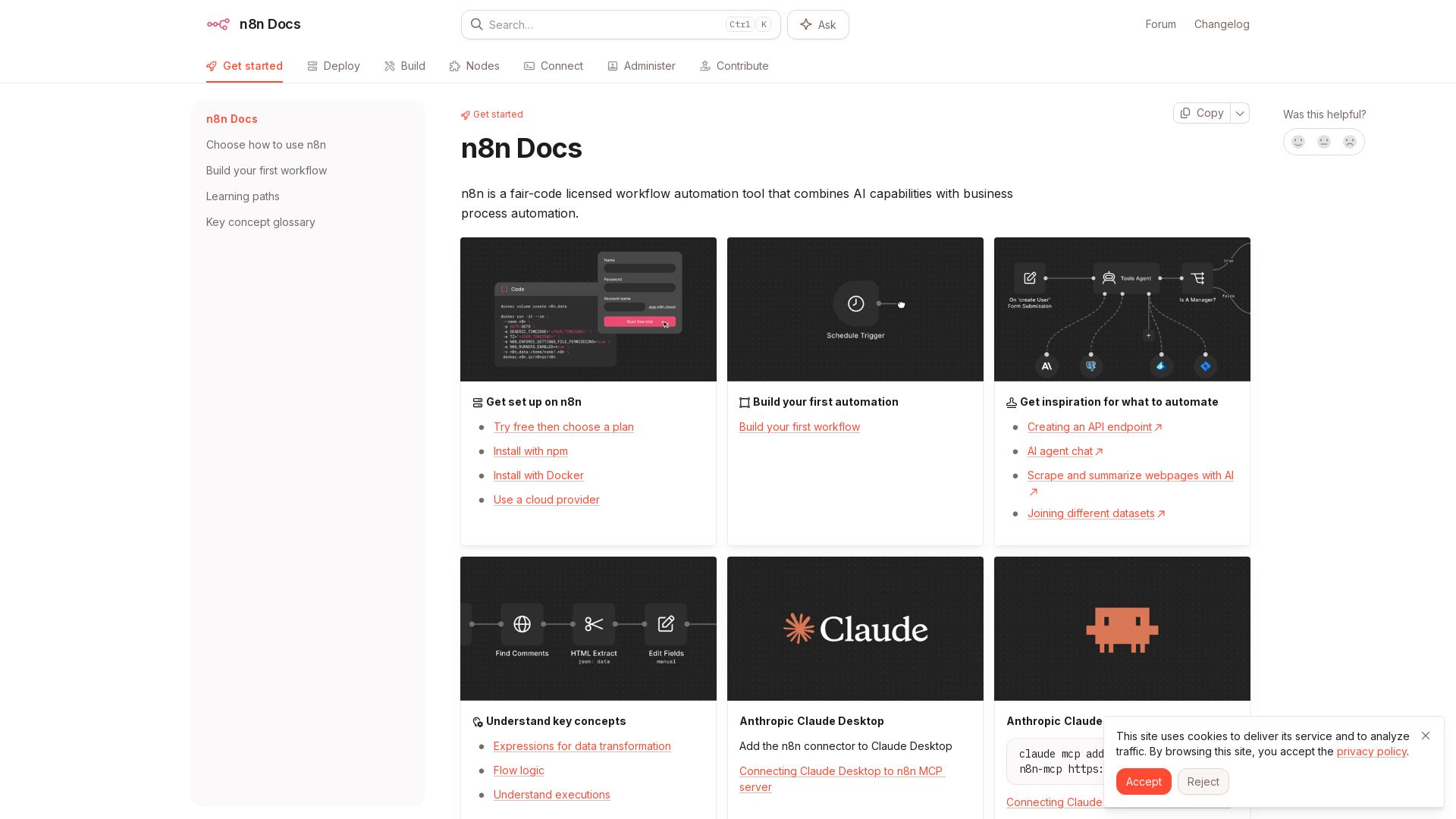
n8n
n8n is a fair-code licensed workflow automation tool that combines AI capabilities with business process automation. Get started with npm, Docker, or cloud.


Agentic Workers
Automate tasks with 100+ pre-built AI workflows. Connect 800+ tools, save 10+ hours/week. No coding needed. Join 13,000+ professionals.

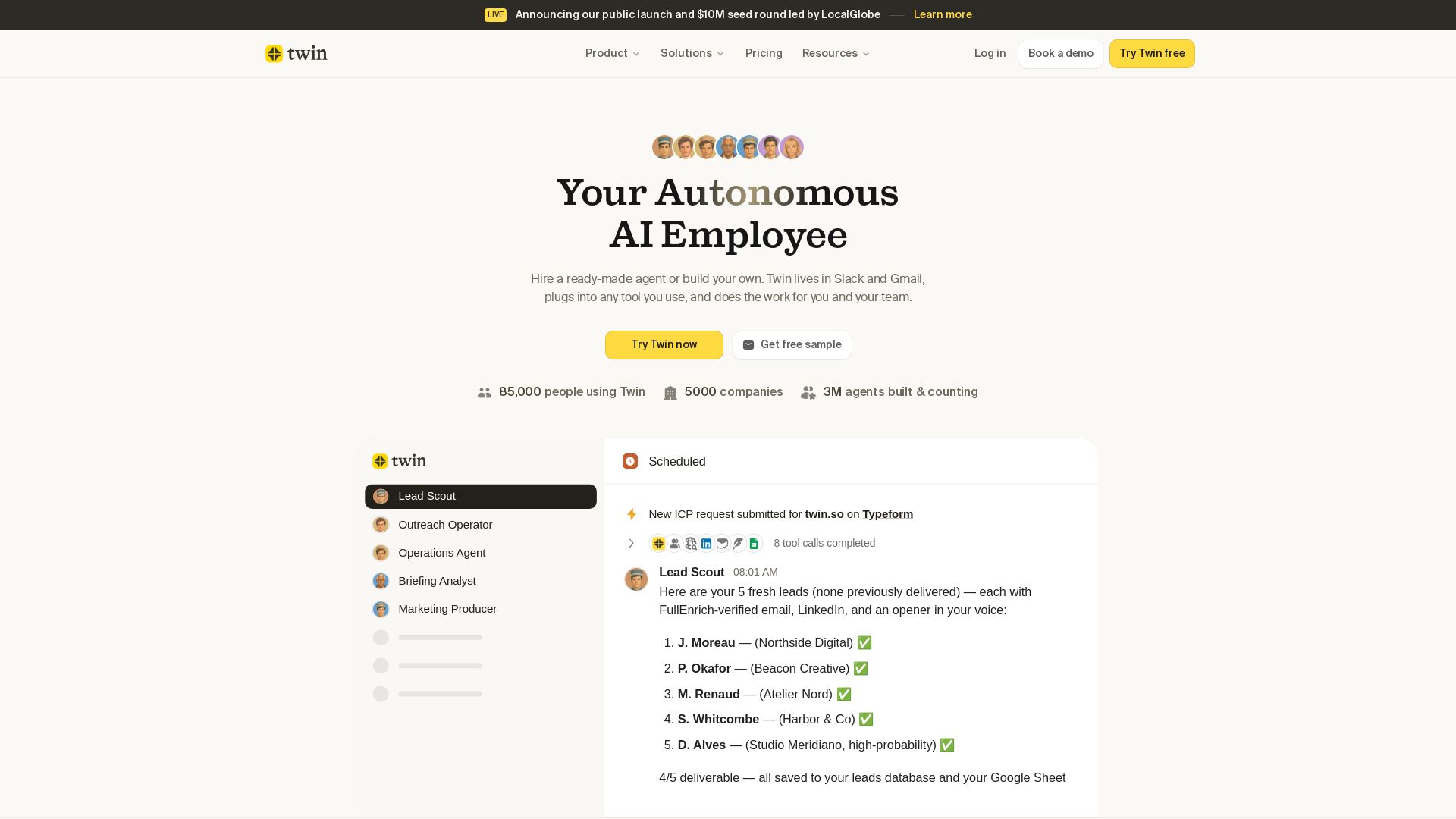
Twin
Twin: ready-made AI agents that work in Slack & Gmail. Automate prospecting, outreach, and more. Trusted by 85,000 users. Start free.

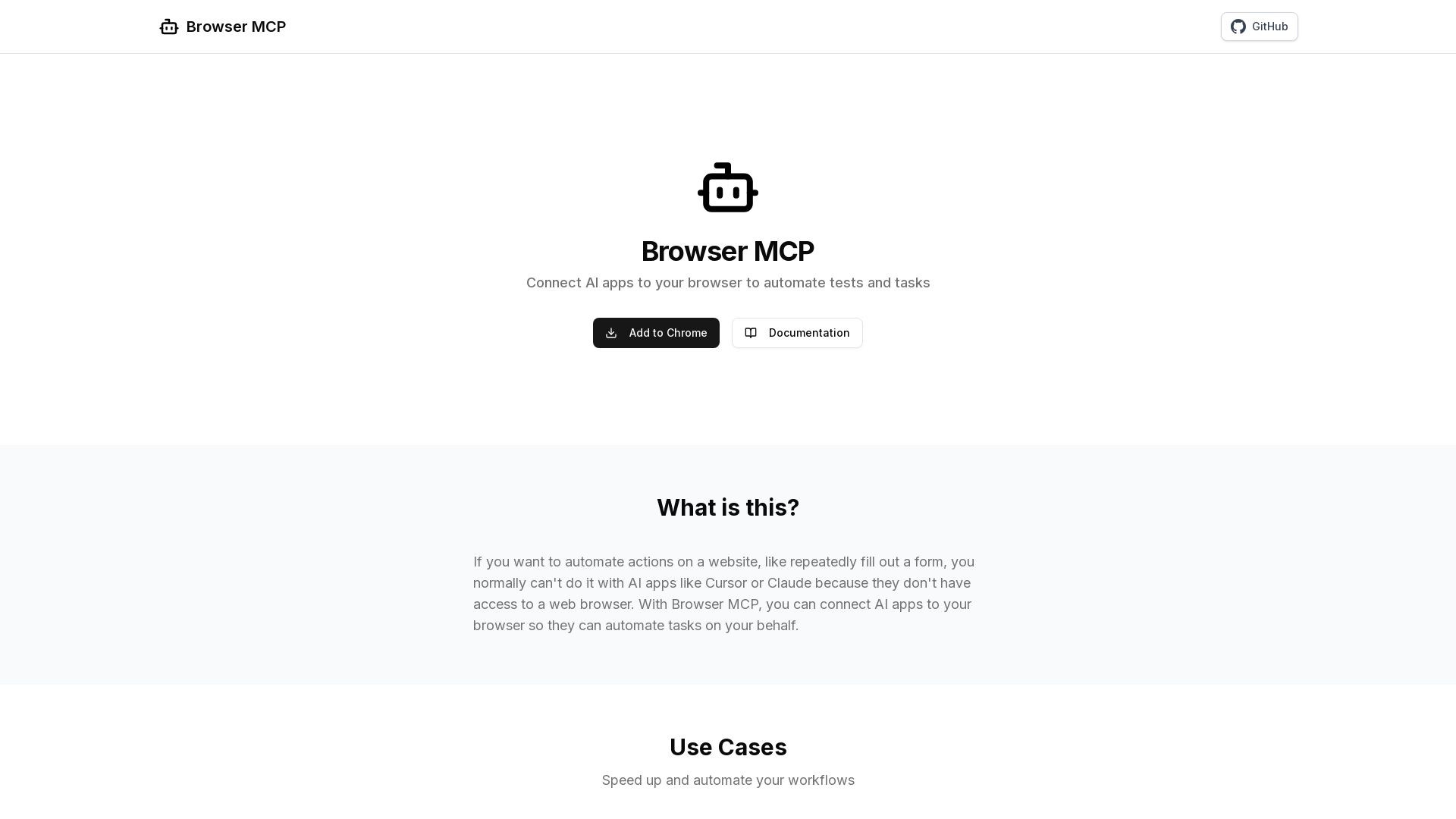
Browser MCP
Connect AI apps like Cursor and Claude to your browser for fast, private, and stealthy automation. Automate testing, form filling, and more without remote servers.

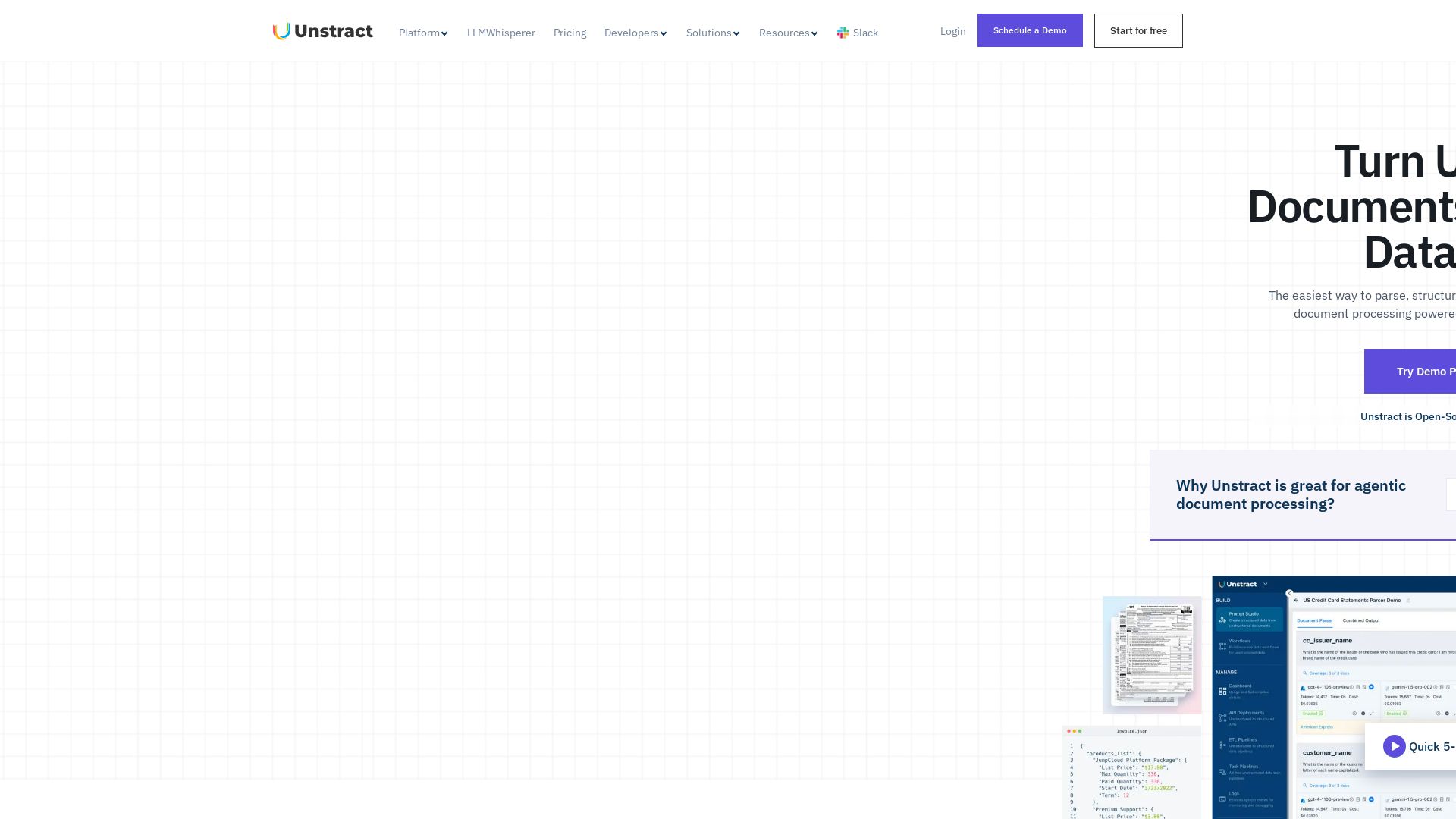
Unstract
Turn unstructured documents into structured data instantly. Dual-LLM validation eliminates hallucinations. Reduce token usage by 7x. Open-source and compliant.

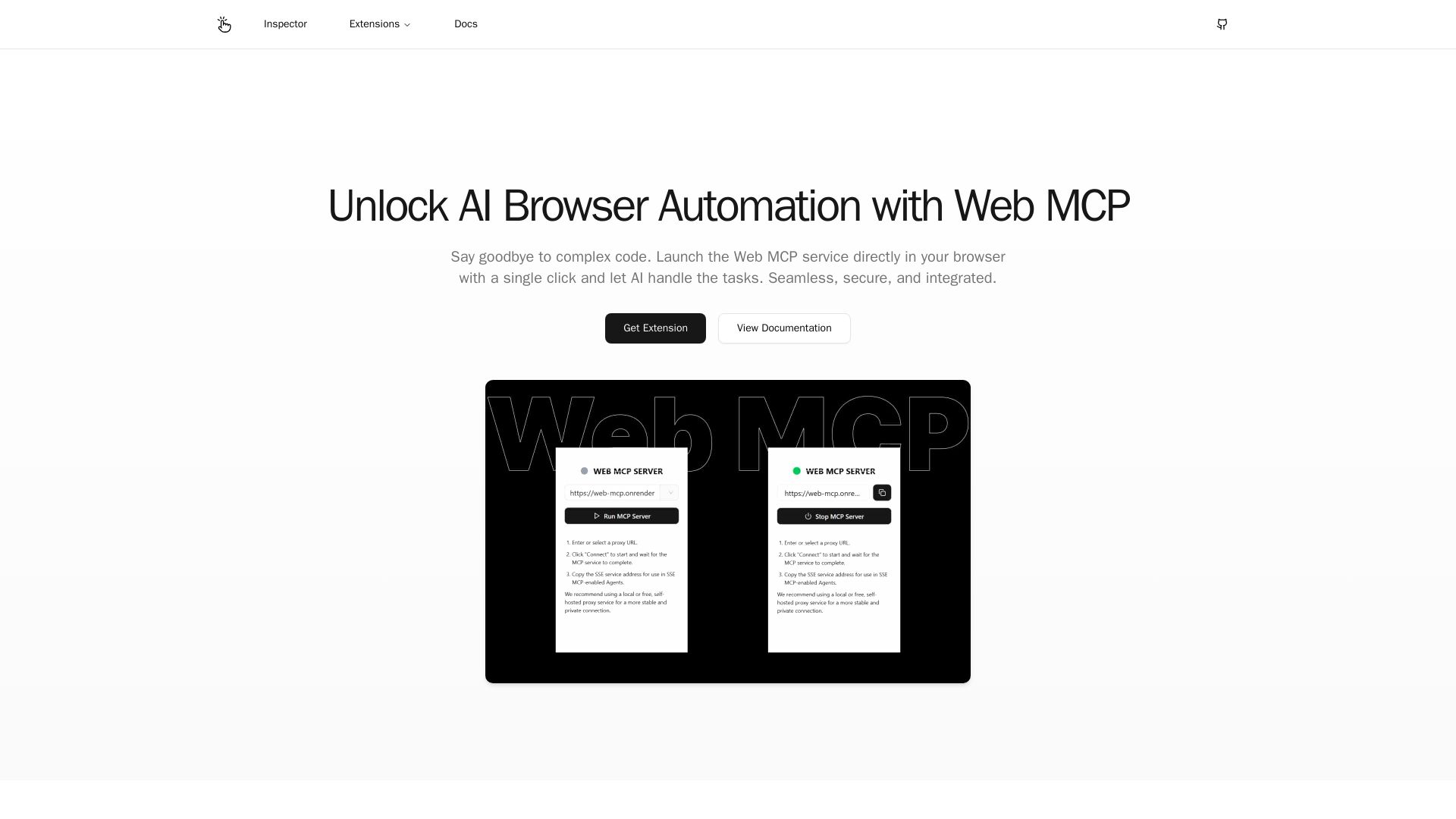
Web MCP
Seamlessly automate your browser with Web MCP. AI-powered, secure, and easy to use. No complex code needed. Try the Chrome Extension today!

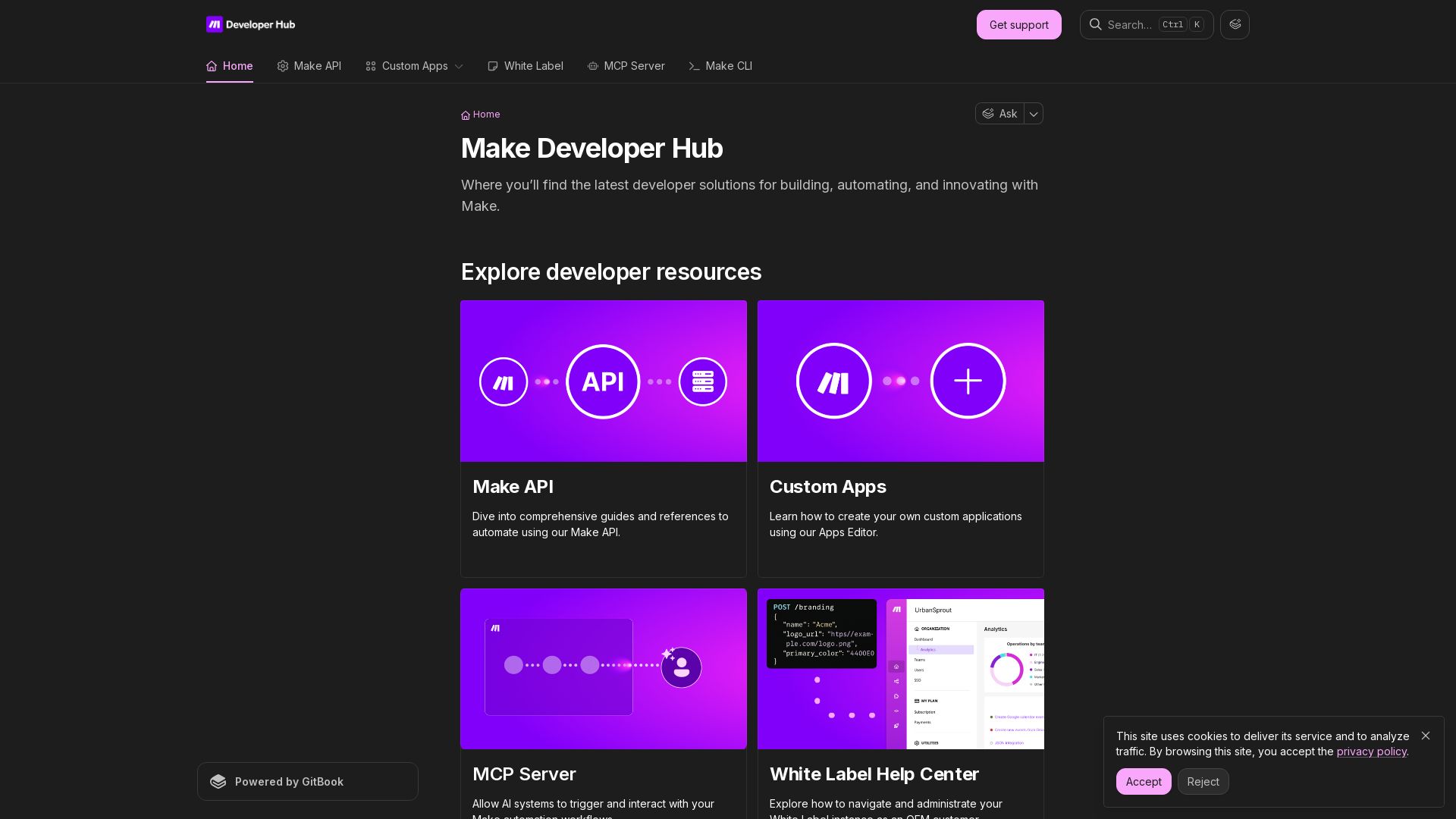
Make
Build, automate, and innovate with Make. Explore Make API, Custom Apps, MCP Server, White Label, and CLI. Get developer resources for automation.

SKULaunch
Automate supplier data onboarding, AI extracts attributes, enrich product catalogs, and publish ready data. From messy files to filterable search.

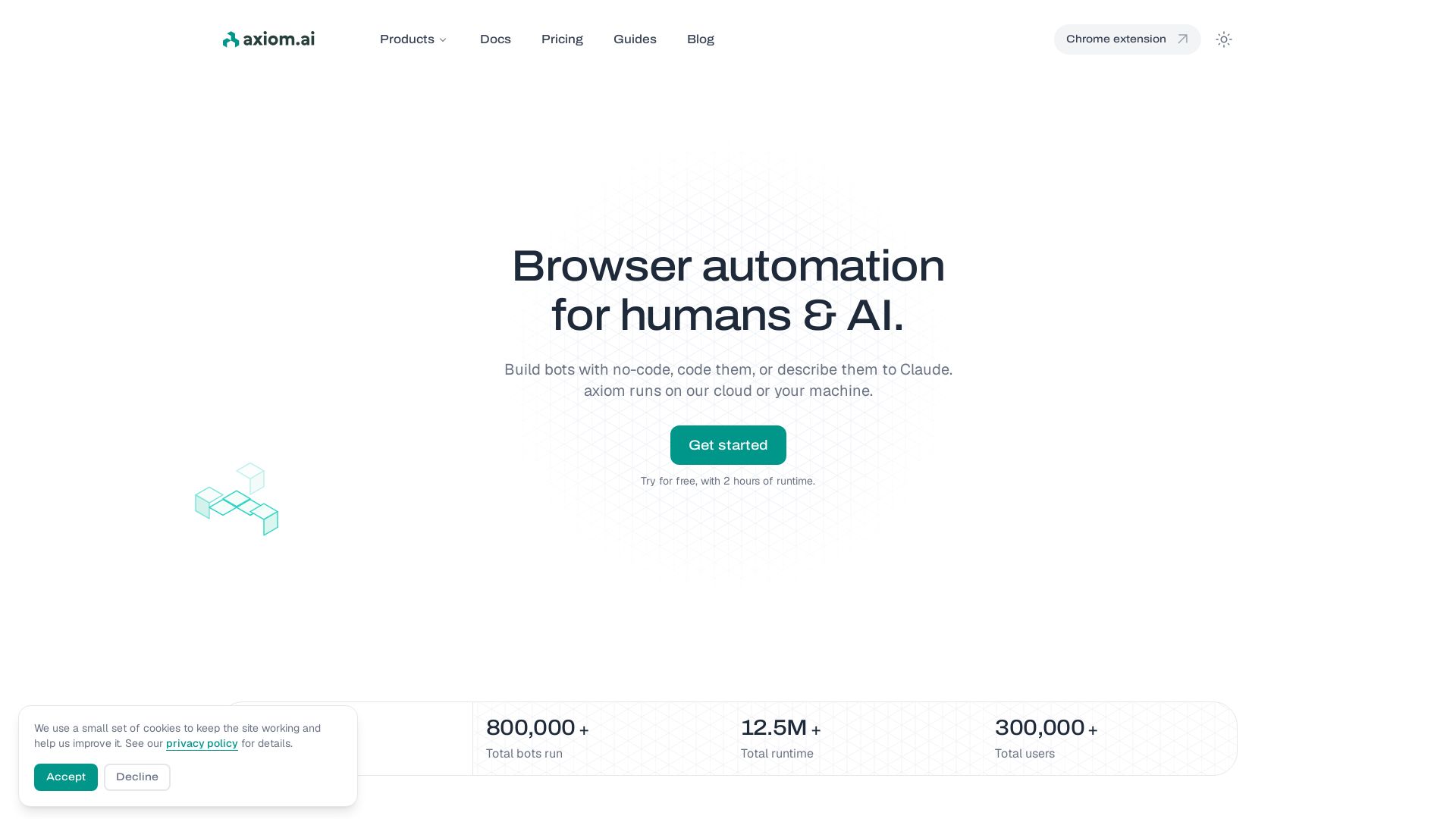
axiom
Build bots visually, with code, or describe them to Claude. Run in cloud or on your machine. 800K+ bots run. Try free.

ℹ️ Curation Disclosure: The overview and features of OpenWork were synthesized using AI and fact-checked by our curation team to ensure accuracy.
